20

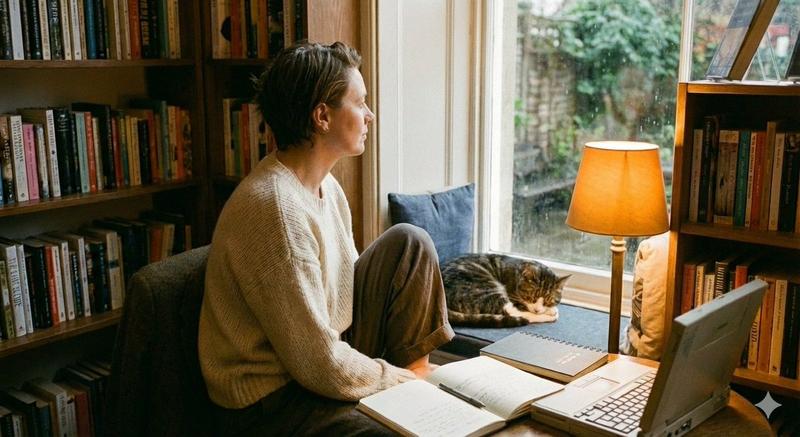
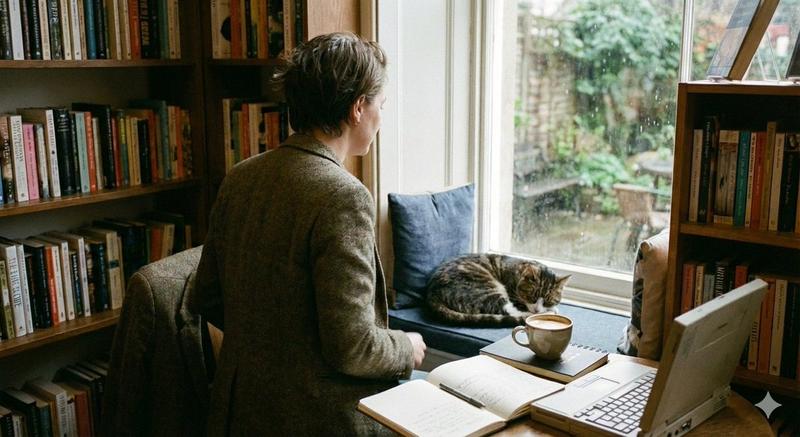
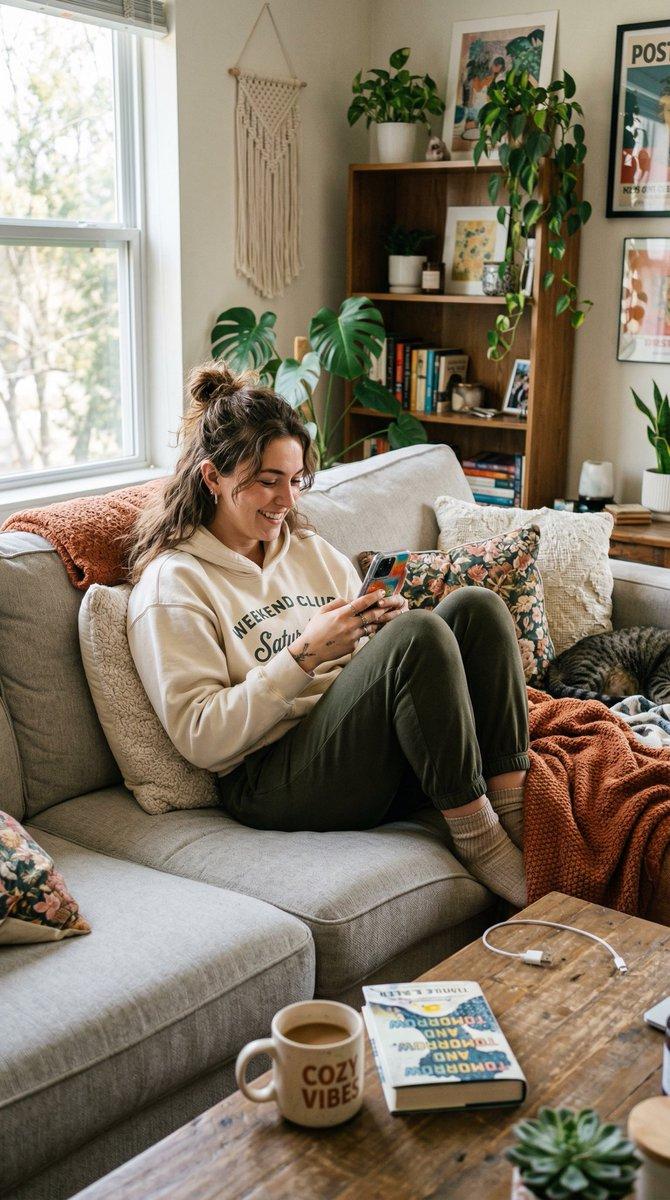
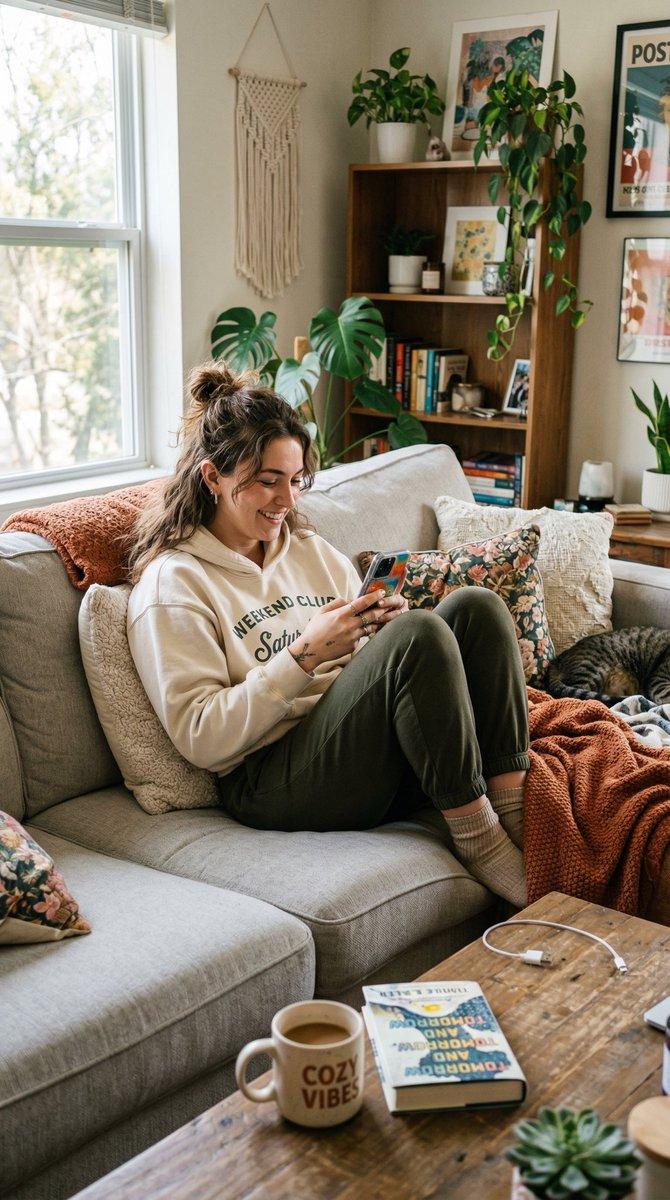
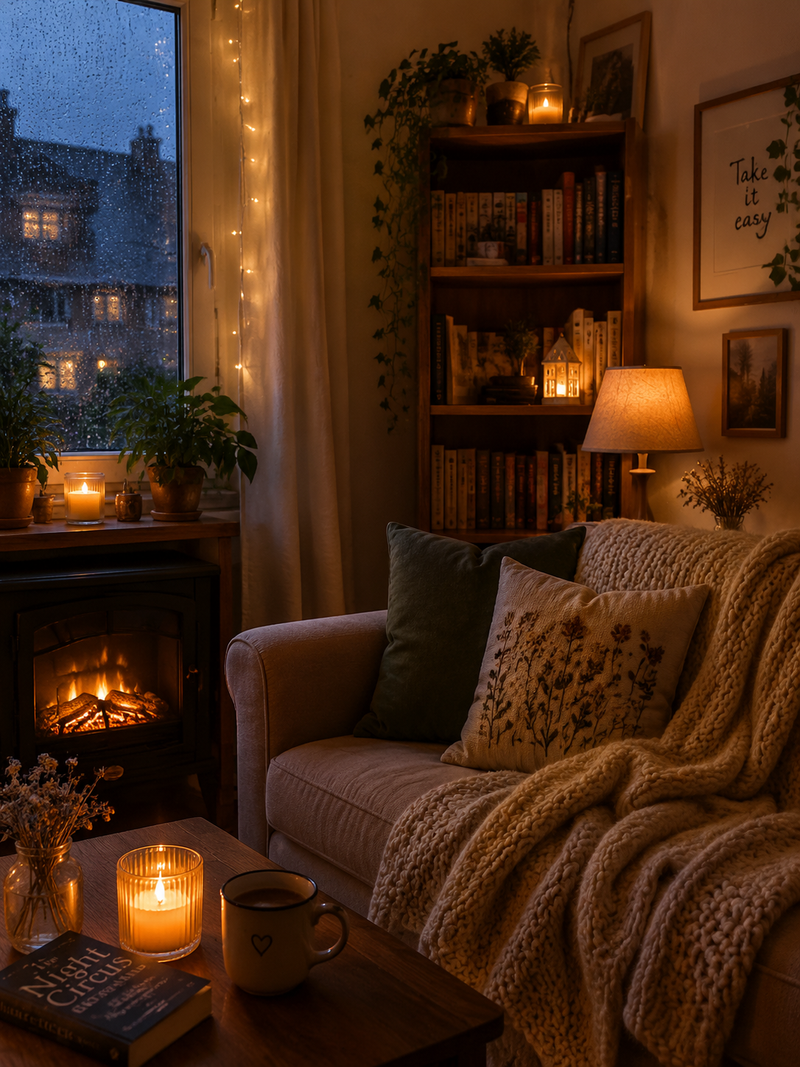
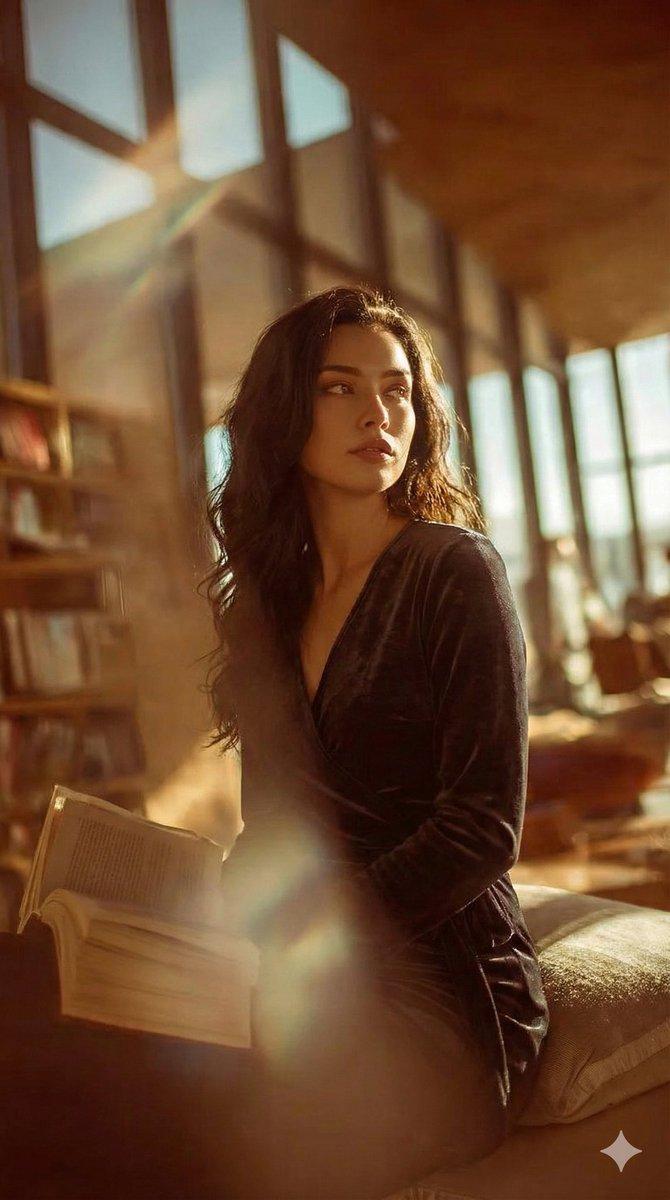
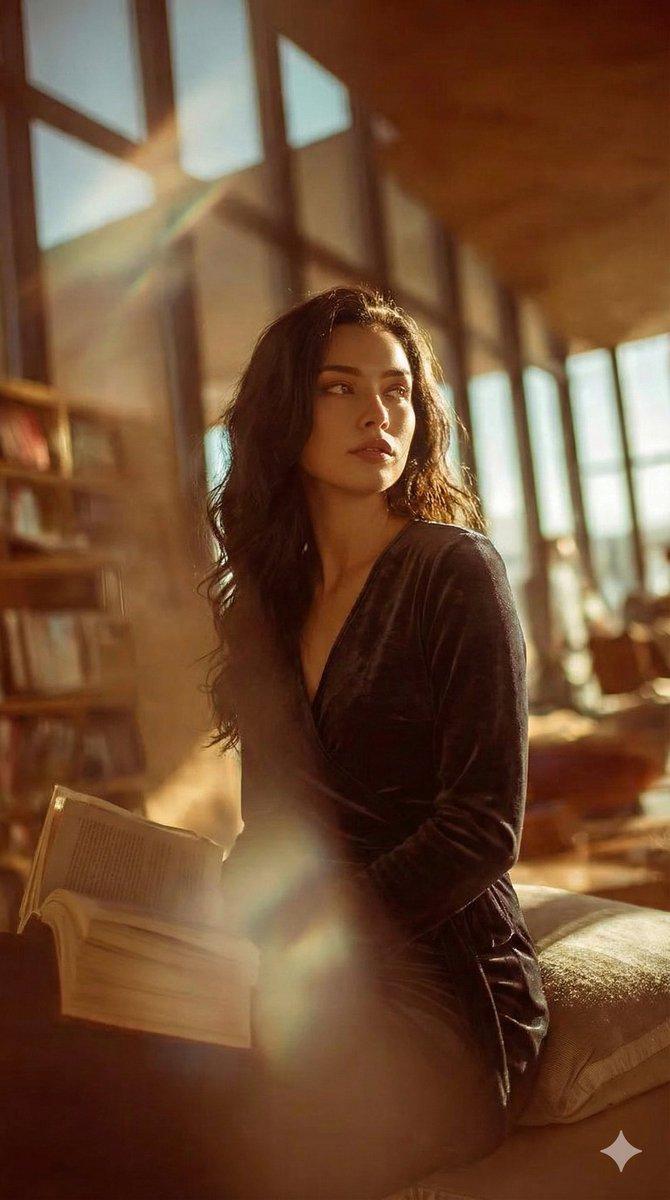
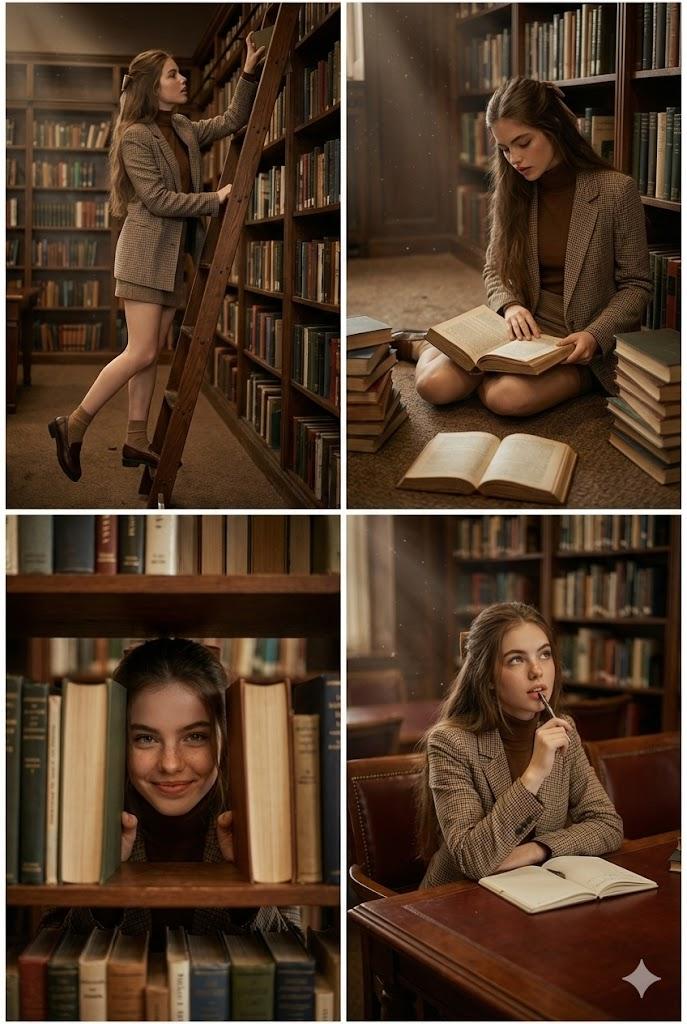
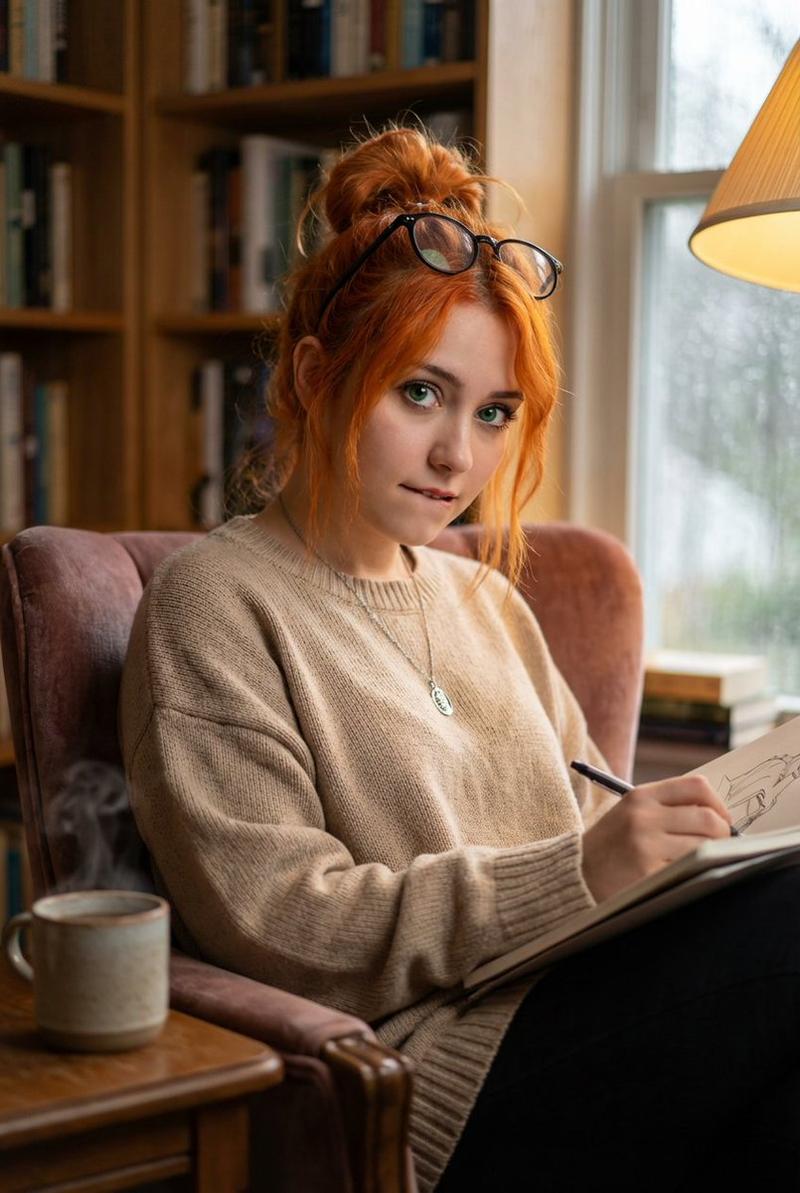
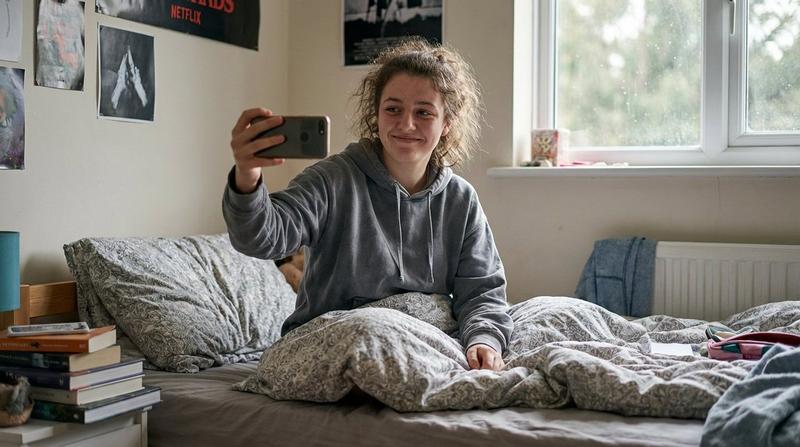
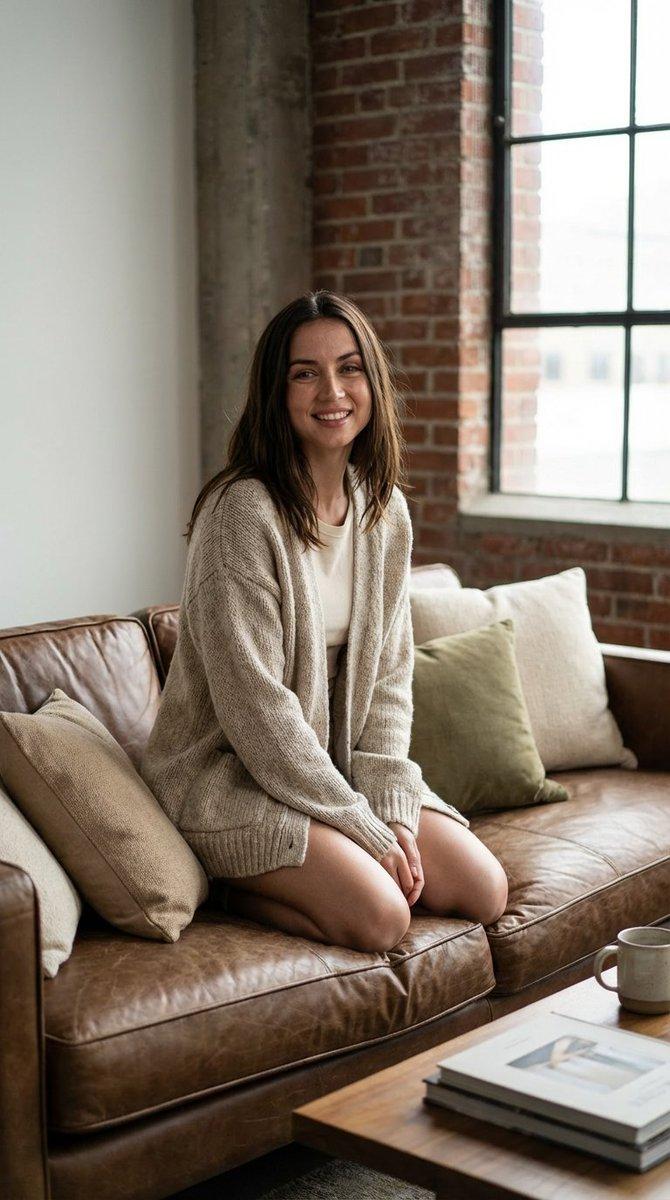
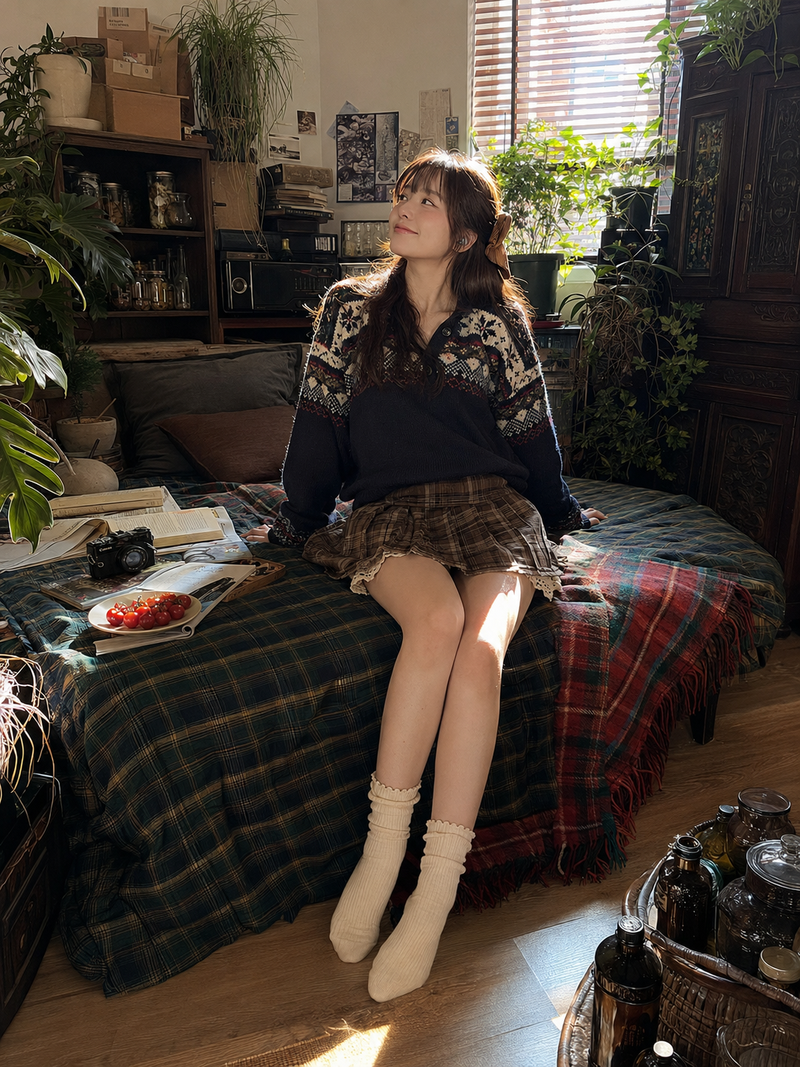
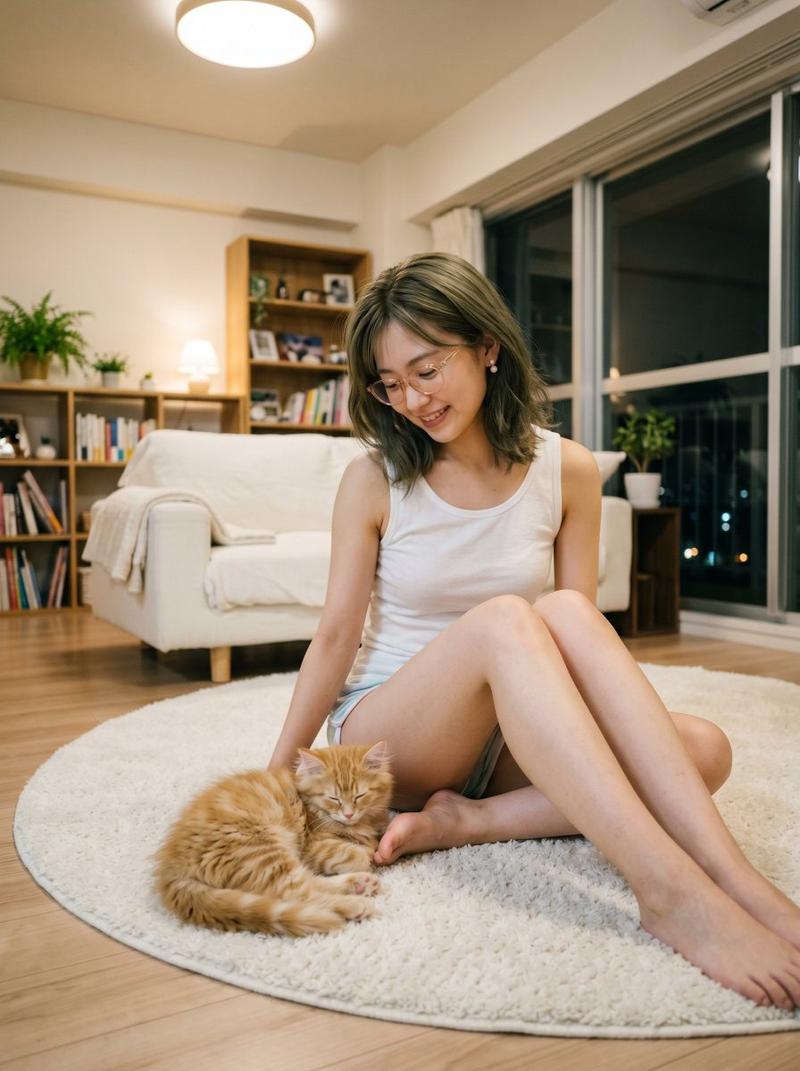
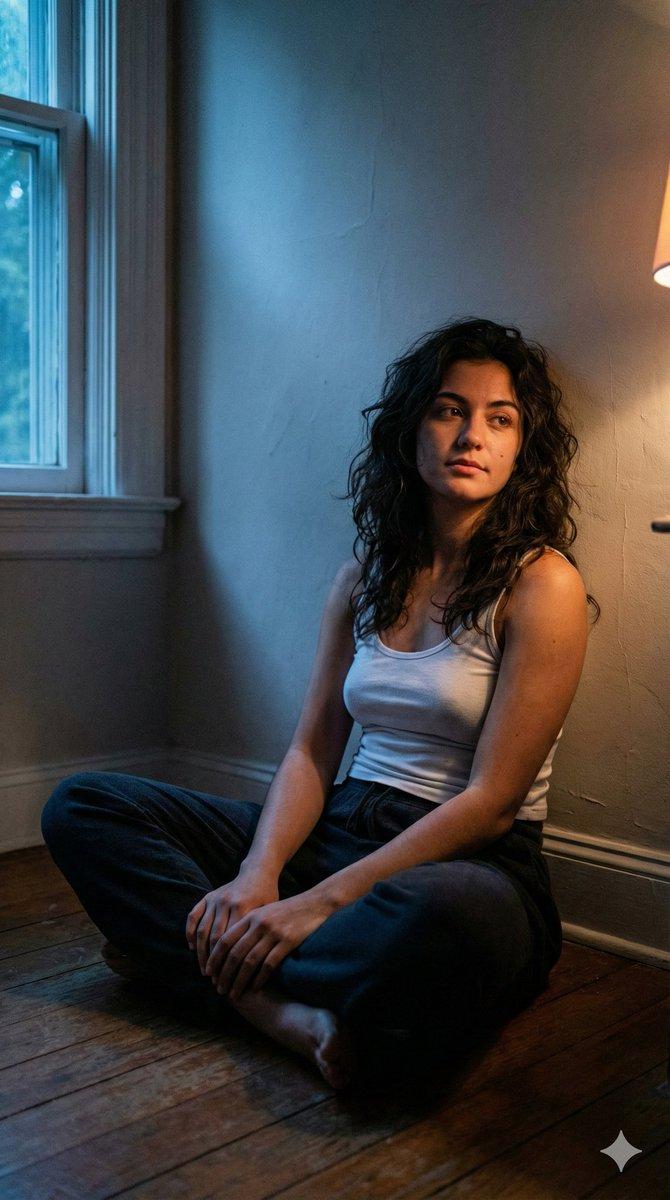
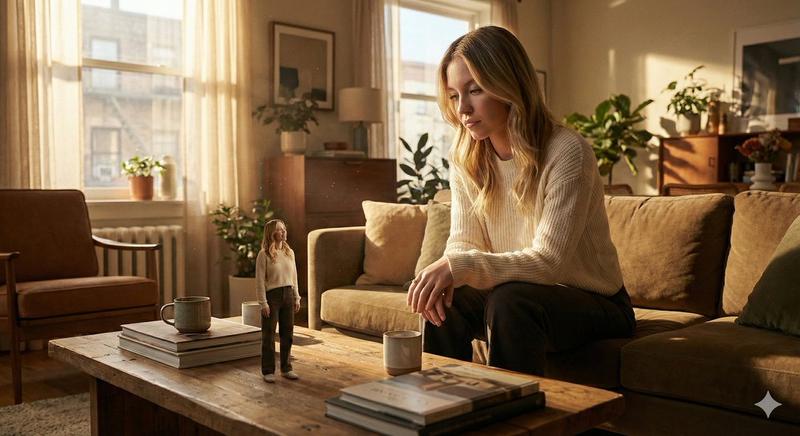
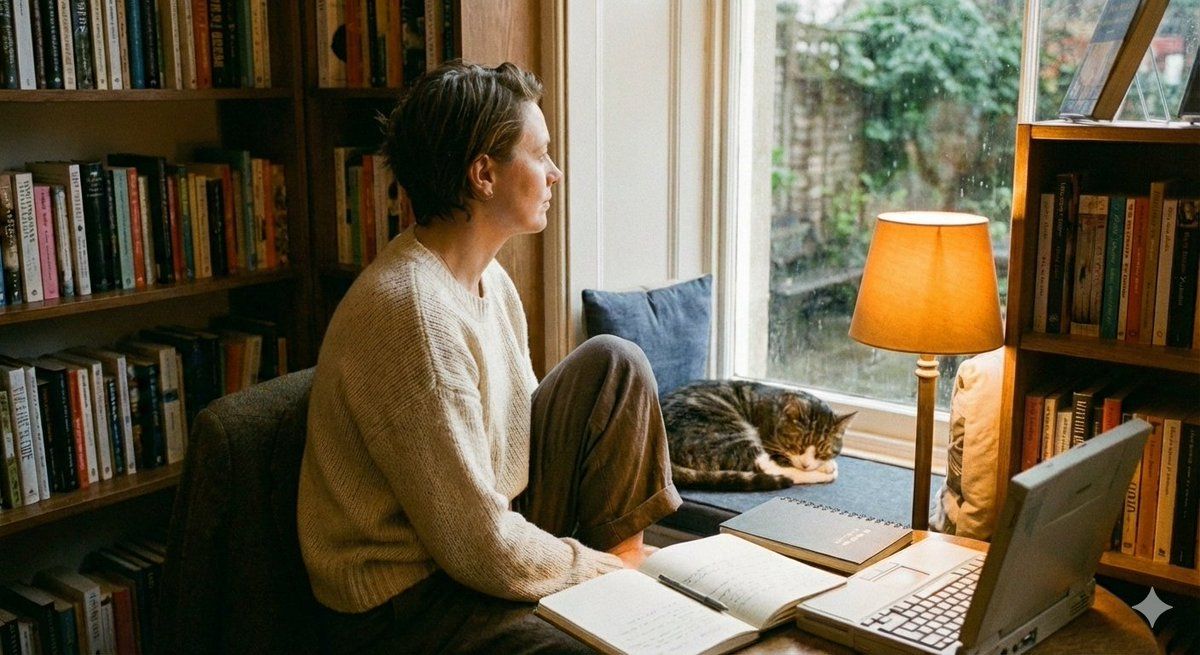
沉浸在柔和光影中的居家舒适时光
Enlarge

沉浸在柔和光影中的居家舒适时光

Prompt
{ "prompt": "A cozy human intro scene with a side pose. A person wearing loose, comfortable clothing, standing or sitting casually. Warm lamp light softly illuminates the scene, creating a calm and intimate atmosphere. Cozy lifestyle aesthetic with gentle shadows and a relaxed, homely feel.", "style": "cozy, cinematic, realistic", "lighting": "warm lamp light, soft shadows", "mood": "calm, intimate, comfortable", "camera": "side pose, candid angle", "environment": "indoor cozy room", "quality": "high detail, natural textures" }
Category
Architecture & Spaces
Model
Nano Banana Pro
Views3
Source ID
8766
Published
Jun 4, 2026

Guide

About "沉浸在柔和光影中的居家舒适时光"

What is this prompt for?

"沉浸在柔和光影中的居家舒适时光" AI image prompt for Nano Banana Pro (Architecture & Spaces). { "prompt": "一个温馨的人类室内场景,侧身姿势。人物穿着宽松舒适的衣服,随意站立或坐着。温暖的灯光柔和地照亮场景,营造出宁静而亲密的氛围。温馨的生活…

The full copyable prompt and example visuals above are ready for AI image generation or one-click recreate in Picva.

How to use this prompt

  1. Step 1

    Open the prompt detail

    Review the example visuals, category, and full prompt text for "沉浸在柔和光影中的居家舒适时光".

  2. Step 2

    Copy the prompt

    Copy the prompt body from this page, or load it directly in Studio.

  3. Step 3

    Pick a model (Nano Banana Pro)

    Prefer Nano Banana Pro. If you switch models, keep subject and composition and tweak style terms.

  4. Step 4

    Generate and export

    Recreate the look in Picva, or export into your workflow for editing and publishing.

FAQ

What is the "沉浸在柔和光影中的居家舒适时光" prompt?
It is an AI image-generation prompt for Nano Banana Pro in the Architecture & Spaces category. This page includes the full prompt text, example visuals, and a one-click recreate path in Picva.
How do I use this prompt to generate an image?
Copy the prompt from this page, or use Generate / Studio. Paste it into a compatible image model, or recreate the look in Picva with optional reference images.
Which model is this prompt for?
This page lists Nano Banana Pro. Most descriptive prompts also transfer to nearby image models such as GPT Image, Flux, or Midjourney with light style tweaks.
Can I use the result commercially?
You can usually copy the prompt for creation, but commercial use of the final image depends on the model terms, reference-image rights, and the generated content. Follow the source author and platform rules.