19

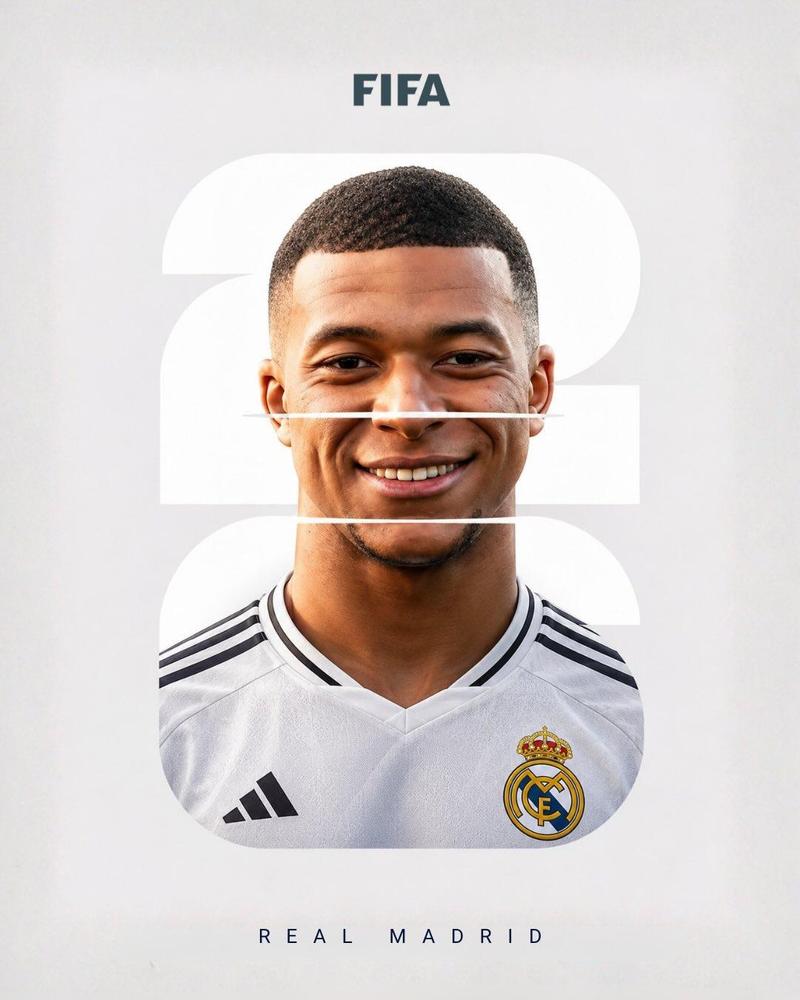
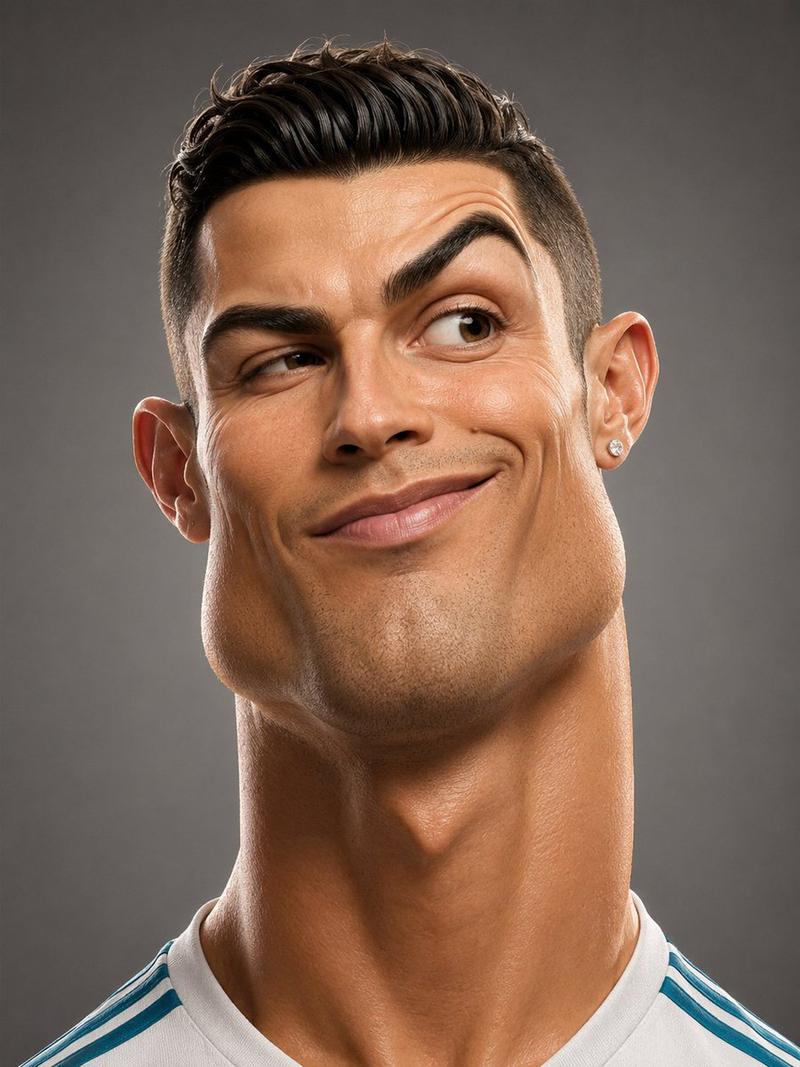
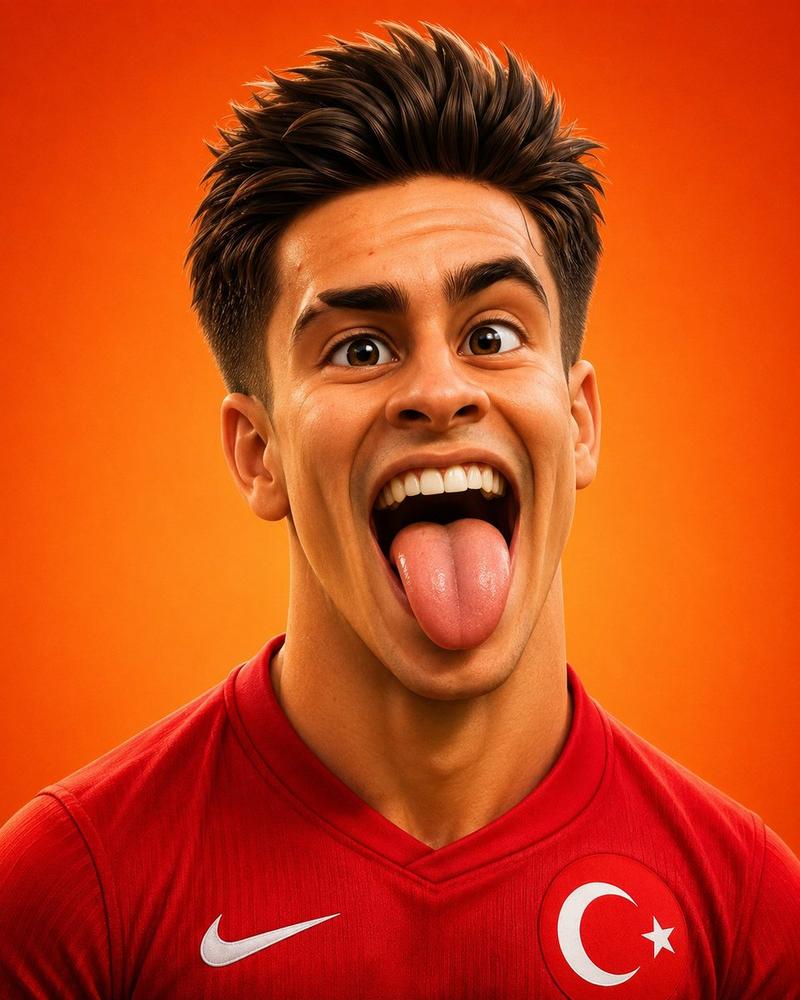
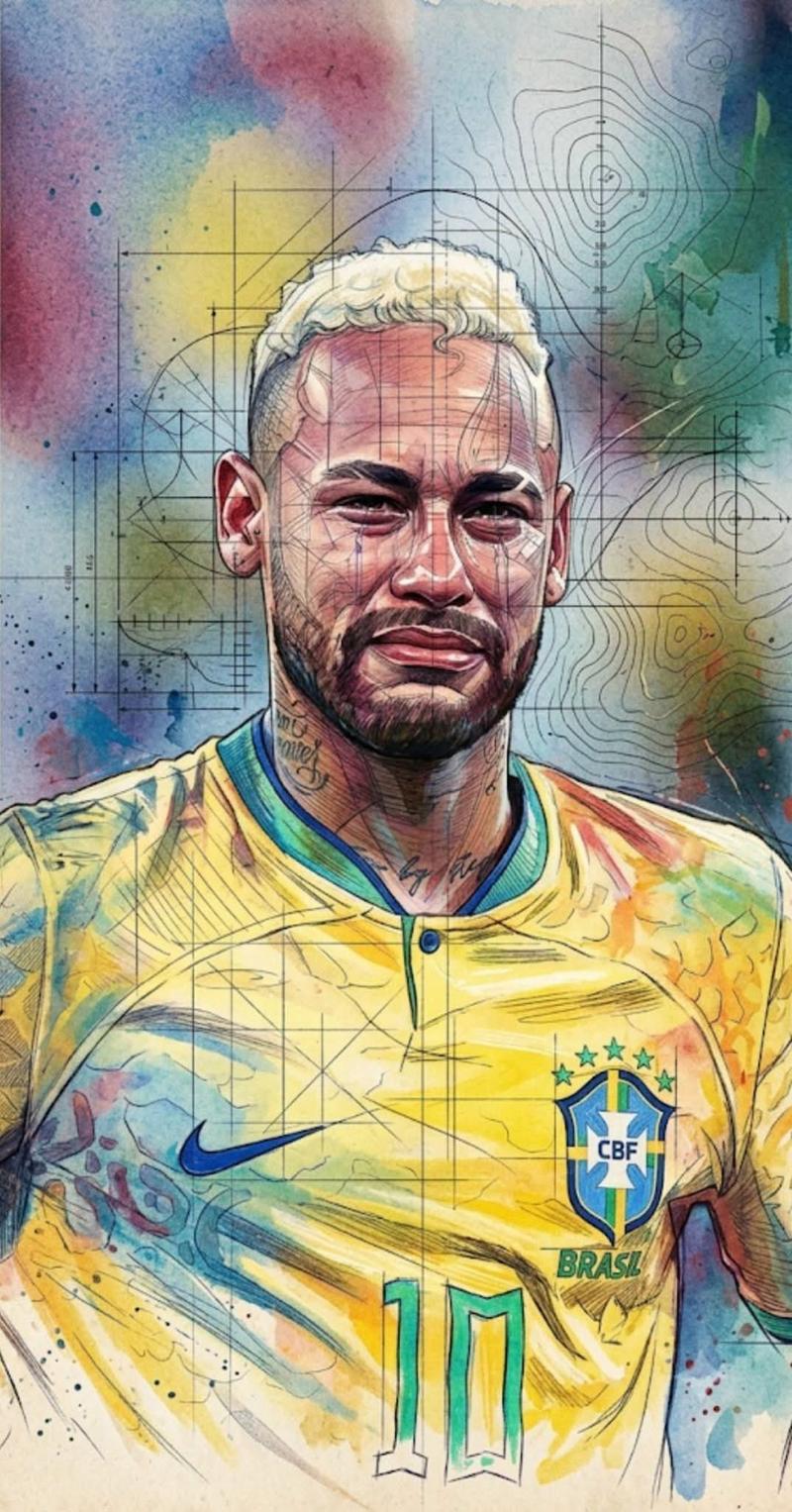
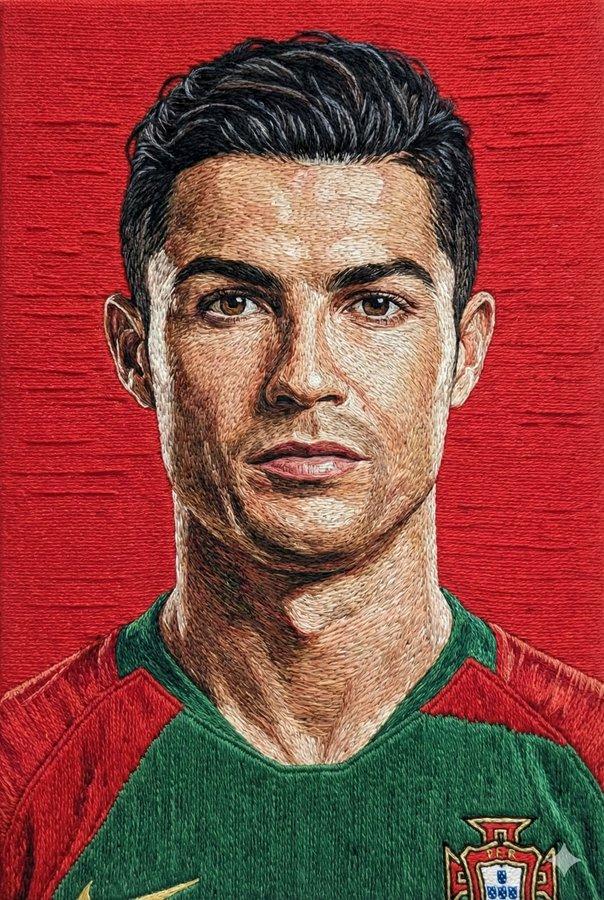
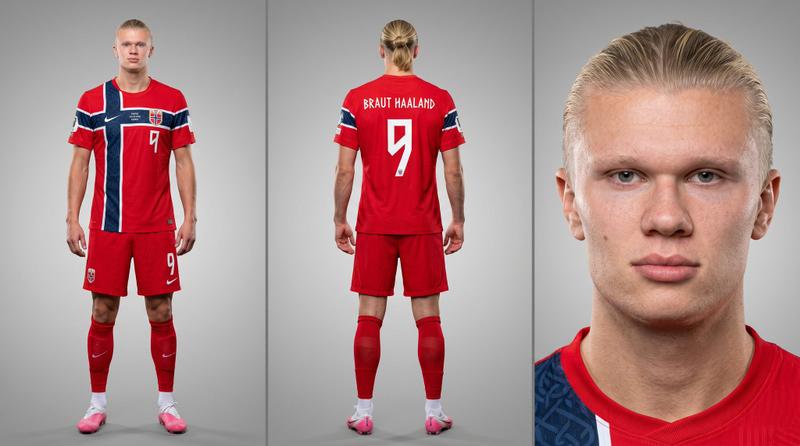
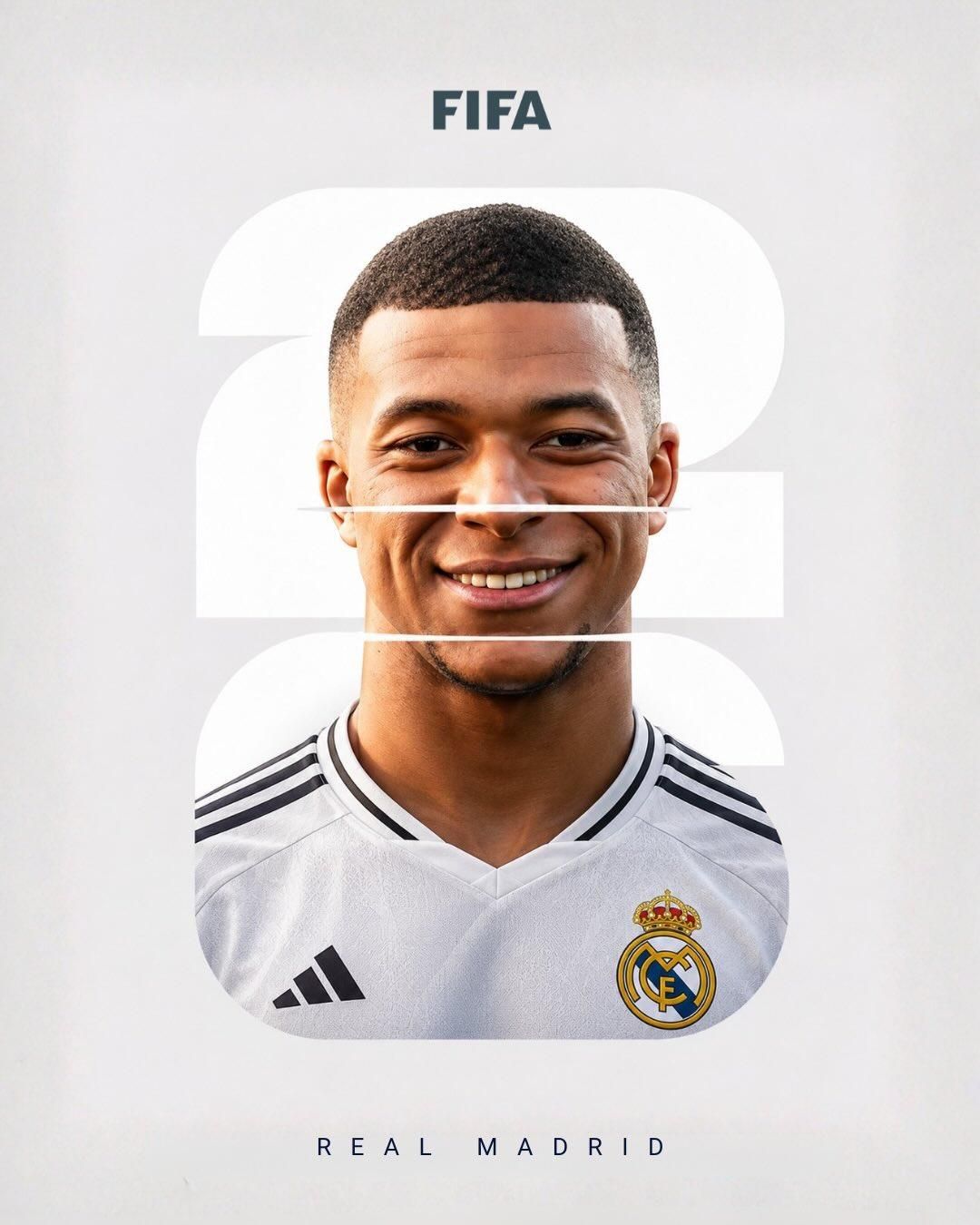
足球杂志艺术风格FIFA球员封面海报
Enlarge

Example images

足球杂志艺术风格FIFA球员封面海报

Prompt
Sports magazine artwork. A young elite footballer in a professional club jersey, centered chest-up portrait, looking slightly upward with a confident smile. Large bold white number “25” behind the player, integrated into the composition with horizontal slice/glitch cuts passing through the face and neck. Clean minimalist background using the club's primary colors with a smooth gradient. White “FIFA” text at the top, club name spaced out at the bottom. Studio lighting, sharp facial details, realistic skin texture, professional sports photography, high contrast, premium EA Sports/FIFA cover aesthetic, symmetrical layout, modern graphic design, vibrant colors, crisp typography, depth of field, 8K quality, poster design, award-winning sports branding.
Category
Charts & Infographics
Model
ChatGPT
Views27
Source ID
16116
Published
Jun 16, 2026

Guide

About "足球杂志艺术风格FIFA球员封面海报"

What is this prompt for?

"足球杂志艺术风格FIFA球员封面海报" AI image prompt for ChatGPT (Charts & Infographics). 体育杂志艺术作品。一位身穿职业俱乐部球衣的年轻精英足球运动员,居中的胸部以上肖像,带着自信的微笑略微向上看。球员身后有巨大的白色粗体数字“25”,通过穿过面部和颈部的水平…

The full copyable prompt and example visuals above are ready for AI image generation or one-click recreate in Picva.

How to use this prompt

  1. Step 1

    Open the prompt detail

    Review the example visuals, category, and full prompt text for "足球杂志艺术风格FIFA球员封面海报".

  2. Step 2

    Copy the prompt

    Copy the prompt body from this page, or load it directly in Studio.

  3. Step 3

    Pick a model (ChatGPT)

    Prefer ChatGPT. If you switch models, keep subject and composition and tweak style terms.

  4. Step 4

    Generate and export

    Recreate the look in Picva, or export into your workflow for editing and publishing.

FAQ

What is the "足球杂志艺术风格FIFA球员封面海报" prompt?
It is an AI image-generation prompt for ChatGPT in the Charts & Infographics category. This page includes the full prompt text, example visuals, and a one-click recreate path in Picva.
How do I use this prompt to generate an image?
Copy the prompt from this page, or use Generate / Studio. Paste it into a compatible image model, or recreate the look in Picva with optional reference images.
Which model is this prompt for?
This page lists ChatGPT. Most descriptive prompts also transfer to nearby image models such as GPT Image, Flux, or Midjourney with light style tweaks.
Can I use the result commercially?
You can usually copy the prompt for creation, but commercial use of the final image depends on the model terms, reference-image rights, and the generated content. Follow the source author and platform rules.