20

悉尼斯威尼极简公寓柔和美感写真
Enlarge

Example images

悉尼斯威尼极简公寓柔和美感写真

Prompt
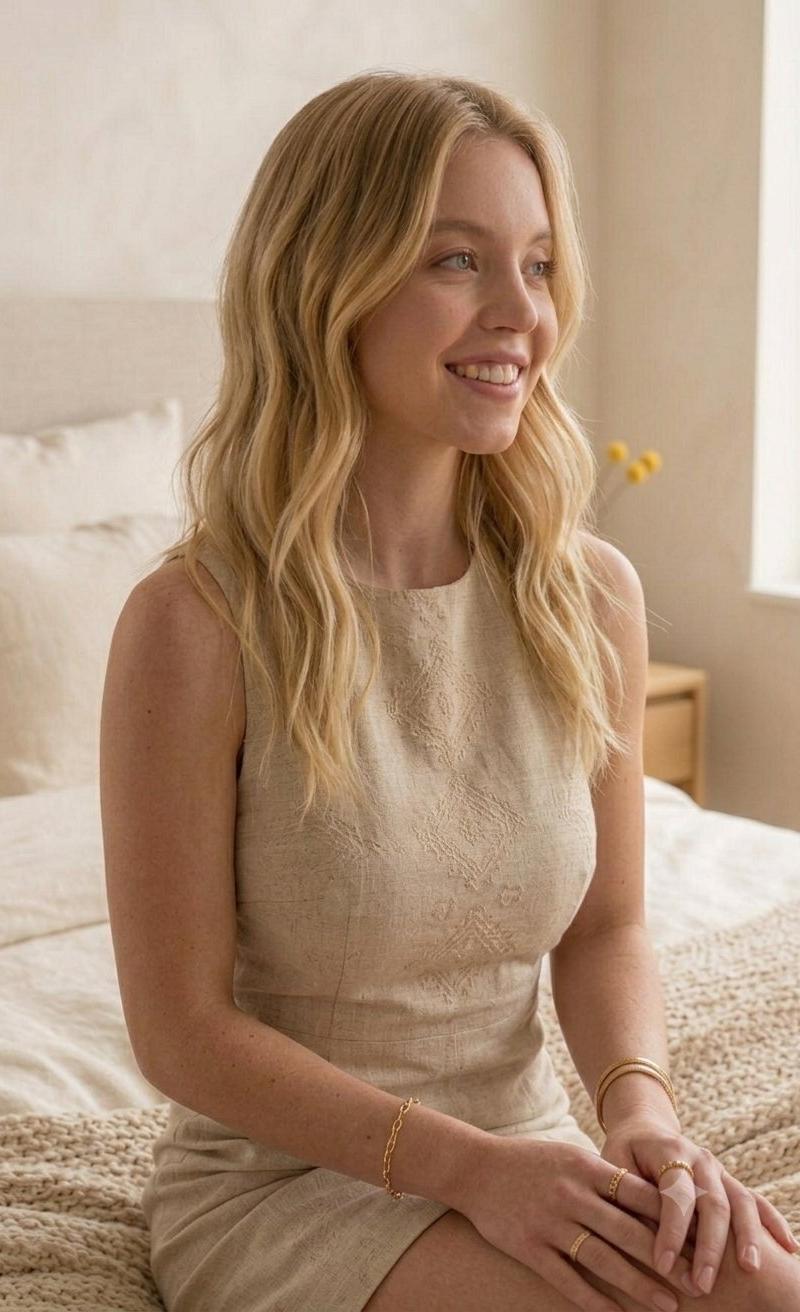
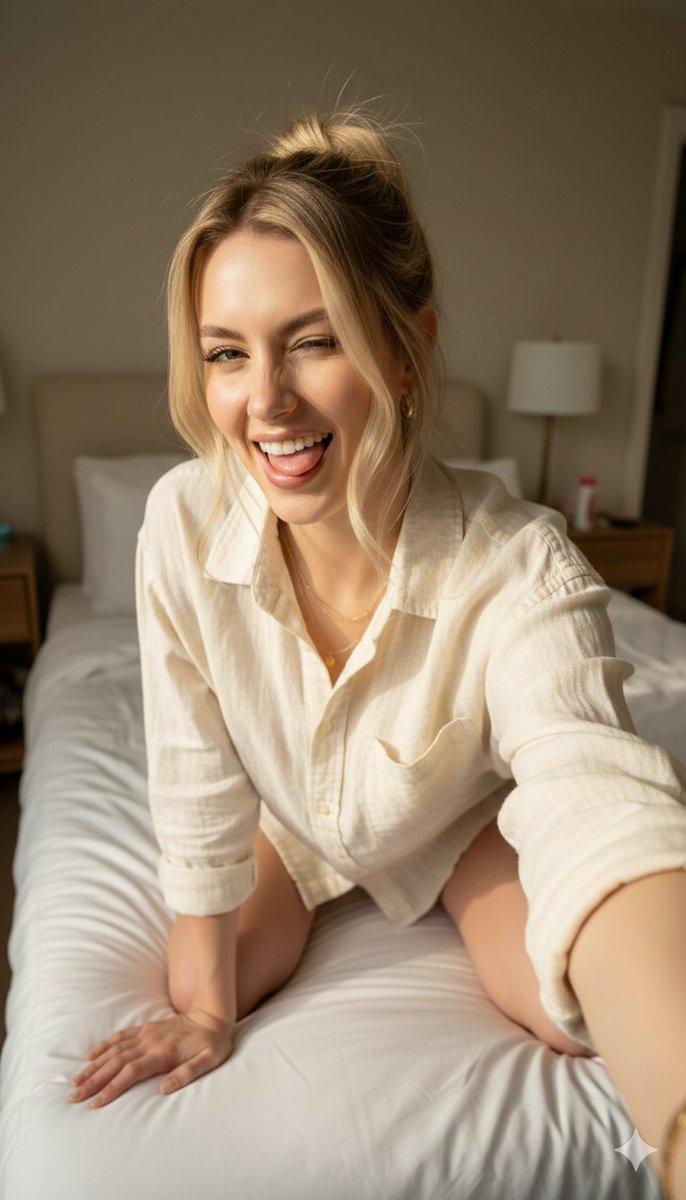
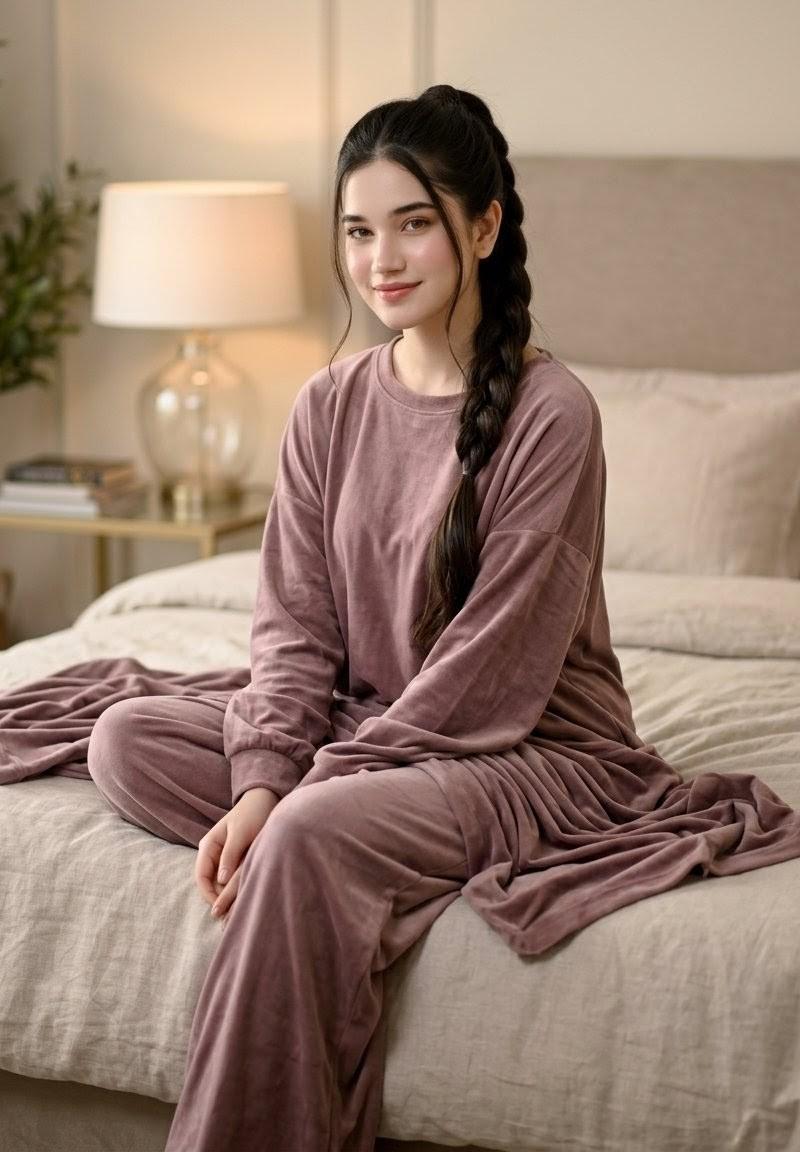
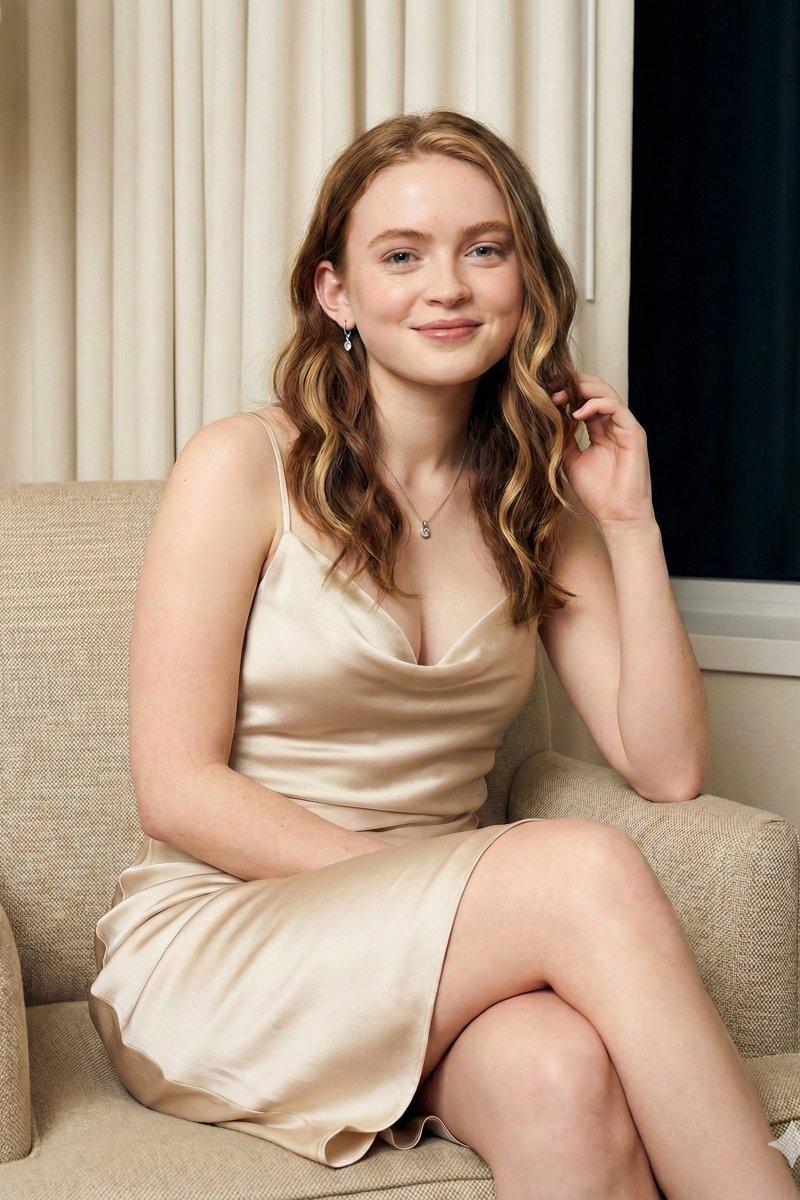
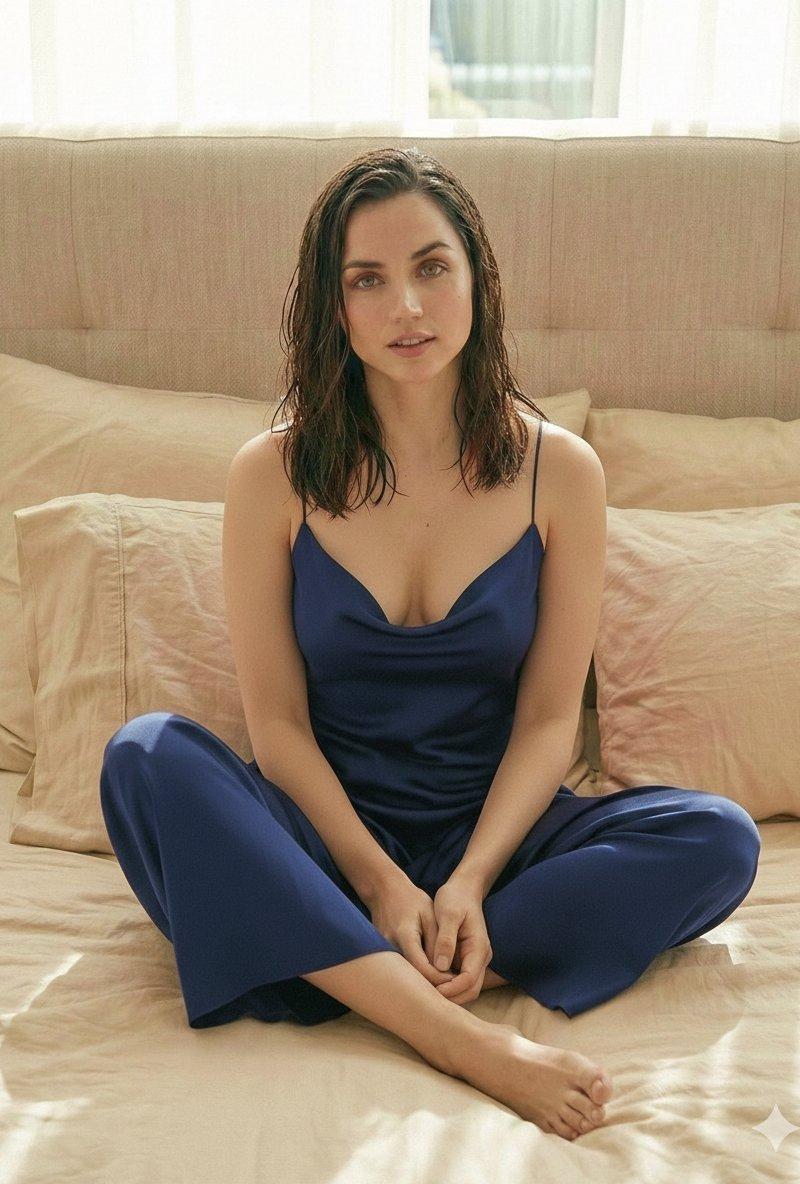
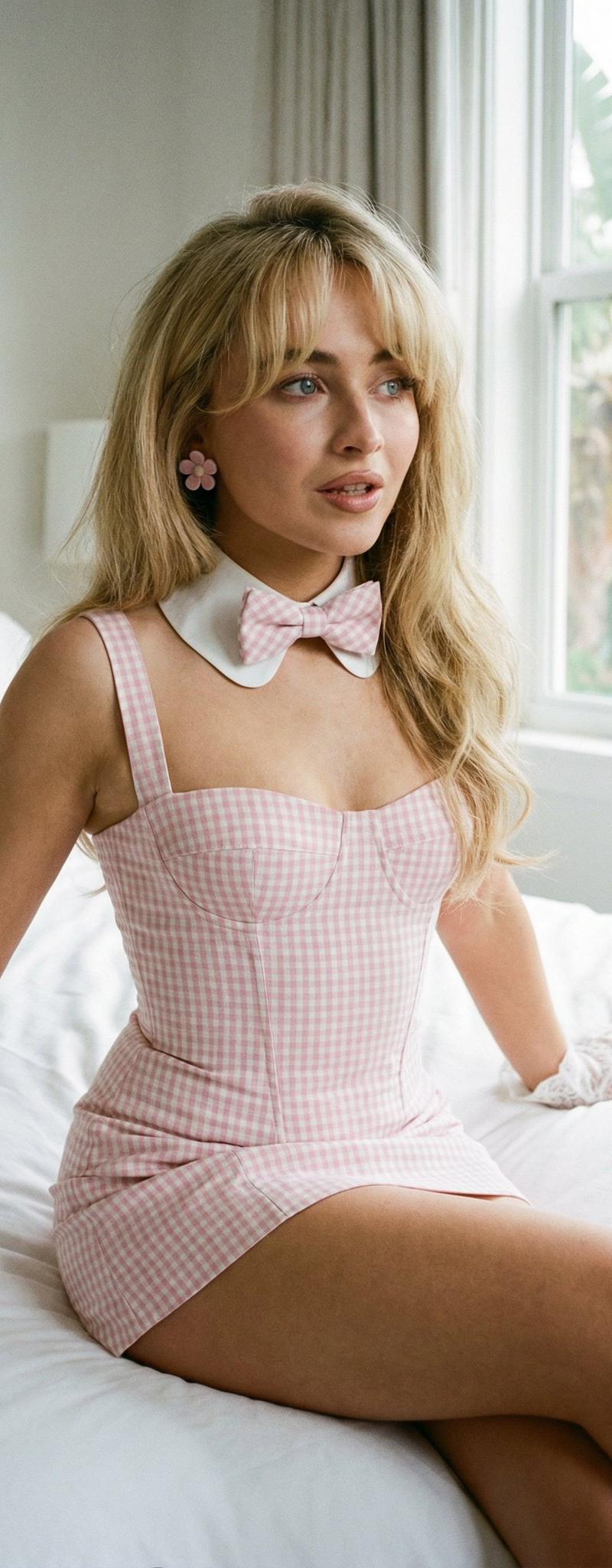
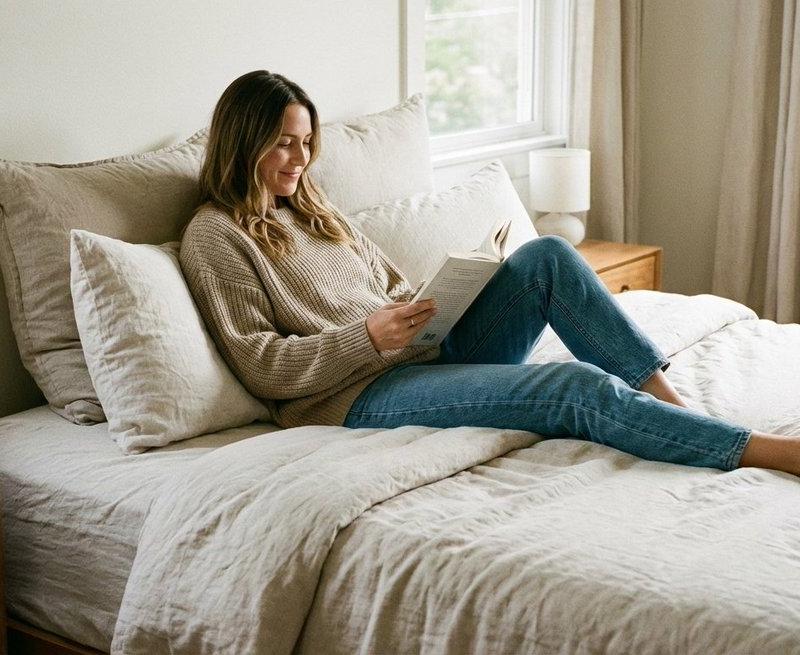
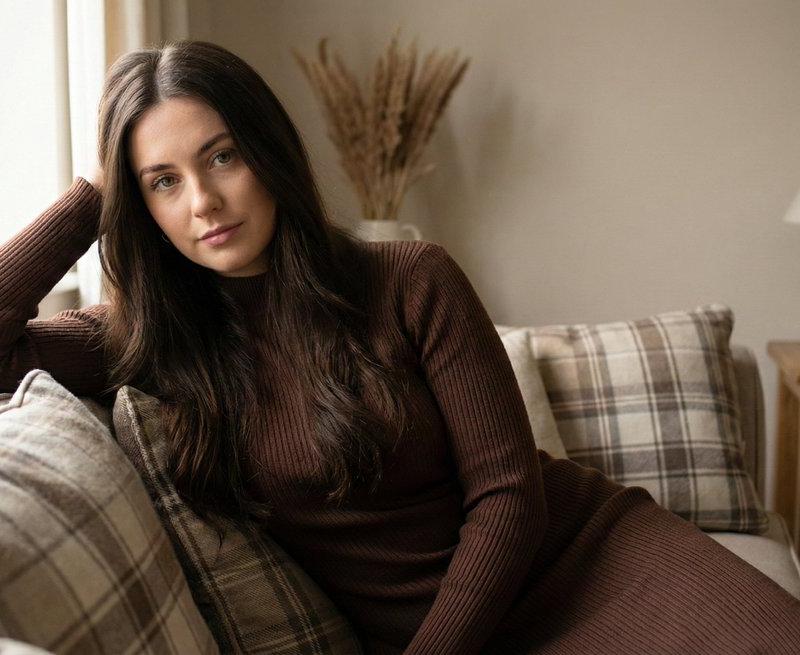
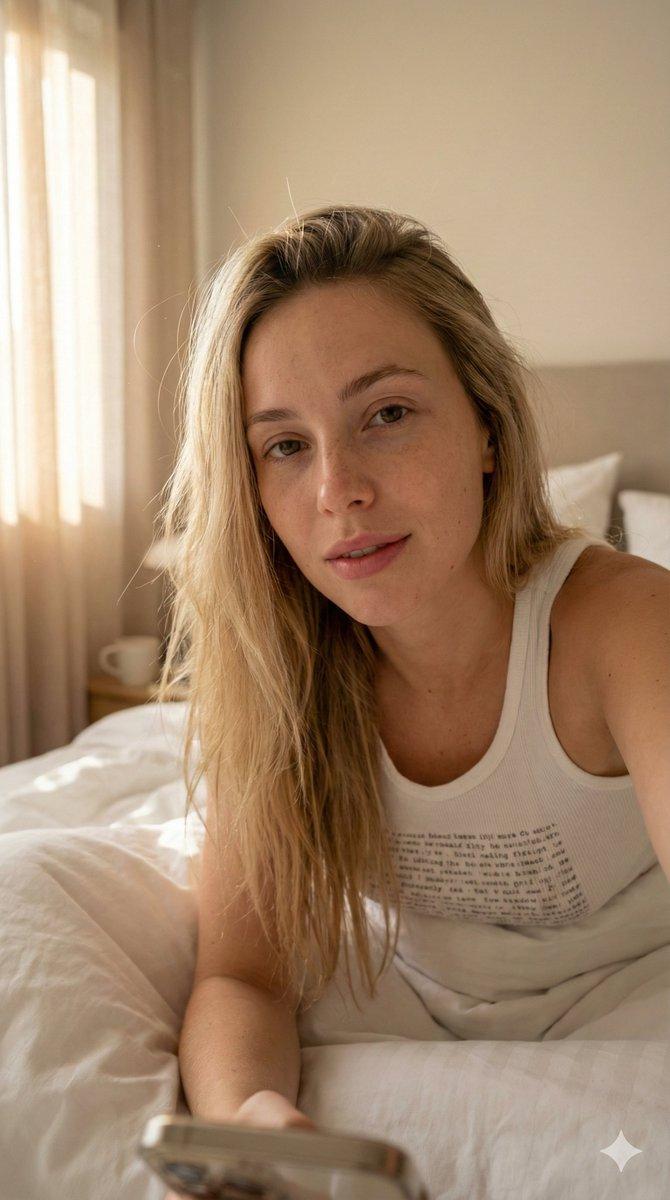
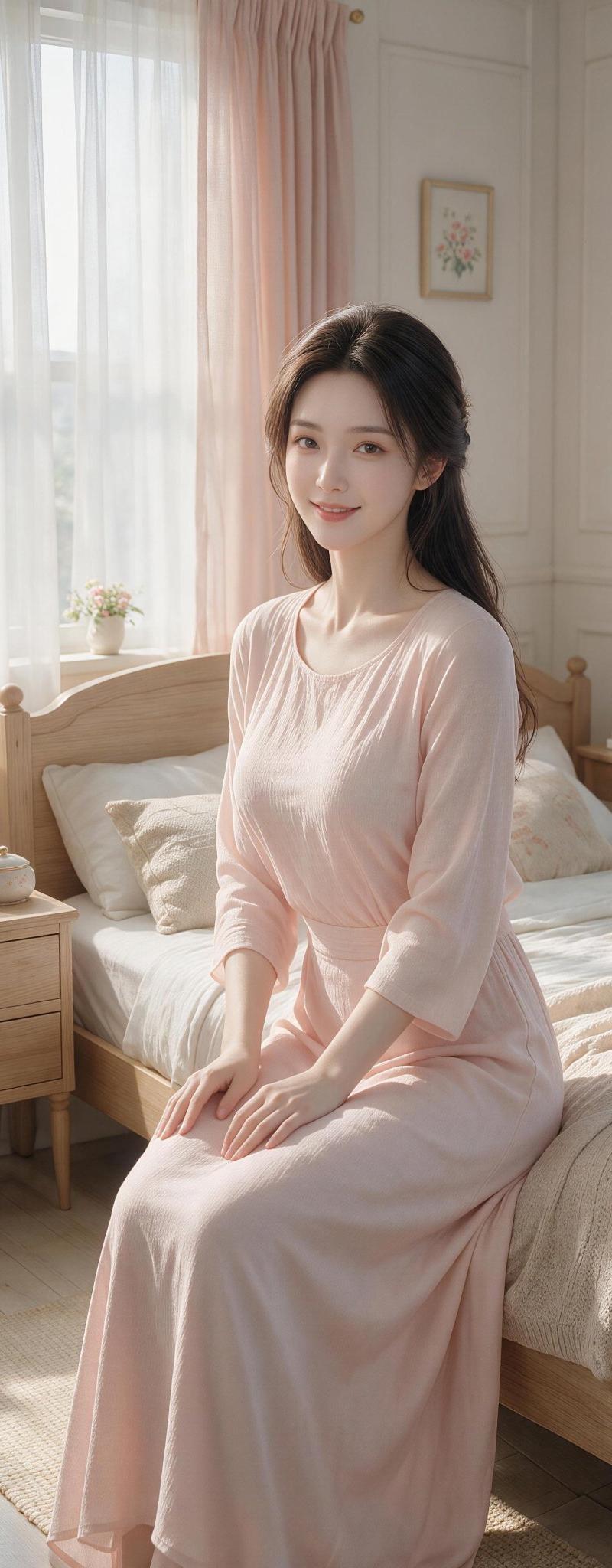
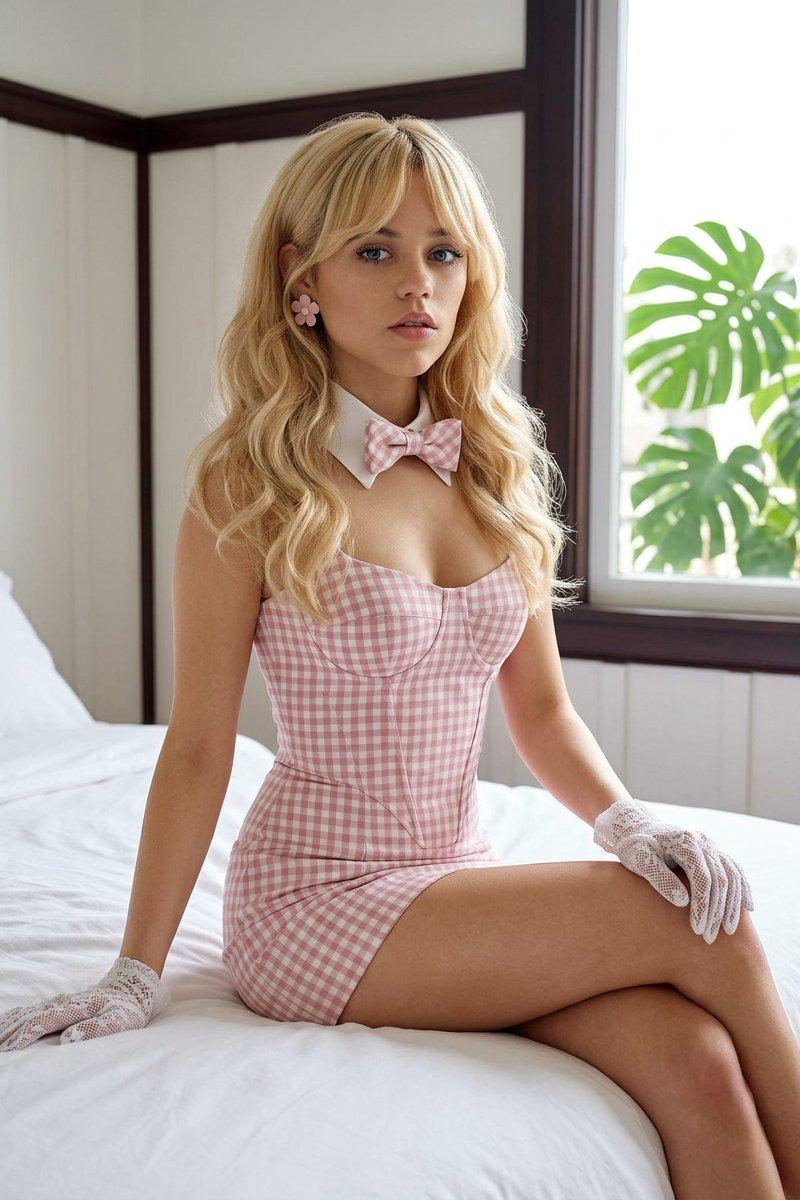
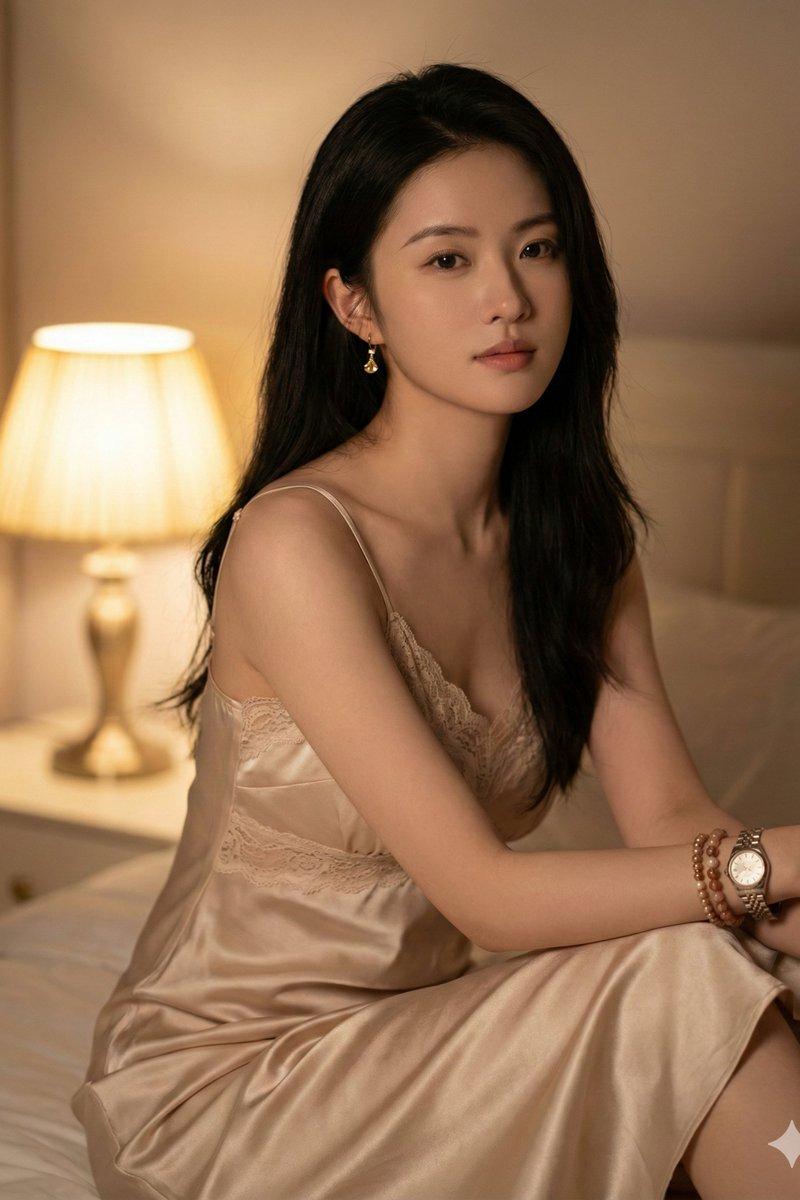
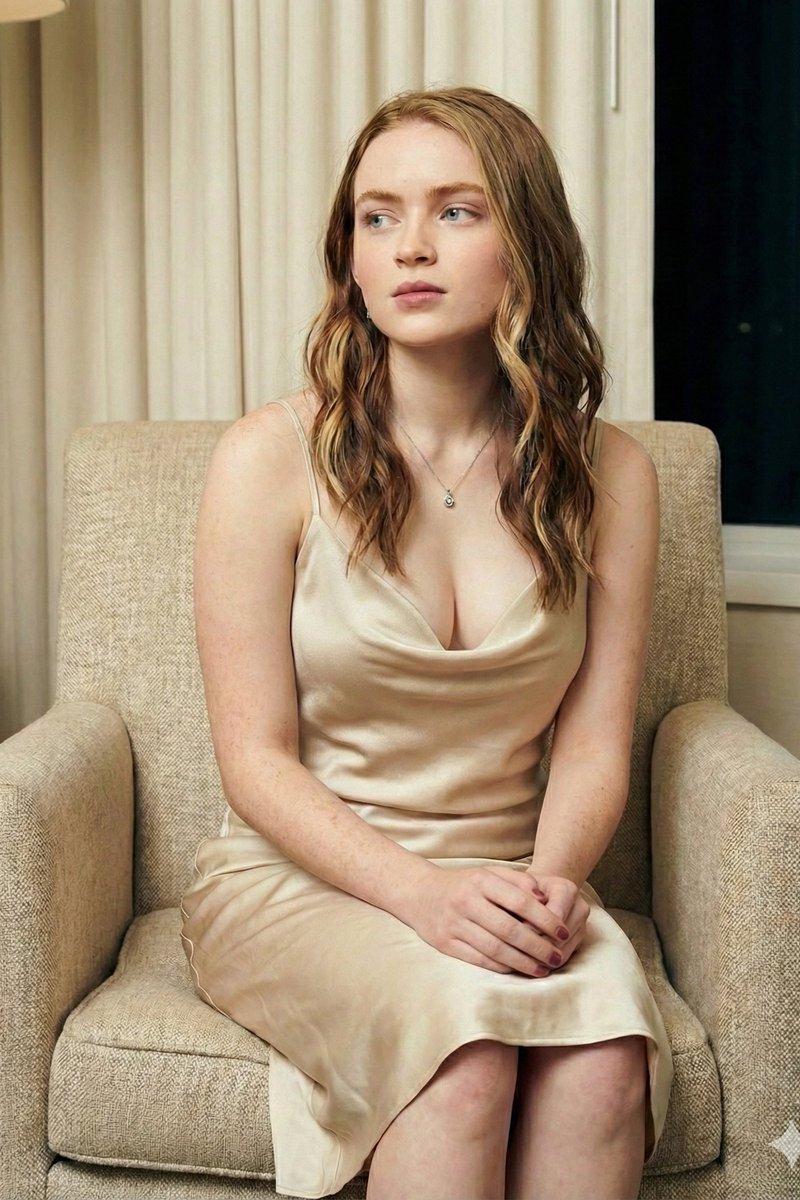
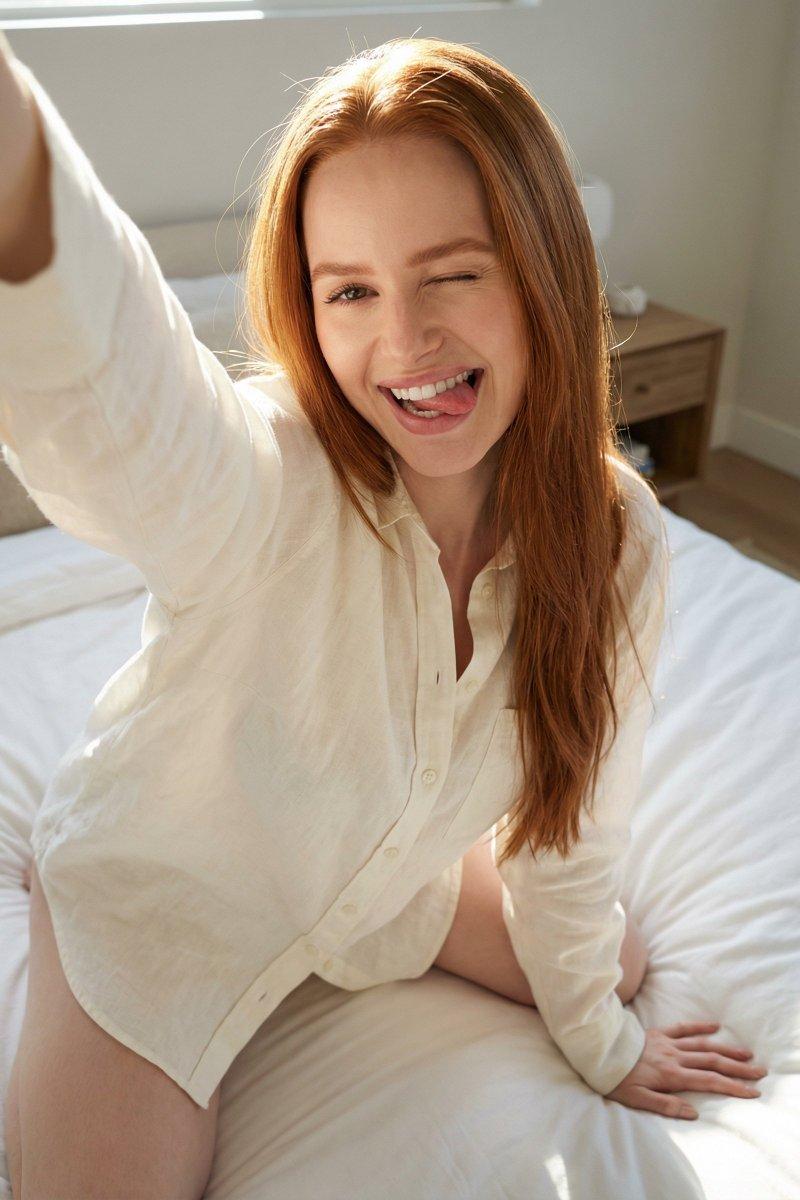
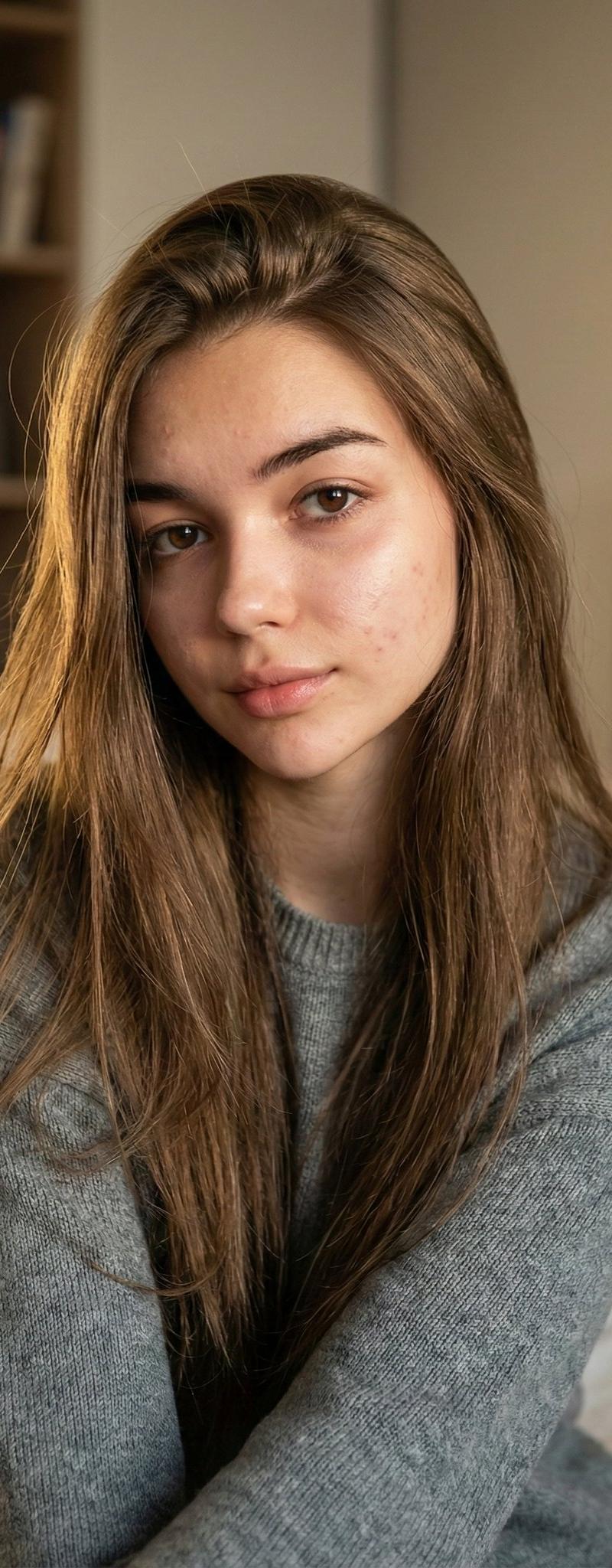
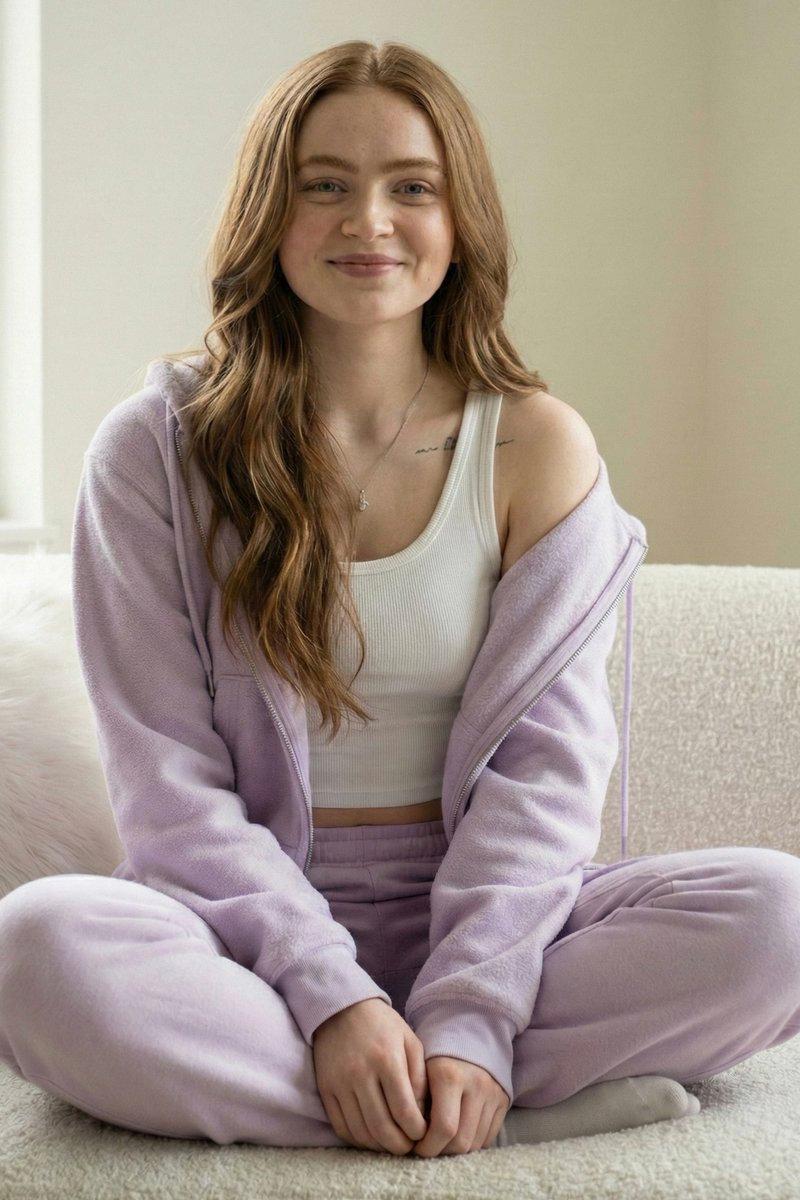
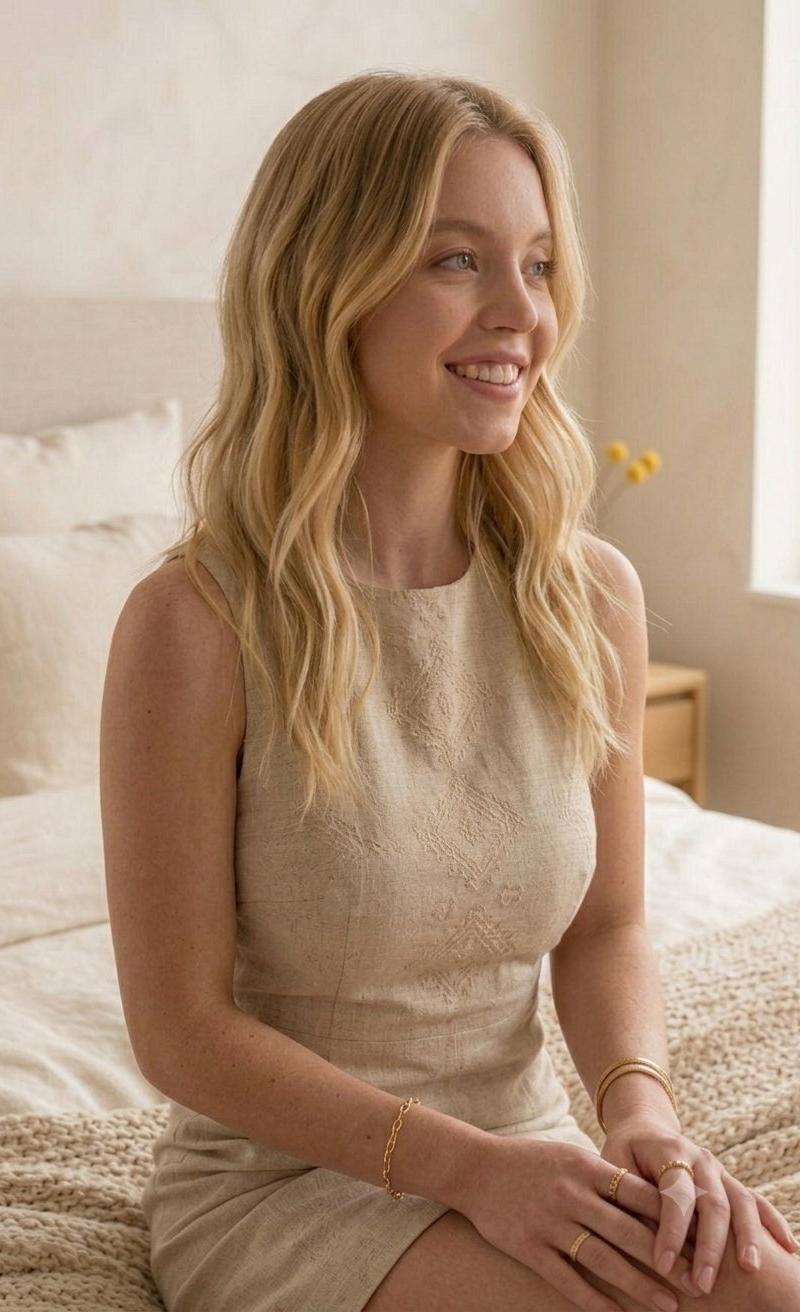
A series of photographs featuring actress Sydney Sweeney in a bright, minimalist apartment setting with warm, neutral tones. She has wavy blonde hair styled down and is wearing a sleeveless, structured beige linen shift dress featuring delicate geometric embroidery down the front bodice. She is adorned with dainty gold jewelry, including an oval-link chain bracelet, stackable textured and chain-link rings, and a thick gold bangle. In some images, she is smiling warmly while seated on a cozy, textured knit blanket near a bed. In others, she leans gracefully against a window sill next to a stack of books and a small vase with yellow billy balls, looking down thoughtfully at her gold iPhone or capturing a smiling mirror selfie. The entire gallery exudes a soft, serene, and elegant aesthetic.
Category
Charts & Infographics
Model
Nano banana pro
Creator
@Minahil42298354
Source language
zh-CN
Views51
Source ID
15676
Published
Jun 9, 2026
Studio

Guide

About "悉尼斯威尼极简公寓柔和美感写真"

What is this prompt for?

"悉尼斯威尼极简公寓柔和美感写真" AI image prompt for Nano banana pro (Charts & Infographics). 一系列以女演员悉尼·斯威尼为主角的照片,场景设在明亮、极简且带有温暖中性色调的公寓里。她留着垂下的金色波浪发,穿着一件无袖、挺括的米色亚麻直筒裙,裙子前胸处点缀…

The full copyable prompt and example visuals above are ready for AI image generation or one-click recreate in Picva.

How to use this prompt

  1. Step 1

    Open the prompt detail

    Review the example visuals, category, and full prompt text for "悉尼斯威尼极简公寓柔和美感写真".

  2. Step 2

    Copy the prompt

    Copy the prompt body from this page, or load it directly in Studio.

  3. Step 3

    Pick a model (Nano banana pro)

    Prefer Nano banana pro. If you switch models, keep subject and composition and tweak style terms.

  4. Step 4

    Generate and export

    Recreate the look in Picva, or export into your workflow for editing and publishing.

FAQ

What is the "悉尼斯威尼极简公寓柔和美感写真" prompt?
It is an AI image-generation prompt for Nano banana pro in the Charts & Infographics category. This page includes the full prompt text, example visuals, and a one-click recreate path in Picva.
How do I use this prompt to generate an image?
Copy the prompt from this page, or use Generate / Studio. Paste it into a compatible image model, or recreate the look in Picva with optional reference images.
Which model is this prompt for?
This page lists Nano banana pro. Most descriptive prompts also transfer to nearby image models such as GPT Image, Flux, or Midjourney with light style tweaks.
Can I use the result commercially?
You can usually copy the prompt for creation, but commercial use of the final image depends on the model terms, reference-image rights, and the generated content. Follow the source author and platform rules.