19

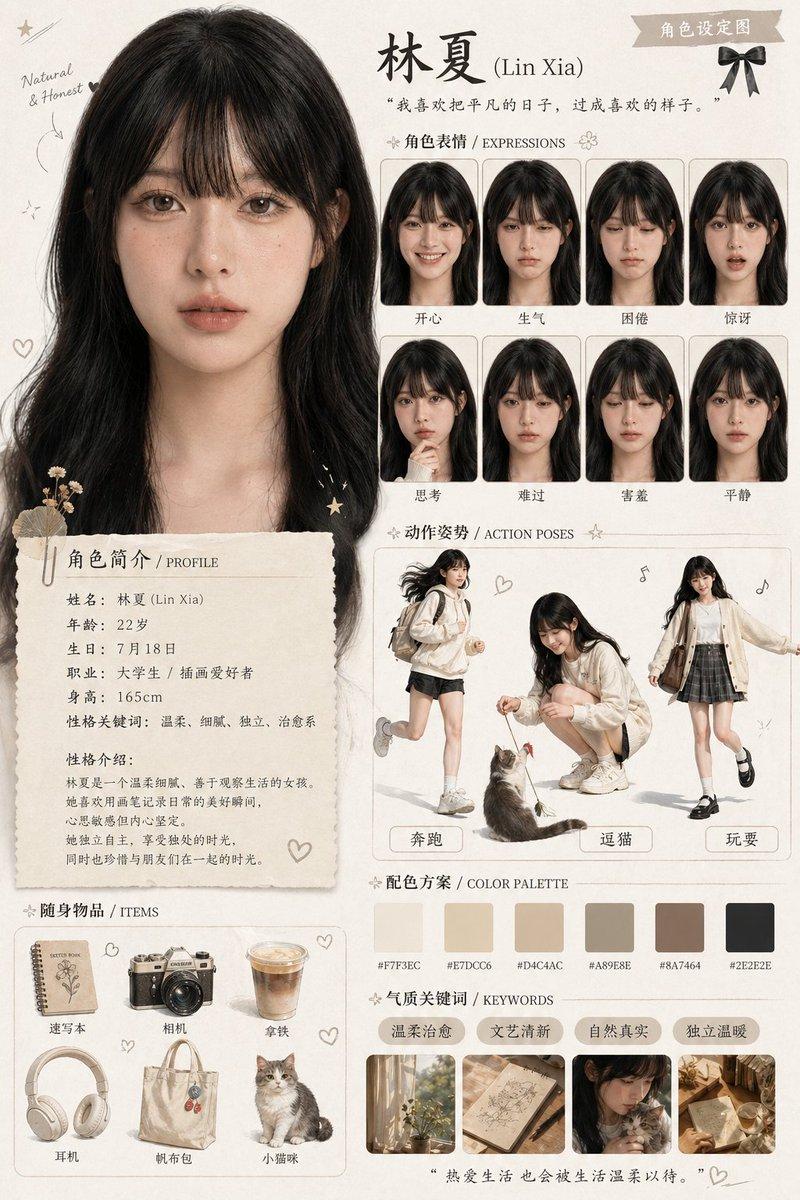
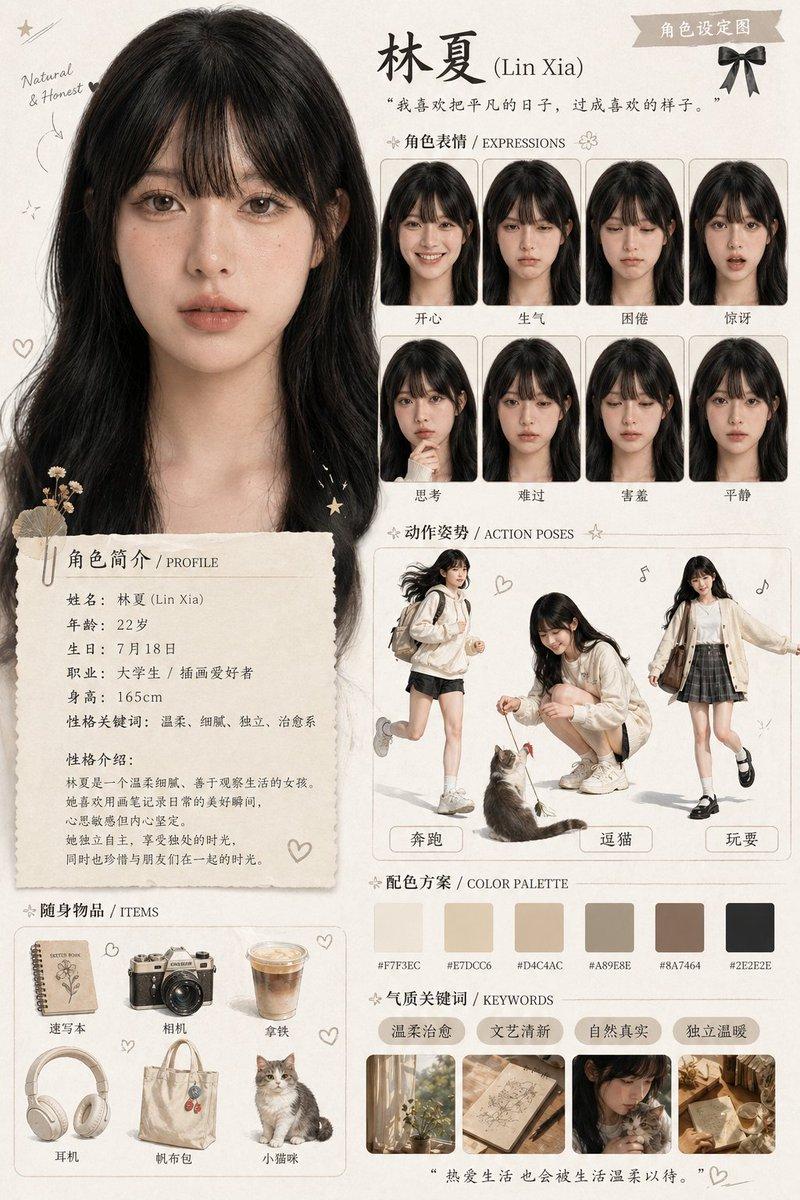
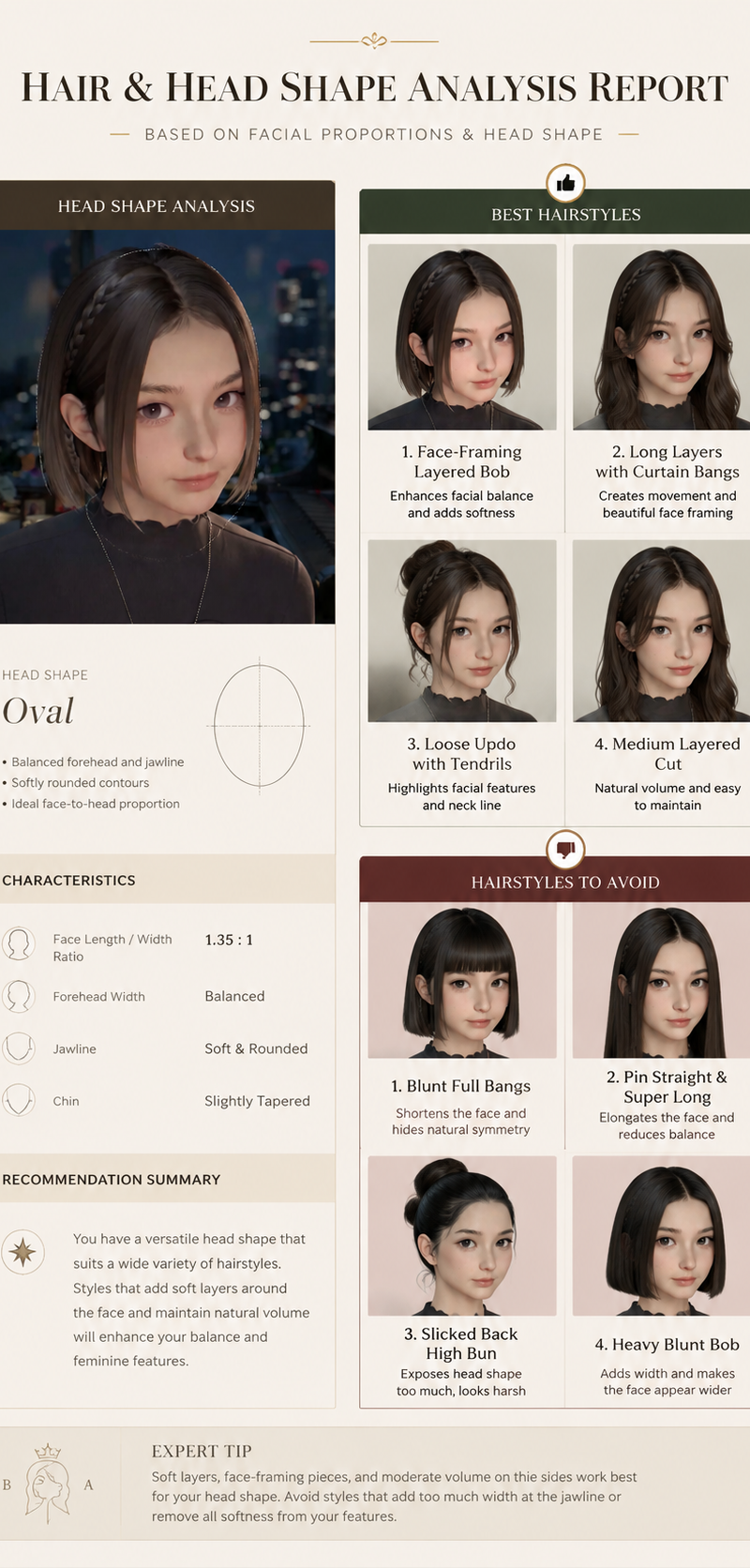
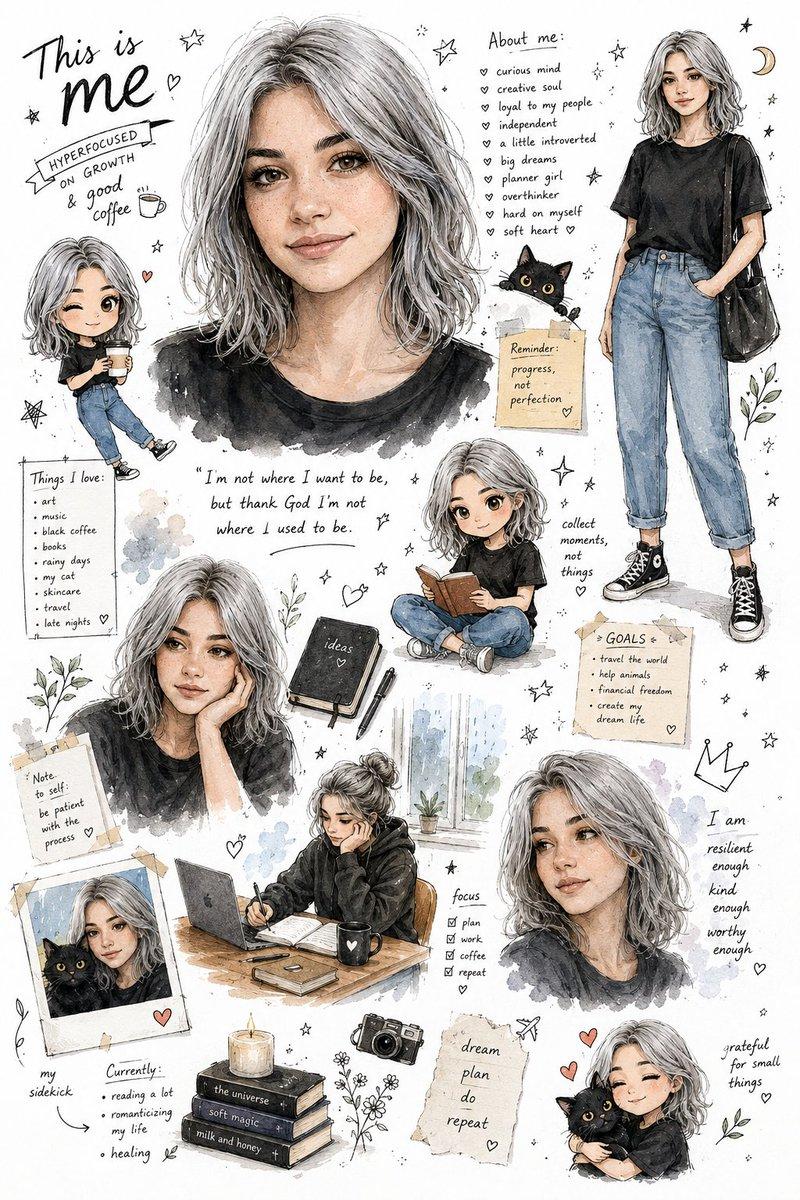
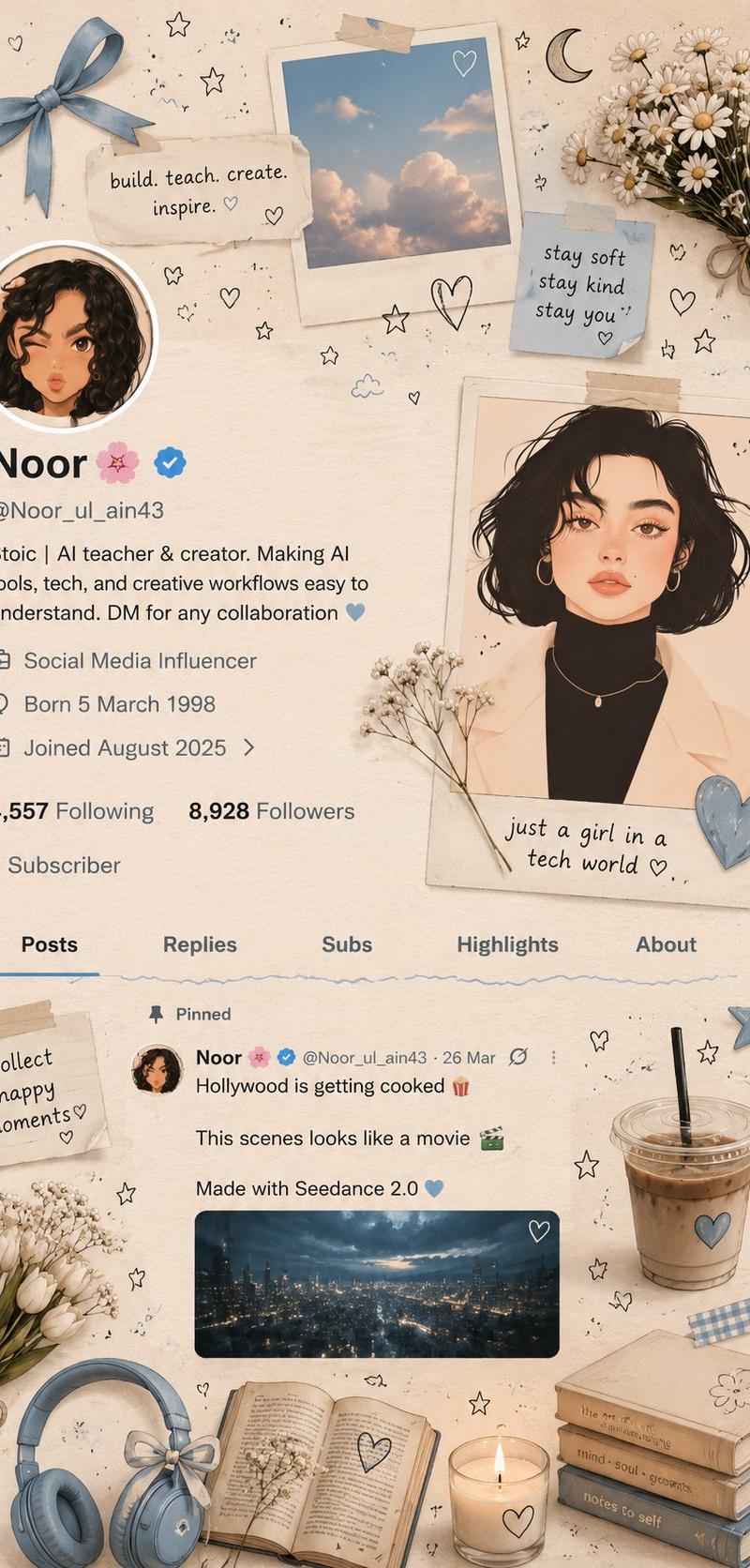
柔美米蓝Pinterest风格手帐拼贴
Enlarge

Example images

柔美米蓝Pinterest风格手帐拼贴

Prompt
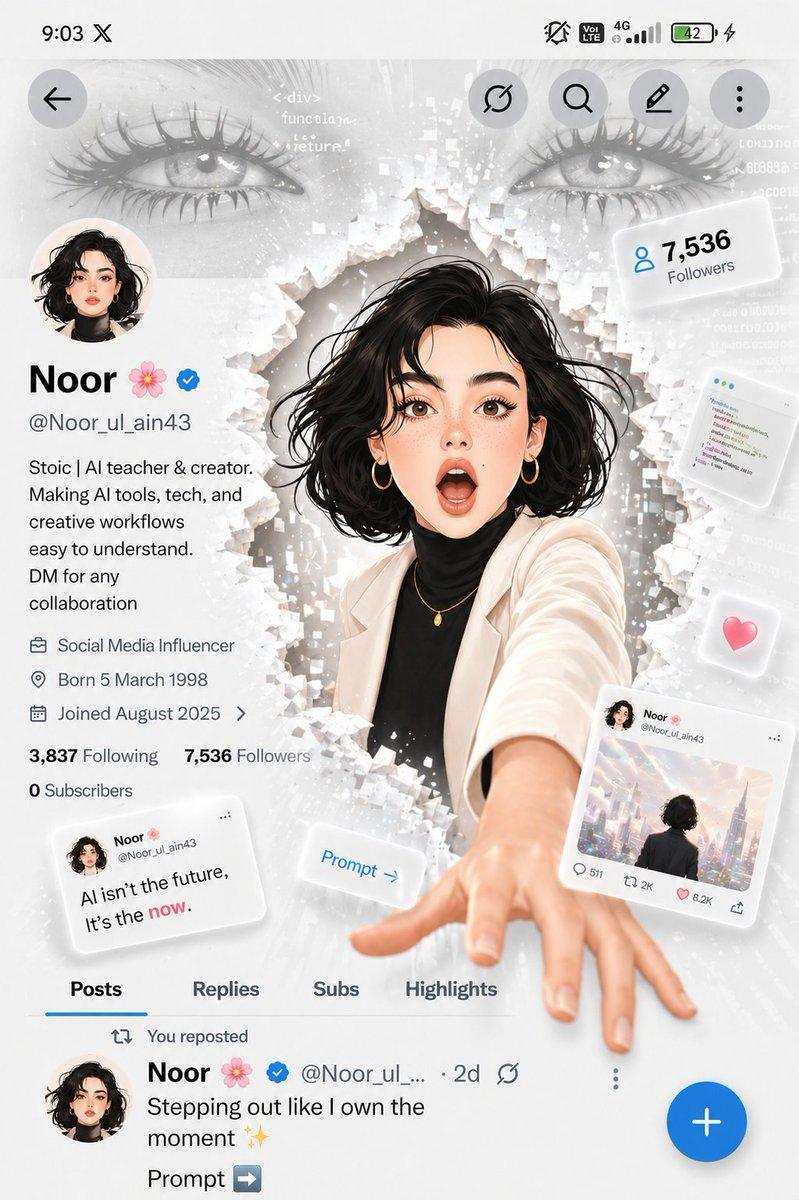
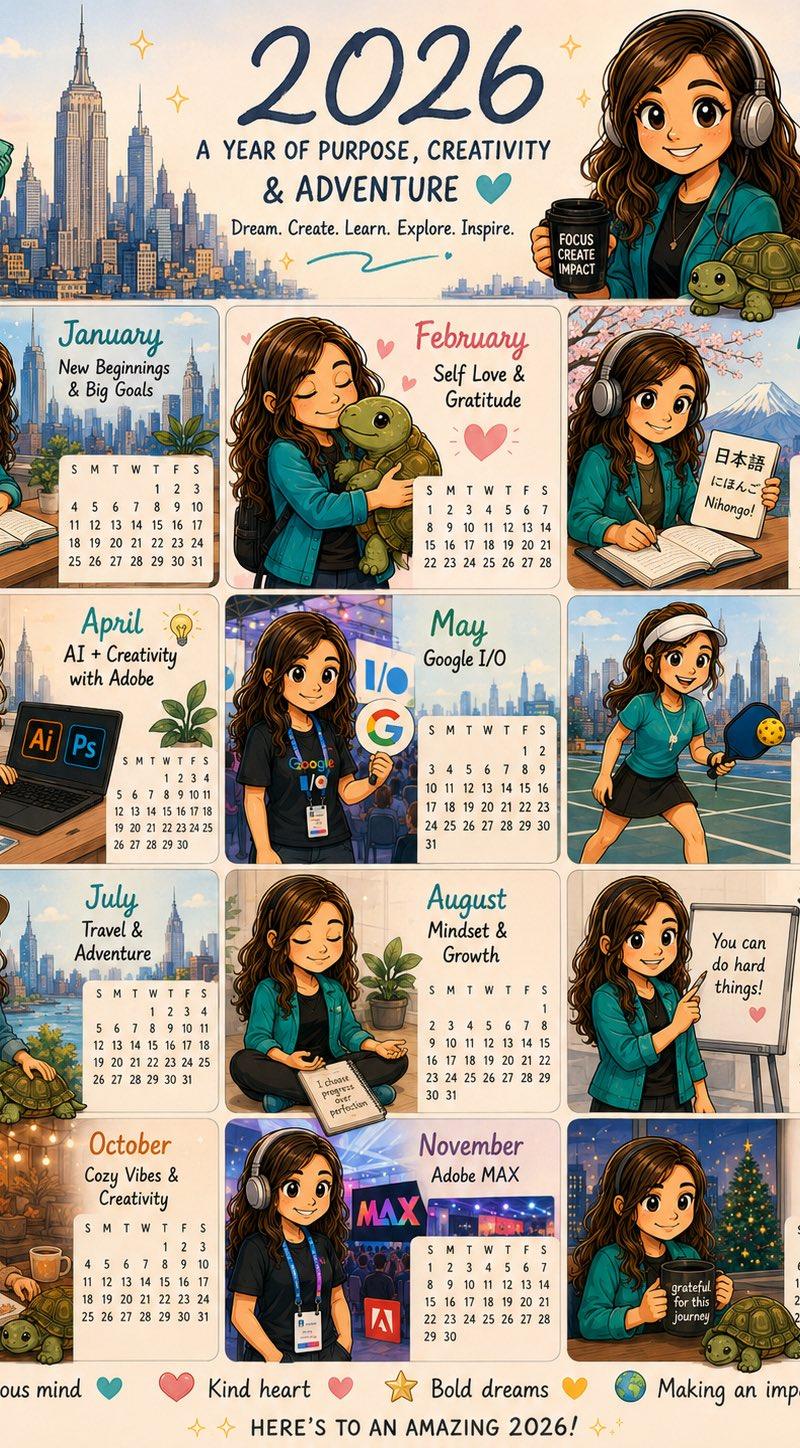
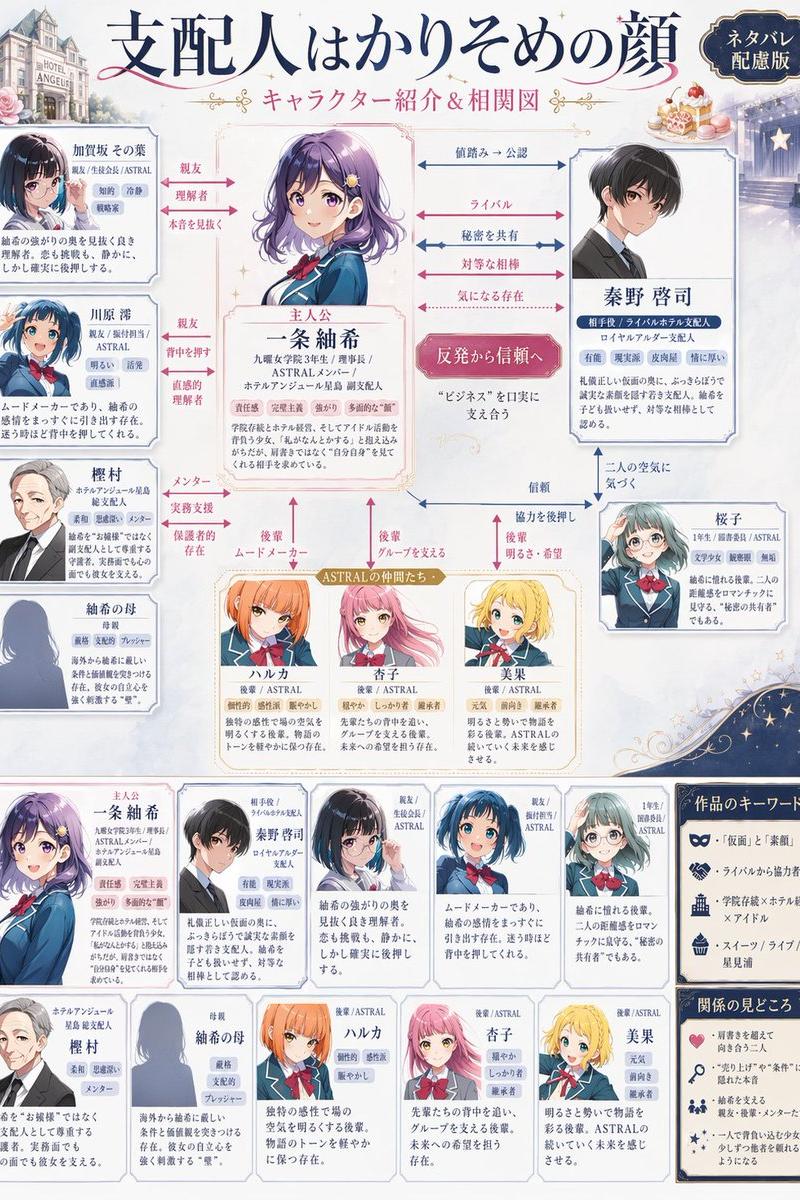
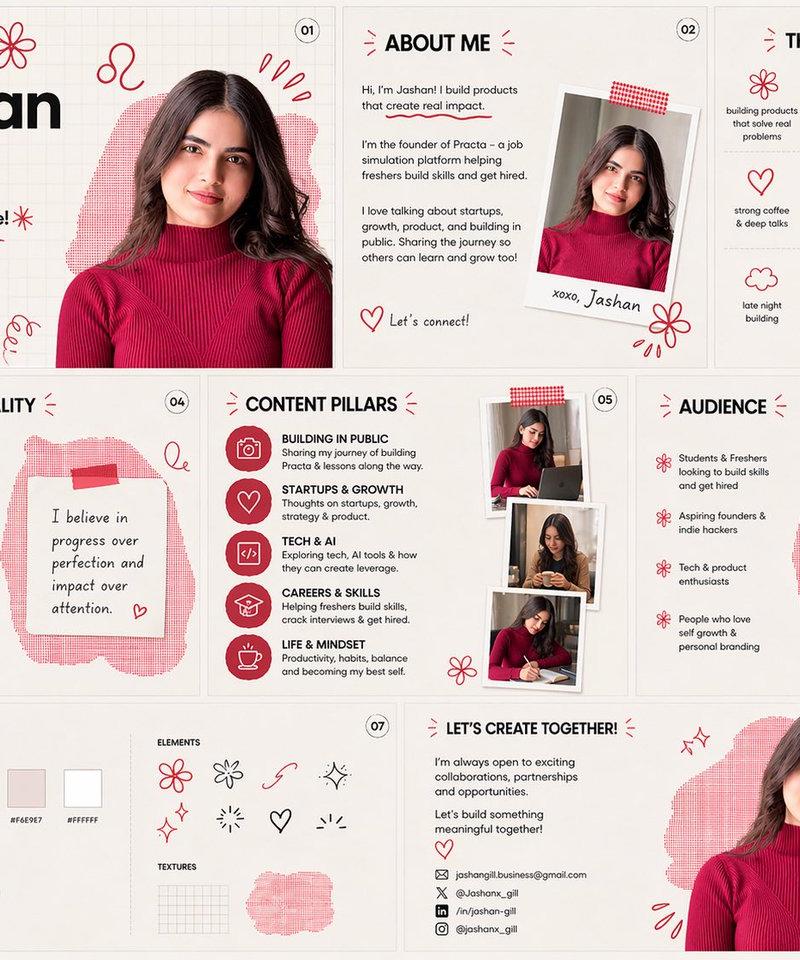
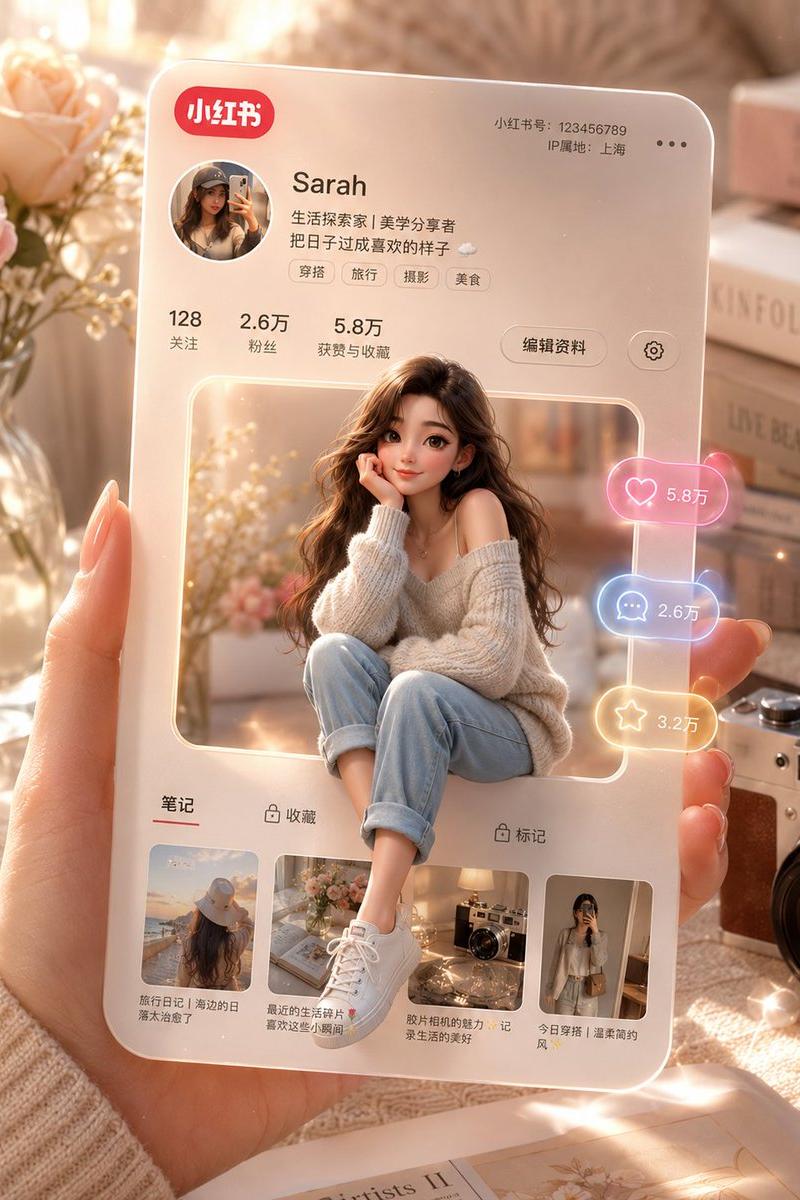
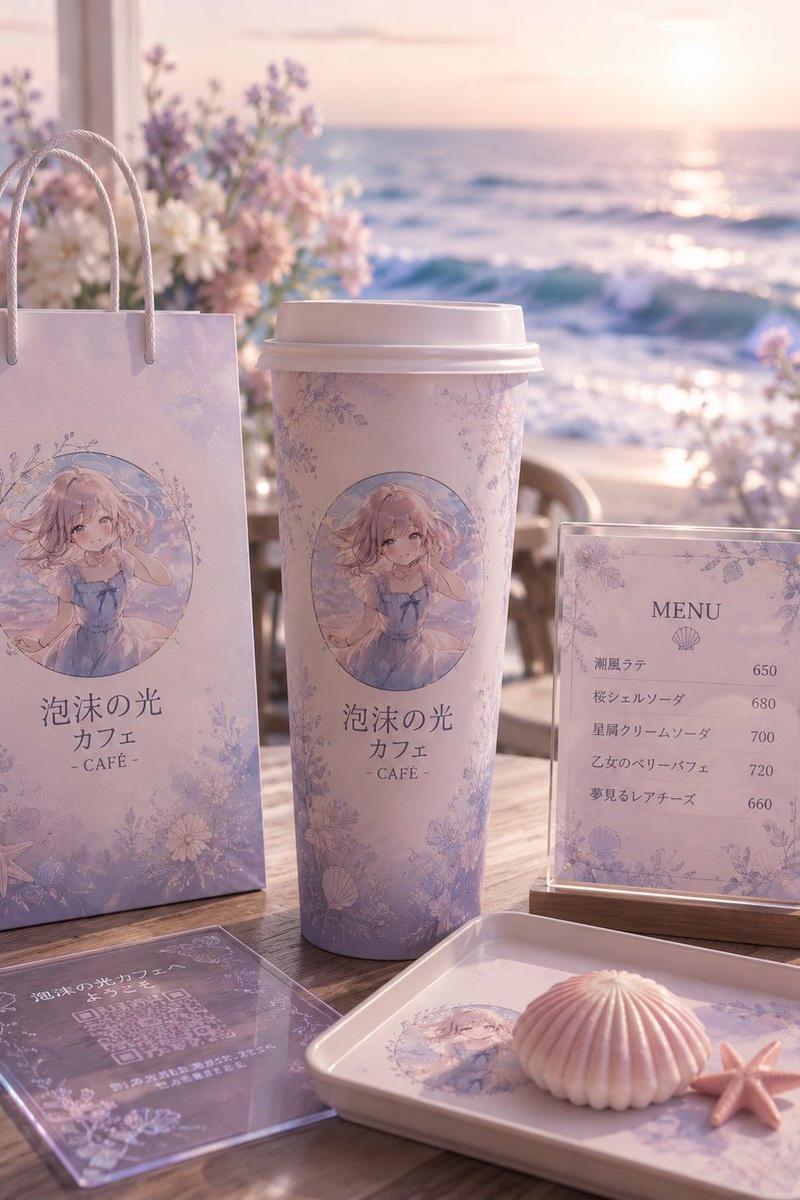
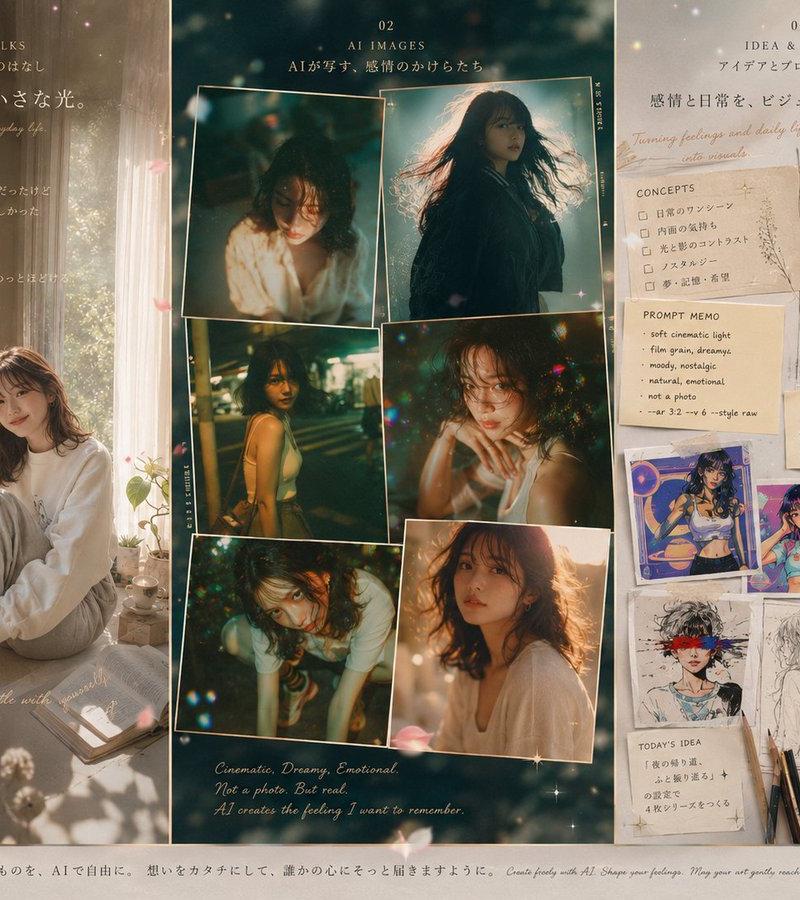
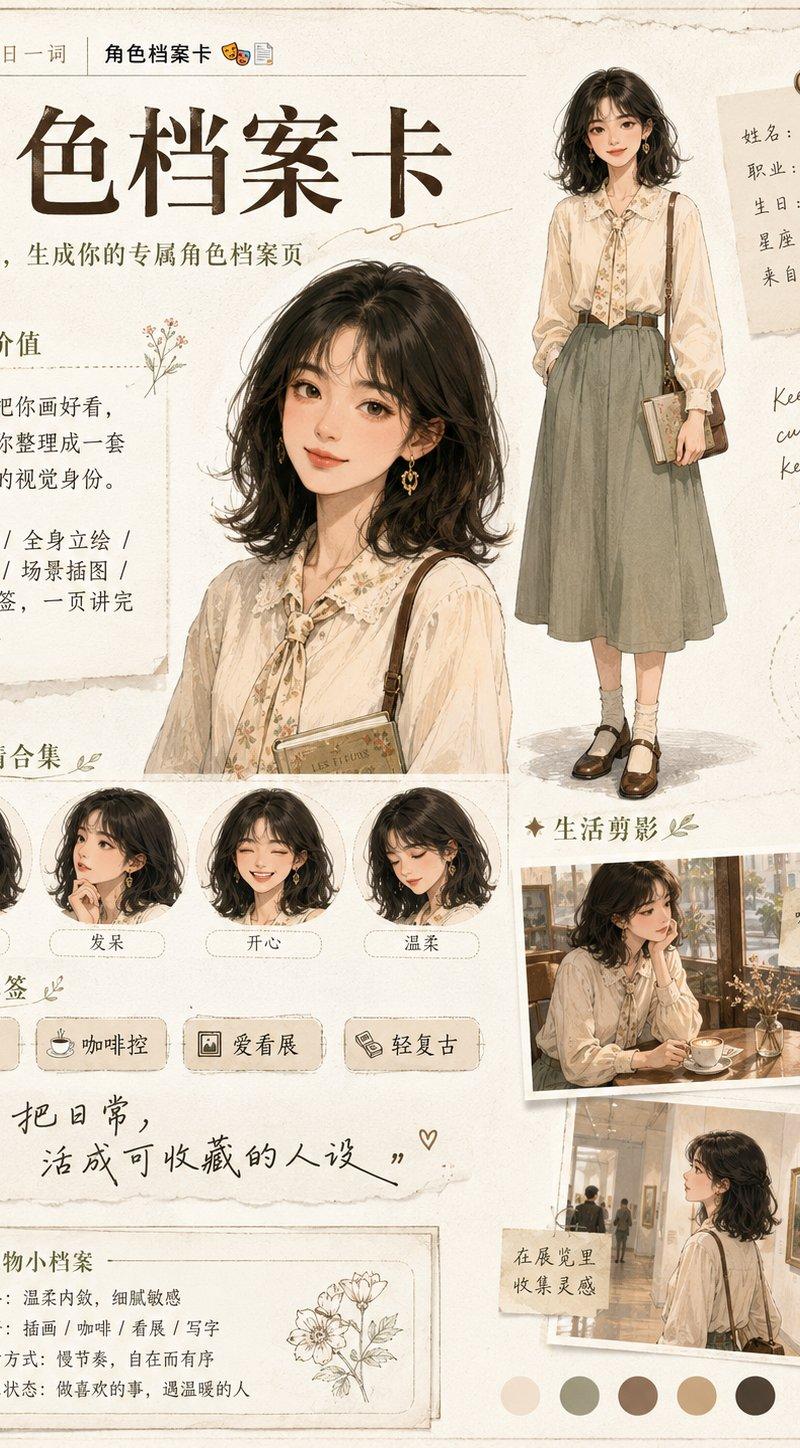
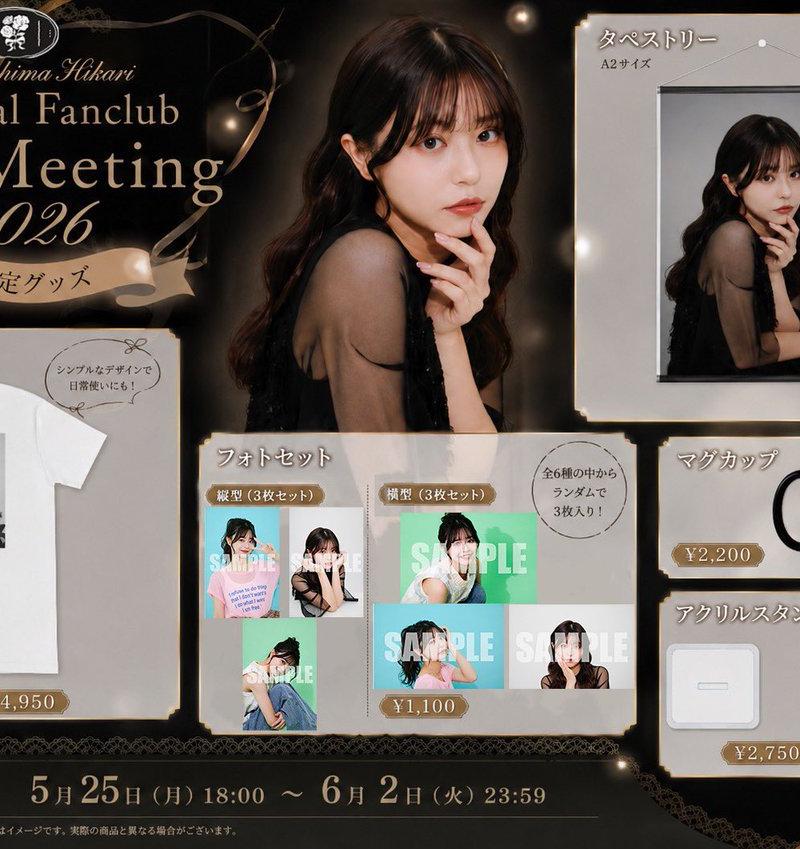
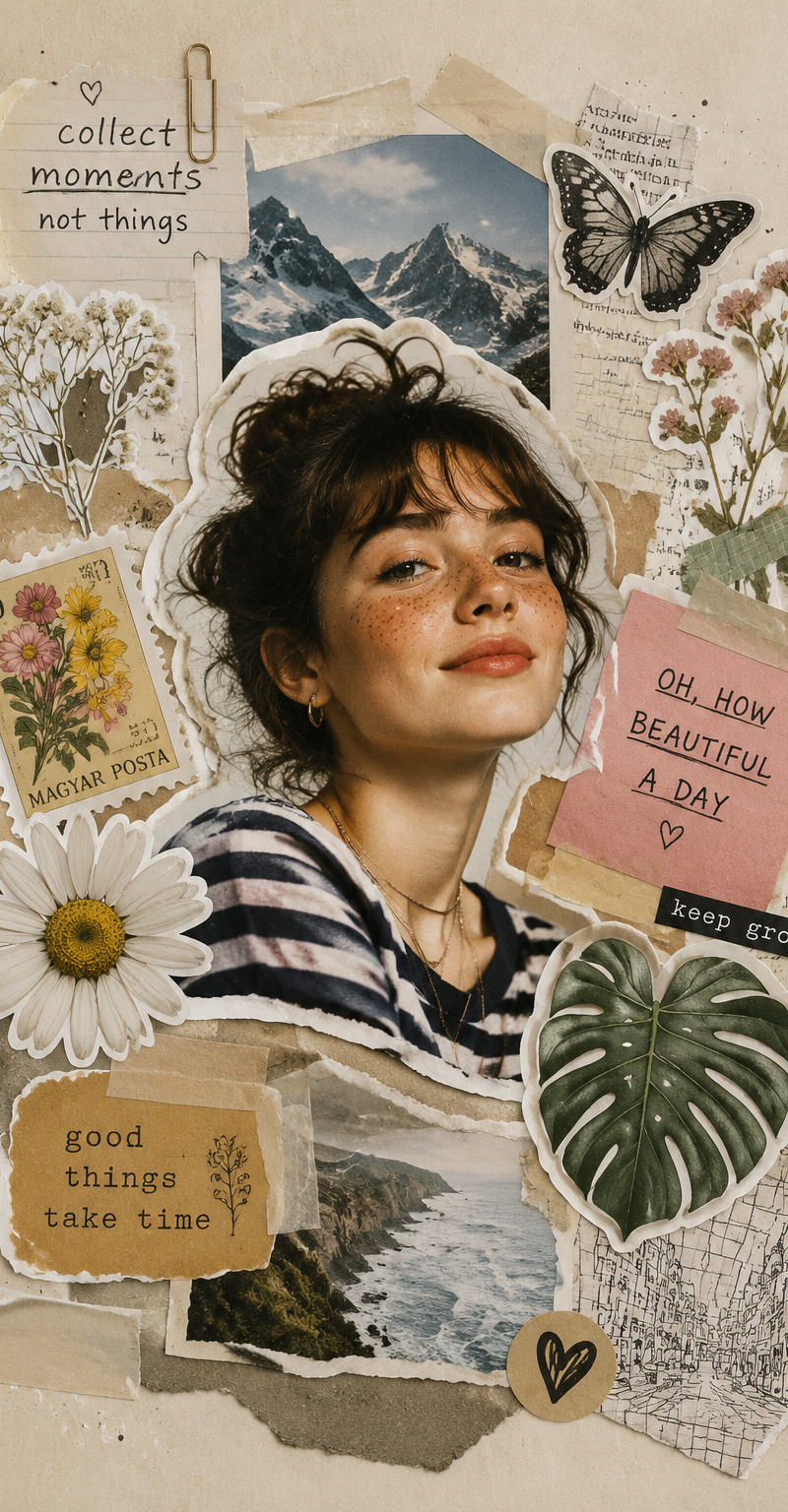
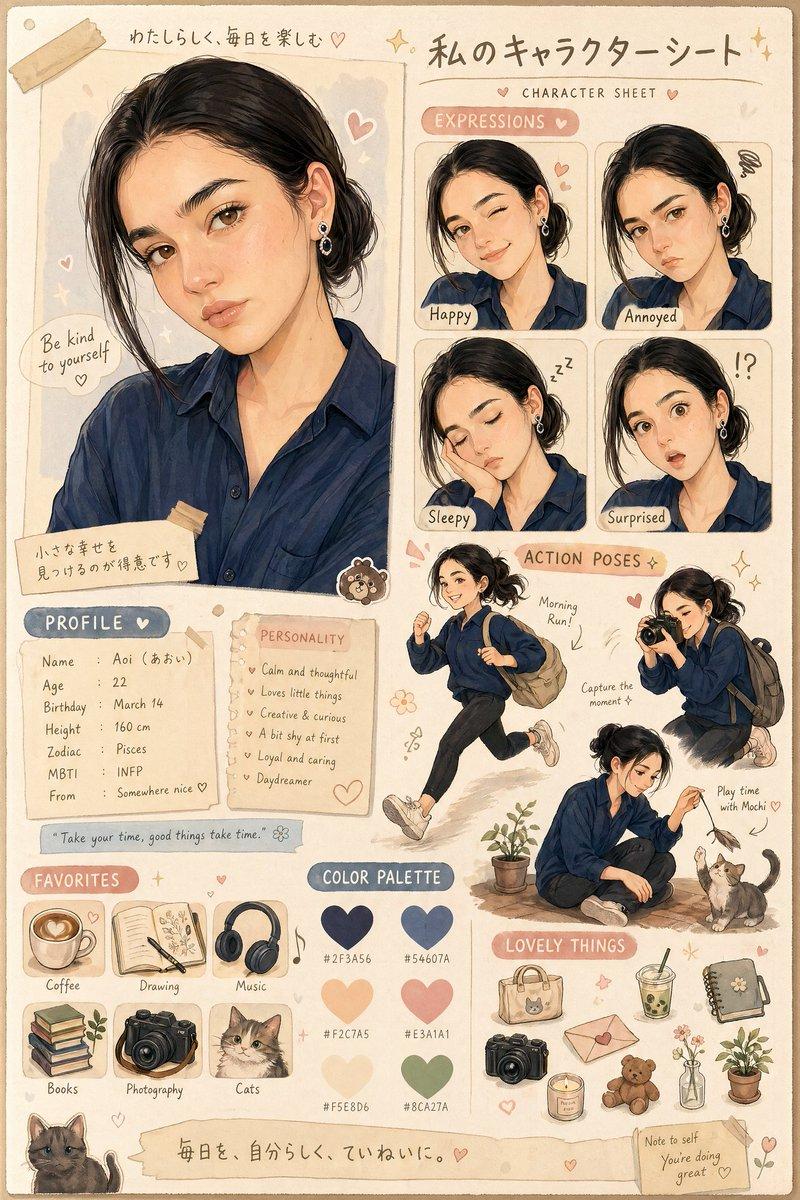
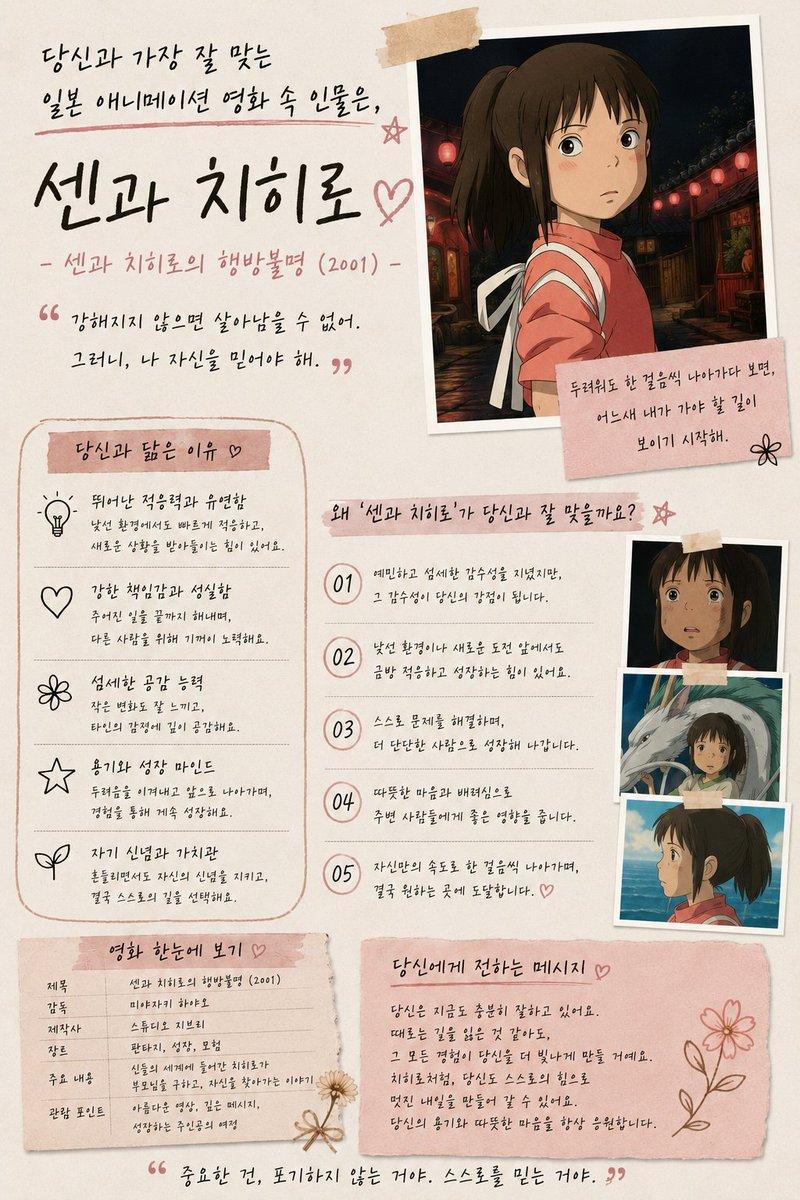
Create an ultra-aesthetic Pinterest-style scrapbook collage in soft beige and pastel blue tones. Use the provided X/Twitter profile screenshot and anime avatar as the main elements. Arrange them in a dreamy coquette mood board layout with Polaroid frames, fluffy cloud photos, blue satin bows, white tulips, baby's breath flowers, books, aesthetic candles, iced coffee, blue headphones, handwritten sticky notes, doodled hearts, stars, moons, flowers, and sparkles. Add cute motivational quotes like "build. teach. create. inspire." and "just a girl in a tech world ♡". Soft paper textures, torn tape pieces, vintage journal aesthetic, clean composition, feminine and cozy vibe, highly detailed, realistic scrapbook materials, subtle shadows, pastel color harmony, Instagram/Pinterest worthy, premium aesthetic design, 4K quality.
Category
Brand & Logos
Model
ChatGPT
Creator
@Noor_ul_ain43
Source language
zh-CN
Views32
Source ID
15225
Published
Jun 1, 2026
Studio

Guide

About "柔美米蓝Pinterest风格手帐拼贴"

What is this prompt for?

"柔美米蓝Pinterest风格手帐拼贴" AI image prompt for ChatGPT (Brand & Logos). 创建一个超唯美的 Pinterest 风格手帐拼贴,采用柔和的米色和淡蓝色调。使用提供的 X/Twitter 个人资料截图和动漫头像作为主要元素。将它们安排在梦幻的 coquette…

The full copyable prompt and example visuals above are ready for AI image generation or one-click recreate in Picva.

How to use this prompt

  1. Step 1

    Open the prompt detail

    Review the example visuals, category, and full prompt text for "柔美米蓝Pinterest风格手帐拼贴".

  2. Step 2

    Copy the prompt

    Copy the prompt body from this page, or load it directly in Studio.

  3. Step 3

    Pick a model (ChatGPT)

    Prefer ChatGPT. If you switch models, keep subject and composition and tweak style terms.

  4. Step 4

    Generate and export

    Recreate the look in Picva, or export into your workflow for editing and publishing.

FAQ

What is the "柔美米蓝Pinterest风格手帐拼贴" prompt?
It is an AI image-generation prompt for ChatGPT in the Brand & Logos category. This page includes the full prompt text, example visuals, and a one-click recreate path in Picva.
How do I use this prompt to generate an image?
Copy the prompt from this page, or use Generate / Studio. Paste it into a compatible image model, or recreate the look in Picva with optional reference images.
Which model is this prompt for?
This page lists ChatGPT. Most descriptive prompts also transfer to nearby image models such as GPT Image, Flux, or Midjourney with light style tweaks.
Can I use the result commercially?
You can usually copy the prompt for creation, but commercial use of the final image depends on the model terms, reference-image rights, and the generated content. Follow the source author and platform rules.