14

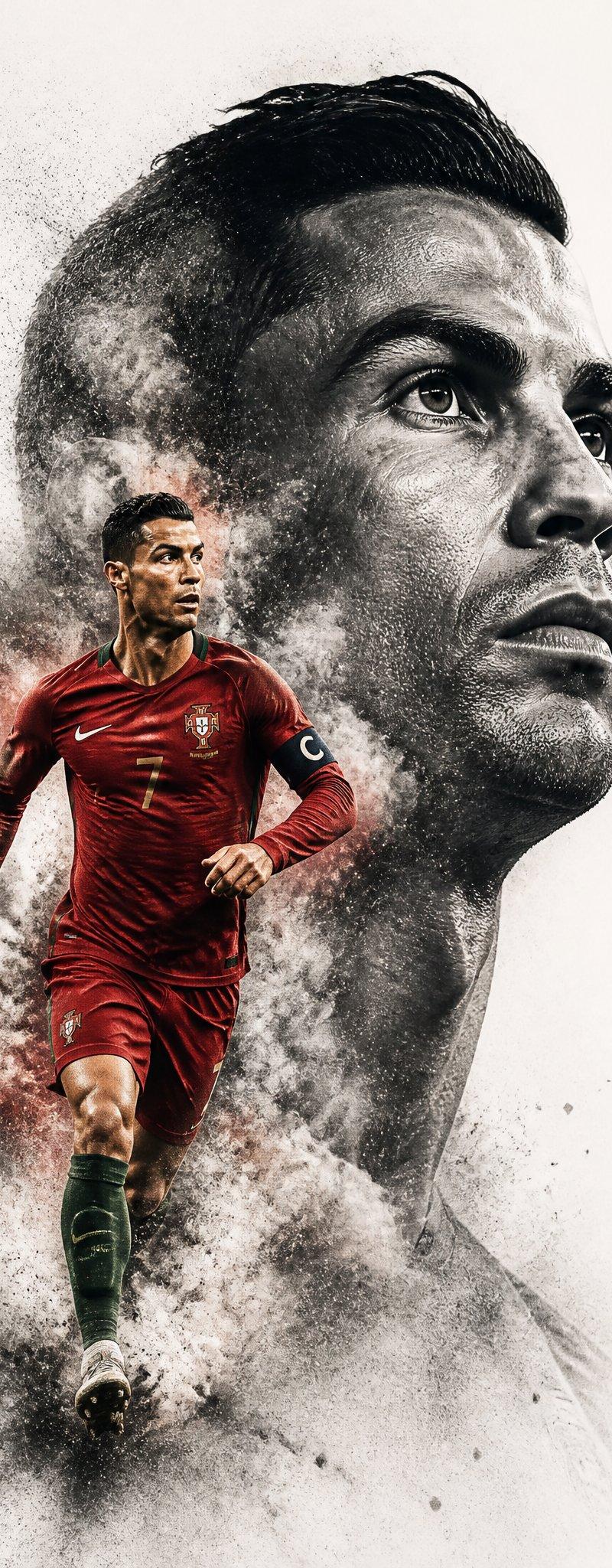
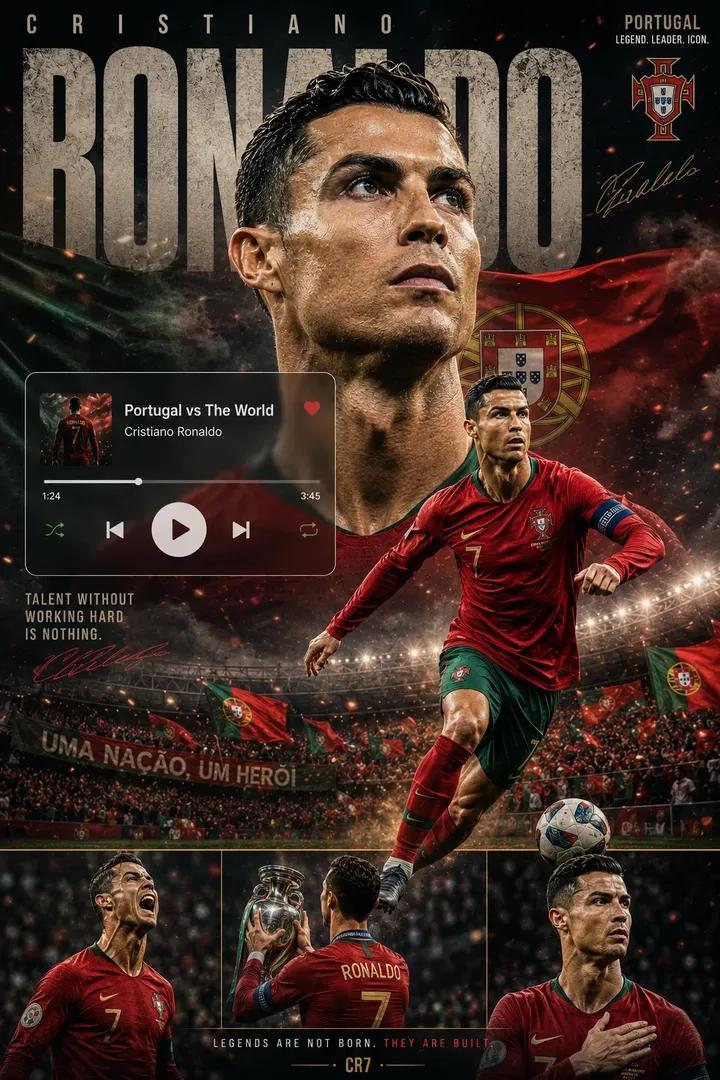
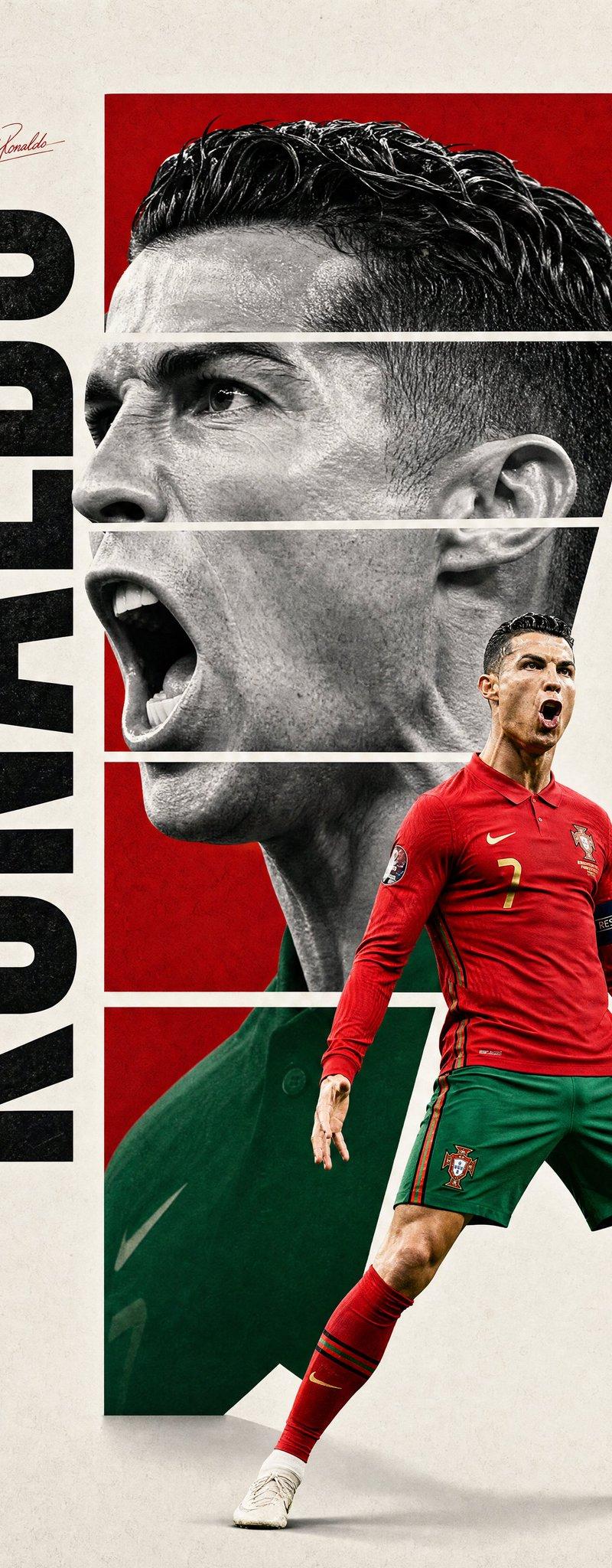
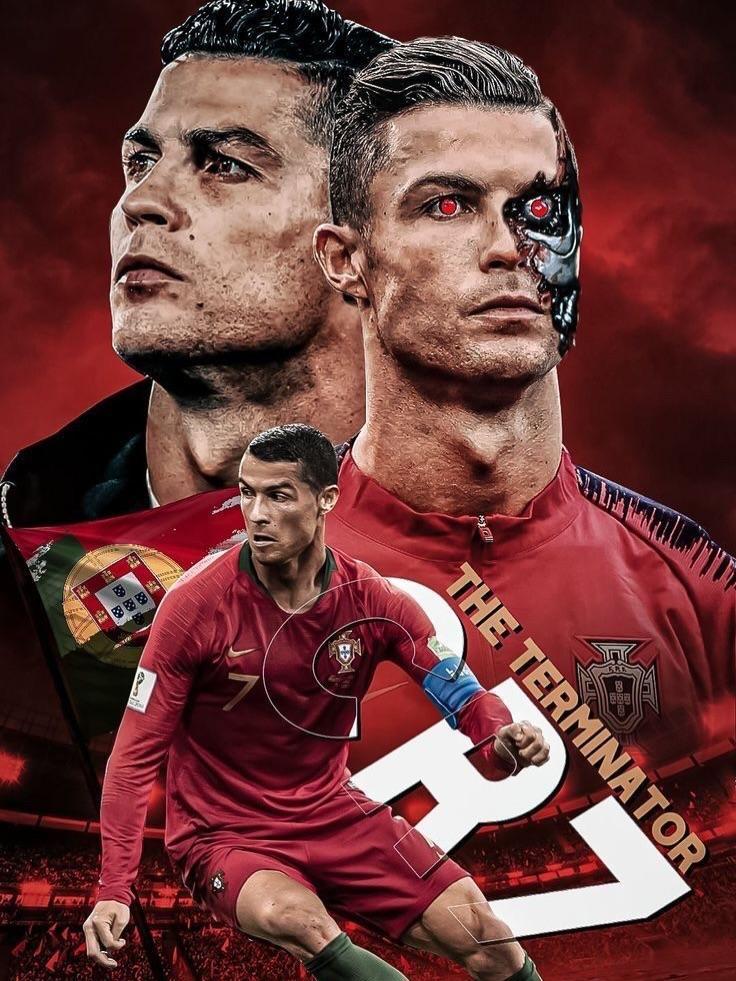
足球巨星动感体育插画海报
Enlarge

Example images

足球巨星动感体育插画海报

Prompt
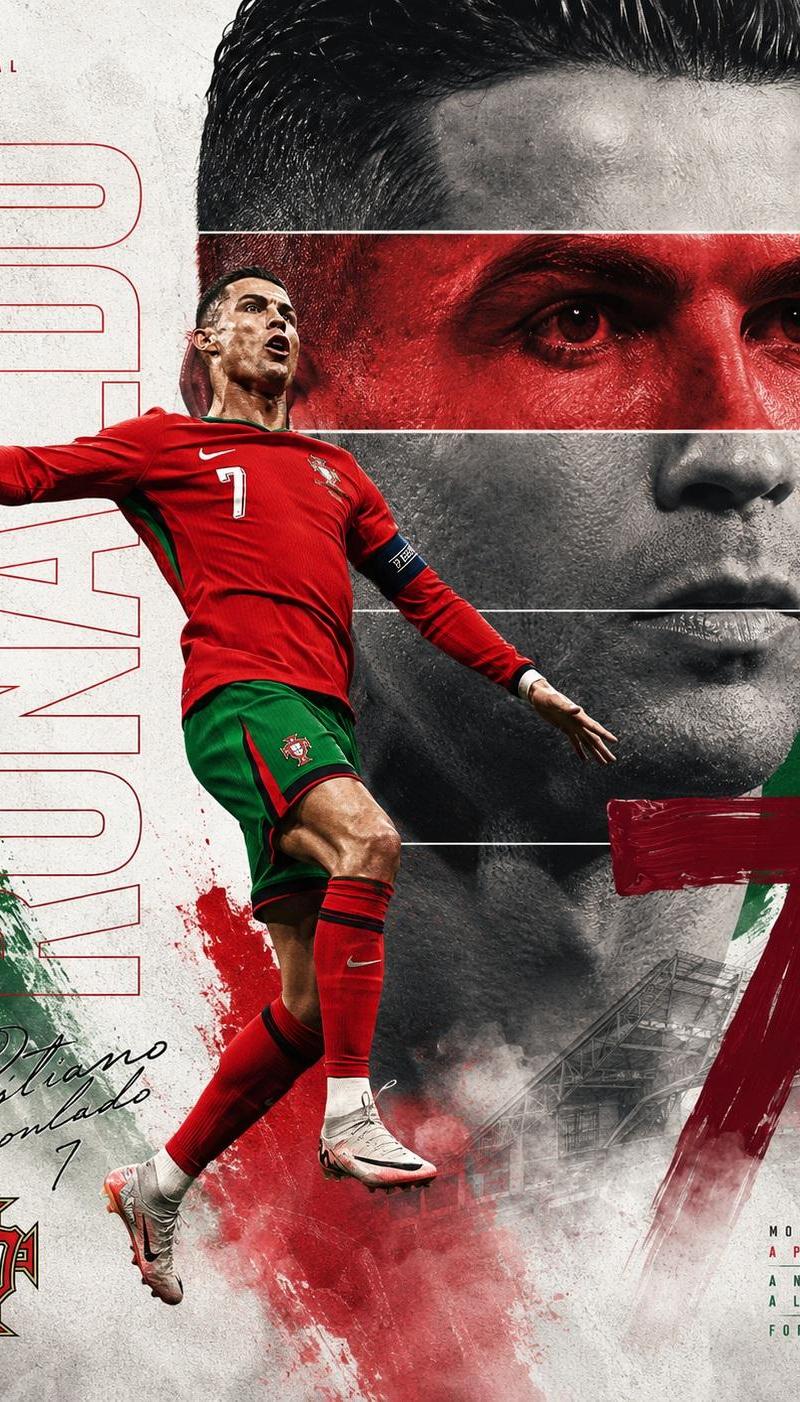
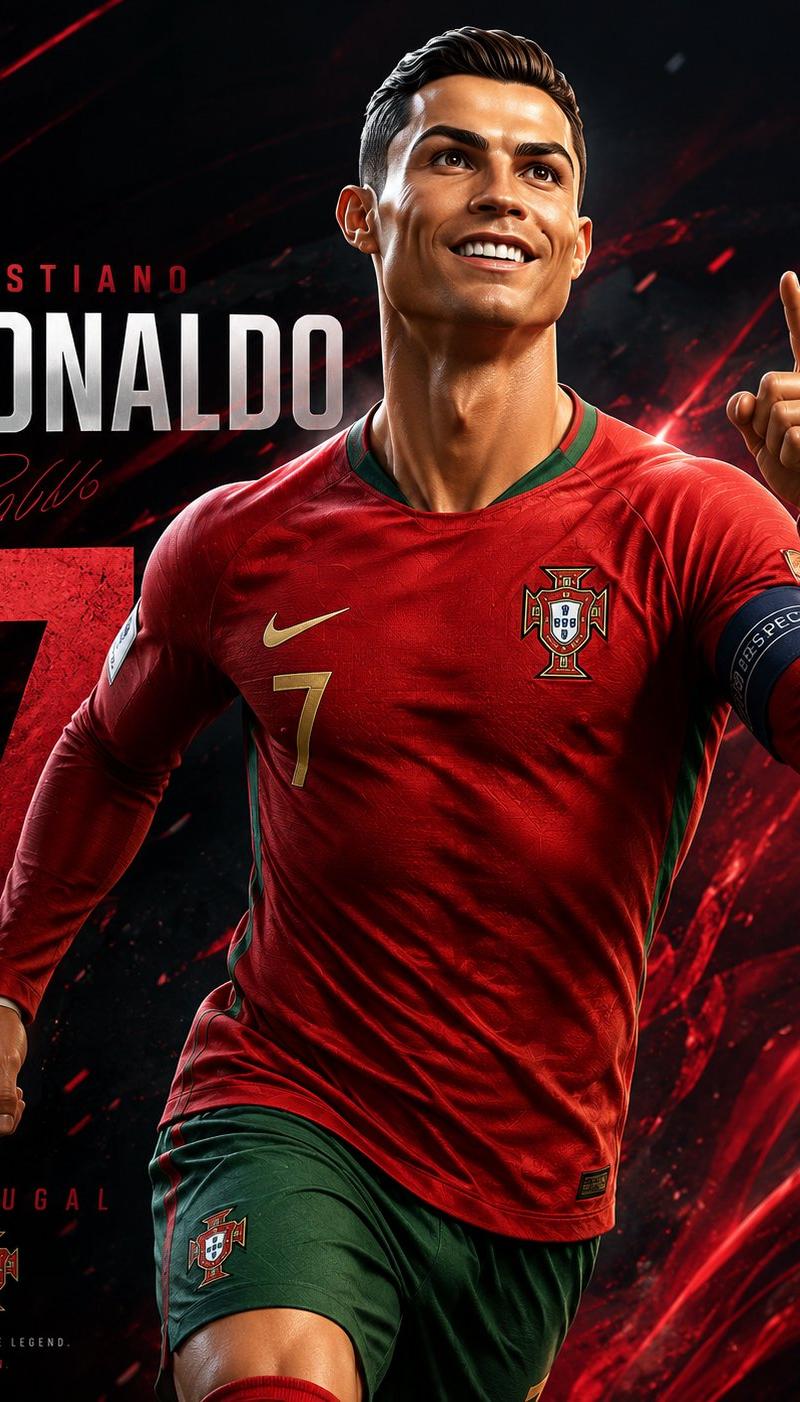
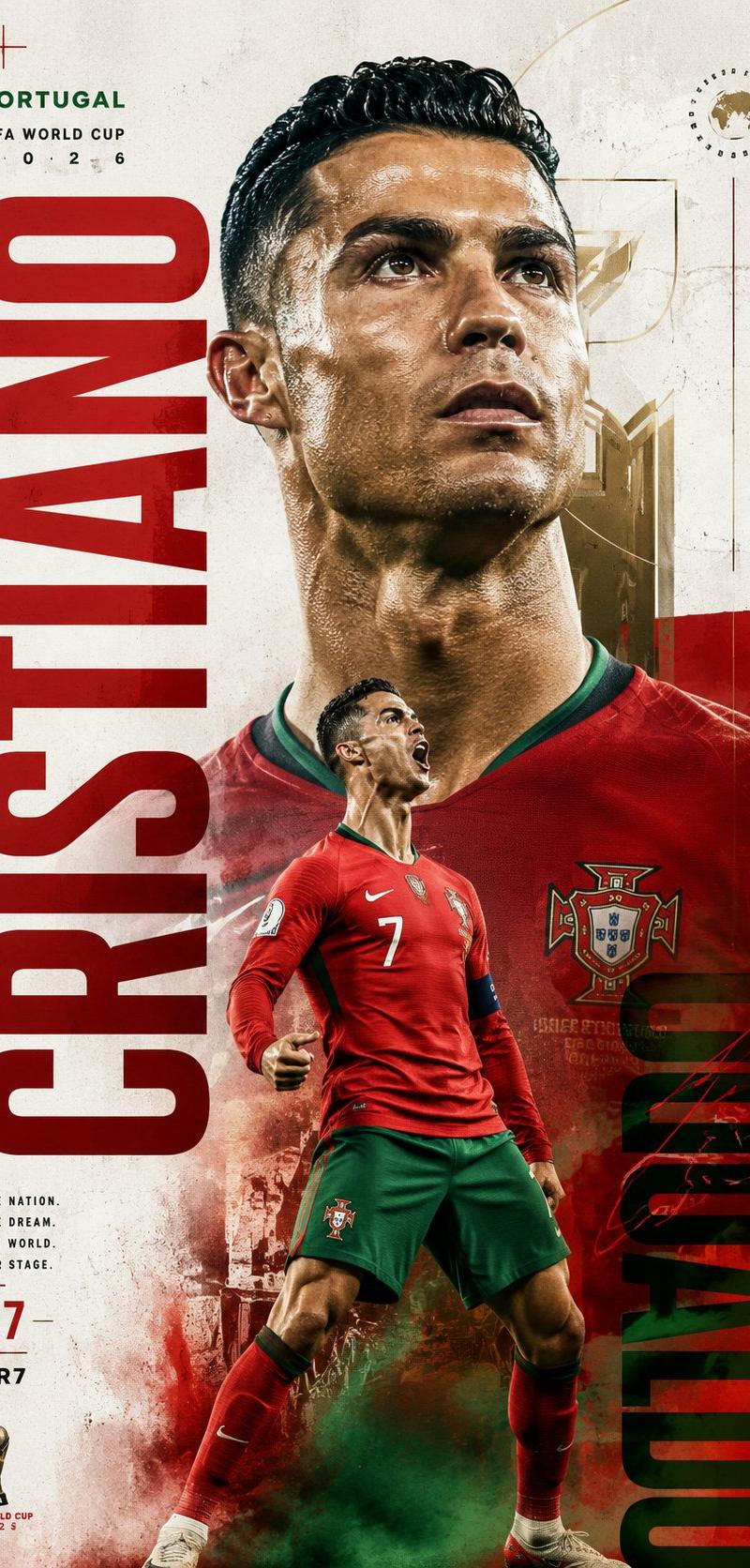
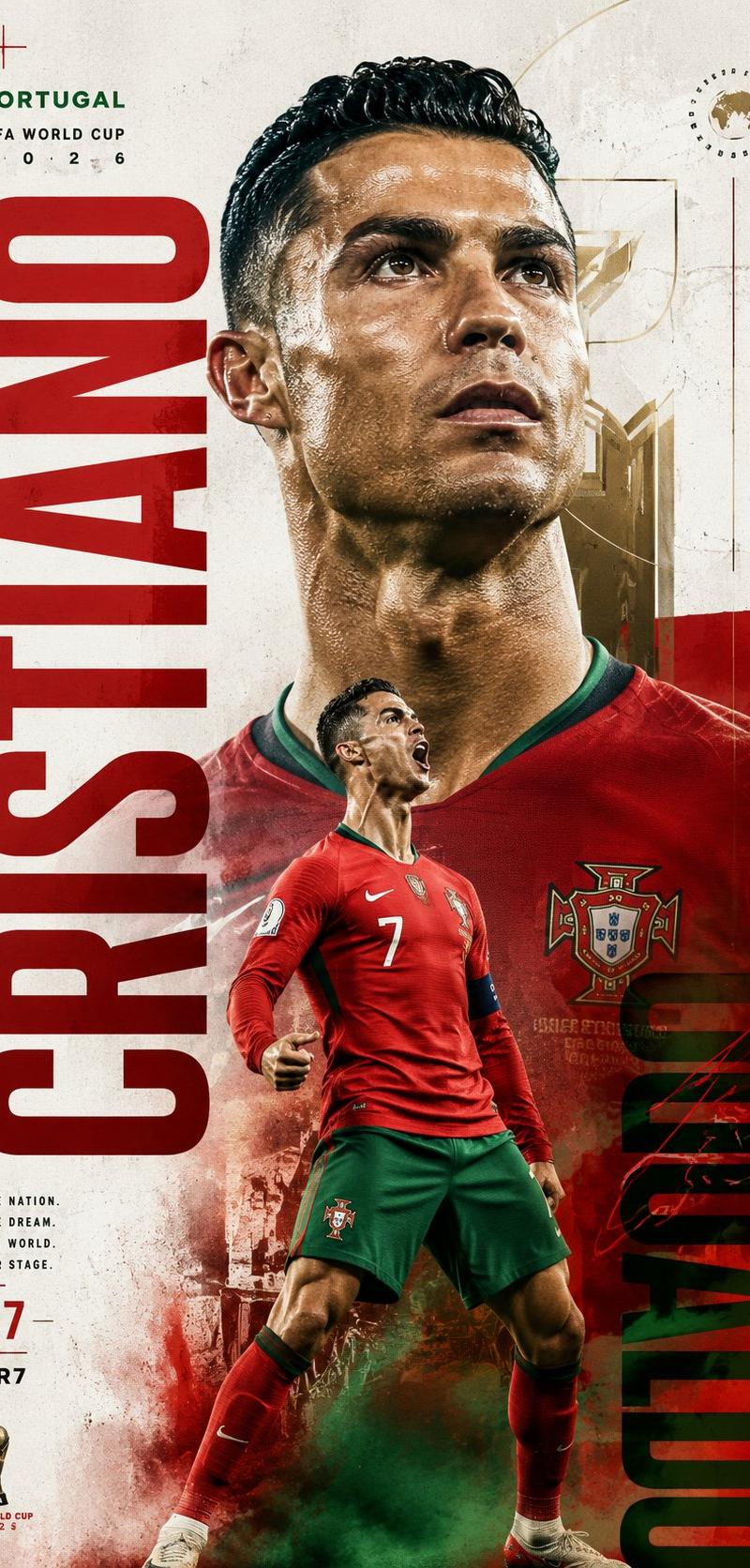
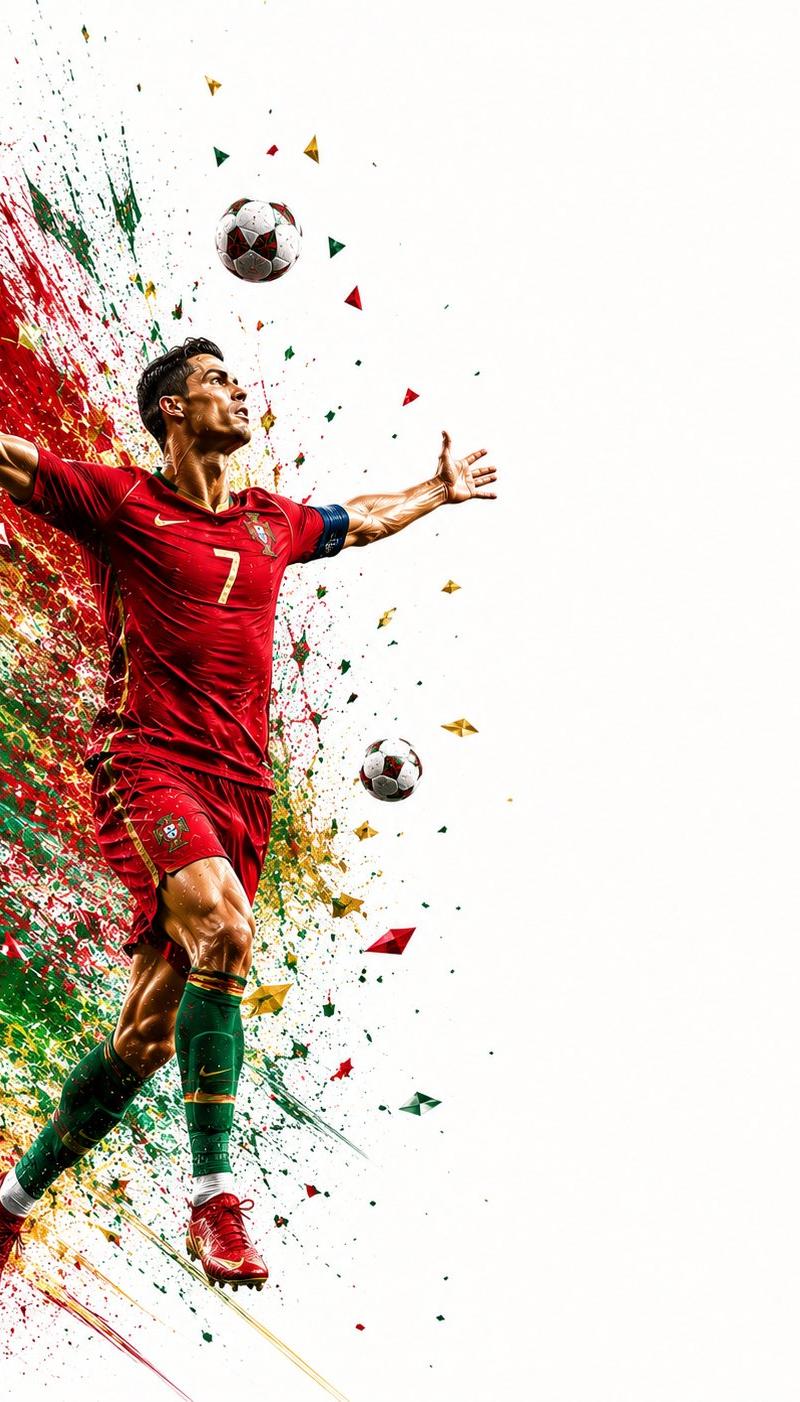
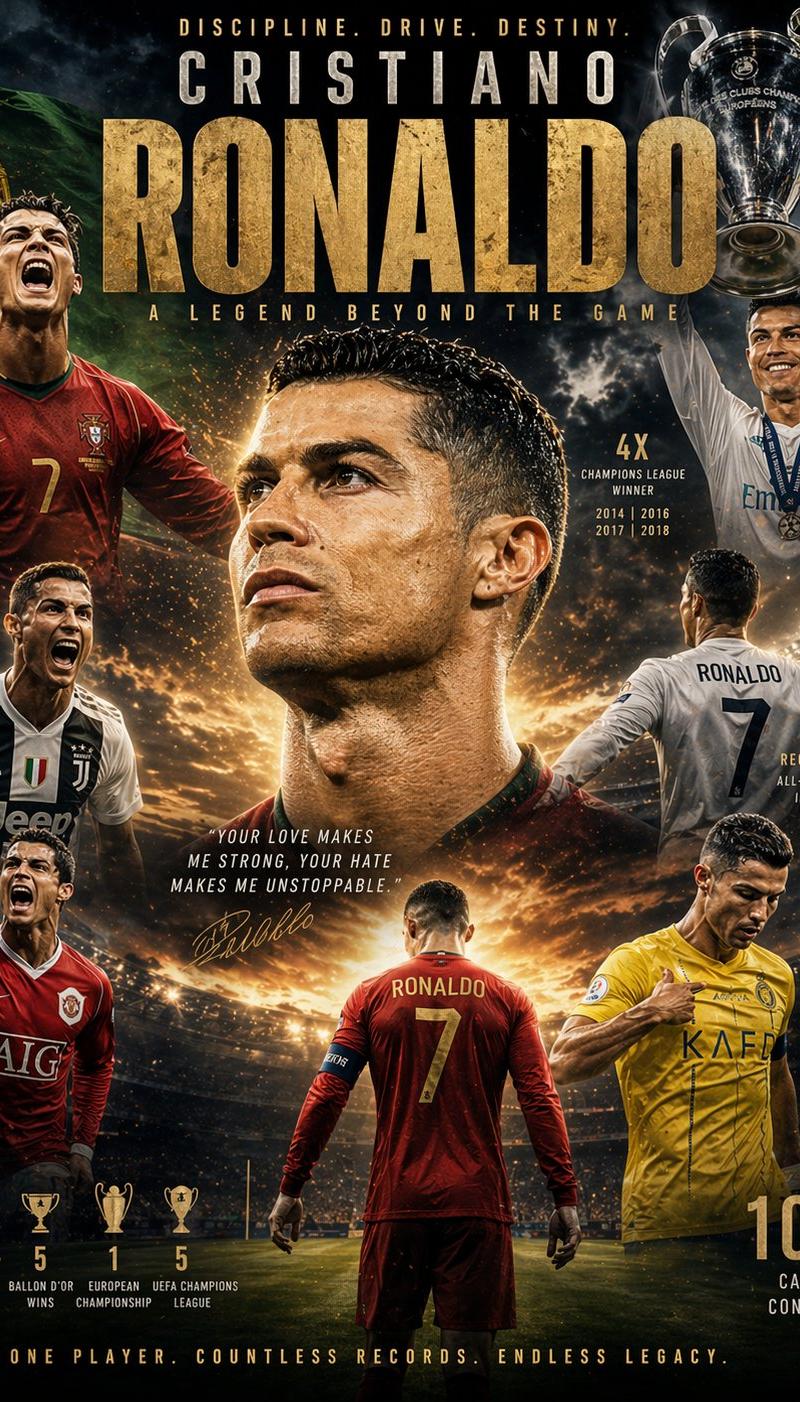
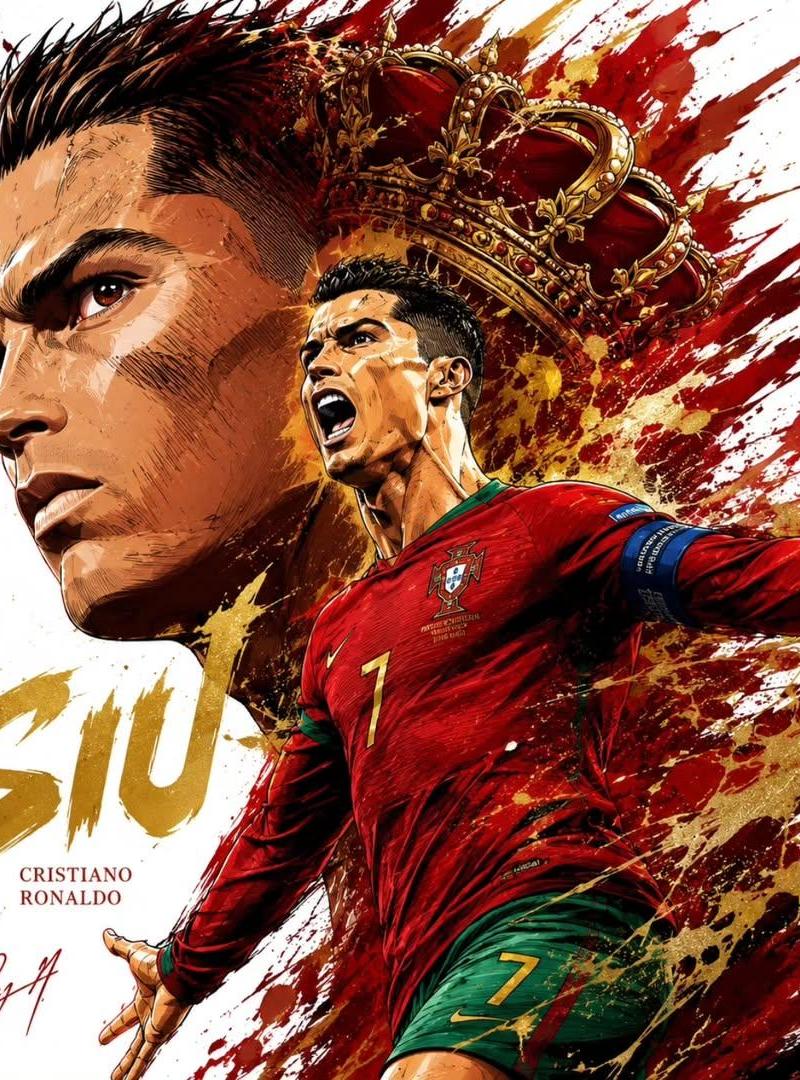
Ultra-detailed sports illustration poster, dynamic football superstar composition, giant side-profile portrait dominating the left side, full-body action pose in the foreground controlling or striking a football, explosive paint splashes and ink strokes bursting across the background, national team colors integrated into abstract watercolor and graffiti effects, symbolic spirit animal emerging behind the player (lion, tiger, eagle, wolf, dragon), dramatic energy trails, high-impact sports poster design, expressive brushwork, manga-inspired realism, cinematic lighting, hyper-detailed facial features, sharp focus, premium collectible artwork, white background with colorful splatter explosions, typography featuring player name and jersey number, championship aura, 8K masterpiece, trending on ArtStation, sports fantasy concept art.
Category
Charts & Infographics
Model
ChatGPT
Creator
@Taaruk_
Source language
zh-CN
Views71
Source ID
15716
Published
Jun 10, 2026
Studio

Guide

About "足球巨星动感体育插画海报"

What is this prompt for?

"足球巨星动感体育插画海报" AI image prompt for ChatGPT (Charts & Infographics). 极高细节体育插画海报,动感足球巨星构图,左侧占据主导地位的巨型侧面肖像,前景中控制或射门足球的全身动作姿势,爆发性的油漆溅射和笔墨横扫背景,国家队颜色融入抽象水彩和涂鸦效果中,球员身…

The full copyable prompt and example visuals above are ready for AI image generation or one-click recreate in Picva.

How to use this prompt

  1. Step 1

    Open the prompt detail

    Review the example visuals, category, and full prompt text for "足球巨星动感体育插画海报".

  2. Step 2

    Copy the prompt

    Copy the prompt body from this page, or load it directly in Studio.

  3. Step 3

    Pick a model (ChatGPT)

    Prefer ChatGPT. If you switch models, keep subject and composition and tweak style terms.

  4. Step 4

    Generate and export

    Recreate the look in Picva, or export into your workflow for editing and publishing.

FAQ

What is the "足球巨星动感体育插画海报" prompt?
It is an AI image-generation prompt for ChatGPT in the Charts & Infographics category. This page includes the full prompt text, example visuals, and a one-click recreate path in Picva.
How do I use this prompt to generate an image?
Copy the prompt from this page, or use Generate / Studio. Paste it into a compatible image model, or recreate the look in Picva with optional reference images.
Which model is this prompt for?
This page lists ChatGPT. Most descriptive prompts also transfer to nearby image models such as GPT Image, Flux, or Midjourney with light style tweaks.
Can I use the result commercially?
You can usually copy the prompt for creation, but commercial use of the final image depends on the model terms, reference-image rights, and the generated content. Follow the source author and platform rules.