18

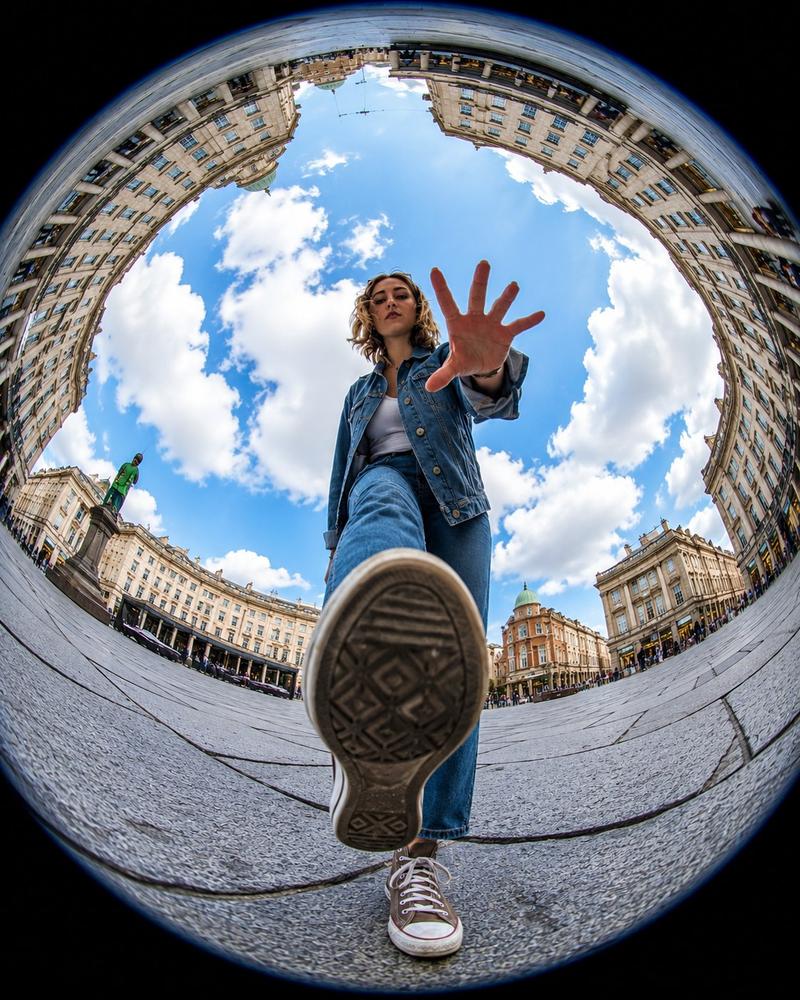
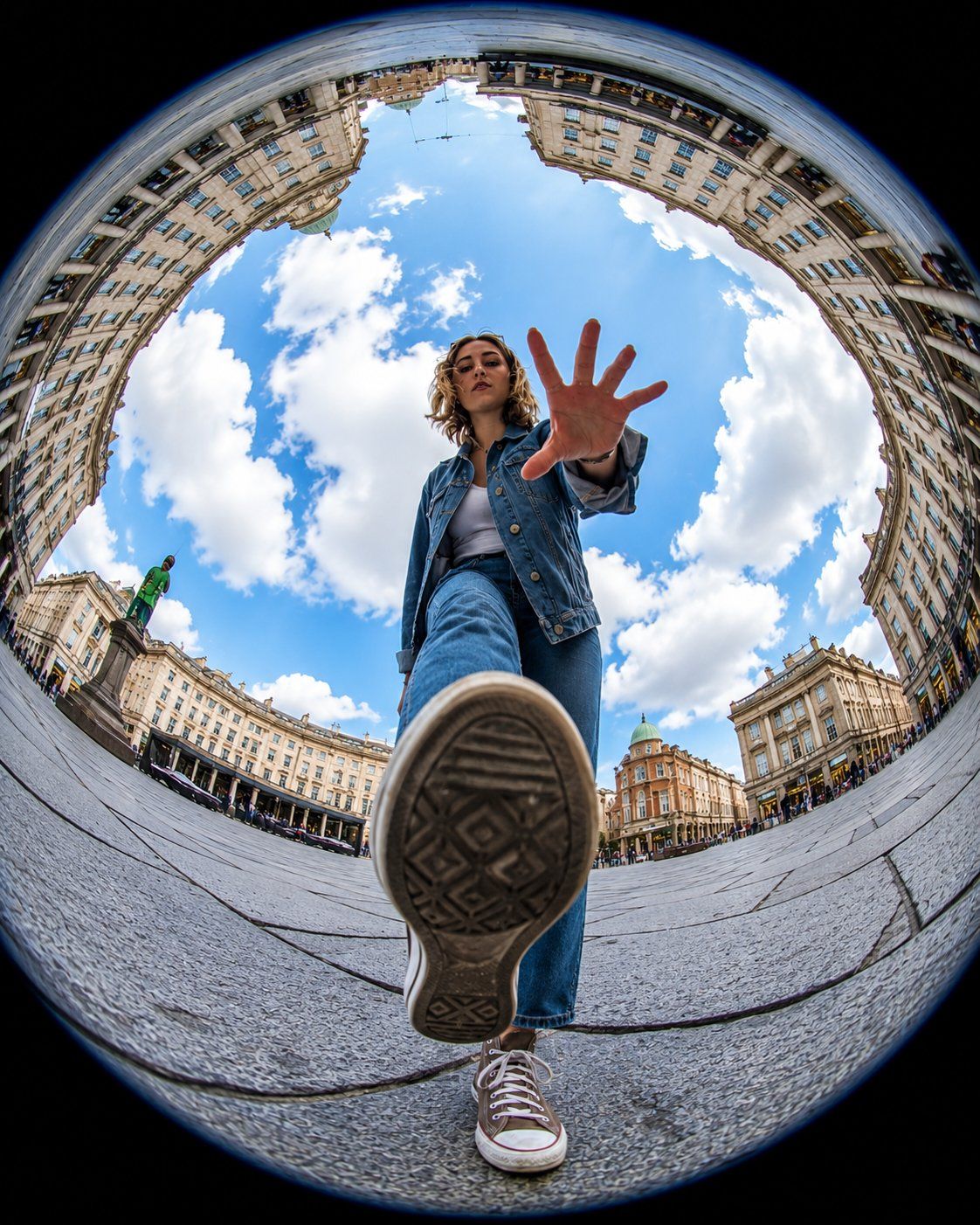
鱼眼镜头欧洲广场动感跨步摄影
Enlarge

Example images

鱼眼镜头欧洲广场动感跨步摄影

Prompt
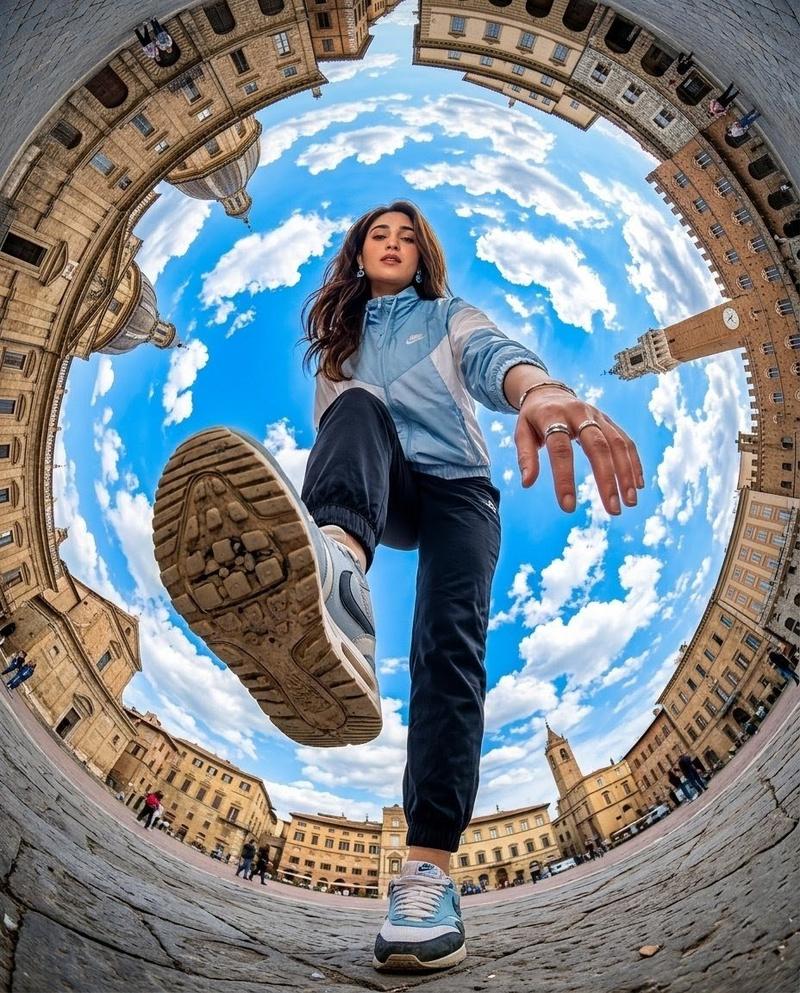
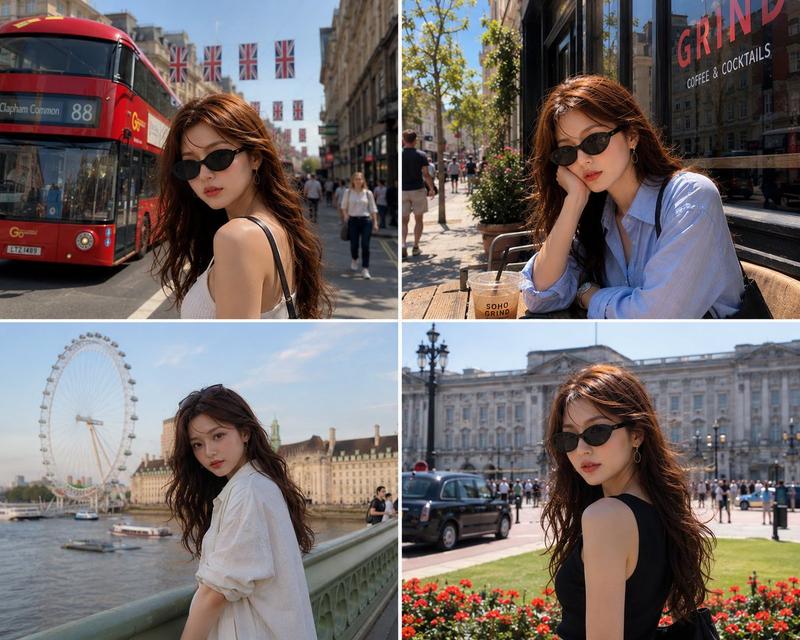
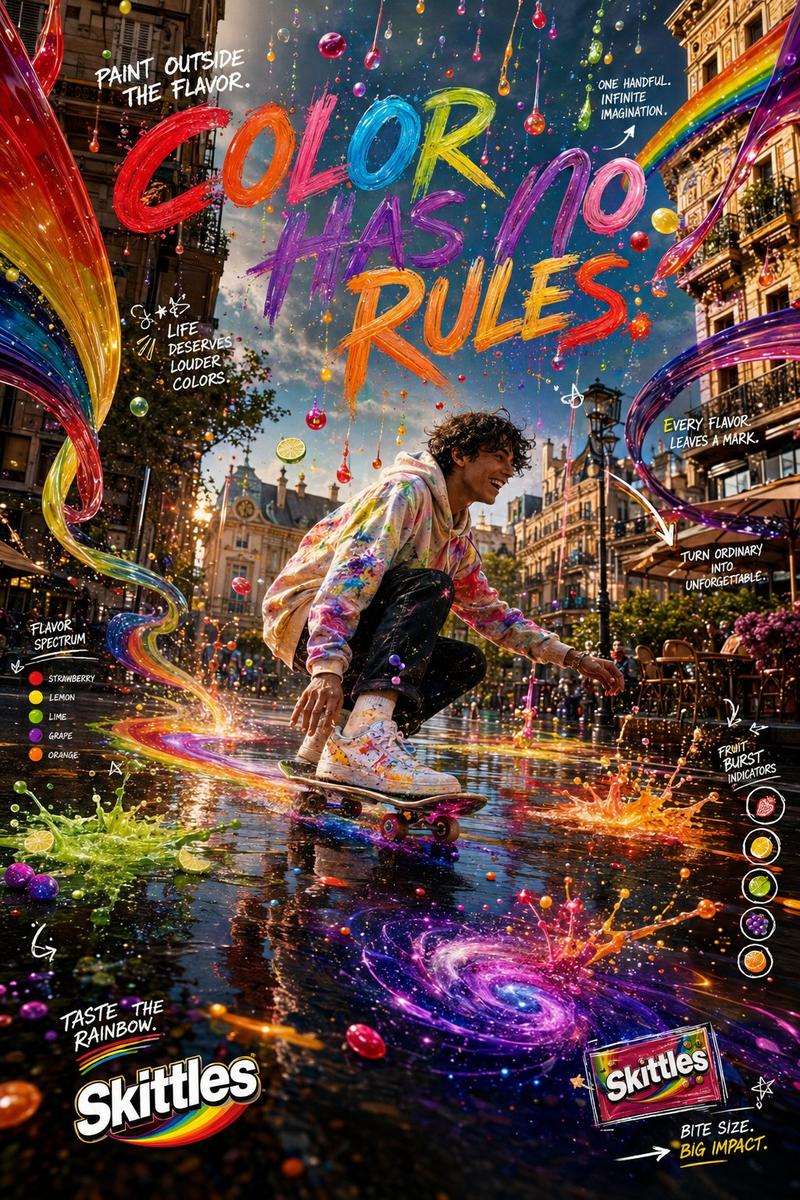
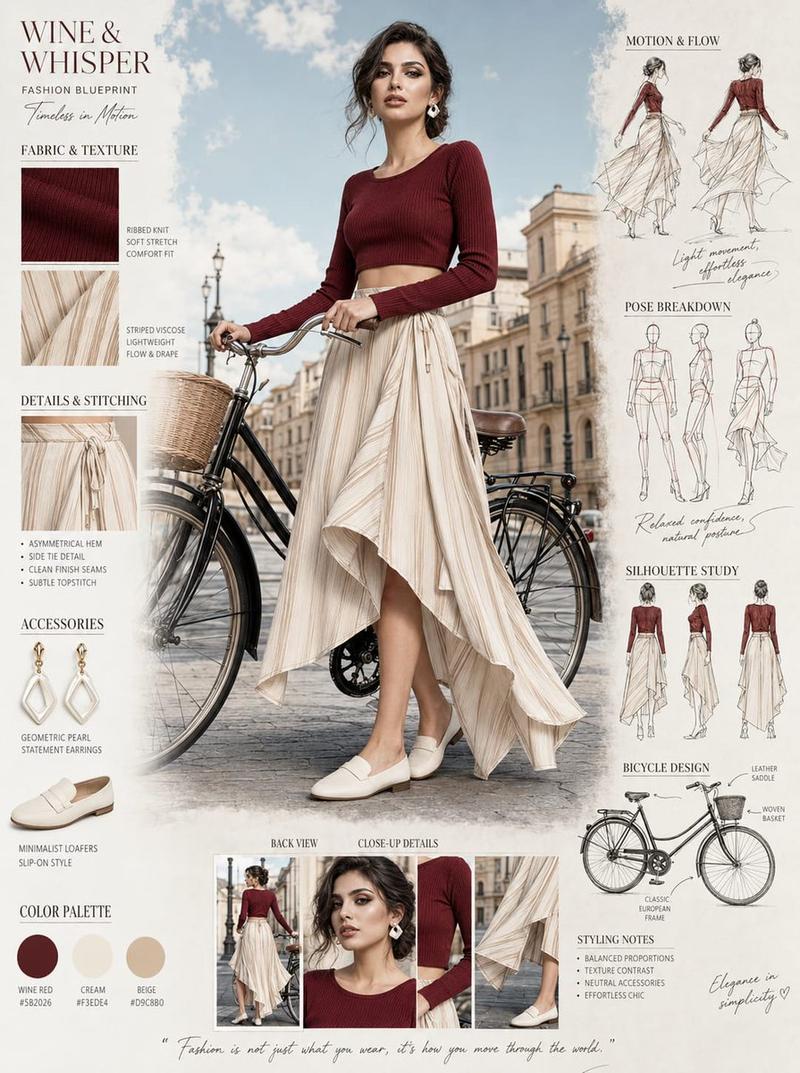
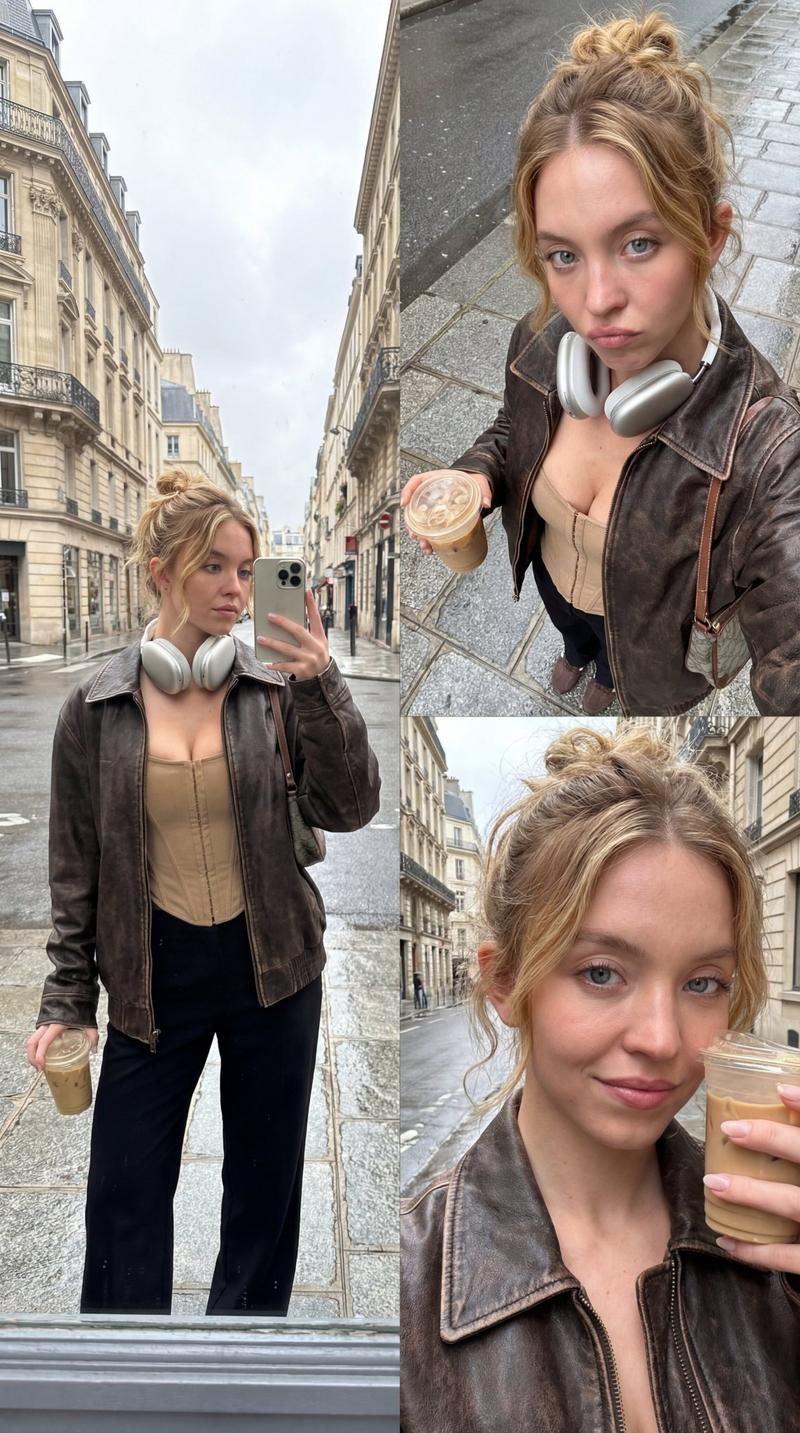
Ultra-realistic action photography, extreme fisheye lens, 8mm, worm’s-eye view from ground level, dynamic urban plaza scene. A stylish young person appears to be stepping over the camera, one sneaker sole dominating the foreground, hand reaching toward the lens.. Massive circular “tiny planet” perspective with historic European architecture curving around the edges of the frame, bright blue sky filled with fluffy white clouds at the center. Cinematic composition, dramatic distortion, ultra-wide angle, vibrant colors, sharp focus, HDR, photorealistic, highly detailed skin texture, travel photography aesthetic, motion energy, depth and scale, 8K resolution, professional DSLR quality, masterpiece, Instagram viral shot. Aspect Ratio 4:5.
Category
Charts & Infographics
Model
ChatGPT
Views78
Source ID
16272
Published
Jun 18, 2026

Guide

About "鱼眼镜头欧洲广场动感跨步摄影"

What is this prompt for?

"鱼眼镜头欧洲广场动感跨步摄影" AI image prompt for ChatGPT (Charts & Infographics). 超写实动作摄影,极度鱼眼镜头,8毫米,地面水平的虫眼视角,动态城市广场场景。一位时尚的年轻人似乎正跨过相机,一只运动鞋底占据了前景的主导地位,手伸向镜头。巨大的圆形“小行星”透视…

The full copyable prompt and example visuals above are ready for AI image generation or one-click recreate in Picva.

How to use this prompt

  1. Step 1

    Open the prompt detail

    Review the example visuals, category, and full prompt text for "鱼眼镜头欧洲广场动感跨步摄影".

  2. Step 2

    Copy the prompt

    Copy the prompt body from this page, or load it directly in Studio.

  3. Step 3

    Pick a model (ChatGPT)

    Prefer ChatGPT. If you switch models, keep subject and composition and tweak style terms.

  4. Step 4

    Generate and export

    Recreate the look in Picva, or export into your workflow for editing and publishing.

FAQ

What is the "鱼眼镜头欧洲广场动感跨步摄影" prompt?
It is an AI image-generation prompt for ChatGPT in the Charts & Infographics category. This page includes the full prompt text, example visuals, and a one-click recreate path in Picva.
How do I use this prompt to generate an image?
Copy the prompt from this page, or use Generate / Studio. Paste it into a compatible image model, or recreate the look in Picva with optional reference images.
Which model is this prompt for?
This page lists ChatGPT. Most descriptive prompts also transfer to nearby image models such as GPT Image, Flux, or Midjourney with light style tweaks.
Can I use the result commercially?
You can usually copy the prompt for creation, but commercial use of the final image depends on the model terms, reference-image rights, and the generated content. Follow the source author and platform rules.