15

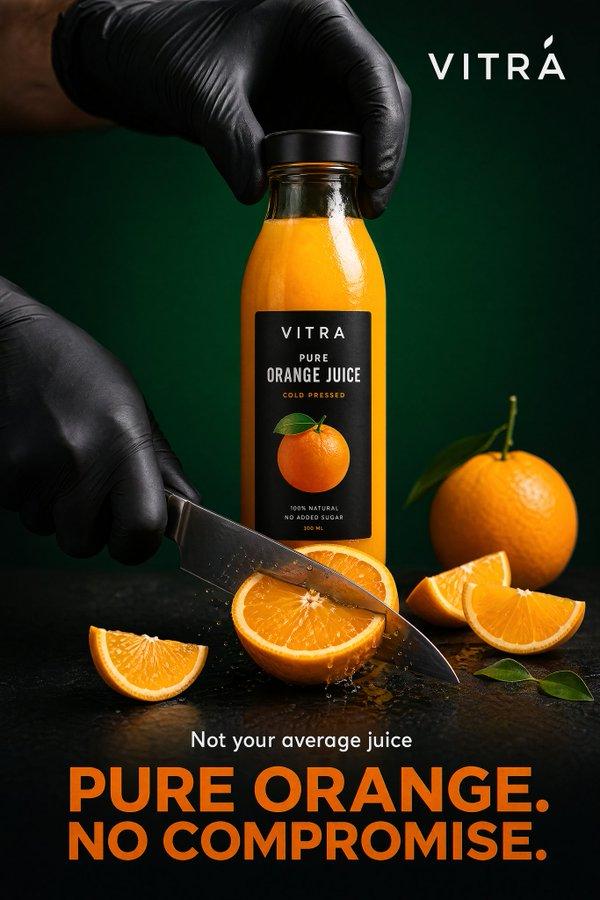
超写实高端橙汁广告海报
Enlarge

Example images

超写实高端橙汁广告海报

Prompt
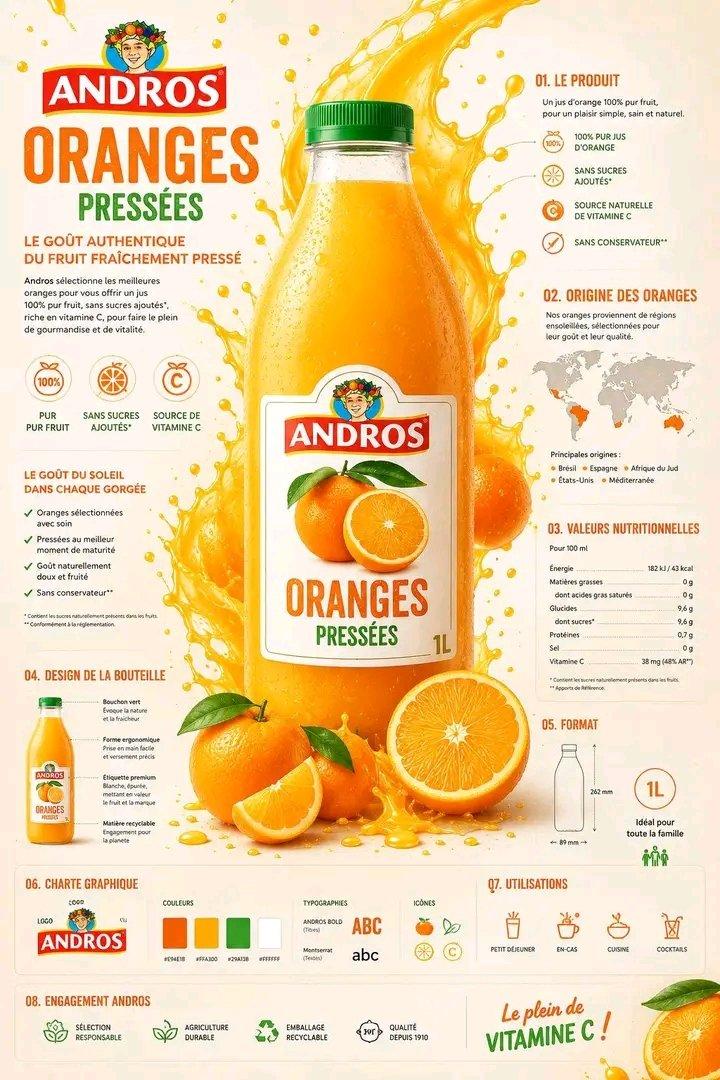
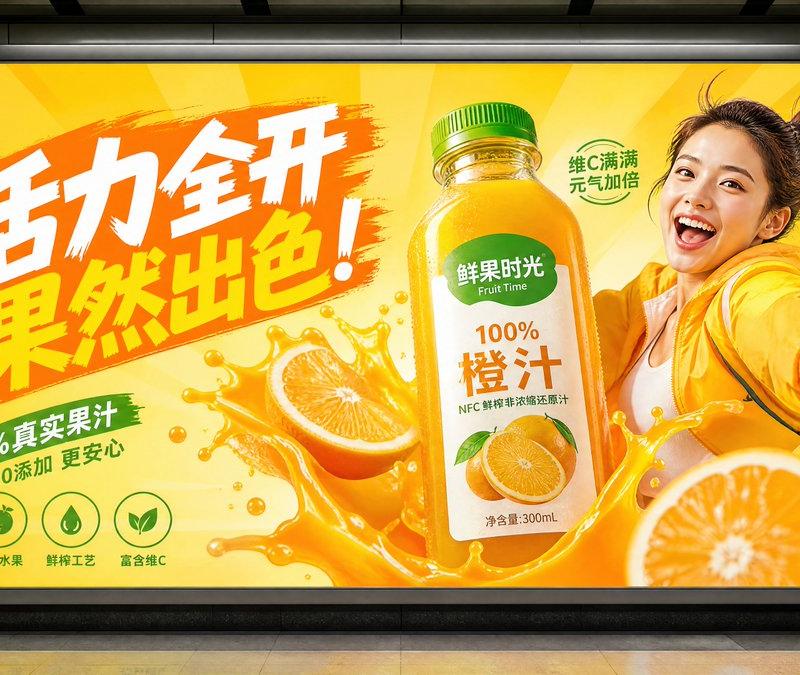
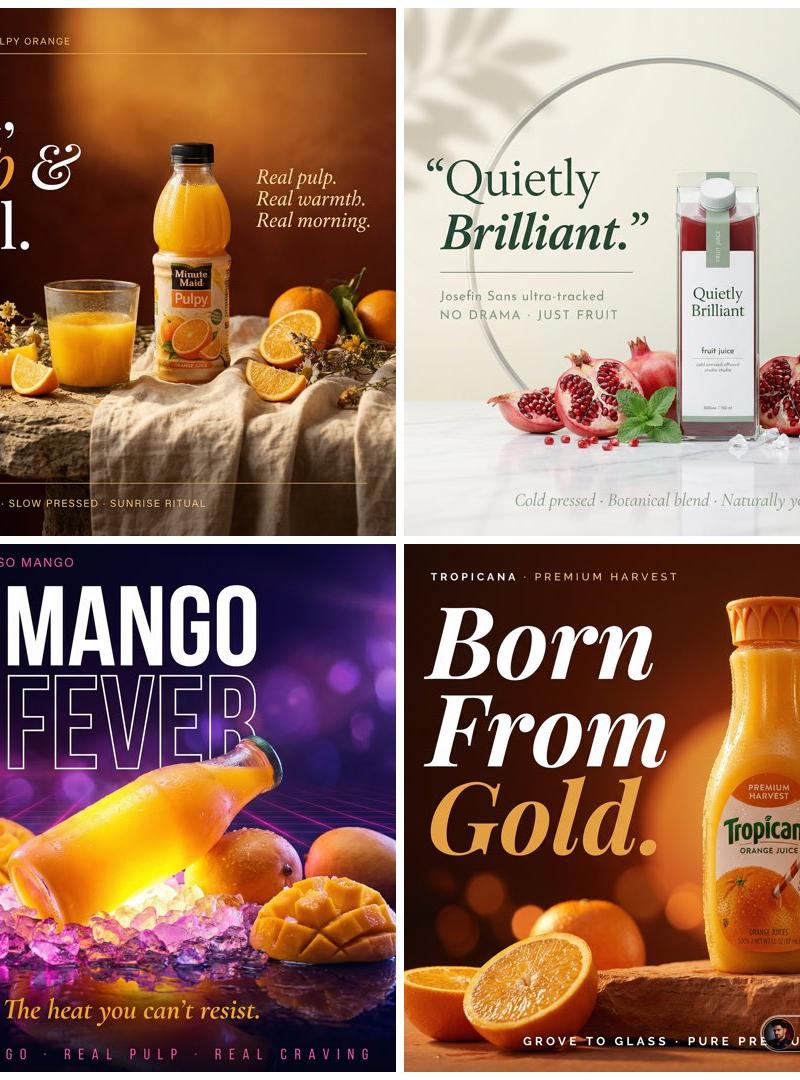
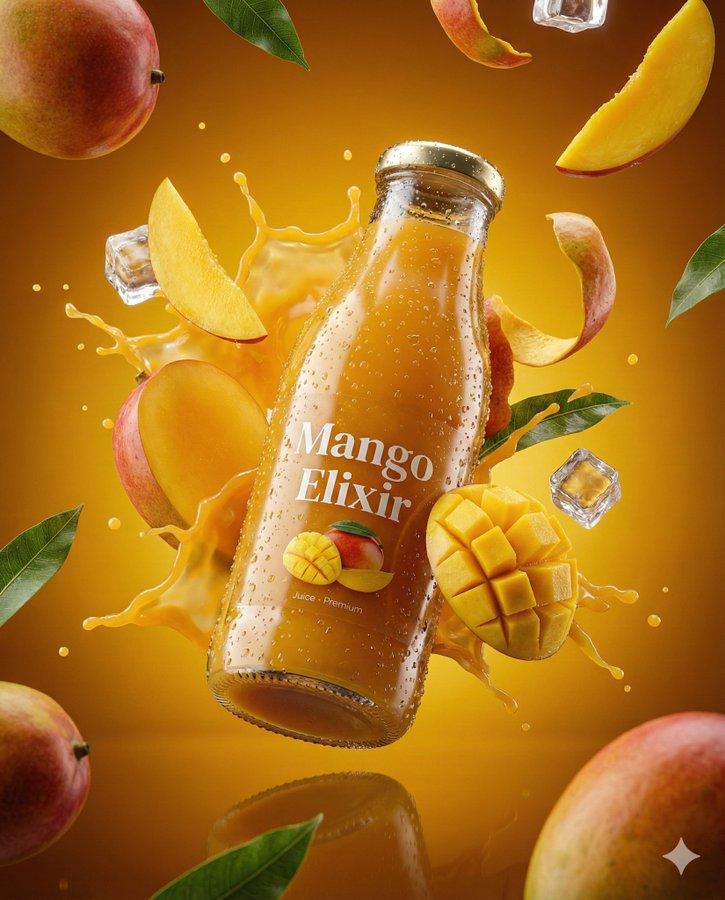
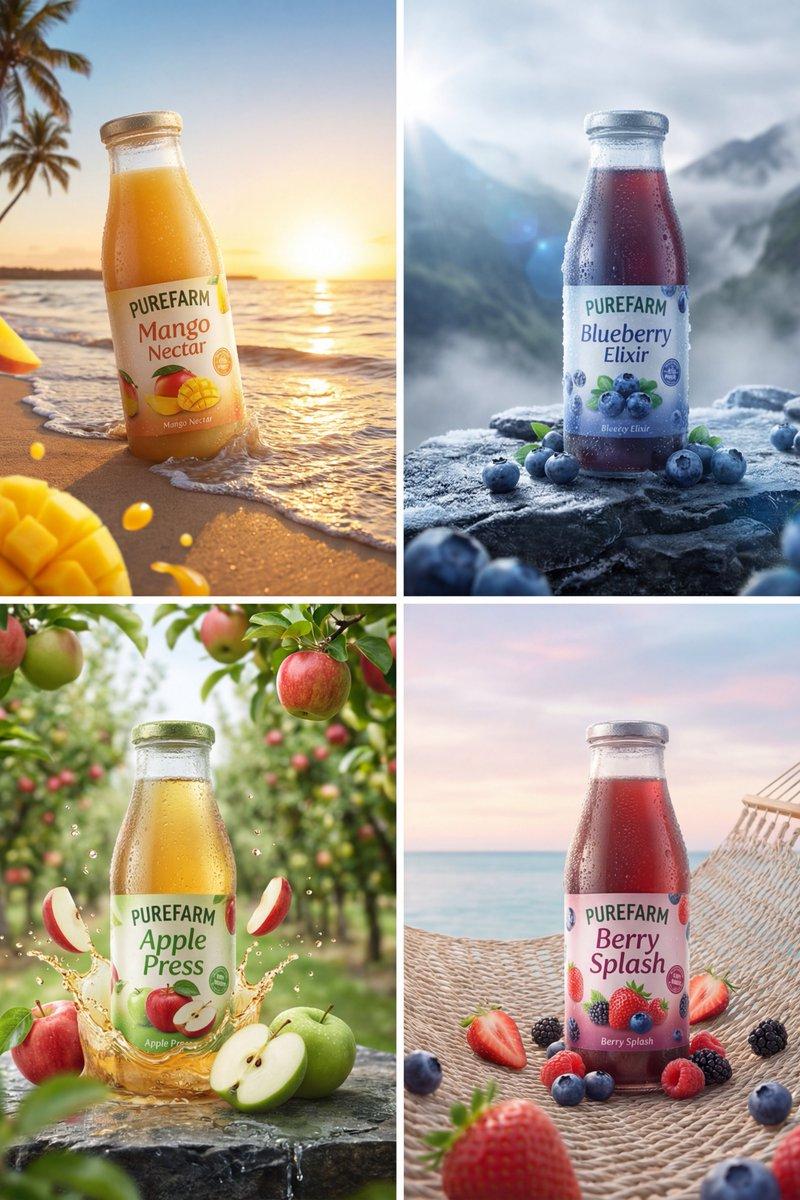
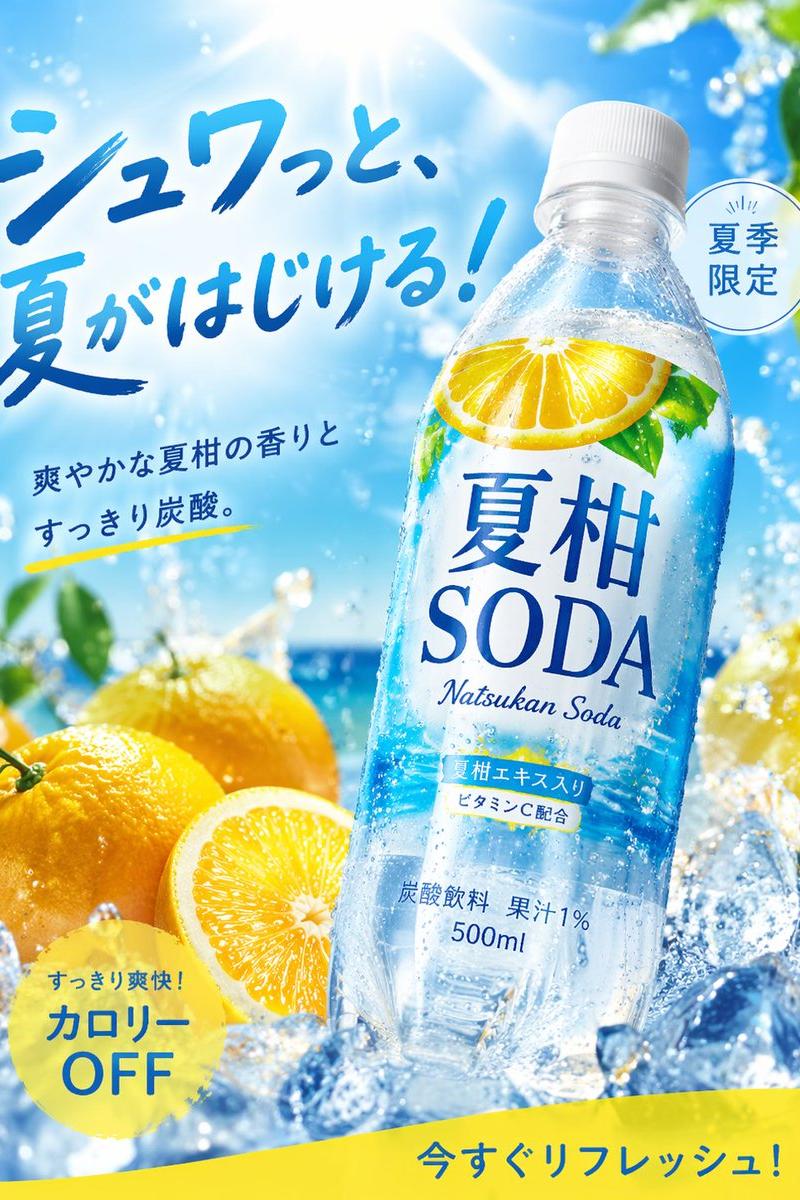
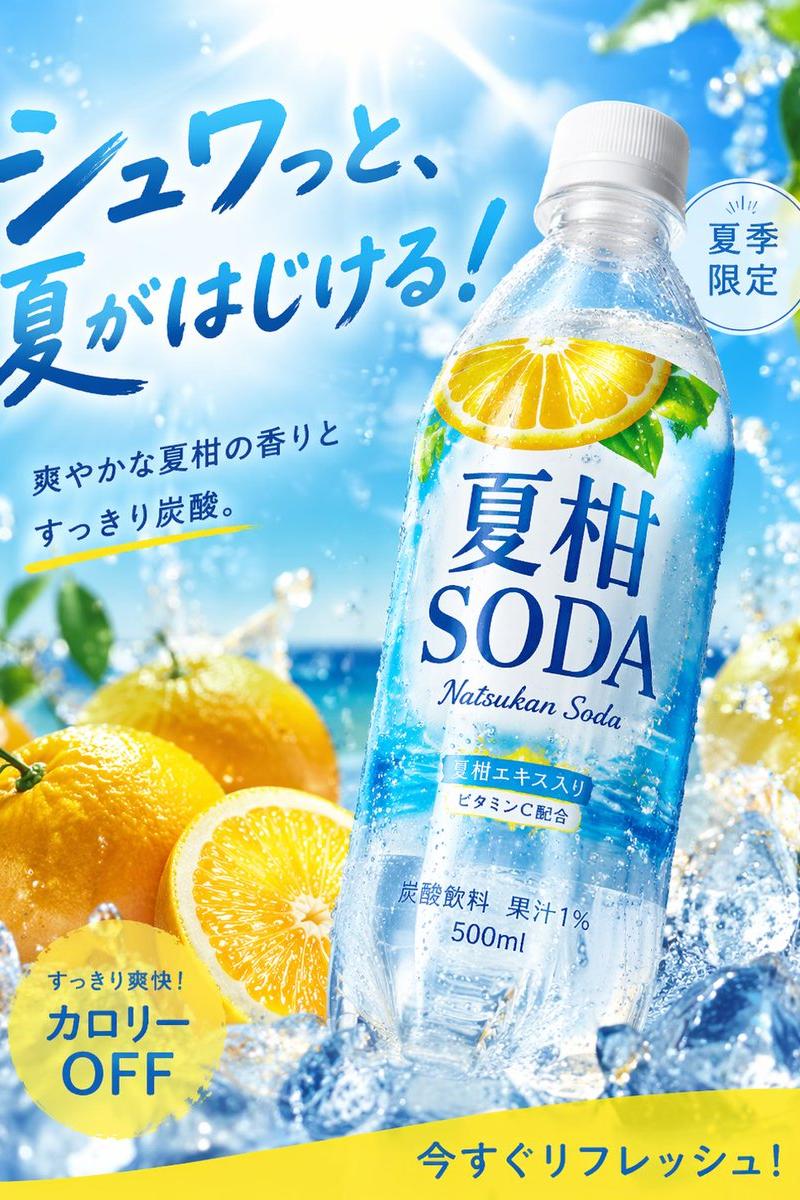
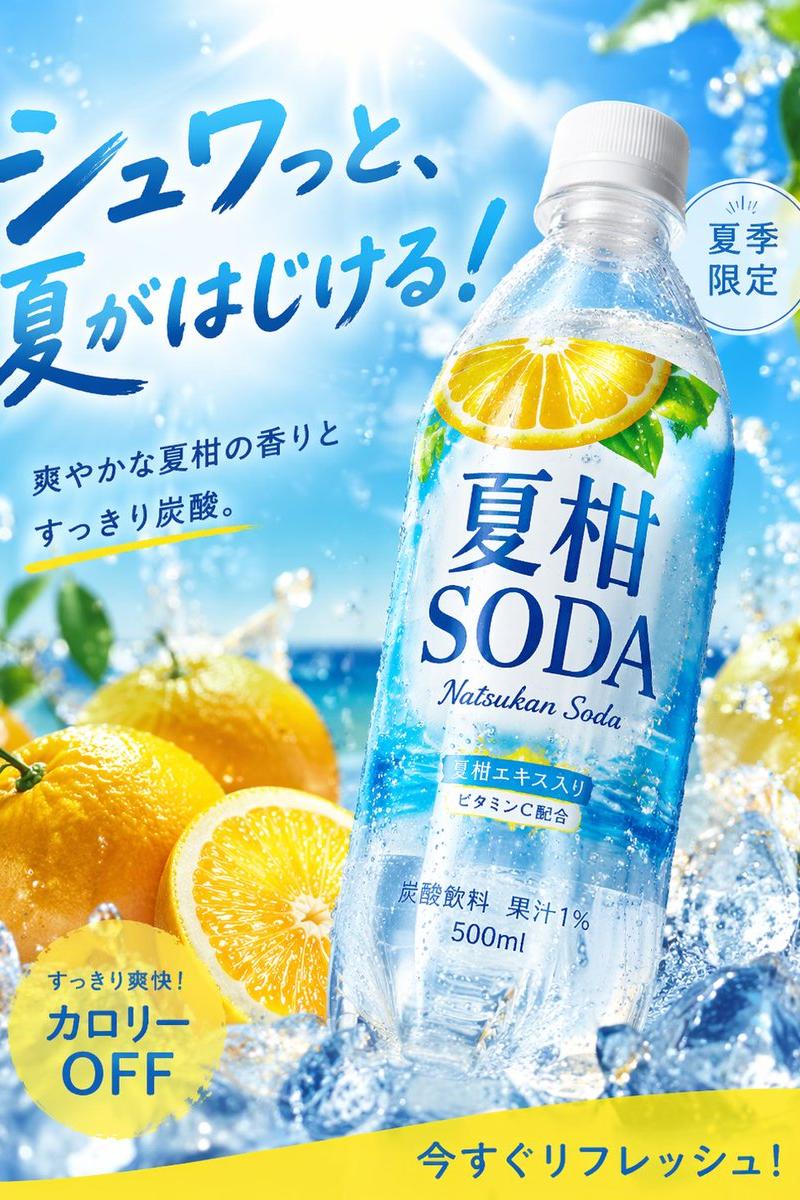
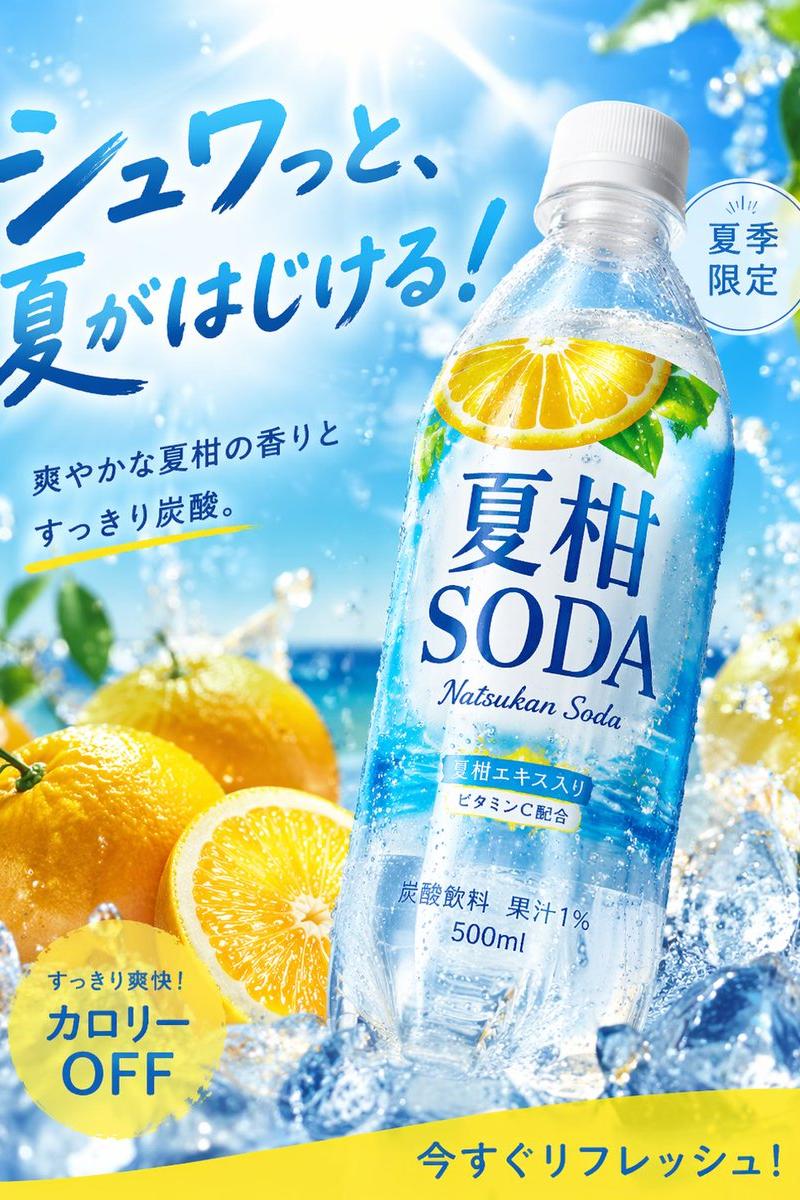
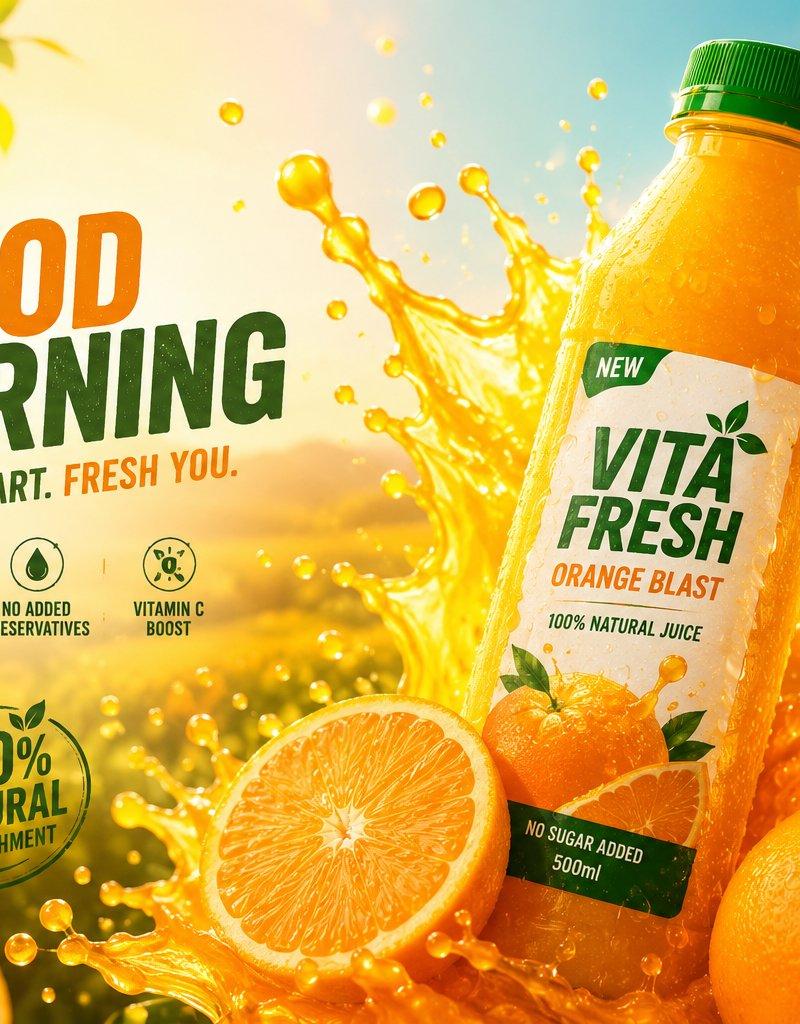
Ultra-realistic premium orange juice advertisement, hero shot of a chilled orange juice bottle with a green cap and elegant white label, positioned at a dynamic angle. Vibrant orange juice splash exploding behind the bottle, surrounded by fresh whole oranges, sliced oranges, and lush green leaves. Golden sunrise illuminating a citrus orchard in the background, warm morning light, cinematic atmosphere, sparkling droplets suspended in the air, realistic condensation on the bottle, rich orange and green color palette, shallow depth of field, soft bokeh, commercial beverage photography, luxury product marketing, photorealistic, ultra-detailed, HDR, crisp focus, dynamic composition, premium advertising poster, clean space for headline and branding, fresh, energetic, healthy lifestyle aesthetic, 8K quality.
Category
Charts & Infographics
Model
ChatGPT
Creator
@CaliraVal
Source language
zh-CN
Views131
Source ID
16590
Published
Jun 23, 2026
Studio

Guide

About "超写实高端橙汁广告海报"

What is this prompt for?

"超写实高端橙汁广告海报" AI image prompt for ChatGPT (Charts & Infographics). 超写实高端橙汁广告,冰镇橙汁瓶的主角镜头,带有绿色瓶盖和优雅的白色标签,呈动态角度放置。瓶子后面爆发出生机勃勃的橙汁飞溅,周围环绕着新鲜的完整橙子、切片橙子和茂盛的绿叶。背景中金色日出…

The full copyable prompt and example visuals above are ready for AI image generation or one-click recreate in Picva.

How to use this prompt

  1. Step 1

    Open the prompt detail

    Review the example visuals, category, and full prompt text for "超写实高端橙汁广告海报".

  2. Step 2

    Copy the prompt

    Copy the prompt body from this page, or load it directly in Studio.

  3. Step 3

    Pick a model (ChatGPT)

    Prefer ChatGPT. If you switch models, keep subject and composition and tweak style terms.

  4. Step 4

    Generate and export

    Recreate the look in Picva, or export into your workflow for editing and publishing.

FAQ

What is the "超写实高端橙汁广告海报" prompt?
It is an AI image-generation prompt for ChatGPT in the Charts & Infographics category. This page includes the full prompt text, example visuals, and a one-click recreate path in Picva.
How do I use this prompt to generate an image?
Copy the prompt from this page, or use Generate / Studio. Paste it into a compatible image model, or recreate the look in Picva with optional reference images.
Which model is this prompt for?
This page lists ChatGPT. Most descriptive prompts also transfer to nearby image models such as GPT Image, Flux, or Midjourney with light style tweaks.
Can I use the result commercially?
You can usually copy the prompt for creation, but commercial use of the final image depends on the model terms, reference-image rights, and the generated content. Follow the source author and platform rules.