20

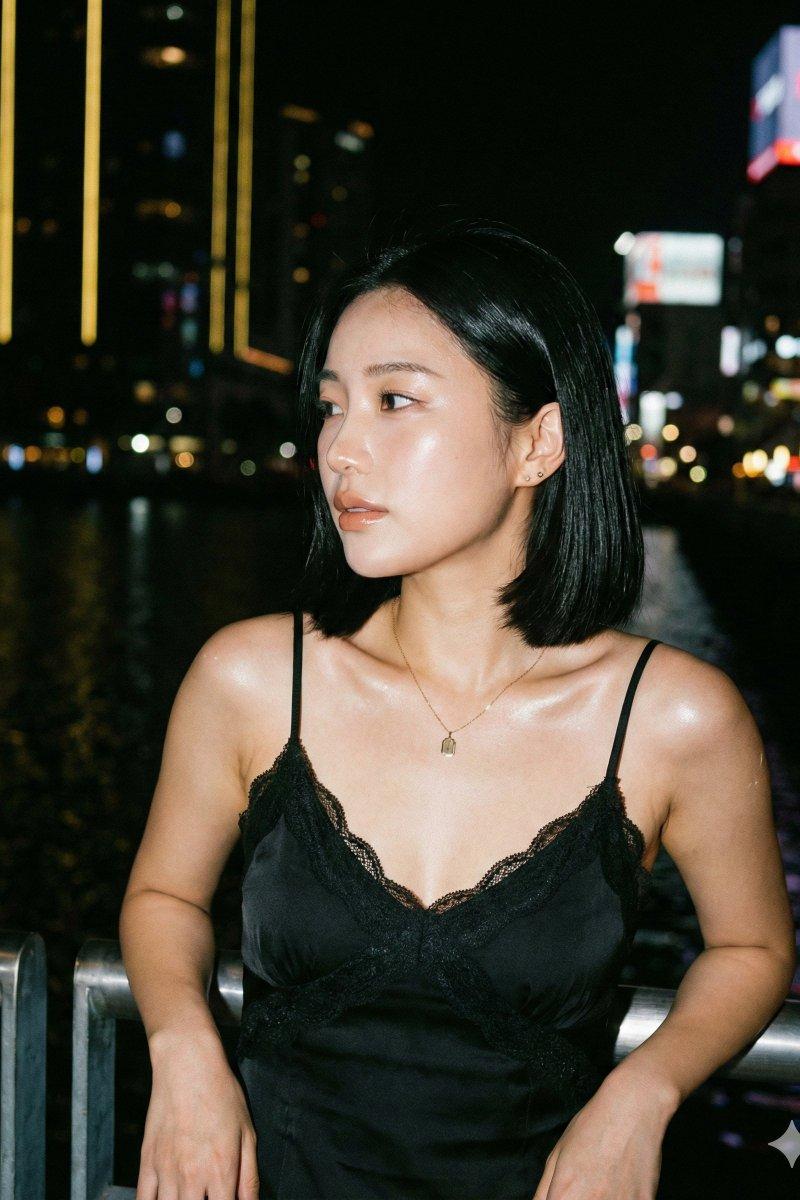
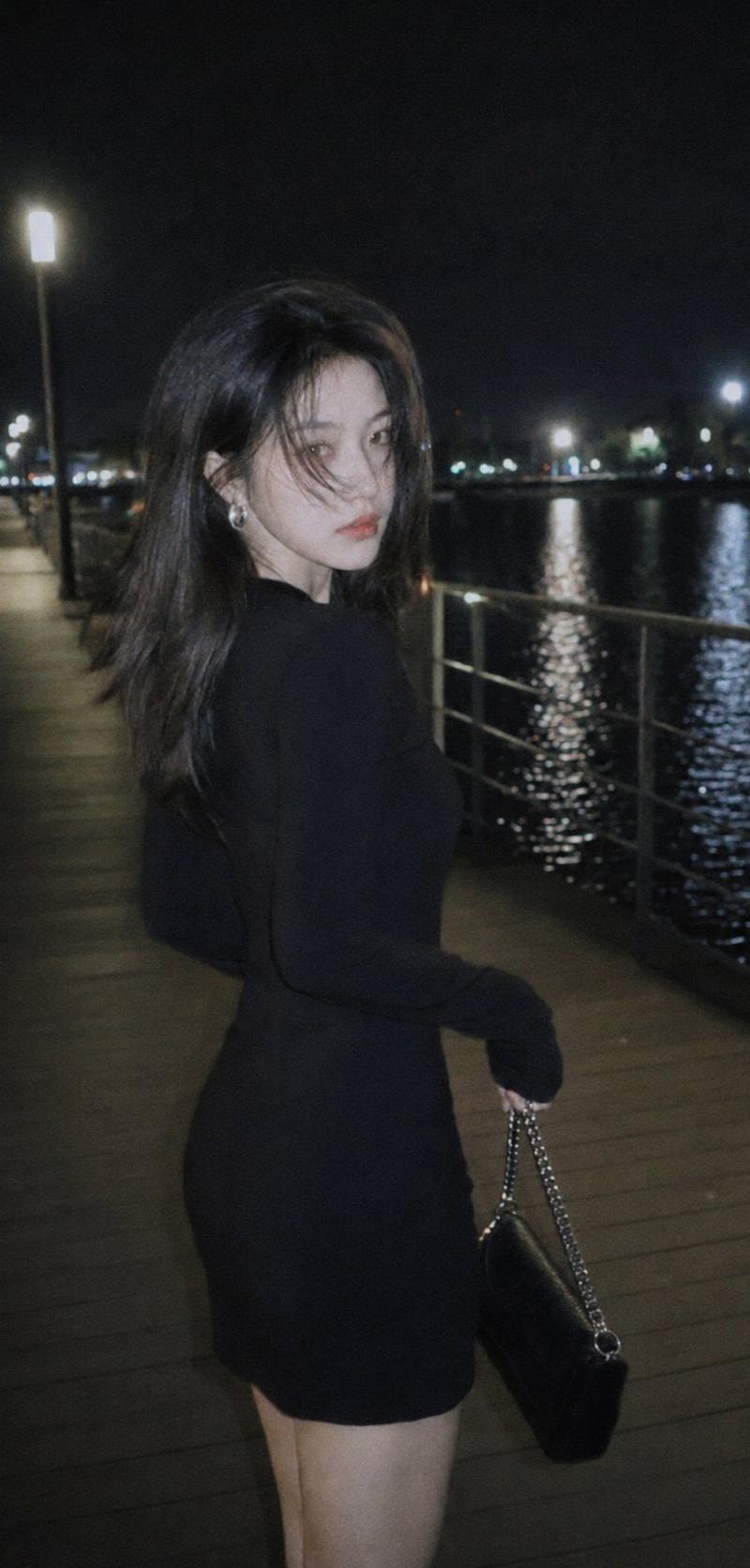
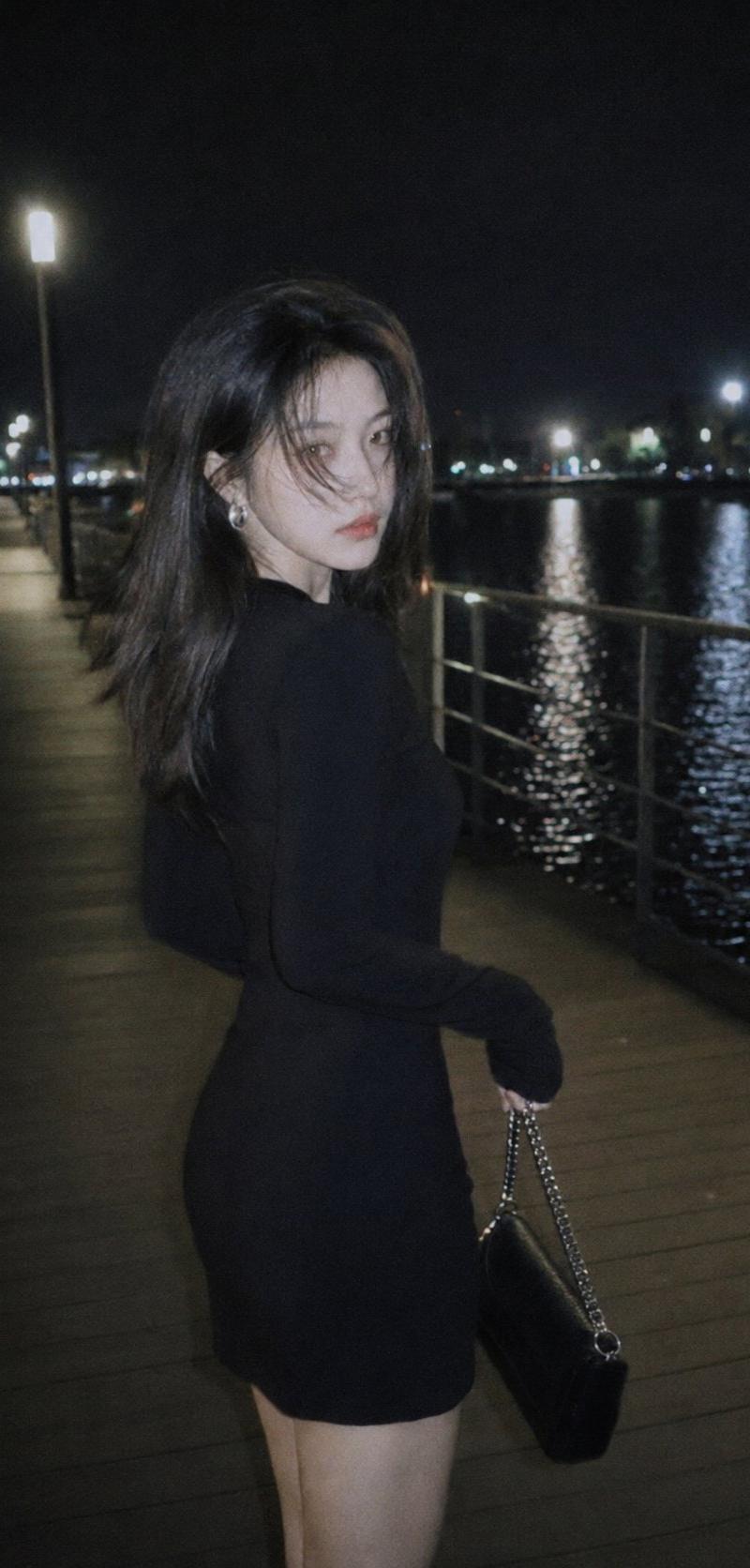
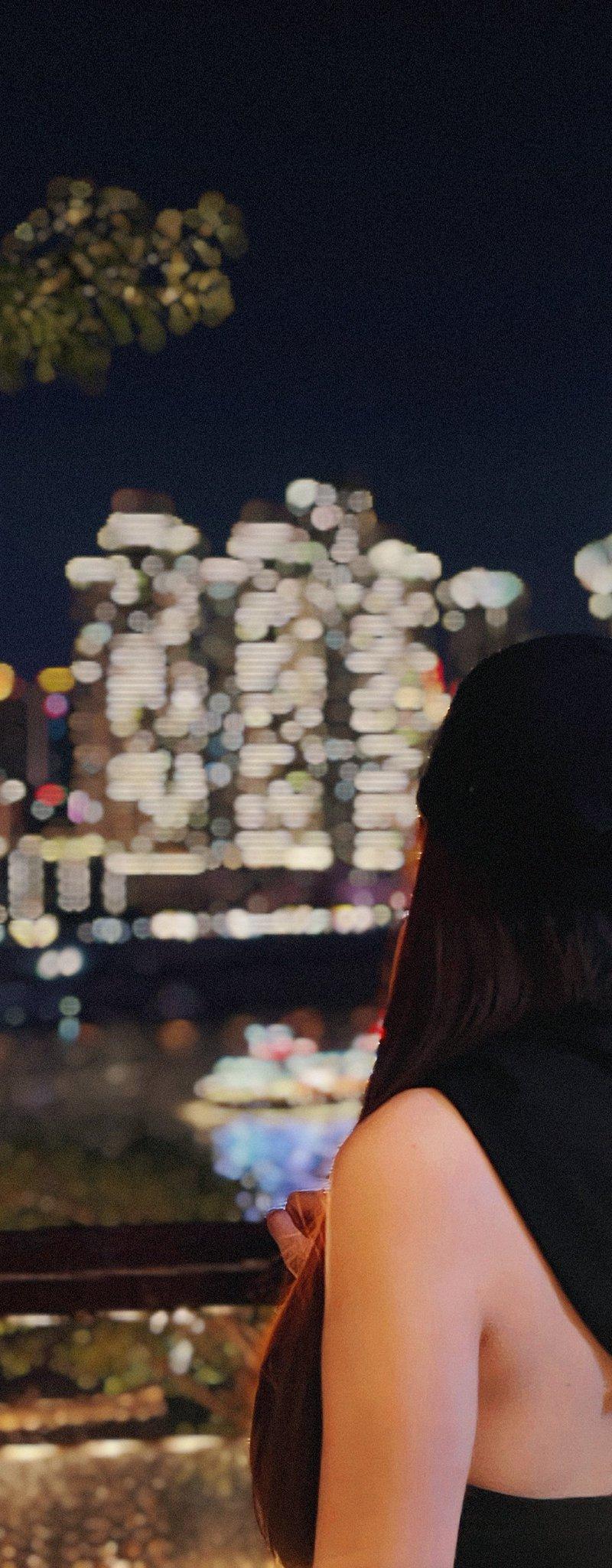
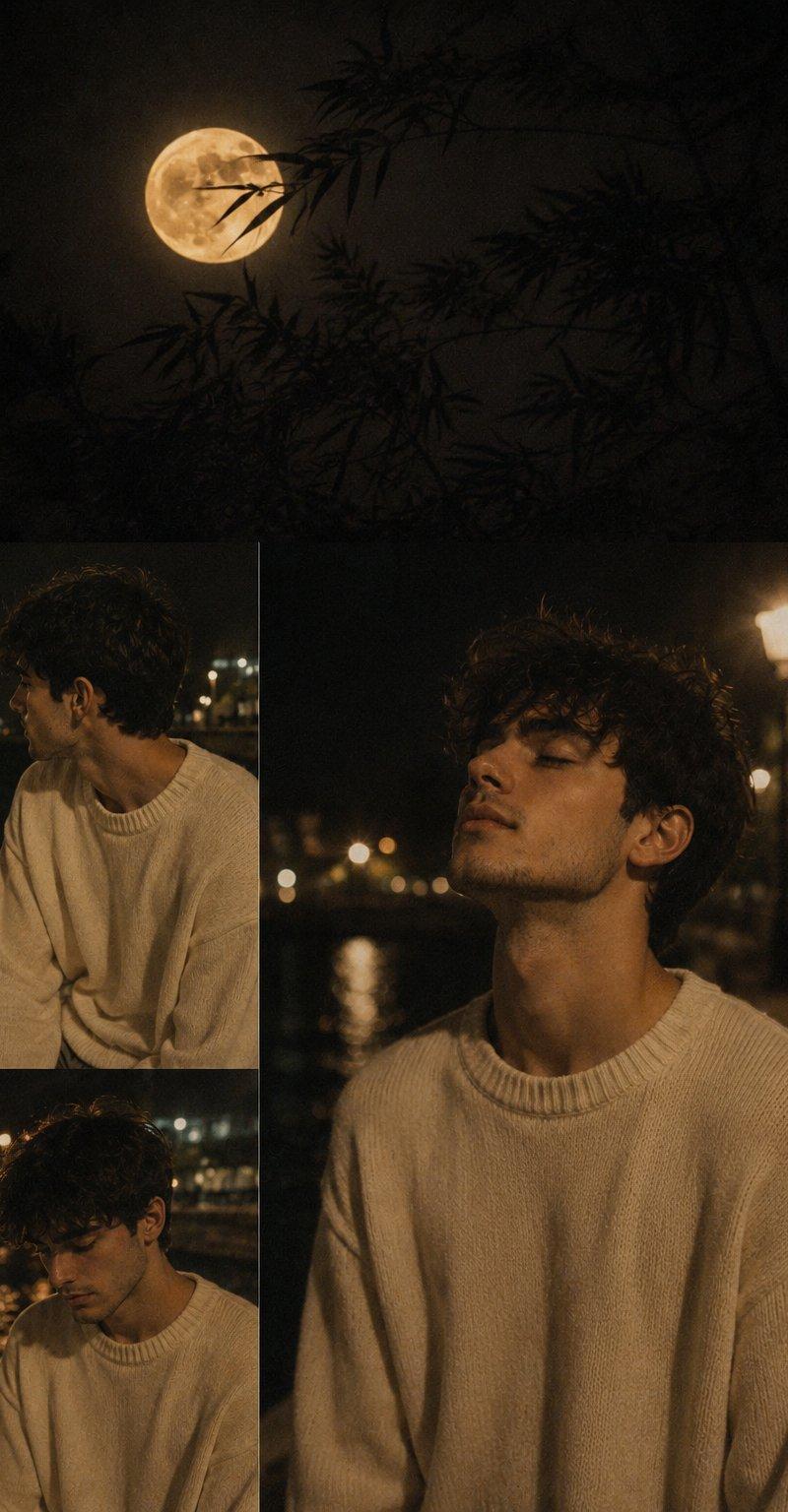
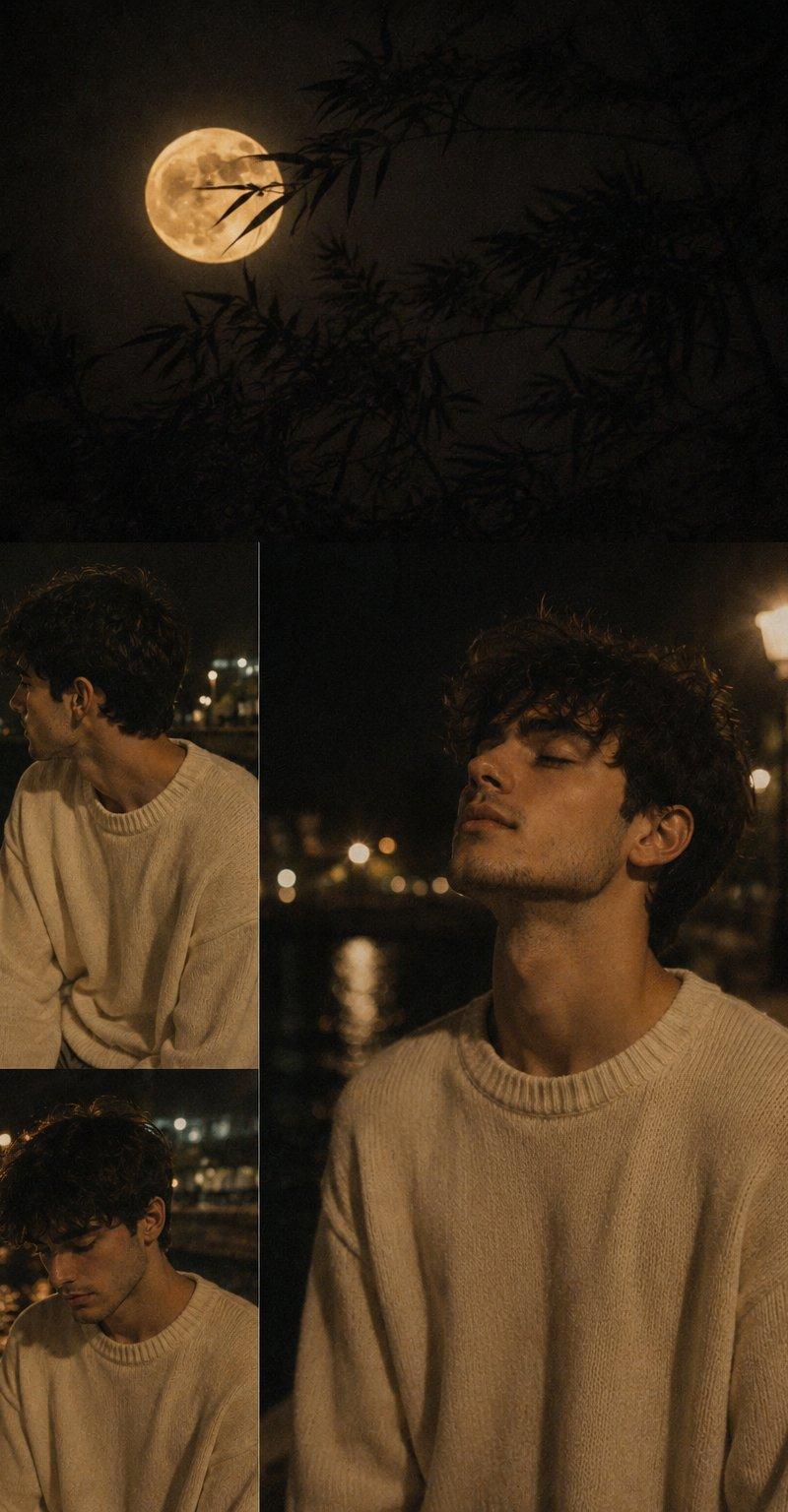
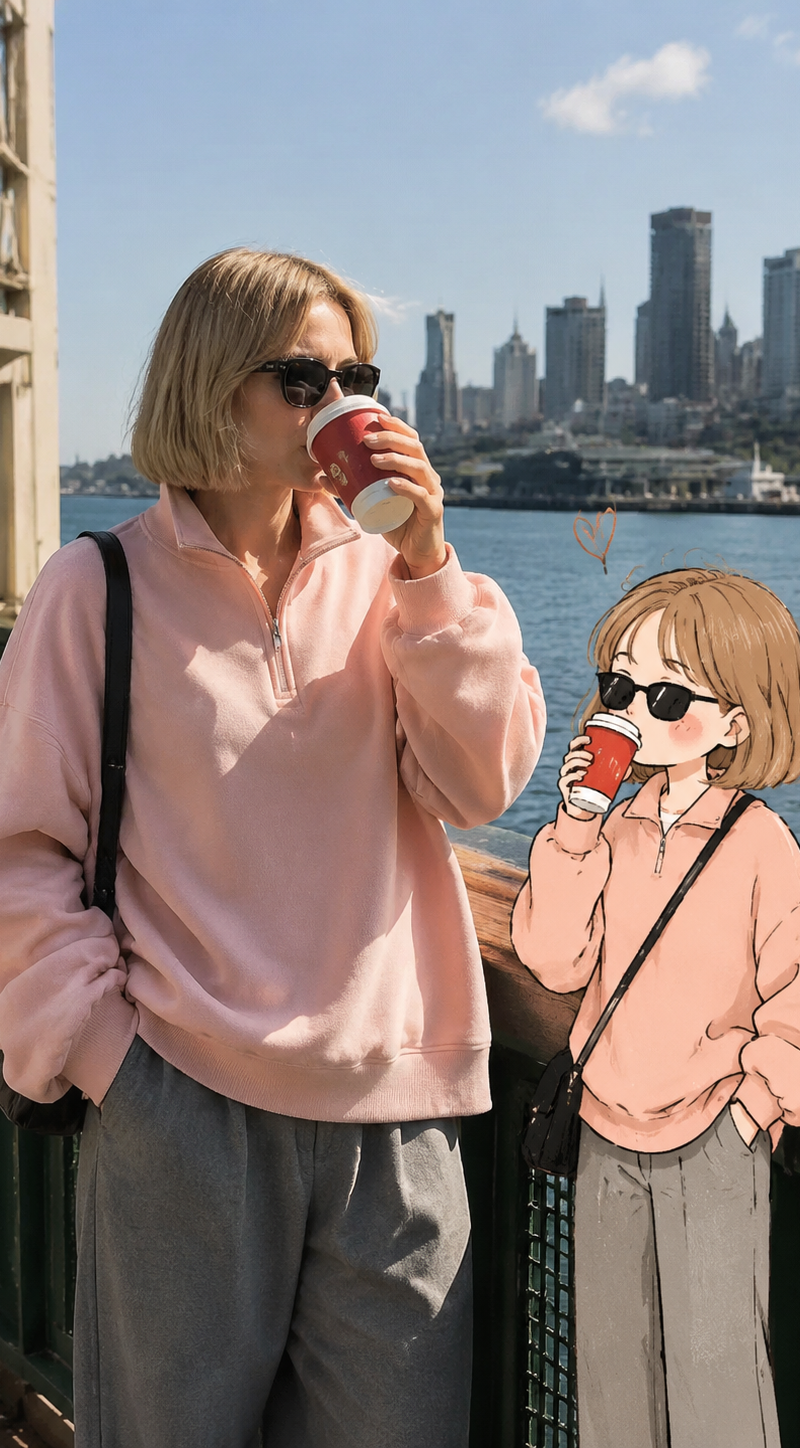
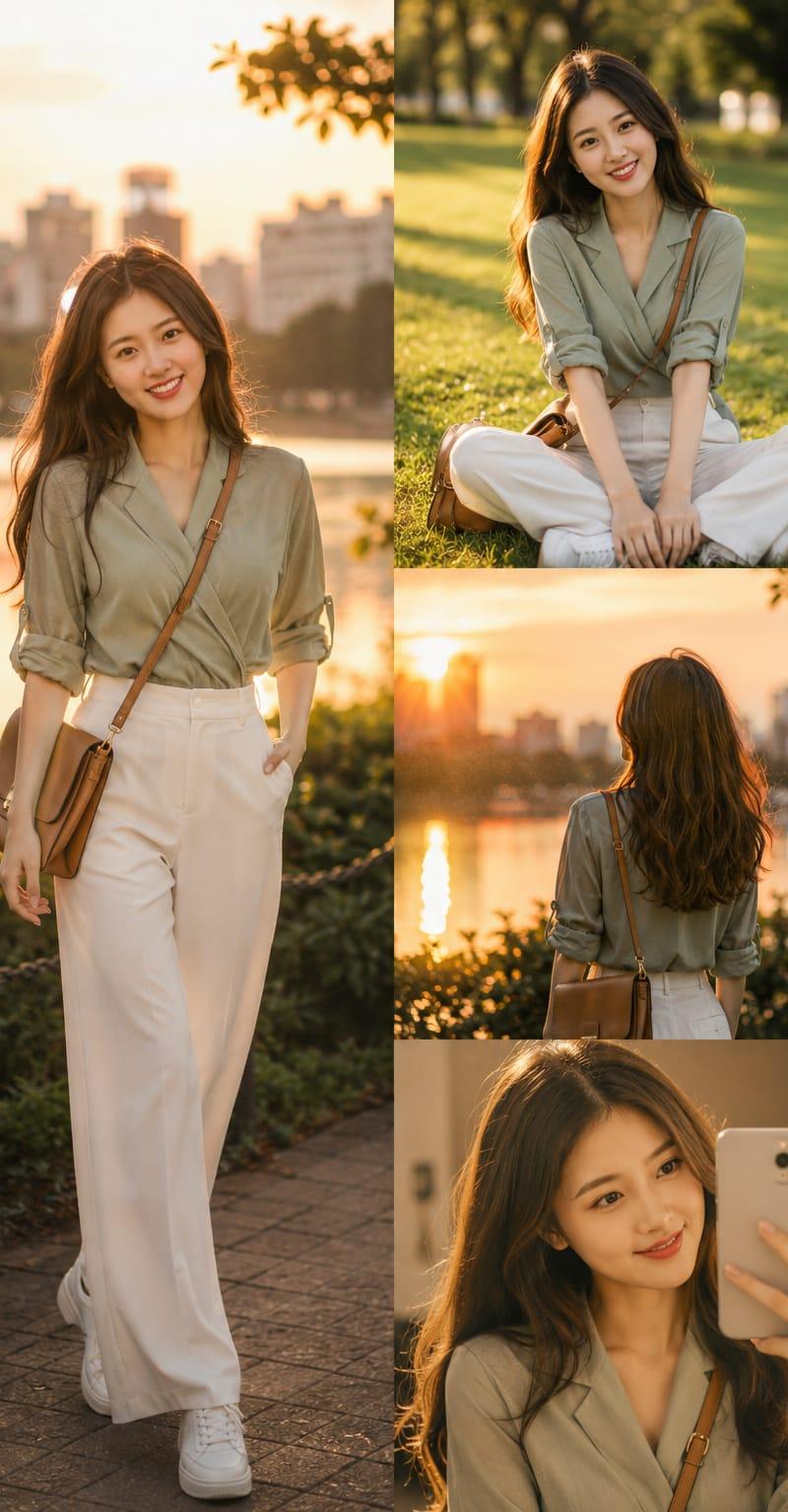
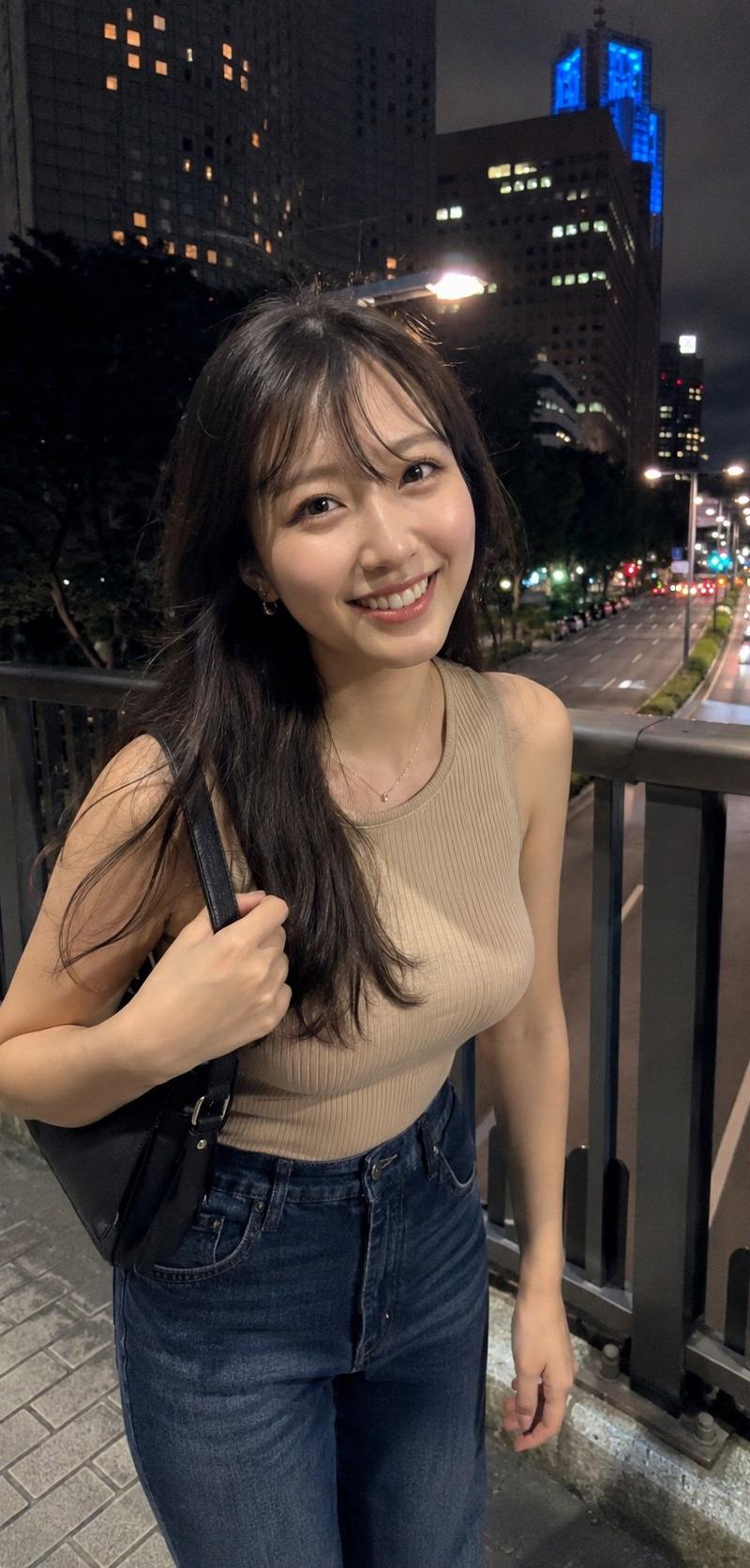
城市夜跑柔光CCD元气写真
Enlarge

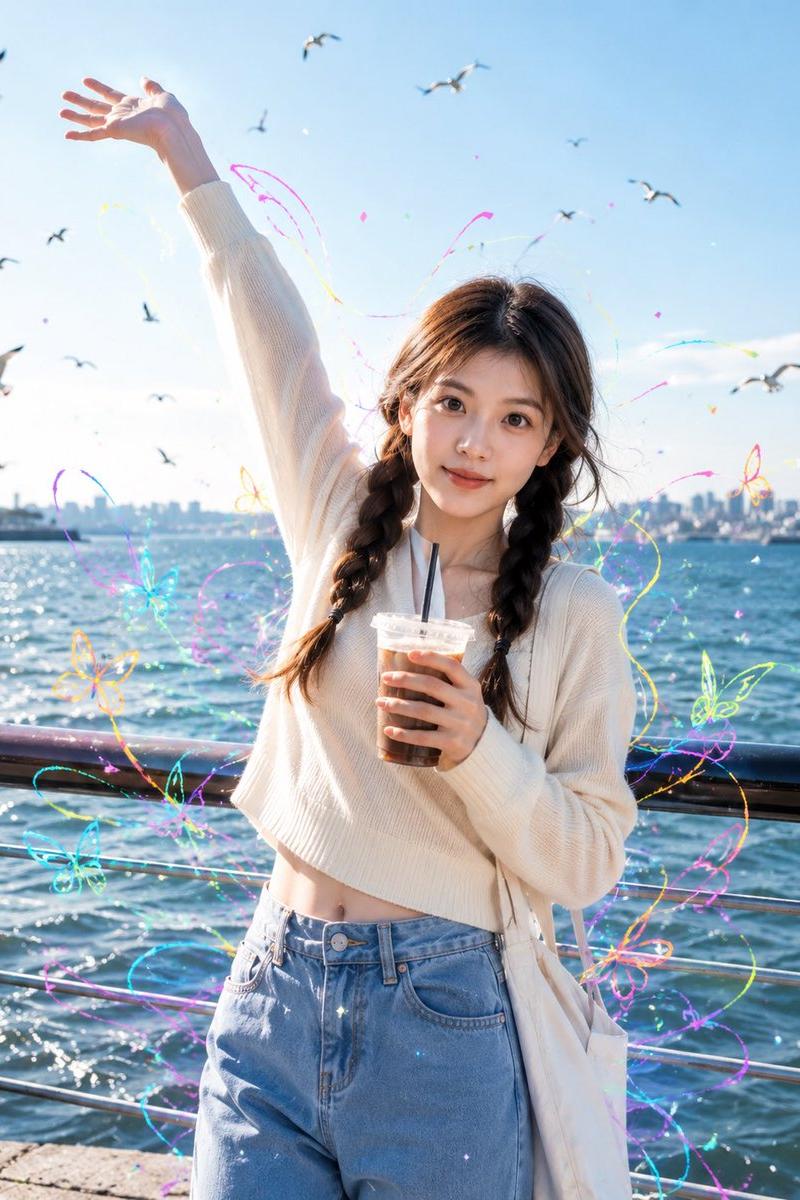
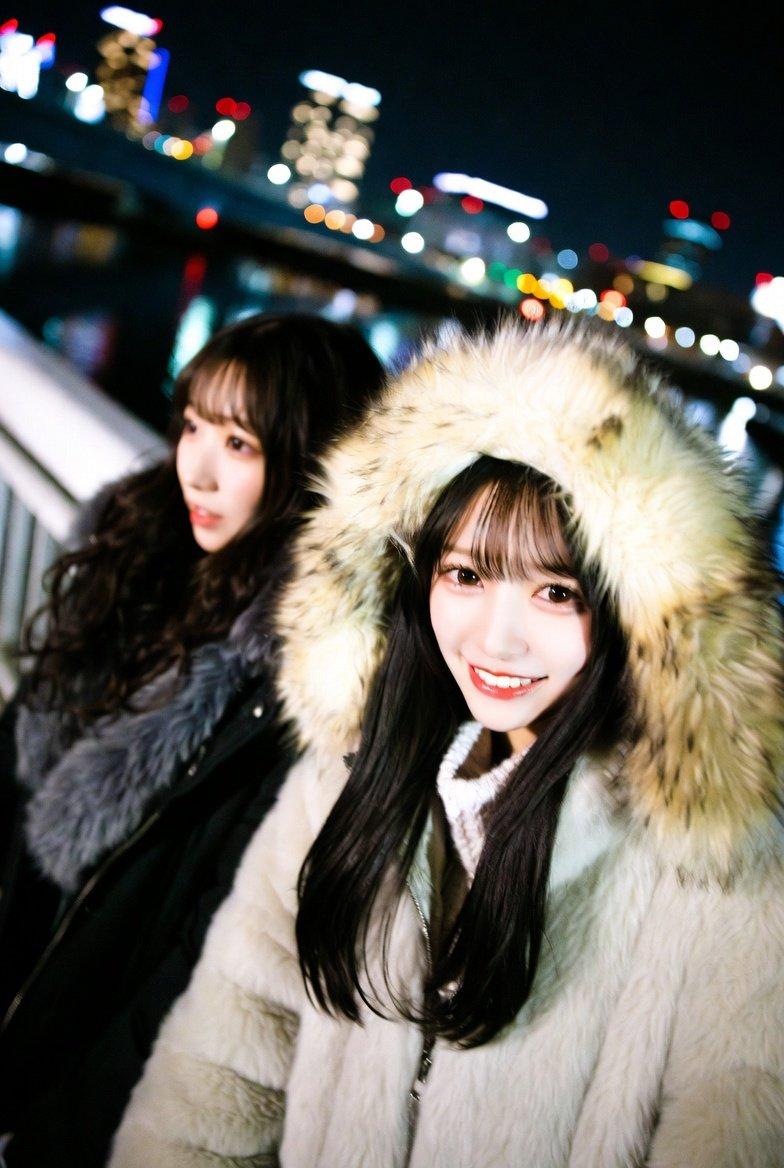
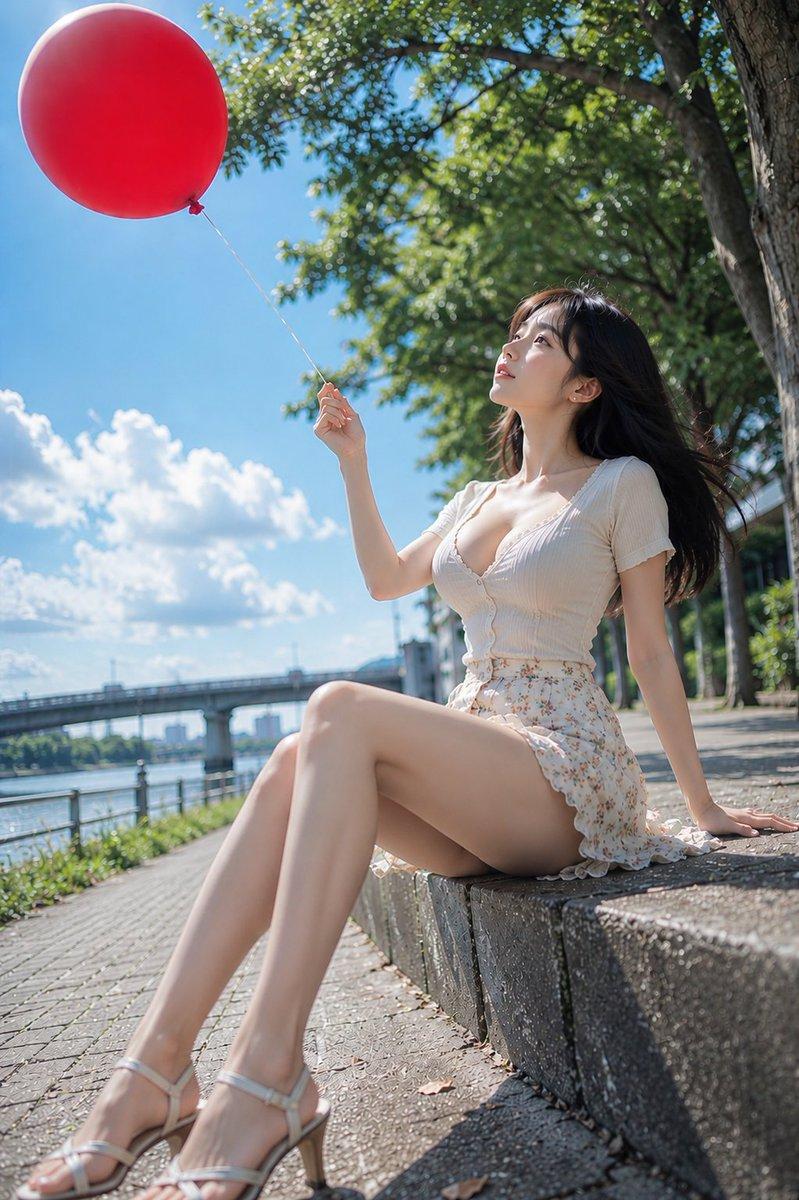
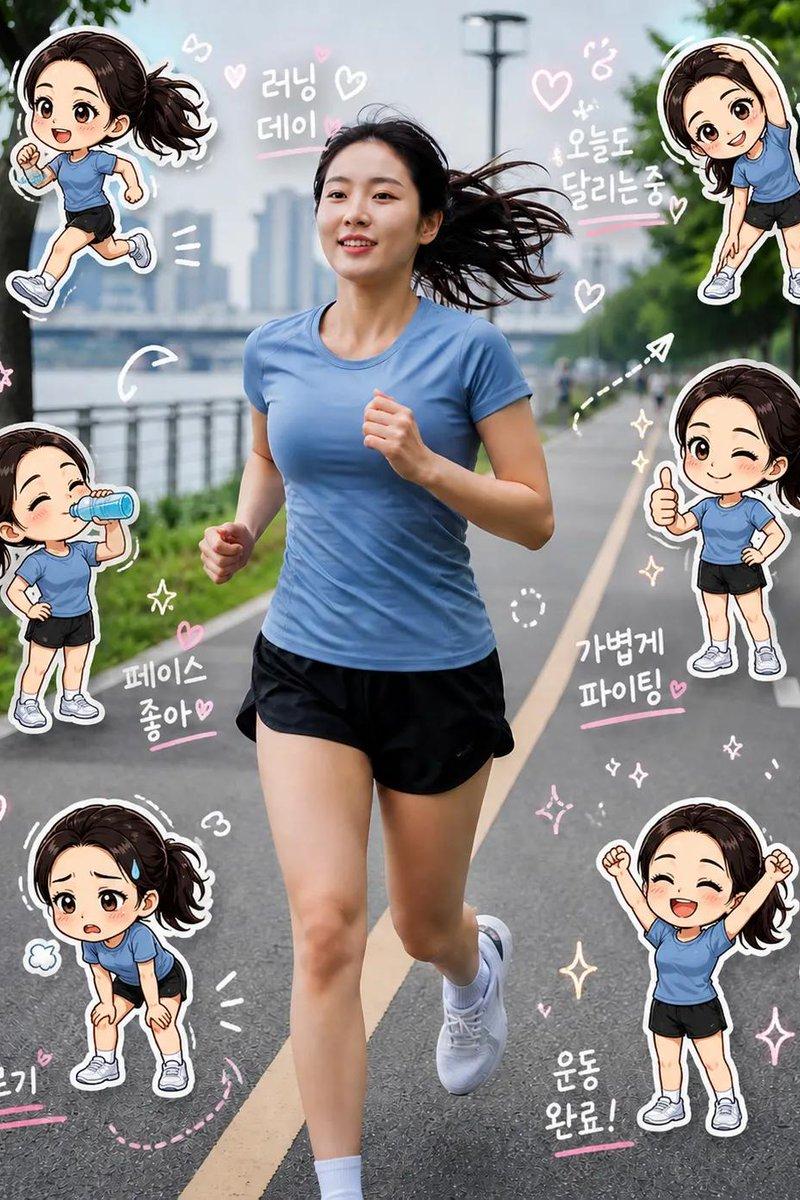
Example images

城市夜跑柔光CCD元气写真

Prompt
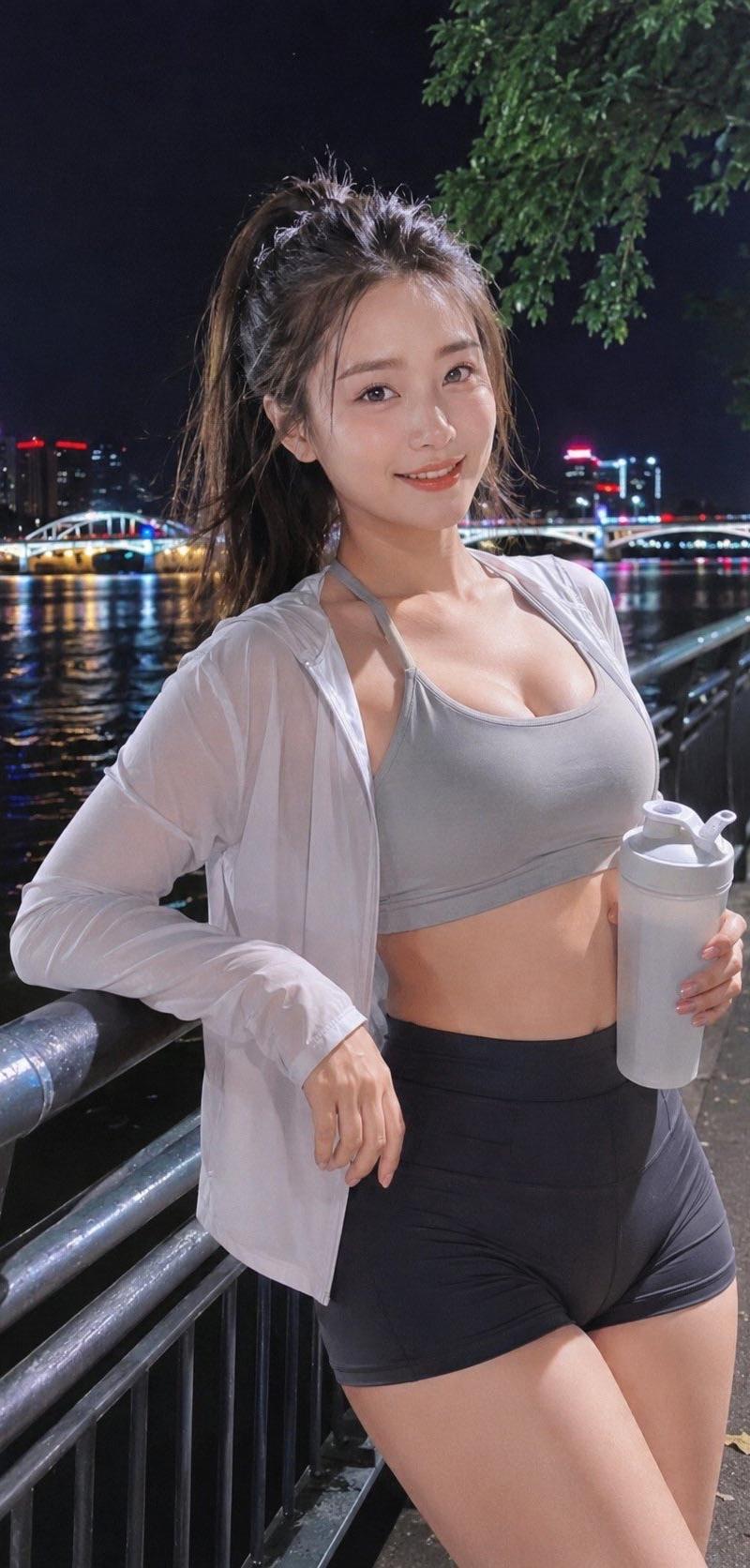
Photography style: Soft light CCD style
Photo direction: Night life photo
Scene direction: Riverside walkway / Night running greenway / Beside the light strips under the city bridge
Clothing direction: Short sports tank top + thin sun protection jacket + high-waisted shorts
Temperament tags: Energetic, night scene, vitality, relaxed, refreshing, urban sense
Facial features direction: Summer first love face
Facial details: Round apricot eyes, obvious tear troughs, bright eyes, natural smile, corners of the mouth slightly raised, overall beautiful and durable
Hairstyle direction: High ponytail
Hairstyle details: Voluminous hair, natural broken hair, overall light and neat
Body shape direction: Plump natural curves
Line emphasis: Medium to strong
Lens direction: Half-body to thighs
Posture and movement: One hand holding a sports water bottle, the other hand holding the edge of the jacket, body slightly turned towards the camera, relaxed smile
Lighting atmosphere: Night walkway lights + city reflections + soft flash
Filter effect: Milky white highlights + clear night CCD colors + light grain + light digital noise
Aspect ratio: 9:16
Supplementary requirements: Like a frame taken casually after a night run, the character in the foreground is brightened, the overall sense of refreshing night and healthy energy is presented, highlighting the chest line, waist line, and hip line.
Category
Charts & Infographics
Model
ChatGPT
Creator
@liyue_ai
Source language
zh-CN
Views134
Source ID
16802
Published
Jun 25, 2026
Studio

Guide

About "城市夜跑柔光CCD元气写真"

What is this prompt for?

"城市夜跑柔光CCD元气写真" AI image prompt for ChatGPT (Charts & Infographics). 摄影风格:柔光CCD风 写真方向:夜晚生活照 场景方向:河边步道 / 夜跑绿道 / 城市桥下灯带旁 服装方向:短款运动背心 + 轻薄防晒外套 + 高腰短裤 气质标签:元气、夜色、活…

The full copyable prompt and example visuals above are ready for AI image generation or one-click recreate in Picva.

How to use this prompt

  1. Step 1

    Open the prompt detail

    Review the example visuals, category, and full prompt text for "城市夜跑柔光CCD元气写真".

  2. Step 2

    Copy the prompt

    Copy the prompt body from this page, or load it directly in Studio.

  3. Step 3

    Pick a model (ChatGPT)

    Prefer ChatGPT. If you switch models, keep subject and composition and tweak style terms.

  4. Step 4

    Generate and export

    Recreate the look in Picva, or export into your workflow for editing and publishing.

FAQ

What is the "城市夜跑柔光CCD元气写真" prompt?
It is an AI image-generation prompt for ChatGPT in the Charts & Infographics category. This page includes the full prompt text, example visuals, and a one-click recreate path in Picva.
How do I use this prompt to generate an image?
Copy the prompt from this page, or use Generate / Studio. Paste it into a compatible image model, or recreate the look in Picva with optional reference images.
Which model is this prompt for?
This page lists ChatGPT. Most descriptive prompts also transfer to nearby image models such as GPT Image, Flux, or Midjourney with light style tweaks.
Can I use the result commercially?
You can usually copy the prompt for creation, but commercial use of the final image depends on the model terms, reference-image rights, and the generated content. Follow the source author and platform rules.