18

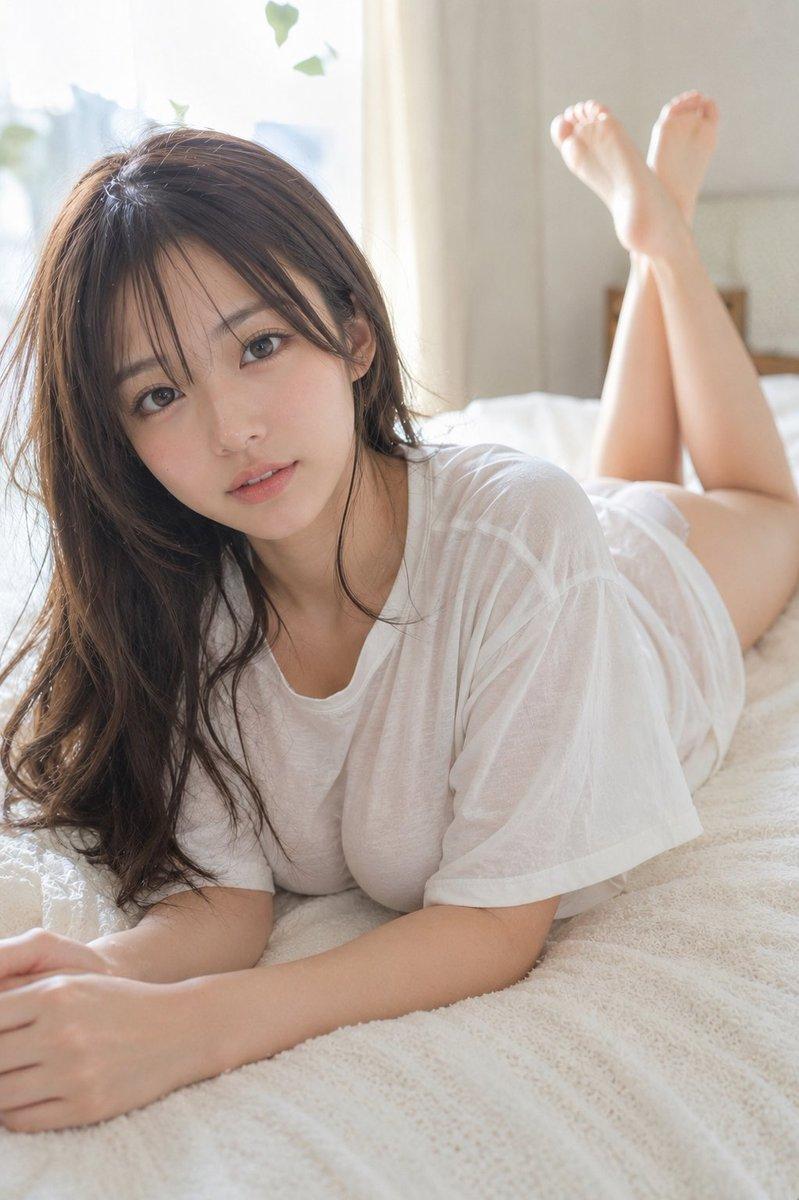
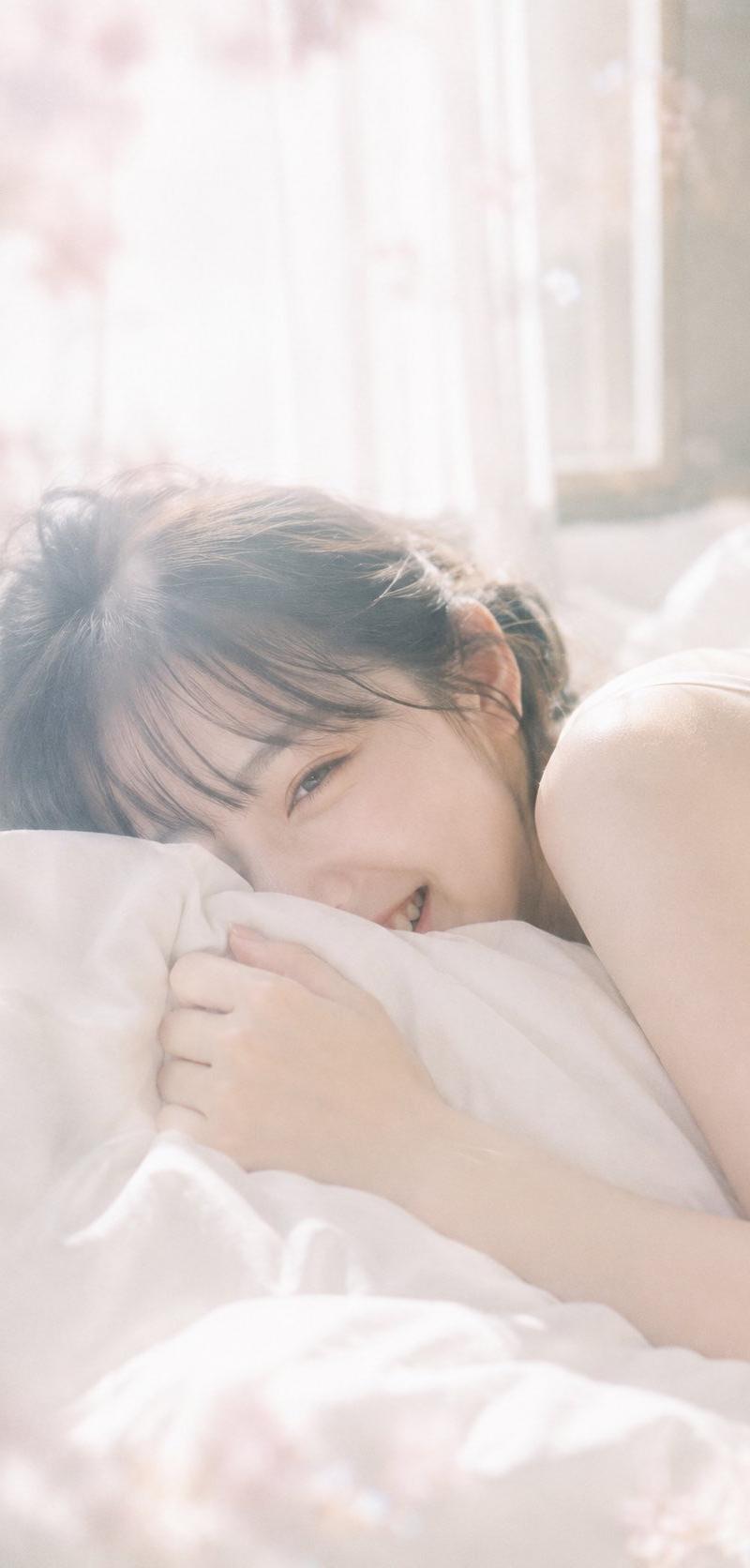
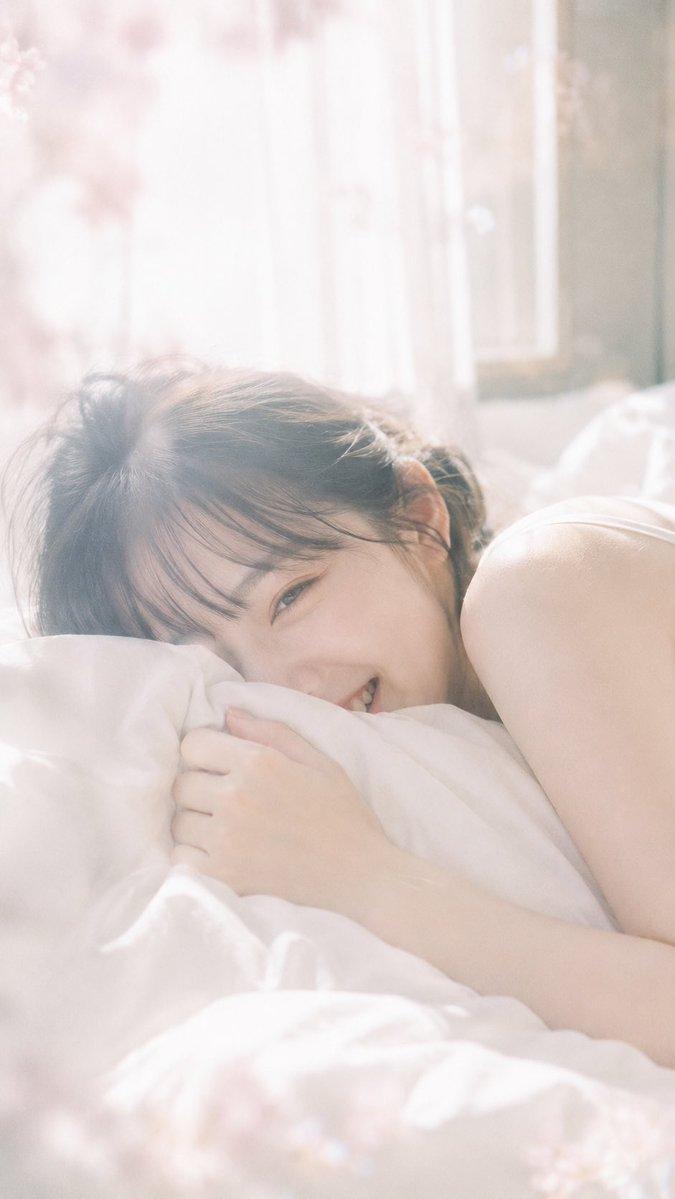
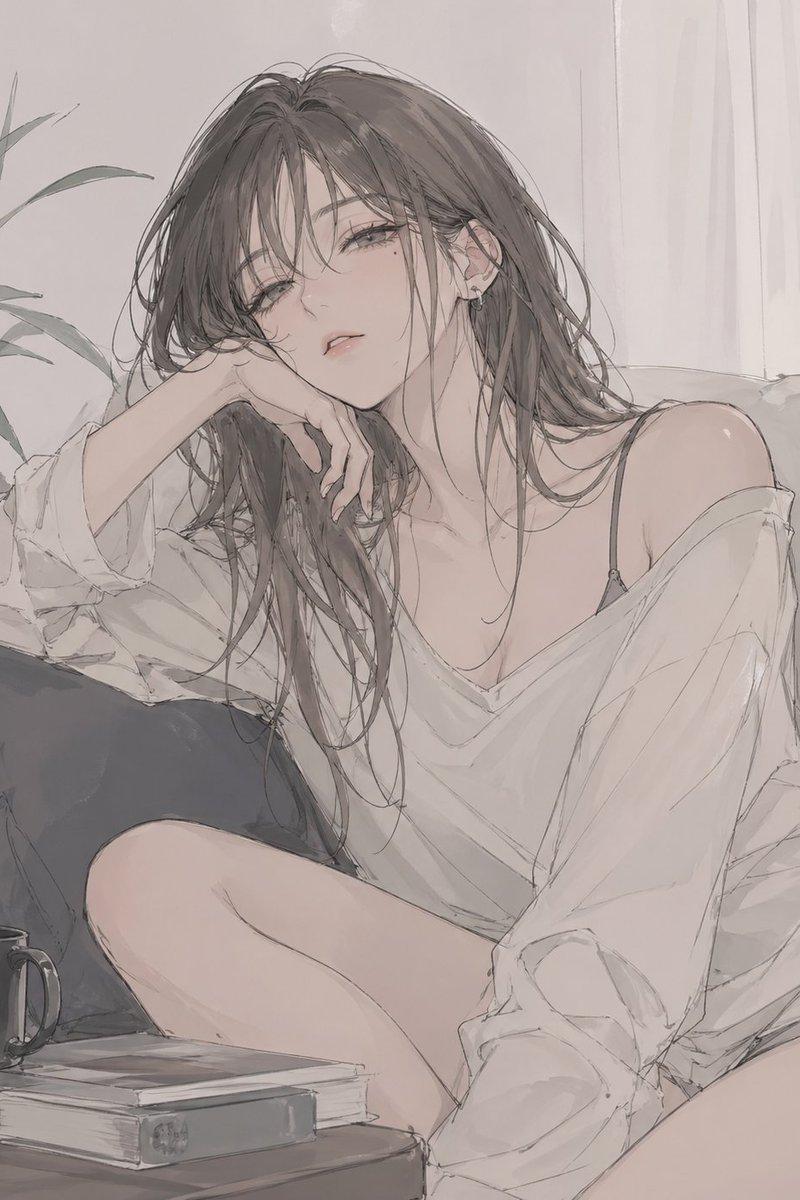
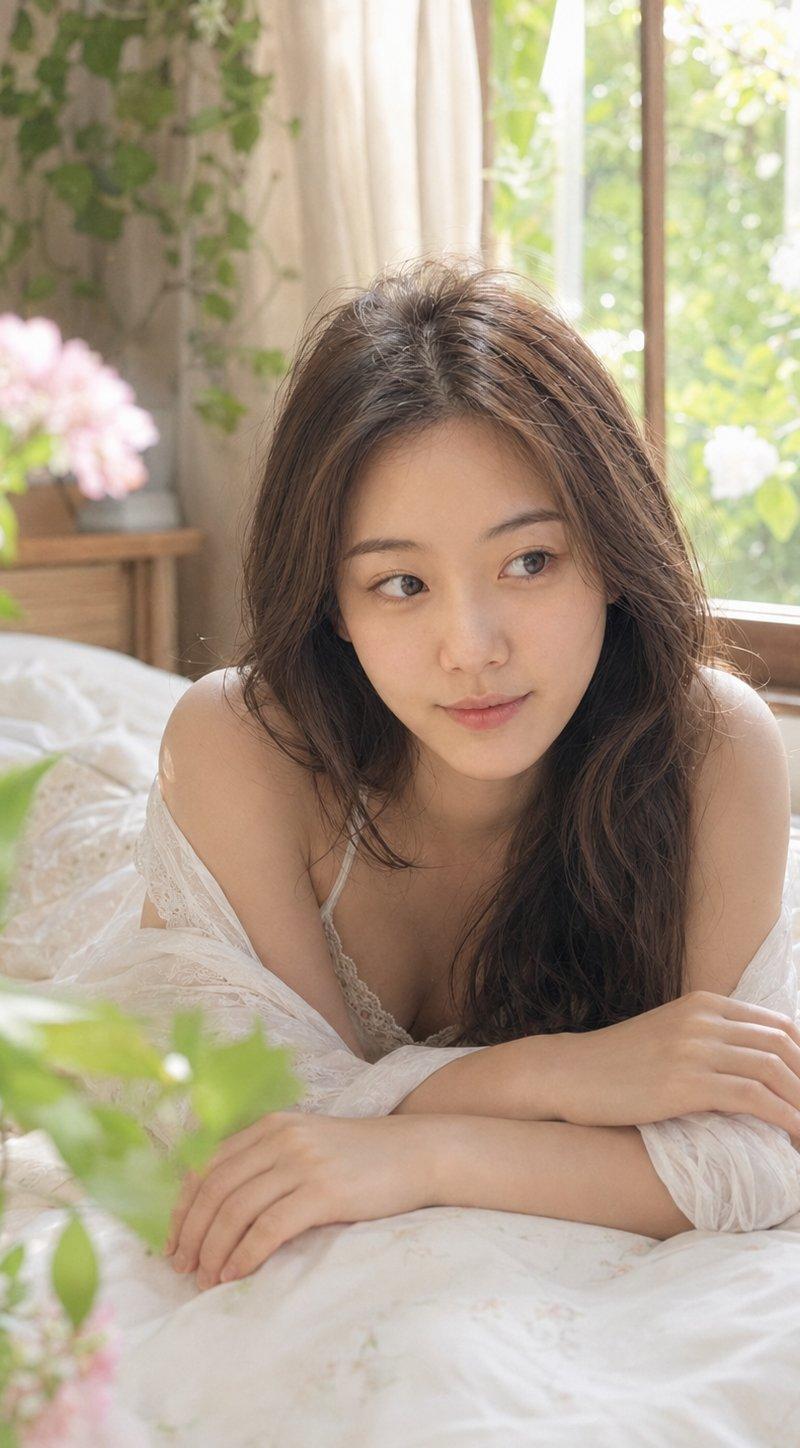
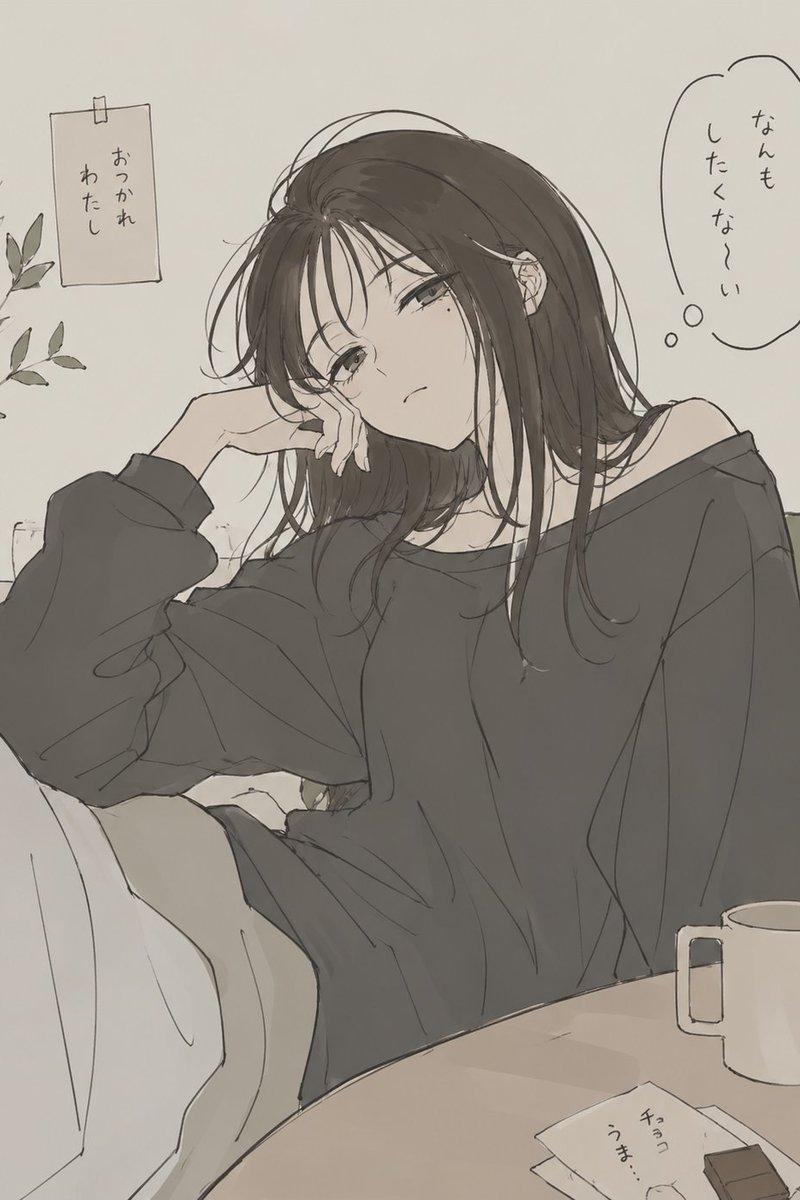
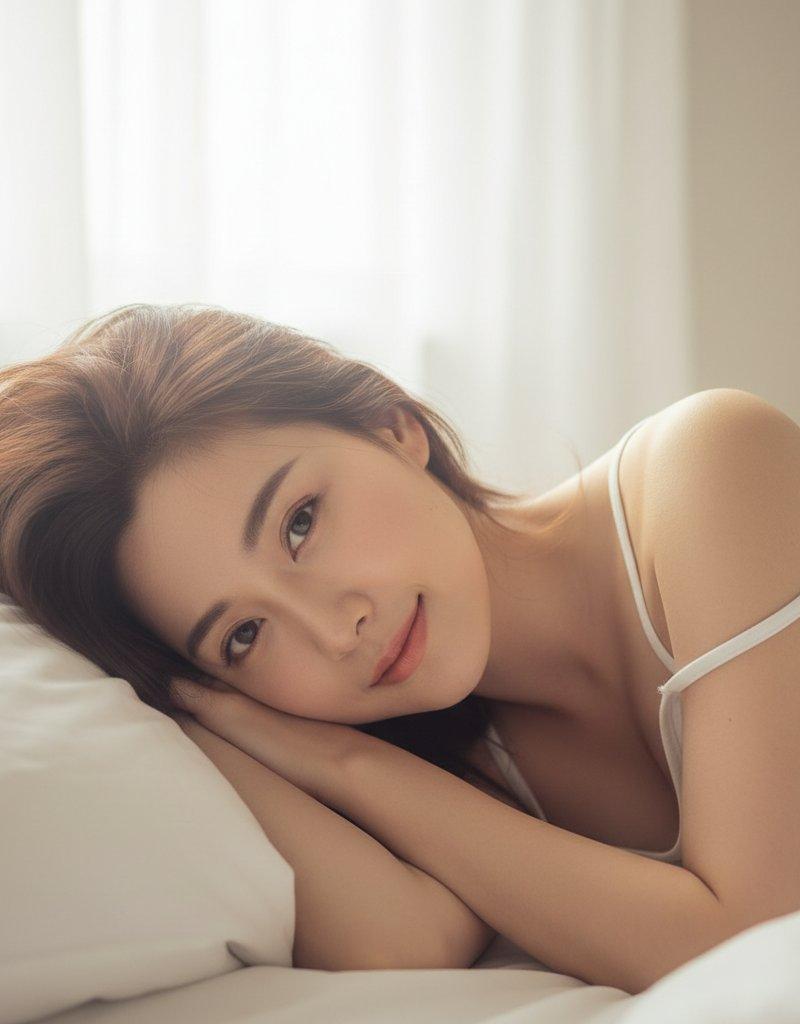
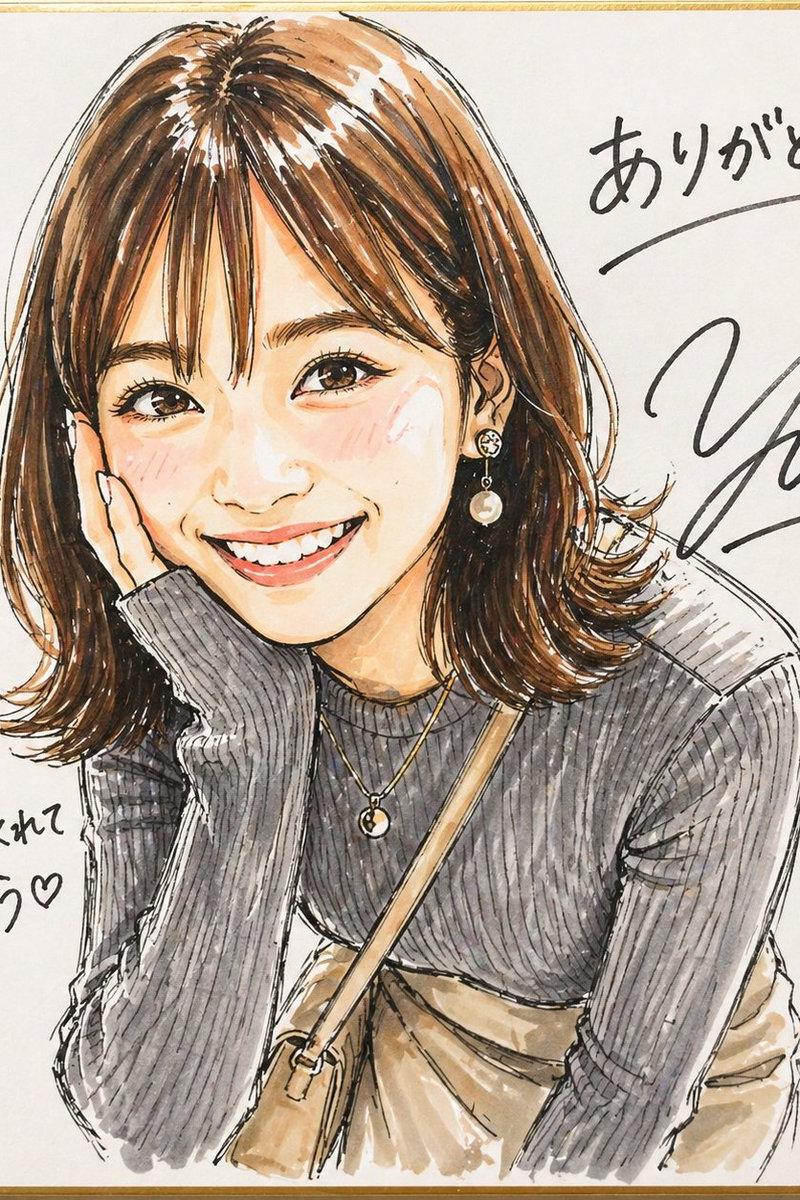
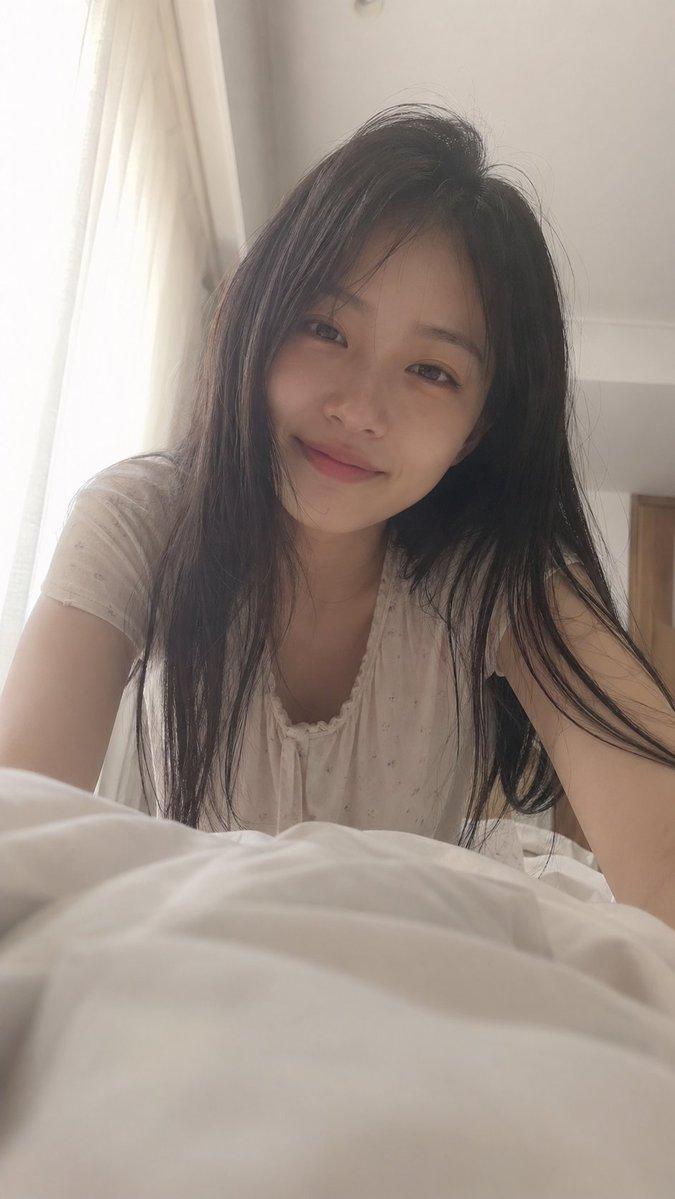
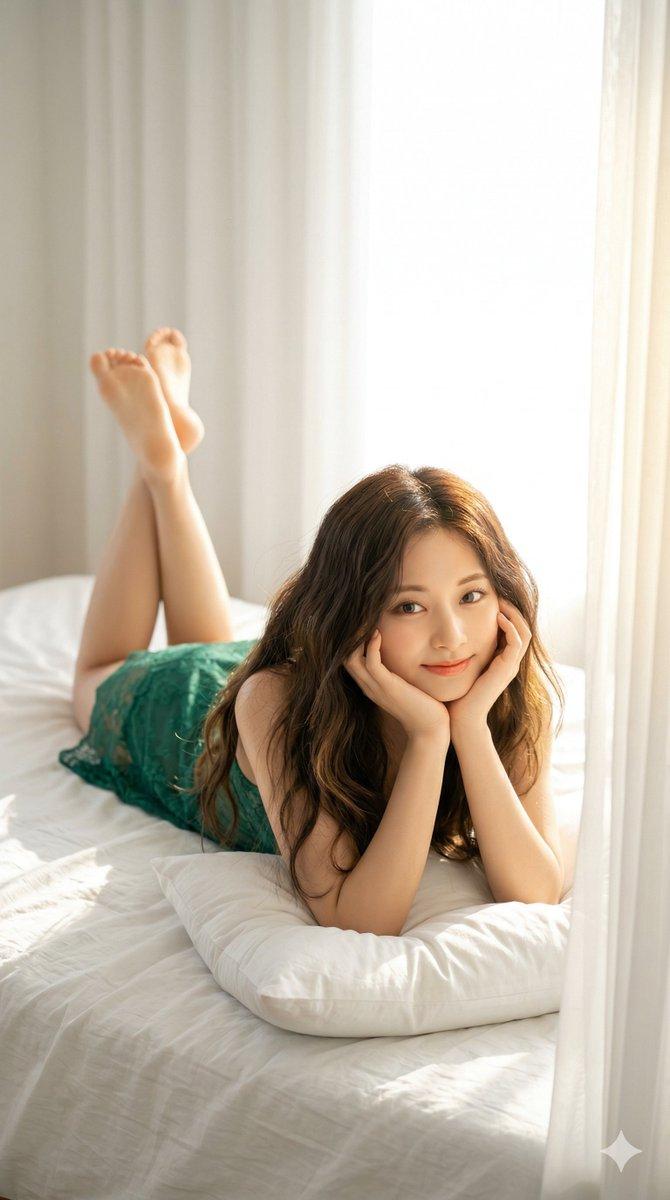
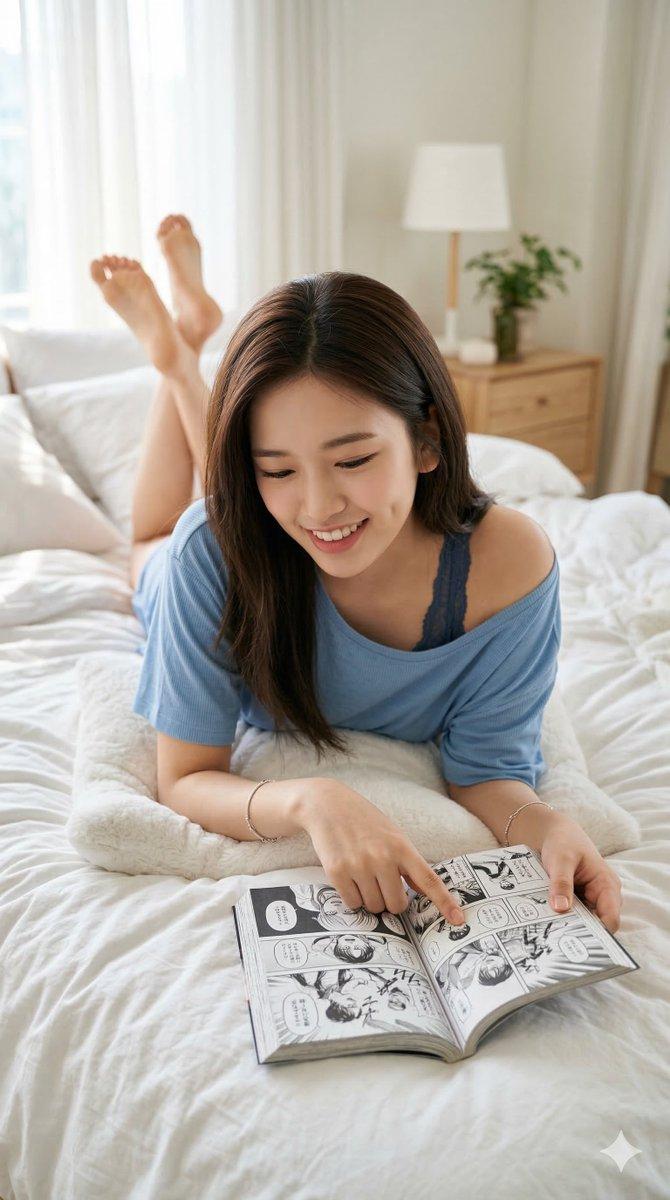
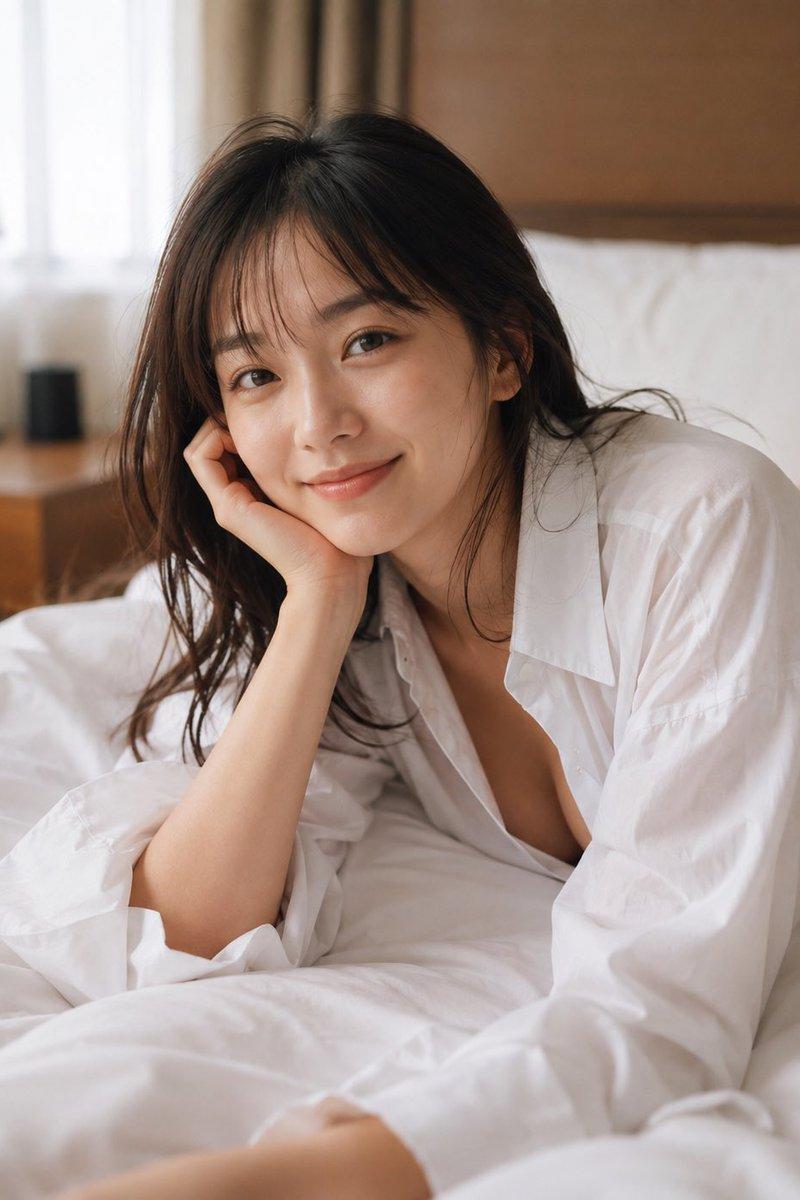
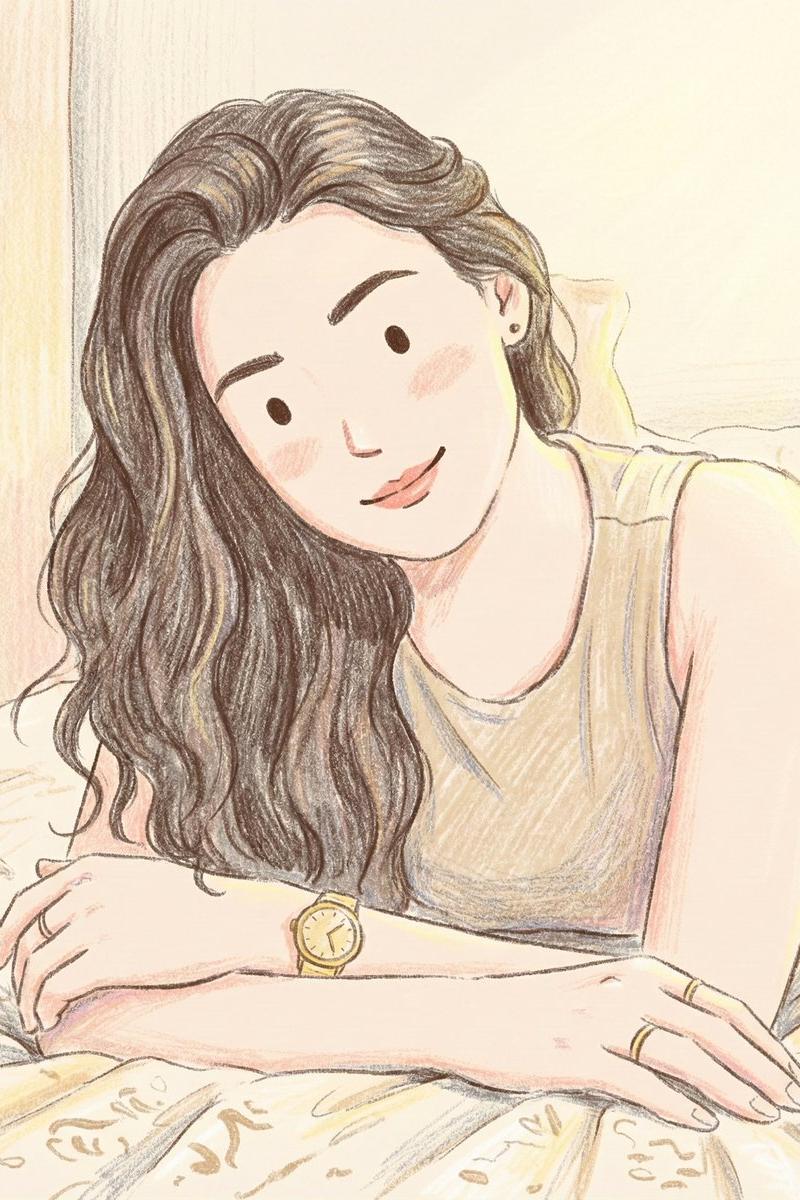
温馨治愈的儿童绘本彩铅手绘插画
Enlarge

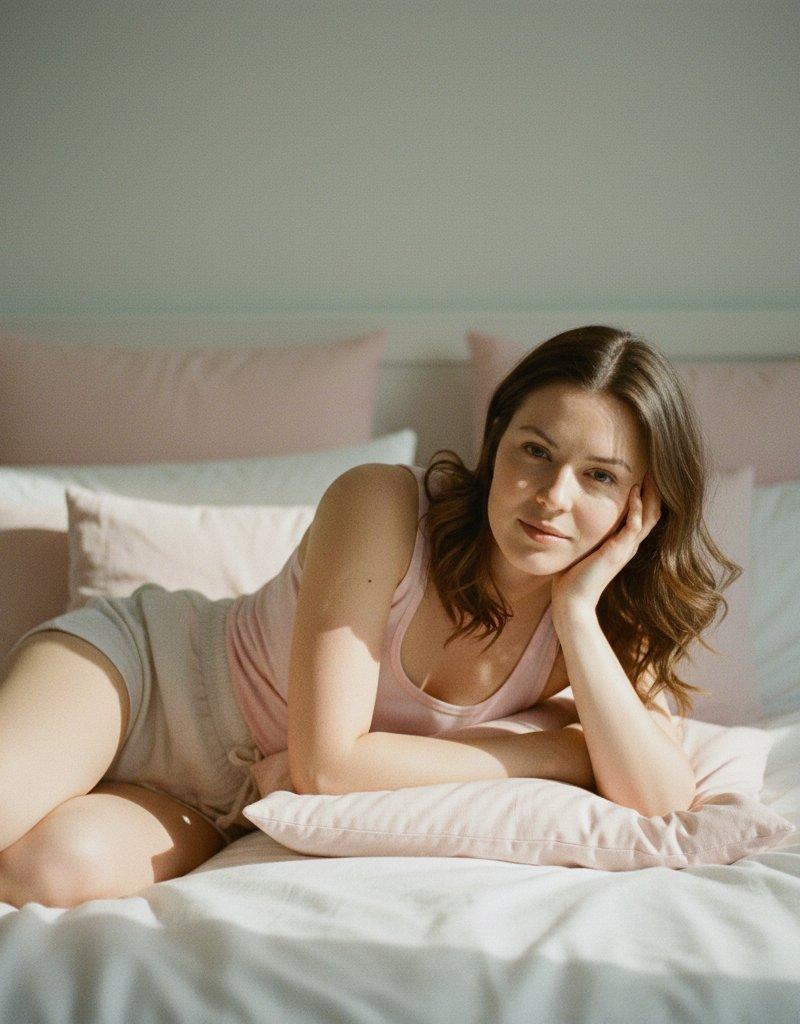
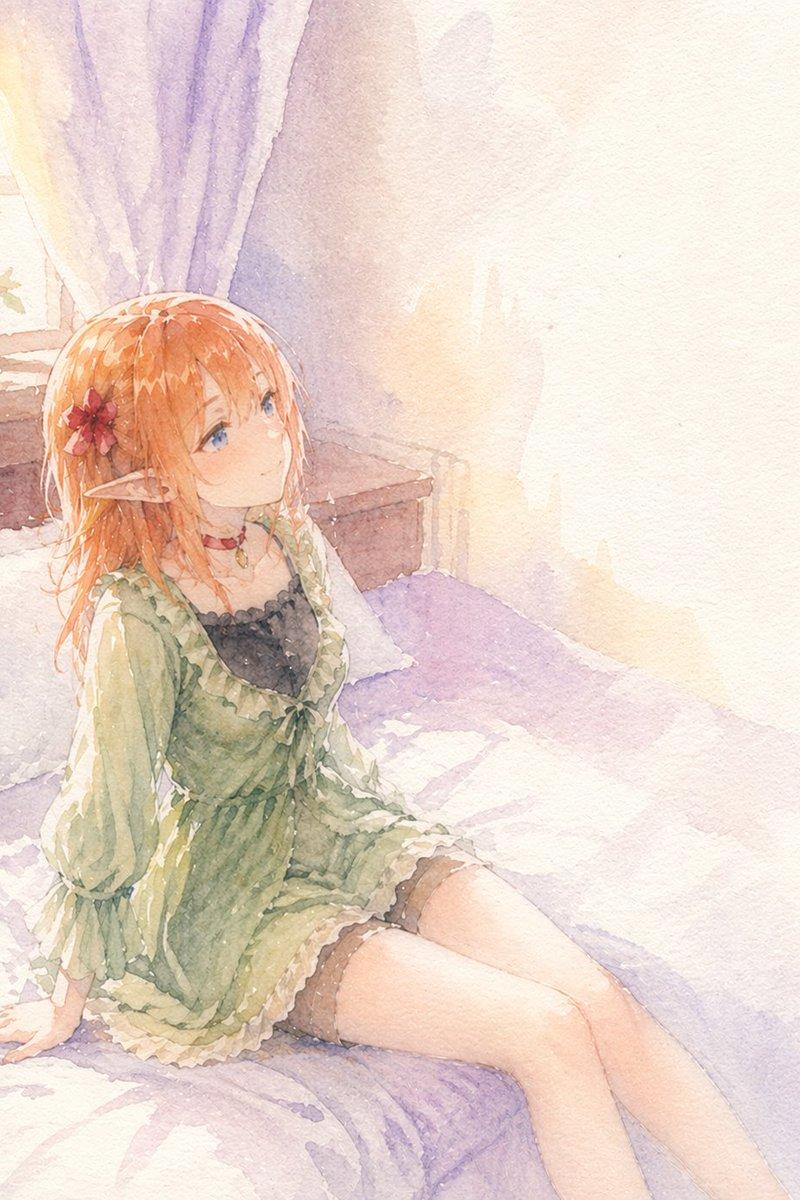
Example images

温馨治愈的儿童绘本彩铅手绘插画

Prompt
Illustration style: hand-drawn colored pencil illustration, clean line art with slightly rough pencil outlines, soft pastel coloring with increased brightness, lighter and more vivid color tones, enhanced saturation while staying natural, visible pencil strokes and gentle shading texture, warm and friendly tone, semi-cartoon realistic proportions, simple facial features with dot eyes and small smiles, flat yet detailed coloring, minimal shadows, soft highlights, storybook illustration feel, cozy and cheerful atmosphere, vibrant yet soft color palette, children-book / lifestyle sketch style, high clarity, no realism, no photo texture.
Category
Photography & Realism
Model
Nano banana pro
Creator
@ZaraIrahh
Source language
zh-CN
Views18
Source ID
7948
Published
Mar 22, 2026
Studio

Guide

About "温馨治愈的儿童绘本彩铅手绘插画"

What is this prompt for?

"温馨治愈的儿童绘本彩铅手绘插画" AI image prompt for Nano banana pro (Photography & Realism). 插画风格:手绘彩色铅笔插画,线条清晰,铅笔轮廓略显粗糙,柔和的粉彩色调,亮度更高,色彩更明亮鲜艳,饱和度增强但保持自然,可见铅笔笔触和柔和的阴影纹理,温暖友好的…

The full copyable prompt and example visuals above are ready for AI image generation or one-click recreate in Picva.

How to use this prompt

  1. Step 1

    Open the prompt detail

    Review the example visuals, category, and full prompt text for "温馨治愈的儿童绘本彩铅手绘插画".

  2. Step 2

    Copy the prompt

    Copy the prompt body from this page, or load it directly in Studio.

  3. Step 3

    Pick a model (Nano banana pro)

    Prefer Nano banana pro. If you switch models, keep subject and composition and tweak style terms.

  4. Step 4

    Generate and export

    Recreate the look in Picva, or export into your workflow for editing and publishing.

FAQ

What is the "温馨治愈的儿童绘本彩铅手绘插画" prompt?
It is an AI image-generation prompt for Nano banana pro in the Photography & Realism category. This page includes the full prompt text, example visuals, and a one-click recreate path in Picva.
How do I use this prompt to generate an image?
Copy the prompt from this page, or use Generate / Studio. Paste it into a compatible image model, or recreate the look in Picva with optional reference images.
Which model is this prompt for?
This page lists Nano banana pro. Most descriptive prompts also transfer to nearby image models such as GPT Image, Flux, or Midjourney with light style tweaks.
Can I use the result commercially?
You can usually copy the prompt for creation, but commercial use of the final image depends on the model terms, reference-image rights, and the generated content. Follow the source author and platform rules.