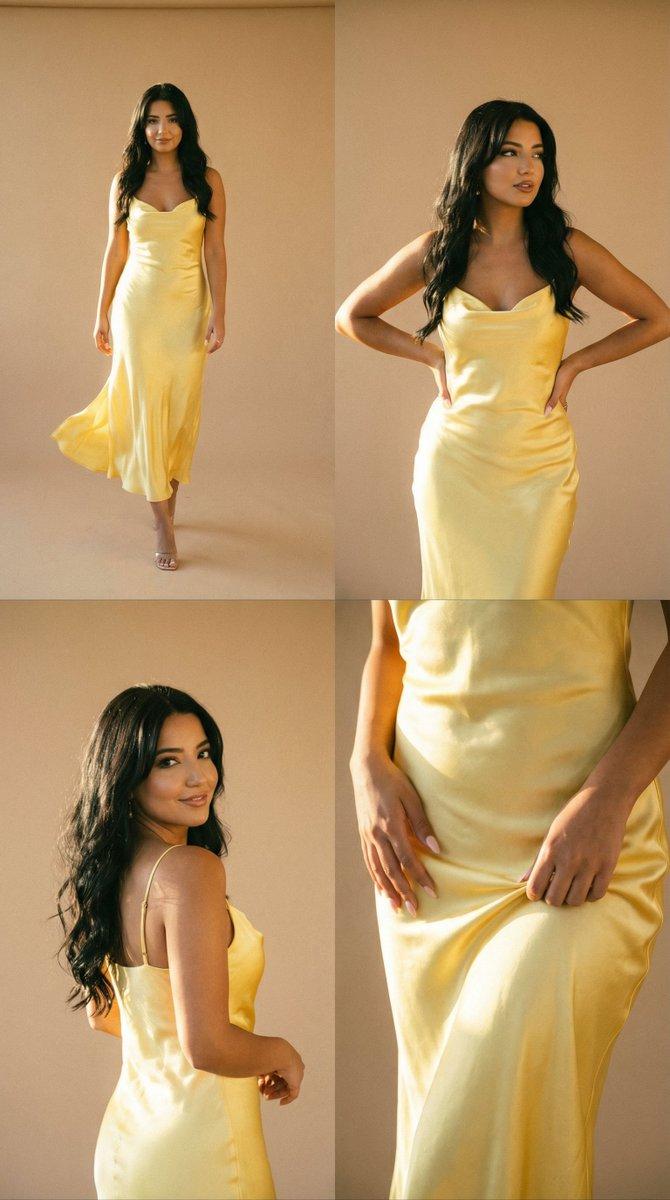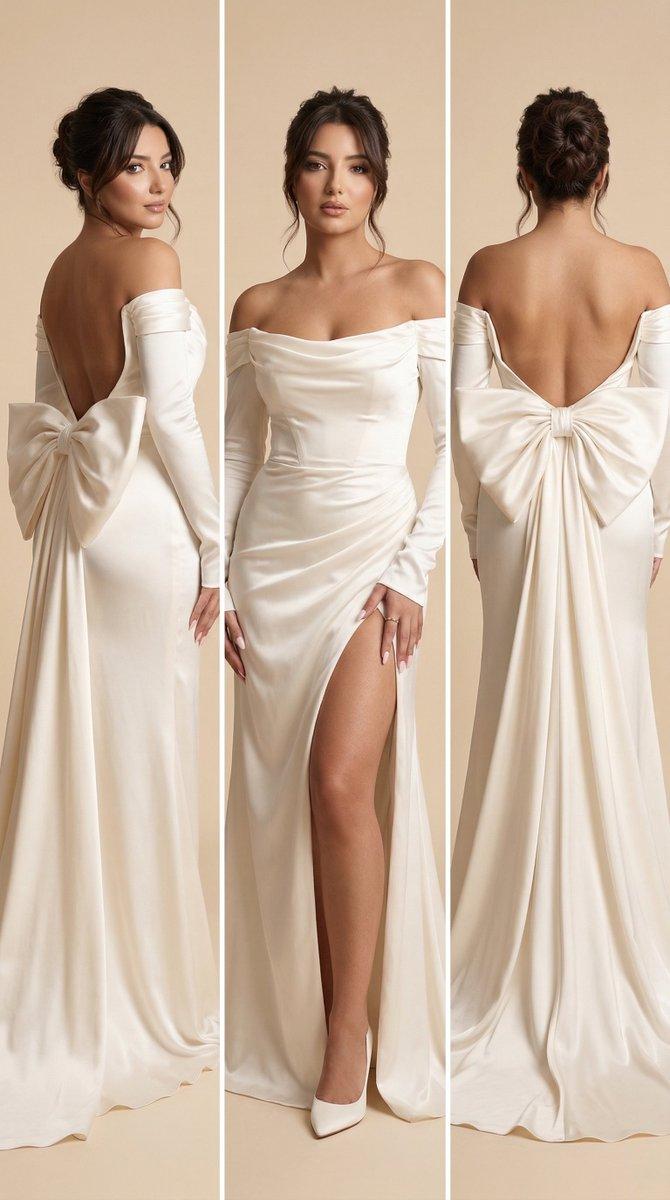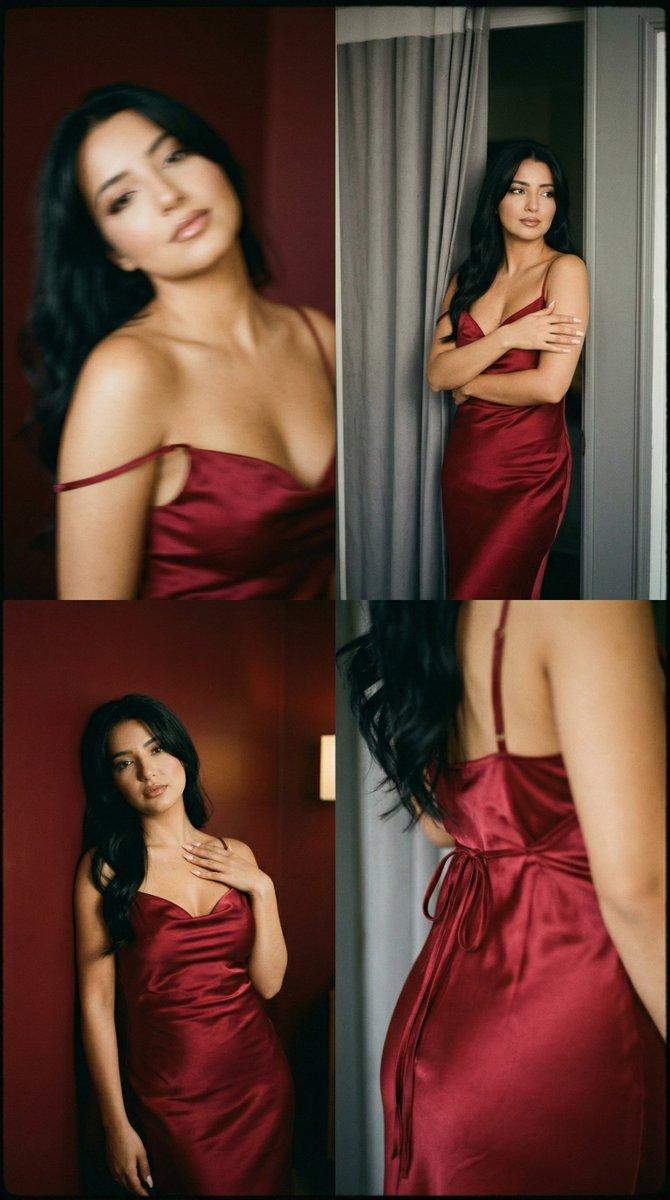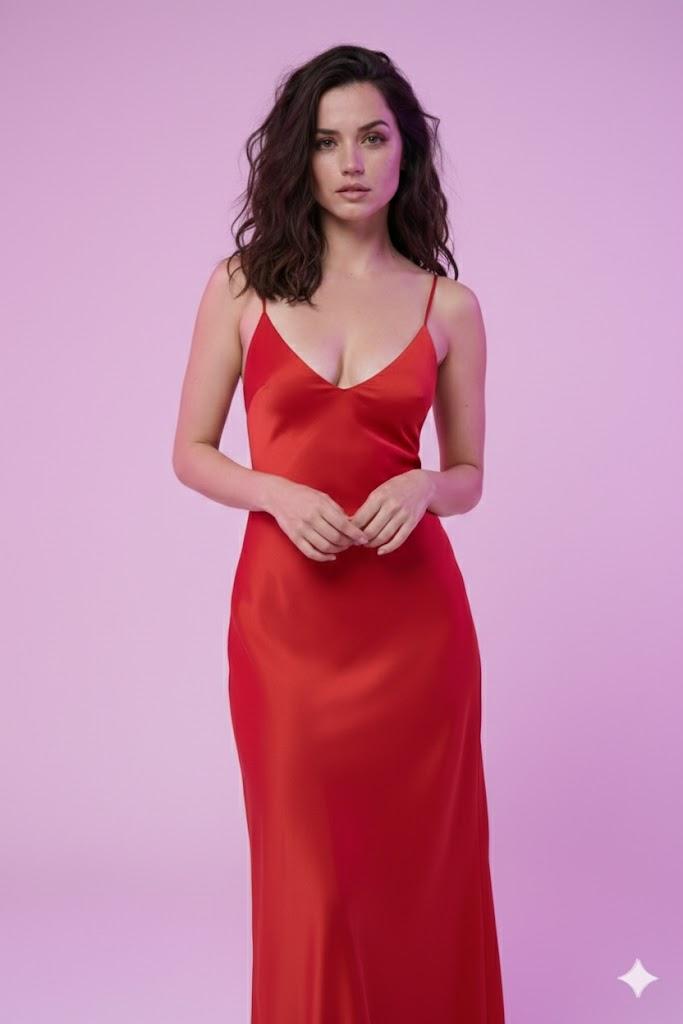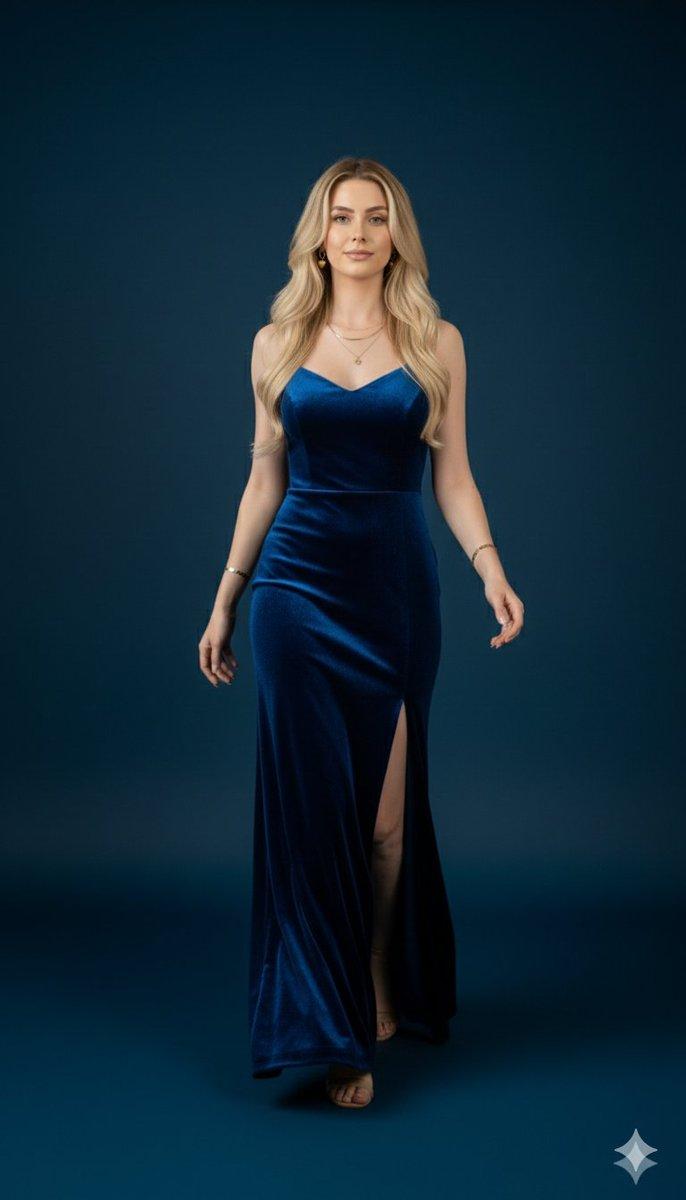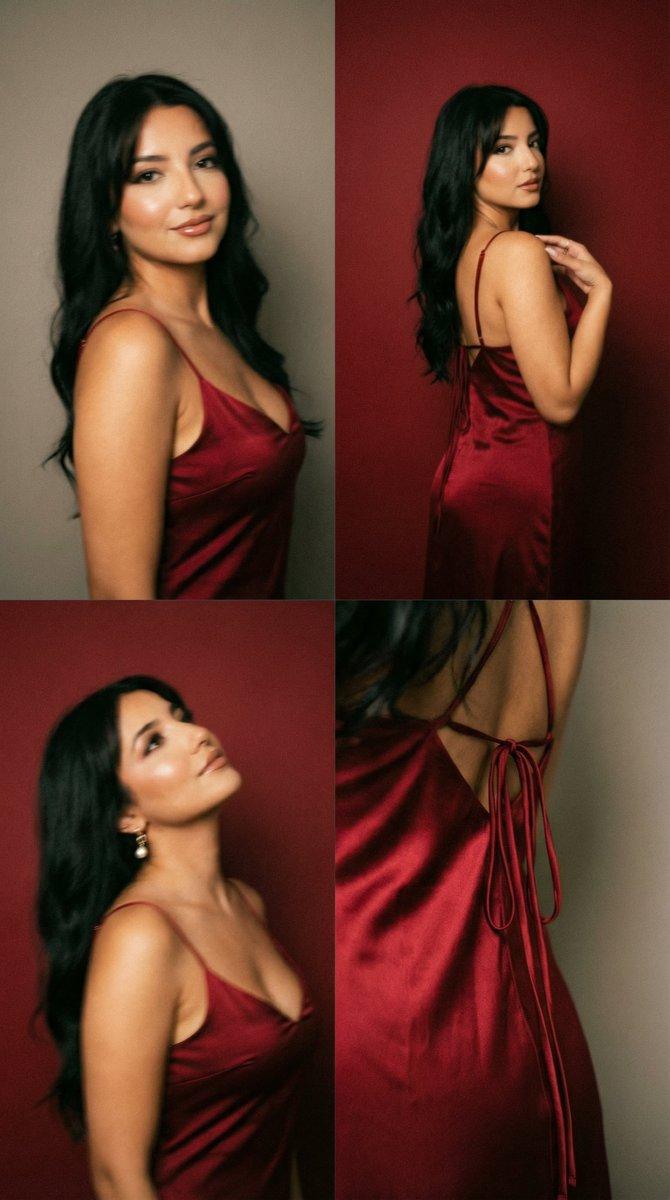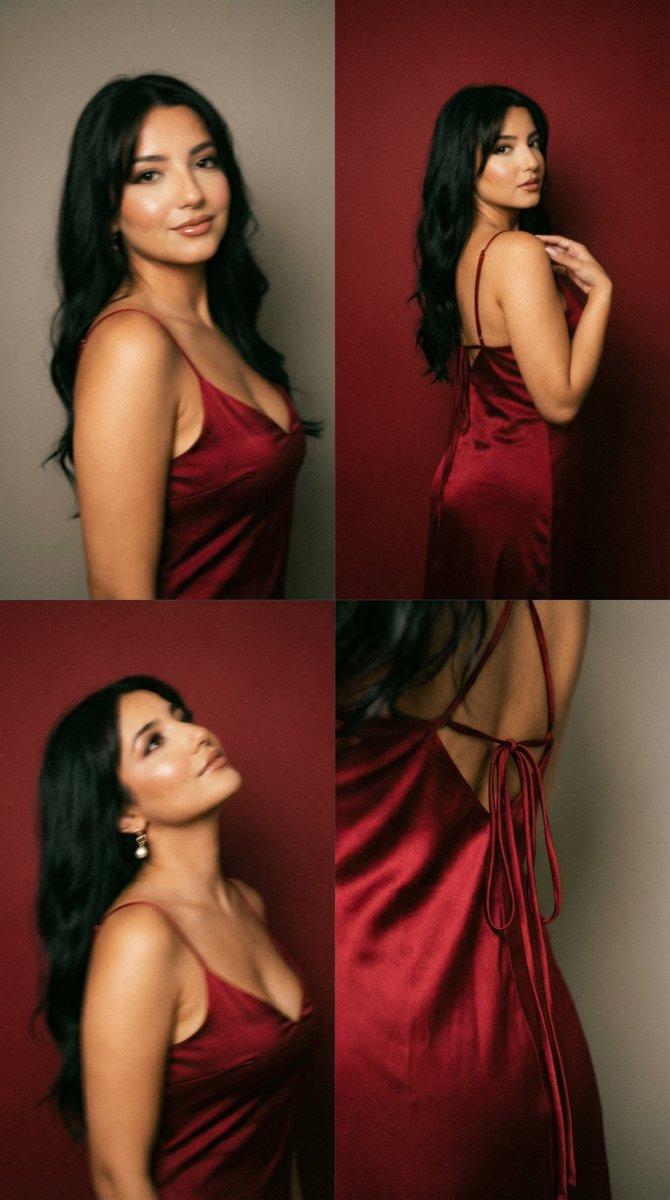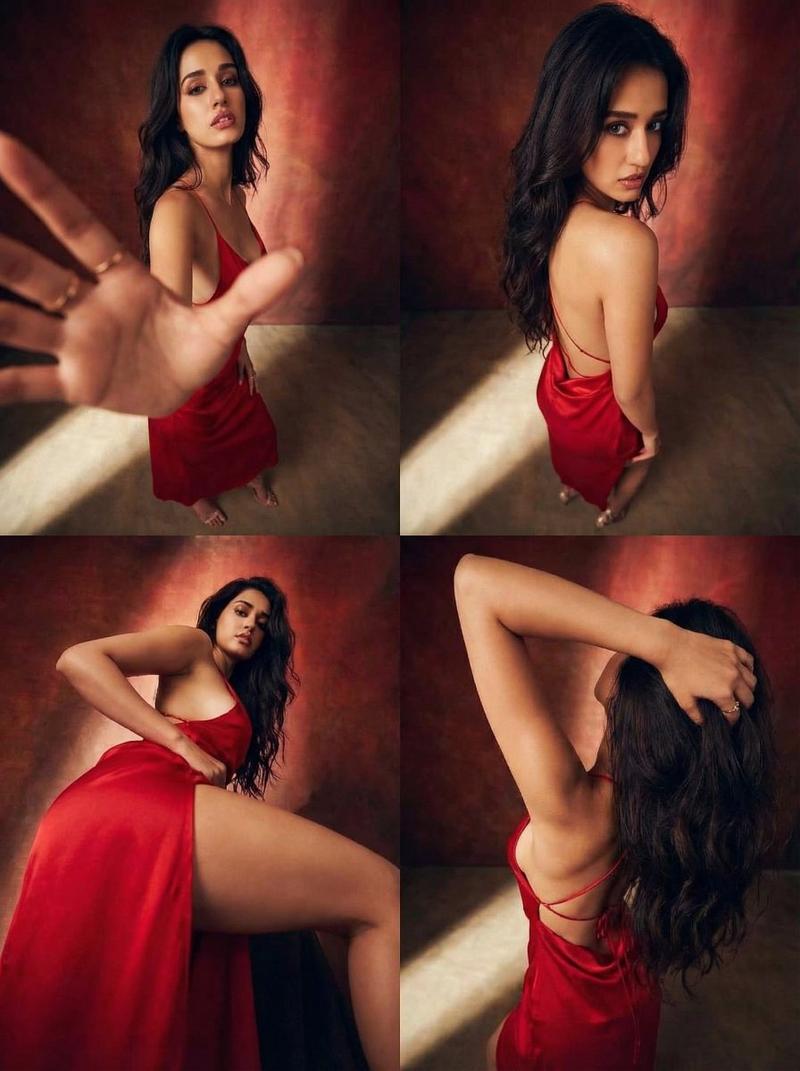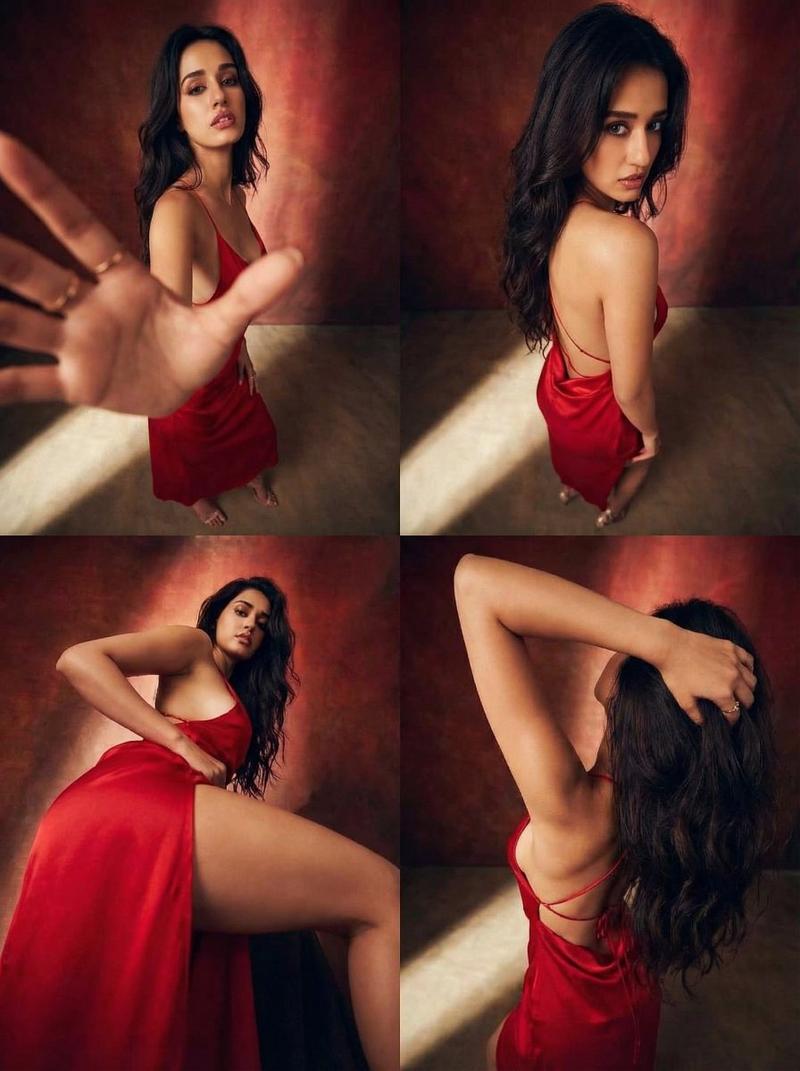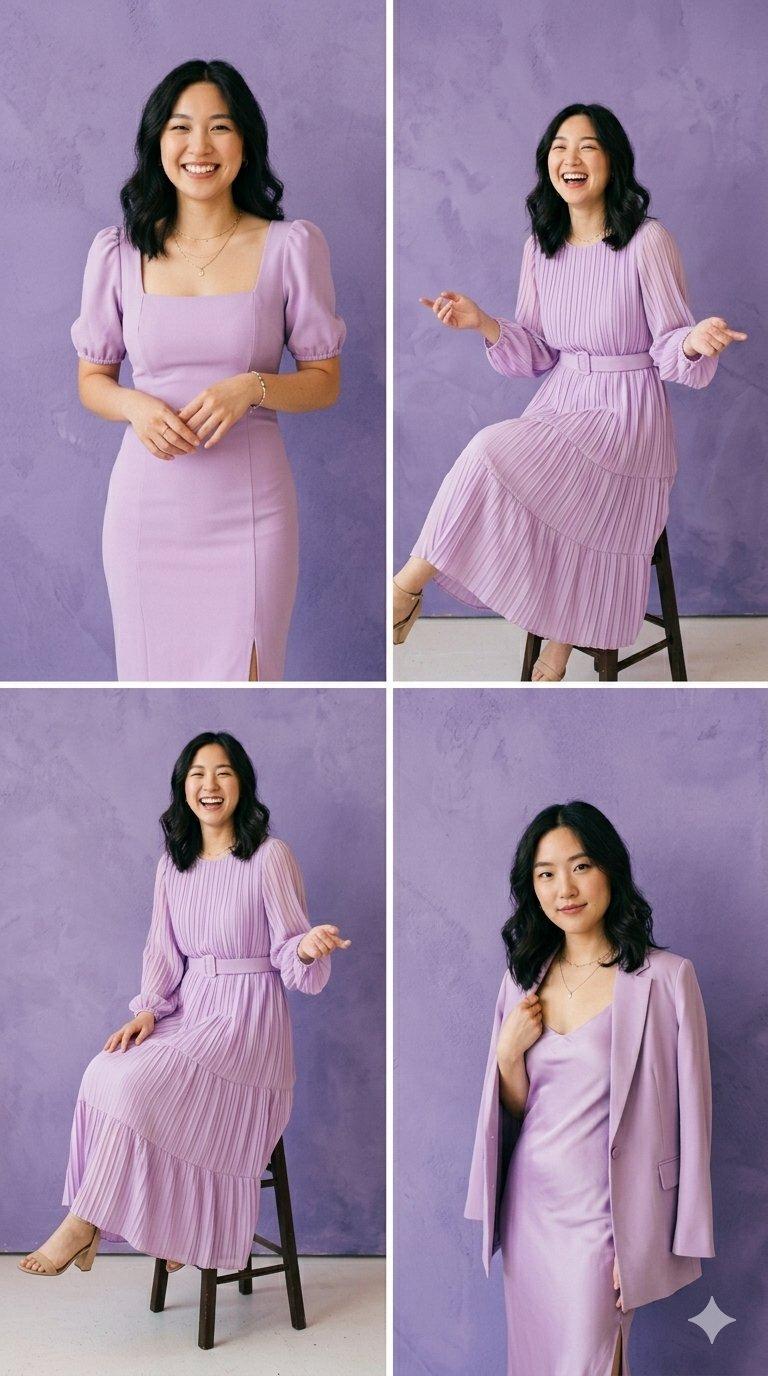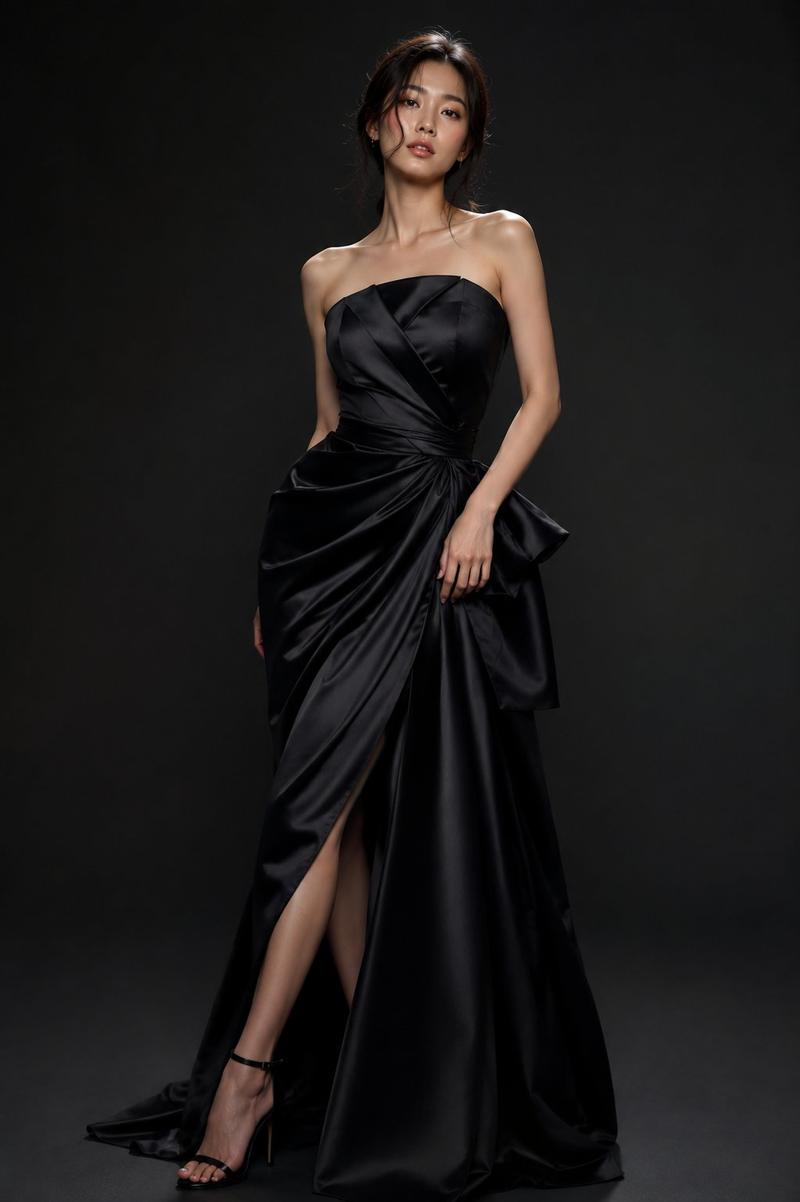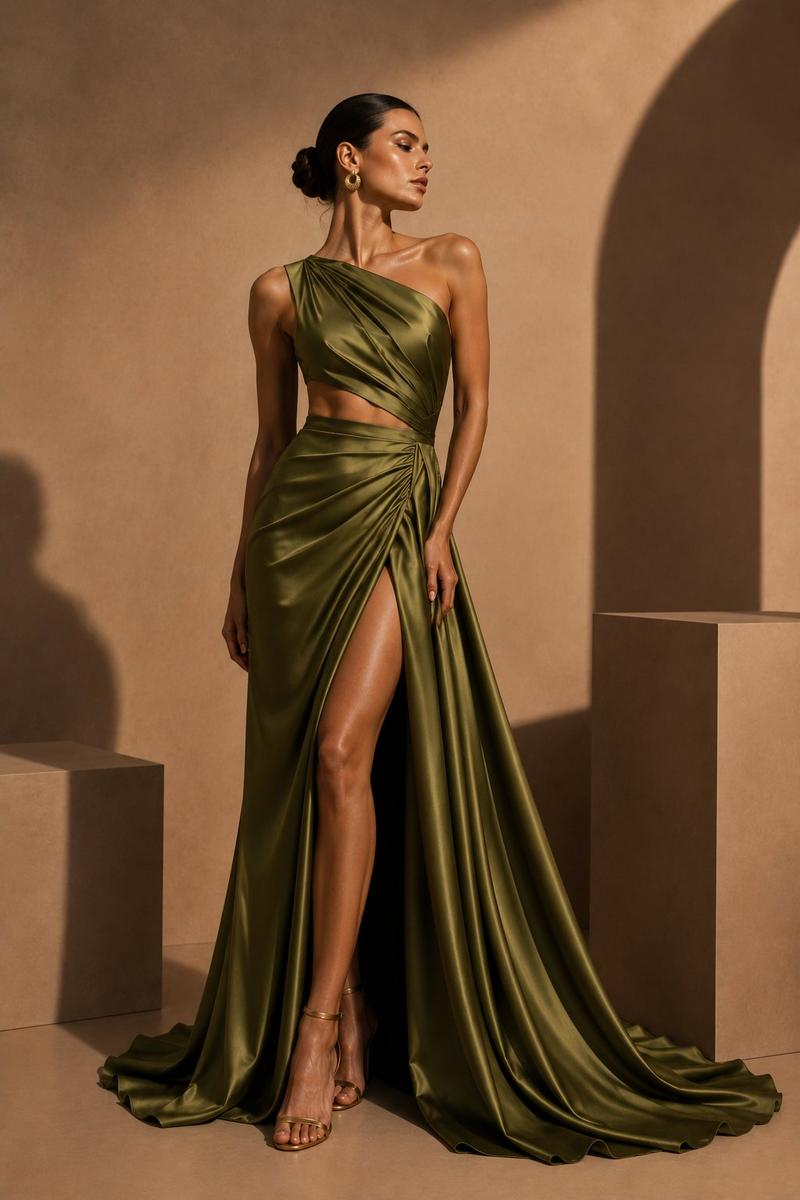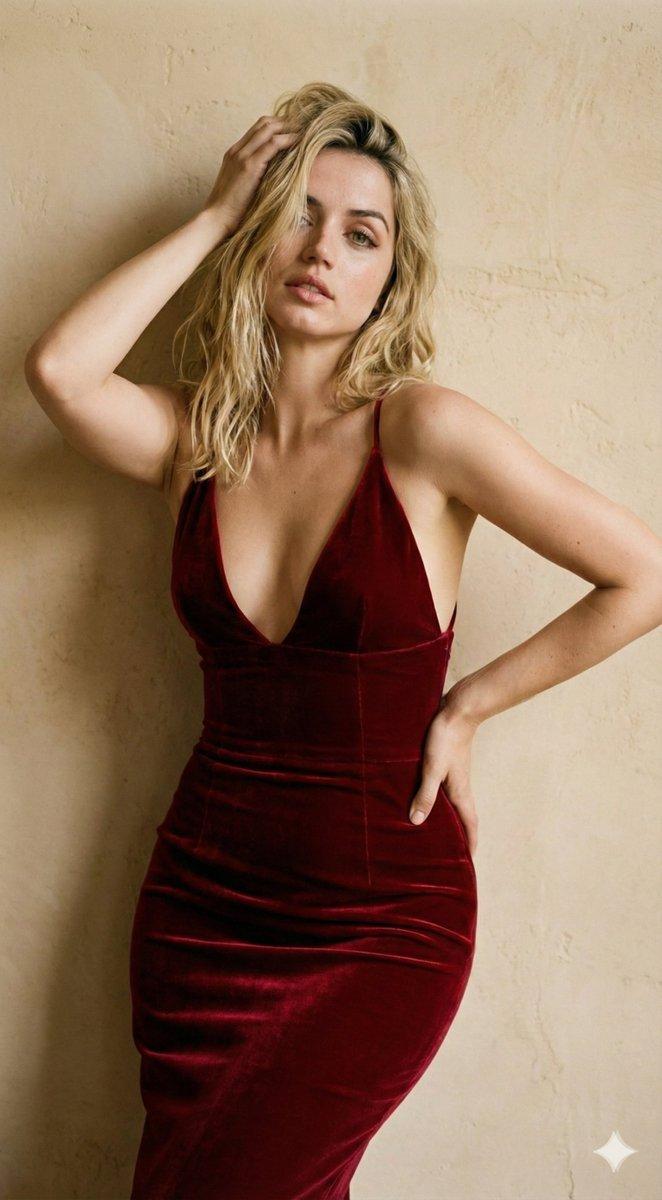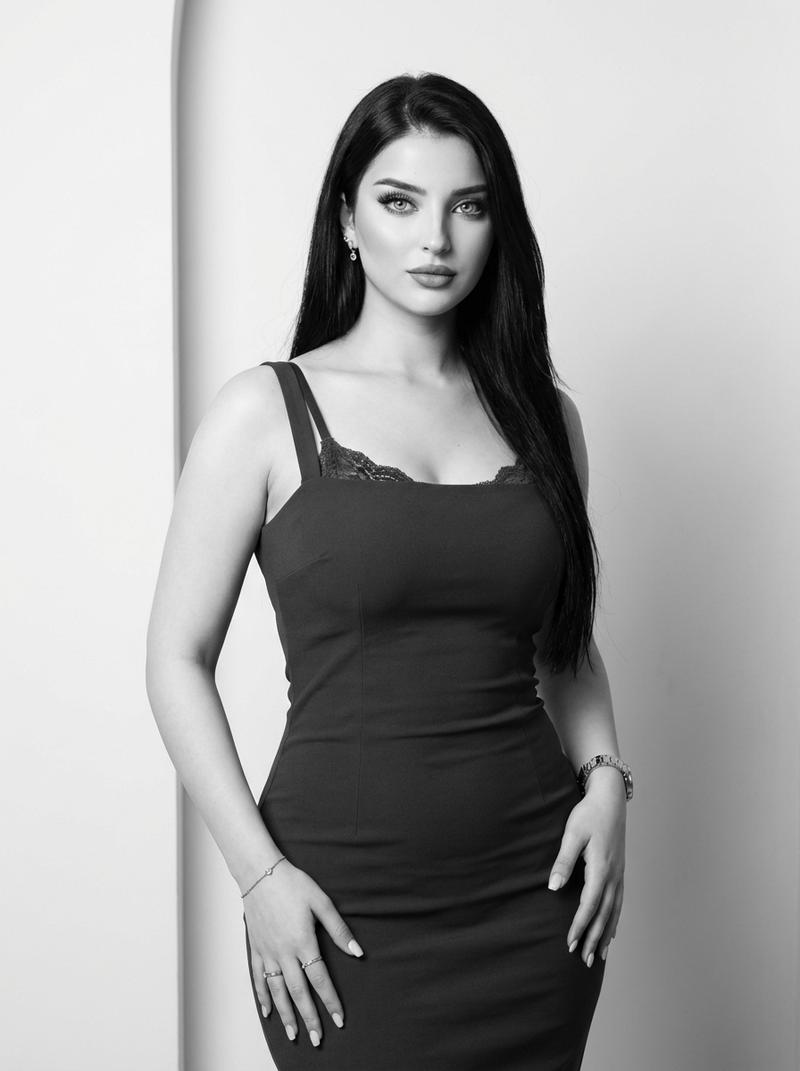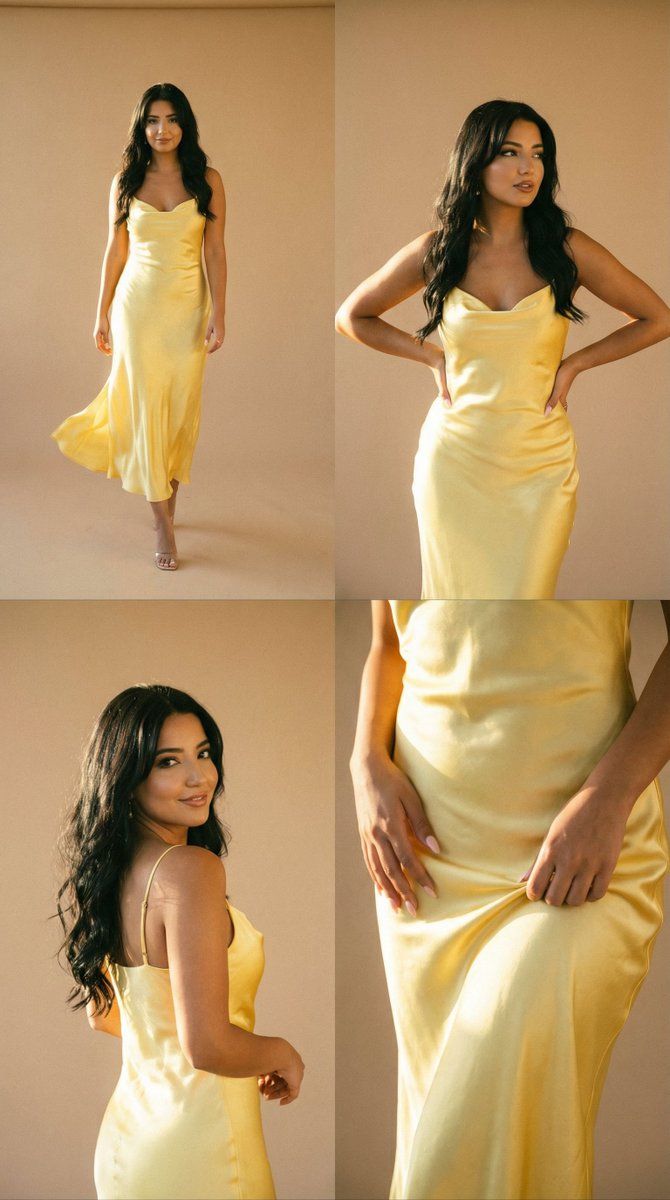
金色时刻时尚专题拼贴画(4 幅)
Prompt
{
  "generation_request": {
    "meta_data": {
      "task_type": "editorial_grid_collage_fashion_golden_hour",
      "language": "en",
      "priority": "highest",
      "version": "v1.0_YELLOW_SATIN_SUNLIT_CONFIDENT"
    },

    "output": {
      "aspect_ratio": "1:1",
      "resolution": "high",
      "num_images": 4
    },

    "scene": {
      "concept": "a radiant fashion editorial collage inspired by warm sunlight and vintage film",
      "environment": "minimal beige studio wall or sunlit balcony, soft shadows, clean background, no props",
      "composition": "four clean panels arranged in a grid, consistent color grading across all frames"
    },

    "subject": {
      "person": "adult woman",
      "wardrobe": {
        "dress": "butter yellow / champagne satin slip dress, flowing fabric, elegant, light reflective silk texture"
      },
      "hair_makeup": {
        "hair": "loose natural waves moving slightly in wind",
        "makeup": "fresh skin, sun-kissed glow"
      },
      "mood": "confident, radiant, free, modern couture"
    },

    "panels": [
      {
        "panel_id": 1,
        "framing": "full body",
        "pose": "walking forward, dress flowing with motion",
        "motion": "soft fabric movement blur",
        "lighting": "backlit golden hour rim light"
      },
      {
        "panel_id": 2,
        "framing": "3/4 body",
        "pose": "standing tall, hands on waist, strong editorial stance",
        "motion": "still, sharp focus on face",
        "lighting": "warm side sunlight"
      },
      {
        "panel_id": 3,
        "framing": "half body",
        "pose": "turning head over shoulder, soft smile",
        "motion": "gentle motion blur in hair",
        "lighting": "soft glow"
      },
      {
        "panel_id": 4,
        "framing": "detail close-up",
        "pose": "hands lifting dress hem slightly, satin texture emphasized",
        "detail": "fabric folds, highlights, luxury texture",
        "lighting": "highlight bloom"
      }
    ],

    "camera": {
      "shot": "analog fashion editorial",
      "lens_mm": 50,
      "aperture": 1.8,
      "focus": "soft focus with selective clarity",
      "quality_tags": "film grain, halation, subtle bloom, natural imperfections"
    },

    "lighting": {
      "style": "golden hour cinematic",
      "notes": "warm honey highlights, soft shadows, glowing skin tones"
    },

    "color_grade": {
      "palette": "butter yellow, champagne, warm beige, honey gold",
      "contrast": "medium-low filmic",
      "effects": "grain, halation, slight vignette"
    },

    "negative_prompt": "text, logo, watermark, cartoon style, oversharp HDR, plastic skin, distorted anatomy, extra fingers, low resolution, artifacts"
  }
}- Category
- 创意图片
- Model
- Nano Banana Pro
- Creator
- Özge Döner
- Source ID
- 50cc03c7-8147-4367-a0b7-3abd43b26a2b
- Published
- Mar 8, 2026
Views0