20

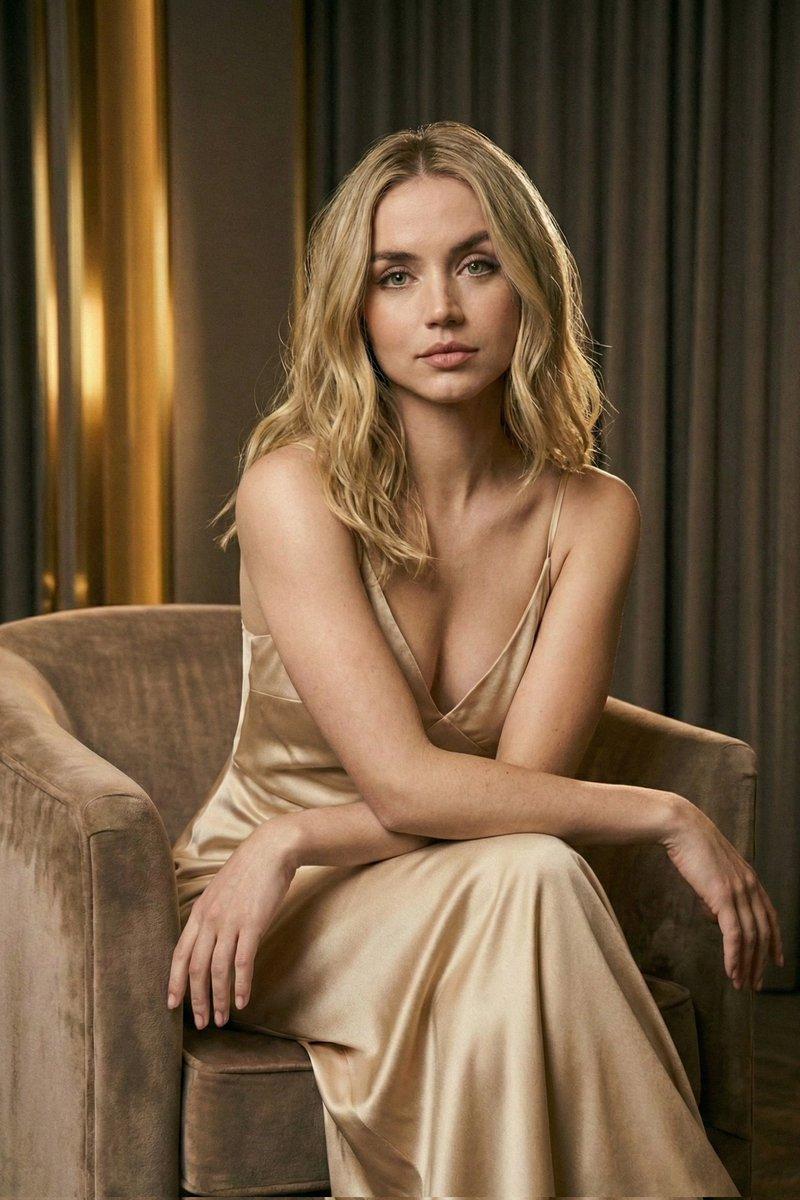
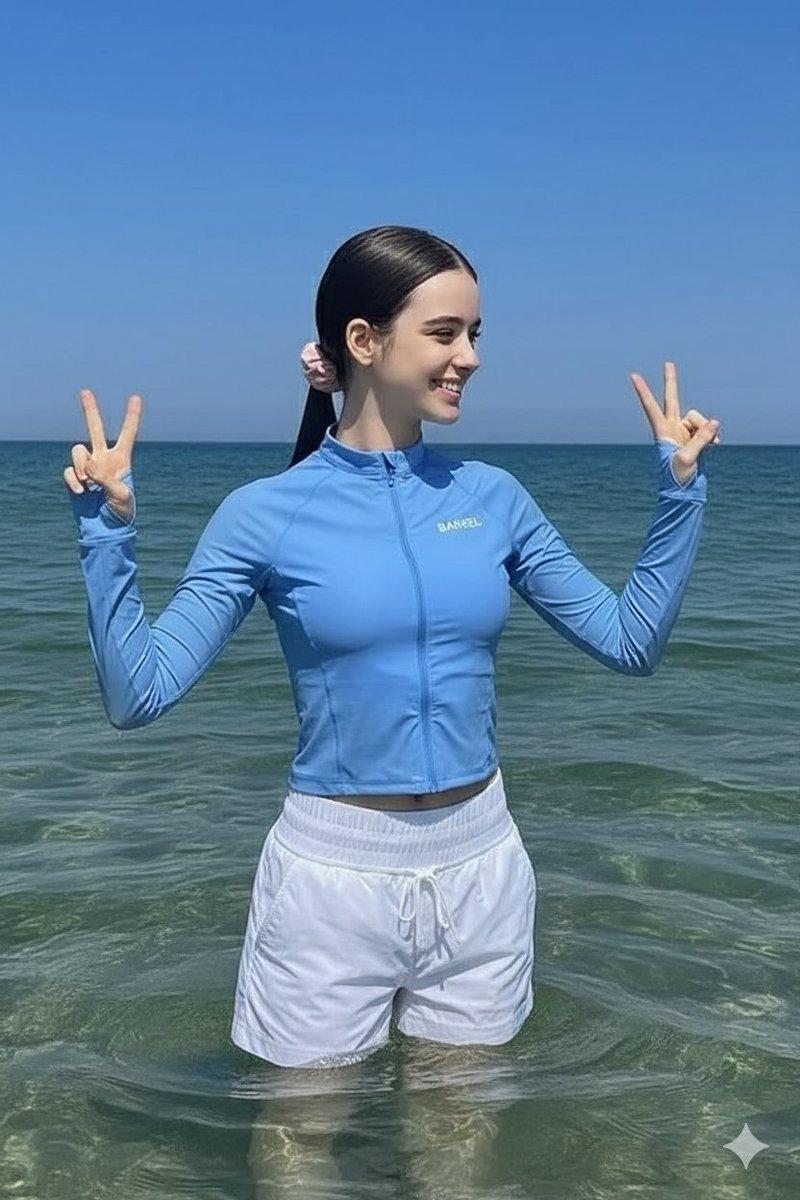
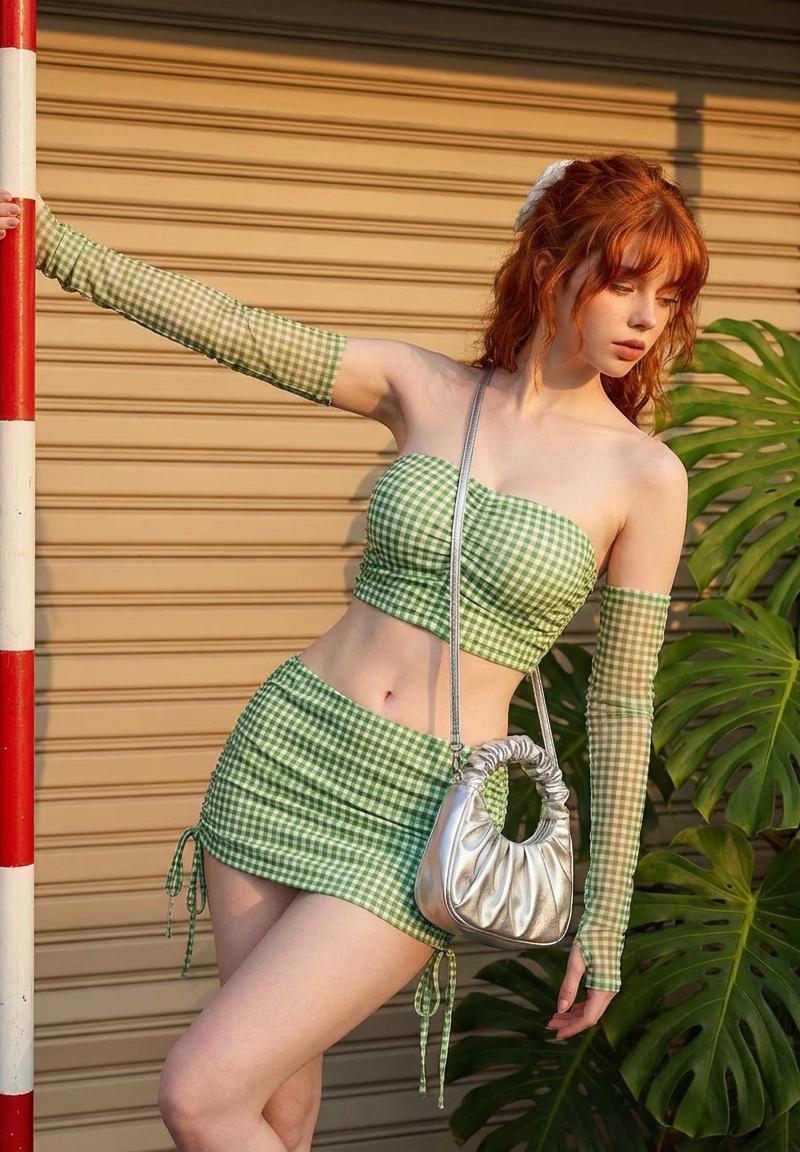
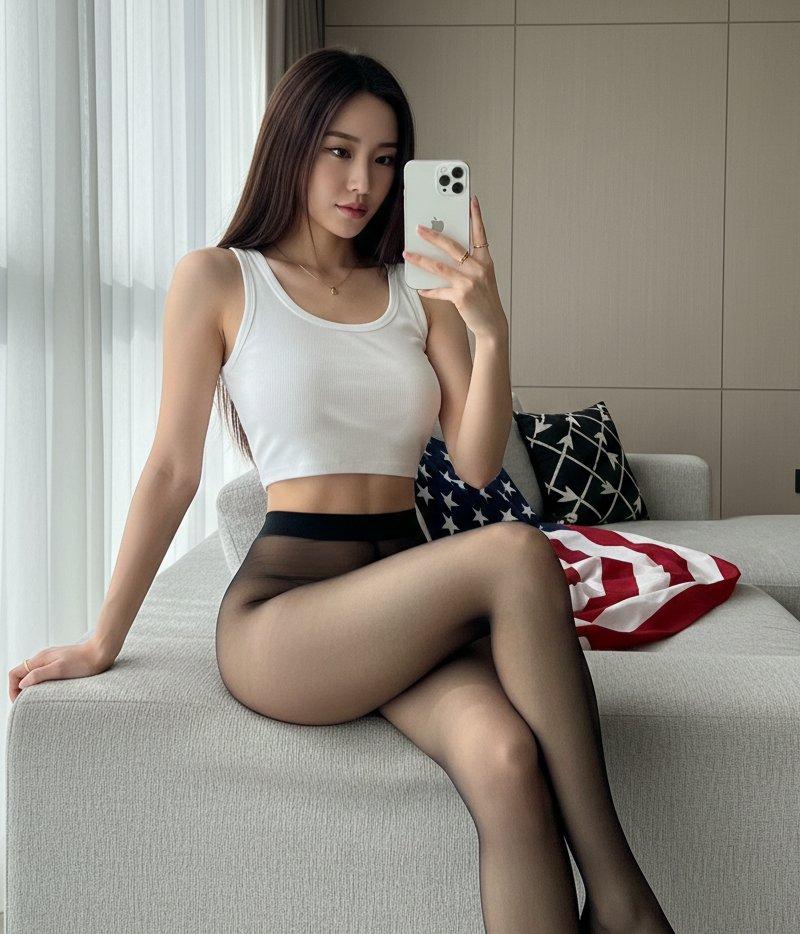
使用 Nano Banana Pro 图像和 Google Veo 3.1 生成 Vlog 风格视频的提示
Enlarge

使用 Nano Banana Pro 图像和 Google Veo 3.1 生成 Vlog 风格视频的提示

Prompt
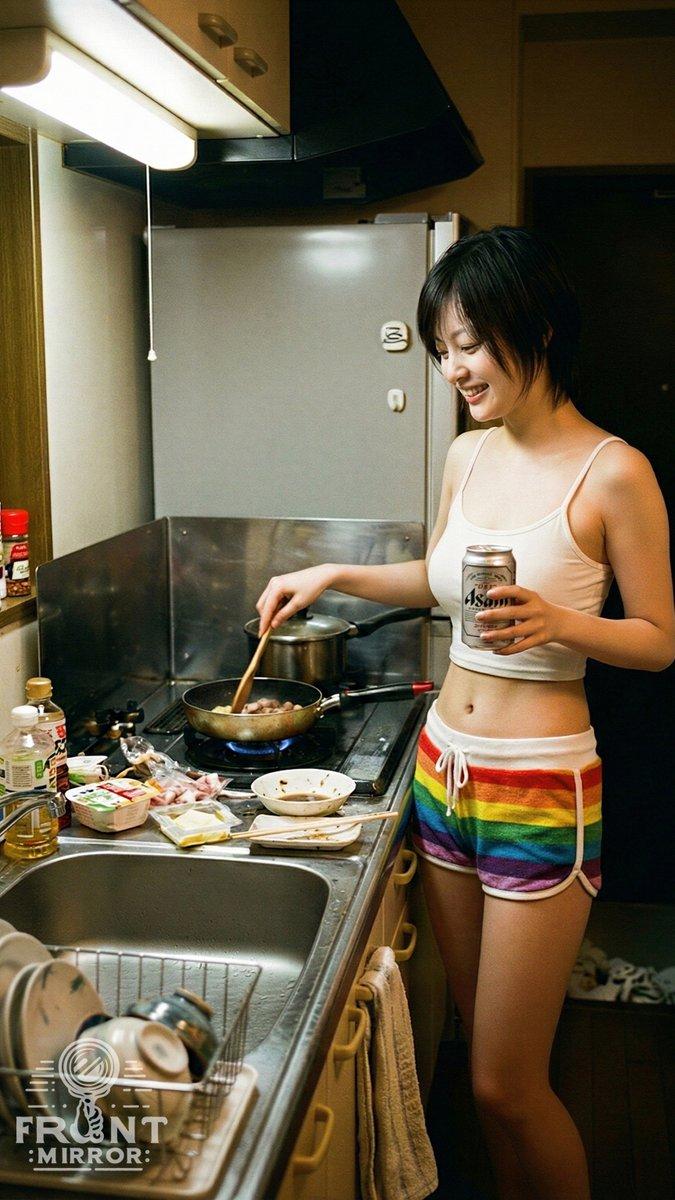
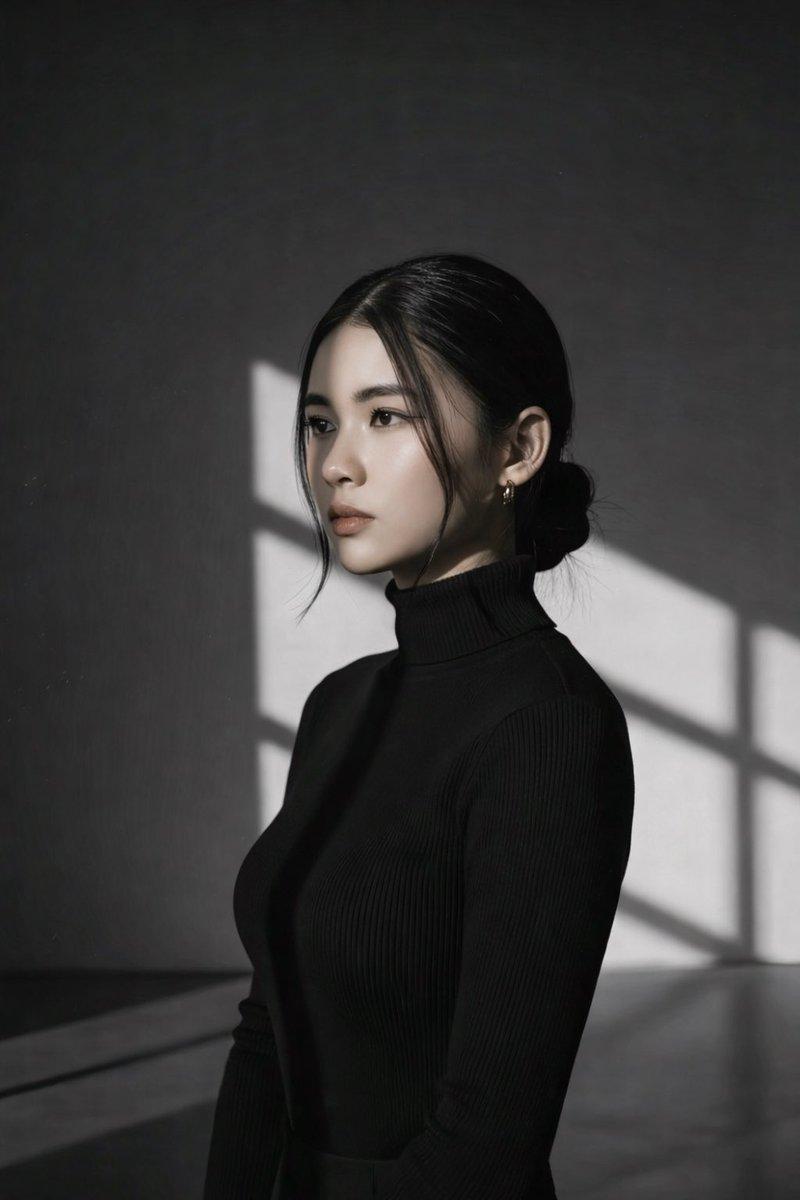
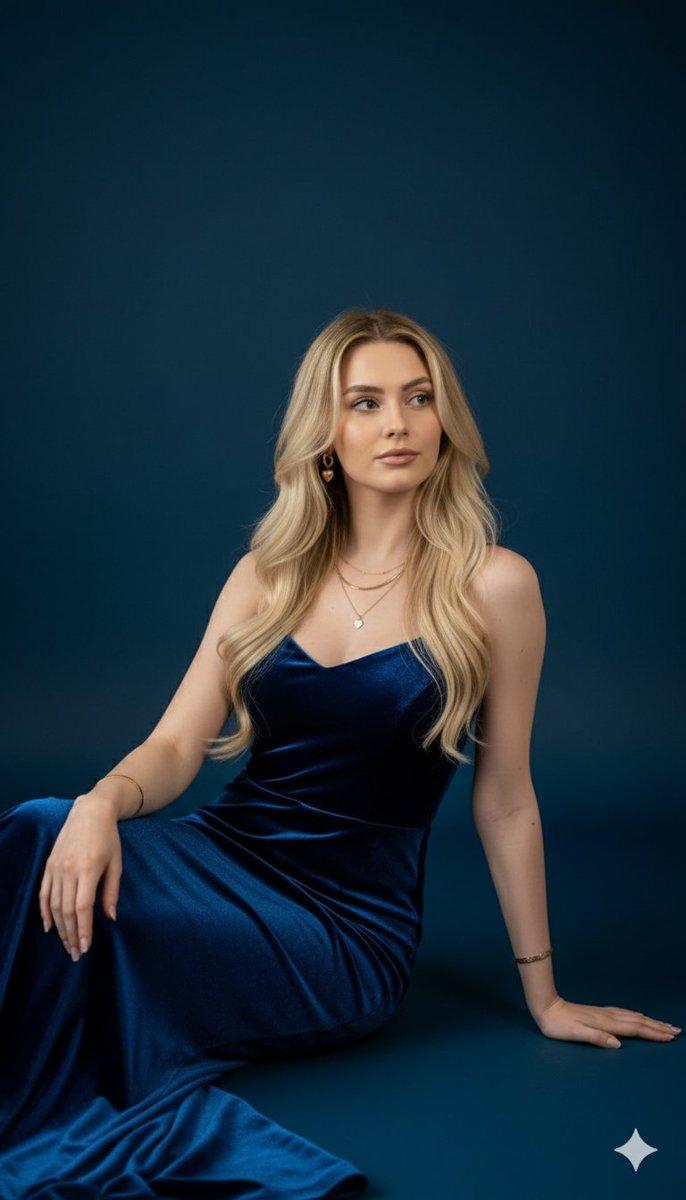
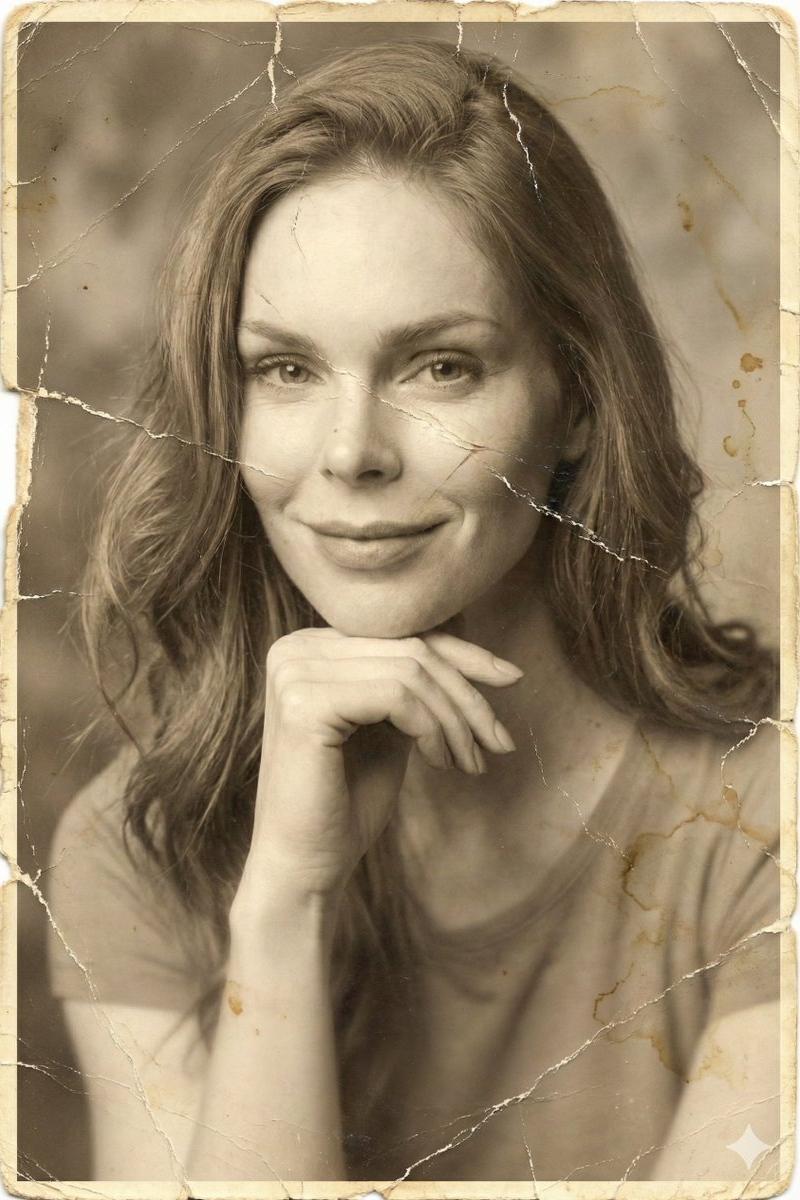
正面を向いた動画風のショットを作成。カメラは顔の高さで固定、被写体の真正面に配置。被写体は姿勢と構図から座っていることが示されている。

構図はシンプルで安定しており、劇的なアングルや目立つカメラの動きはない。照明は[UGCスタイルのショットを考慮した現実的な照明を追加]から。顔ははっきり見える。

被写体の表情は穏やかでリラックスしており、自然なほのかな微笑みを浮かべている。まるでカメラに向かってVlogを語り始めようとしているかのようだ。画質は夜間の屋内で撮影された動画(高画質)を反映しており、フィルター、美化効果、人工的なシャープネス処理は一切施されていない。

空間は個人的な空間として感じられる。ボケはカメラの限界によるもので、人工的な被写界深度効果ではない。全体的な雰囲気は温かく、明るく、親密で、被写体が話し始める直前のリアルなVlogの瞬間を思わせる。

女性のセリフは、「今日のファッションは【ファッションの特徴を追加】がポイントです!」と優しい口調で話しながら服を触っている。最後に笑顔になる。

BGM:Vlog風のファッションの雰囲気に合った音が心地よく流れている。
Category
创意图片
Model
Nano Banana Pro
Creator
空想写真家
Source language
ja
Views0
Source ID
708f72fb-afb2-4ee8-8f8b-b00f7ff62ac0
Published
Mar 8, 2026
Studio

Guide

About "使用 Nano Banana Pro 图像和 Google Veo 3.1 生成 Vlog 风格视频的提示"

What is this prompt for?

"使用 Nano Banana Pro 图像和 Google Veo 3.1 生成 Vlog 风格视频的提示" AI image prompt for Nano Banana Pro (创意图片). 一个详细的提示,用于使用 Google Veo 3.1 生成一个逼真、高质量的 Vlog 风格视频,该视频基于 Nan…

The full copyable prompt and example visuals above are ready for AI image generation or one-click recreate in Picva.

How to use this prompt

  1. Step 1

    Open the prompt detail

    Review the example visuals, category, and full prompt text for "使用 Nano Banana Pro 图像和 Google Veo 3.1 生成 Vlog 风格视频的提示".

  2. Step 2

    Copy the prompt

    Copy the prompt body from this page, or load it directly in Studio.

  3. Step 3

    Pick a model (Nano Banana Pro)

    Prefer Nano Banana Pro. If you switch models, keep subject and composition and tweak style terms.

  4. Step 4

    Generate and export

    Recreate the look in Picva, or export into your workflow for editing and publishing.

FAQ

What is the "使用 Nano Banana Pro 图像和 Google Veo 3.1 生成 Vlog 风格视频的提示" prompt?
It is an AI image-generation prompt for Nano Banana Pro in the 创意图片 category. This page includes the full prompt text, example visuals, and a one-click recreate path in Picva.
How do I use this prompt to generate an image?
Copy the prompt from this page, or use Generate / Studio. Paste it into a compatible image model, or recreate the look in Picva with optional reference images.
Which model is this prompt for?
This page lists Nano Banana Pro. Most descriptive prompts also transfer to nearby image models such as GPT Image, Flux, or Midjourney with light style tweaks.
Can I use the result commercially?
You can usually copy the prompt for creation, but commercial use of the final image depends on the model terms, reference-image rights, and the generated content. Follow the source author and platform rules.