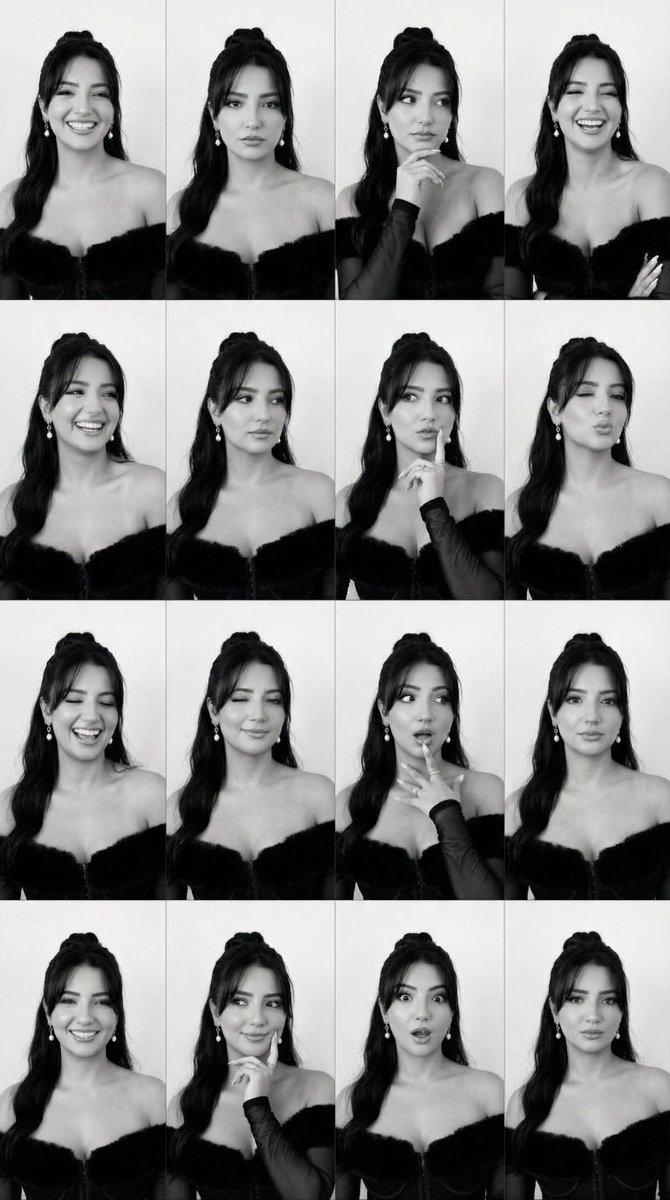
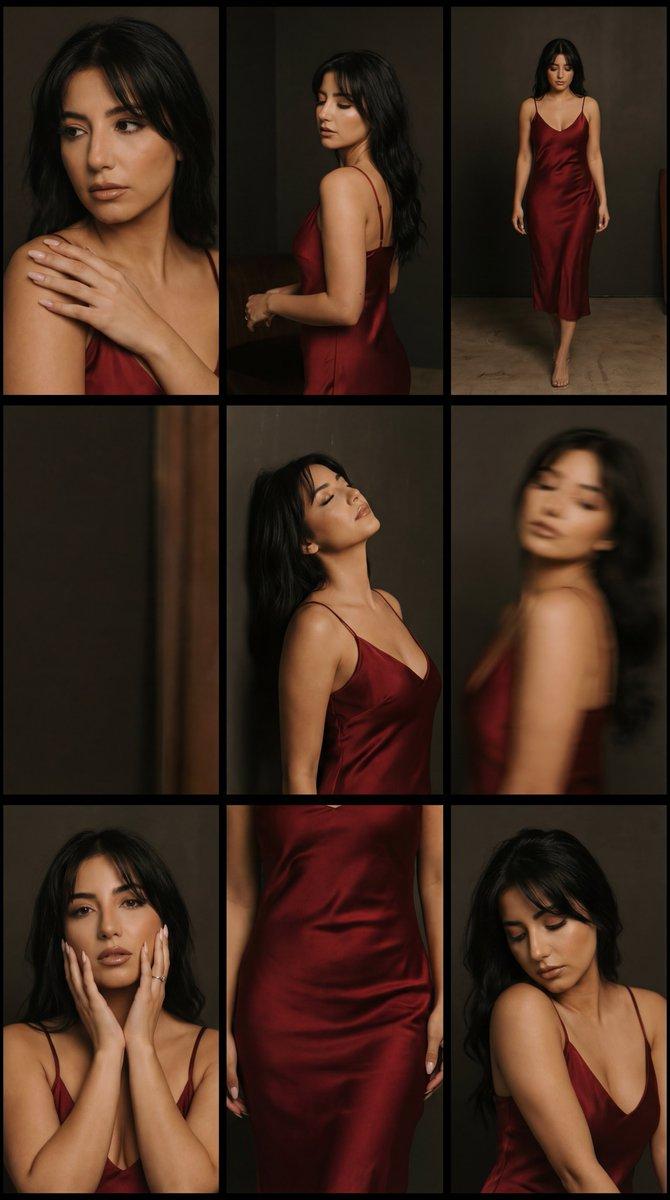
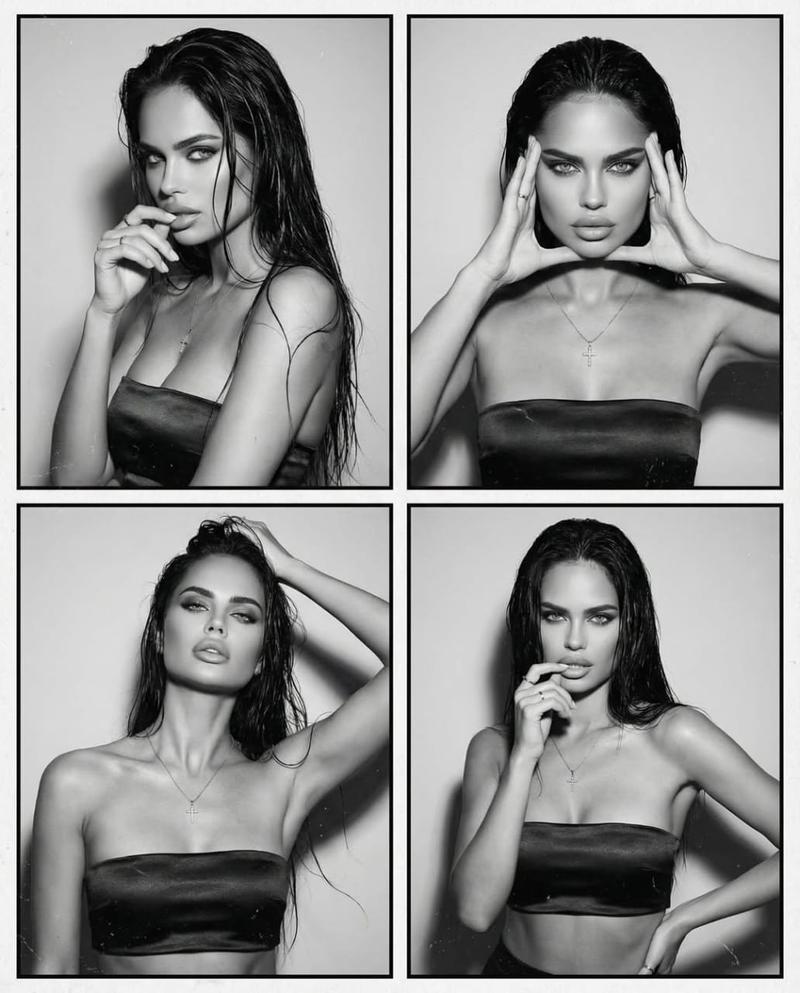
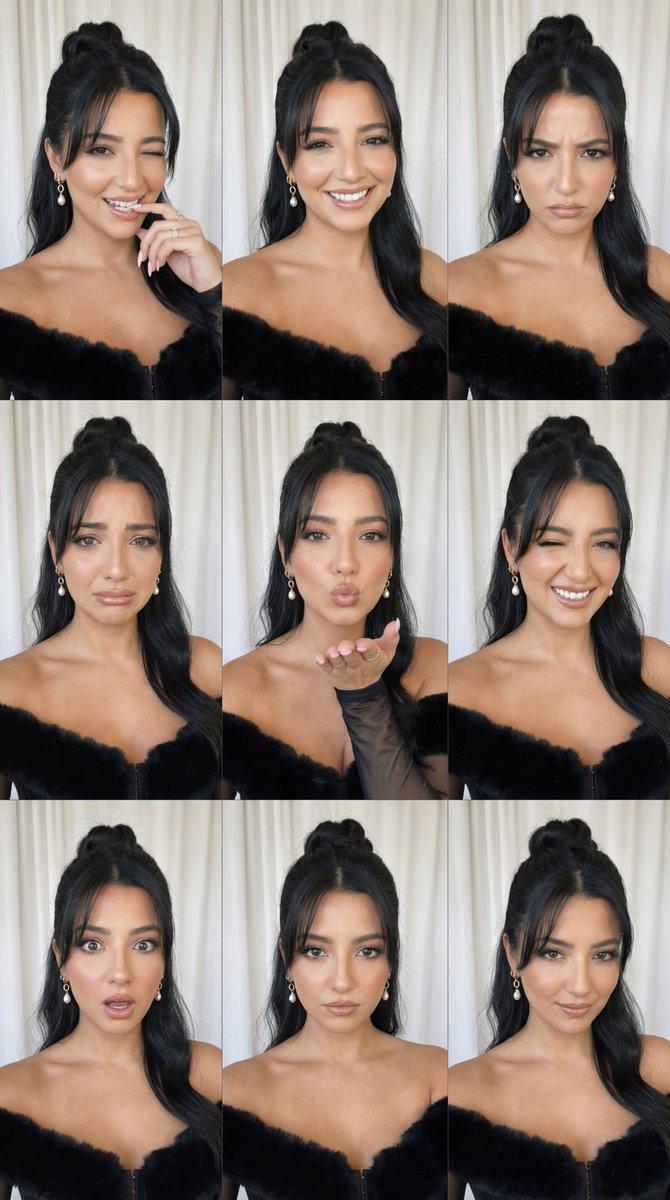
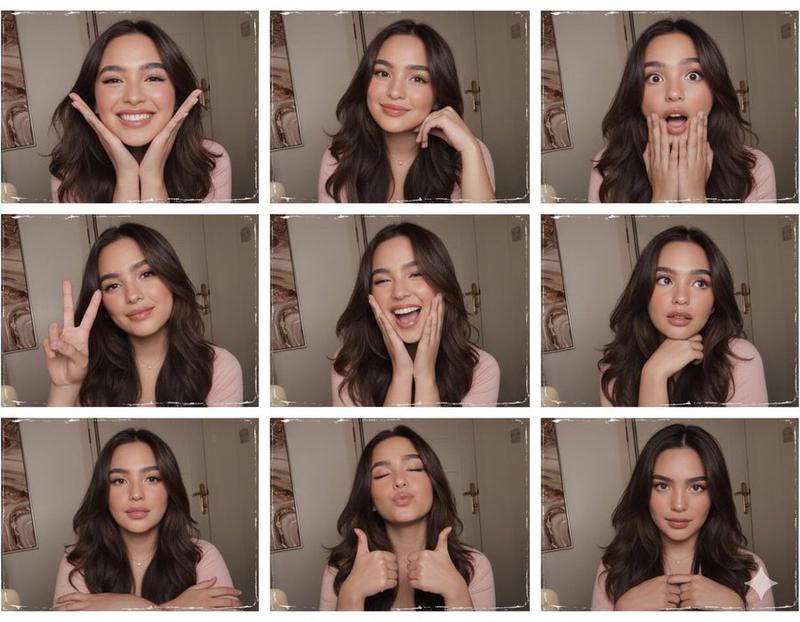
红色凝胶滤光片胶片接触印样 (9格拼贴)
Prompt
{
  "generation_request": {
    "meta_data": {
      "task_type": "red_gel_contact_sheet_9panel_no_text_no_smoking",
      "language": "en",
      "priority": "highest",
      "version": "v1.0_RED_CONTACTSHEET_NO_TEXT_NO_CIG"
    },
    "input": {
      "mode": "text_to_image",
      "notes": "Create a red gel-lit film contact sheet / slide mount collage with 9 panels. Same adult woman in all frames. No text, no numbers, no logos, no watermark. No cigarettes, no smoking, no vape."
    },
    "output": {
      "aspect_ratio": "4:5",
      "resolution": "ultra_high",
      "num_images": 1,
      "layout": {
        "type": "grid",
        "rows": 3,
        "cols": 3,
        "gutter": "thick_black_frames"
      },
      "sharpness": "lofi_soft",
      "grain": "heavy_film"
    },
    "scene": {
      "environment": "minimal indoor backdrop, close portrait framing, film slide/contact-sheet presentation",
      "style": "analog contact sheet look with black slide mounts around each frame, slight dust/scratches, subtle light leaks",
      "mood": "moody, sensual, editorial, not explicit"
    },
    "subject": {
      "person": "adult woman",
      "hair": "long dark hair, natural volume",
      "makeup": "soft smoky eyes, glossy lips, warm blush under red light",
      "accessories": "rings on fingers, delicate necklace, optional hoop earrings",
      "wardrobe": "black or dark top, minimal straps"
    },
    "lighting": {
      "style": "strong red gel key light with deep shadows",
      "fill_light": "very minimal fill, high contrast",
      "effect": "red monochrome cast with subtle skin highlights, cinematic"
    },
    "camera": {
      "look": "film scan aesthetic",
      "lens": "50mm portrait feel",
      "depth_of_field": "shallow to moderate",
      "imperfections": "grain, slight blur, film dust"
    },
    "poses": {
      "panel_1": "3/4 portrait looking left, calm expression",
      "panel_2": "close-up with fingers near lips (no cigarette), rings visible",
      "panel_3": "profile looking down, hair falling over shoulder",
      "panel_4": "close-up hands with rings and necklace detail (no cigarette)",
      "panel_5": "front portrait, direct gaze to camera, neutral face",
      "panel_6": "adjusting hair near forehead with one hand, thoughtful look",
      "panel_7": "cropped lips/jawline close-up, glossy lips, moody shadow",
      "panel_8": "eyes closed portrait, fingers resting on cheek",
      "panel_9": "3/4 portrait looking right, subtle smile"
    },
    "negative_prompt": "text, numbers, letters, typography, captions, logo, watermark, cigarette, smoking, vape, joint, cigar, smoke, ash, lighter, flame, extra people, distorted anatomy, extra fingers, deformed hands, face distortion, cartoon"
  }
}- Category
- 创意图片
- Model
- Nano Banana Pro
- Creator
- Özge Döner
- Source ID
- d3a570c5-4e39-421f-bec5-3ca97034faa9
- Published
- Mar 8, 2026
Views0