18

电影人像网格对比
Enlarge

电影人像网格对比

Prompt
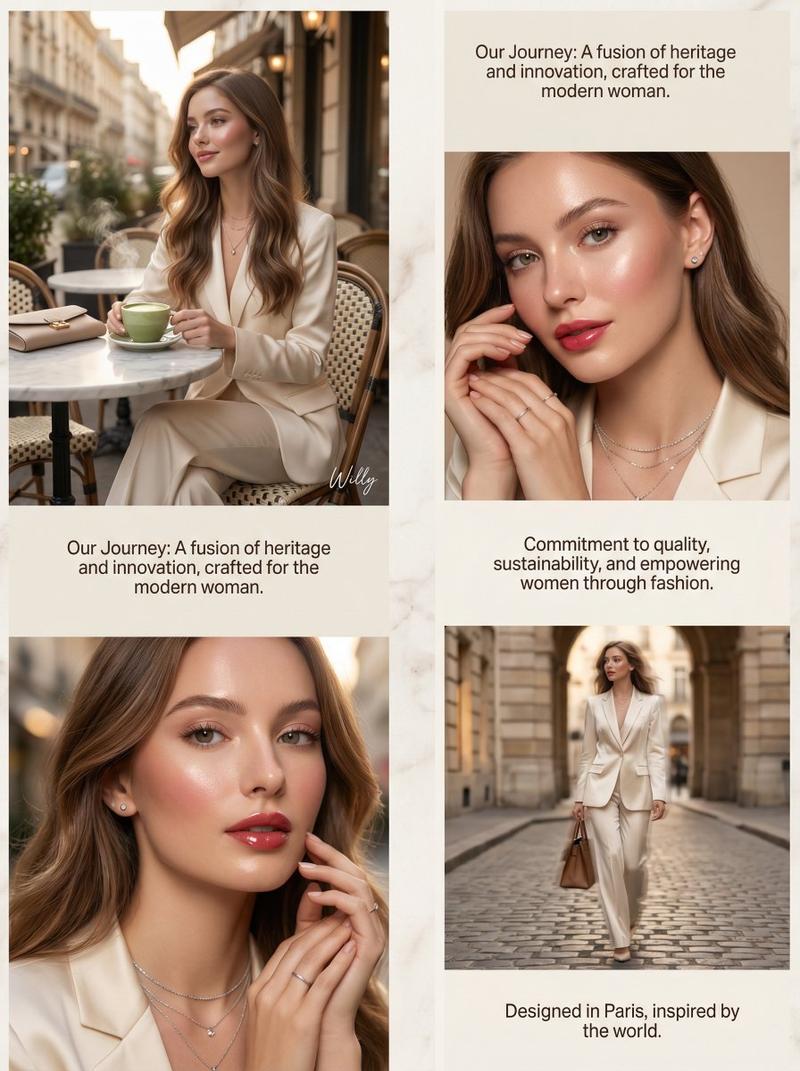
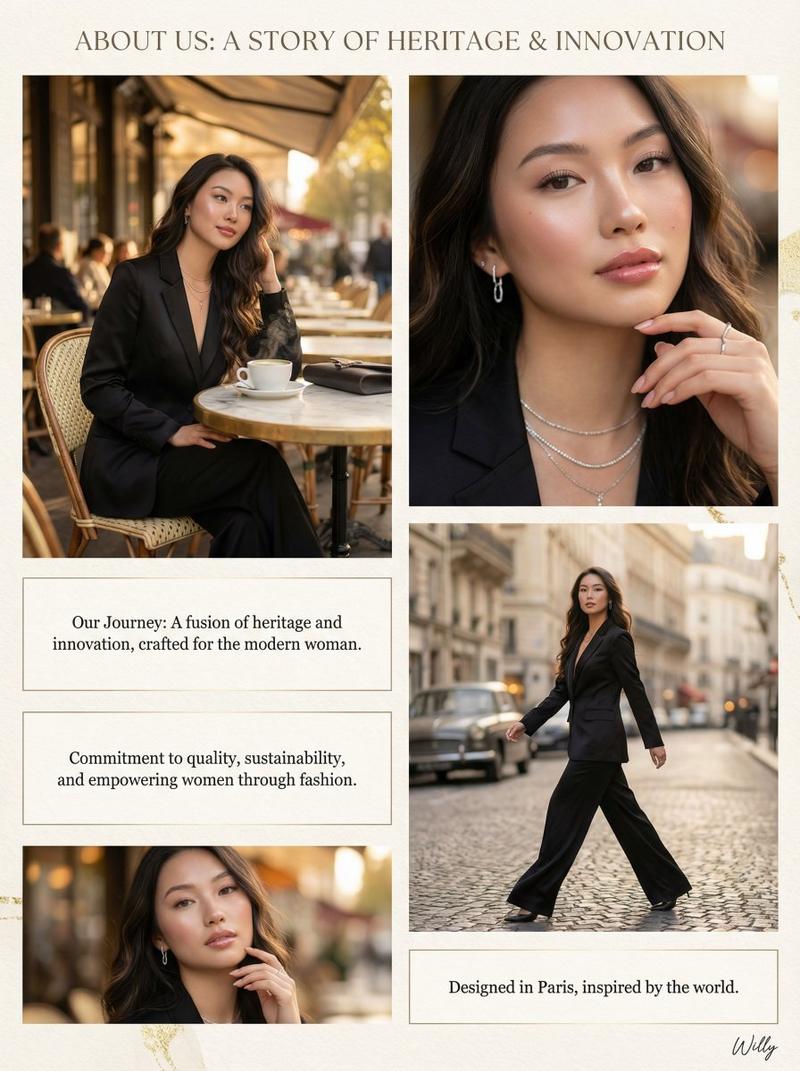
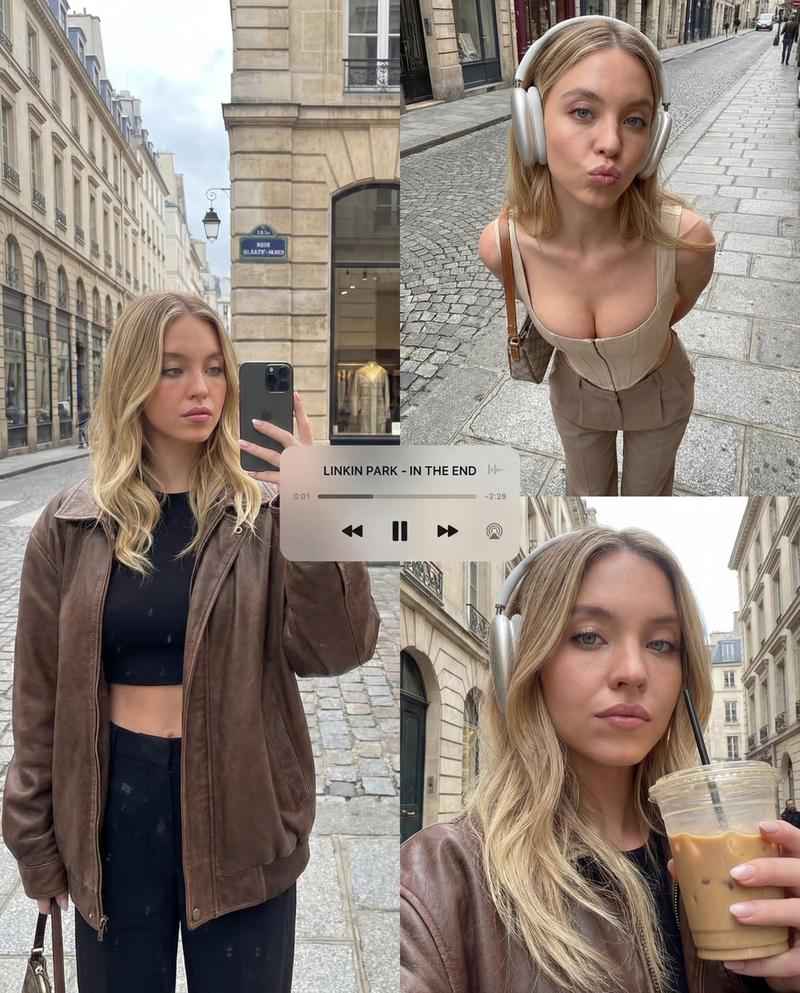
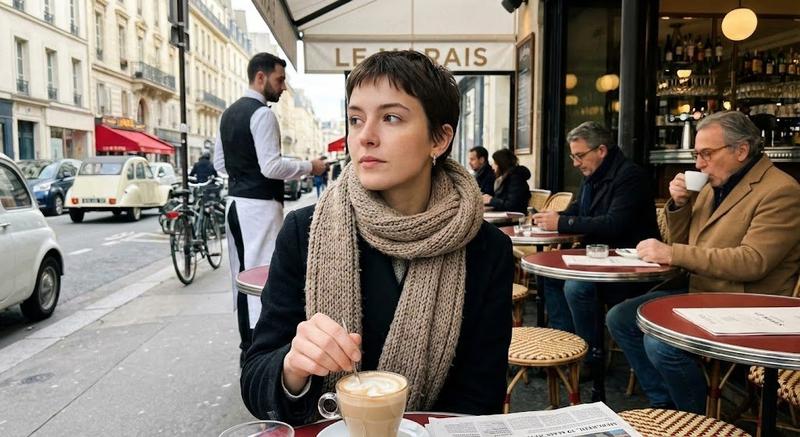
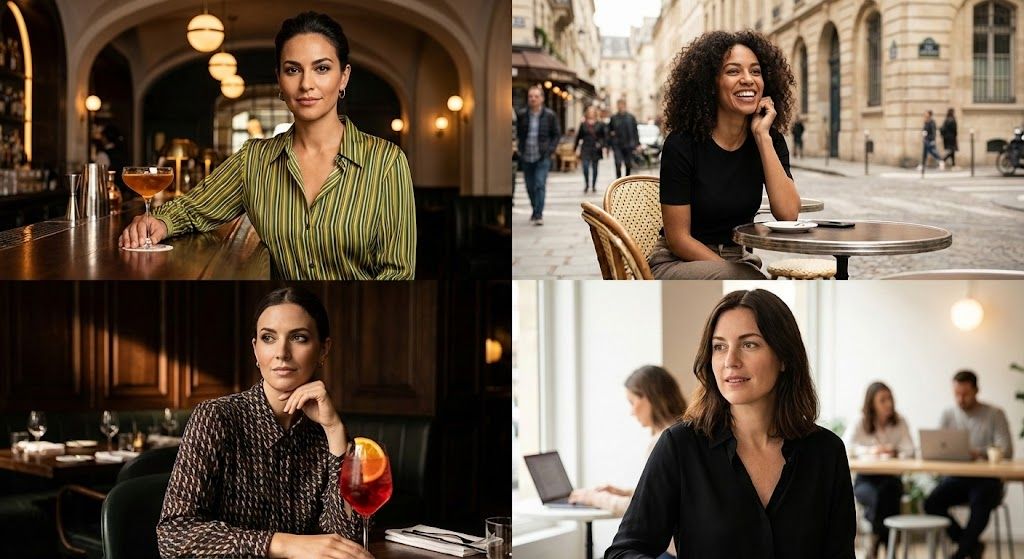
Four cinematic portrait shots arranged in a 2x2 grid, each featuring a different stylish woman sitting at a café or bar table. Warm natural lighting, shallow depth of field, soft bokeh background, shot on a 50mm lens, high detail, realistic skin tones.

Top left: A confident woman with dark hair tied back, wearing a green and yellow striped top, leaning on a polished wooden bar with a cocktail in front of her, warm ambient bar lighting, elegant interior with arches and hanging globe lights.

Top right: A curly-haired woman smiling at an outdoor Parisian-style café, seated at a small round table on a city street, soft daylight, blurred pedestrians and buildings in the background, candid lifestyle photography.

Bottom left: A woman in a chic patterned blouse sitting in a moody upscale restaurant, resting her chin on her hand, vibrant red cocktail with an orange garnish in the foreground, dramatic side lighting, dark wood interior.

Bottom right: A woman with shoulder-length dark hair wearing a black blouse in a modern café workspace, soft window light, people working in the background, relaxed and natural expression.

Color grading: warm, cinematic tones, subtle contrast, magazine editorial style, shallow focus, professional photography, high resolution.
Category
创意图片
Model
Nano Banana Pro
Creator
M. Asif
Views0
Source ID
1c7f1e3e-7e04-49b8-93cf-acca15f20ce0
Published
Mar 8, 2026

Guide

About "电影人像网格对比"

What is this prompt for?

"电影人像网格对比" AI image prompt for Nano Banana Pro (创意图片). 生成四张电影感人像照片的详细提示,以 2x2 网格排列,每张照片都以一位时尚女性为主角,置身于咖啡馆或酒吧环境中,强调温暖的自然光、浅景深和杂志编辑风格。此提示用于比较 Recraft V4 和 Nano B…

The full copyable prompt and example visuals above are ready for AI image generation or one-click recreate in Picva.

How to use this prompt

  1. Step 1

    Open the prompt detail

    Review the example visuals, category, and full prompt text for "电影人像网格对比".

  2. Step 2

    Copy the prompt

    Copy the prompt body from this page, or load it directly in Studio.

  3. Step 3

    Pick a model (Nano Banana Pro)

    Prefer Nano Banana Pro. If you switch models, keep subject and composition and tweak style terms.

  4. Step 4

    Generate and export

    Recreate the look in Picva, or export into your workflow for editing and publishing.

FAQ

What is the "电影人像网格对比" prompt?
It is an AI image-generation prompt for Nano Banana Pro in the 创意图片 category. This page includes the full prompt text, example visuals, and a one-click recreate path in Picva.
How do I use this prompt to generate an image?
Copy the prompt from this page, or use Generate / Studio. Paste it into a compatible image model, or recreate the look in Picva with optional reference images.
Which model is this prompt for?
This page lists Nano Banana Pro. Most descriptive prompts also transfer to nearby image models such as GPT Image, Flux, or Midjourney with light style tweaks.
Can I use the result commercially?
You can usually copy the prompt for creation, but commercial use of the final image depends on the model terms, reference-image rights, and the generated content. Follow the source author and platform rules.