17

90 年代街头服饰汽车肖像提示
Enlarge

90 年代街头服饰汽车肖像提示

Prompt
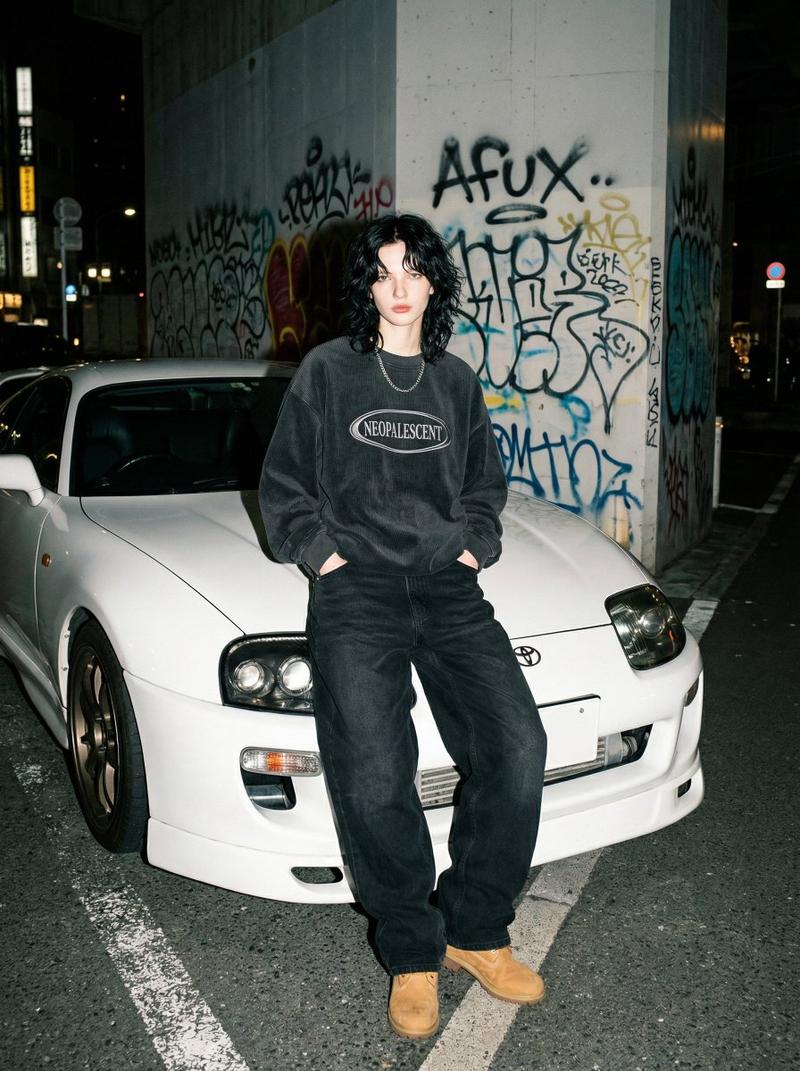
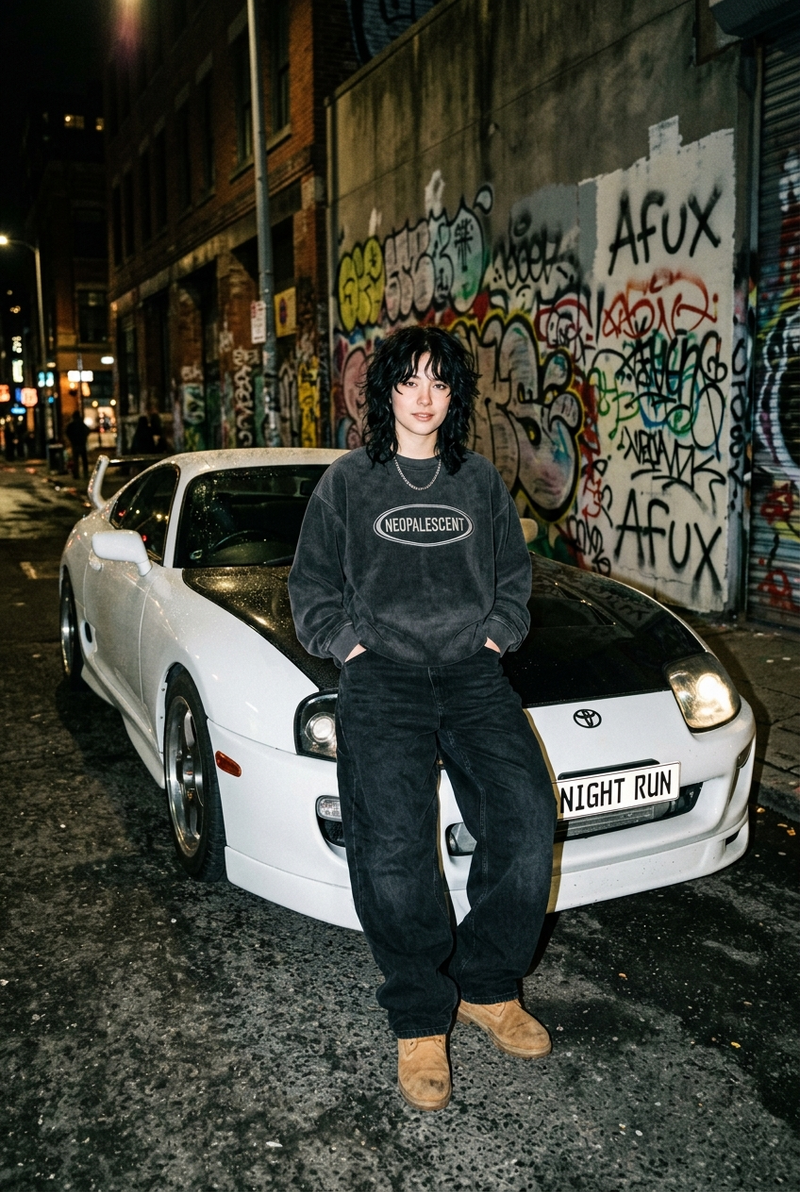
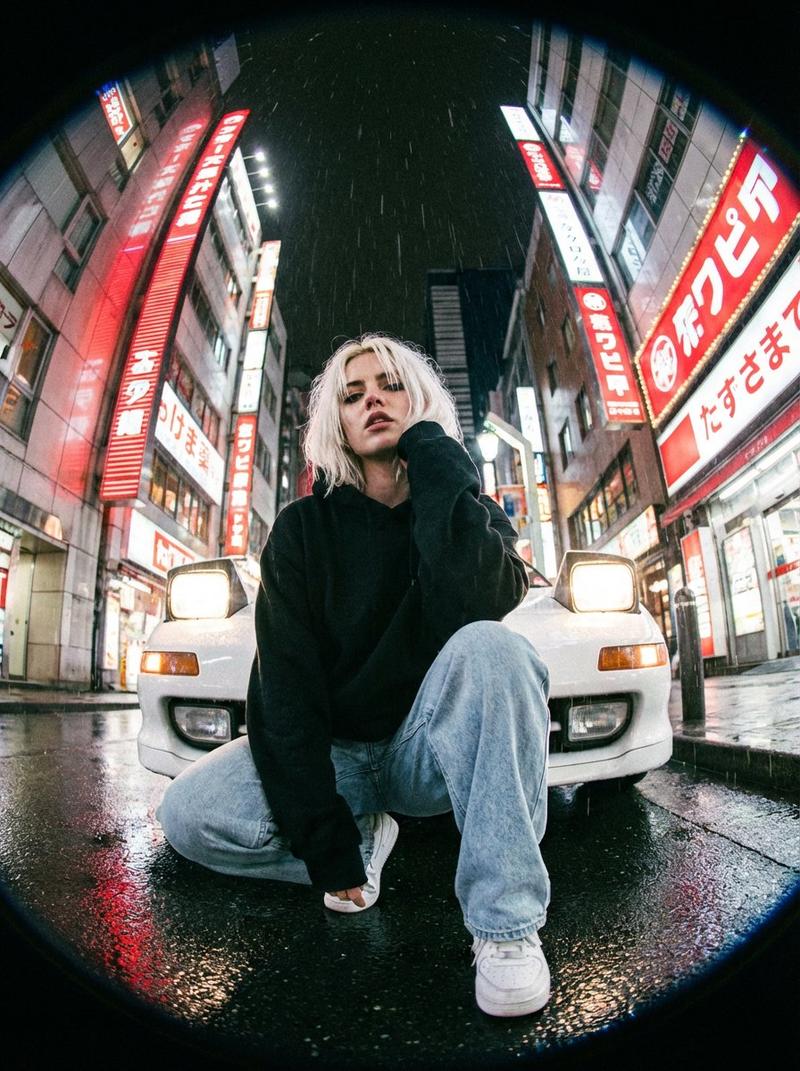
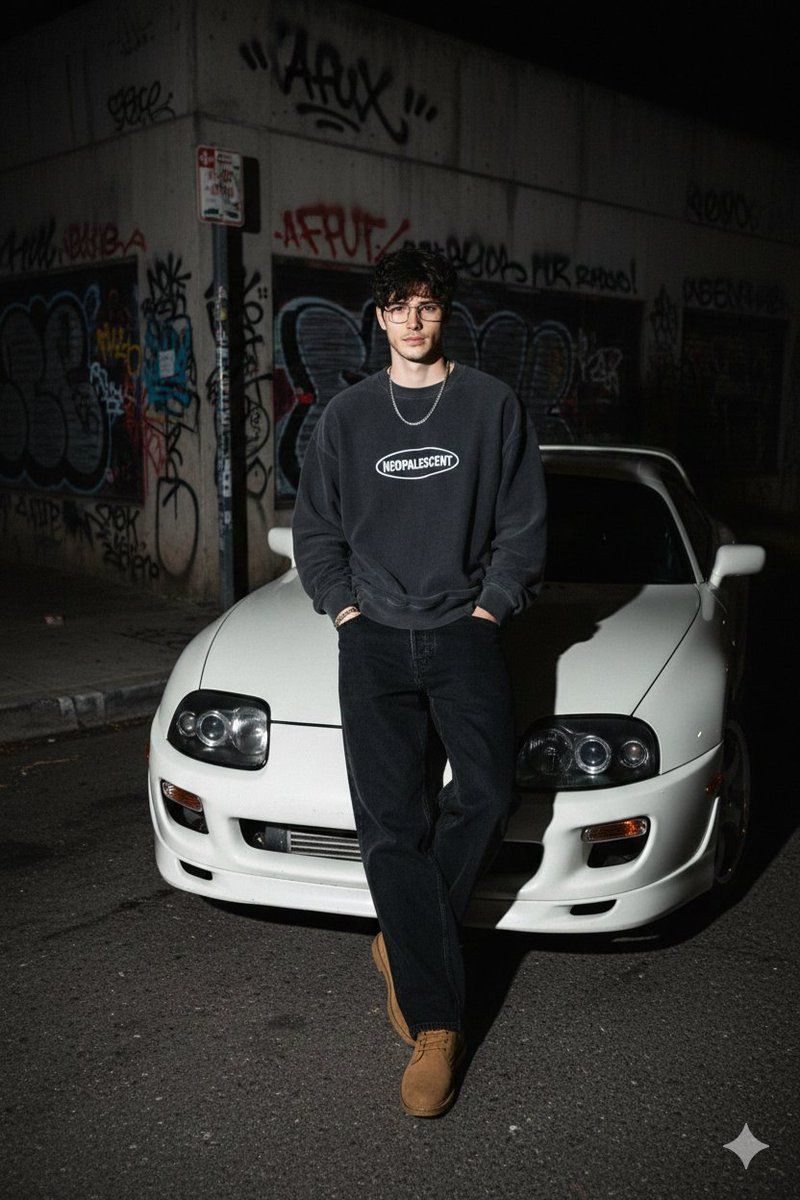
A realistic, candid full-body photo of a young man, use my face exact my reference image, leaning casually against the hood of a modified white Toyota Supra MK4 at night. Same beard, He has messy, wavy black hair (wolf cut) and is looking directly at the camera with a calm expression. He is wearing a silver chain necklace, an oversized dark charcoal grey corduroy crewneck sweatshirt with the text "NEOPALESCENT" inside an oval logo on the chest, baggy loose-fitting black denim jeans, and tan suede boots. His hands are in his pockets. The background is a gritty urban street corner with a concrete wall heavily covered in graffiti tags and Afux on wall. The lighting is "direct camera flash" style, creating hard shadows behind the subject and a high-contrast, vintage 90s streetwear aesthetic. 4k resolution, raw photo style, flash photography.
Category
创意图片
Model
Nano Banana Pro
Creator
Harboriis
Views0
Source ID
9768dde2-8c1d-4731-8242-9090a56d97b9
Published
Mar 8, 2026

Guide

About "90 年代街头服饰汽车肖像提示"

What is this prompt for?

"90 年代街头服饰汽车肖像提示" AI image prompt for Nano Banana Pro (创意图片). 生成一张逼真、随性的全身照片,内容为一名年轻男子夜晚倚靠在一辆改装过的白色丰田 Supra MK4 旁,强调粗犷的都市背景,使用“直射相机闪光灯”营造高对比度照明,并展现 90 年代街头服饰美学…

The full copyable prompt and example visuals above are ready for AI image generation or one-click recreate in Picva.

How to use this prompt

  1. Step 1

    Open the prompt detail

    Review the example visuals, category, and full prompt text for "90 年代街头服饰汽车肖像提示".

  2. Step 2

    Copy the prompt

    Copy the prompt body from this page, or load it directly in Studio.

  3. Step 3

    Pick a model (Nano Banana Pro)

    Prefer Nano Banana Pro. If you switch models, keep subject and composition and tweak style terms.

  4. Step 4

    Generate and export

    Recreate the look in Picva, or export into your workflow for editing and publishing.

FAQ

What is the "90 年代街头服饰汽车肖像提示" prompt?
It is an AI image-generation prompt for Nano Banana Pro in the 创意图片 category. This page includes the full prompt text, example visuals, and a one-click recreate path in Picva.
How do I use this prompt to generate an image?
Copy the prompt from this page, or use Generate / Studio. Paste it into a compatible image model, or recreate the look in Picva with optional reference images.
Which model is this prompt for?
This page lists Nano Banana Pro. Most descriptive prompts also transfer to nearby image models such as GPT Image, Flux, or Midjourney with light style tweaks.
Can I use the result commercially?
You can usually copy the prompt for creation, but commercial use of the final image depends on the model terms, reference-image rights, and the generated content. Follow the source author and platform rules.