19

Sadie Sink 都市时尚肖像提示
Enlarge

Sadie Sink 都市时尚肖像提示

Prompt
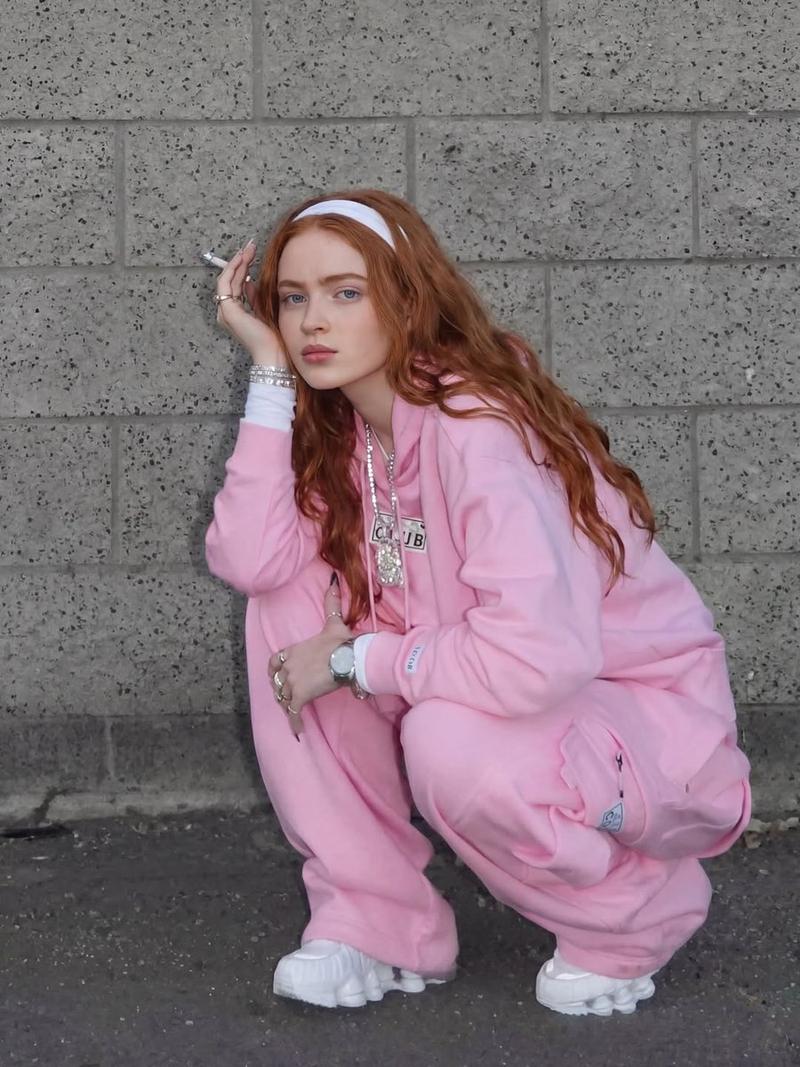
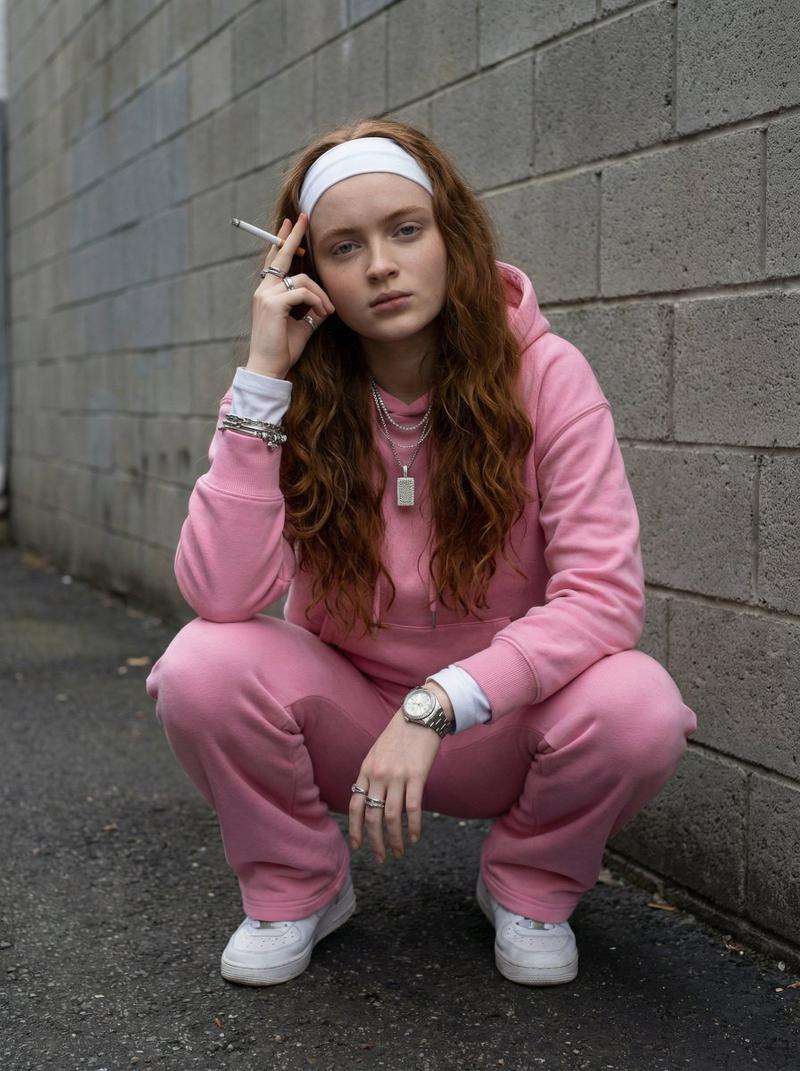
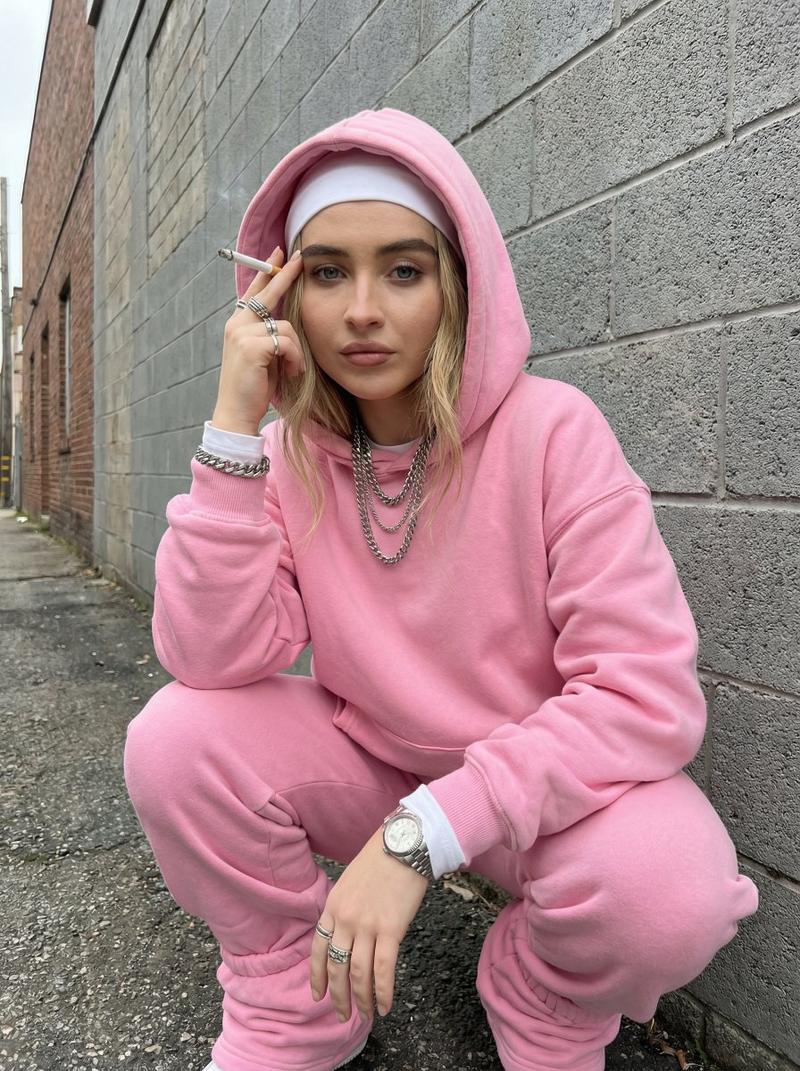
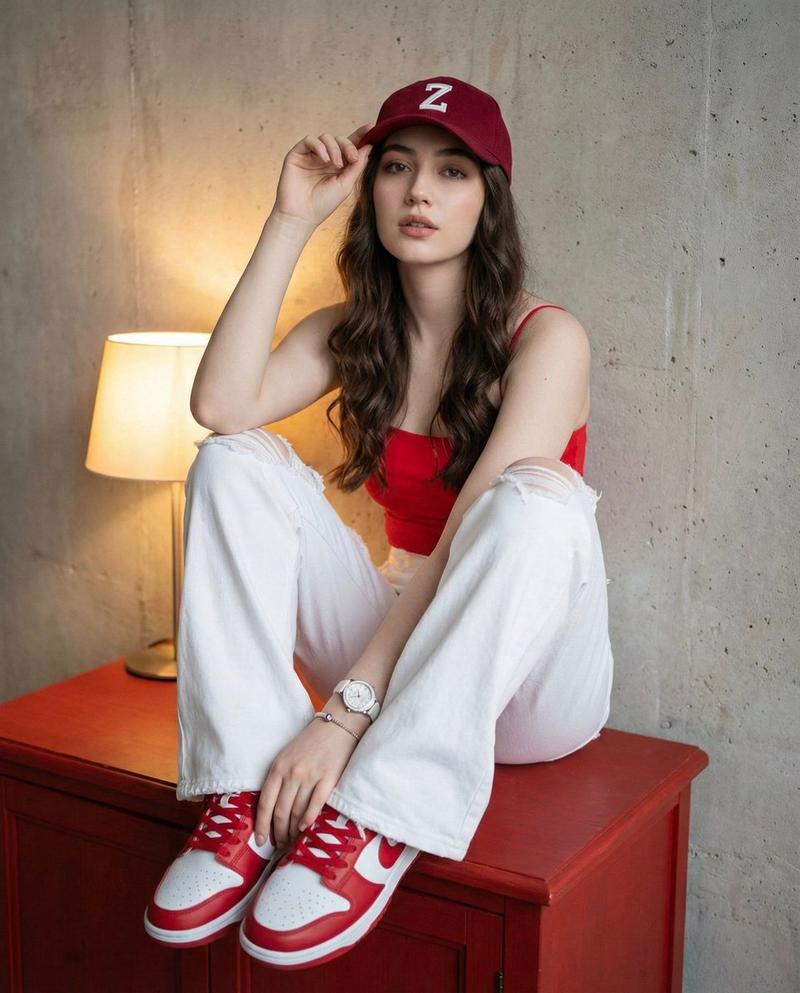
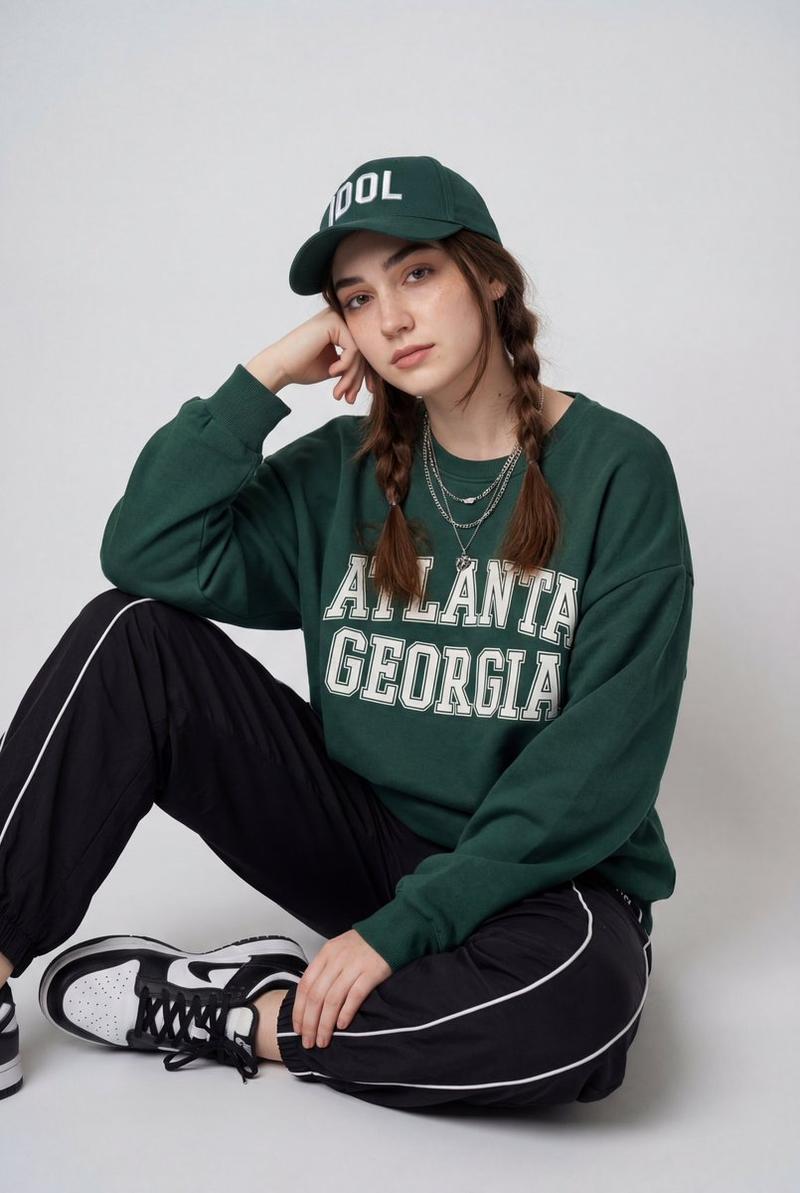
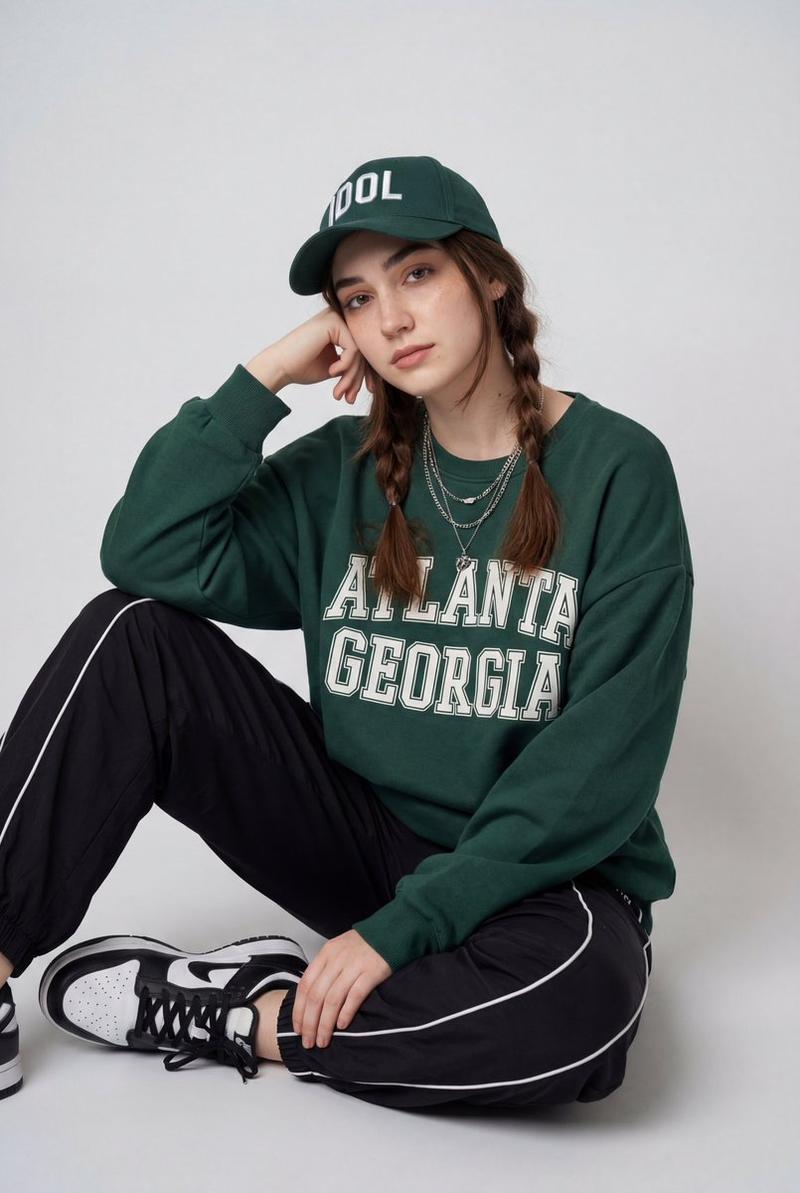
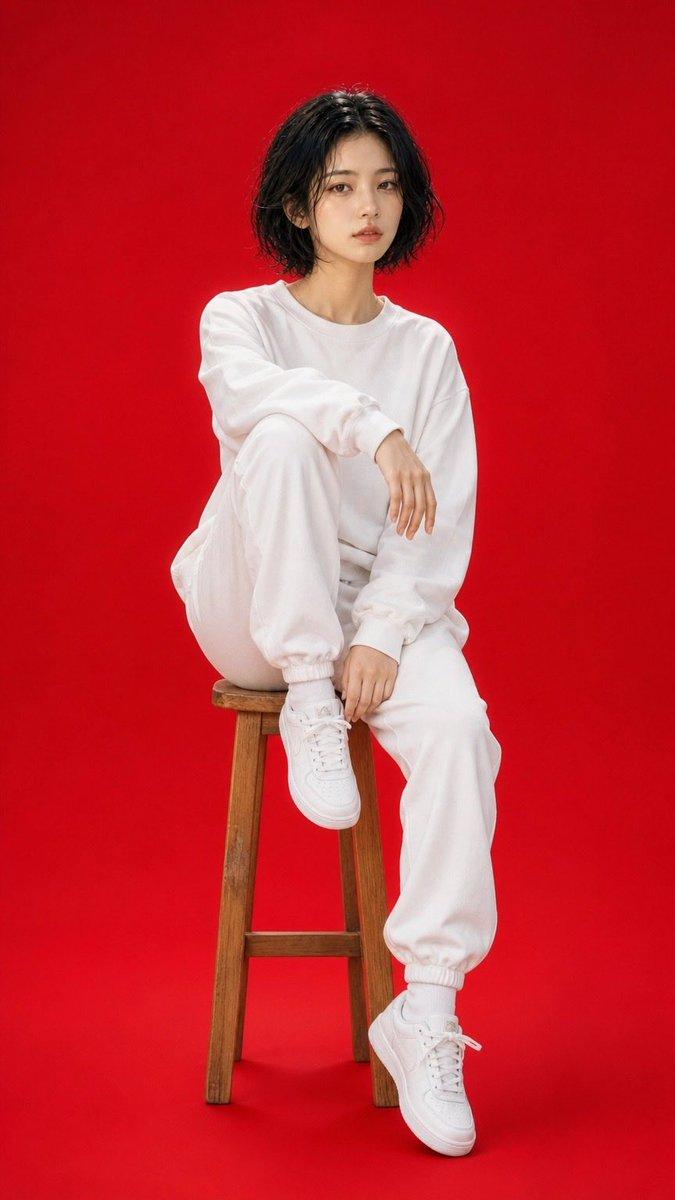
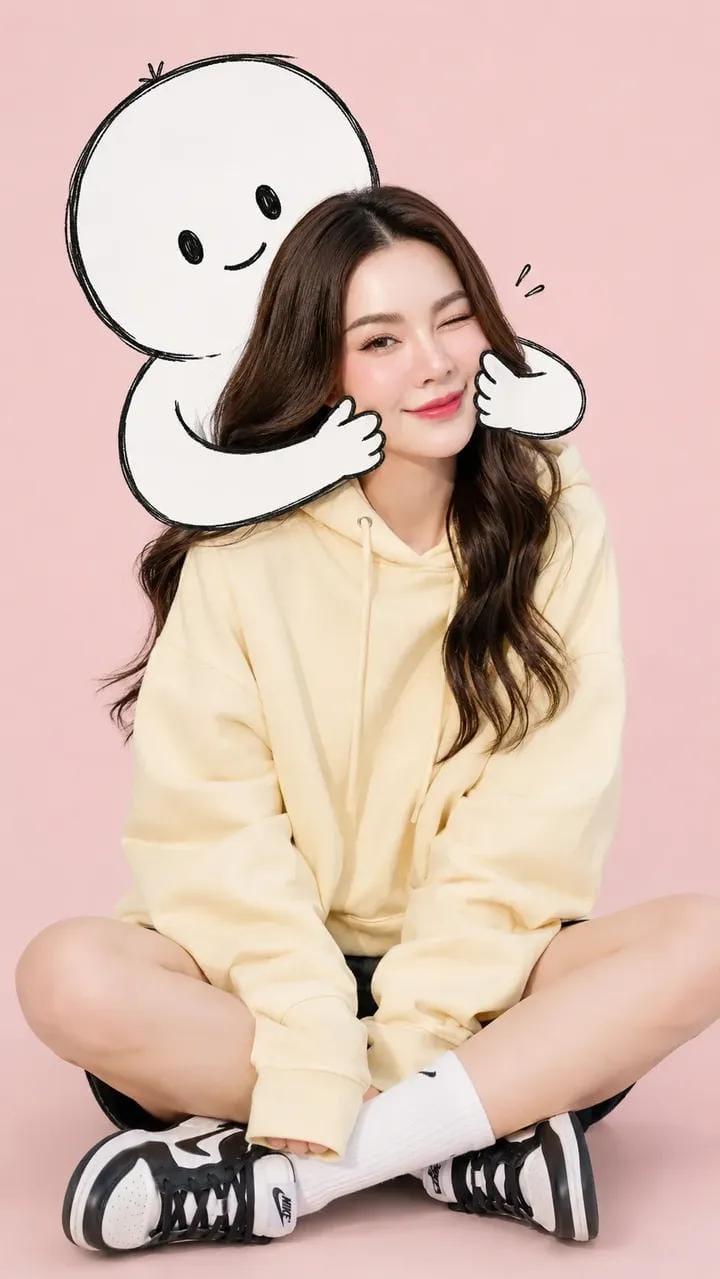
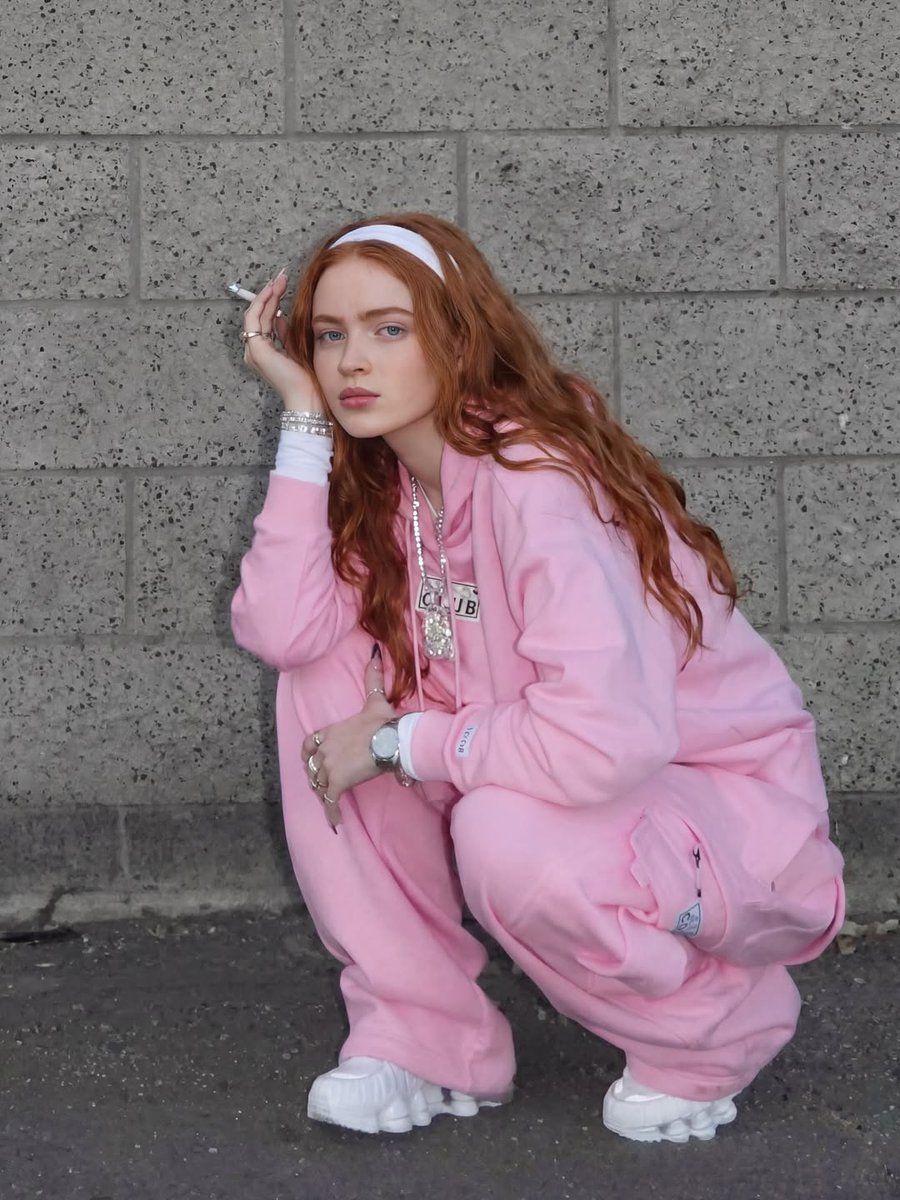
"A high-resolution, full-body portrait of a young woman with long, voluminous, vibrant red hair and a white headband, squatting down confidently against a textured grey cinder block wall. She is dressed in a cozy, oversized light pink hooded sweatshirt and matching jogger sweatpants, with a white long-sleeve shirt visible underneath the hoodie. She is accessorized with several sparkling silver rings on her fingers, a thick silver watch on her left wrist, and a prominent, shiny silver pendant necklace over the hoodie. She is looking directly into the camera with a serious, stoic expression, holding a thin white object between her fingers near her face. The lighting is soft and even, highlighting the texture of her hair and the soft fabric of the pink loungewear, capturing a candid, urban fashion aesthetic."
Category
创意图片
Model
Nano Banana Pro
Creator
FL⭕RA
Views0
Source ID
28af03c8-baf7-42fc-ace4-dba890f2726d
Published
Mar 8, 2026

Guide

About "Sadie Sink 都市时尚肖像提示"

What is this prompt for?

"Sadie Sink 都市时尚肖像提示" AI image prompt for Nano Banana Pro (创意图片). 生成一张萨迪·辛克 (Sadie Sink) 的高分辨率全身肖像的提示,她身穿舒适宽松的粉色家居服套装,蹲坐在煤渣砖墙边,捕捉到柔和光线下坦率的都市时尚美学。 --- 一位年轻女性的高分…

The full copyable prompt and example visuals above are ready for AI image generation or one-click recreate in Picva.

How to use this prompt

  1. Step 1

    Open the prompt detail

    Review the example visuals, category, and full prompt text for "Sadie Sink 都市时尚肖像提示".

  2. Step 2

    Copy the prompt

    Copy the prompt body from this page, or load it directly in Studio.

  3. Step 3

    Pick a model (Nano Banana Pro)

    Prefer Nano Banana Pro. If you switch models, keep subject and composition and tweak style terms.

  4. Step 4

    Generate and export

    Recreate the look in Picva, or export into your workflow for editing and publishing.

FAQ

What is the "Sadie Sink 都市时尚肖像提示" prompt?
It is an AI image-generation prompt for Nano Banana Pro in the 创意图片 category. This page includes the full prompt text, example visuals, and a one-click recreate path in Picva.
How do I use this prompt to generate an image?
Copy the prompt from this page, or use Generate / Studio. Paste it into a compatible image model, or recreate the look in Picva with optional reference images.
Which model is this prompt for?
This page lists Nano Banana Pro. Most descriptive prompts also transfer to nearby image models such as GPT Image, Flux, or Midjourney with light style tweaks.
Can I use the result commercially?
You can usually copy the prompt for creation, but commercial use of the final image depends on the model terms, reference-image rights, and the generated content. Follow the source author and platform rules.