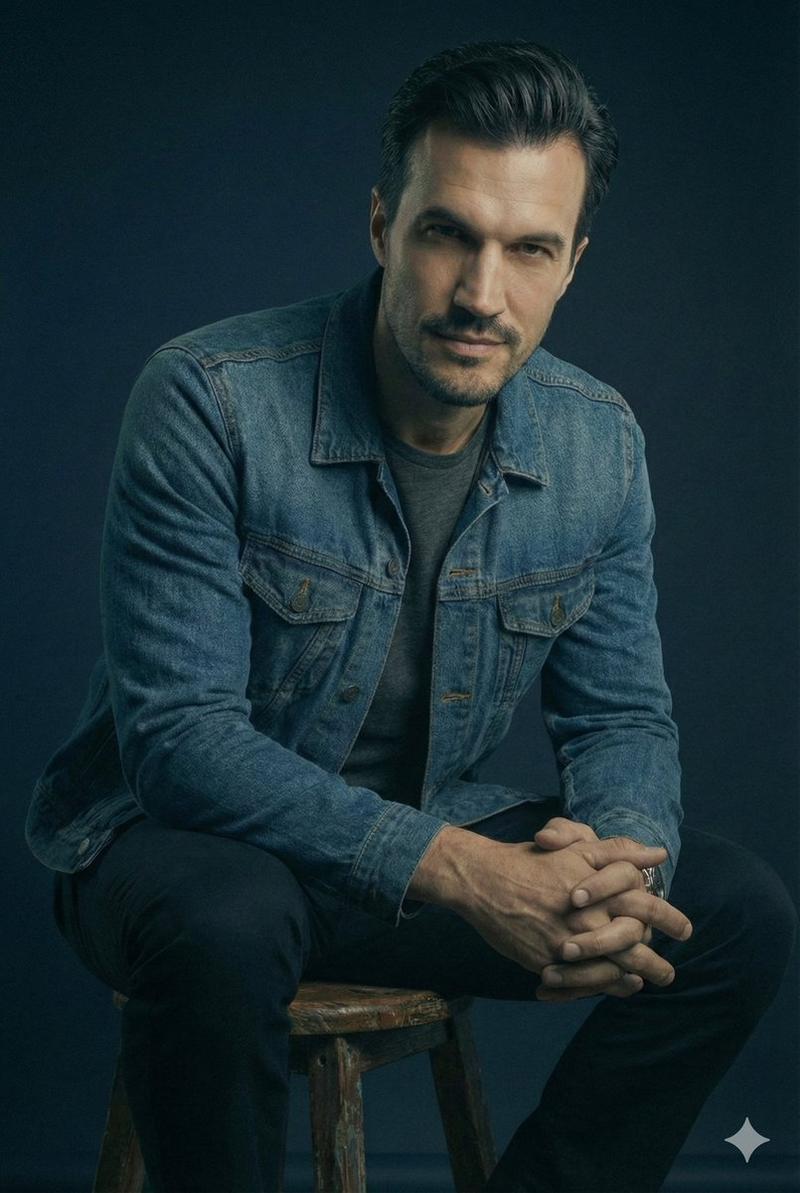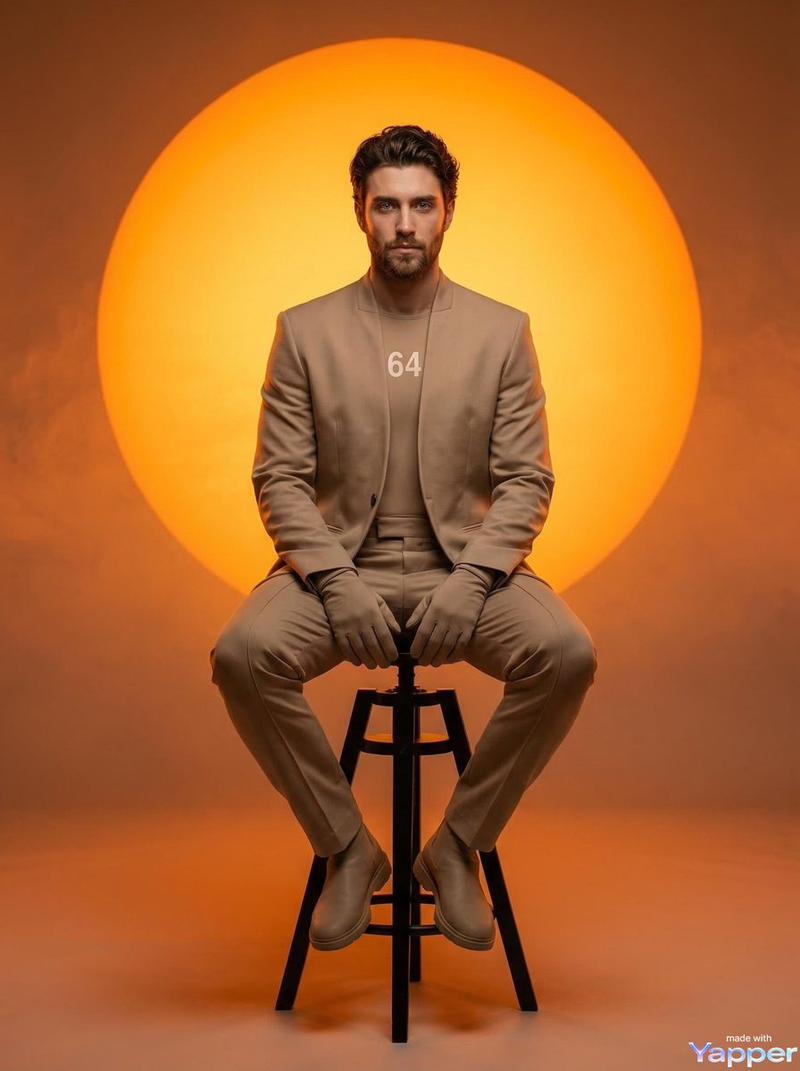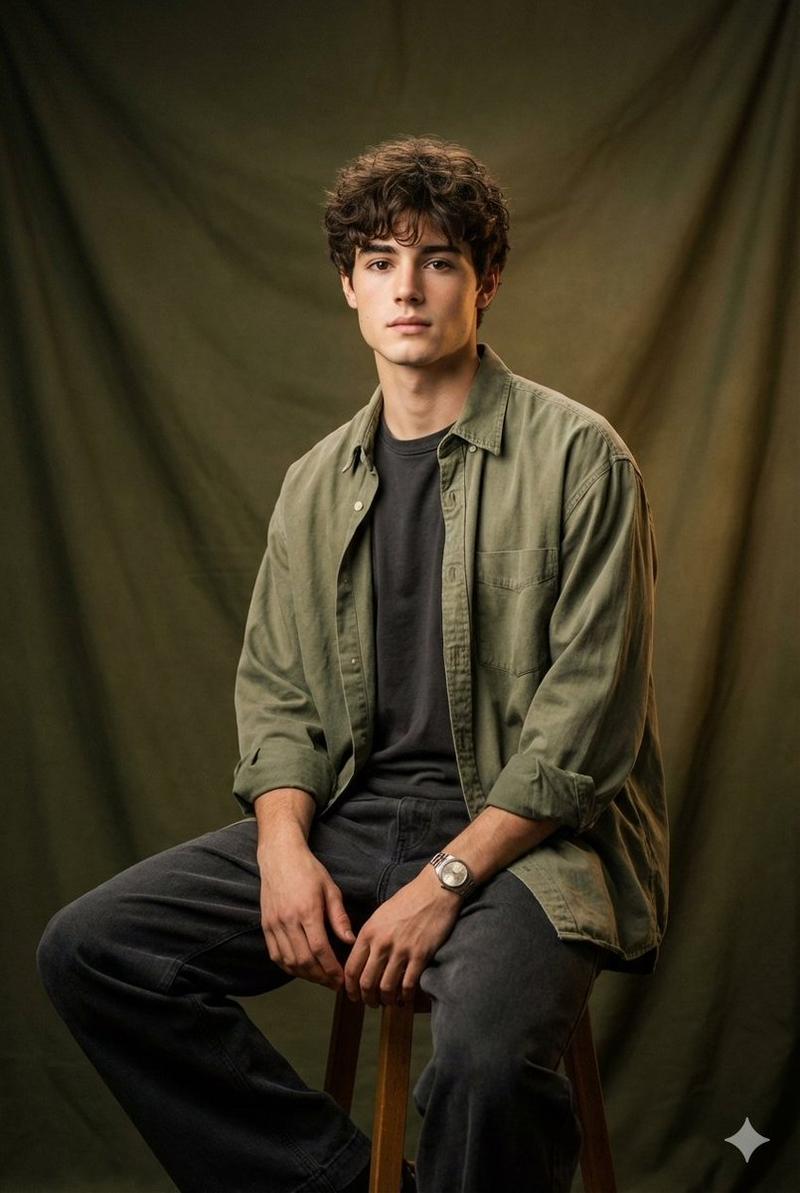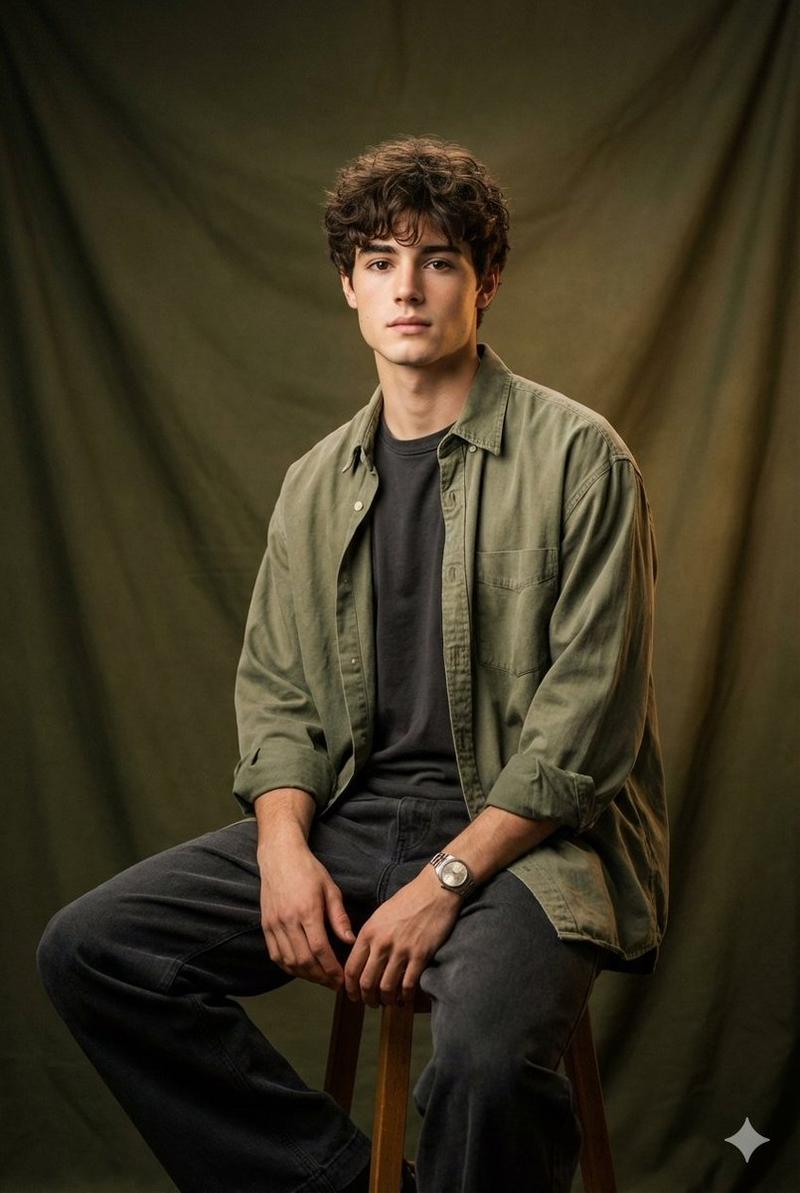
逼真的影棚肖像,同时保留身份特征
提示词
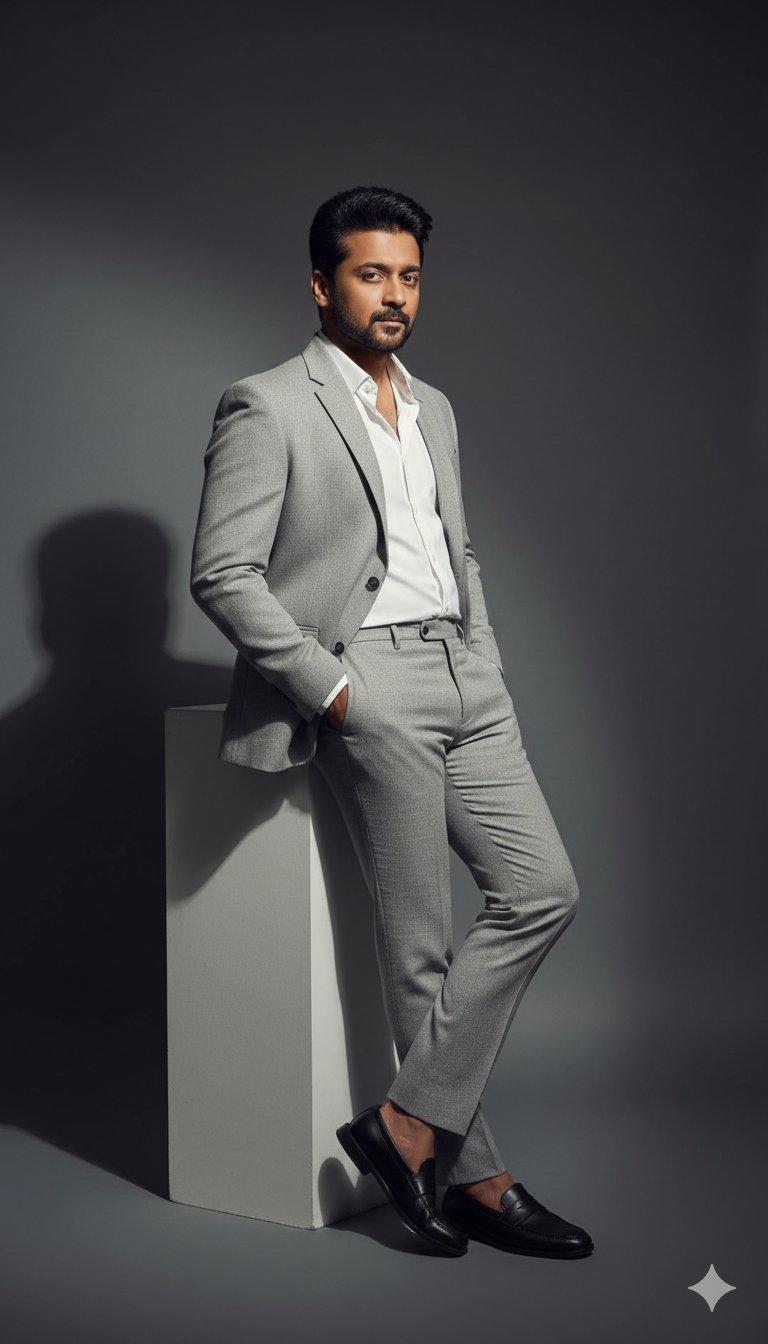
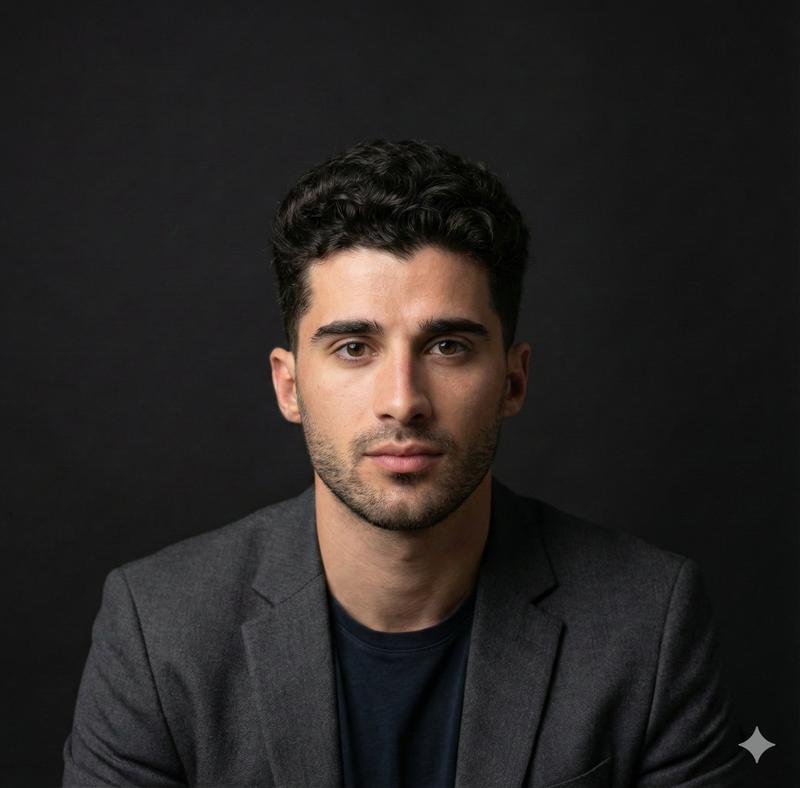
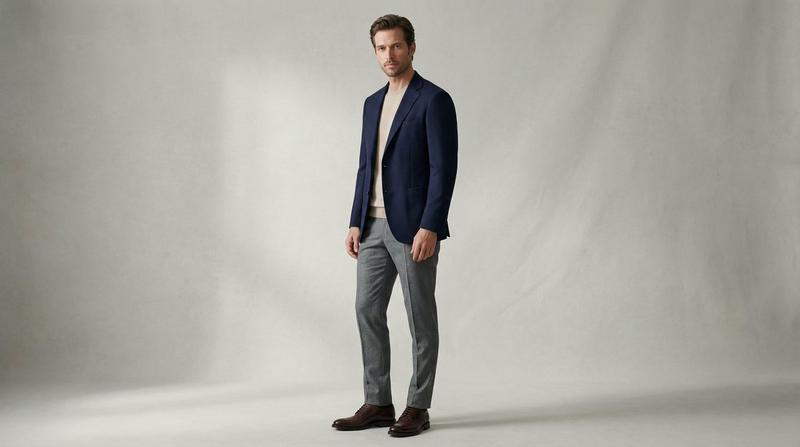
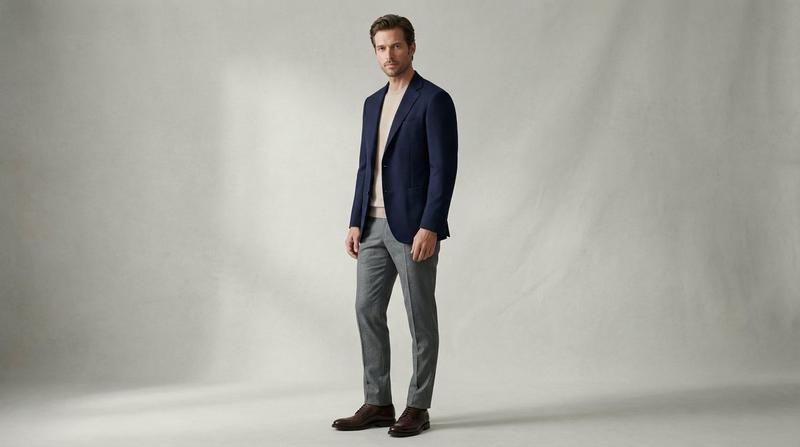
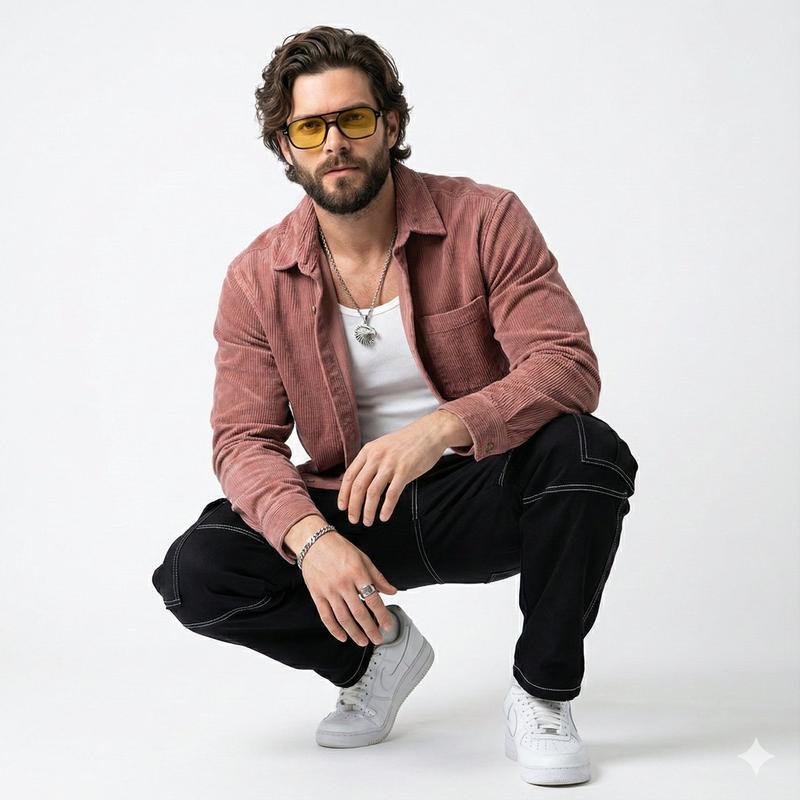
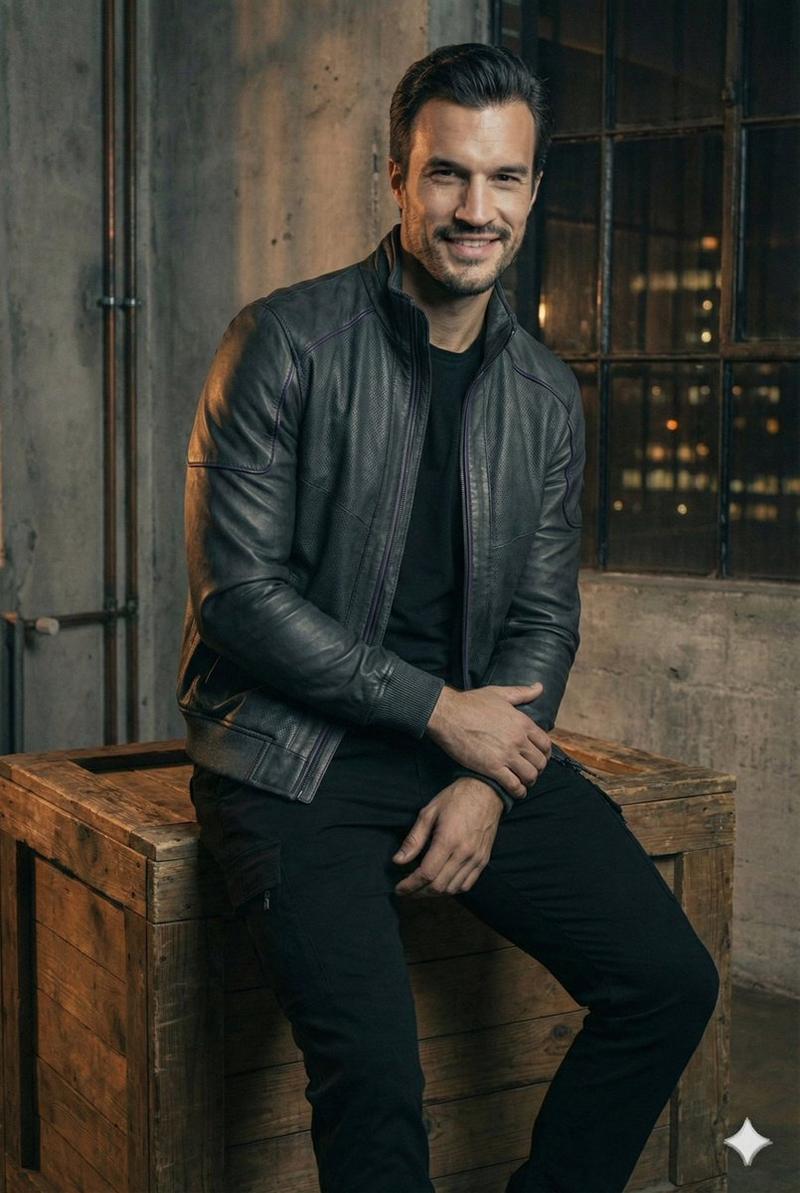
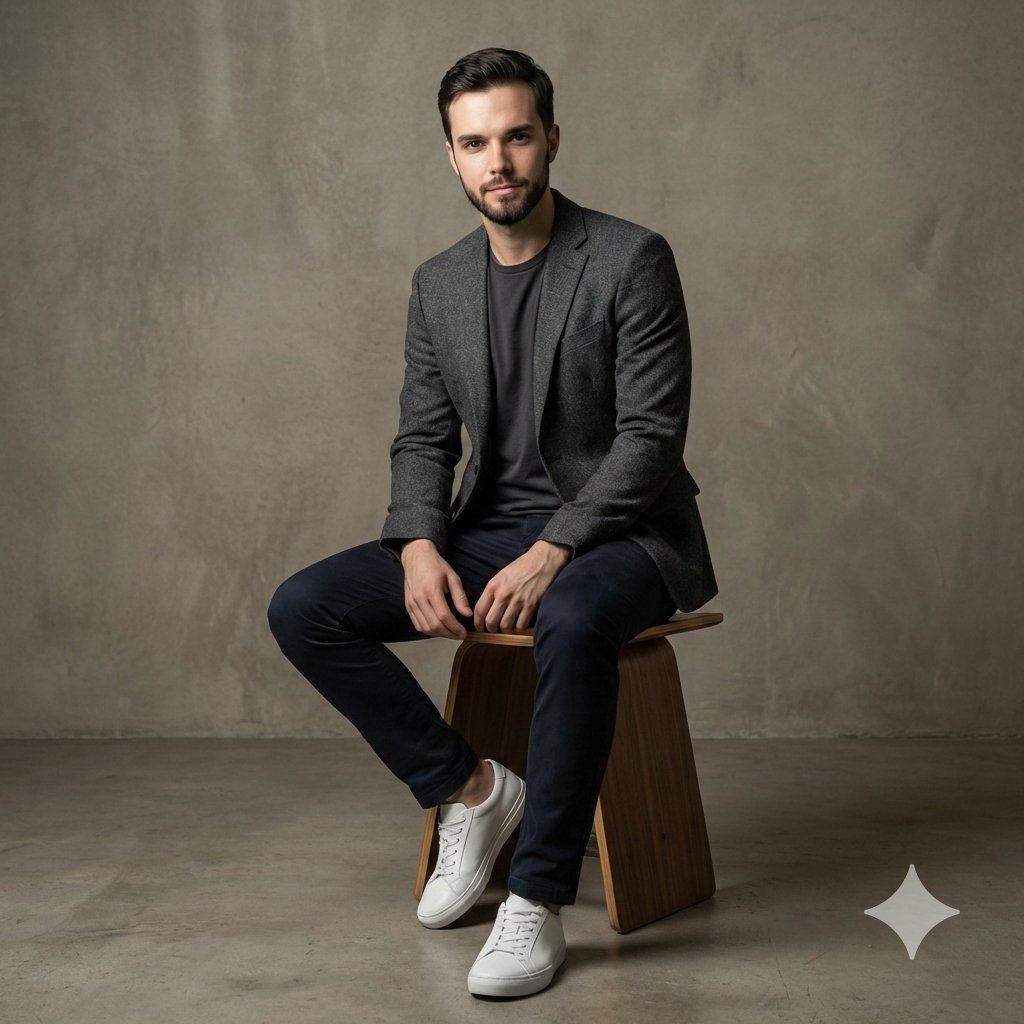
Photorealistic studio portrait of the same man as the reference, preserving his facial features, proportions, and overall likeness. He poses with relaxed confidence, shifting his weight slightly and maintaining a natural, self-assured stance.
He wears a different modern casual outfit, a textured knit sweater or lightweight hoodie layered under a structured bomber or denim jacket, slim-fit chinos, and clean leather sneakers or casual boots. The styling feels contemporary, comfortable, and effortlessly stylish.
Captured in a modern studio environment with a matte charcoal or soft concrete backdrop. Lighting is minimal yet refined: a directional side key light with a subtle rim light to define the silhouette, creating depth and separation while keeping full focus on the subject. Soft shadows add dimension without distracting from the face.
Ultra-sharp focus on the subject, shallow depth of field, realistic skin texture, visible fabric weave and layering, editorial lifestyle photography aesthetic, high contrast with soft tonal transitions, ultra-realistic, high resolution.
Negative prompt (optional): busy background, over-stylized fashion, harsh facial shadows, blur, distortion, extra limbs, unrealistic skin, glossy plastic texture, cartoon style.
- 分类
- 创意图片
- 模型
- Nano Banana Pro
- 来源作者
- Johnn
- 来源 ID
- 33249b33-6186-427d-804d-cfb91aca1a52
- 发布时间
- 2026年3月8日
浏览量0