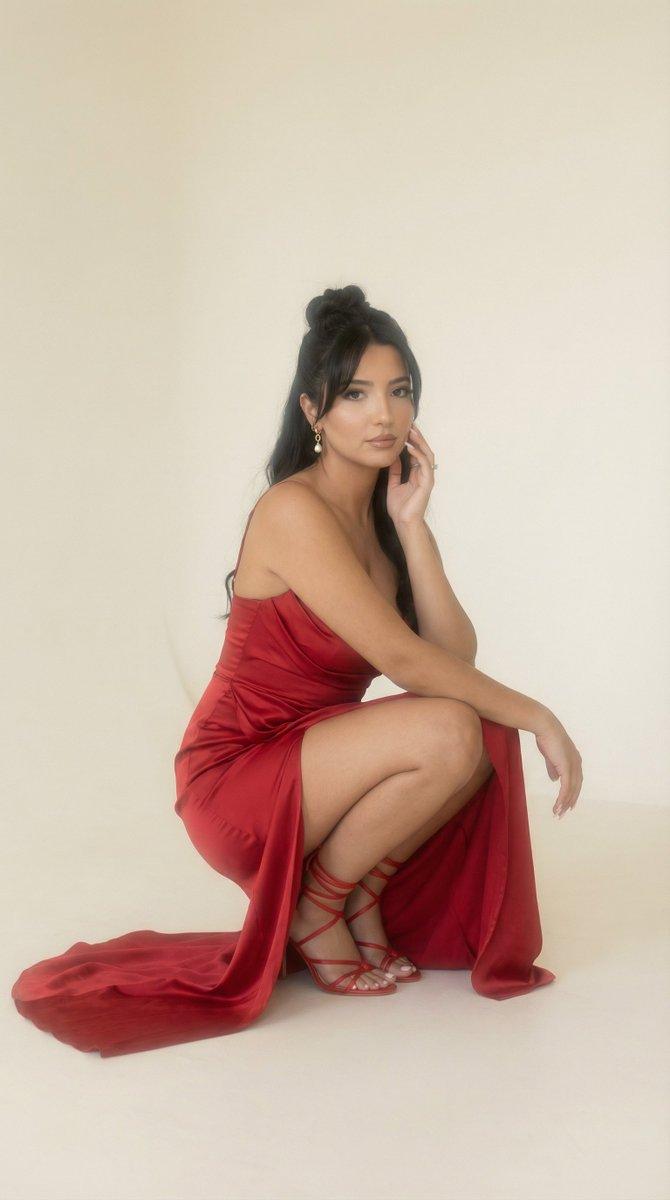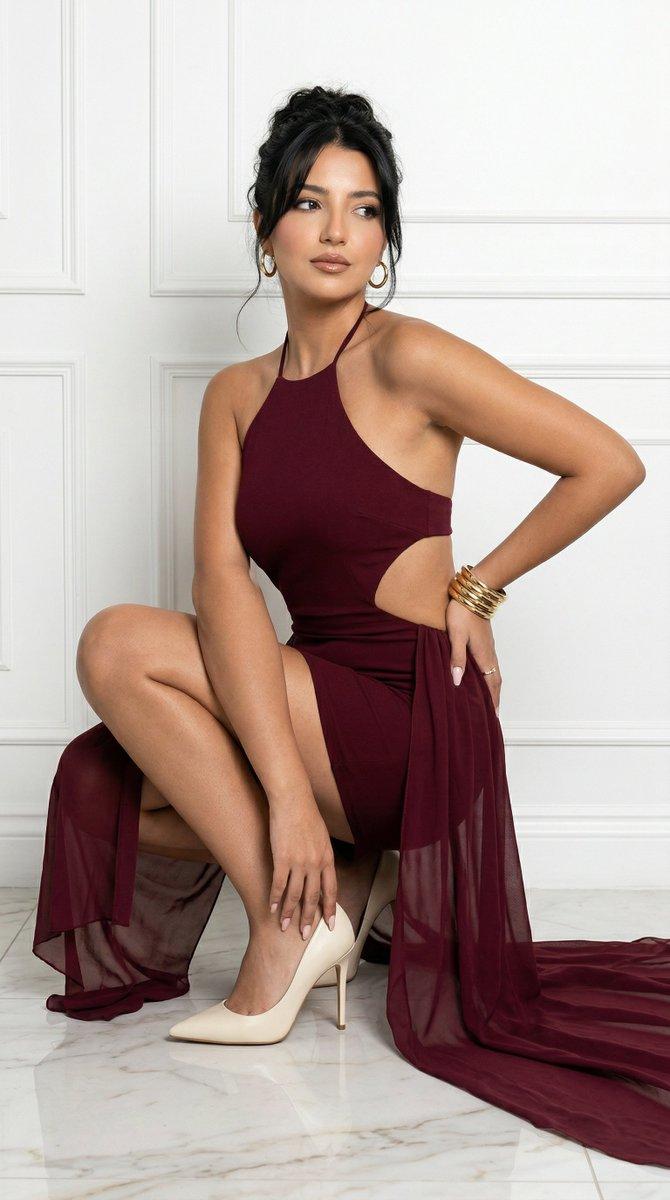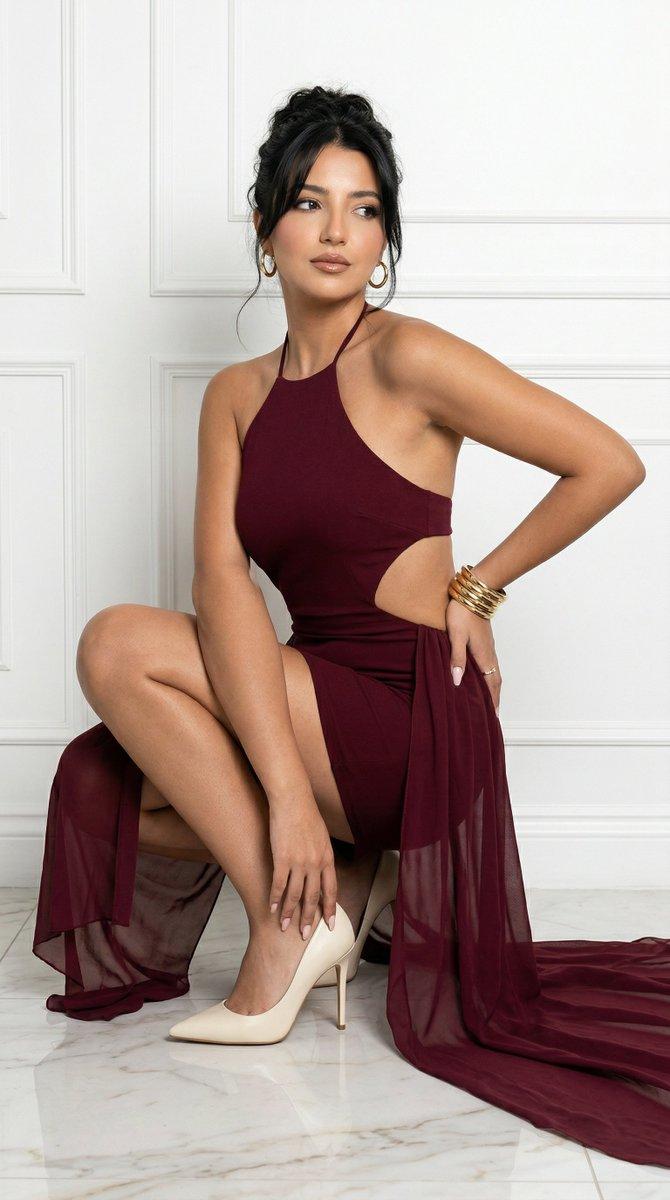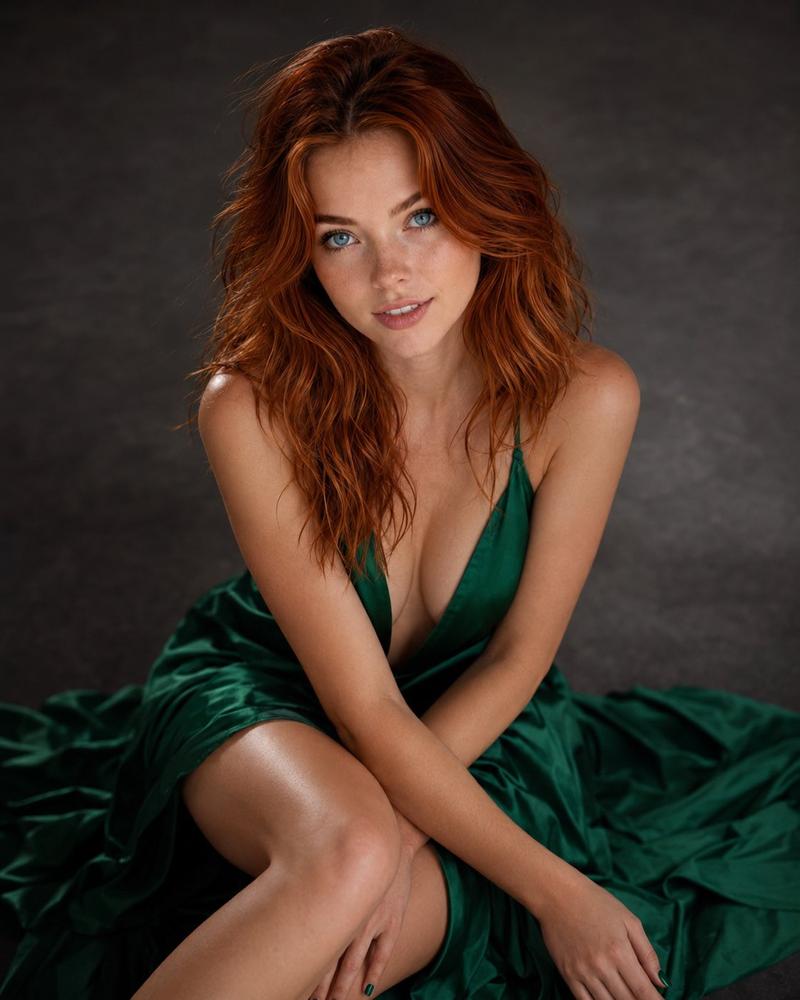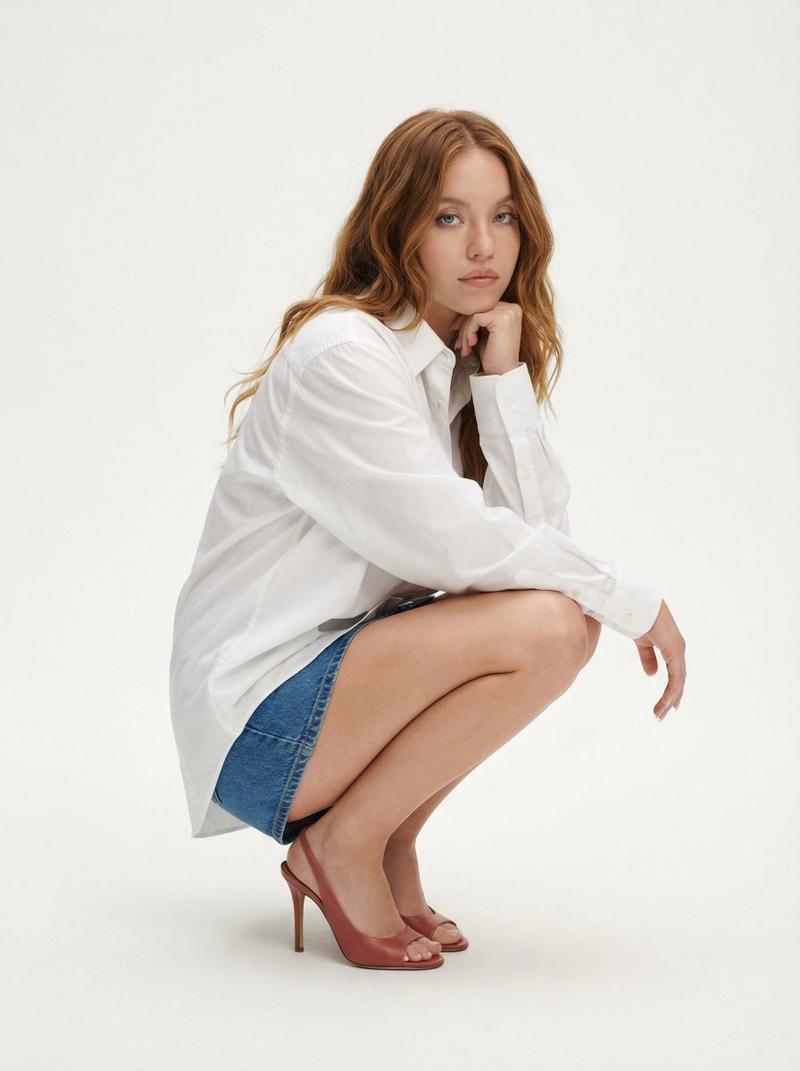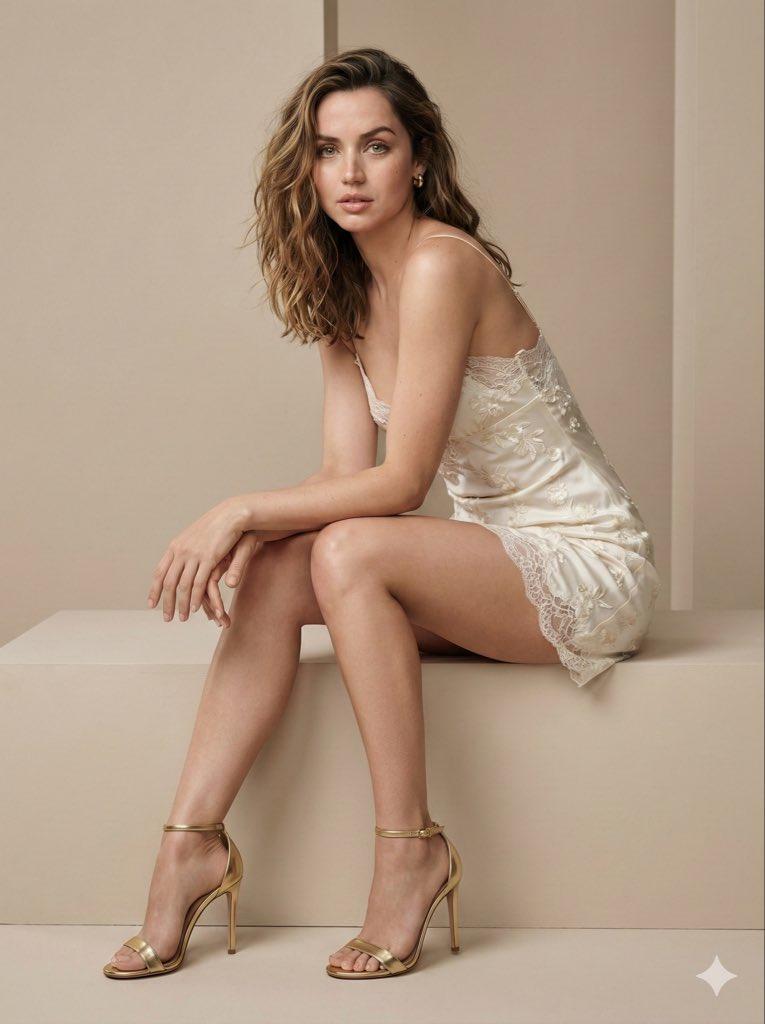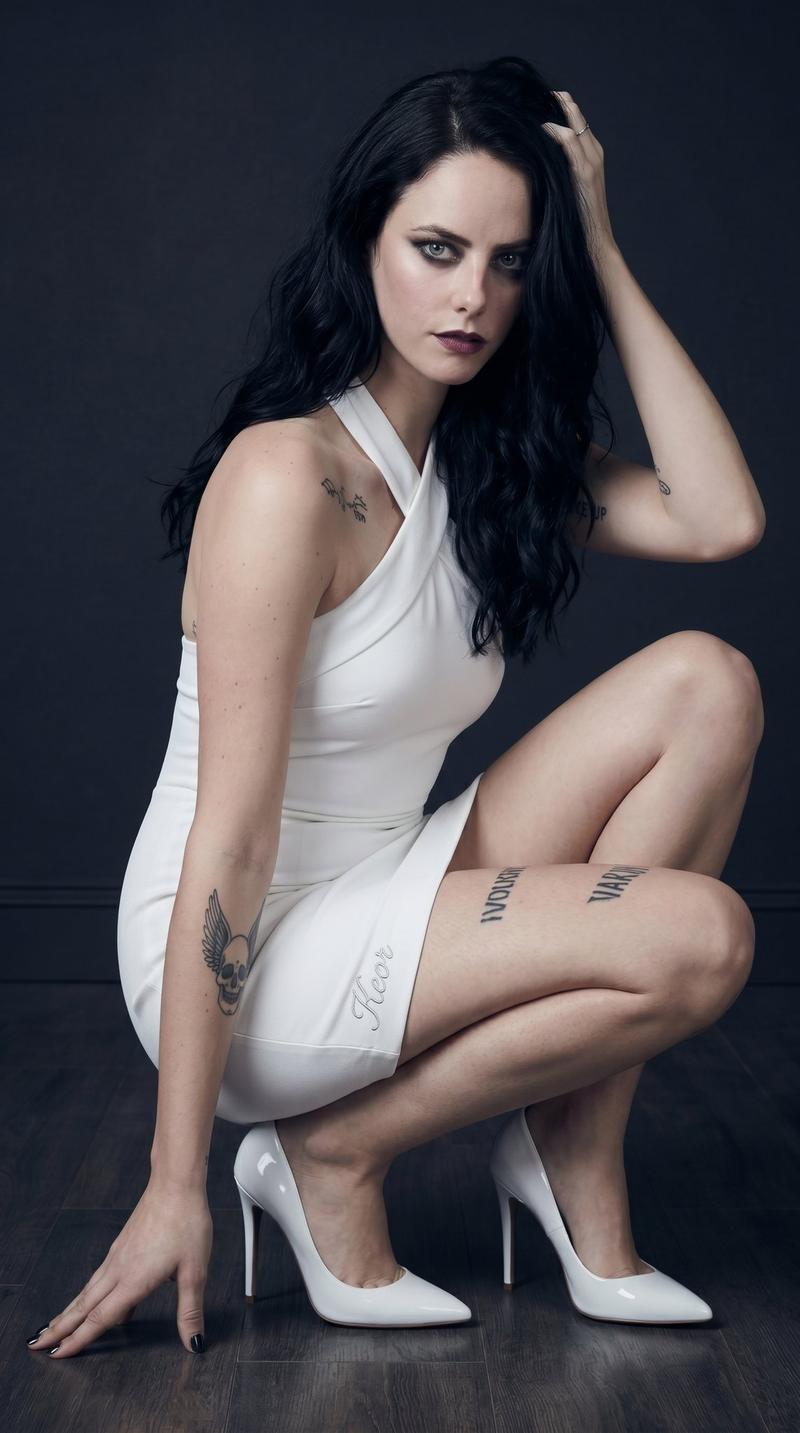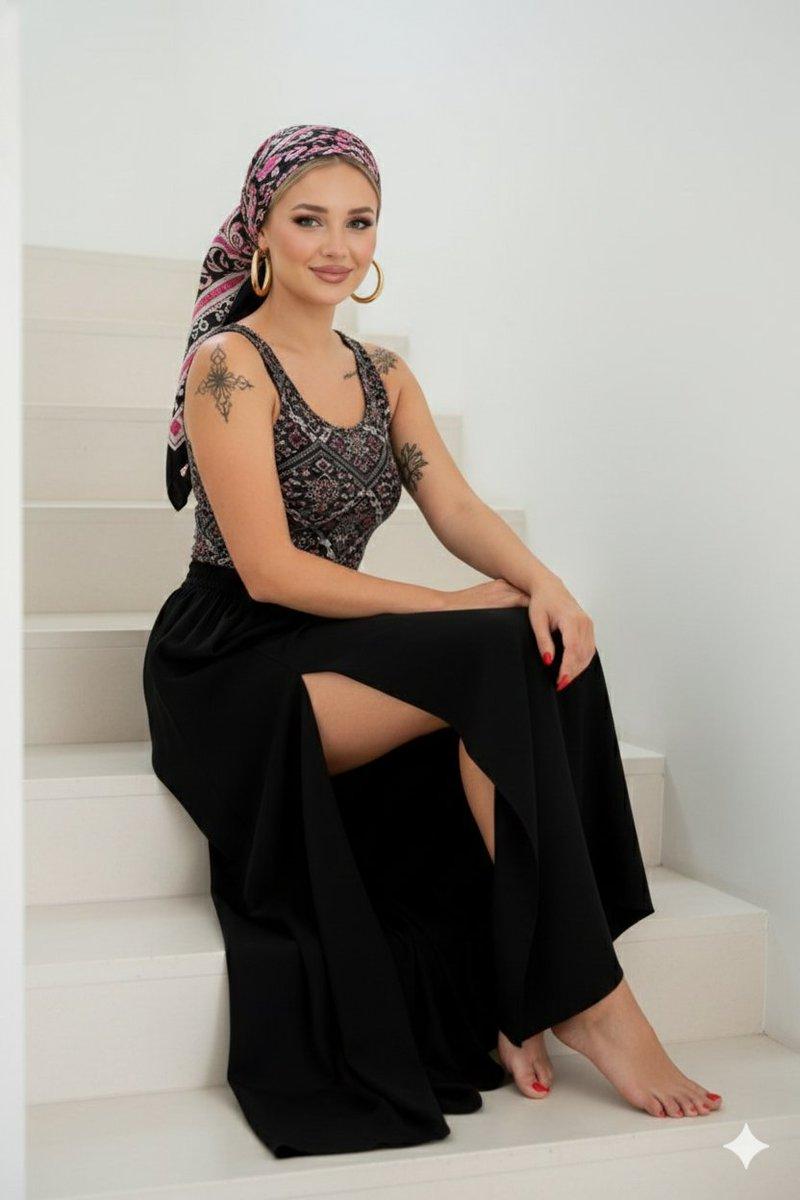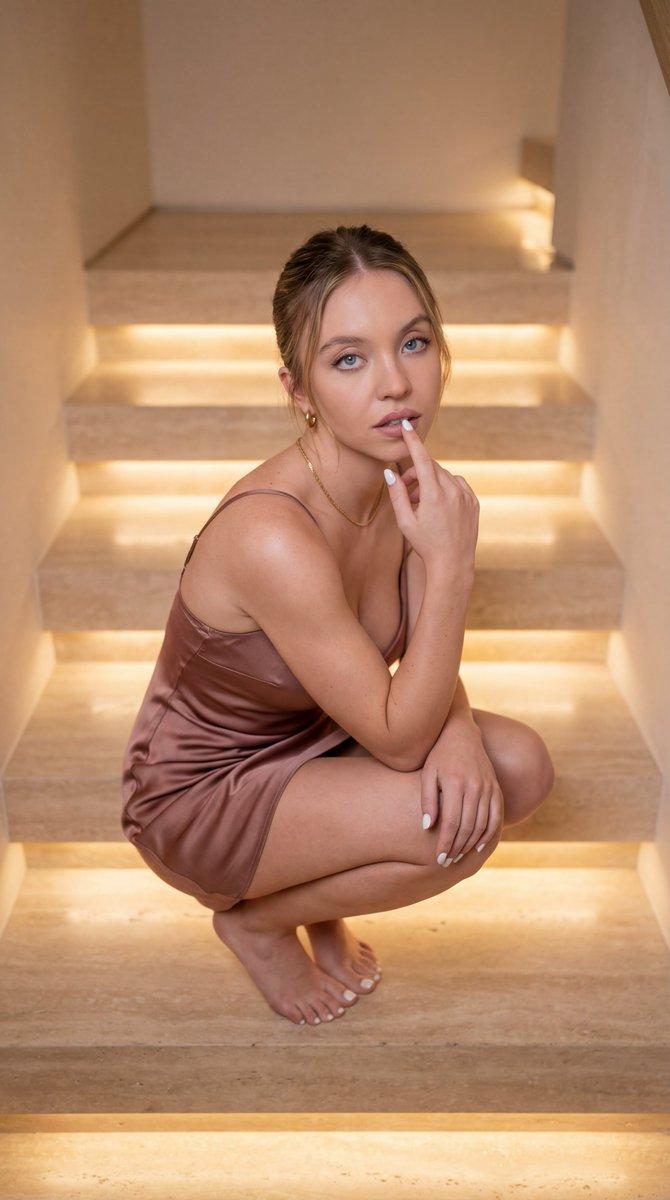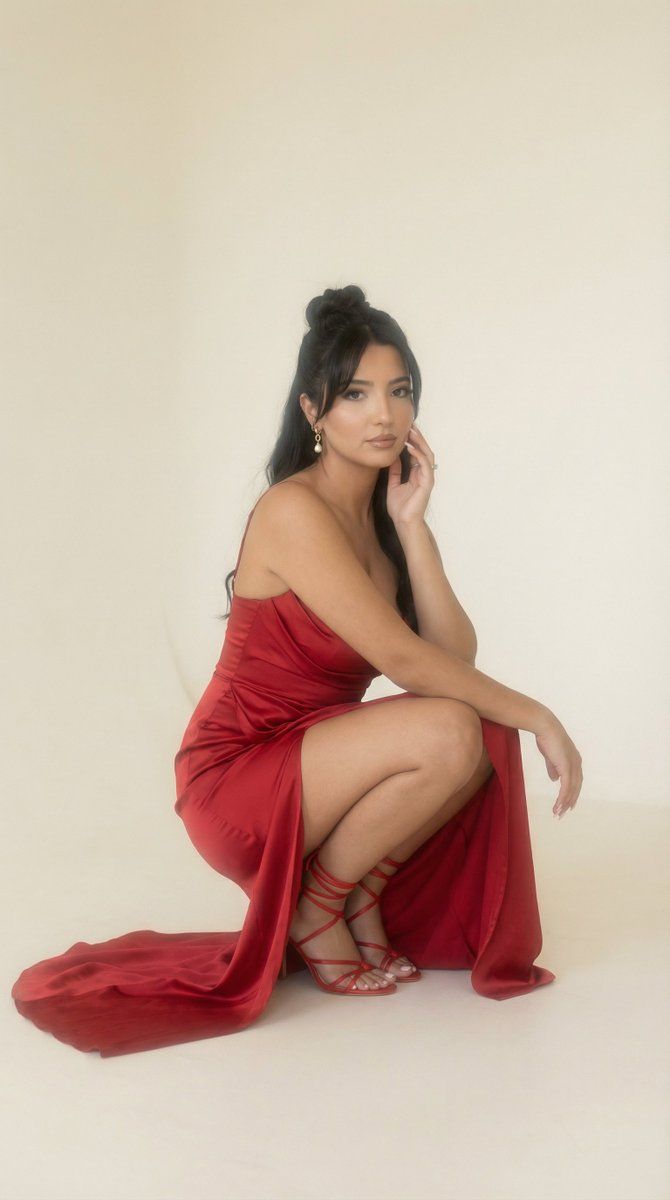
柔和雾气编辑工作室肖像(图像到图像)
提示词
{
  "generation_request": {
    "meta_data": {
      "tool": "NanoBanana Pro",
      "task_type": "soft_haze_editorial_studio_portrait",
      "language": "en",
      "priority": "highest",
      "version": "v1.0_RED_SATIN_DRAPE_SQUAT_SOFT_HAZE_STUDIO"
    },
    "input": {
      "mode": "image_to_image",
      "reference_image_usage": "very_high",
      "preserve_identity": true,
      "preserve_facial_features": true,
      "preserve_pose": true,
      "preserve_hand_structure": true,
      "notes": "Use the uploaded image as the anchor. Preserve facial proportions, hairstyle (messy updo with loose strands), and the crouched/squatting pose with one arm raised near the head. Keep the red satin draped gown with a long train and the high slit. Preserve the glossy red sandal and sparkling anklet/strap detail. Keep the minimal studio background. Enhance realism only: correct fingers and joints, natural skin texture, physically accurate satin sheen and folds, believable contact shadows under feet and fabric. No text, no logos, no watermark."
    },
    "output_settings": {
      "aspect_ratio": "1:1",
      "orientation": "square",
      "resolution_target": "ultra_high_res",
      "num_images": 1,
      "sharpness": "soft_film",
      "grain": "fine_35mm",
      "color_grade": "warm_haze_analog"
    },
    "scene": {
      "concept": "high-fashion studio editorial with soft haze and analog film mood",
      "environment": "minimal off-white studio cyclorama with gentle falloff",
      "composition": "full-body fashion portrait; subject placed slightly right; negative space around; maintain original crop",
      "atmosphere": {
        "haze": "light",
        "notes": "subtle diffusion like a pro-mist filter; avoid fog that hides details"
      },
      "lighting": {
        "style": "soft key with broad source",
        "quality": "diffused",
        "fill": "gentle bounce fill",
        "notes": "soft highlight roll-off on shoulders; maintain shape definition; avoid harsh hard-edged shadows"
      }
    },
    "camera": {
      "shot_type": "full-body editorial portrait",
      "camera_angle": "slightly_low",
      "lens": "85mm prime",
      "aperture": "f/2.8",
      "shutter": "1/200",
      "iso": "250",
      "white_balance": "warm_neutral",
      "focus": "eyes and face plane",
      "film_emulation": {
        "stock": "Kodak Portra 400",
        "halation": "subtle",
        "bloom": "soft",
        "vignette": "very_light"
      }
    },
    "subject": {
      "person": "adult woman",
      "expression": "calm, intense eye contact toward camera",
      "makeup": "soft glam, defined liner, glossy deep rose lips",
      "hair": "textured updo with loose tendrils framing face",
      "wardrobe": {
        "dress": "red satin draped gown with long train and high slit",
        "shoes": "red strappy heels",
        "accessory": "sparkling anklet/strap detail"
      },
      "pose_rules": {
        "mus"
      }
    }
  }
}- 分类
- 创意图片
- 模型
- Nano Banana Pro
- 来源作者
- Özge Döner
- 来源 ID
- eb86ce30-e837-4e7c-a4e0-08299ec9a9c1
- 发布时间
- 2026年3月8日
浏览量0