16

基于视觉参考的场景构图控制
Enlarge

基于视觉参考的场景构图控制

Prompt
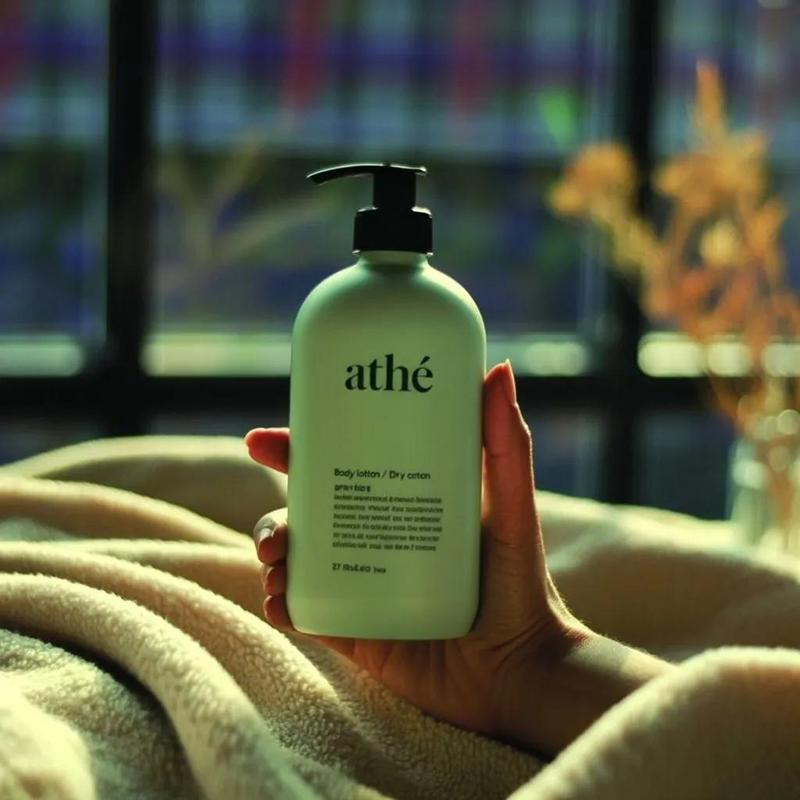
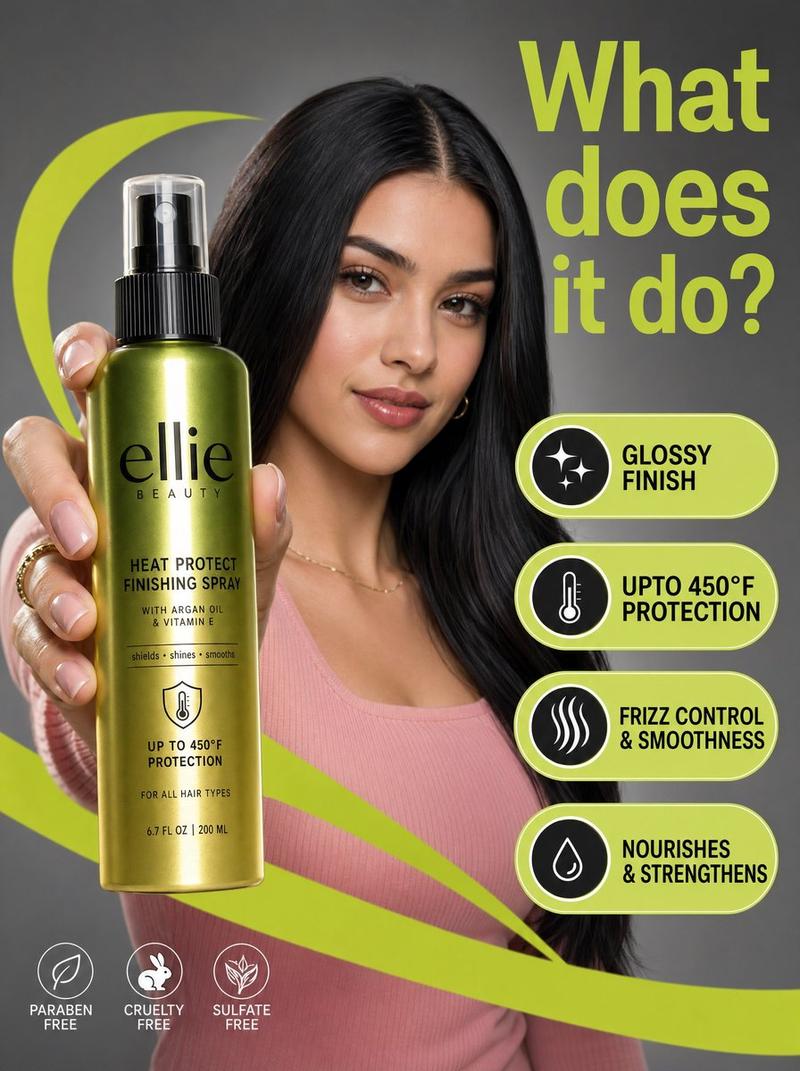
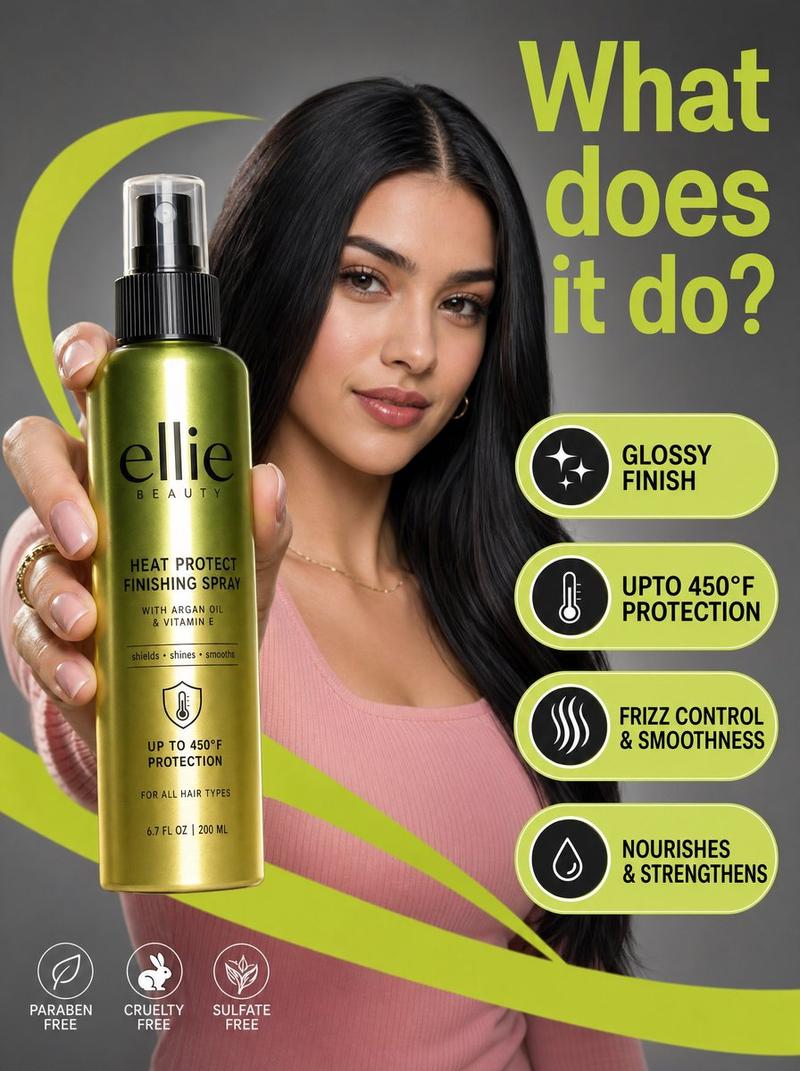
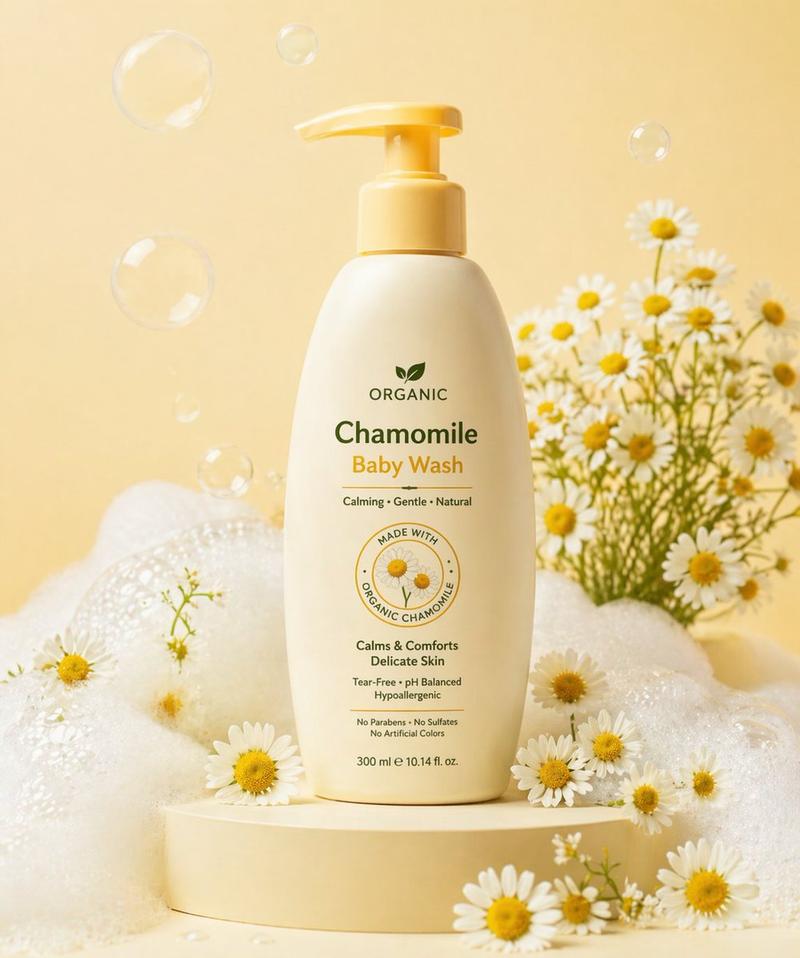
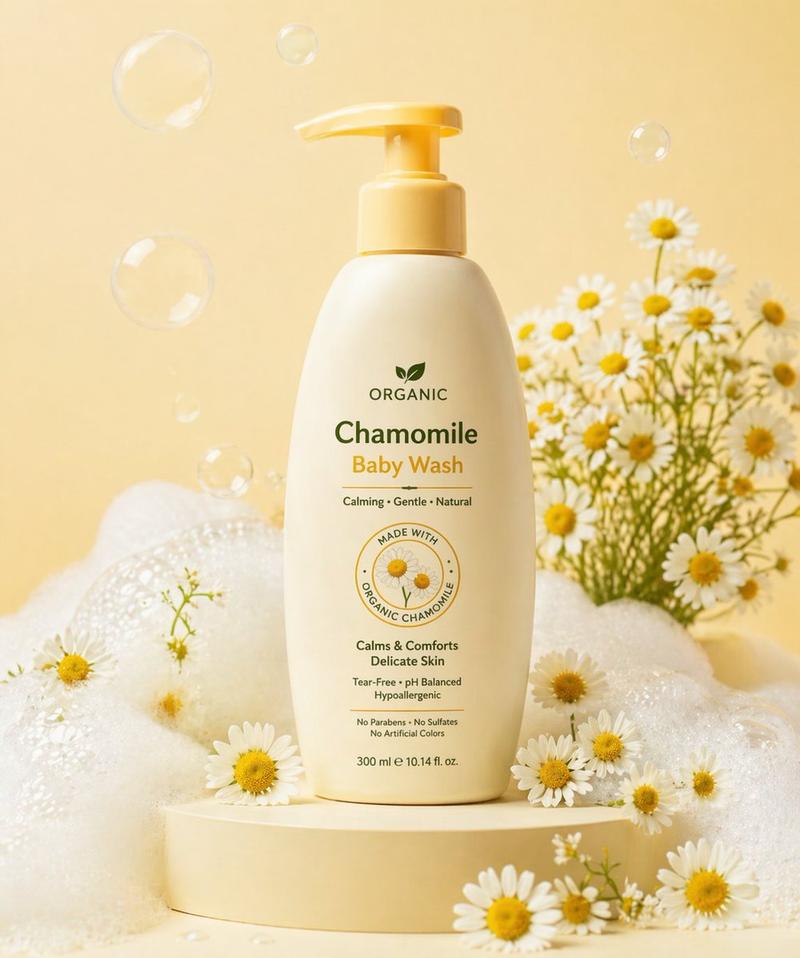
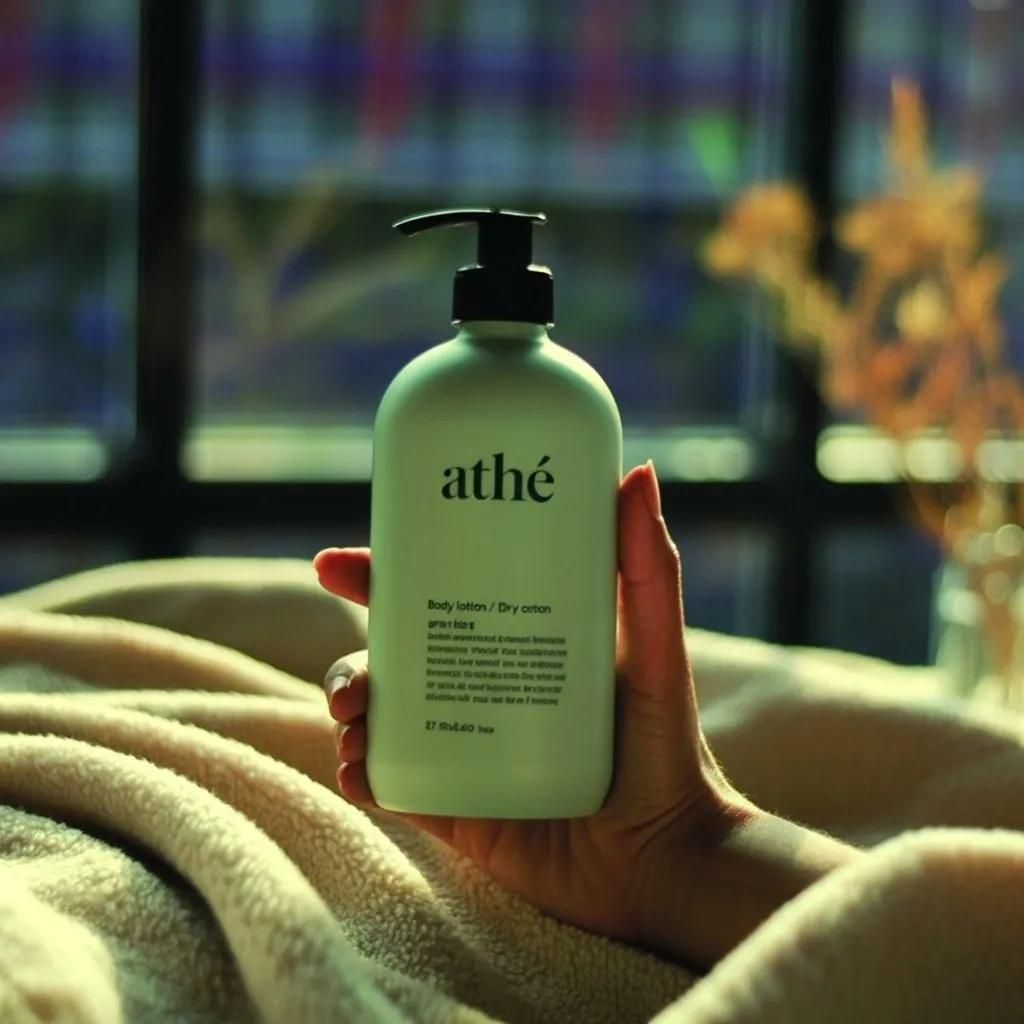
Use the uploaded image as the exact visual reference for environment, lighting mood, window background, blanket texture, depth of field, and color tone.

Important:
The reference image represents the FINAL composition only.
The first frame must NOT contain the hand.
The first frame must NOT contain the bottle.
Start with an empty scene.

Starting Frame:
A cozy blanket in the foreground.
Soft warm natural light coming through the window.
Background window blurred.
No hand.
Category
创意图片
Model
Nano Banana Pro
Creator
Oogie
Views0
Source ID
3846f71f-6dda-44da-9620-71715e47040d
Published
Mar 8, 2026

Guide

About "基于视觉参考的场景构图控制"

What is this prompt for?

"基于视觉参考的场景构图控制" AI image prompt for Nano Banana Pro (创意图片). 一个详细的视频生成提示,使用视觉参考图像来控制环境、光照、纹理、景深和色调。它指定了最终构图,但指示生成从一个空场景开始,不包括第一帧中的手和瓶子。 --- 请使用上传的图片作为环境、光线氛围、窗户…

The full copyable prompt and example visuals above are ready for AI image generation or one-click recreate in Picva.

How to use this prompt

  1. Step 1

    Open the prompt detail

    Review the example visuals, category, and full prompt text for "基于视觉参考的场景构图控制".

  2. Step 2

    Copy the prompt

    Copy the prompt body from this page, or load it directly in Studio.

  3. Step 3

    Pick a model (Nano Banana Pro)

    Prefer Nano Banana Pro. If you switch models, keep subject and composition and tweak style terms.

  4. Step 4

    Generate and export

    Recreate the look in Picva, or export into your workflow for editing and publishing.

FAQ

What is the "基于视觉参考的场景构图控制" prompt?
It is an AI image-generation prompt for Nano Banana Pro in the 创意图片 category. This page includes the full prompt text, example visuals, and a one-click recreate path in Picva.
How do I use this prompt to generate an image?
Copy the prompt from this page, or use Generate / Studio. Paste it into a compatible image model, or recreate the look in Picva with optional reference images.
Which model is this prompt for?
This page lists Nano Banana Pro. Most descriptive prompts also transfer to nearby image models such as GPT Image, Flux, or Midjourney with light style tweaks.
Can I use the result commercially?
You can usually copy the prompt for creation, but commercial use of the final image depends on the model terms, reference-image rights, and the generated content. Follow the source author and platform rules.