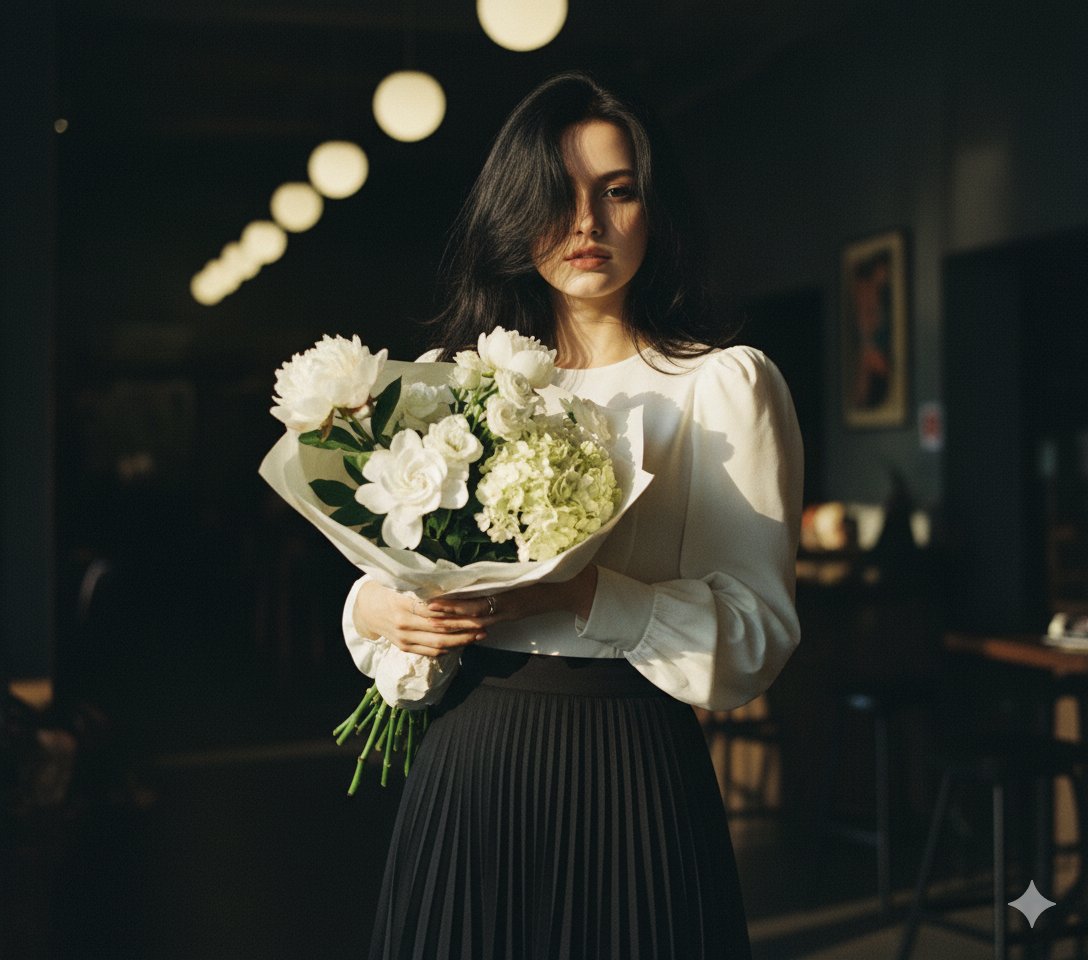
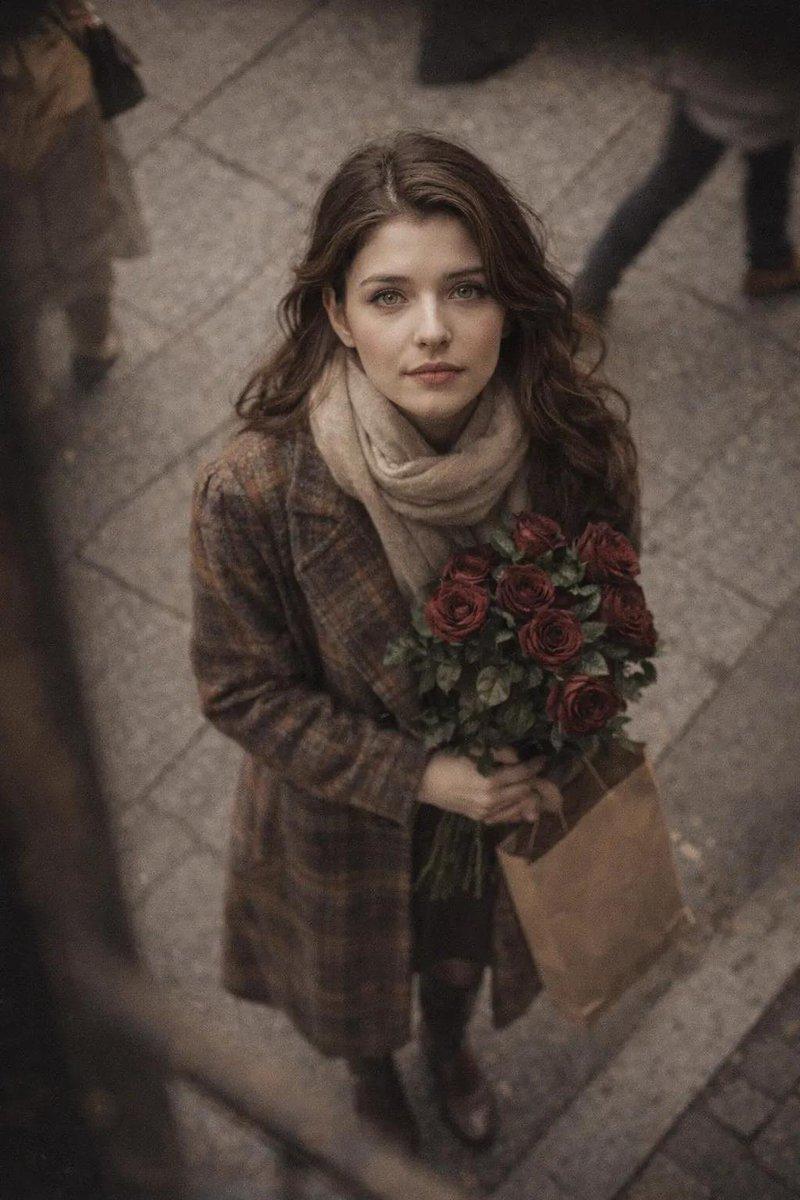
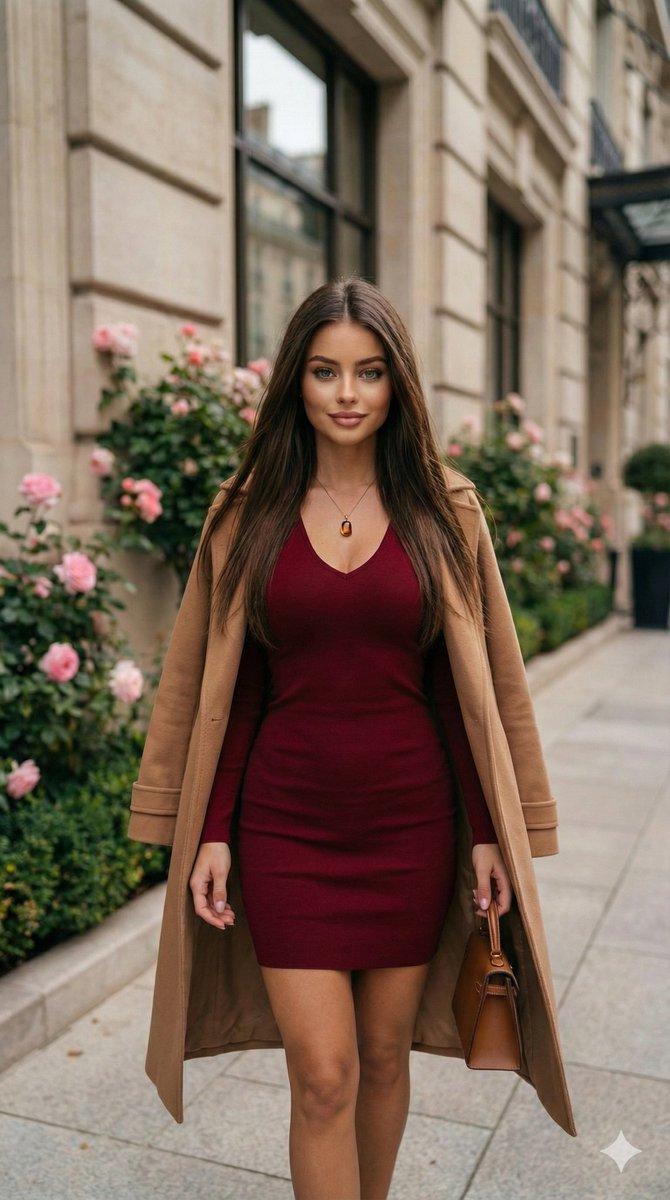
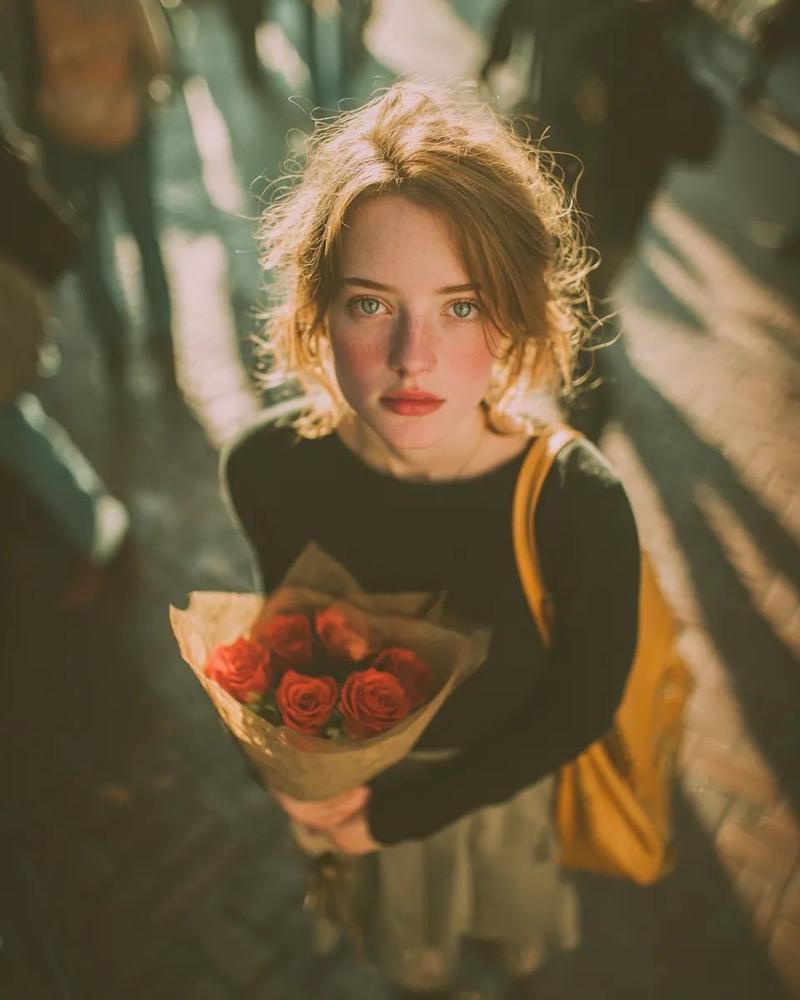
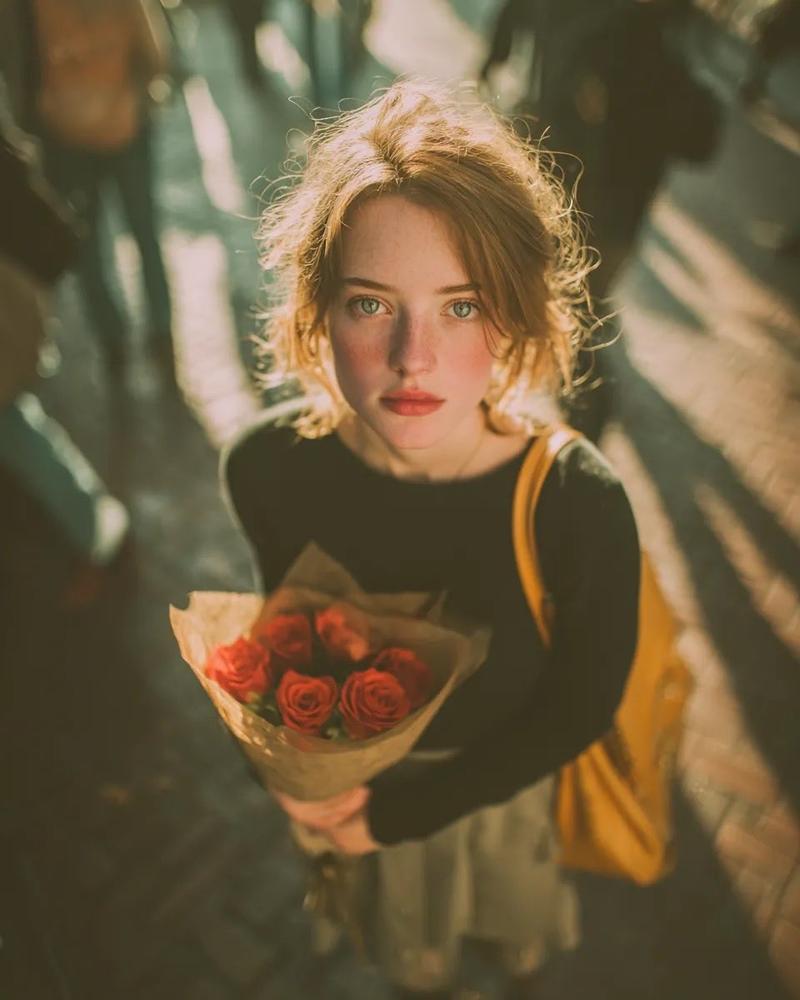
浪漫街头编辑肖像(图像到图像)
Prompt
{
  "generation_request": {
    "meta_data": {
      "tool": "NanoBanana Pro",
      "task_type": "romantic_street_editorial_identity_lock",
      "language": "en",
      "priority": "highest",
      "version": "v1.0_AUTUMN_RED_SWEATER_FLOWER_BOUQUET_NO_TEXT"
    },
    "input": {
      "mode": "image_to_image",
      "reference_image_usage": "very_high",
      "preserve_identity": true,
      "preserve_facial_features": true,
      "preserve_pose": true,
      "preserve_body_proportions": true,
      "preserve_hand_structure": true,
      "notes": "Use the uploaded image as the primary anchor. Keep the exact standing pose, head direction, hand touching hair, and bouquet placement. Maintain the red knit sweater, white layered lace skirt, sheer tights, and black shoulder bag. Preserve the bouquet with red flowers and white lilies wrapped in warm-toned paper. Keep the architectural stone building facade and decorative metal door details in the background. Enhance realism: natural skin texture, detailed knit fabric, lace transparency accuracy, realistic flower textures, balanced daylight shadows. No text, no logos, no watermark."
    },
    "output_settings": {
      "aspect_ratio": "4:5",
      "orientation": "portrait",
      "resolution_target": "ultra_high_res",
      "num_images": 1,
      "render_style": "cinematic_natural_editorial",
      "sharpness": "natural_crisp",
      "grain": "subtle_film",
      "color_grade": "soft_warm_daylight",
      "dynamic_range": "balanced_highlights"
    },
    "scene": {
      "environment": "elegant city street with stone architecture",
      "lighting_style": "soft natural daylight with gentle shadow contrast",
      "background_elements": "textured stone wall, ornate dark metal doors, tiled sidewalk"
    },
    "subject": {
      "count": 1,
      "description": "one adult woman standing outdoors holding a bouquet",
      "expression": "soft thoughtful gaze to the side",
      "hair": "dark wavy hair with natural volume",
      "makeup": "natural glam with soft blush and defined lashes",
      "wardrobe": "red knit sweater, white layered lace mini skirt, sheer tights",
      "accessories": "black shoulder bag"
    },
    "camera": {
      "shot_type": "medium full-body portrait",
      "angle": "eye level with slight natural perspective",
      "focus": "sharp on subject and bouquet, mild background falloff",
      "lens_look": "85mm portrait lens aesthetic",
      "depth_of_field": "moderate shallow",
      "exposure": "balanced daylight exposure"
    },
    "lighting": {
      "key_light": "natural daylight from side",
      "fill_light": "soft ambient bounce from building facade",
      "shadow_style": "natural soft shadow lines",
      "skin_rendering": "realistic texture, no over-smoothing"
    },
    "composition_rules": [
      "keep bouquet clearly visible and detailed",
      "preserve architectural symmetry behind subject",
"maintain natural proport- Category
- 创意图片
- Model
- Nano Banana Pro
- Creator
- Özge Döner
- Source ID
- 99234dcb-d870-4248-943e-f36073278d96
- Published
- Mar 8, 2026
Views0