11

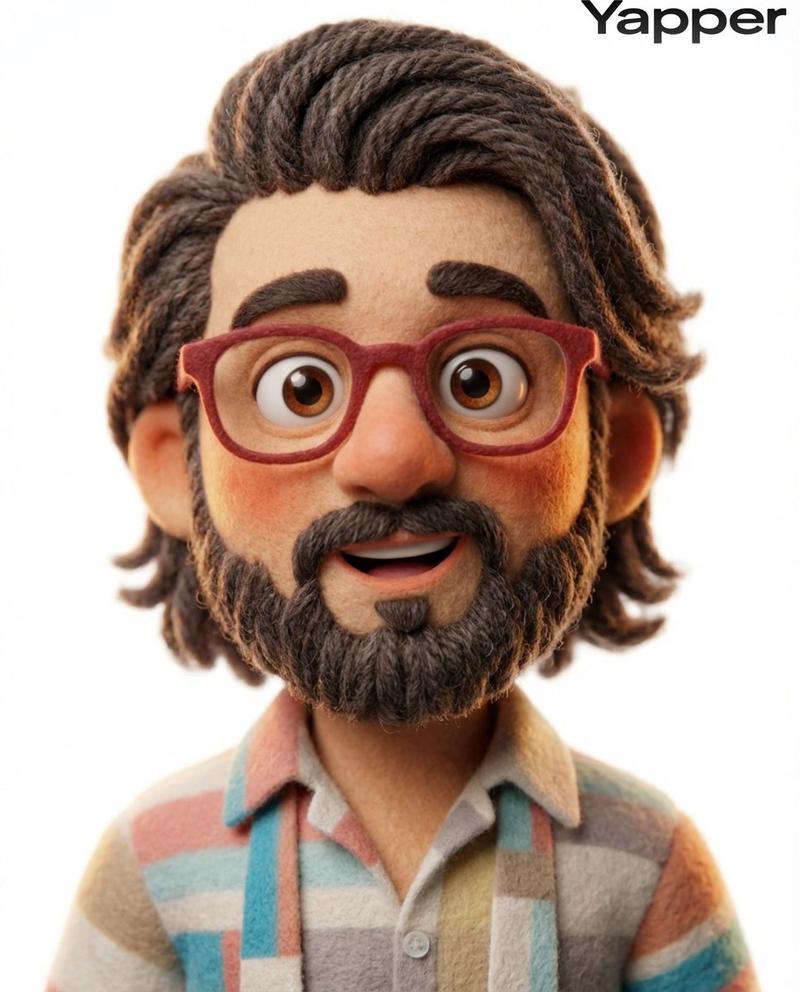
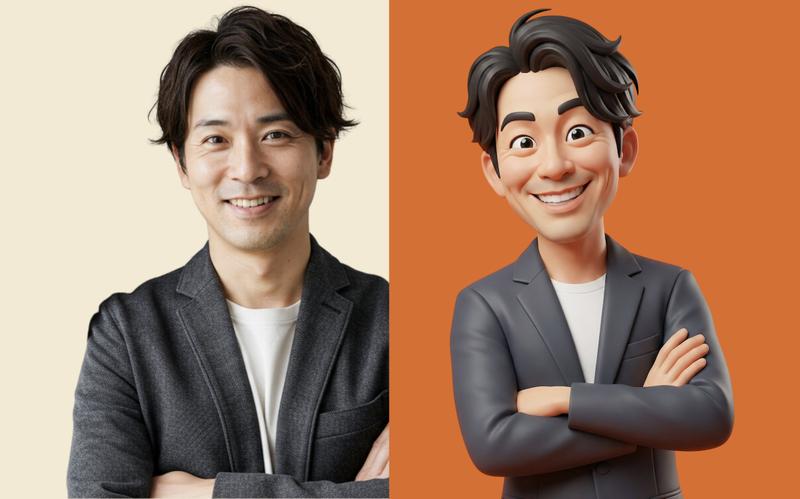
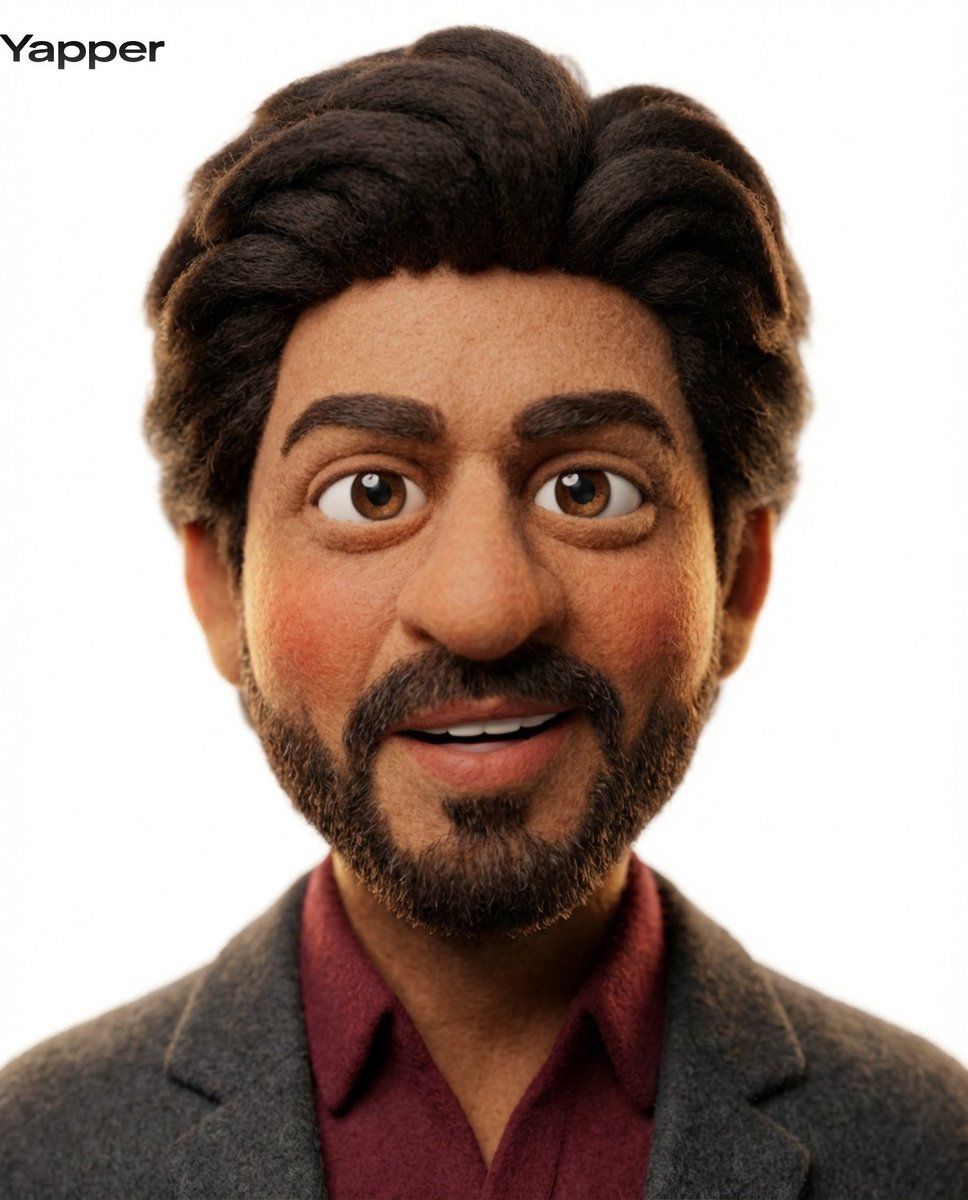
3D 黏土动画角色变形
Enlarge

3D 黏土动画角色变形

Prompt
Transform the uploaded image into a stylized 3D claymation character. Soft felt / fuzzy texture skin, rounded exaggerated facial features, big expressive eyes, thick soft eyebrows, slightly oversized nose, warm blush tones on cheeks. Playful open-mouth expression. Clean pure white studio background. Soft diffused studio lighting, subtle rim light, shallow depth of field. Pixar-style charm, stop-motion aesthetic, highly detailed fibers and soft materials, cinematic render, warm vibrant tones.
Category
创意图片
Model
Nano Banana Pro
Creator
Professor
Views1
Source ID
1eed2296-e944-46b0-948b-2677446b1b0d
Published
Mar 8, 2026

Guide

About "3D 黏土动画角色变形"

What is this prompt for?

"3D 黏土动画角色变形" AI image prompt for Nano Banana Pro (创意图片). 将上传的图像转换为风格化的 3D 黏土动画角色,突出柔软的毛毡/毛绒纹理、夸张的面部特征(皮克斯风格)和柔和的影棚灯光,以营造定格动画美学。 --- 将上传的图片转化为风格化的 3D 黏土动画角色。柔软…

The full copyable prompt and example visuals above are ready for AI image generation or one-click recreate in Picva.

How to use this prompt

  1. Step 1

    Open the prompt detail

    Review the example visuals, category, and full prompt text for "3D 黏土动画角色变形".

  2. Step 2

    Copy the prompt

    Copy the prompt body from this page, or load it directly in Studio.

  3. Step 3

    Pick a model (Nano Banana Pro)

    Prefer Nano Banana Pro. If you switch models, keep subject and composition and tweak style terms.

  4. Step 4

    Generate and export

    Recreate the look in Picva, or export into your workflow for editing and publishing.

FAQ

What is the "3D 黏土动画角色变形" prompt?
It is an AI image-generation prompt for Nano Banana Pro in the 创意图片 category. This page includes the full prompt text, example visuals, and a one-click recreate path in Picva.
How do I use this prompt to generate an image?
Copy the prompt from this page, or use Generate / Studio. Paste it into a compatible image model, or recreate the look in Picva with optional reference images.
Which model is this prompt for?
This page lists Nano Banana Pro. Most descriptive prompts also transfer to nearby image models such as GPT Image, Flux, or Midjourney with light style tweaks.
Can I use the result commercially?
You can usually copy the prompt for creation, but commercial use of the final image depends on the model terms, reference-image rights, and the generated content. Follow the source author and platform rules.