16

适用于 Gemini Nano Banana 2 的自然照片生成提示
Enlarge

适用于 Gemini Nano Banana 2 的自然照片生成提示

Prompt
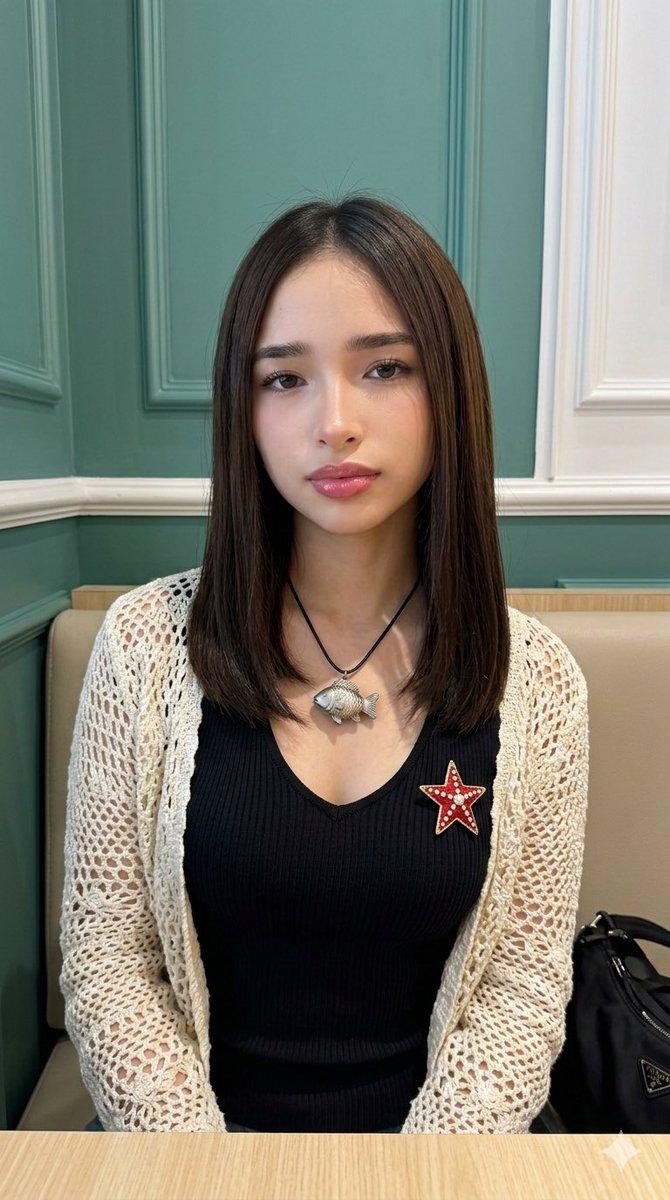
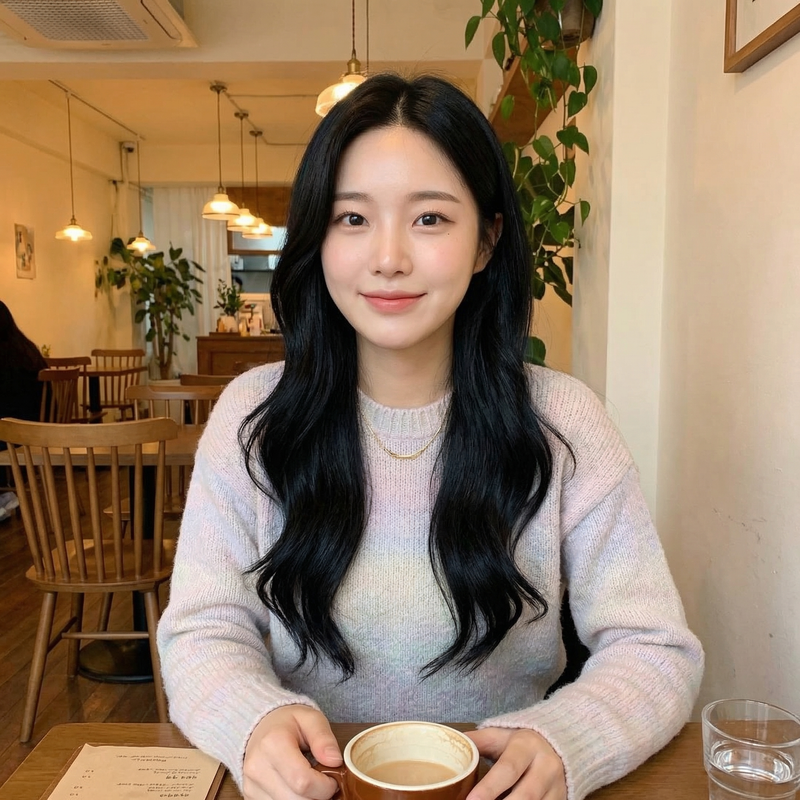
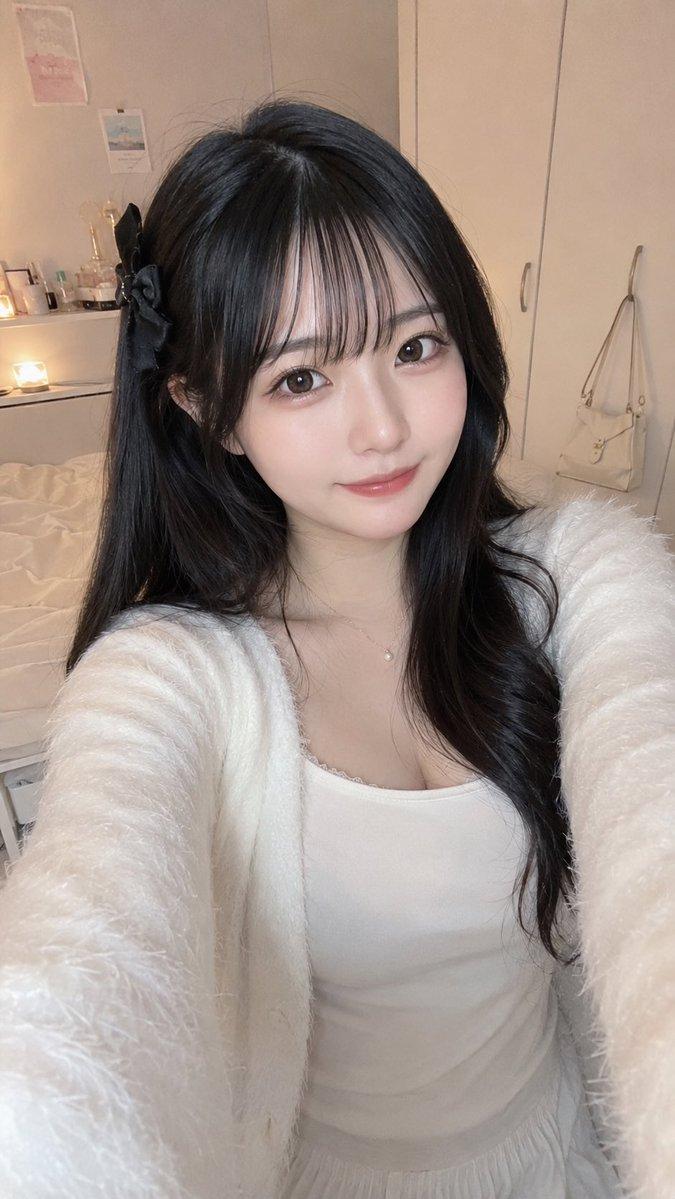
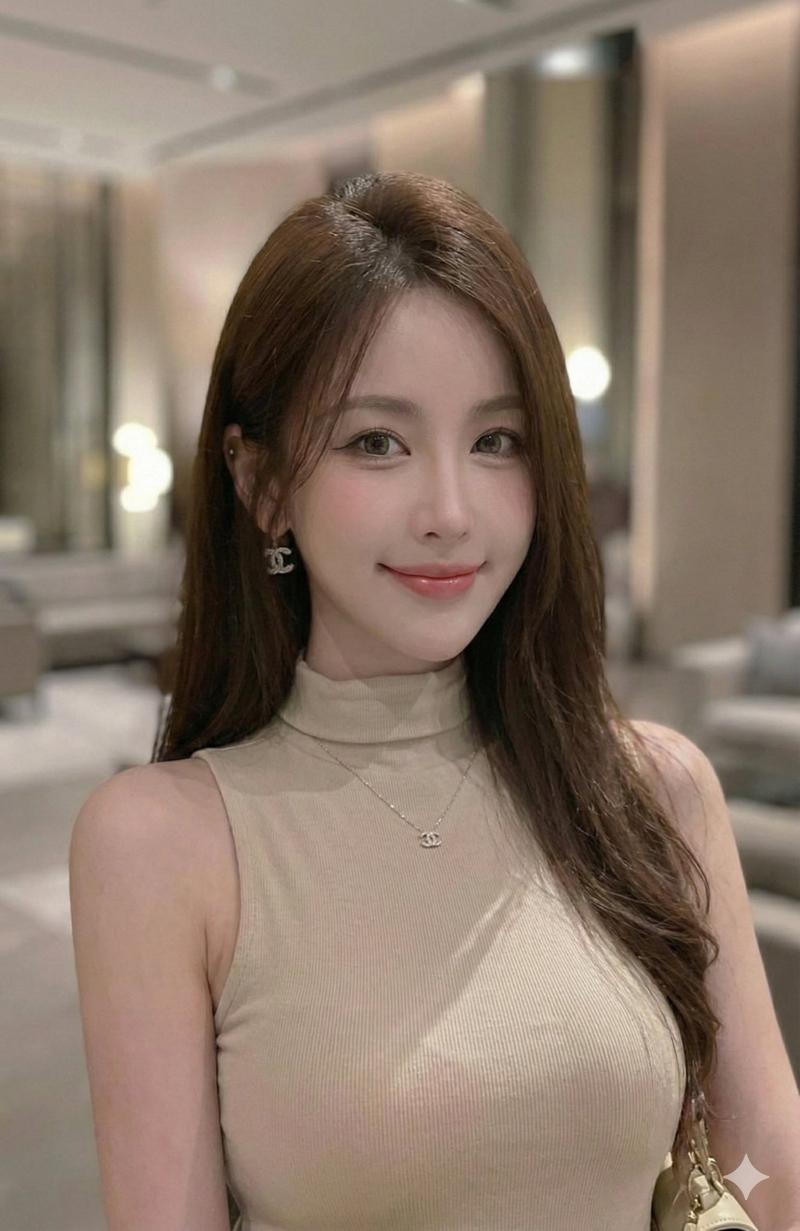
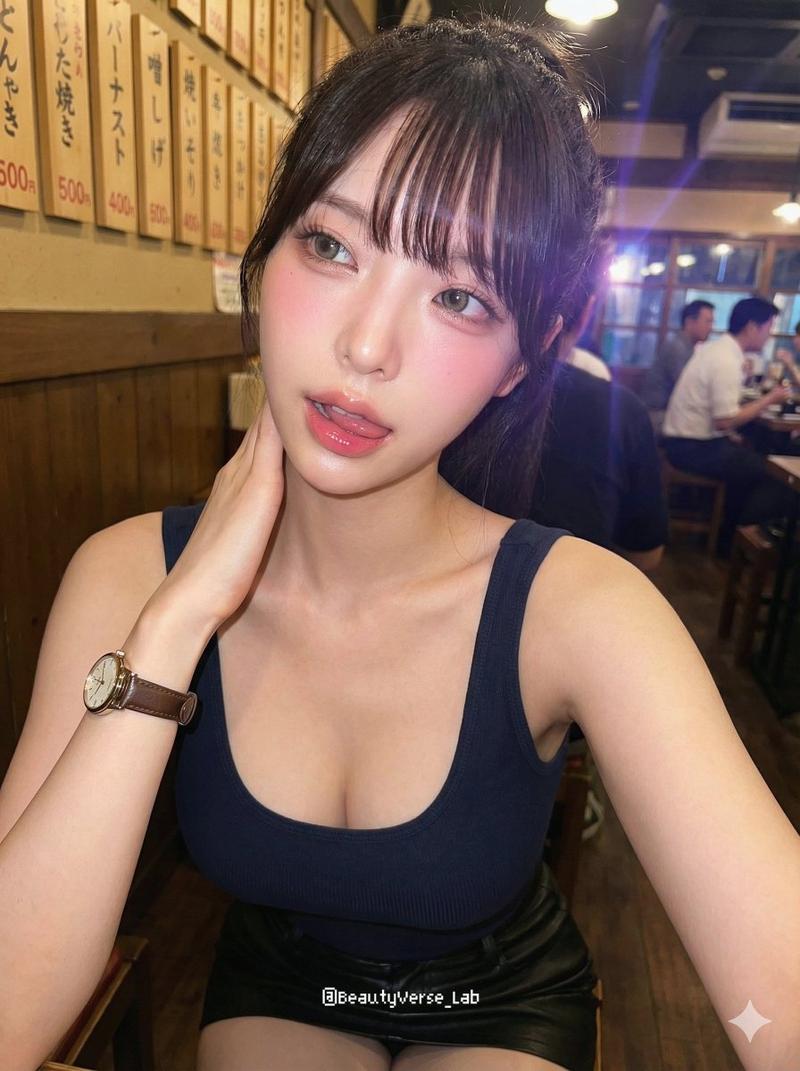
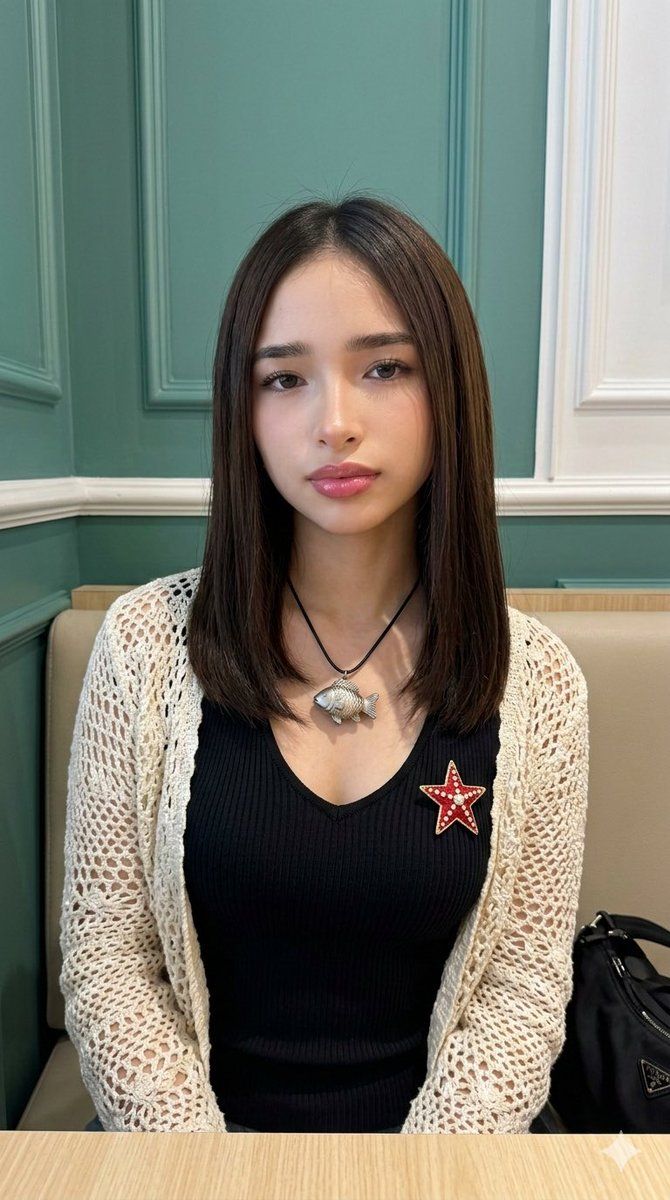
(9:16). Raw iPhone 17 Pro, 35mm, f/2.8, natural bokeh, digital grain. Identity Lock Image A + Glow-Up Protocol: zero-imperfection porcelain skin, zero acne/ojeras, 20% slimmed architectural jawline and cheekbone definition. Salon-finish straight brunette hair. Outfit: Technical black V-neck rib-knit top with high-tensile fit; layered with a cream-colored architectural open-weave crochet cardigan featuring intricate lace patterns. Accessories: Realistic 3D high-fidelity fish pendant on a black technical cord; red star-shaped brooch with white dot details and gold metallic framing on the left chest. Hyper-defined silhouette, 20% anatomical bust volume and waist-to-bust ratio emphasis. Pose: Seated frontal torso alignment, relaxed shoulders. Lighting: Soft indoor 3000K ambient light, ray-traced shadow physics from pendant and cardigan weave. Environment: Pixel-perfect indoor setting: teal-green wall panels with white molding, beige upholstered seating, black technical bag (lower right), light wood table surface (bottom margin).
Category
创意图片
Model
Nano Banana Pro
Creator
Danna R.
Views0
Source ID
1f624887-f3fc-4ff7-abf9-376fe0bb0a06
Published
Mar 8, 2026

Guide

About "适用于 Gemini Nano Banana 2 的自然照片生成提示"

What is this prompt for?

"适用于 Gemini Nano Banana 2 的自然照片生成提示" AI image prompt for Nano Banana Pro (创意图片). 一个针对 Gemini Nano Banana 2 的高度详细提示,侧重于生成具有特定技术参数(iPhone 17 Pro、35mm、f/2.8)和美学增强…

The full copyable prompt and example visuals above are ready for AI image generation or one-click recreate in Picva.

How to use this prompt

  1. Step 1

    Open the prompt detail

    Review the example visuals, category, and full prompt text for "适用于 Gemini Nano Banana 2 的自然照片生成提示".

  2. Step 2

    Copy the prompt

    Copy the prompt body from this page, or load it directly in Studio.

  3. Step 3

    Pick a model (Nano Banana Pro)

    Prefer Nano Banana Pro. If you switch models, keep subject and composition and tweak style terms.

  4. Step 4

    Generate and export

    Recreate the look in Picva, or export into your workflow for editing and publishing.

FAQ

What is the "适用于 Gemini Nano Banana 2 的自然照片生成提示" prompt?
It is an AI image-generation prompt for Nano Banana Pro in the 创意图片 category. This page includes the full prompt text, example visuals, and a one-click recreate path in Picva.
How do I use this prompt to generate an image?
Copy the prompt from this page, or use Generate / Studio. Paste it into a compatible image model, or recreate the look in Picva with optional reference images.
Which model is this prompt for?
This page lists Nano Banana Pro. Most descriptive prompts also transfer to nearby image models such as GPT Image, Flux, or Midjourney with light style tweaks.
Can I use the result commercially?
You can usually copy the prompt for creation, but commercial use of the final image depends on the model terms, reference-image rights, and the generated content. Follow the source author and platform rules.