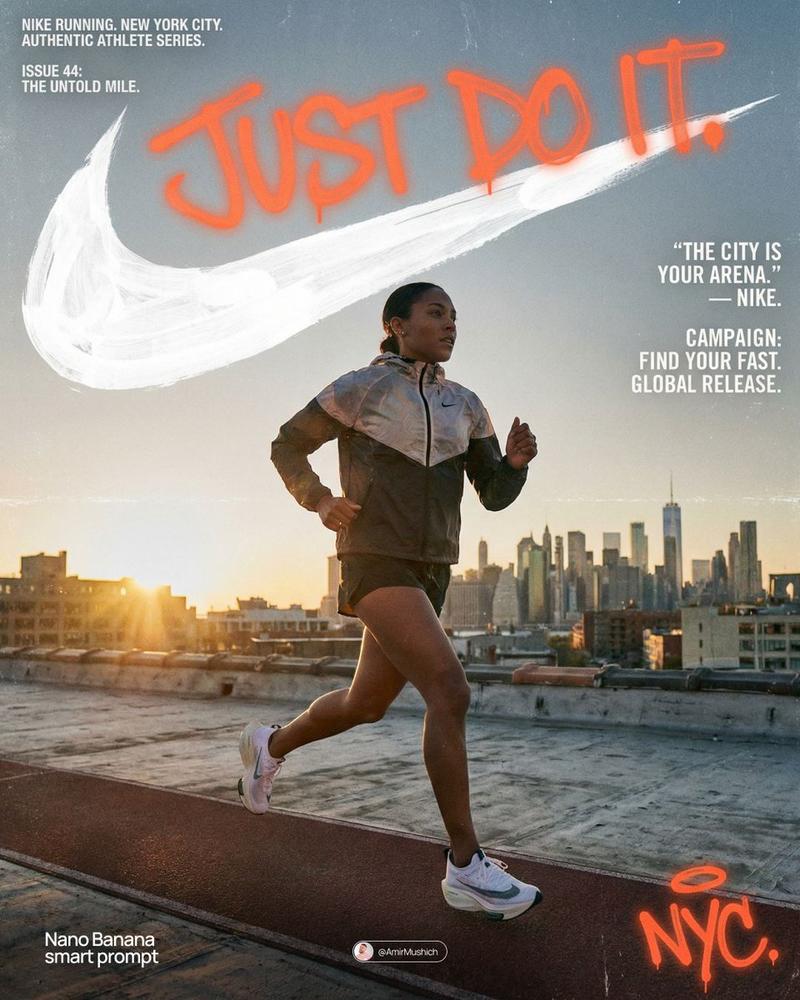
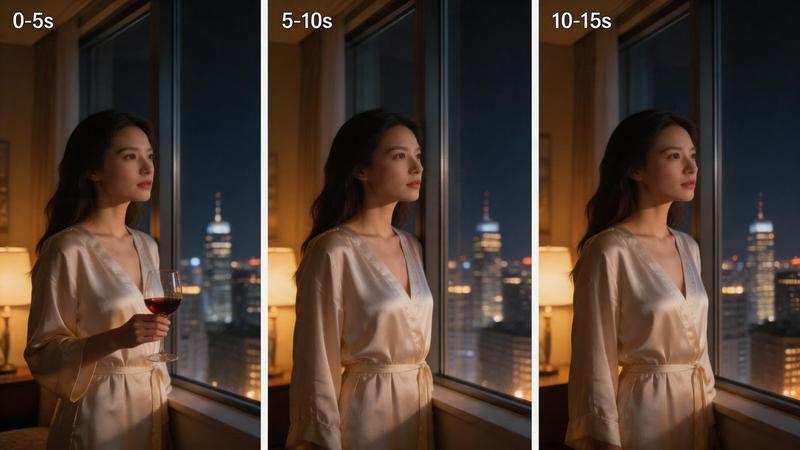
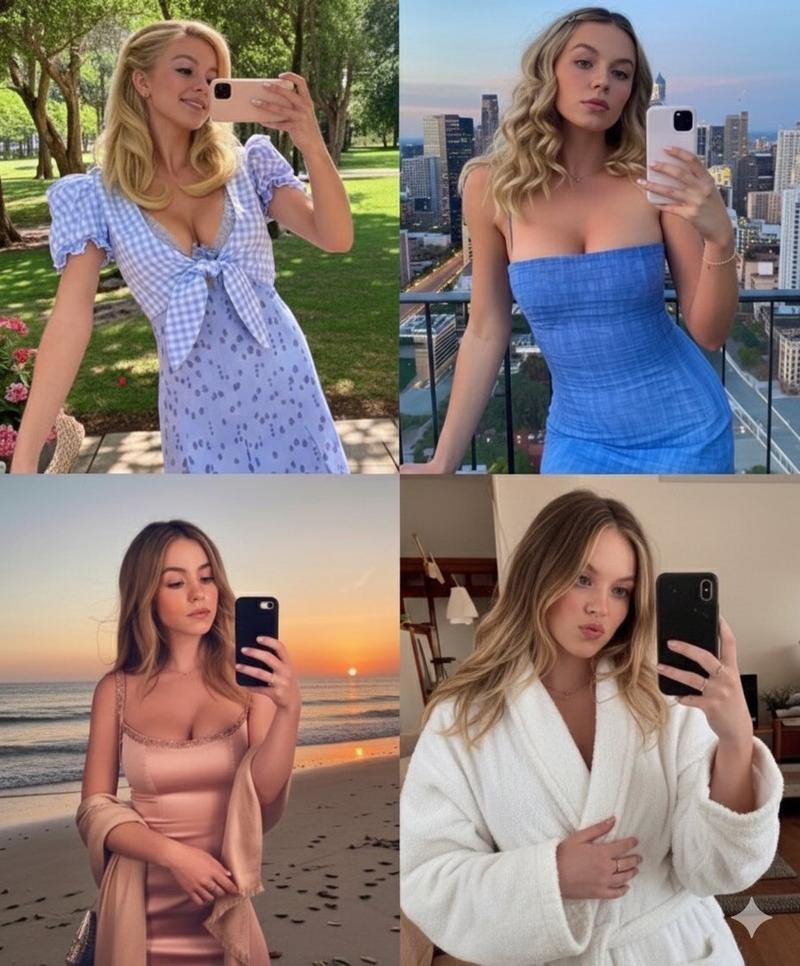
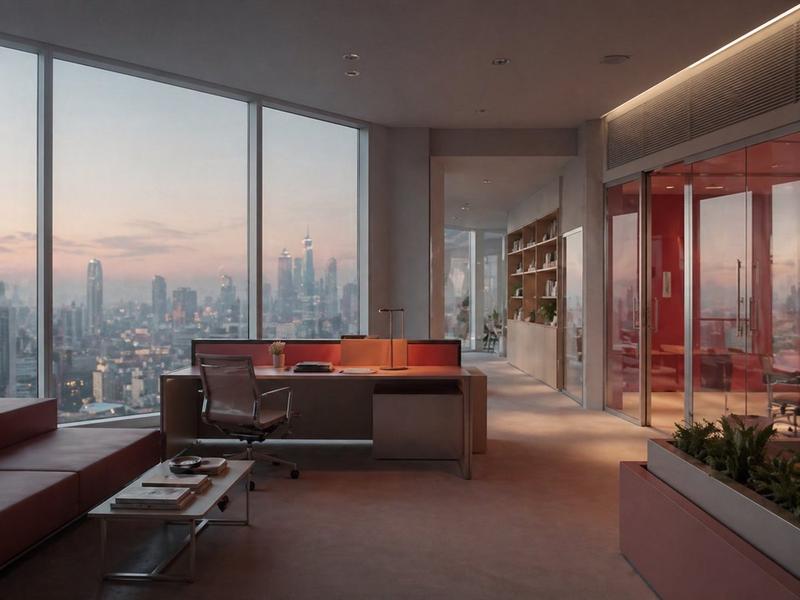
老式智能手机数码相机快照风格预设
Prompt
-early-2000s digicam snapshot, grainy low-res quality
- Category
- 创意图片
- Model
- Nano Banana Pro
- Creator
- Tyyle
- Source ID
- 2bc2b2b1-425c-4029-8719-89cf92b12543
- Published
- Mar 8, 2026
Views1
20
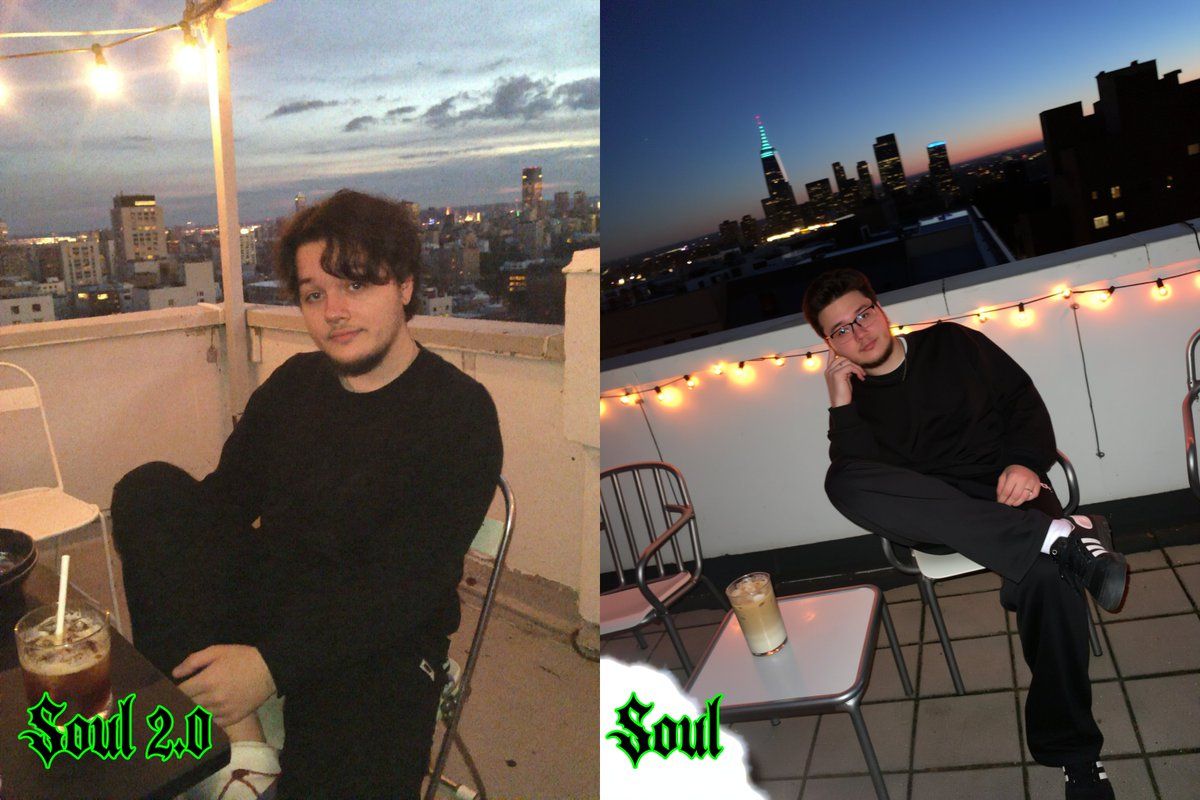
-early-2000s digicam snapshot, grainy low-res quality
Guide
"老式智能手机数码相机快照风格预设" AI image prompt for Nano Banana Pro (创意图片). 这条推文提到了 Soul 2.0 模型(可能是 Nano Banana Pro 封装)预设中使用的特定 LoRA 标签,该标签可为生成的图像应用复古数码相机美学。 --- 21 世纪初数码相机…
The full copyable prompt and example visuals above are ready for AI image generation or one-click recreate in Picva.
Step 1
Review the example visuals, category, and full prompt text for "老式智能手机数码相机快照风格预设".
Step 2
Copy the prompt body from this page, or load it directly in Studio.
Step 3
Prefer Nano Banana Pro. If you switch models, keep subject and composition and tweak style terms.
Step 4
Recreate the look in Picva, or export into your workflow for editing and publishing.