17

超逼真产品广告提示
Enlarge

超逼真产品广告提示

Prompt
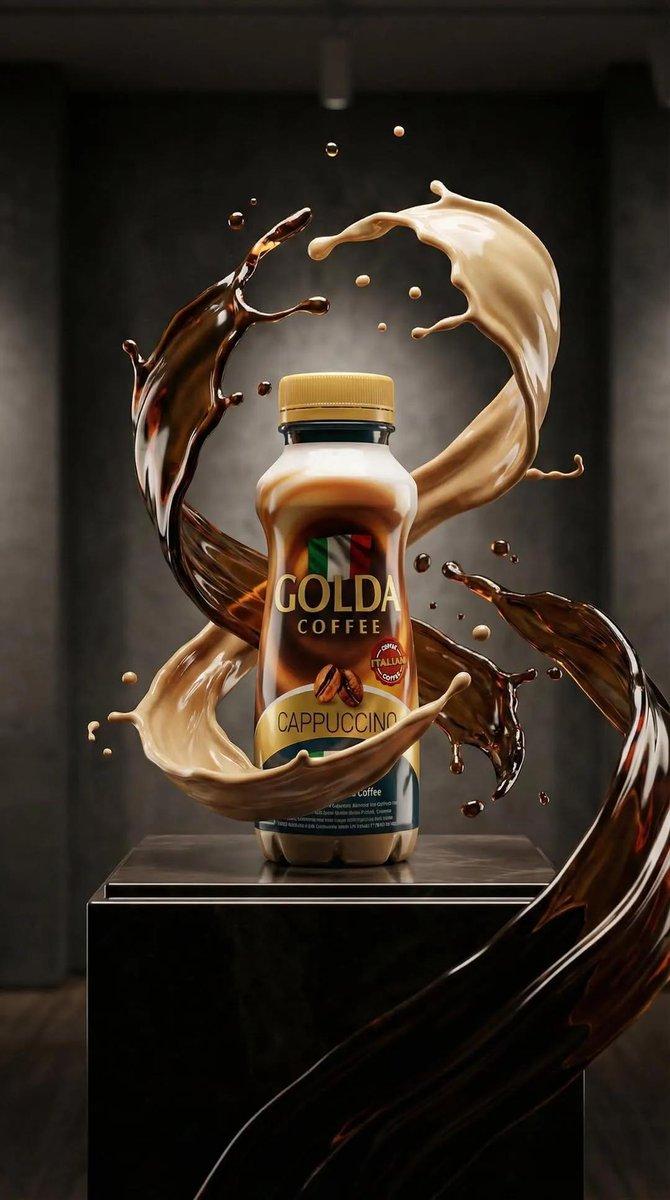
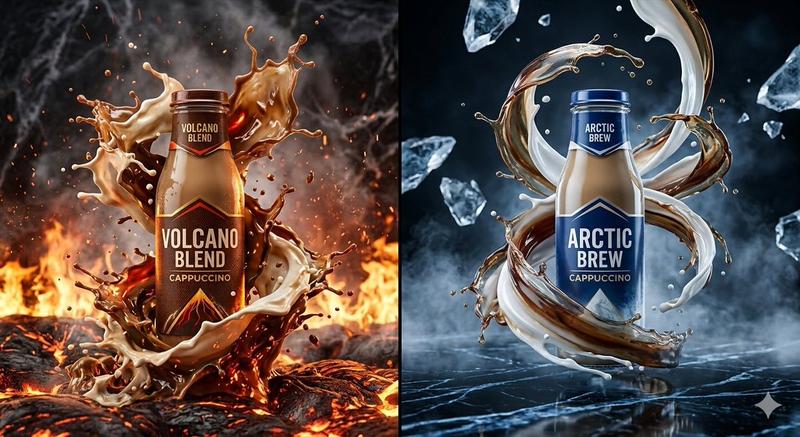
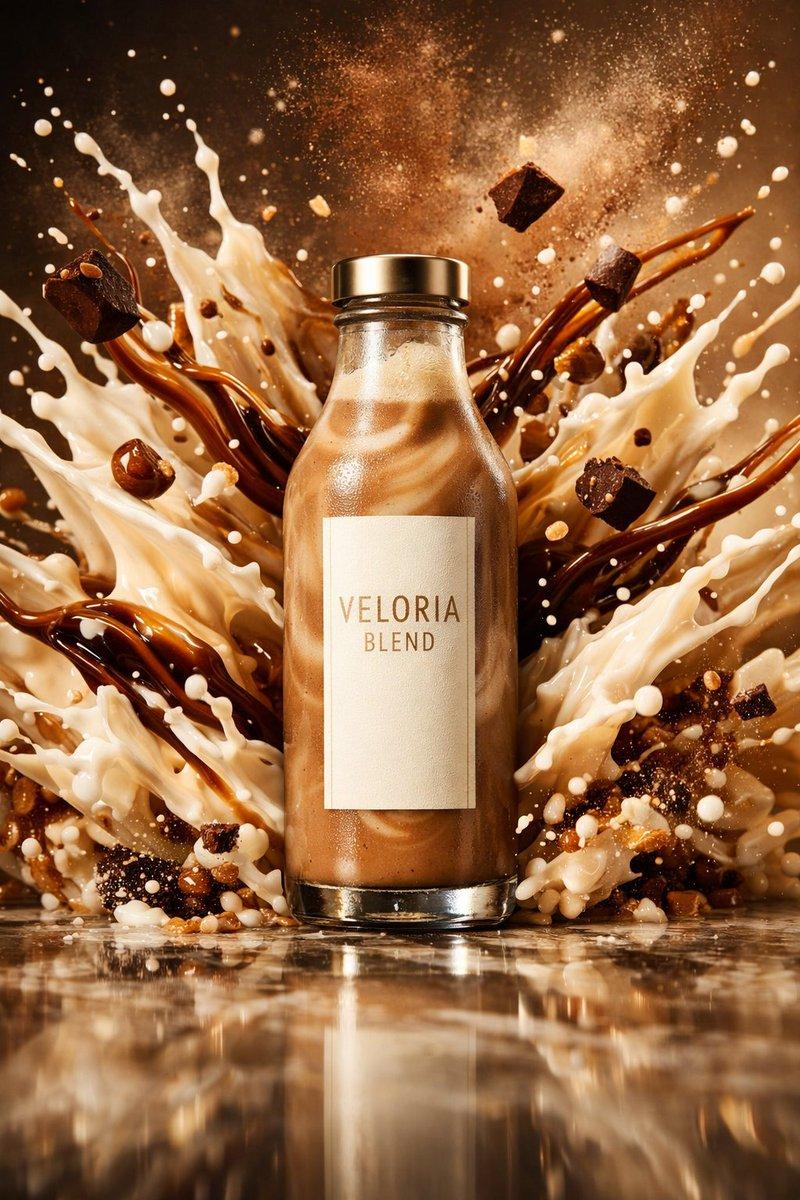
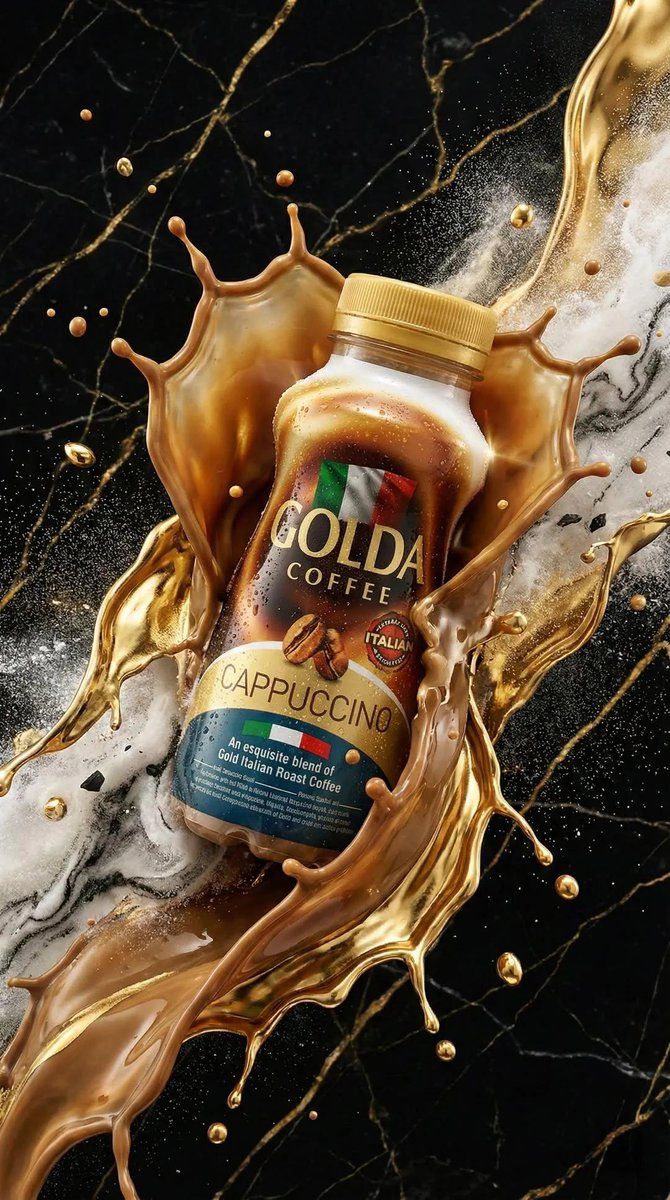
Ultra-realistic premium product advertisement of a cappuccino coffee bottle, centered composition, surrounded by dynamic liquid splashes of coffee and milk forming elegant swirling shapes in mid-air. Dramatic environments blending elements of fire, lava, ice shards, marble textures, and dark studio backgrounds.
Hyper-detailed liquid physics, droplets frozen in motion, cinematic lighting with high contrast, glowing highlights, and volumetric light. Coffee splashes mixed with creamy textures, energetic explosion effects, sparks, smoke, and mist.
Luxury branding style, glossy reflections on bottle, sharp label details, rich brown and gold color palette, macro photography, shallow depth of field, 85mm lens, commercial advertising style, studio + fantasy hybrid scene, ultra-detailed, 8K resolution.
Category
创意图片
Model
Nano Banana Pro
Creator
Taaruk
Views0
Source ID
2a9319e2-ff99-43e6-85aa-fb73f272f00d
Published
Mar 8, 2026

Guide

About "超逼真产品广告提示"

What is this prompt for?

"超逼真产品广告提示" AI image prompt for Nano Banana Pro (创意图片). 以下是为 Nano Banana 2 提供的详细提示,用于生成一款超逼真、高端的卡布奇诺咖啡瓶产品广告。该提示着重强调动态液体物理效果、戏剧性光照,以及融合了火焰、冰块和大理石纹理等奢华、高对比度的奇幻元素…

The full copyable prompt and example visuals above are ready for AI image generation or one-click recreate in Picva.

How to use this prompt

  1. Step 1

    Open the prompt detail

    Review the example visuals, category, and full prompt text for "超逼真产品广告提示".

  2. Step 2

    Copy the prompt

    Copy the prompt body from this page, or load it directly in Studio.

  3. Step 3

    Pick a model (Nano Banana Pro)

    Prefer Nano Banana Pro. If you switch models, keep subject and composition and tweak style terms.

  4. Step 4

    Generate and export

    Recreate the look in Picva, or export into your workflow for editing and publishing.

FAQ

What is the "超逼真产品广告提示" prompt?
It is an AI image-generation prompt for Nano Banana Pro in the 创意图片 category. This page includes the full prompt text, example visuals, and a one-click recreate path in Picva.
How do I use this prompt to generate an image?
Copy the prompt from this page, or use Generate / Studio. Paste it into a compatible image model, or recreate the look in Picva with optional reference images.
Which model is this prompt for?
This page lists Nano Banana Pro. Most descriptive prompts also transfer to nearby image models such as GPT Image, Flux, or Midjourney with light style tweaks.
Can I use the result commercially?
You can usually copy the prompt for creation, but commercial use of the final image depends on the model terms, reference-image rights, and the generated content. Follow the source author and platform rules.