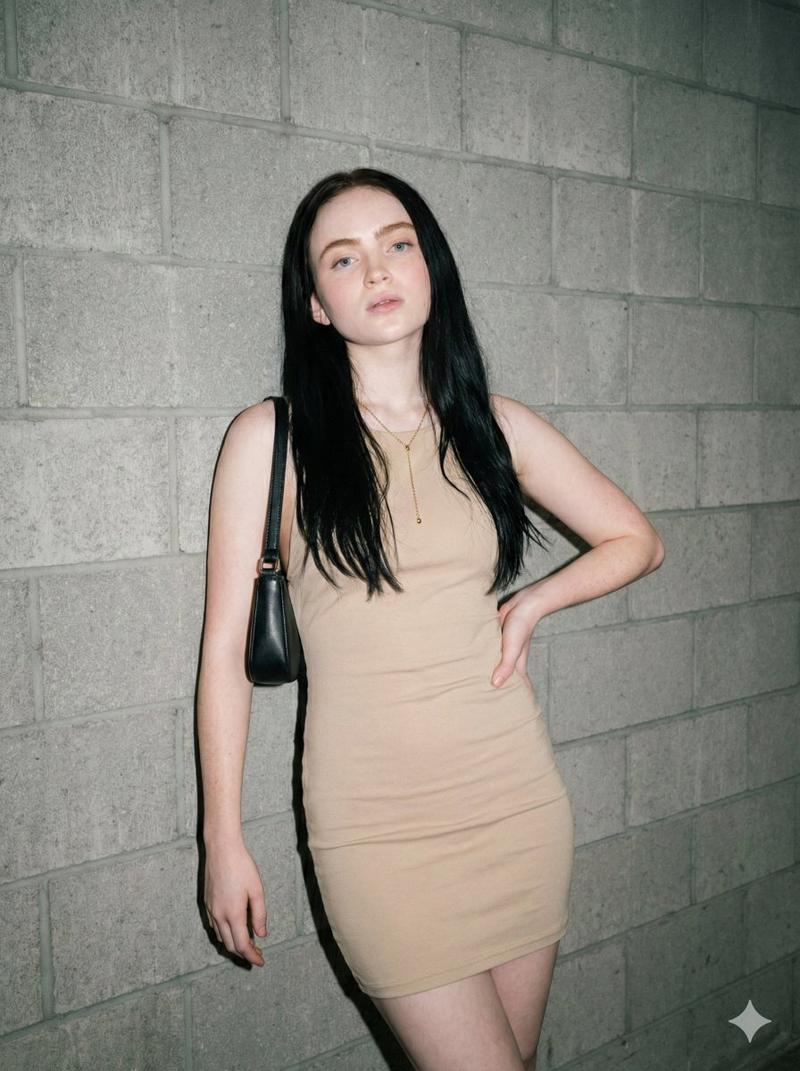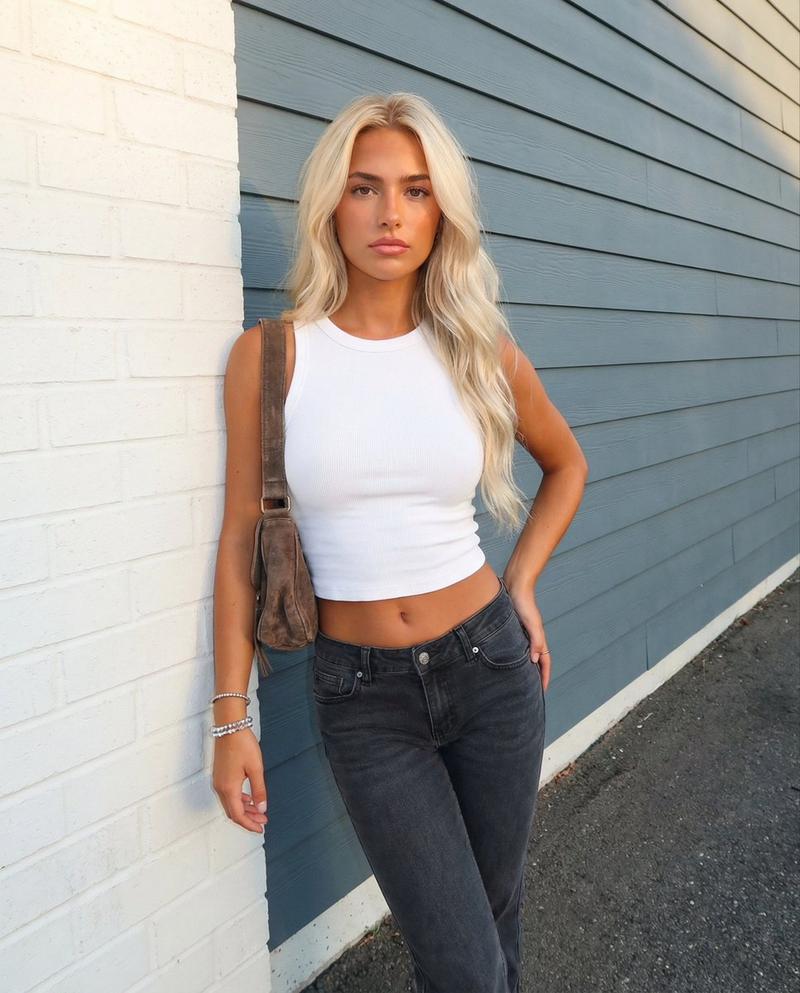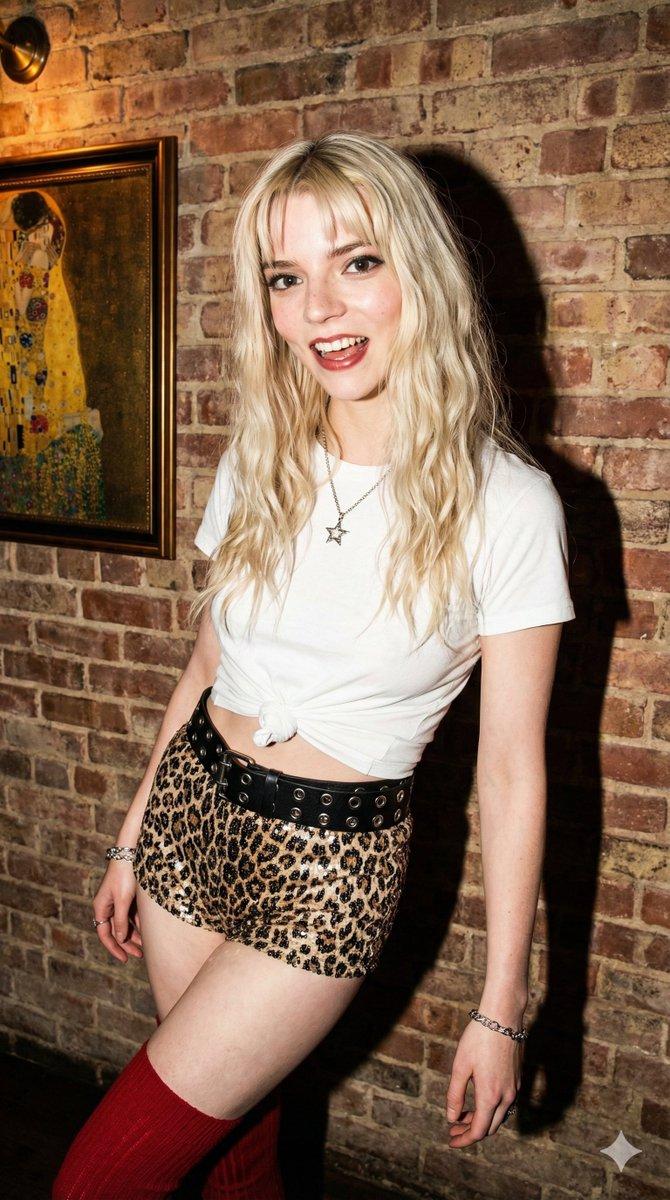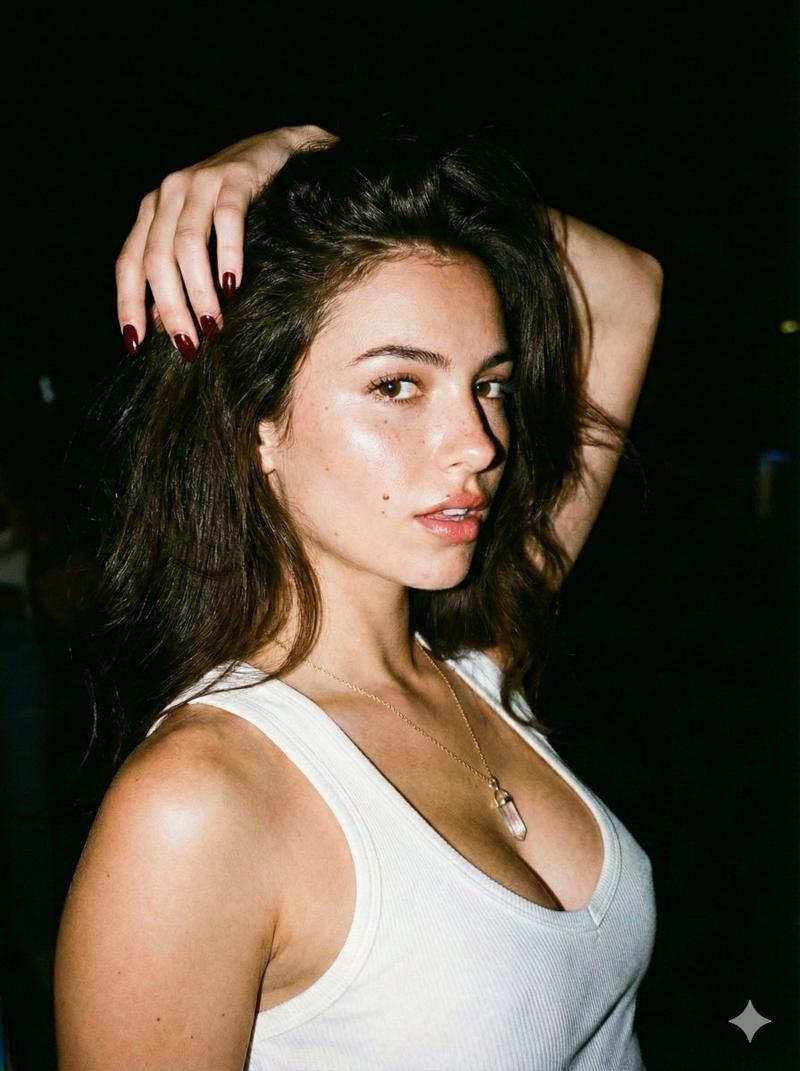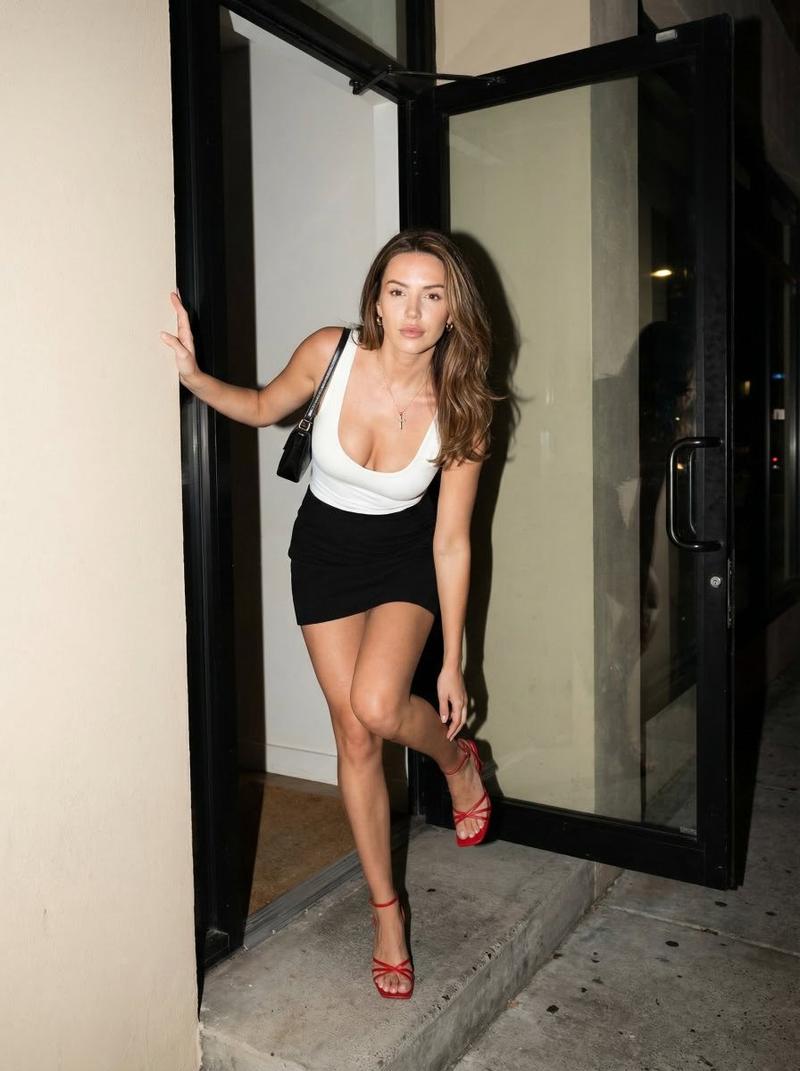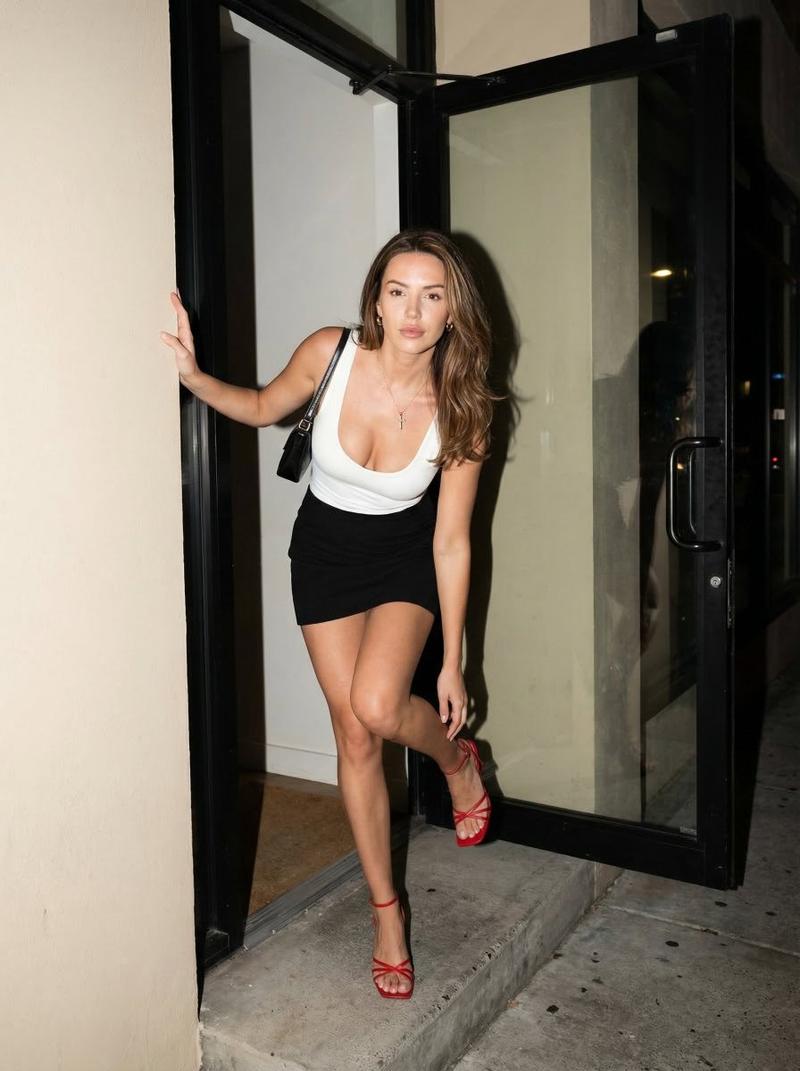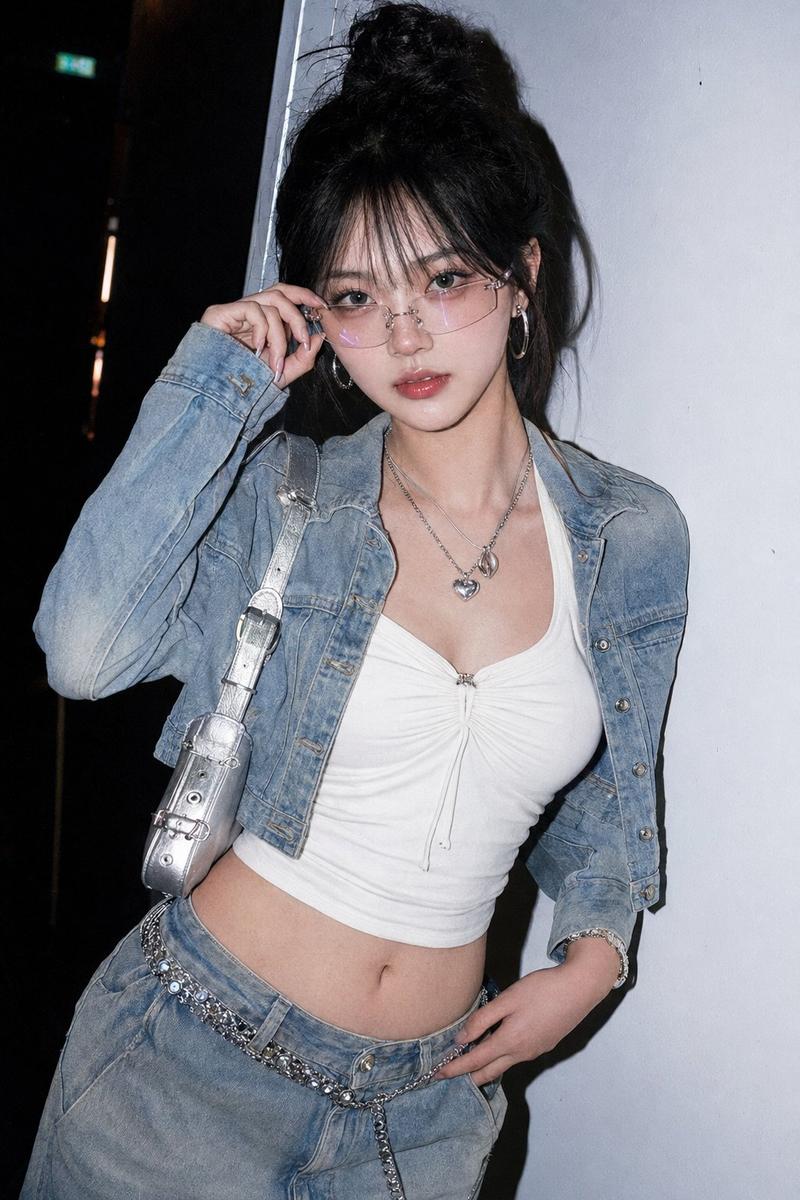
使用 ControlNet 的闪光摄影美学提示
Prompt
{
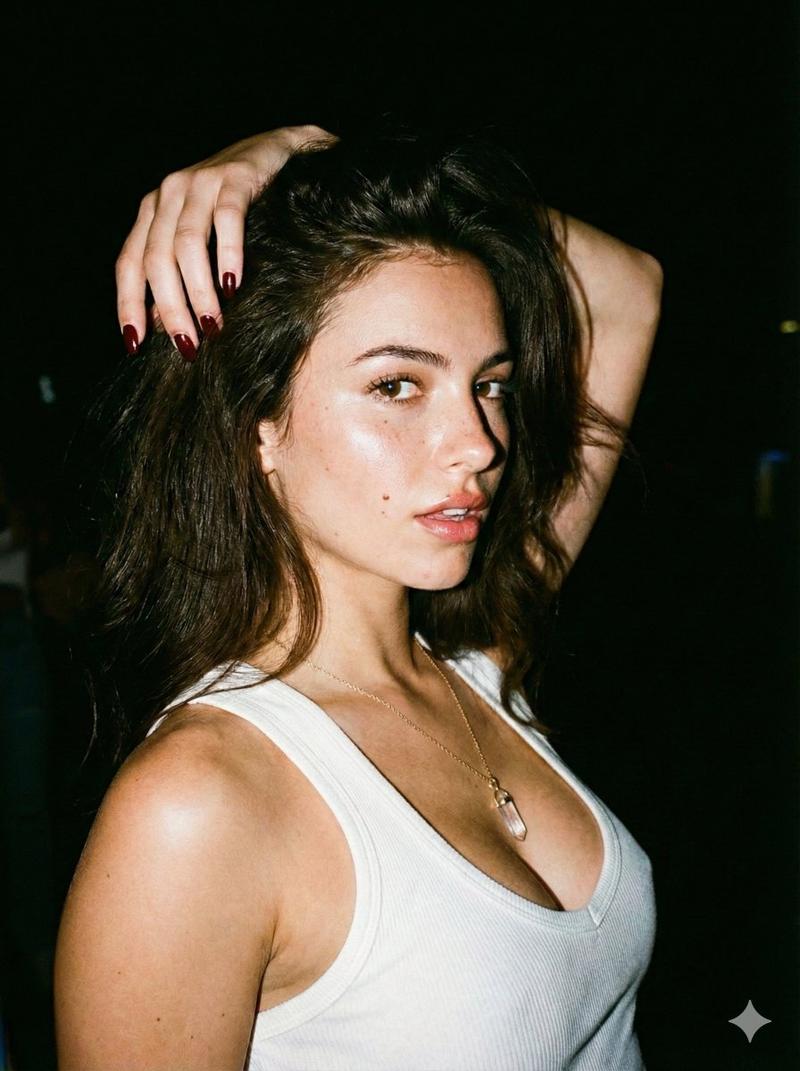
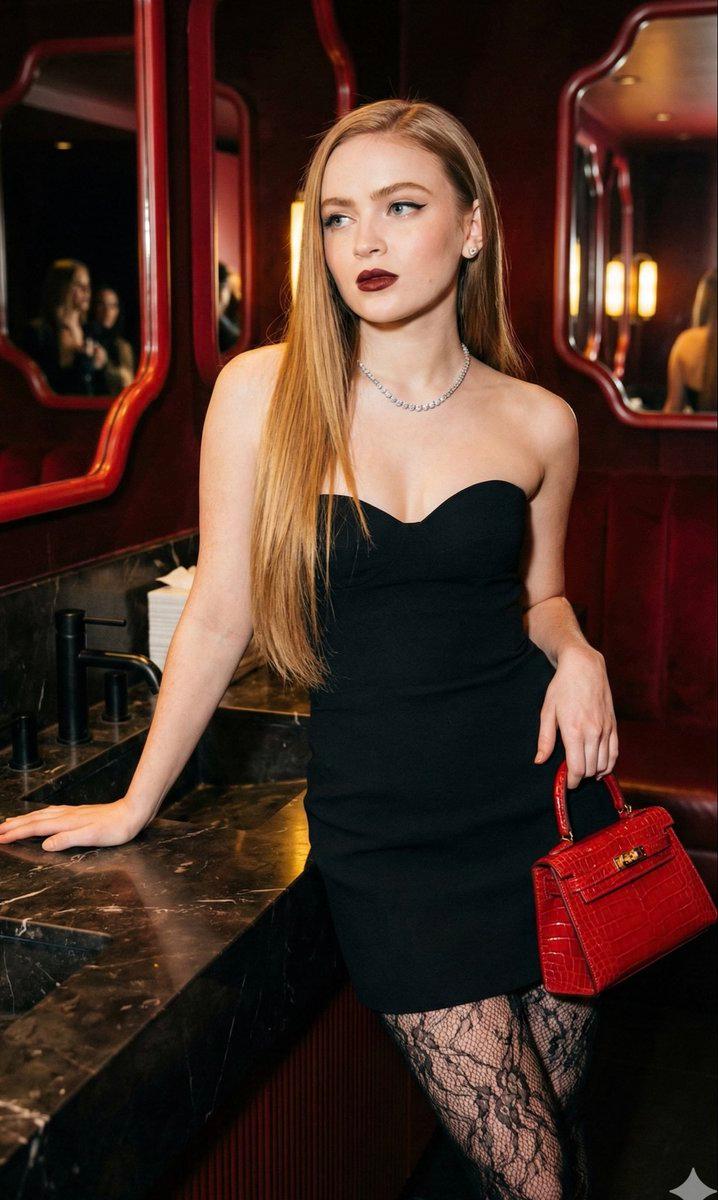
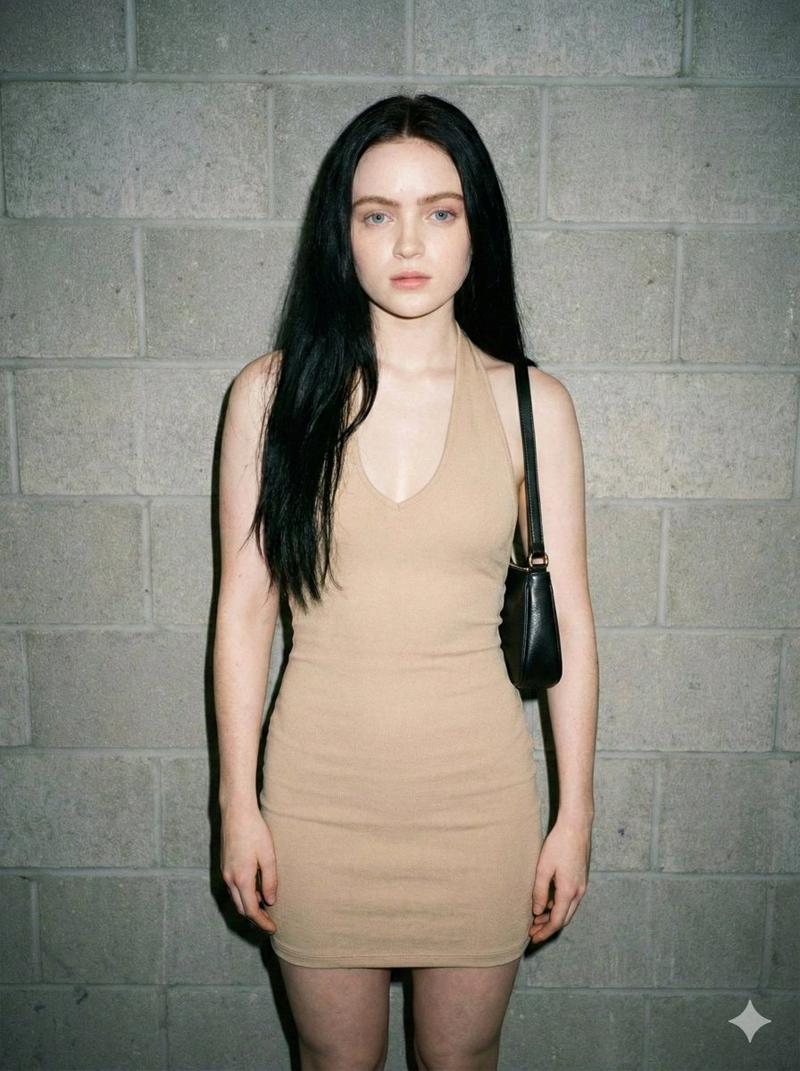
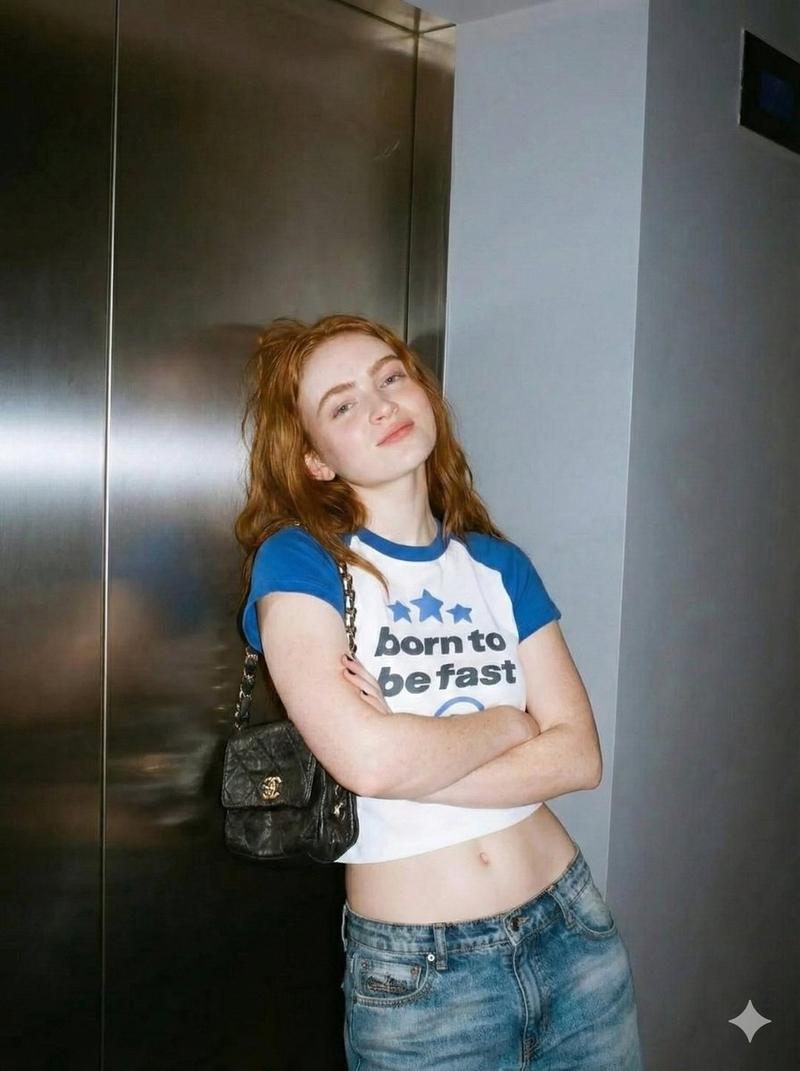
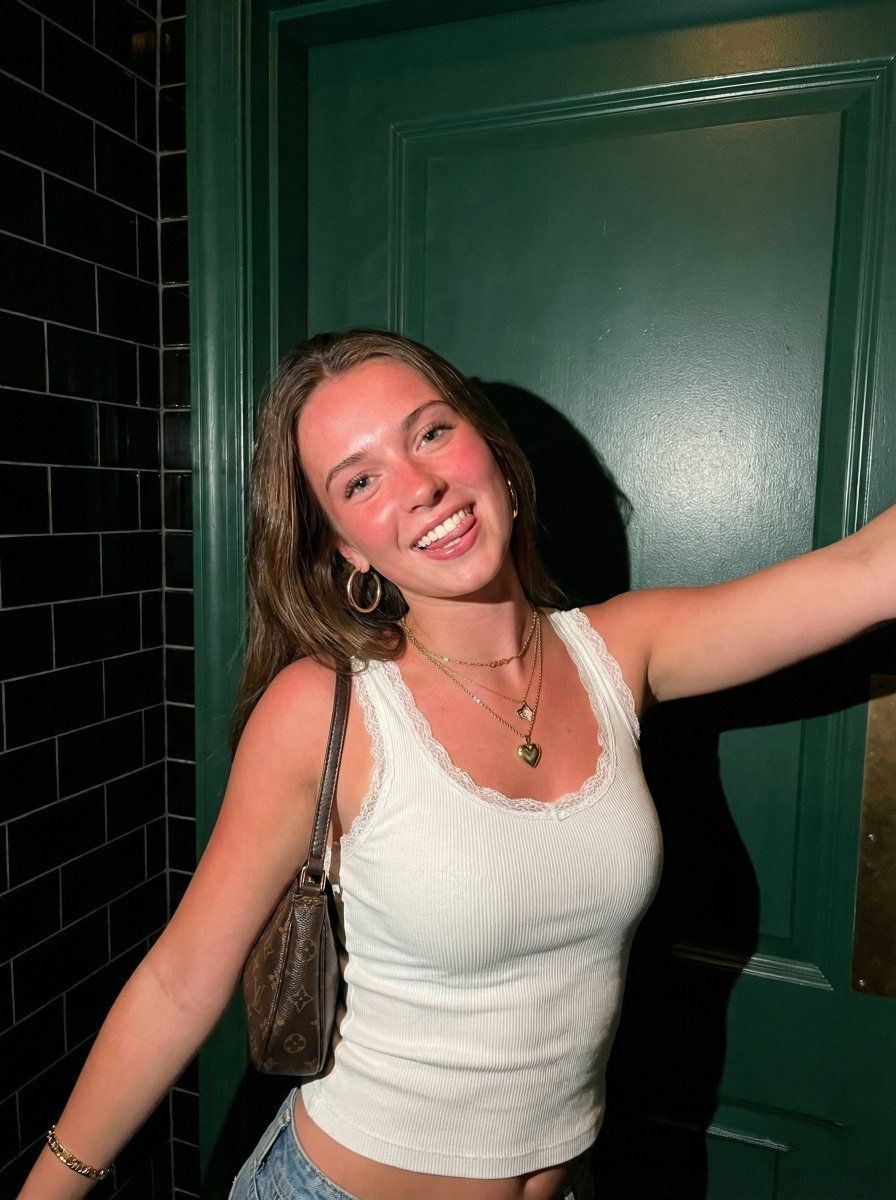
"subject": "Young woman, long brown hair, white ribbed tank top with lace trim. Deep scoop neck, visible cleavage, large bust volume with fabric tension. Layered gold necklaces with heart pendant, hoop earrings, gold bracelet. Dark brown patterned shoulder bag.",
"pose": "Leaning against dark surface. Right arm extended out of frame. Left arm angled down. Head tilted slightly right.",
"environment": "Interior. Dark green door or wall with handle on right. Black subway tiles on left.",
"camera": "Eye-level, mid-shot, slight wide-angle perspective.",
"lighting": "Direct, harsh on-camera front flash. Hard drop shadows behind subject.",
"mood_and_expression": "Playful, bright smile, tongue slightly visible.",
"style_and_realism": "Casual snapshot, flash photography aesthetic, raw and unedited.",
"colors_and_tone": "High contrast. Warm flushed skin, bright white top, dark green door, black tiles, brown bag.",
"quality_and_technical_details": "Standard digital flash quality, sharp foreground, slight image noise.",
"aspect_ratio_and_output": "3:4",
"controlnet": {
"pose_control": {
"model_type": "openpose_full",
"purpose": "Strictly lock skeletal alignment, anatomical proportions, torso orientation, and prevent structural or volumetric alteration",
"constraints": "No limb length adjustment, no torso compression, no chest volume reduction, no posture change, no symmetry correction, no ribcage narrowing",
"recommended_weight": 1.2
},
"depth_control": {
"model_type": "depth_midas",
"purpose": "Enforce exact volumetric projection, silhouette area equivalence, curvature depth integrity, and spatial layering",
"constraints": "No depth flattening, no volumetric shrinkage, no perspective reinterpretation, no shadow softening, no foreground-background collapse, no artificial depth of field",
"recommended_weight": 1.25
}
},
"negative_prompt": "stylization, cinematic look, cinematic lighting, cinematic color grading, film look, film simulation, dramatic lighting, HDR effect, tonal remapping, teal and orange grading, DSLR simulation, portrait mode effect, bokeh, background blur, depth of field, lens blur, gaussian blur, soft focus, motion blur, atmospheric haze, volumetric light beams, glow effect, bloom, post-processing effects, AI enhancement, detail enhancement filters, artificial sharpening, oversharpening, skin smoothing, retouching, face enhancement, aesthetic correction, body normalization, shape refinement, geometric reinterpretation, anatomical distortion, breast reduction, volume compression, torso slimming, ribcage narrowing, symmetry correction, proportion changes, depth flattening, shadow softening, beautification filters, perspective alteration"
}- Category
- 创意图片
- Model
- Nano Banana Pro
- Creator
- Jessia
- Source ID
- 6ed66660-2888-45c0-af6a-dea1d6e00b15
- Published
- Mar 8, 2026
Views0