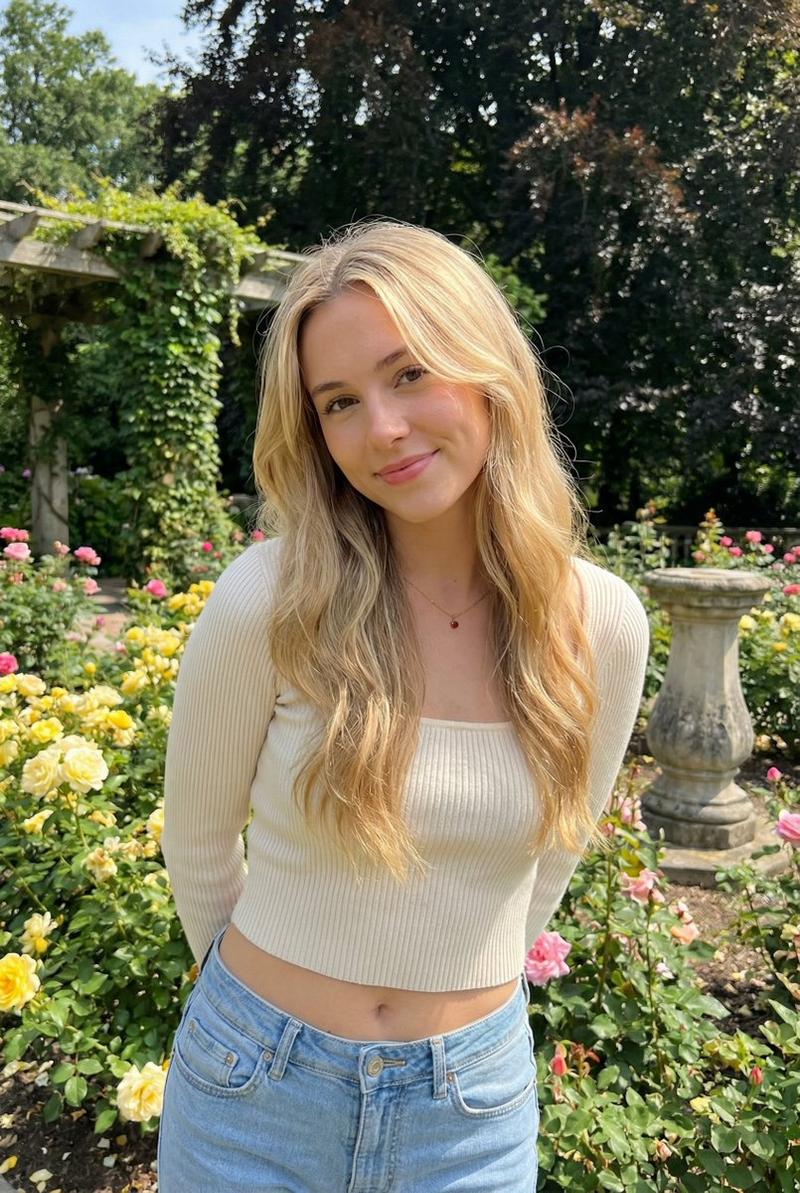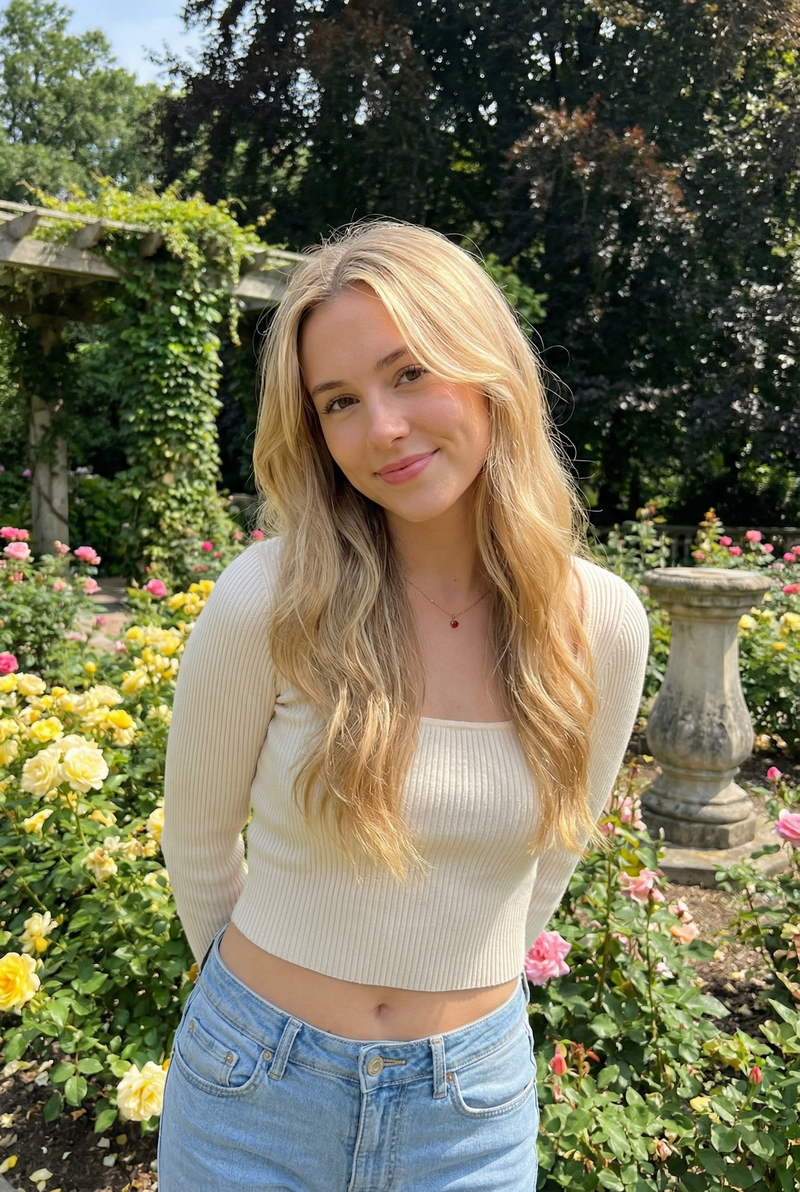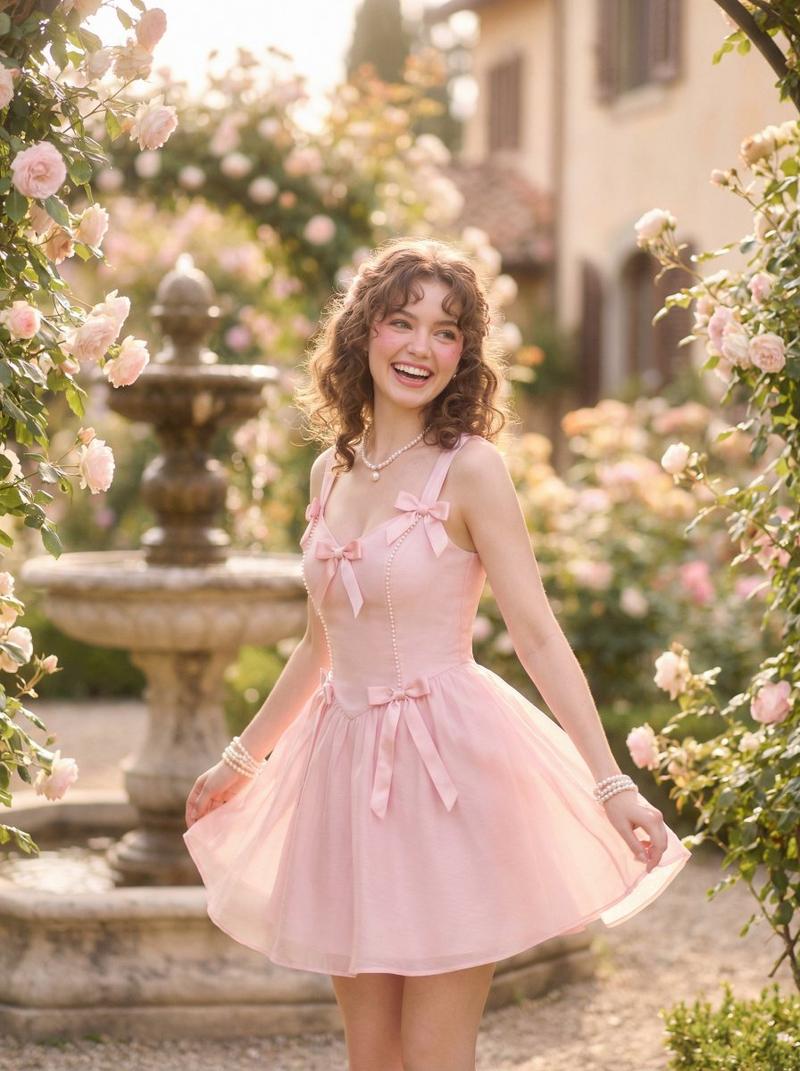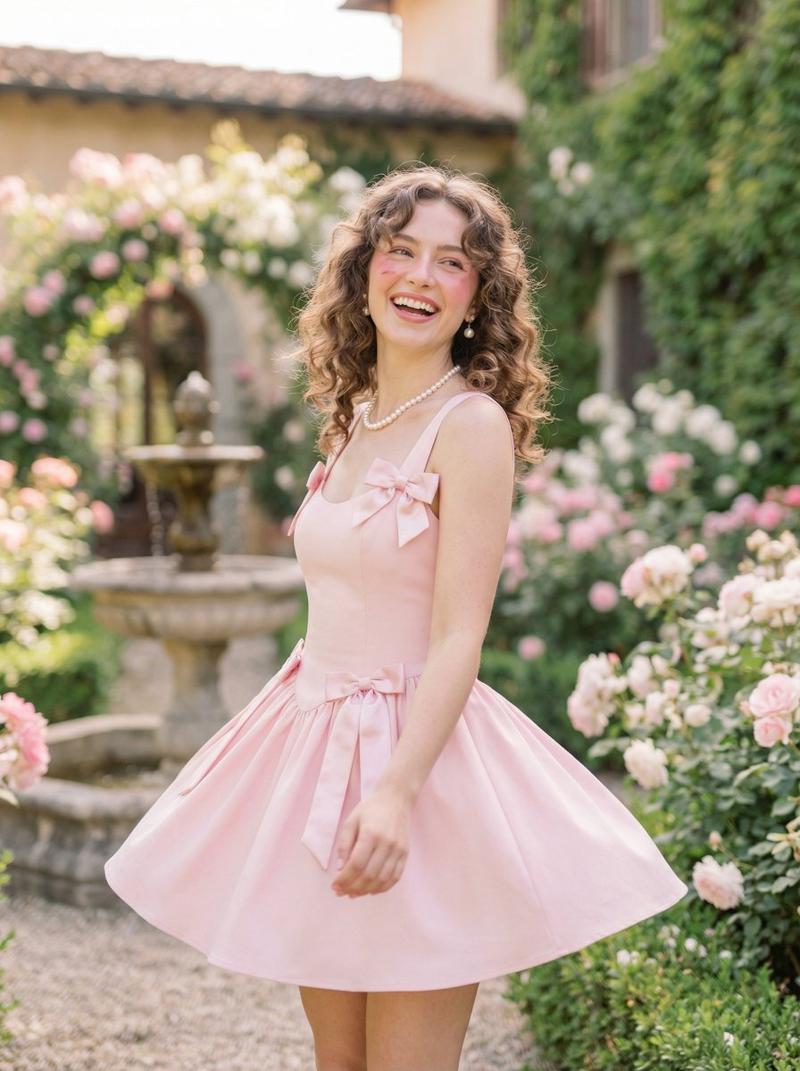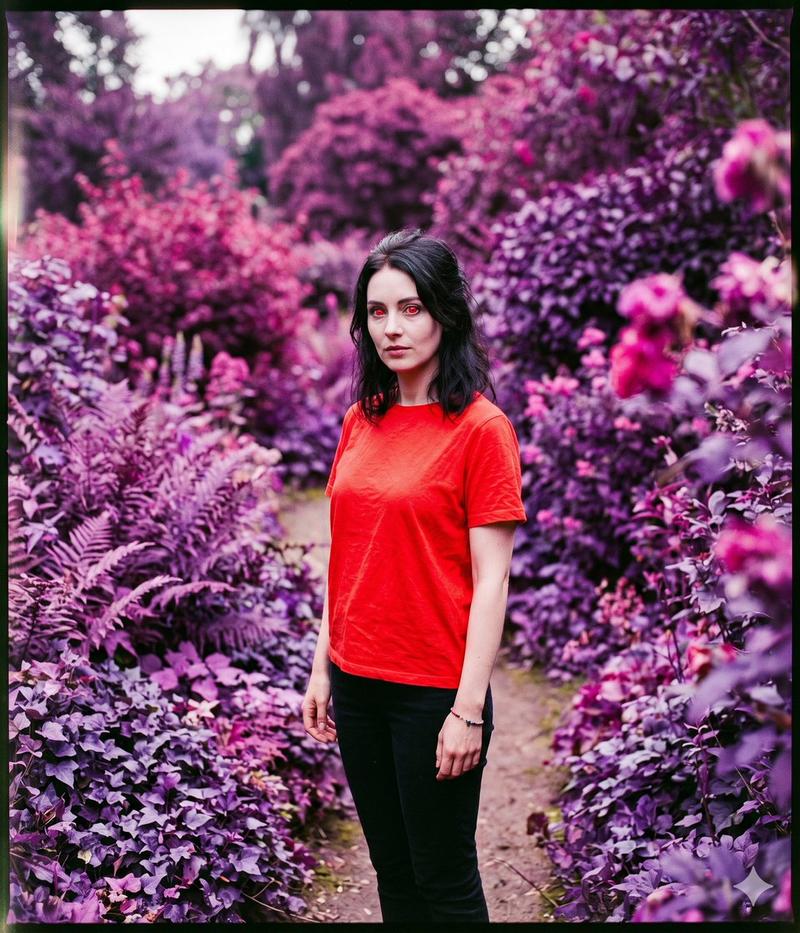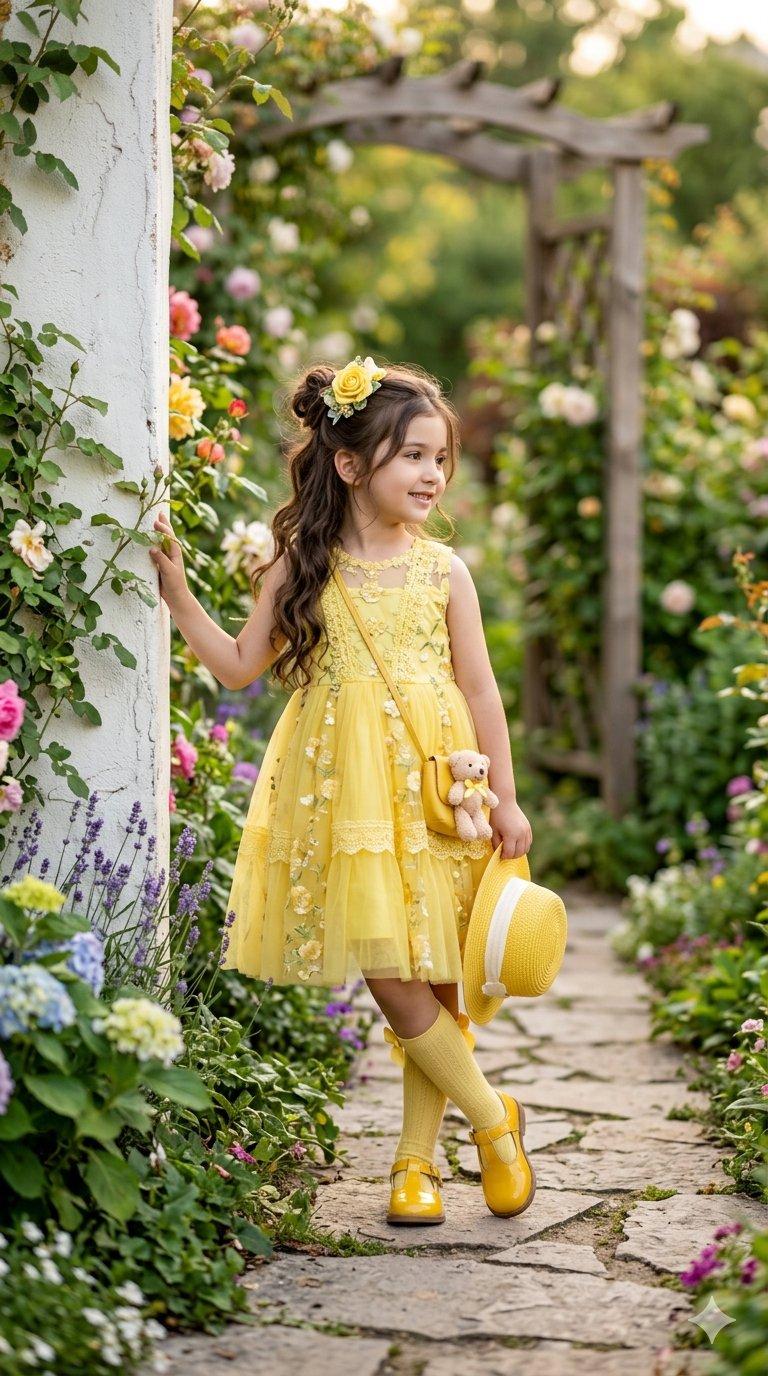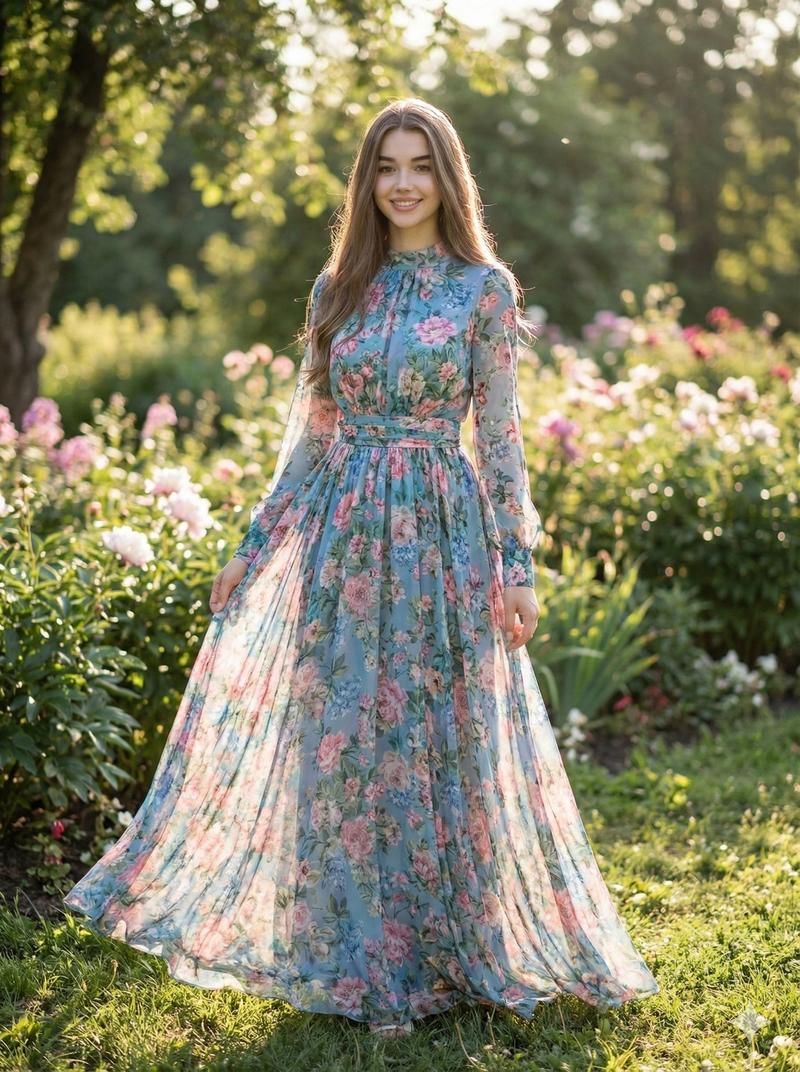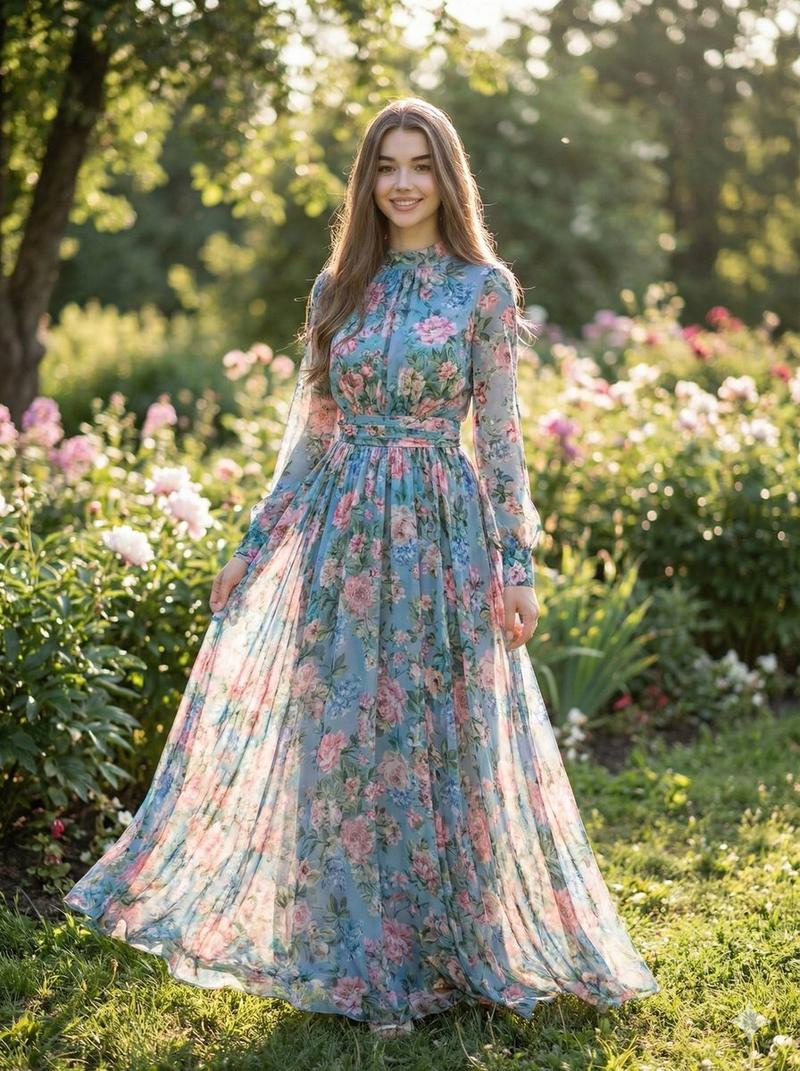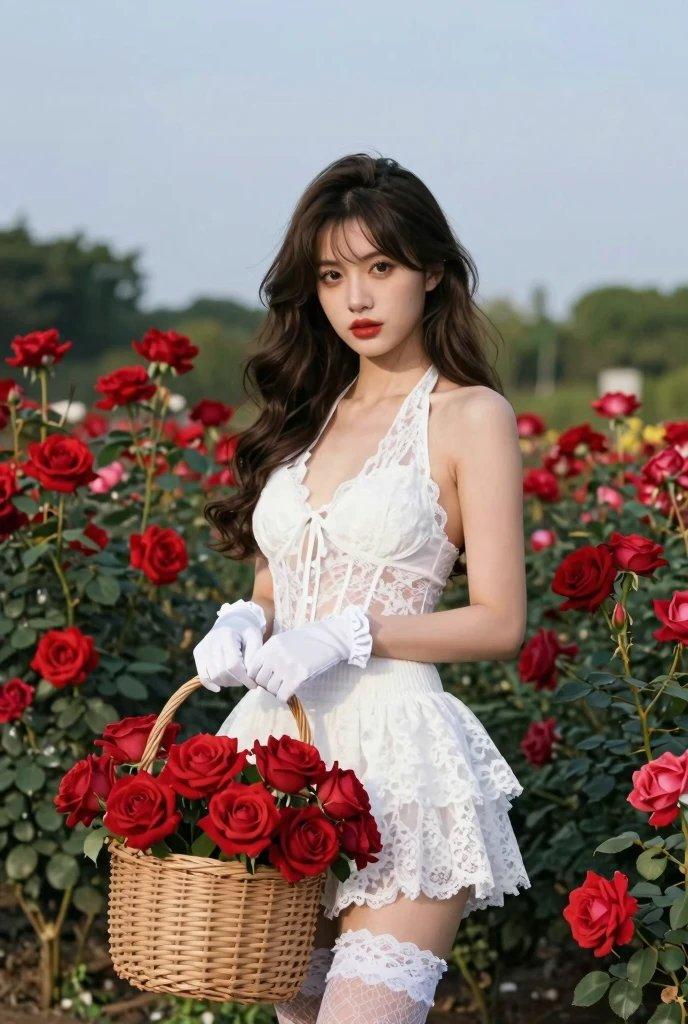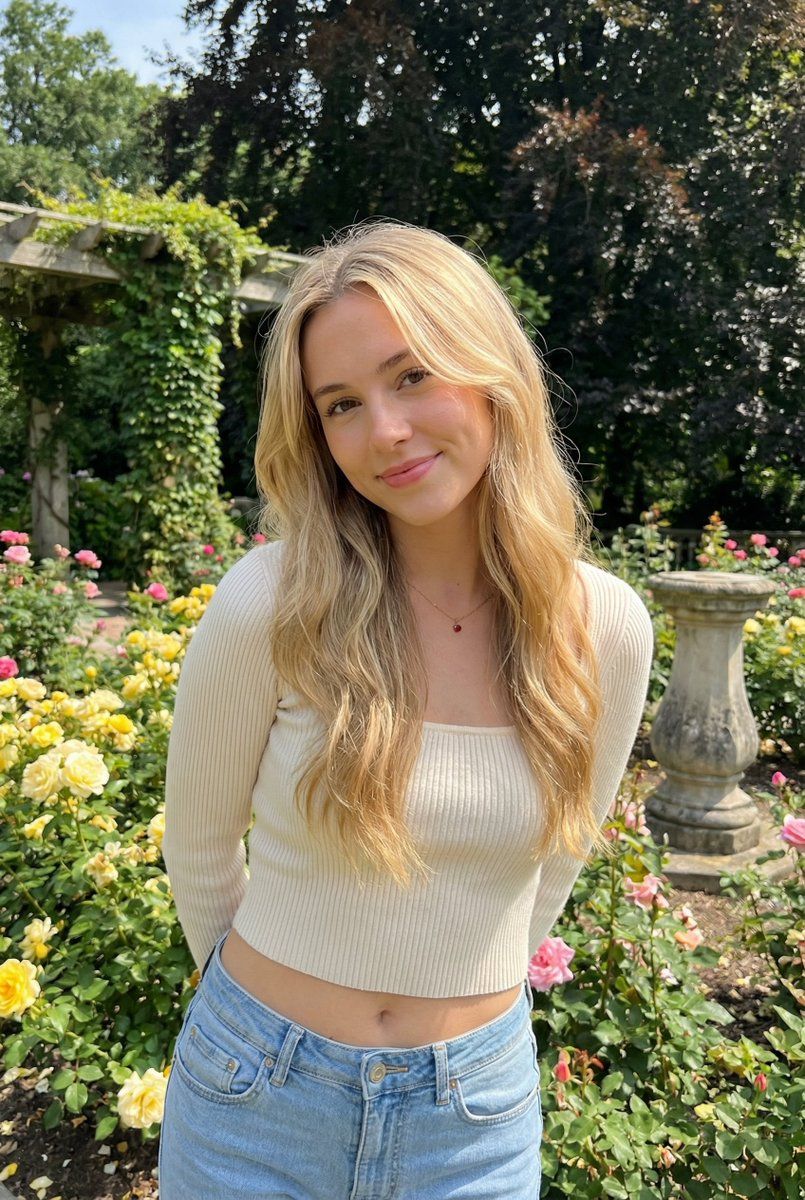
玫瑰园中阳光下的抓拍肖像
Prompt
{ "subject": { "description": "A young woman with long wavy blonde hair stands in a lush rose garden, leaning slightly forward with hands behind her back, giving a soft warm smile to the camera; a candid, sunlit outdoor portrait that feels like a gentle moment paused in time.", "mirror_rules": "Not a mirror selfie. No mirrored text, no reflection artifacts, no duplicated limbs.", "age": "early 20s", "expression": { "eyes": { "look": "direct eye contact with the camera", "energy": "calm, affectionate, slightly playful", "direction": "toward viewer" }, "mouth": { "position": "closed-lip smile", "energy": "soft, friendly" }, "overall": "relaxed, approachable, quietly flirtatious" }, "face": { "preserve_original": true, "makeup": "natural makeup, subtle blush, light mascara, soft neutral lips" }, "hair": { "color": "golden blonde", "style": "long loose waves, center part, face-framing strands", "effect": "a few flyaways as if from a light garden breeze" }, "body": { "frame": "slim with gentle curves", "waist": "defined waist, relaxed midriff", "chest": "natural proportion", "legs": "long legs suggested by framing and stance", "skin": { "visible_areas": "face, neck, midriff, hands (mostly behind back)", "tone": "fair skin tone", "texture": "real skin texture, soft natural pores, not airbrushed", "lighting_effect": "sun-kissed highlights with soft open-shade shadows" } }, "pose": { "position": "standing in front of flowering rose bushes", "base": "slight forward lean, shoulders gently back, hands held behind the back", "overall": "head slightly tilted, relaxed posture that feels candid" }, "clothing": { "top": { "type": "cream/ivory ribbed knit long-sleeve cropped top", "color": "cream white", "details": "square neckline feel, fitted silhouette, visible vertical seam/placket detail down the center front", "effect": "cozy texture that catches daylight softly" }, "bottom": { "type": "light blue denim jeans", "color": "light wash blue", "details": "low-rise fit, natural creases and lived-in denim texture", "effect": "casual everyday styling" } } }, "accessories": { "jewelry": "delicate thin chain necklace with a small pendant (hint of red accent)" }, "photography": { "camera_style": "realistic smartphone portrait photography, social media outdoor portrait", "angle": "eye-level, slight downward tilt from the photographer, gentle head tilt by the subject", "shot_type": "mid-length portrait (upper thighs to head), subject centered with garden context", "aspect_ratio": "3:4 vertical", "texture": "crisp natural detail, mild smartphone sharpening, subtle sensor noise, no heavy retouching", "lighting": "natural daylight, soft and even, minimal harsh shadows", "depth_of_field": "moderate depth of field; subject sharp, background slightly softened but still recognizable" }, "background": { "setting": "a blooming rose garden wi- Category
- 创意图片
- Model
- Nano Banana Pro
- Creator
- underwood
- Source ID
- ef2dd56f-349f-407e-8bdb-8457ffe14848
- Published
- Mar 8, 2026
Views0