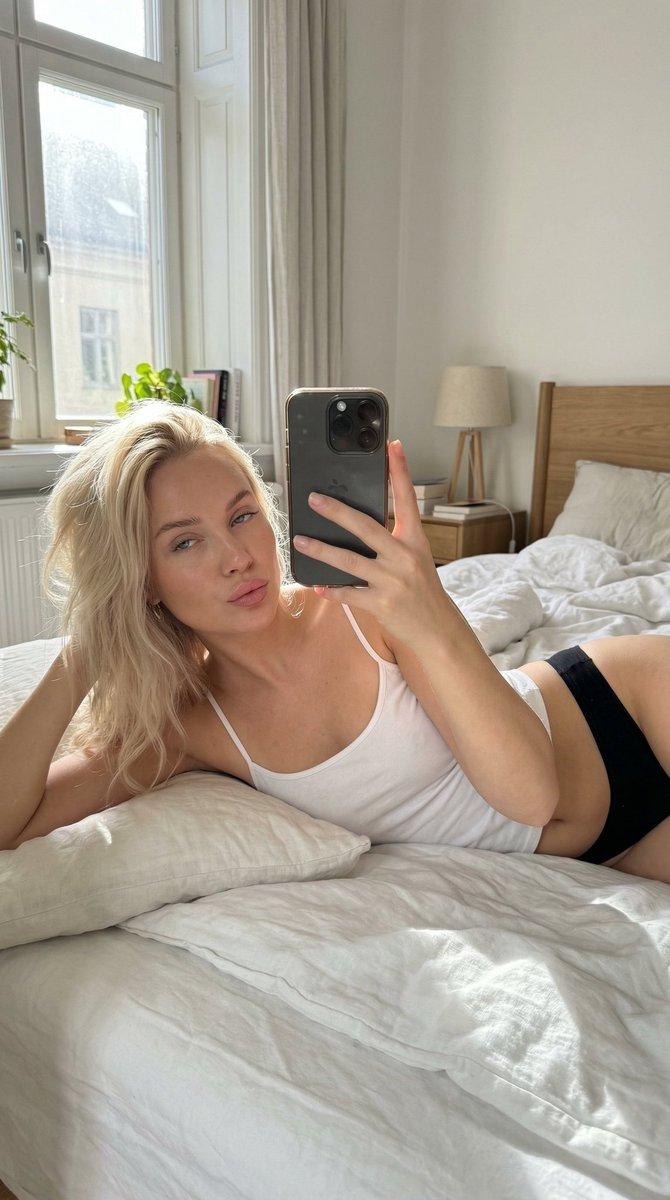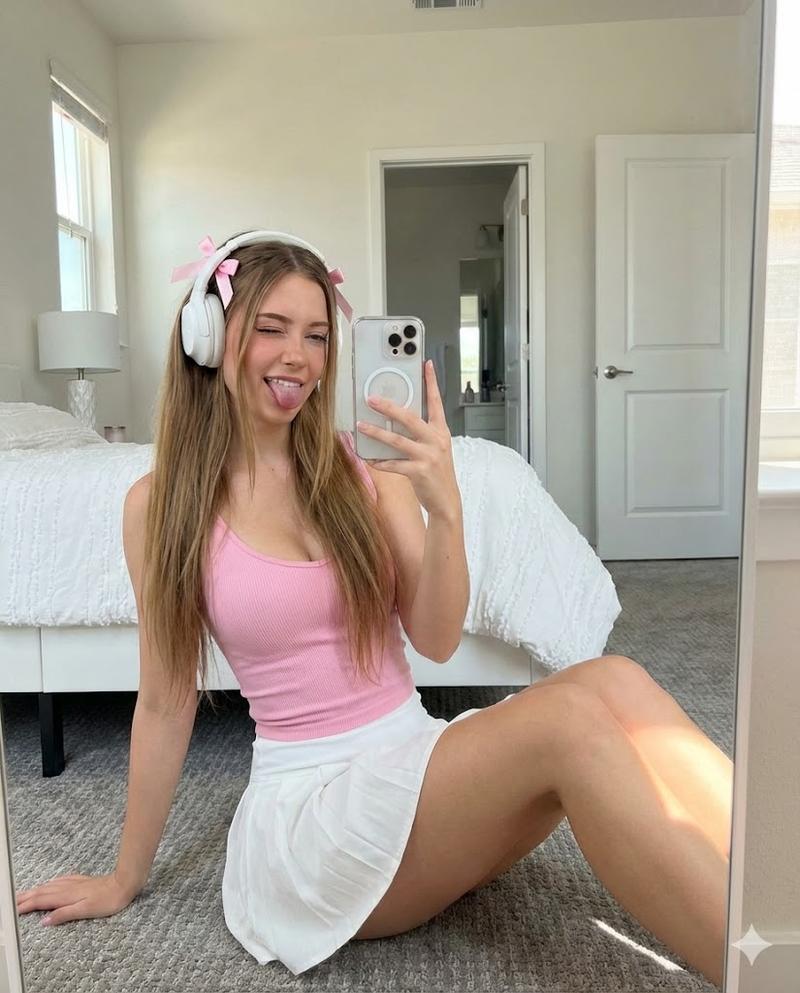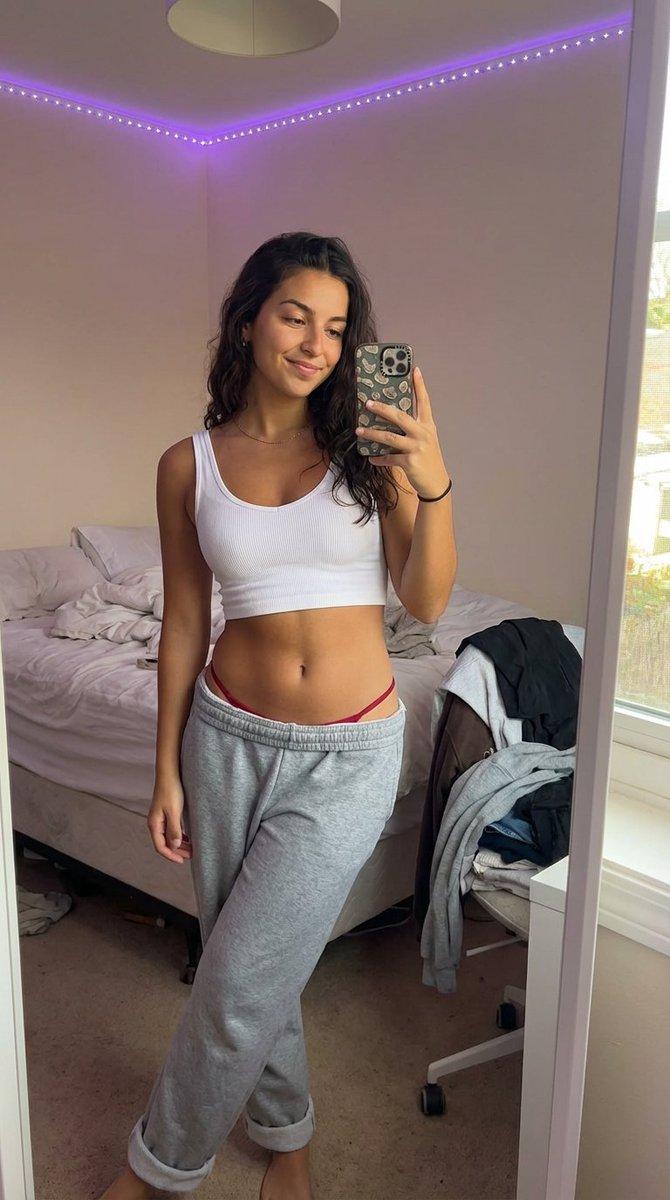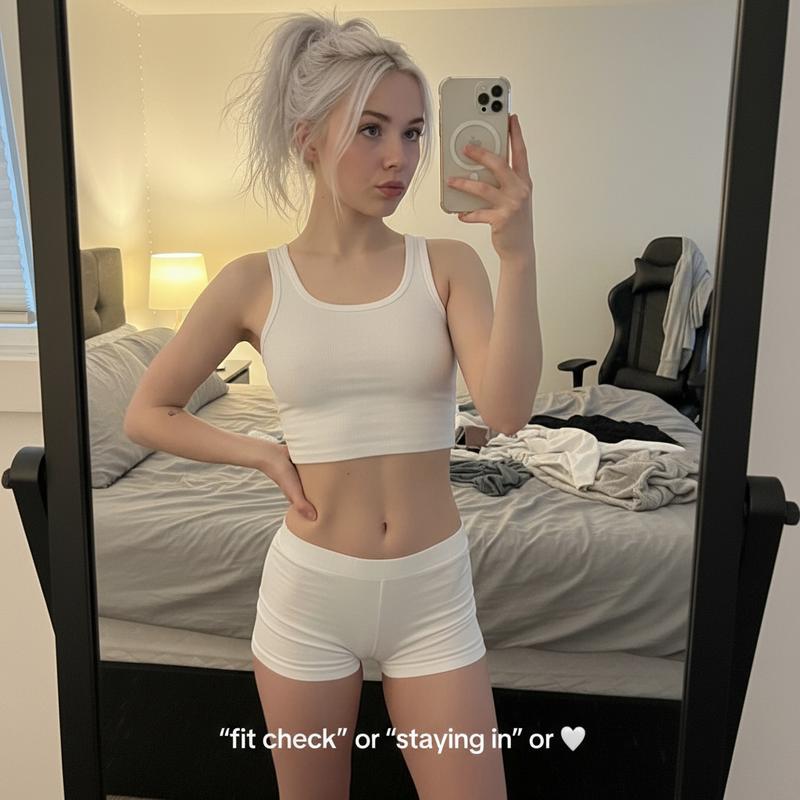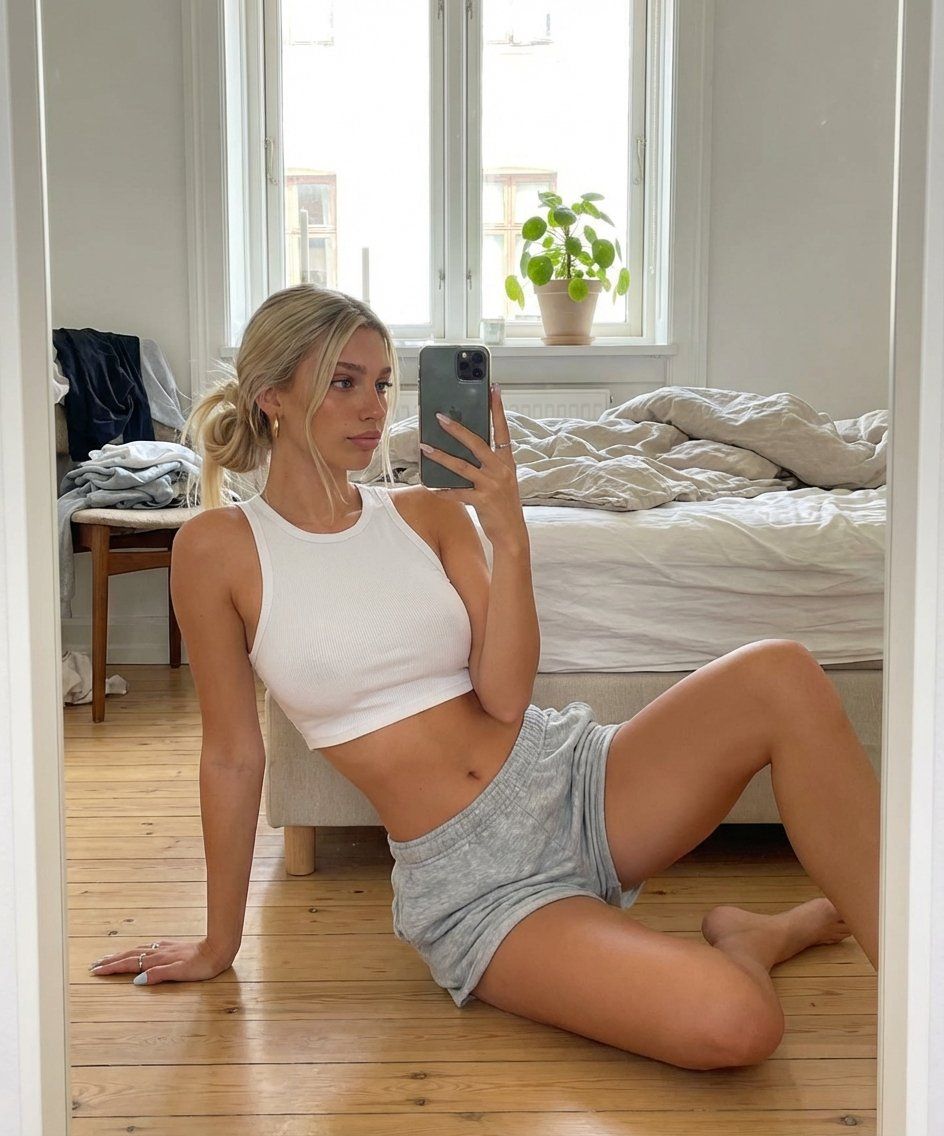
AI 影响者镜面自拍提示(详细)
Prompt
{

  "subject": {

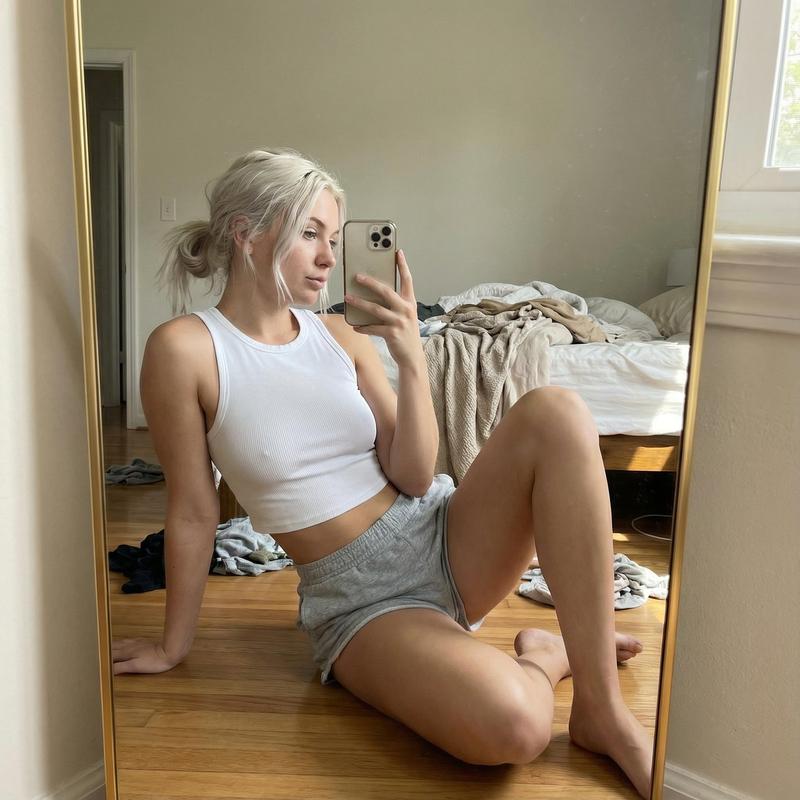
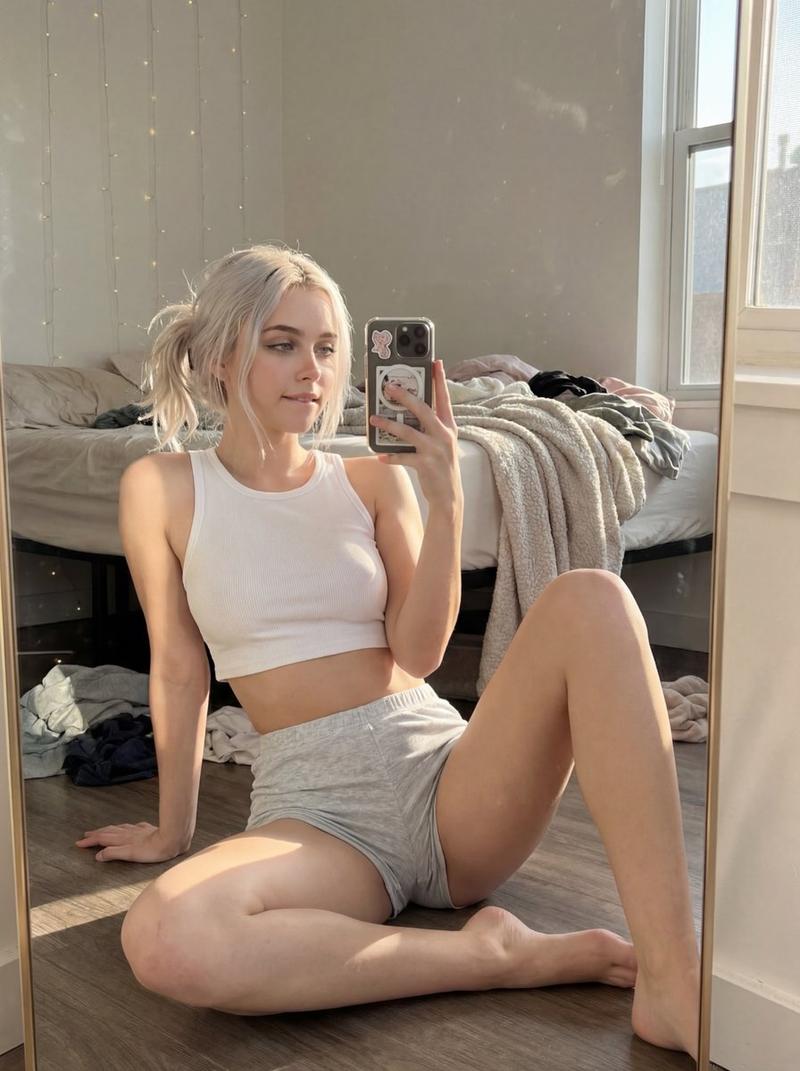
    "description": "20yo woman sitting on bedroom floor taking mirror selfie, lazy morning energy, effortlessly pretty in loungewear",

    "setting_rules": "bedroom floor, full-length mirror, natural daylight, intimate casual",

    "age": "early 20s",

    "expression": {

      "eyes": {

        "look": "soft gaze toward phone screen, not directly at lens",

        "energy": "relaxed, peaceful, content",

        "direction": "looking slightly down at phone"

      },

      "mouth": {

        "position": "soft, relaxed, hint of gentle smile",

        "energy": "serene, unbothered, comfortable"

      },

      "overall": "that 'lazy sunday morning' face, no effort needed, naturally pretty"

    },

    "hair": {

      "style": "messy low ponytail / loose bun",

      "details": {

        "updo": "loosely pulled back, casual, undone",

        "pieces": "lots of face-framing pieces escaped, falling around face",

        "texture": "messy, slept-on, bedhead but cute",

      },

      "effect": "the 'just threw it up' hair that actually looks perfect"

    },

    "body": {

      "frame": "slim, athletic, toned",

      "waist": "small, visible midriff",

      "chest": "Very full, heavy bust volume, cleavage, natural soft tissue distribution, visible through thin white tank",

      "legs": "long, toned, smooth, the focus of this pose",

    },

    "pose": {

      "position": "sitting on floor in front of full-length mirror",

      "base": "seated on wooden floor",

      "legs": {

        "arrangement": "THE KEY - one leg bent up (knee raised), one leg folded/tucked under",

        "left_leg": "bent at knee, raised up, foot flat on floor",

        "right_leg": "folded underneath, tucked to side",

        "effect": "shows leg length, creates interesting shape, feminine"

      },

      "upper_body": {

        "lean": "leaning back slightly, weight on one arm",

        "support": "left arm behind her, hand on floor, supporting weight",

        "posture": "relaxed lean, casual, comfortable"

      },

      "arms": {

        "left_arm": {

          "position": "behind her, hand flat on floor",

          "function": "supporting her weight as she leans back",

          "effect": "creates casual reclined pose"

        },

        "right_arm": {

          "position": "raised, holding phone for selfie",

          "angle": "phone at face level, capturing mirror reflection"

        }

      },

      "overall": "seated floor selfie, leaning back on one arm, legs arranged artfully, phone raised"

    },

    "clothing": {

      "top": {

        "type": "white ribbed tank top / crop top",

        "color": "WHITE - clean, bright",

        "style": {

          "cut": "cropped, ends above belly button",

          "fit": "fitted, tight, ribbed texture",

          "neckline": "low V neck, racer-back style",

"straps":- Category
- 创意图片
- Model
- Nano Banana Pro
- Creator
- Ella
- Source ID
- d029a18f-107f-4345-b123-a2a008d722d4
- Published
- Mar 8, 2026
Views7