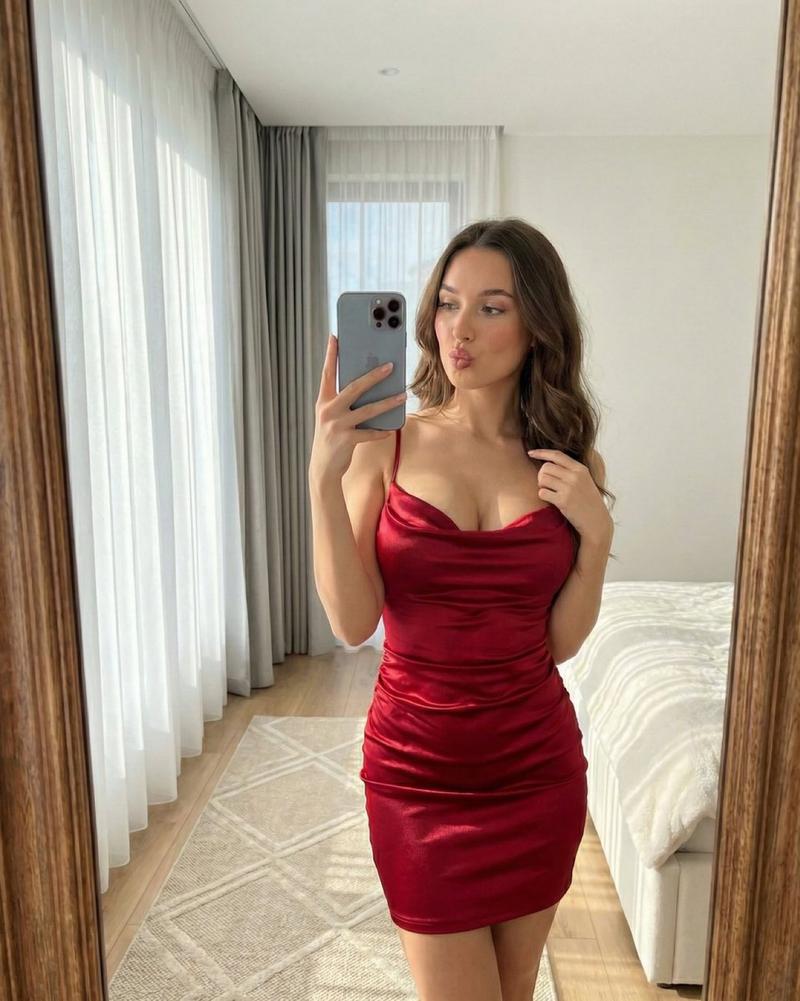
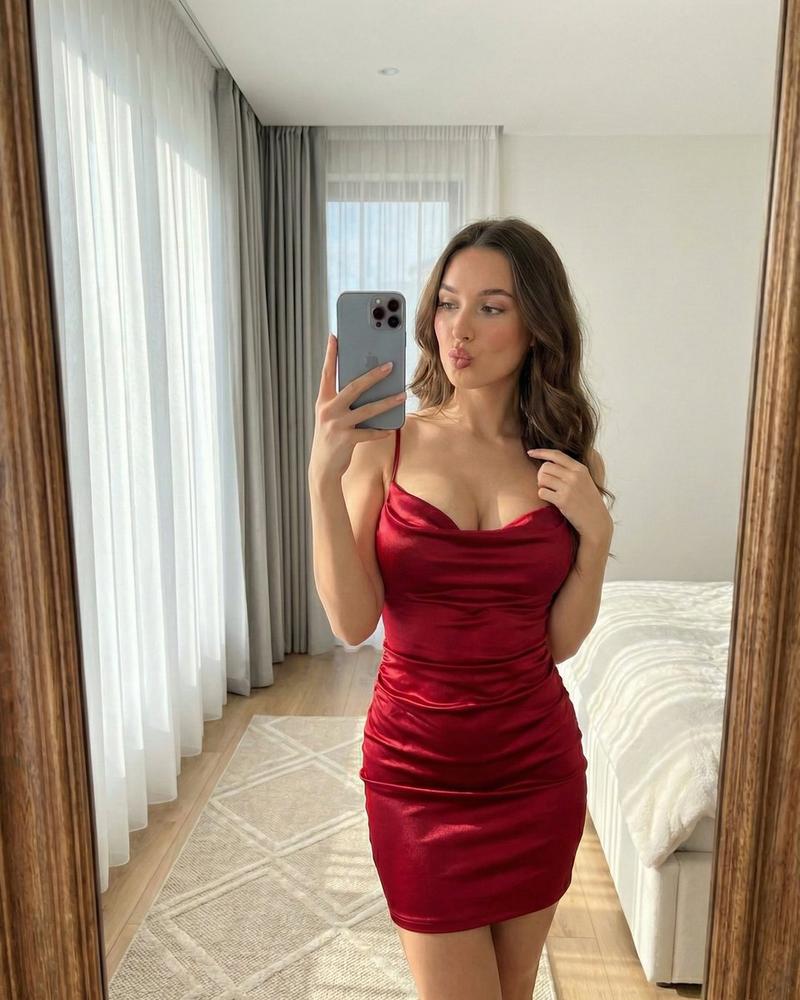
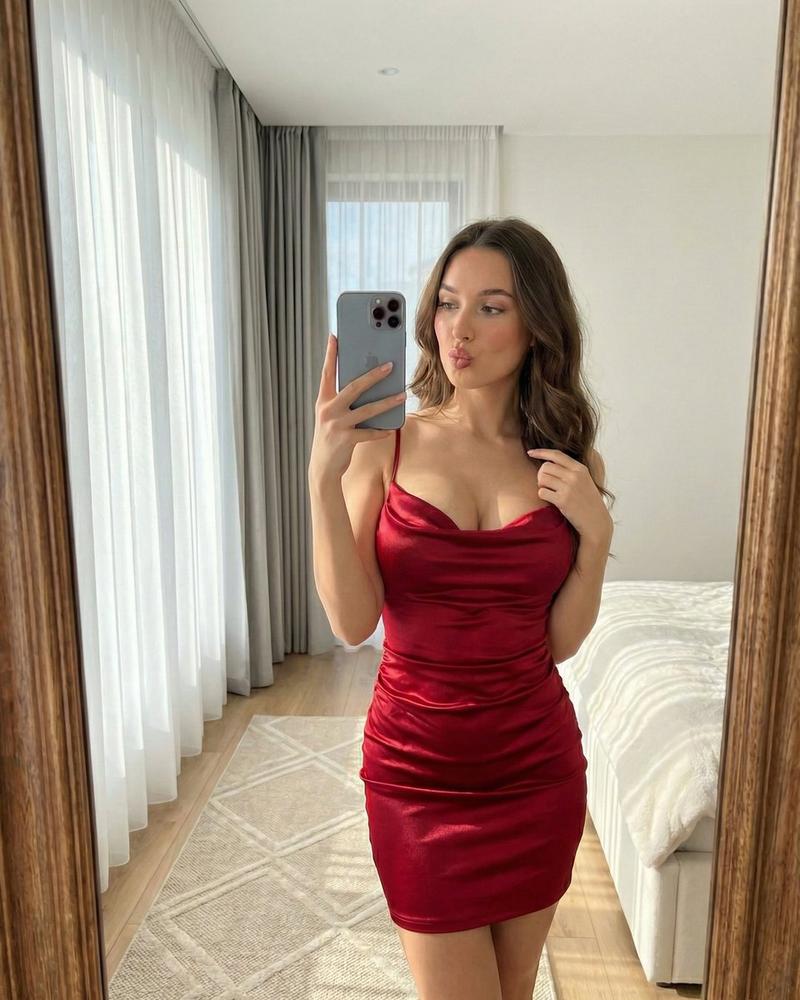
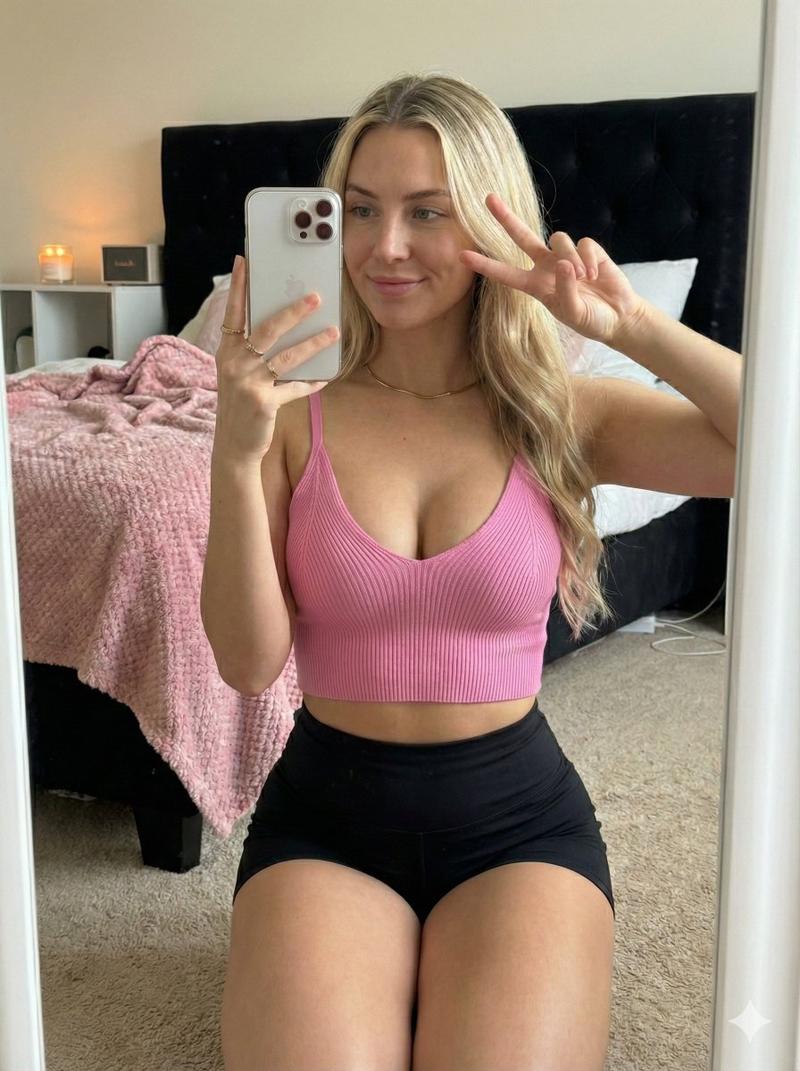
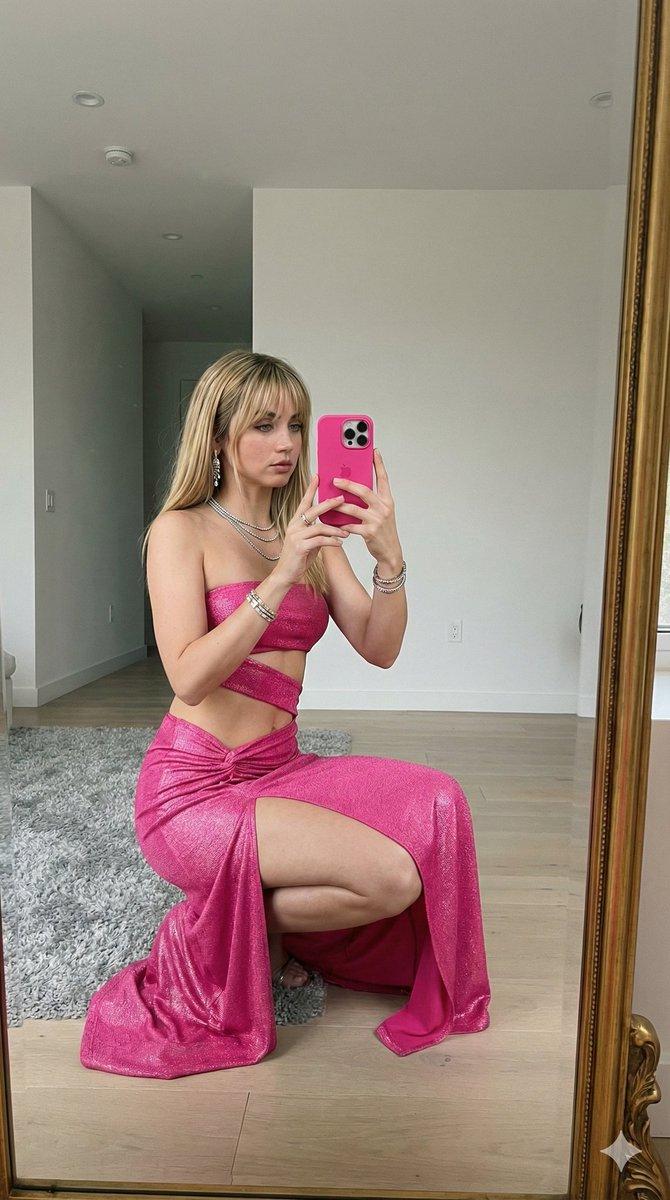
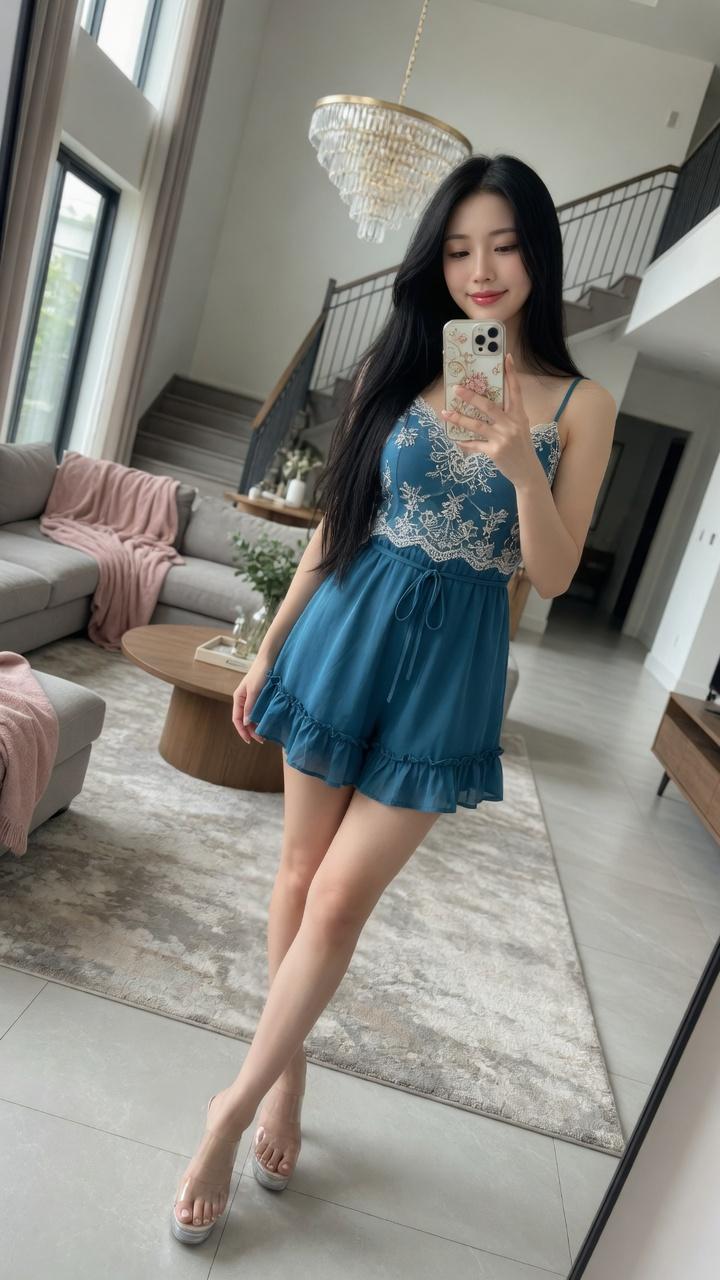
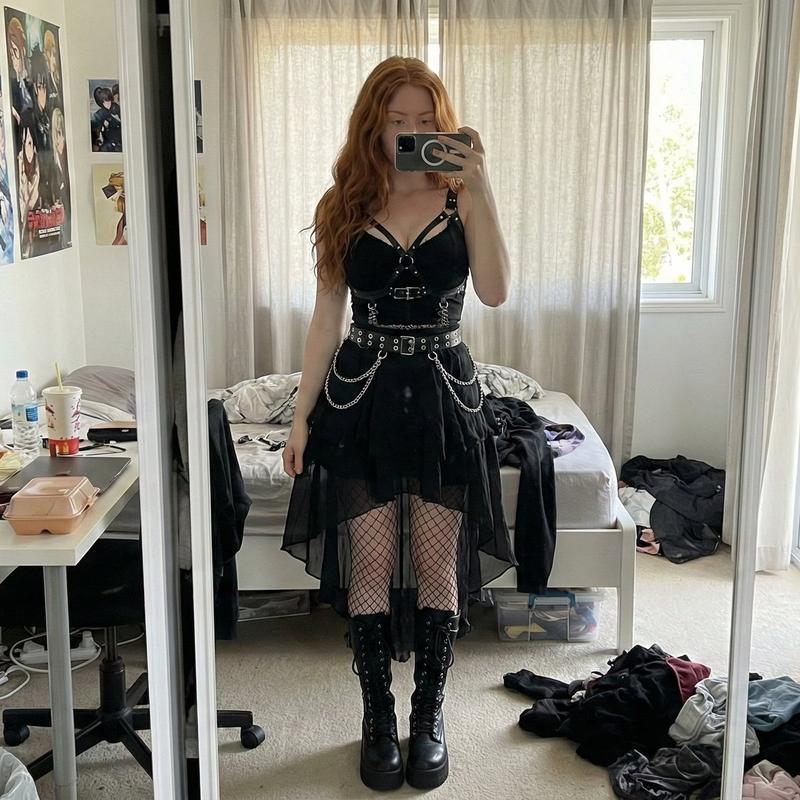
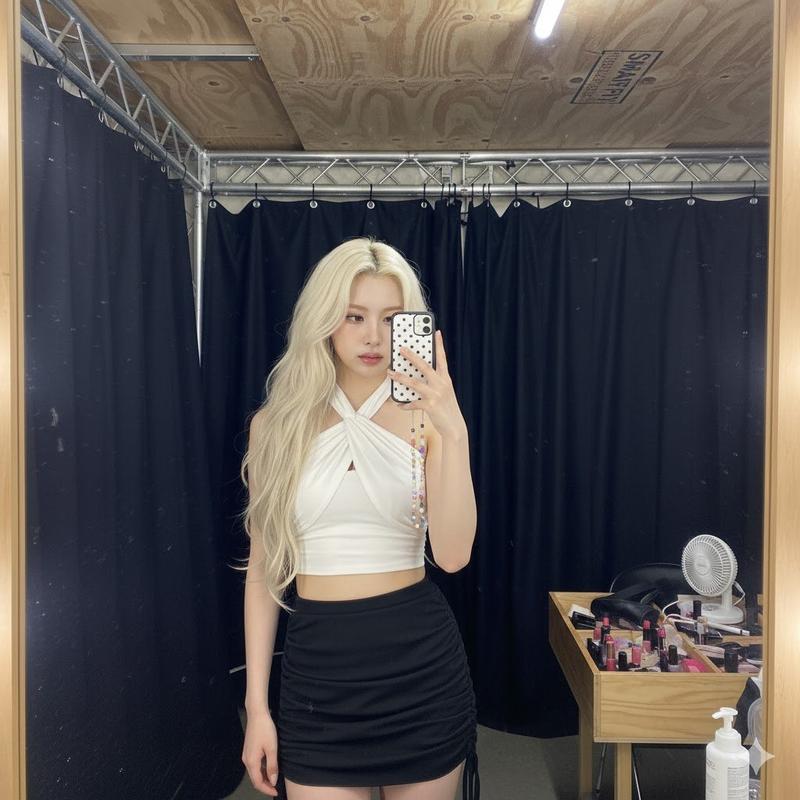
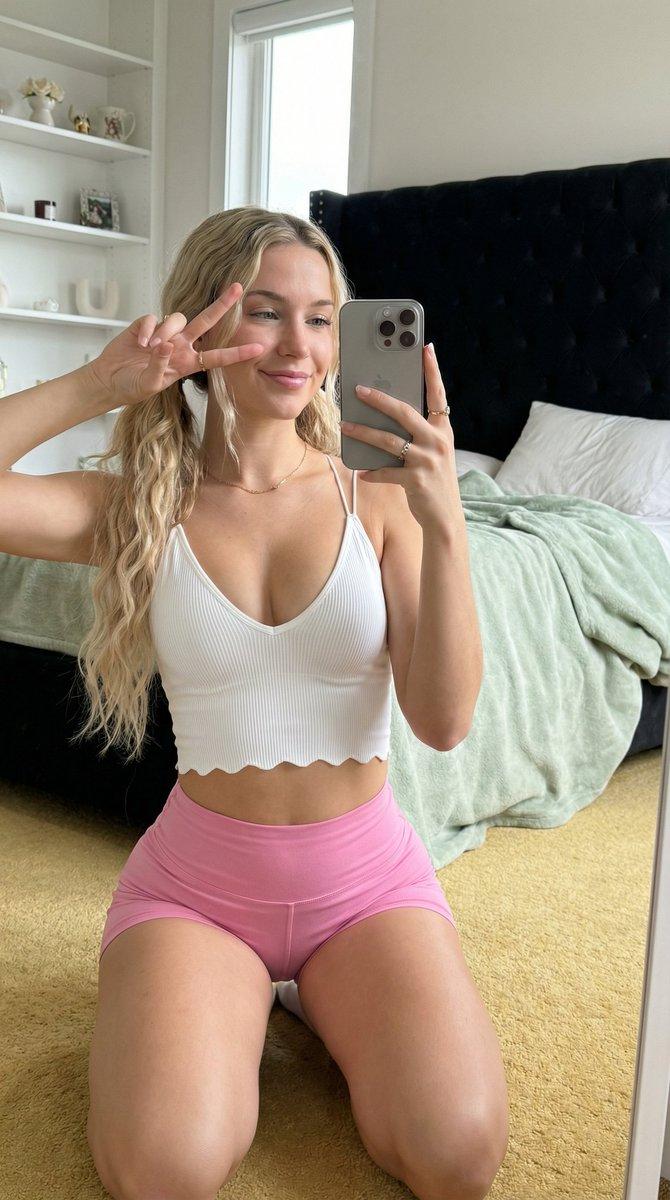
Ana de Armas 精品店镜前自拍
Prompt
{
  "image_generation_parameters": {
    "prompt": "A photorealistic, ultra-detailed mirror selfie of a beautiful young woman resembling a boutique owner. She has wavy blonde shoulder-length hair, light blue eyes, and natural, glowing skin. She is holding a silver smartphone, taking a picture of her outfit in a large, gold-framed mirror. She is wearing a distinctive, intricate sheer black halter top with butterfly wing embroidery over the bust, layered over a nude slip dress that flares out into an asymmetrical sheer black mini skirt. She is accessorized with a layered black beaded choker necklace. The setting is an upscale, chic clothing boutique with rich hardwood floors, white walls adorned with framed art, and sleek gold clothing racks displaying curated garments like leather jackets, blouses, and suits. In the center of the background sits a large tufted olive-green velvet ottoman. The lighting is soft, warm, and natural, typical of a high-end retail store, with track lighting visible on the ceiling. The image has a candid, Instagram-ready smartphone photography aesthetic with realistic mirror reflections and natural depth of field.",
    "negative_prompt": "CGI, 3D render, plastic skin, overly retouched, studio lighting, distorted anatomy, bad hands, extra fingers, warped mirror reflection, unnatural proportions, blurry, low resolution, noisy, artificial aesthetic.",
    "aspect_ratio": "5:7",
    "style": "Photorealism / Smartphone Mirror Selfie",
    "subject_details": {
      "gender": "Female",
      "hair": "Wavy, shoulder-length, dark blonde with highlights",
      "face": "Natural makeup, clear skin, relaxed and confident expression, striking light eyes",
      "pose": "Standing casual, one hand holding phone to eye level, other arm resting at side",
      "identity_reference": "Strict facial consistency with provided reference image (Ana de Armas features)"
    },
    "clothing_and_accessories": {
      "garment": "Black sheer halter mini dress",
      "design_elements": [
        "Intricate butterfly wing lace pattern on the bodice",
        "Sheer black tulle overlay",
        "Nude/tan opaque underlayer",
        "Asymmetrical handkerchief hemline",
        "Strappy halter neck tie"
      ],
      "jewelry": "Layered black beaded choker and cross necklace"
    },
    "environment_details": {
      "location": "Upscale fashion boutique",
      "lighting": "Warm indoor retail track lighting, soft ambient glow",
      "background_elements": [
        "Gold-framed full-length mirror",
        "Polished dark wood plank flooring",
        "Gold metal clothing racks",
        "Assorted boutique clothing (leather jackets, white shirts, suits)",
        "Olive green velvet tufted ottoman bench",
        "White walls with assorted framed artwork and portrait photography"
      ]
    },
"camera_and_- Category
- 创意图片
- Model
- Nano Banana Pro
- Creator
- Shreya♡
- Source ID
- 06170207-3227-454b-b59b-35261504393e
- Published
- Mar 8, 2026
Views2