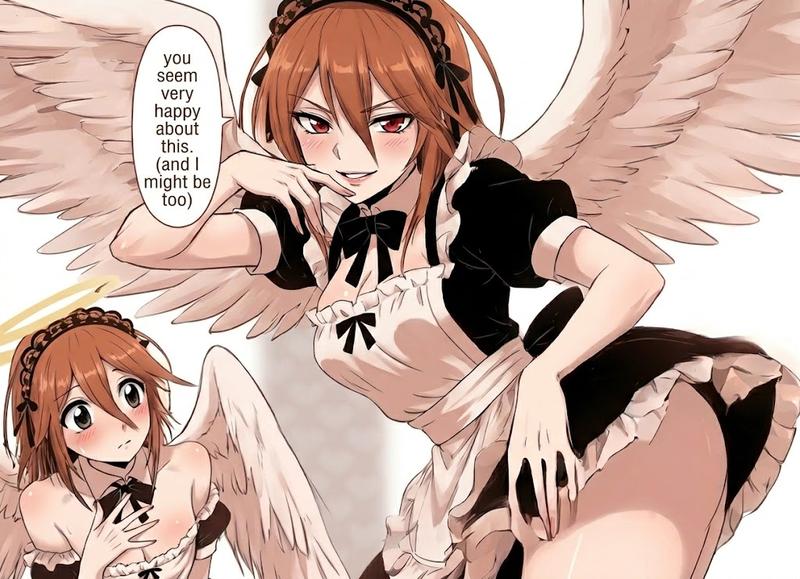
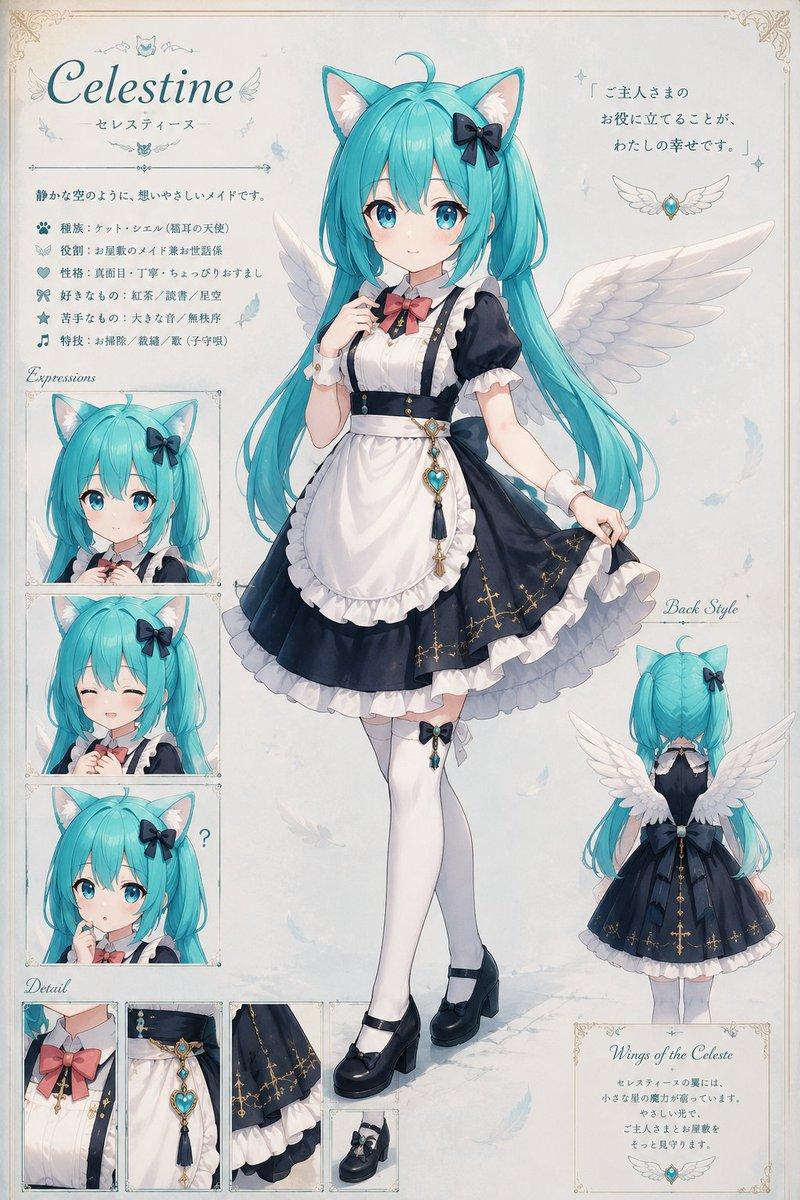
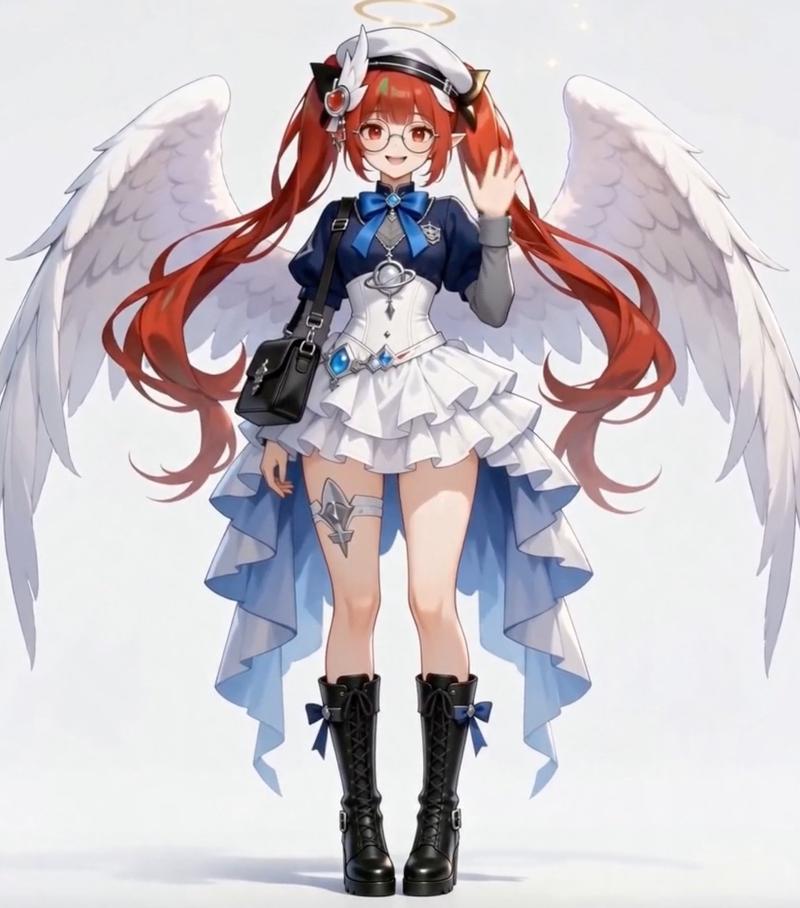
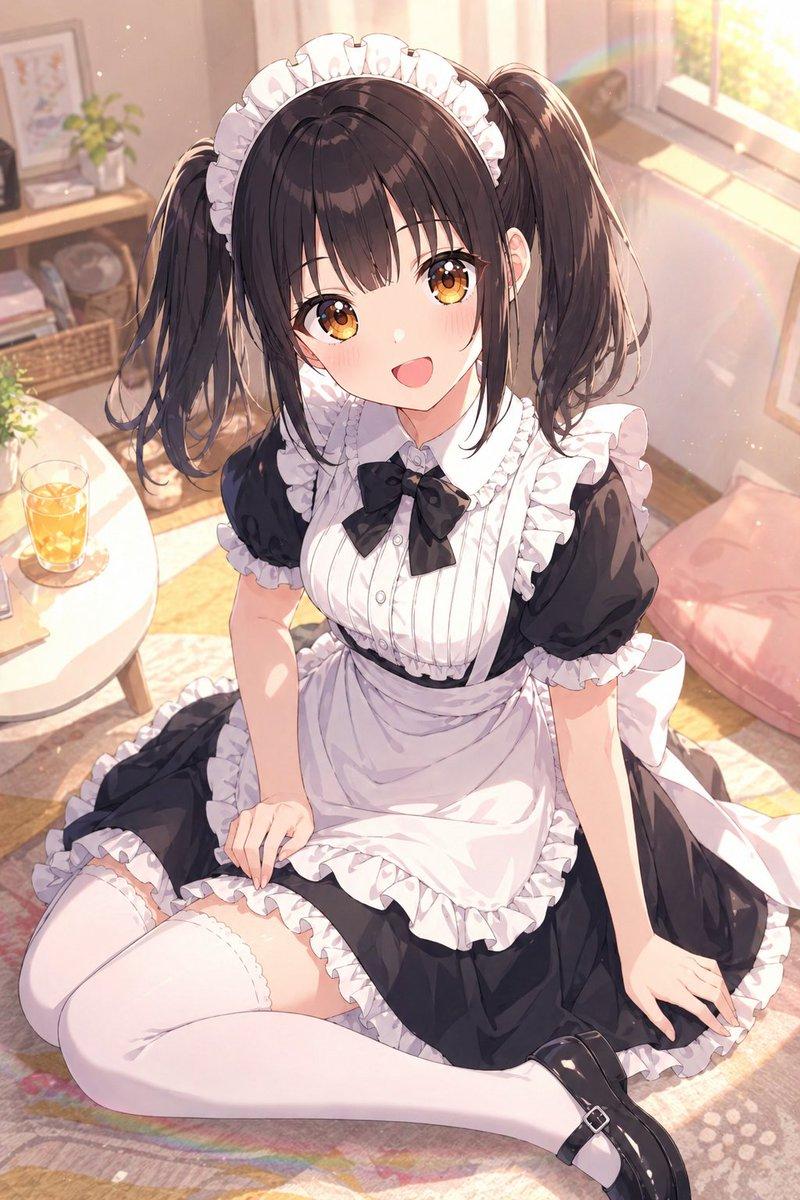
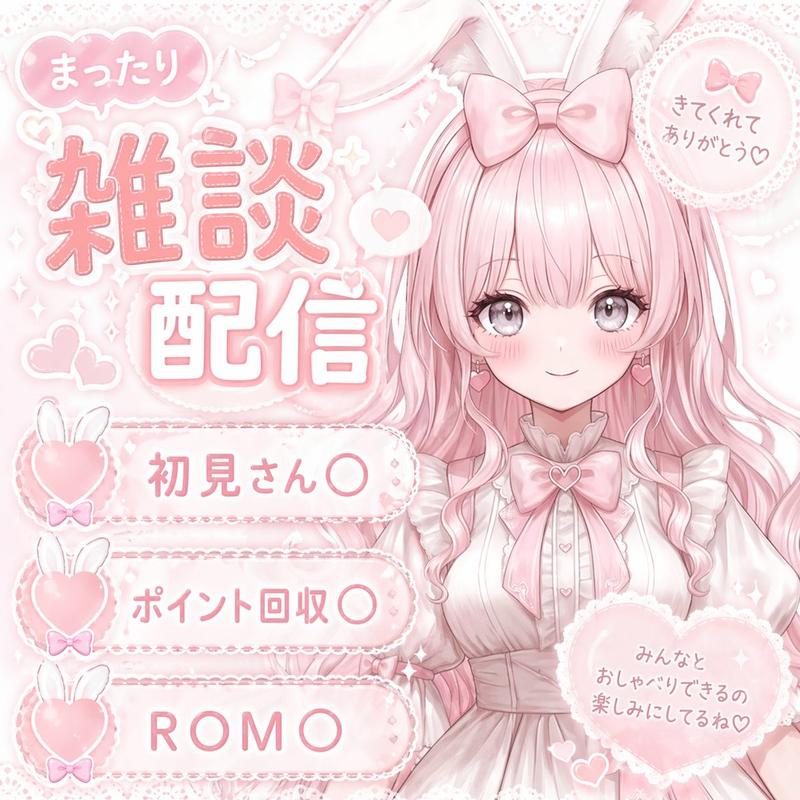
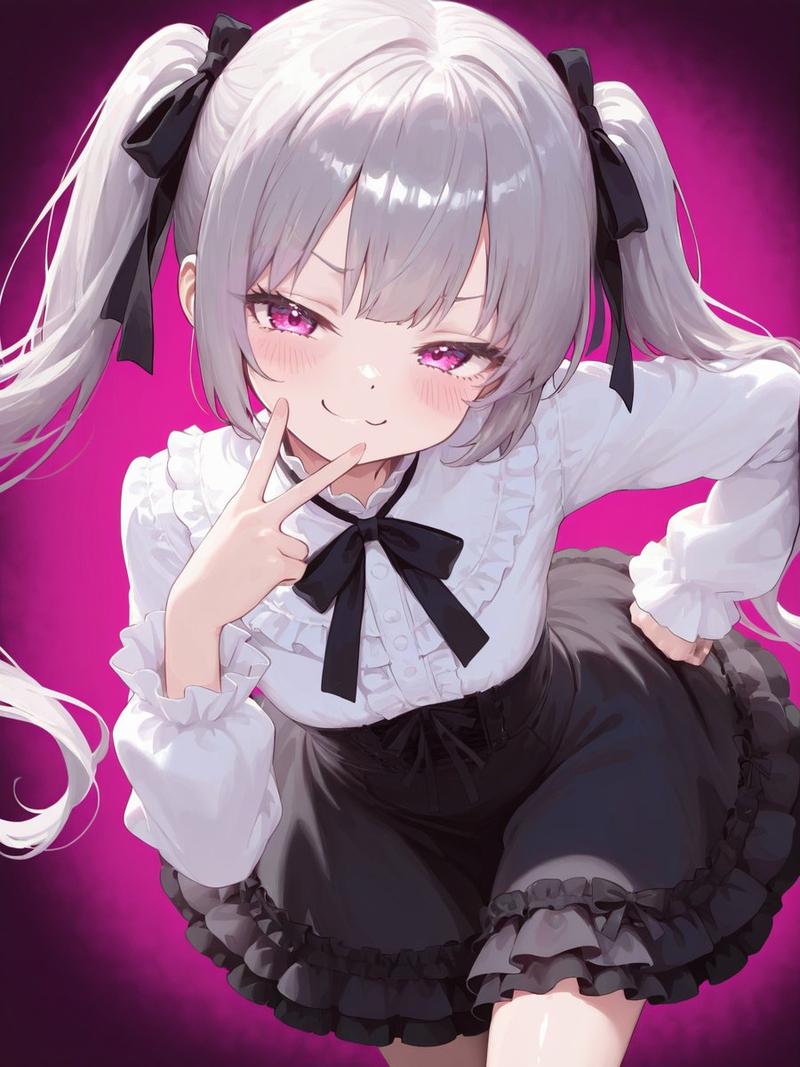
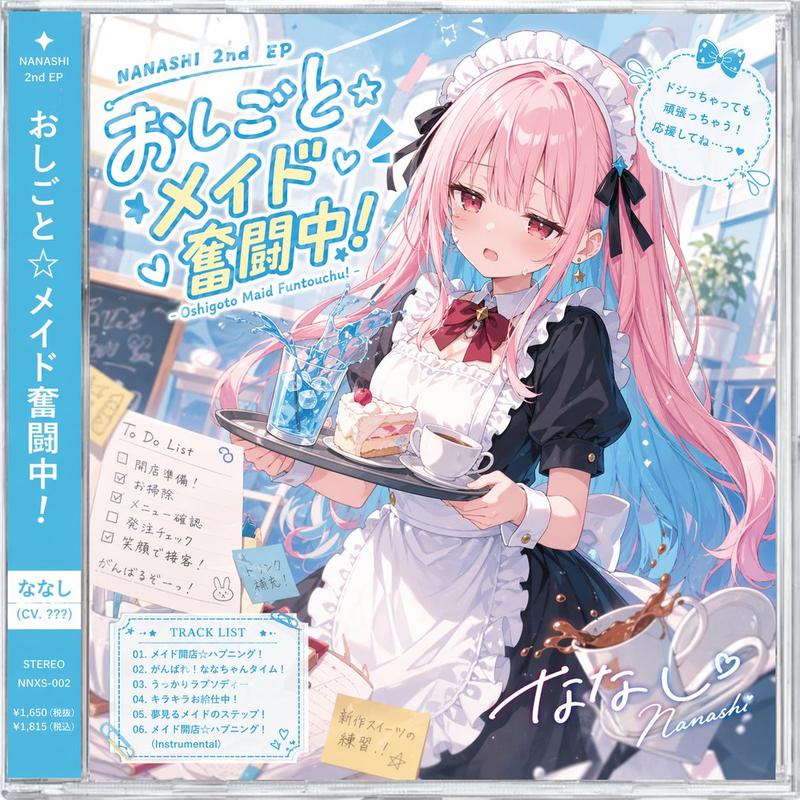
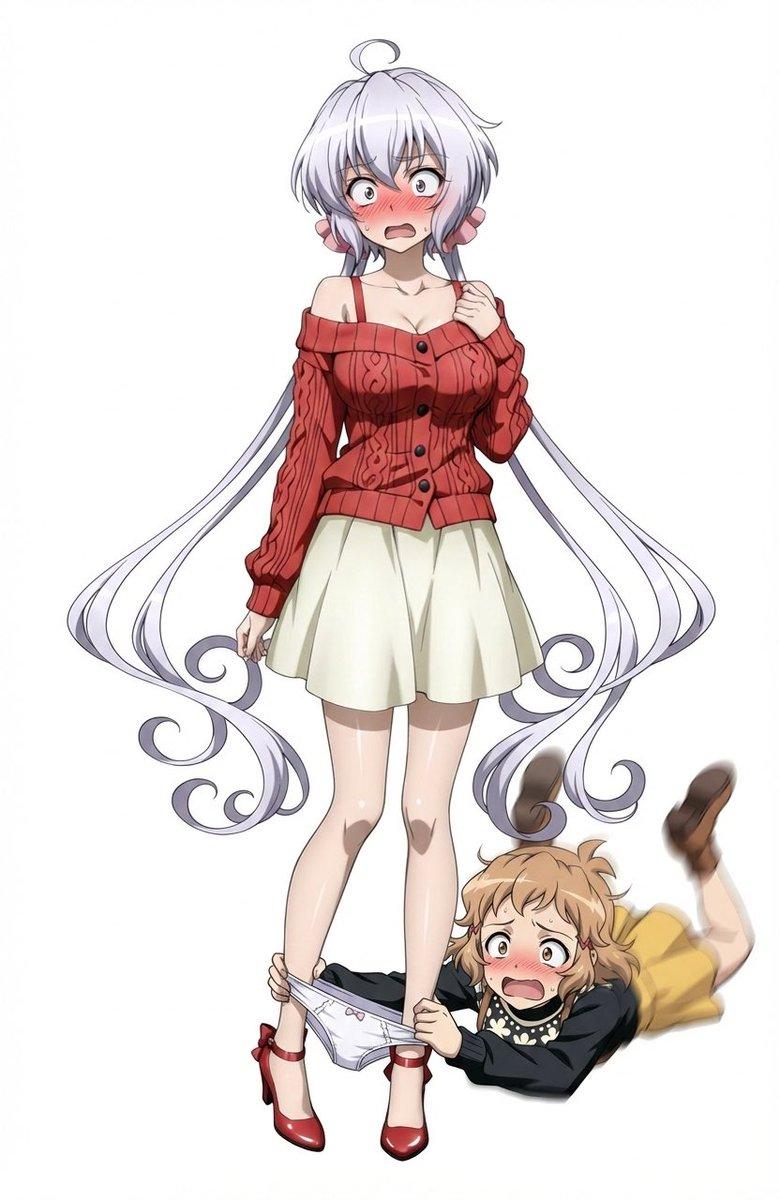
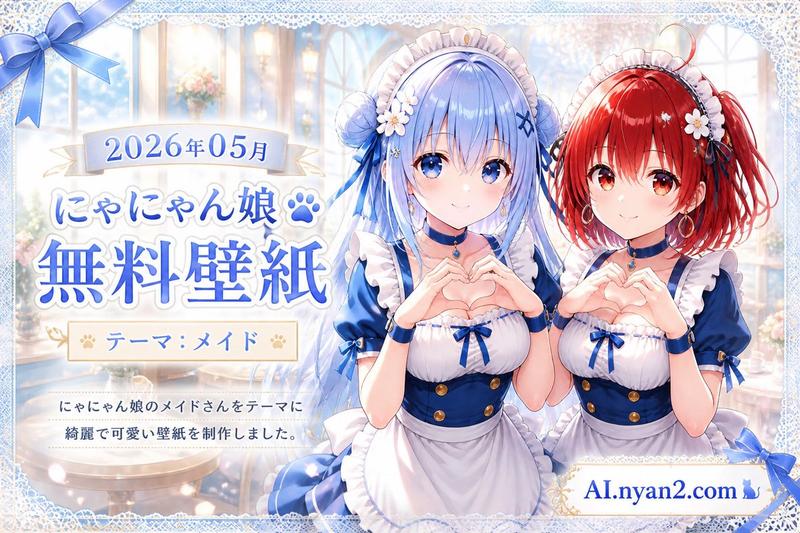
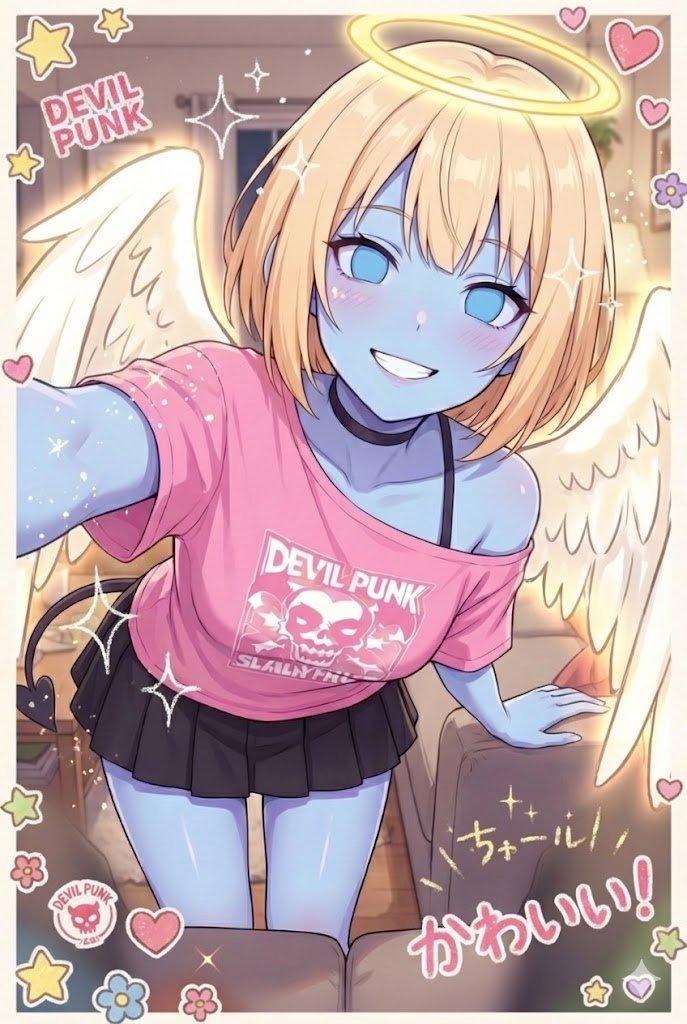
锐化和文本插入提示
Prompt
Make the lines sharper and add the following text back in "(original unhallucinated text)"
- Category
- 创意图片
- Model
- Nano Banana Pro
- Creator
- MKULTRA
- Source ID
- e272c3bd-23b0-4d8b-9389-355b05ff3e80
- Published
- Mar 8, 2026
Views0
18

Make the lines sharper and add the following text back in "(original unhallucinated text)"
Guide
"锐化和文本插入提示" AI image prompt for Nano Banana Pro (创意图片). 一个简单的文本提示,指示模型锐化图像或视频输出的线条,并重新插入特定的文本片段,可能用于后期处理或校正。 --- 让线条更清晰,并重新添加以下文本:"(original unhallucinated tex…
The full copyable prompt and example visuals above are ready for AI image generation or one-click recreate in Picva.
Step 1
Review the example visuals, category, and full prompt text for "锐化和文本插入提示".
Step 2
Copy the prompt body from this page, or load it directly in Studio.
Step 3
Prefer Nano Banana Pro. If you switch models, keep subject and composition and tweak style terms.
Step 4
Recreate the look in Picva, or export into your workflow for editing and publishing.