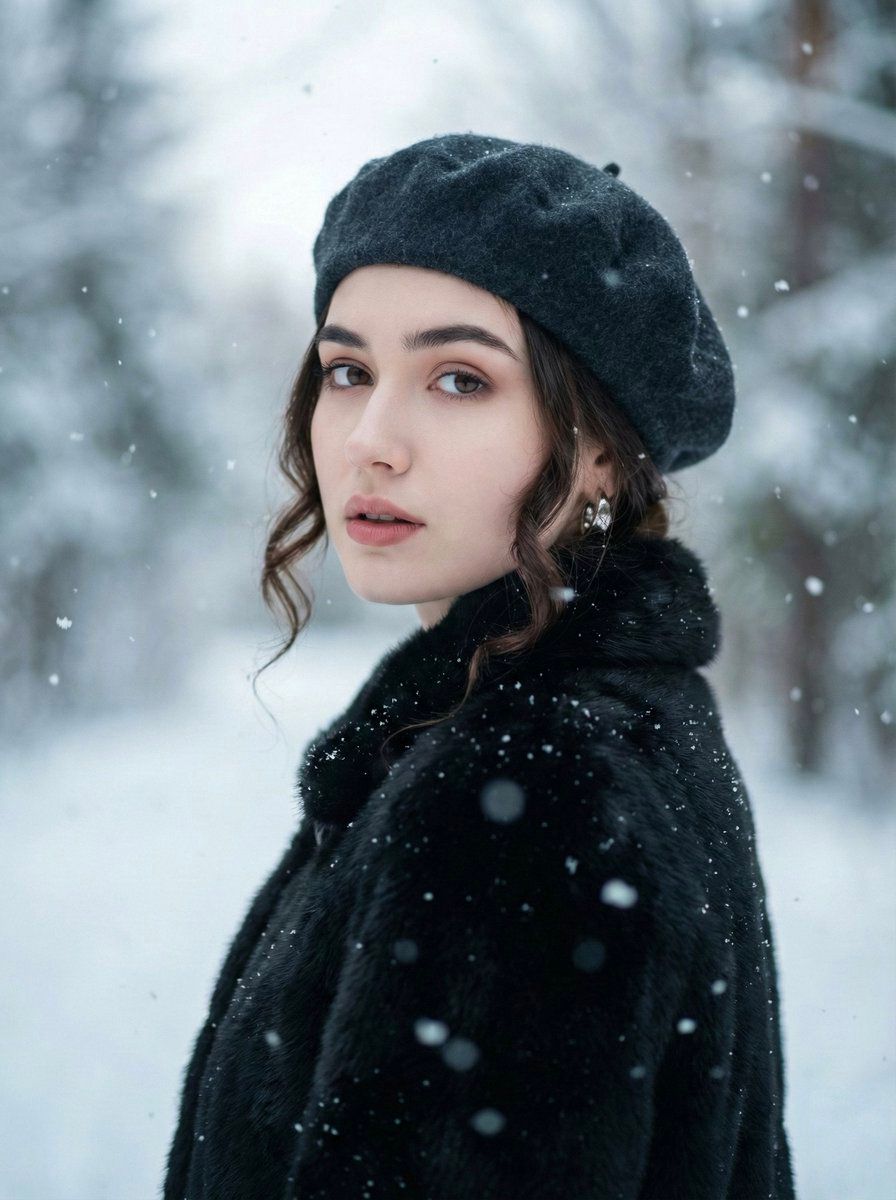
超逼真冬季肖像的 JSON 提示
Prompt
{
  "image_prompt": {
    "face_requirements": {
      "use_reference_face": true,
      "accuracy": "100% identical to reference",
      "preserve_features": [
        "exact facial proportions",
        "natural skin texture",
        "true eye shape and color",
        "nose and lip structure",
        "subtle natural makeup"
      ]
    },

    "subject": {
      "gender": "female",
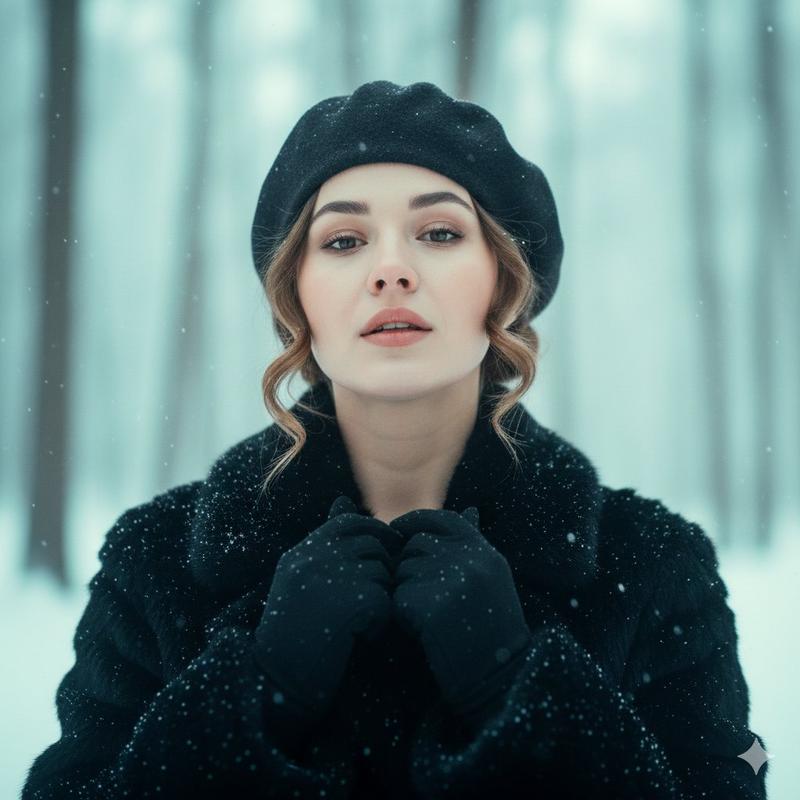
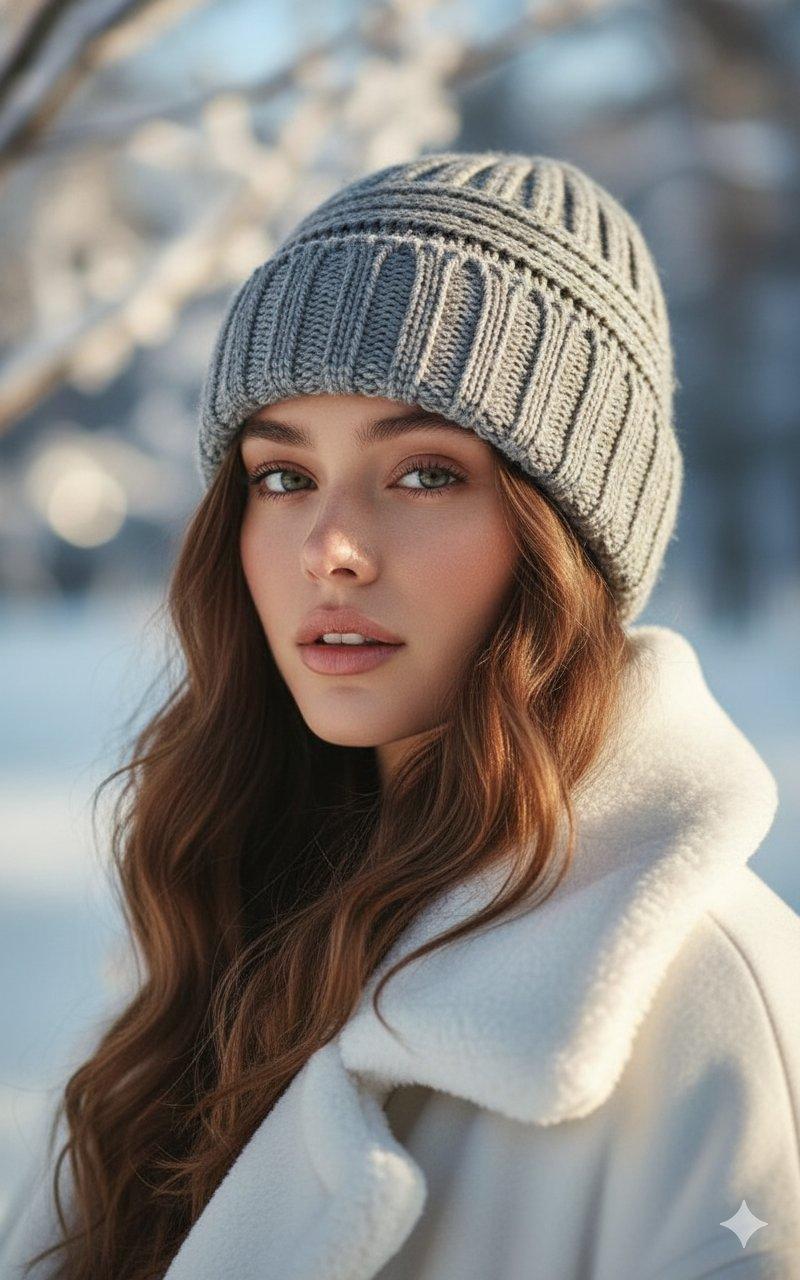
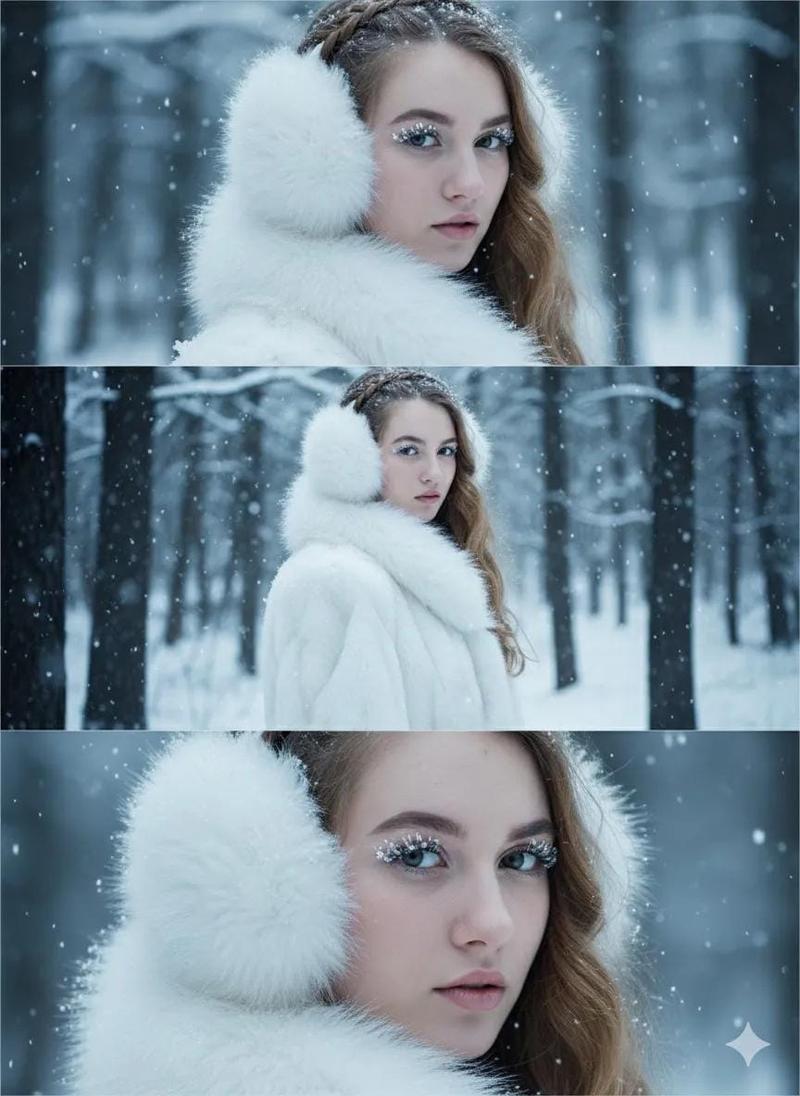
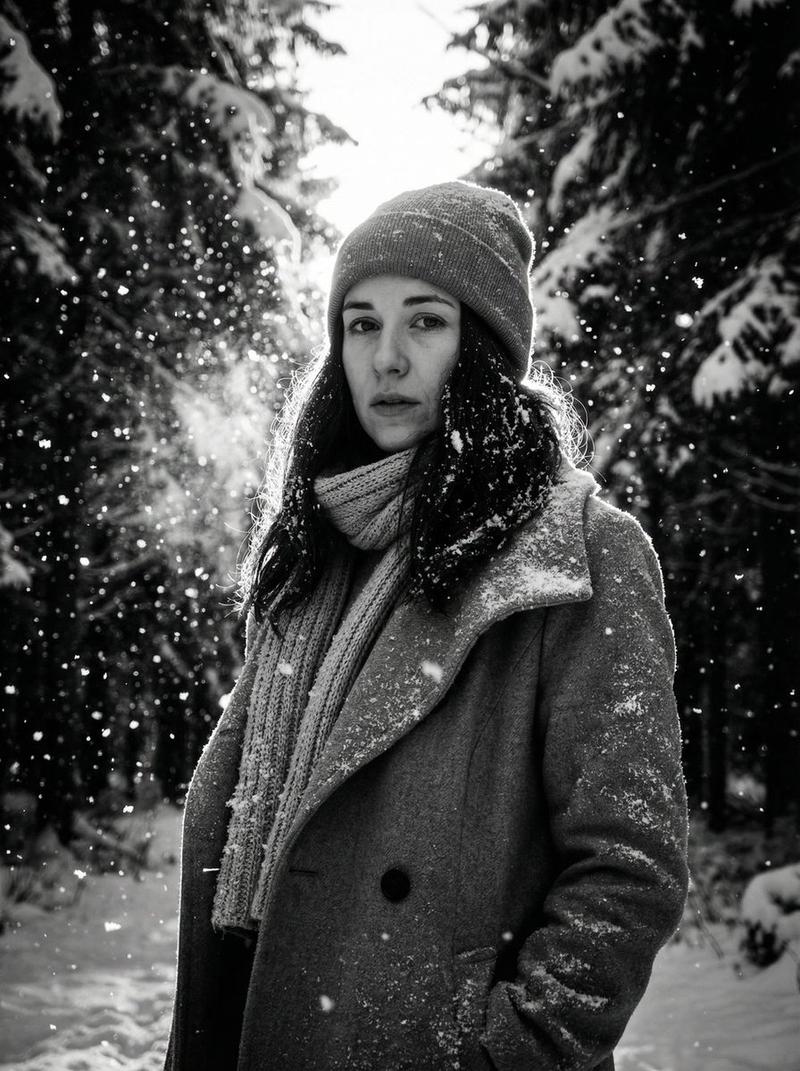
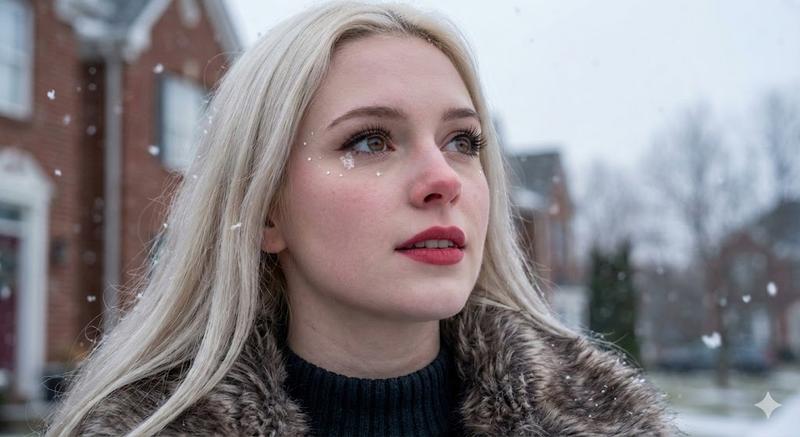
      "description": "Close-up winter portrait of a woman in a dark wool beret and black textured fur coat.",
      "pose": {
        "head_angle": "turned 25° over her left shoulder toward the camera",
        "chin": "level",
        "neck": "elongated",
        "shoulders": "relaxed",
        "arms": "down at sides, not visible",
        "torso": "facing away from camera while head rotates back"
      },
      "expression": {
        "mood": "calm",
        "mouth": "softly parted lips"
      },
      "hair": {
        "style": "soft curls tucked under beret",
        "lighting": "subtle highlights"
      },
      "accessories": {
        "earrings": "small metallic earrings catching soft light"
      }
    },

    "environment": {
      "setting": "winter outdoor forest",
      "background": "snowy forest blurred into soft gradients",
      "snowfall": {
        "presence": true,
        "layers": ["foreground", "mid-ground"],
        "material": "semi-translucent snowflakes"
      }
    },

    "lighting": {
      "type": "soft overcast daylight",
      "key_light": "diffused from upper-left",
      "fill_light": "cool fill bounced from surrounding snow at 5200K",
      "rim_light": "subtle rim from bright background",
      "tone": "filmic teal-cyan",
      "bloom": "gentle natural bloom"
    },

    "photography": {
      "lens": "85mm",
      "aperture": "f/2",
      "depth_of_field": "shallow with creamy bokeh",
      "framing": "eye-level close-up portrait",
      "style": "ultra-realistic, filmic, raw style"
    },

    "materials_PBR": {
      "beret": "matte wool microtexture",
      "coat": "soft fur microtexture",
      "hair": "satin subtle sheen",
      "earrings": "metallic reflective surface",
      "snowflakes": "semi-translucent material",
      "skin": "natural pores and realistic texture"
    },

    "color_palette": {
      "winter_grey_blue": "#C7D5DF",
      "porcelain_skin": "#F2E9E4",
      "muted_crimson": "#A23C40",
      "charcoal": "#2A2A31",
      "cool_haze": "#7B8A96"
    },

    "aesthetic": {
      "contrast": "low",
      "style_keywords": [
        "winter portrait",
        "cinematic realism",
        "global illumination",
        "creamy bokeh",
        "soft snowfall",
        "diffused lighting",
        "natural skin texture"
      ]
    },

    "output_settings": {
      "aspect_ratio": "3:4",
      "style": "raw",
      "stylization": 70,
      "chaos": 0,
      "negative_prompt": [
        "text",
        "watermark",
        "logo",
        "border"
      ]
    }
  }
}- Category
- 创意图片
- Model
- Nano Banana Pro
- Creator
- Zara
- Source ID
- 82548146-d2e1-4467-a5d6-eaabee9e85f7
- Published
- Mar 8, 2026
Views0