15

健身激励图片的结构化提示
Enlarge

健身激励图片的结构化提示

Prompt
{
  "TITLE": "PINK POWER GYM GLOW",
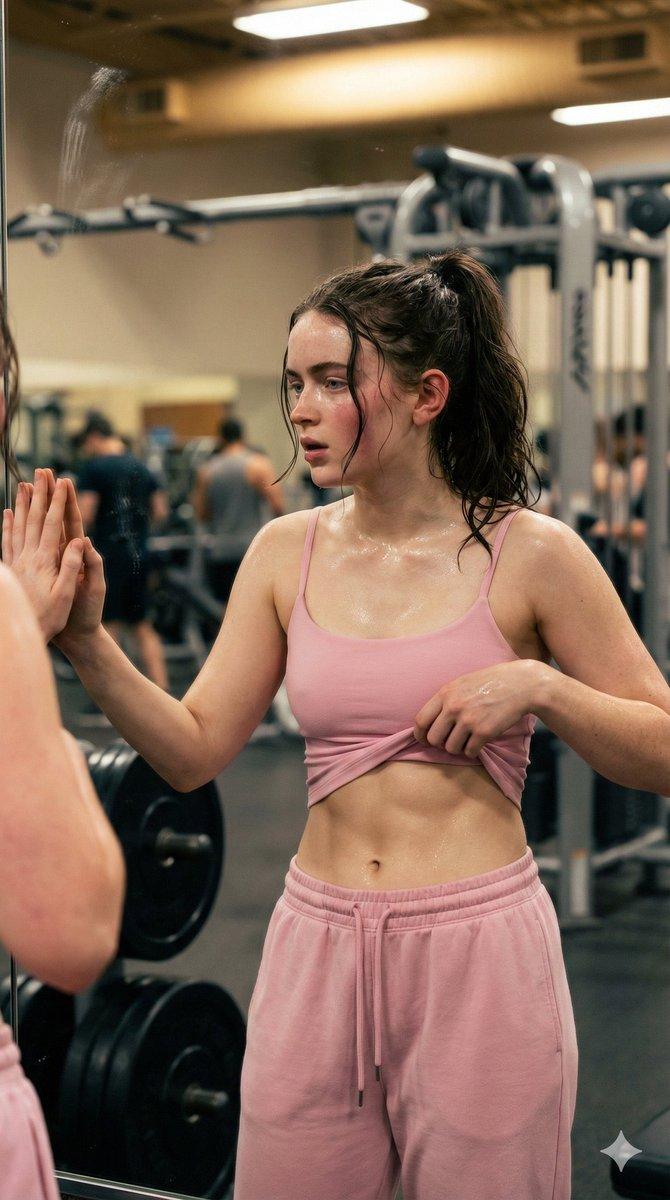
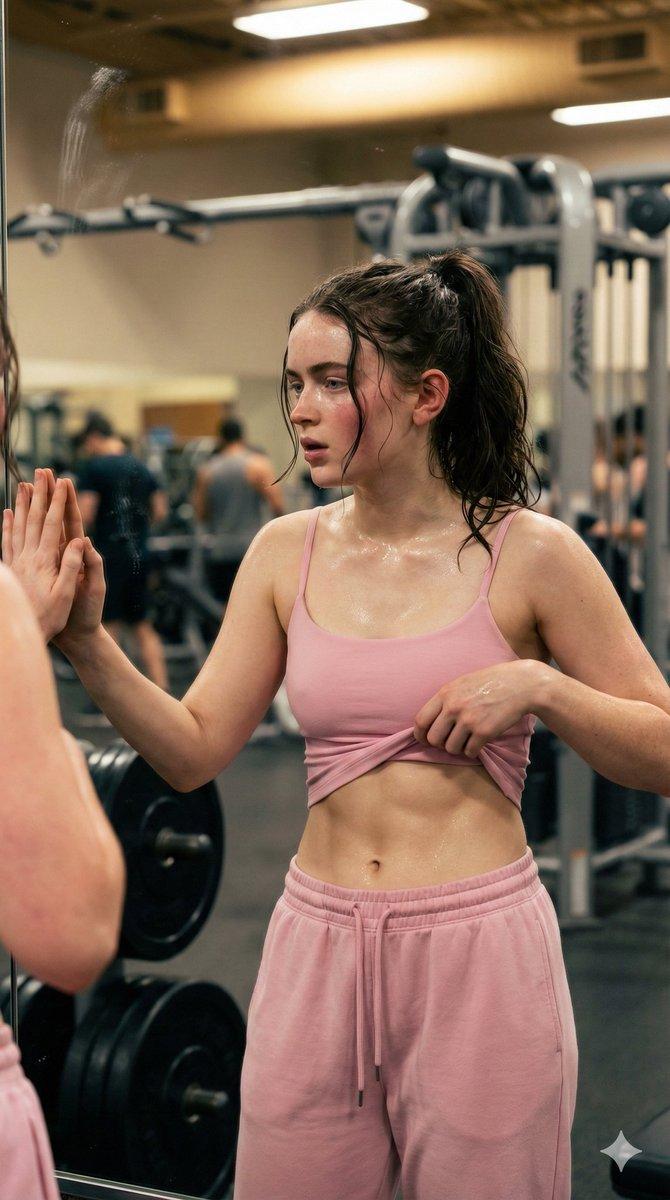
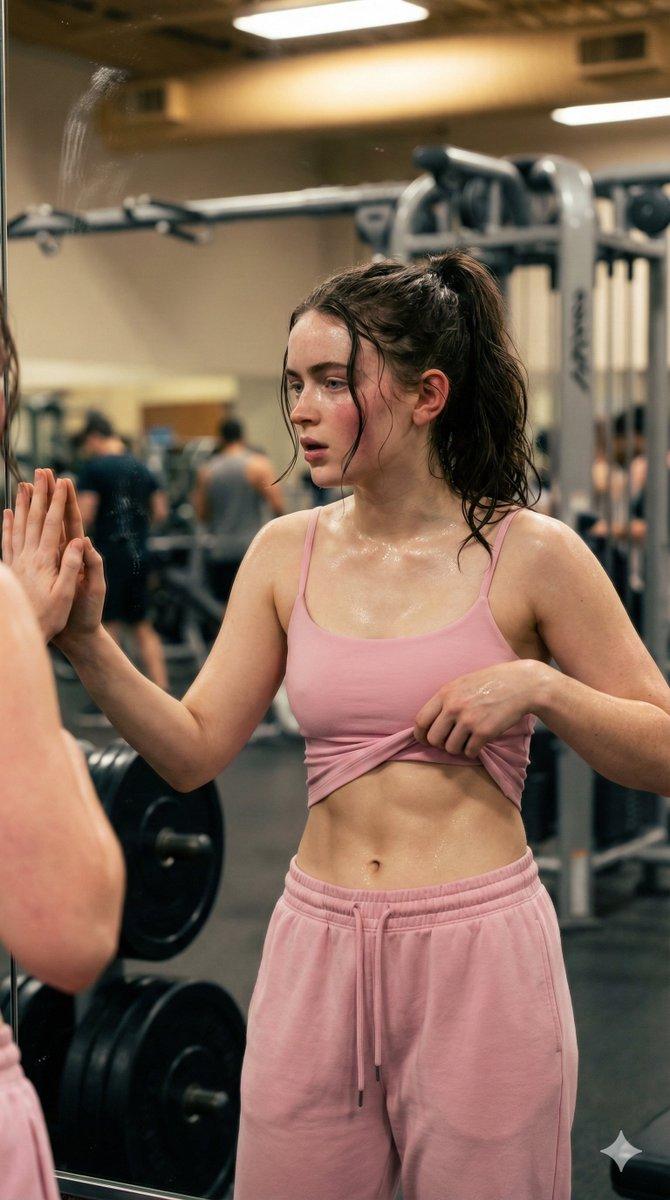
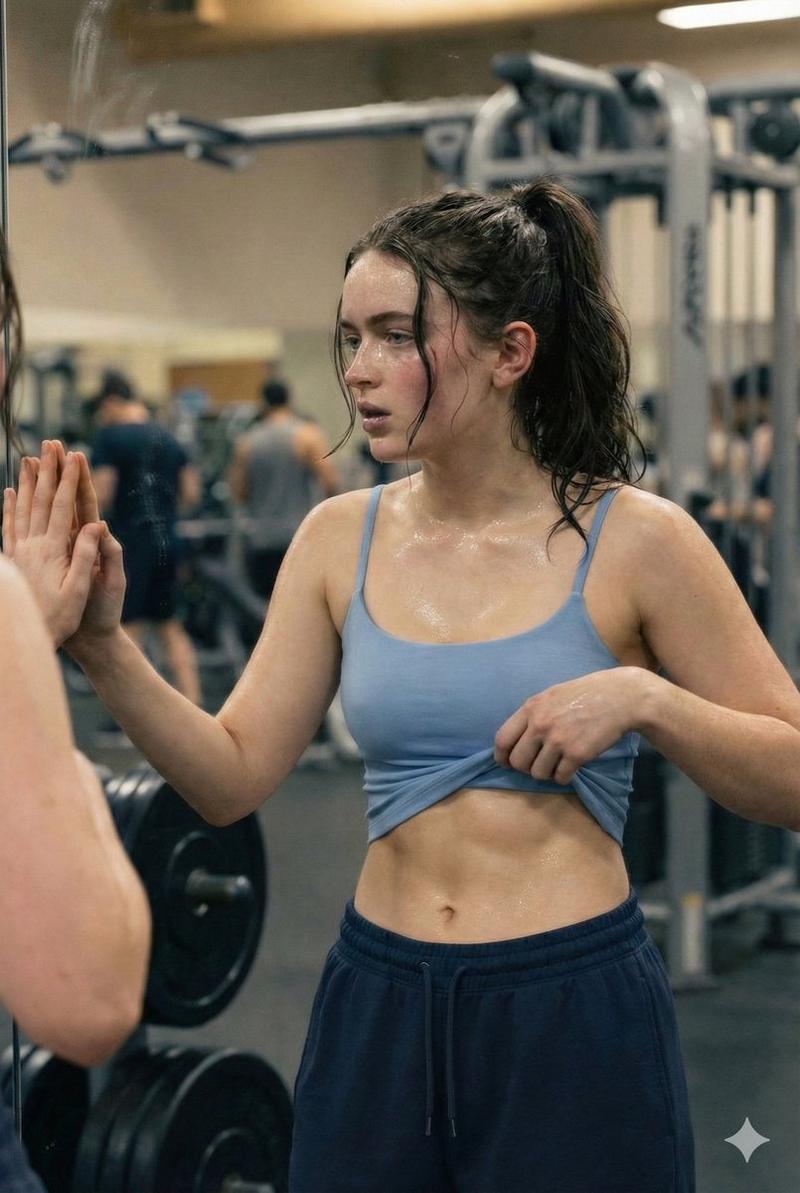
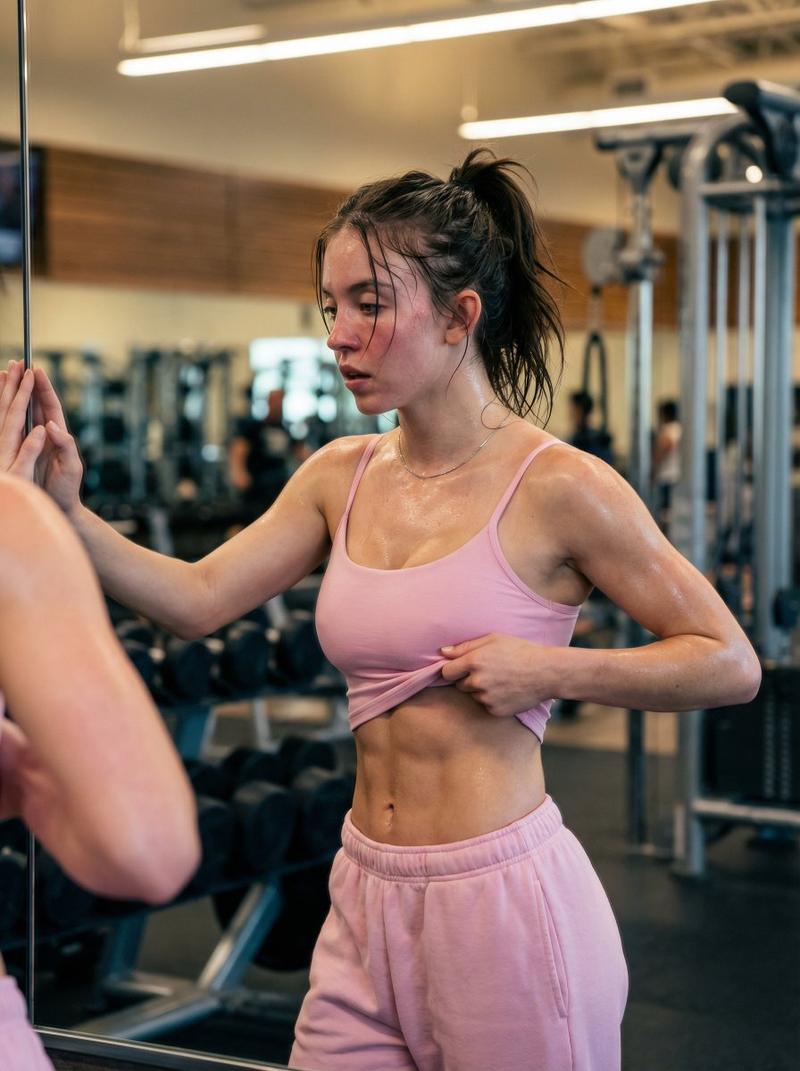
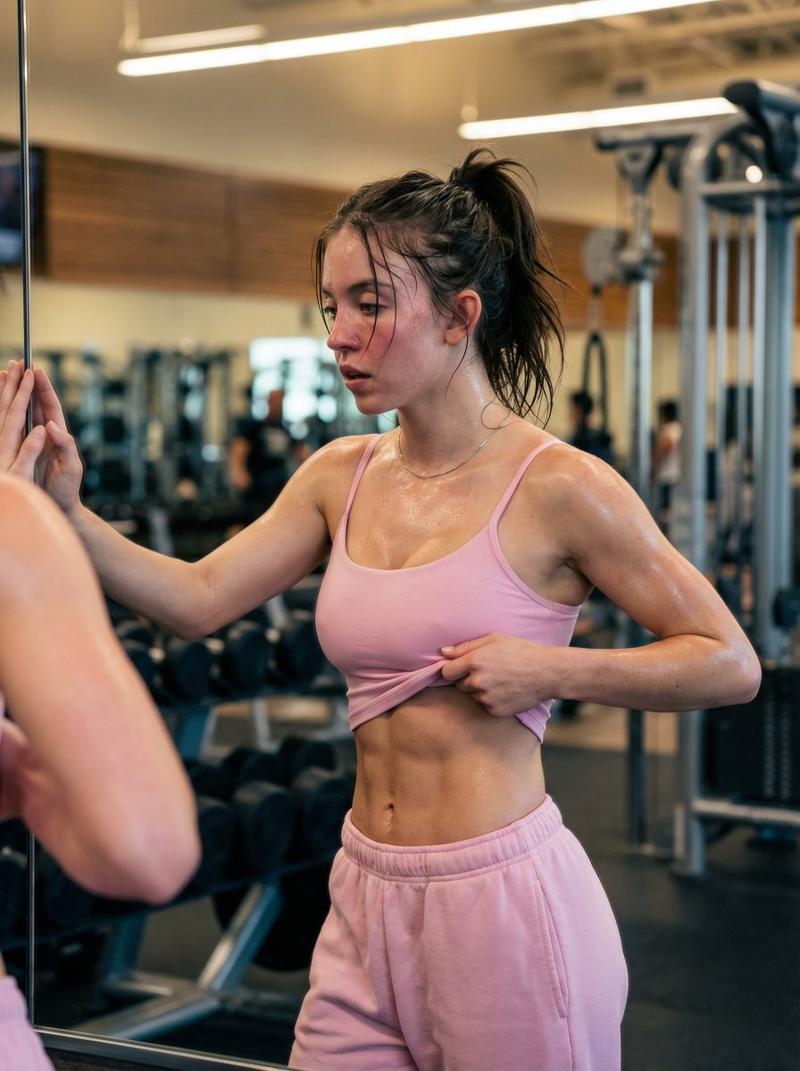
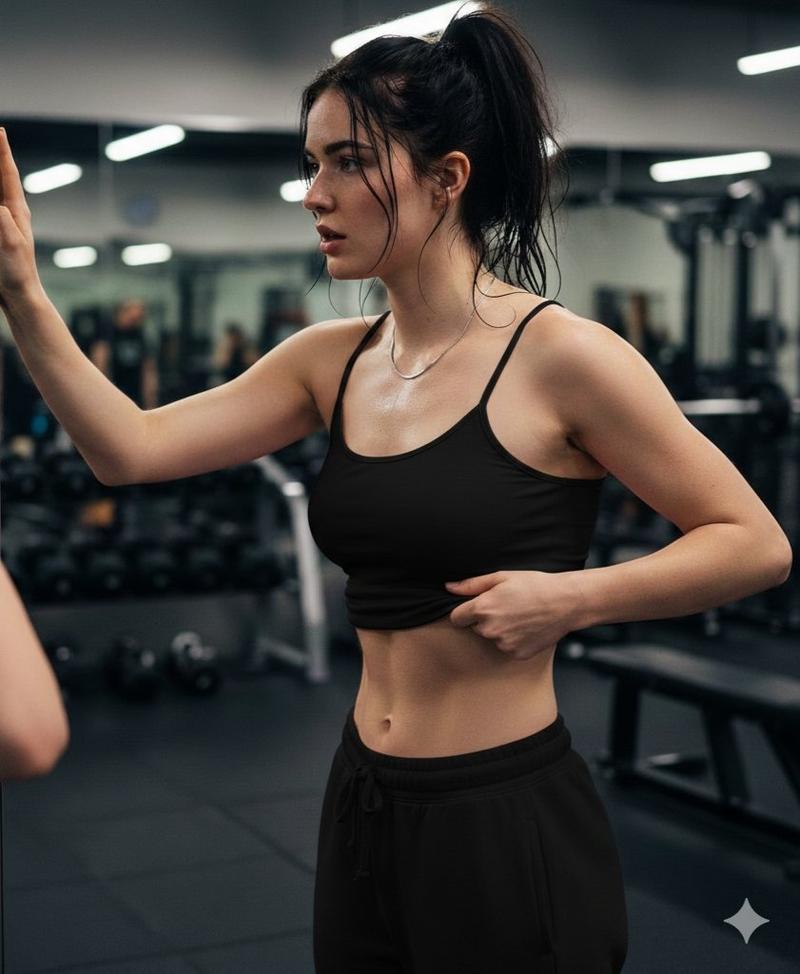
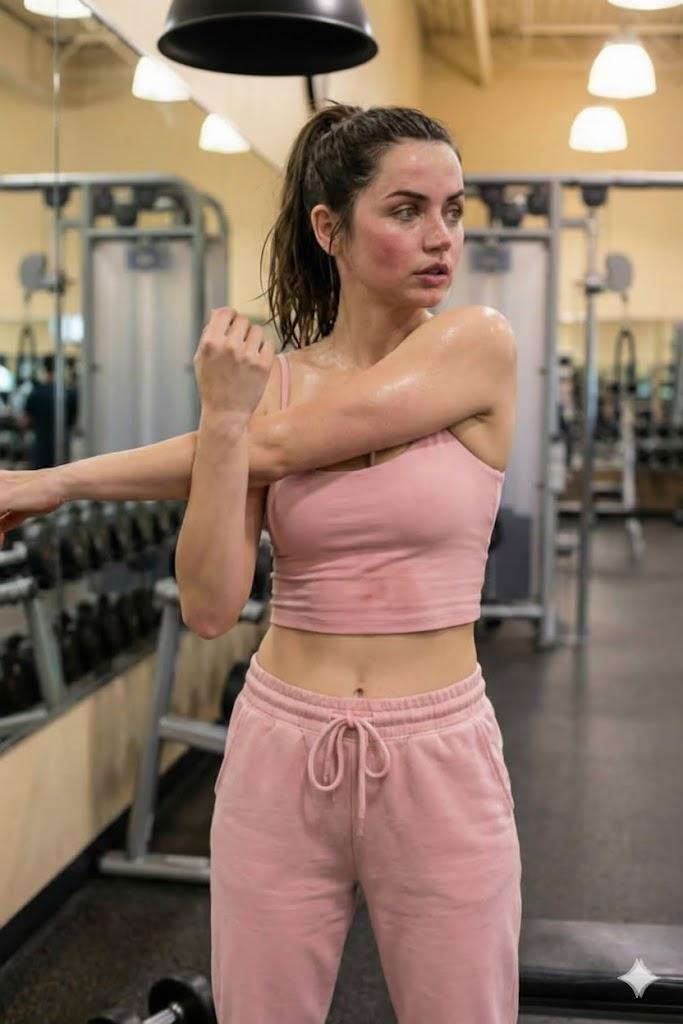
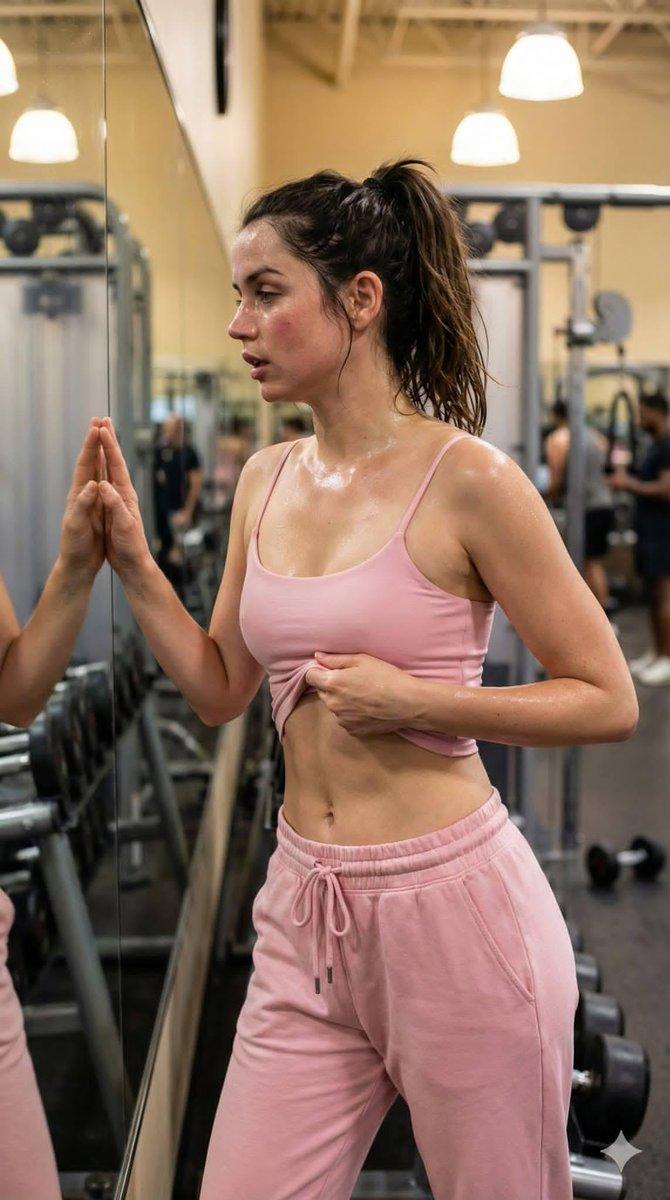
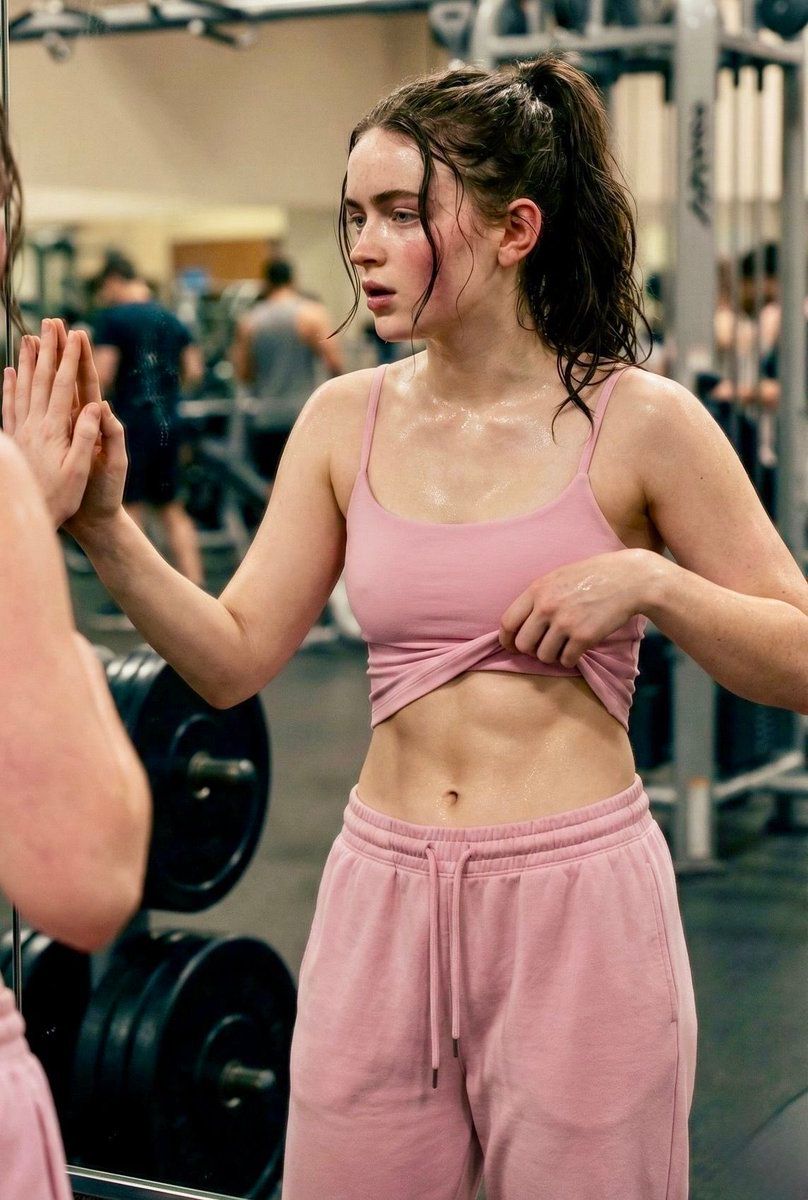
  "DESCRIPTION": "A determined young woman standing in front of a gym mirror after an intense workout session. Sweat glows on her skin, showing hard work and dedication. She wears a soft pink crop top with matching pink jogger sweatpants. The background features gym equipment and weights, creating a powerful fitness atmosphere. Her expression reflects focus, strength, and self-confidence.",
  "OUTFIT": {
    "TOP": "Soft Pink Sports Crop Top",
    "BOTTOM": "Matching Pink Jogger Sweatpants"
  },
  "MOOD": "Strong, Confident, Focused",
  "LOCATION": "Modern Gym Environment",
  "THEME": "Fitness Motivation, Strength, Self-Improvement",
  "VIBE": "Empowered, Energetic, Inspiring"
}
Category
创意图片
Model
Nano Banana Pro
Views0
Source ID
62f219dd-5209-41fc-82c6-71f5f4a2166f
Published
Mar 8, 2026

Guide

About "健身激励图片的结构化提示"

What is this prompt for?

"健身激励图片的结构化提示" AI image prompt for Nano Banana Pro (创意图片). 一个为 Gemini Nano Banana Pro 设计的结构化提示词,用于生成一张在健身房锻炼后,展现出坚毅的年轻女性(Sadie Sink)的图像,重点突出“粉色力量健身光芒”主题,并包含特定的…

The full copyable prompt and example visuals above are ready for AI image generation or one-click recreate in Picva.

How to use this prompt

  1. Step 1

    Open the prompt detail

    Review the example visuals, category, and full prompt text for "健身激励图片的结构化提示".

  2. Step 2

    Copy the prompt

    Copy the prompt body from this page, or load it directly in Studio.

  3. Step 3

    Pick a model (Nano Banana Pro)

    Prefer Nano Banana Pro. If you switch models, keep subject and composition and tweak style terms.

  4. Step 4

    Generate and export

    Recreate the look in Picva, or export into your workflow for editing and publishing.

FAQ

What is the "健身激励图片的结构化提示" prompt?
It is an AI image-generation prompt for Nano Banana Pro in the 创意图片 category. This page includes the full prompt text, example visuals, and a one-click recreate path in Picva.
How do I use this prompt to generate an image?
Copy the prompt from this page, or use Generate / Studio. Paste it into a compatible image model, or recreate the look in Picva with optional reference images.
Which model is this prompt for?
This page lists Nano Banana Pro. Most descriptive prompts also transfer to nearby image models such as GPT Image, Flux, or Midjourney with light style tweaks.
Can I use the result commercially?
You can usually copy the prompt for creation, but commercial use of the final image depends on the model terms, reference-image rights, and the generated content. Follow the source author and platform rules.