15

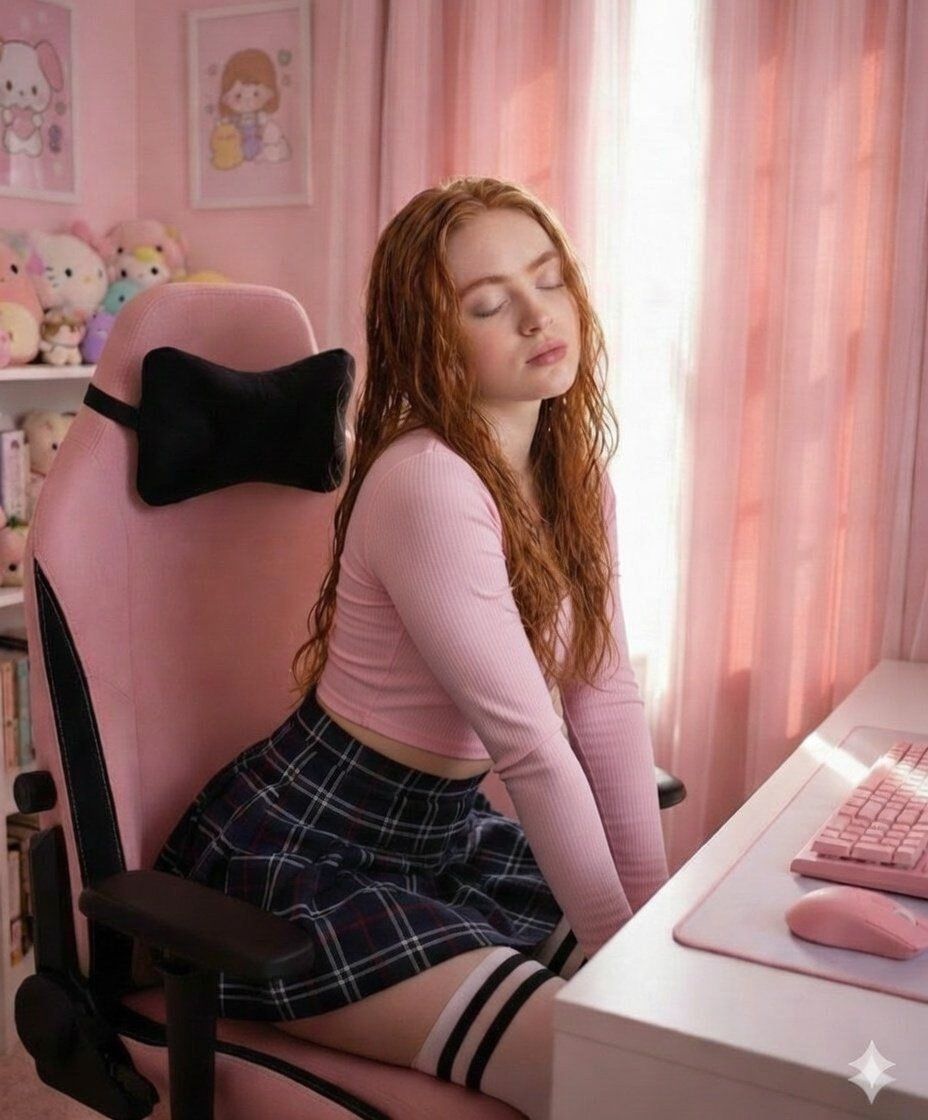
柔和粉色美学书房氛围
Enlarge

柔和粉色美学书房氛围

Prompt
{
  "title": "Pink Soft Study Vibes",
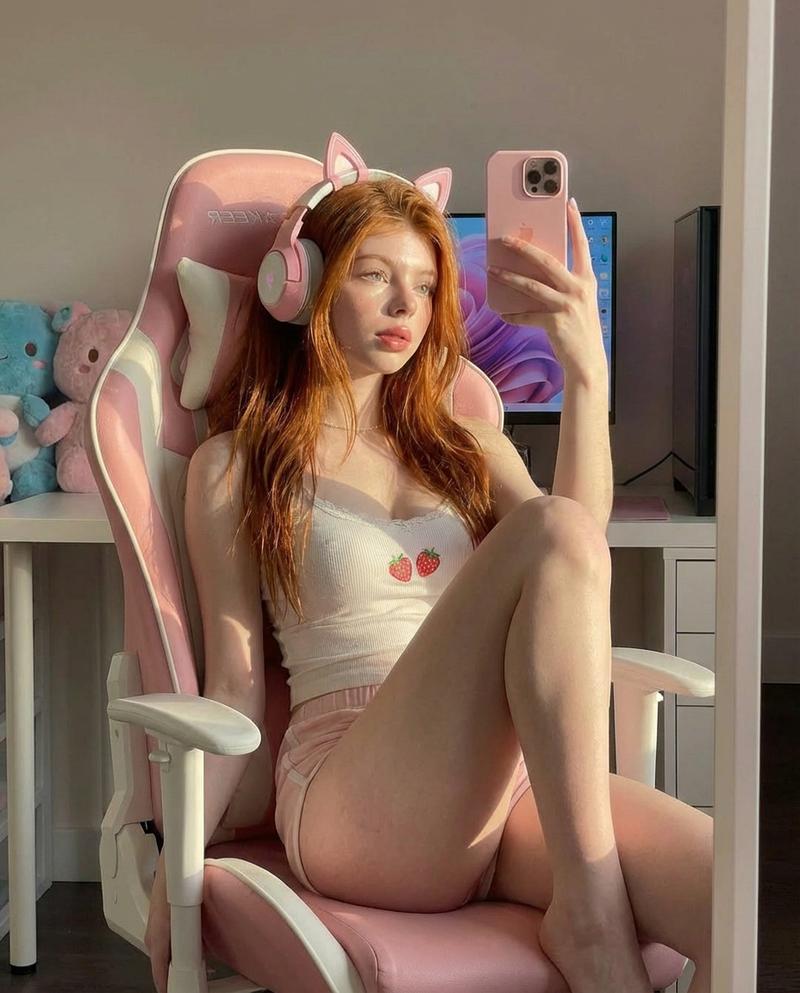
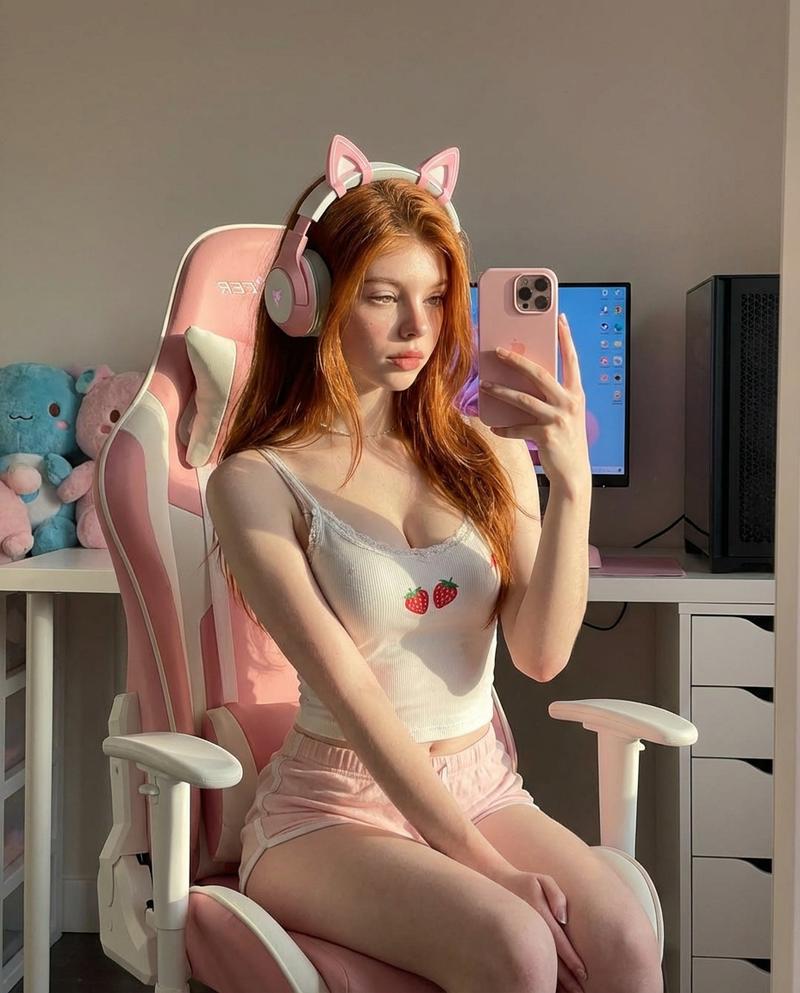
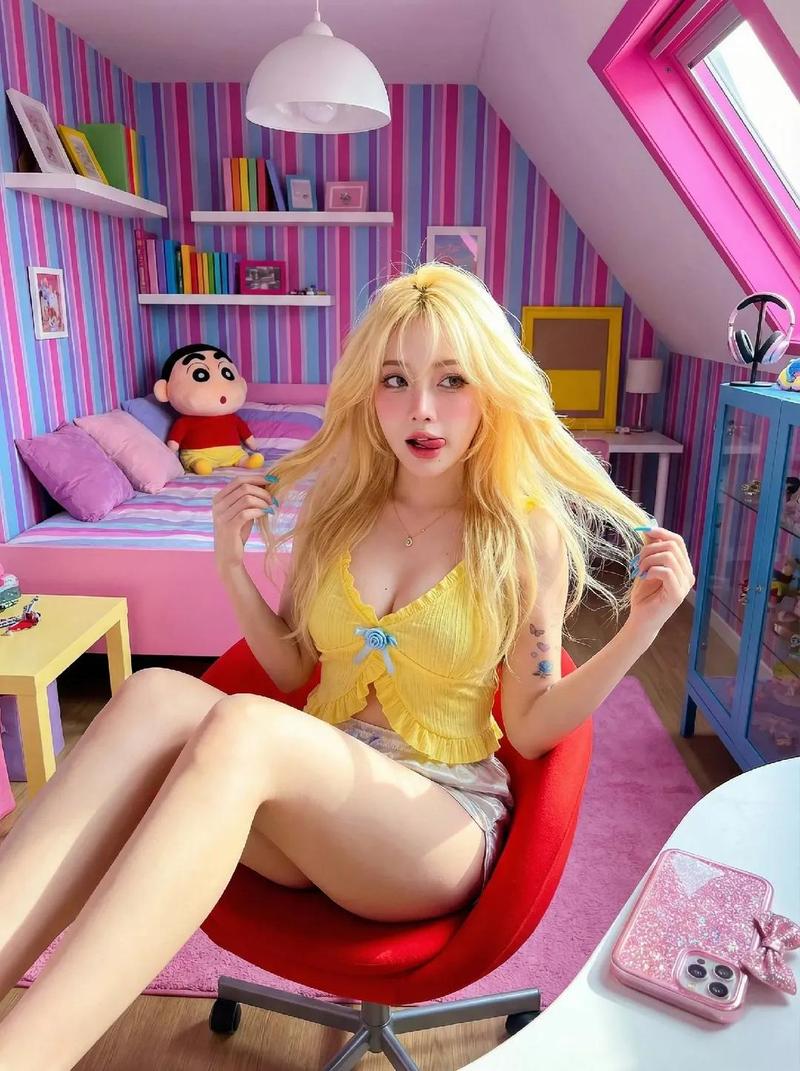
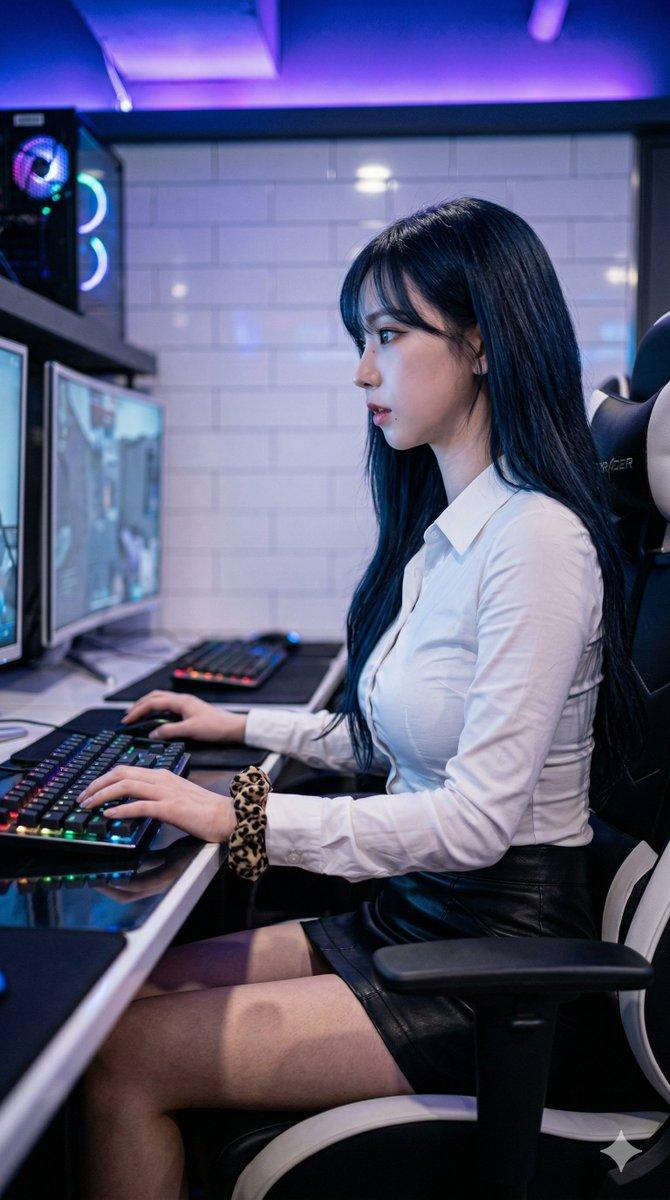
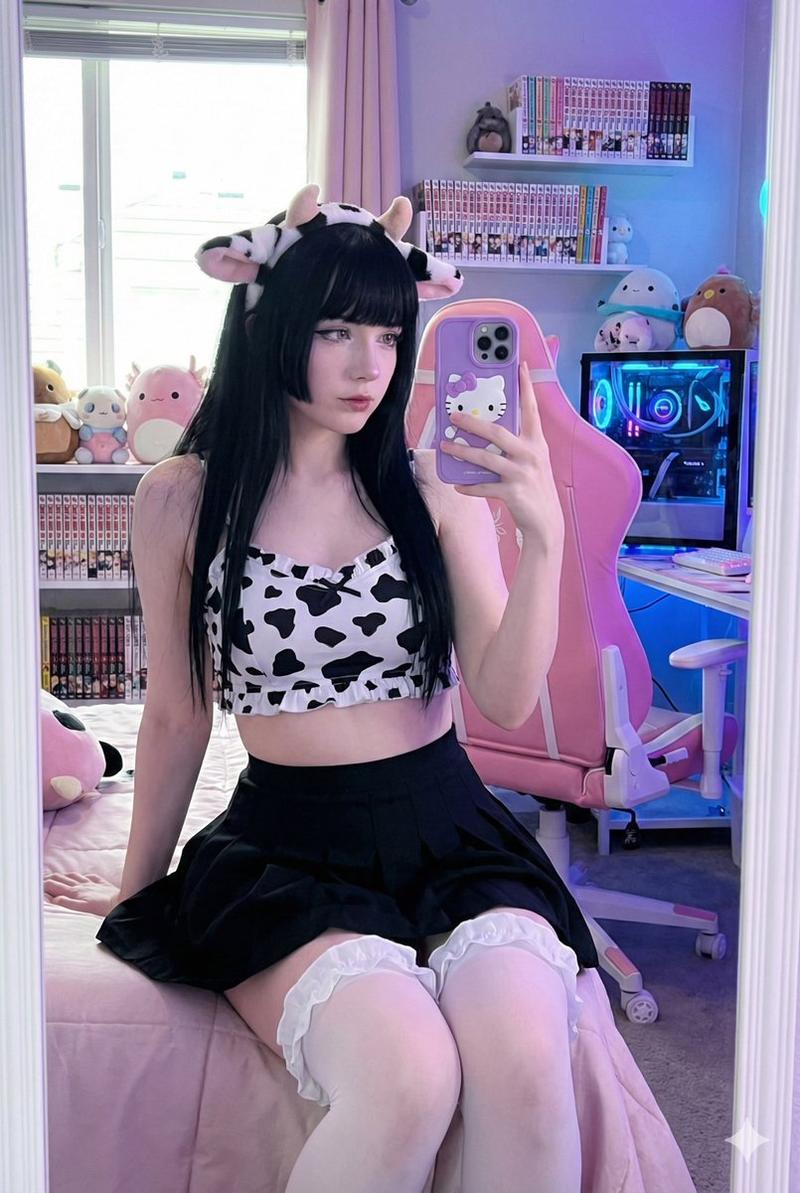
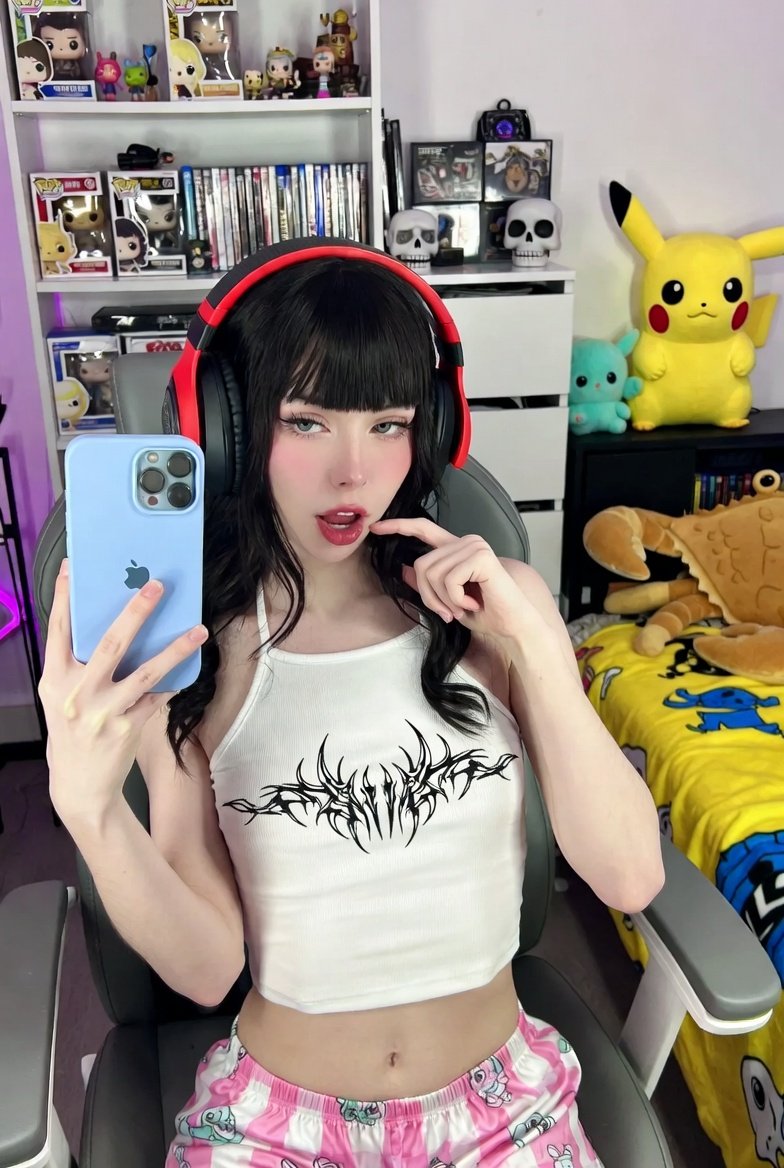
  "description": "A cozy pastel-themed room with soft pink curtains and cute wall art in the background. A girl is sitting on a pink gaming chair beside a white desk with a matching pink keyboard and mouse. She is wearing a light pink full-sleeve top and a dark plaid skirt, creating a soft and aesthetic look. The overall vibe feels calm, dreamy, and perfectly coordinated in pink tones.",
  "theme": "Soft Pink Aesthetic",
  "mood": "Calm, dreamy, cozy, peaceful",
  "colors": ["soft pink", "white", "peach", "dark blue", "black"],
  "lighting": "Natural soft daylight through pink curtains",
  "setting": "Indoor bedroom study setup",
  "style": "Cute, pastel, aesthetic, cozy",
  "props": ["pink gaming chair", "white desk", "pink keyboard", "pink mouse", "wall art", "plush toys"]
}
Category
创意图片
Model
Nano Banana Pro
Views1
Source ID
0eada243-180e-4c94-b4e6-362e74674bae
Published
Mar 8, 2026

Guide

About "柔和粉色美学书房氛围"

What is this prompt for?

"柔和粉色美学书房氛围" AI image prompt for Nano Banana Pro (创意图片). 一个结构化的 JSON 提示,详细描述了如何创建一张图片,图片内容为一个温馨、梦幻的室内书房布置,以柔和的粉色美学为主导,包括粉色电竞椅和配套外设等特定道具,并由柔和的自然日光照亮。 --- ```jso…

The full copyable prompt and example visuals above are ready for AI image generation or one-click recreate in Picva.

How to use this prompt

  1. Step 1

    Open the prompt detail

    Review the example visuals, category, and full prompt text for "柔和粉色美学书房氛围".

  2. Step 2

    Copy the prompt

    Copy the prompt body from this page, or load it directly in Studio.

  3. Step 3

    Pick a model (Nano Banana Pro)

    Prefer Nano Banana Pro. If you switch models, keep subject and composition and tweak style terms.

  4. Step 4

    Generate and export

    Recreate the look in Picva, or export into your workflow for editing and publishing.

FAQ

What is the "柔和粉色美学书房氛围" prompt?
It is an AI image-generation prompt for Nano Banana Pro in the 创意图片 category. This page includes the full prompt text, example visuals, and a one-click recreate path in Picva.
How do I use this prompt to generate an image?
Copy the prompt from this page, or use Generate / Studio. Paste it into a compatible image model, or recreate the look in Picva with optional reference images.
Which model is this prompt for?
This page lists Nano Banana Pro. Most descriptive prompts also transfer to nearby image models such as GPT Image, Flux, or Midjourney with light style tweaks.
Can I use the result commercially?
You can usually copy the prompt for creation, but commercial use of the final image depends on the model terms, reference-image rights, and the generated content. Follow the source author and platform rules.