20

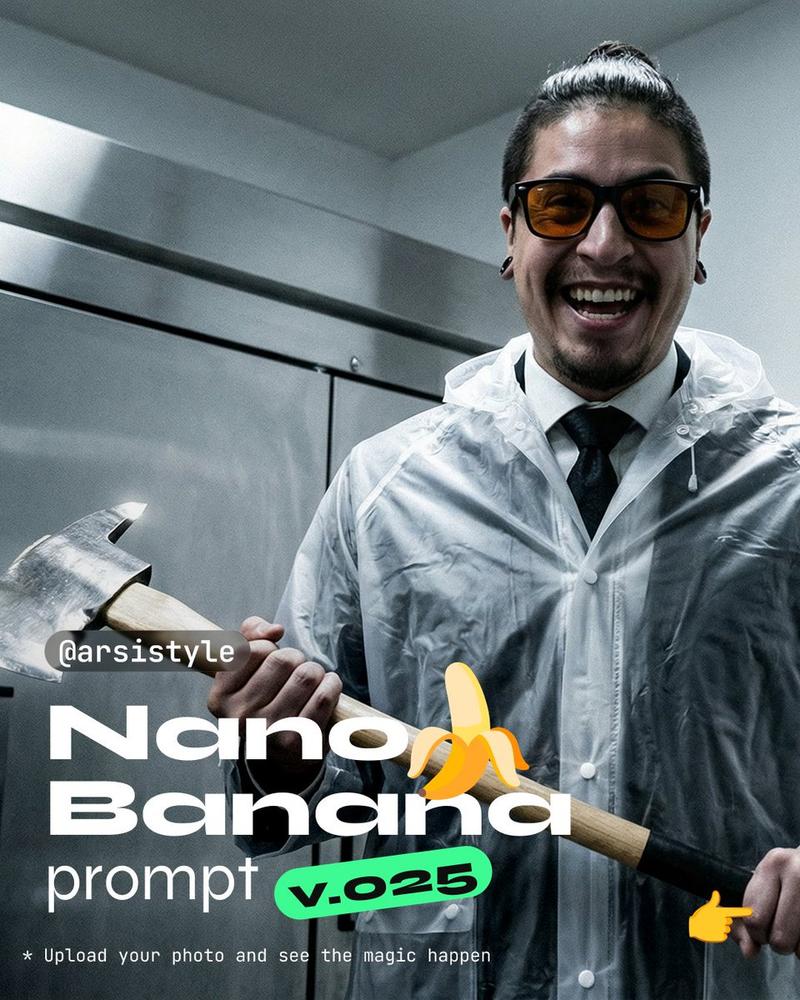
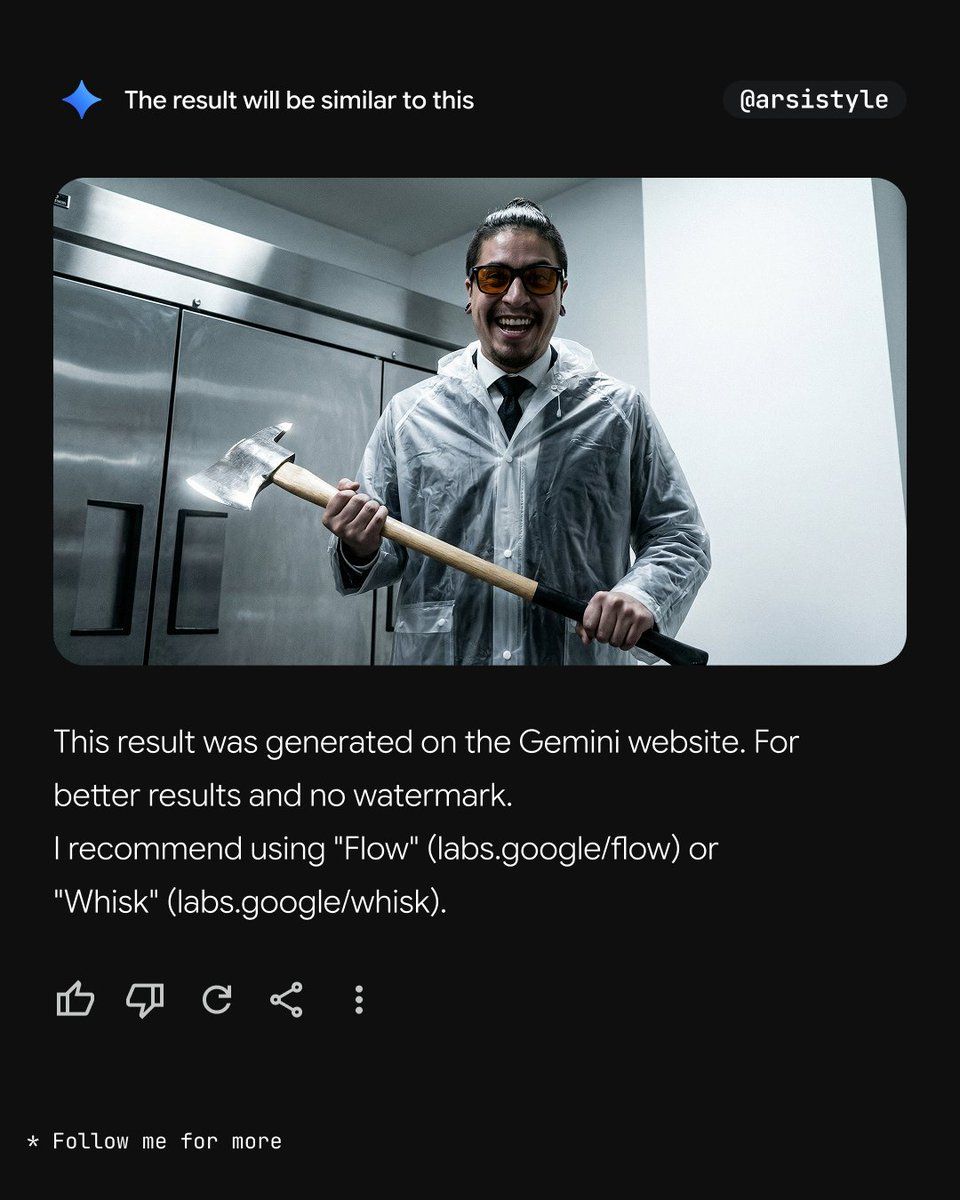
临床、高对比度、带斧头和雨衣的人像提示
Enlarge

临床、高对比度、带斧头和雨衣的人像提示

Prompt
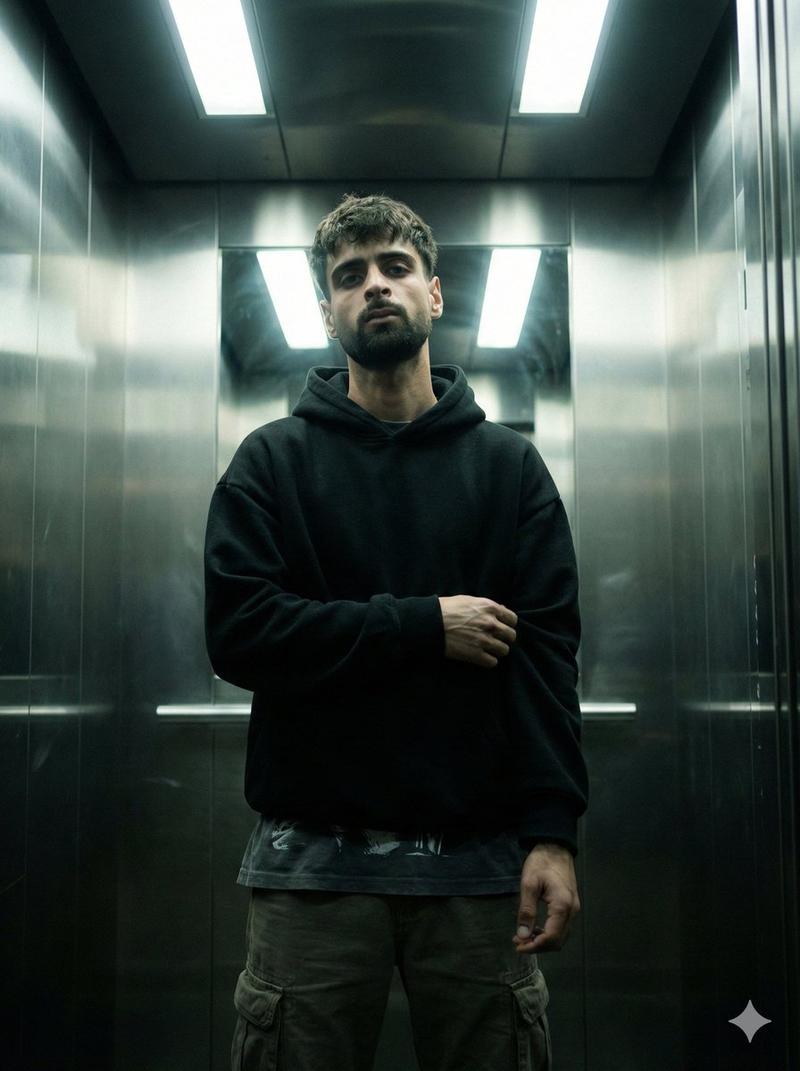
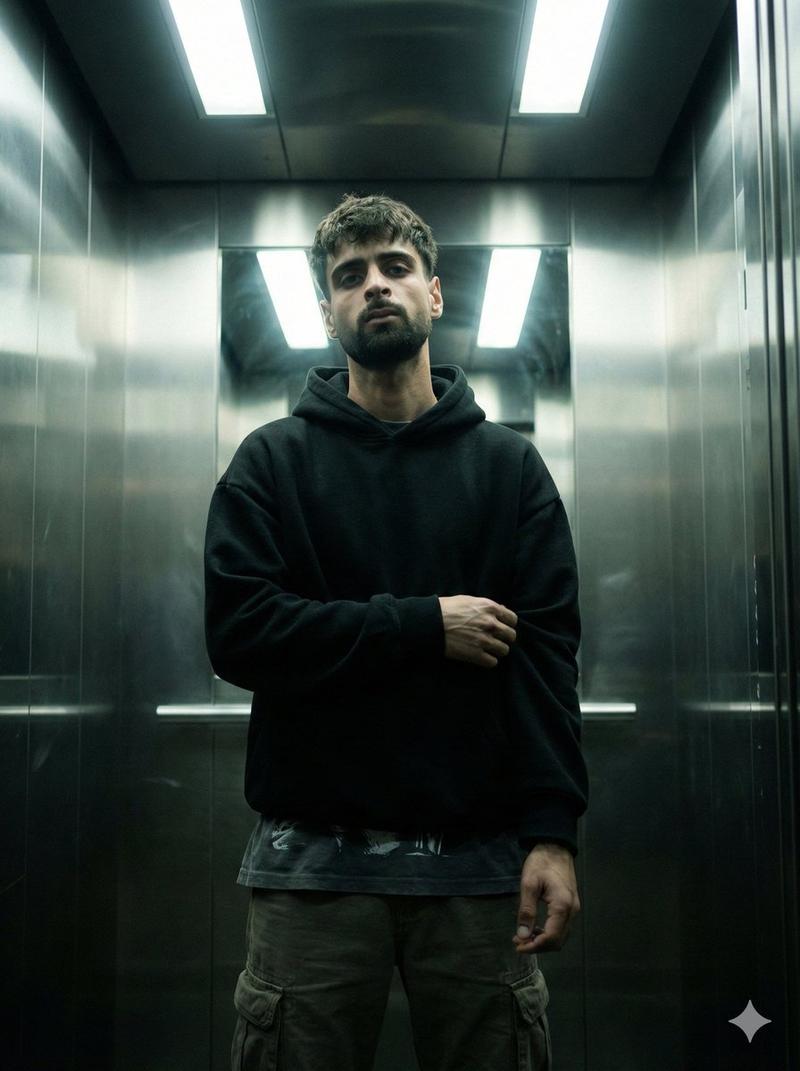
"Image from subject, medium shot, low-angle perspective looking up. Subject centered, facing forward with an intense wide-mouthed smile, holding a long-handled axe horizontally with both hands. Wearing a translucent, clear plastic raincoat over formal professional attire. Positioned in a sterile, minimalist modern interior featuring a large stainless steel appliance on one side and a stark white wall on the other. Clinical high-contrast lighting, cold desaturated color palette with steel-grey tints. Sharp digital finish with subtle film grain and highlight bloom on metallic surfaces. Artistic interpretation, prioritize the camera angle, lighting scheme, and color grading over realistic skin tones. Apply this aesthetic to the subject provided."
Category
创意图片
Model
Nano Banana Pro
Creator
Arsistyle
Views2
Source ID
31cf61e2-450c-4679-a78b-731dd164cc2f
Published
Mar 8, 2026

Guide

About "临床、高对比度、带斧头和雨衣的人像提示"

What is this prompt for?

"临床、高对比度、带斧头和雨衣的人像提示" AI image prompt for Nano Banana Pro (创意图片). 一个 Nano Banana Prompt v.025,旨在生成高度风格化、艺术化的肖像。该提示词指定了一个低角度、中景的拍摄对象,其带着灿烂的笑容,手持斧头,在无菌的现代室内,正装外穿…

The full copyable prompt and example visuals above are ready for AI image generation or one-click recreate in Picva.

How to use this prompt

  1. Step 1

    Open the prompt detail

    Review the example visuals, category, and full prompt text for "临床、高对比度、带斧头和雨衣的人像提示".

  2. Step 2

    Copy the prompt

    Copy the prompt body from this page, or load it directly in Studio.

  3. Step 3

    Pick a model (Nano Banana Pro)

    Prefer Nano Banana Pro. If you switch models, keep subject and composition and tweak style terms.

  4. Step 4

    Generate and export

    Recreate the look in Picva, or export into your workflow for editing and publishing.

FAQ

What is the "临床、高对比度、带斧头和雨衣的人像提示" prompt?
It is an AI image-generation prompt for Nano Banana Pro in the 创意图片 category. This page includes the full prompt text, example visuals, and a one-click recreate path in Picva.
How do I use this prompt to generate an image?
Copy the prompt from this page, or use Generate / Studio. Paste it into a compatible image model, or recreate the look in Picva with optional reference images.
Which model is this prompt for?
This page lists Nano Banana Pro. Most descriptive prompts also transfer to nearby image models such as GPT Image, Flux, or Midjourney with light style tweaks.
Can I use the result commercially?
You can usually copy the prompt for creation, but commercial use of the final image depends on the model terms, reference-image rights, and the generated content. Follow the source author and platform rules.