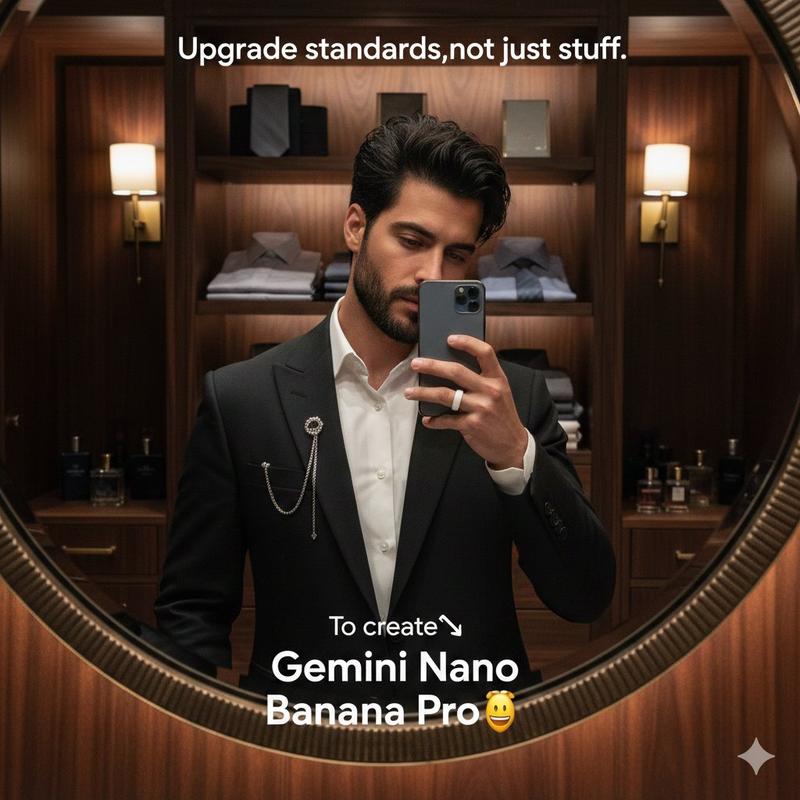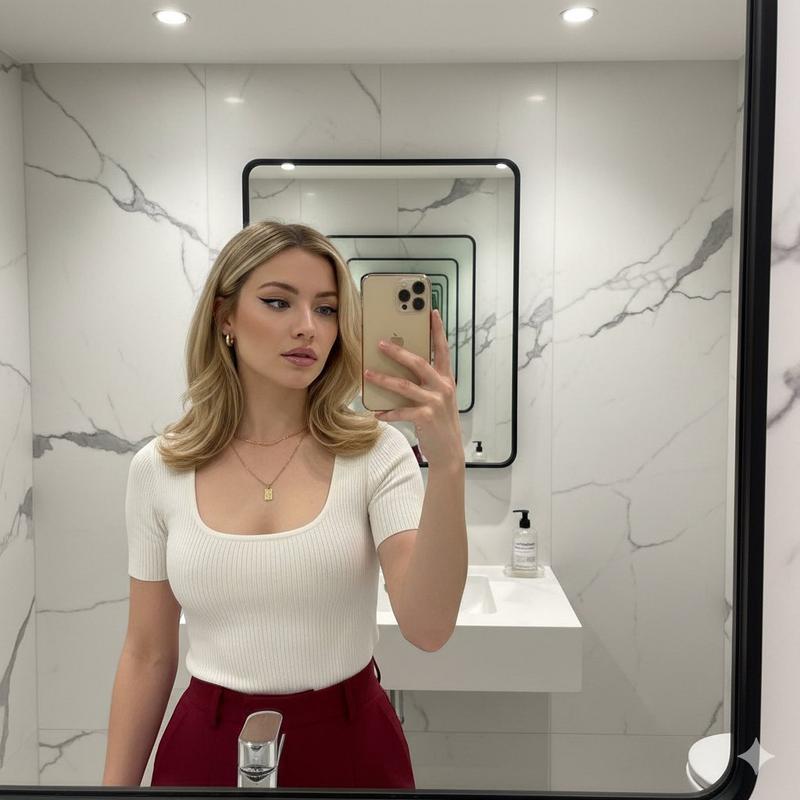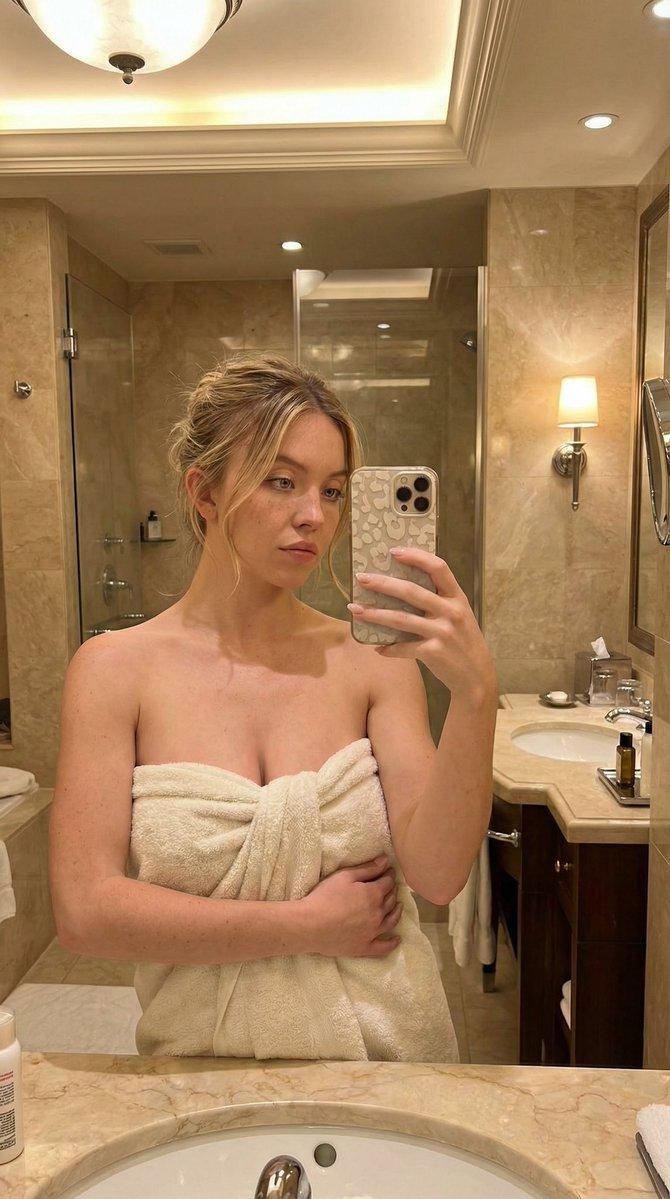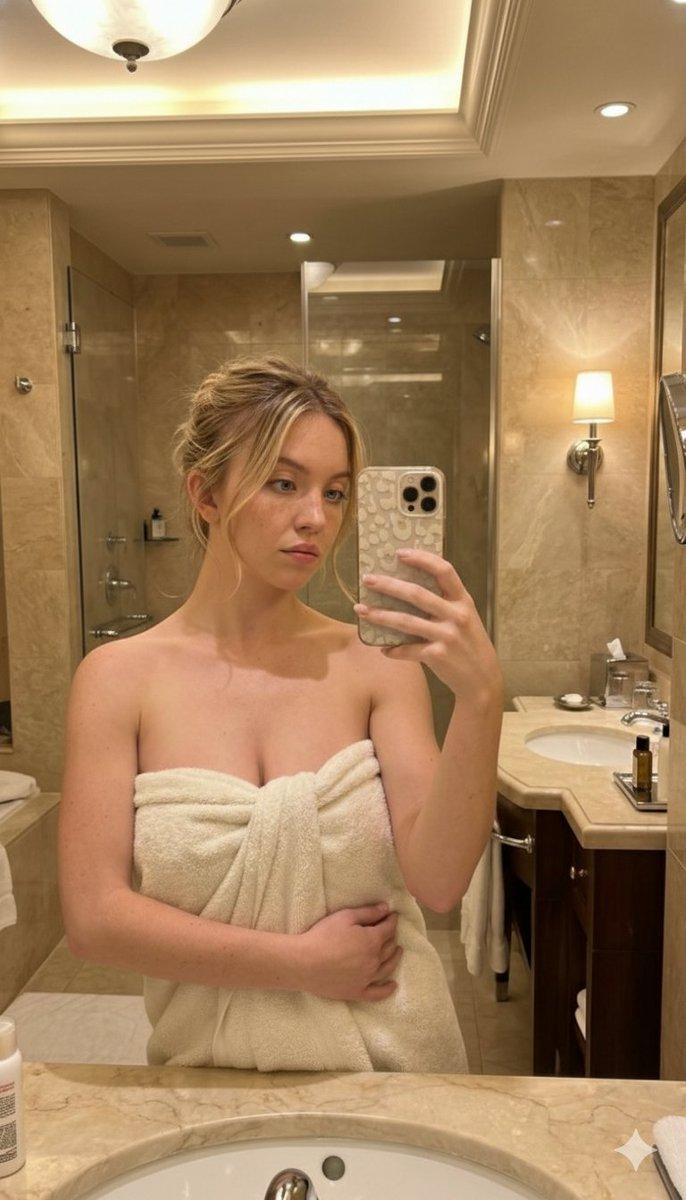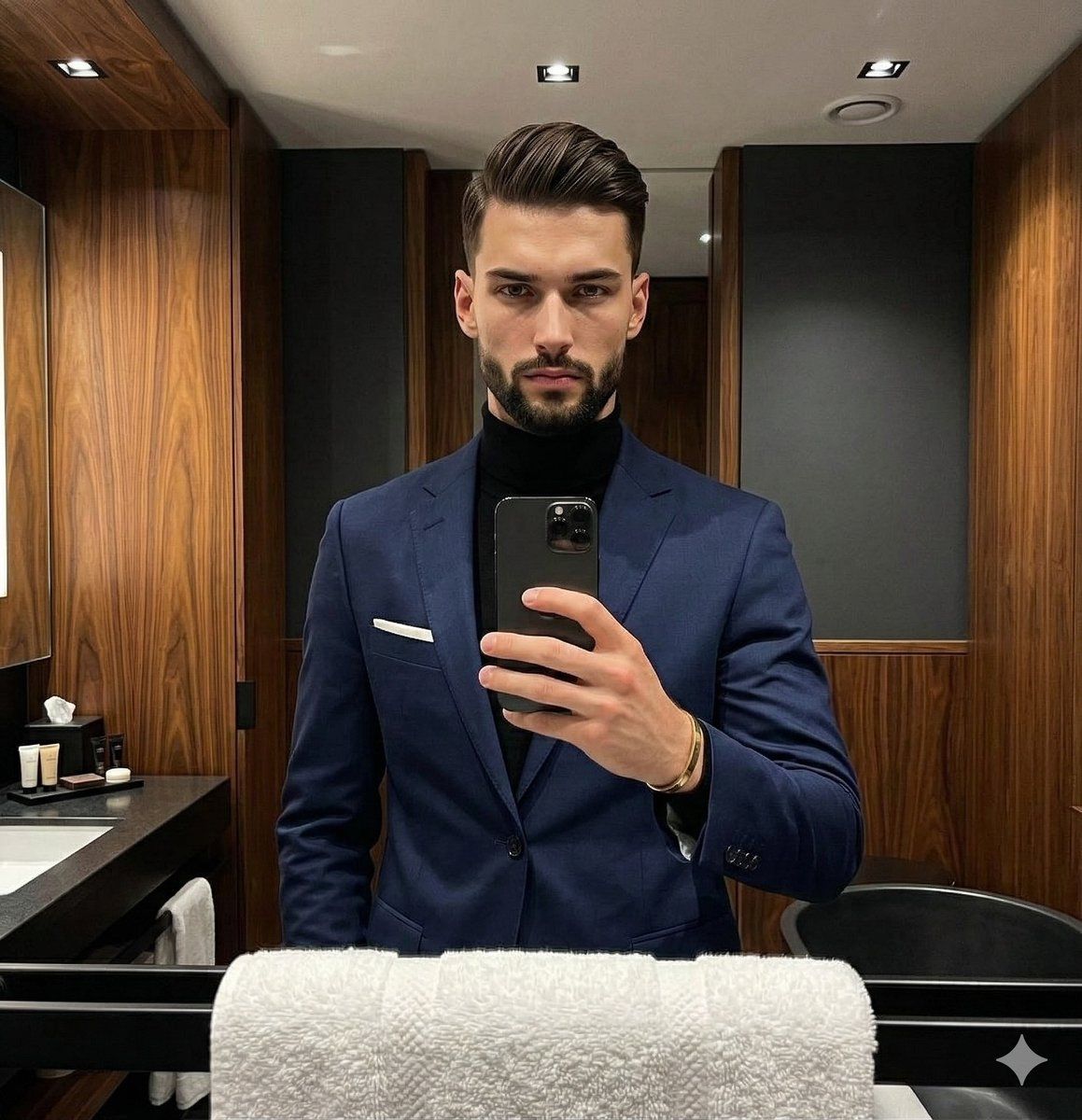
男士海军蓝西装的奢华肖像,营造忧郁氛围
Prompt
{
"metadata": {
"image_type": "photograph",
"primary_purpose": "social media"
},
"composition": {
"rule_applied": "center composition",
"aspect_ratio": "3:4",
"layout": "single subject",
"focal_points": [
"Subject's face and eyes",
"Smartphone held in right hand"
],
"visual_hierarchy": "Eye starts at the subject's brightly lit face, moves down to the phone, then across the navy suit to the contrasting white pocket square, and finally absorbs the moody background elements.",
"balance": "asymmetric"
},
"color_profile": {
"dominant_colors": [
{
"color": "Navy Blue",
"hex": "#1B263B",
"percentage": "35%",
"role": "primary subject"
},
{
"color": "Black",
"hex": "#0D0D0D",
"percentage": "30%",
"role": "accent and background"
},
{
"color": "Warm Wood Brown",
"hex": "#5C3A21",
"percentage": "20%",
"role": "background"
},
{
"color": "White",
"hex": "#FFFFFF",
"percentage": "5%",
"role": "accent"
}
],
"color_palette": "complementary",
"temperature": "warm",
"saturation": "moderate",
"contrast": "high contrast"
},
"lighting": {
"type": "artificial",
"source_count": "multiple sources",
"direction": "top",
"directionality": "highly directional",
"quality": "dramatic",
"intensity": "low-key",
"contrast_ratio": "high contrast",
"mood": "sophisticated",
"shadows": {
"type": "dramatic",
"density": "deep black",
"placement": "under subject's jaw, beneath the brow bone, casting downward on the suit",
"length": "medium"
},
"highlights": {
"treatment": "preserved",
"placement": "on forehead, nose bridge, cheekbones, hair texture, and metallic phone edges"
},
"ambient_fill": "absent",
"light_temperature": "warm"
},
"technical_specs": {
"medium": "digital photography",
"style": "realistic",
"texture": "sharp",
"sharpness": "tack sharp",
"grain": "digital noise",
"depth_of_field": "medium",
"perspective": "straight on"
},
"artistic_elements": {
"genre": "portrait",
"influences": [
"Luxury lifestyle photography",
"Modern men's fashion editorial"
],
"mood": "sophisticated",
"atmosphere": "Exclusive, quiet, modern luxury with a moody, intimate undertone.",
"visual_style": "clean"
},
"typography": {
"present": false,
"fonts": [],
"placement": "",
"integration": ""
},
"subject_analysis": {
"primary_subject": "Caucasian male wearing a navy blue tailored suit jacket over a black turtleneck.",
"positioning": "center",
"scale": "medium",
"interaction": "isolated",
"facial_expression": {
"mouth": "neutral",
"smile_intensity": "no smile",
"eyes": "intense",
"eyebrows": "neutral",
"overall_emotion": "confident",
"authenticity": "posed"
},
"hair": {
"length": "short",
"cut": "tapered",
"texture": "straight",
"texture_quality": "fine",
"natural_imperfections": "subtle flyaways on the crown, natural unevenness in the stubble",
"styling": "product-heavy",
"styling_detail": "Heavily styled, swept back with visible pomade "
}
}- Category
- 创意图片
- Model
- Nano Banana Pro
- Creator
- Picts by AI
- Source ID
- 2a55957f-7c1e-4c00-ba09-b8ec04a41925
- Published
- Mar 8, 2026
Views1