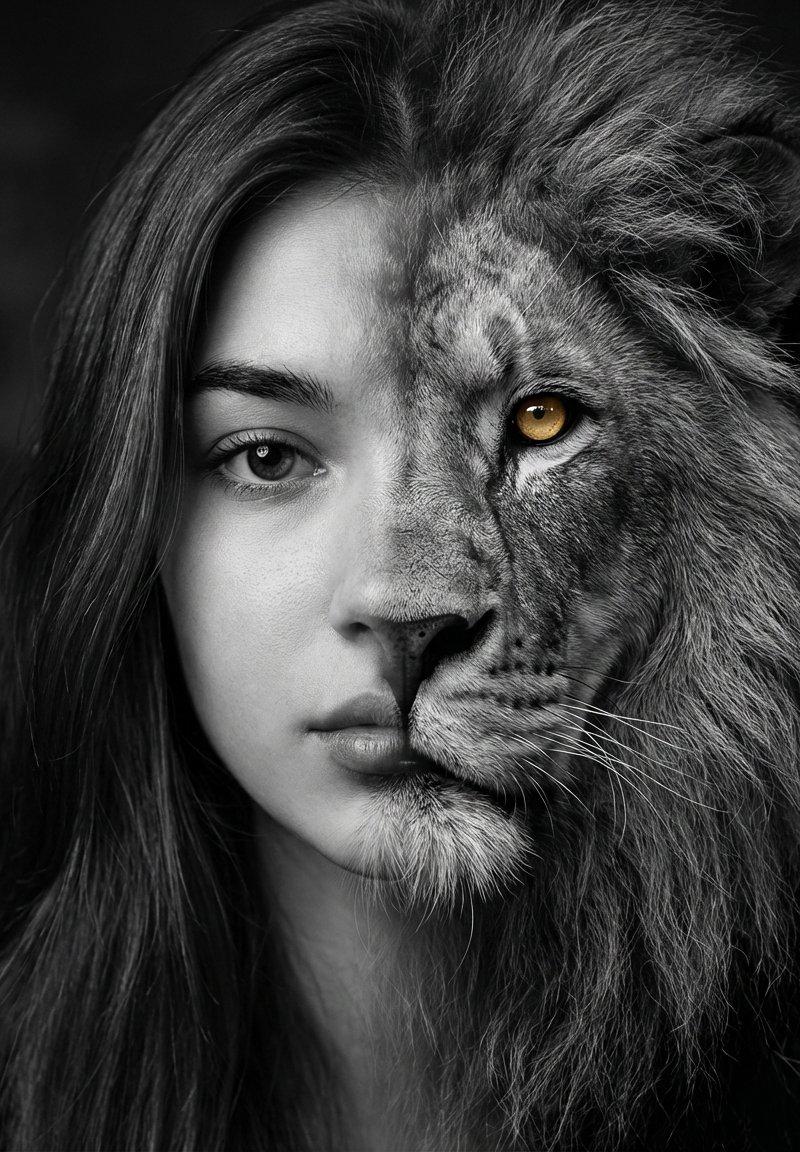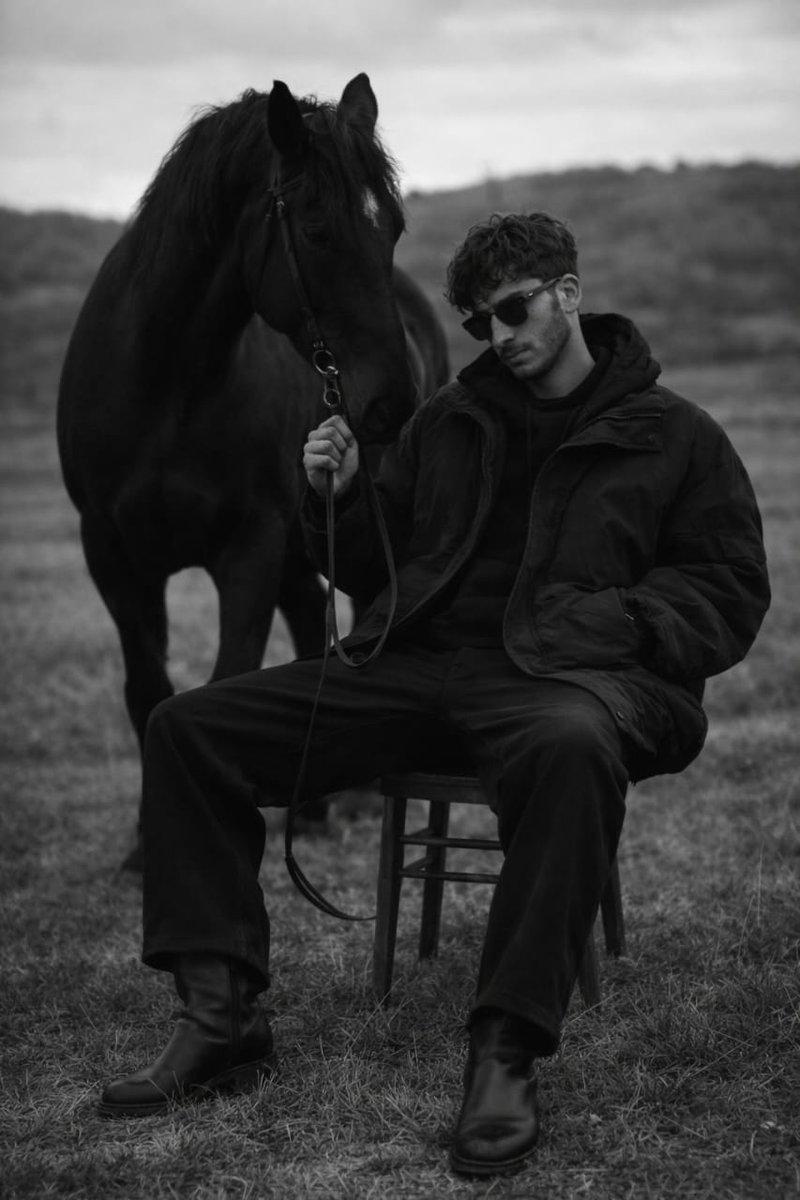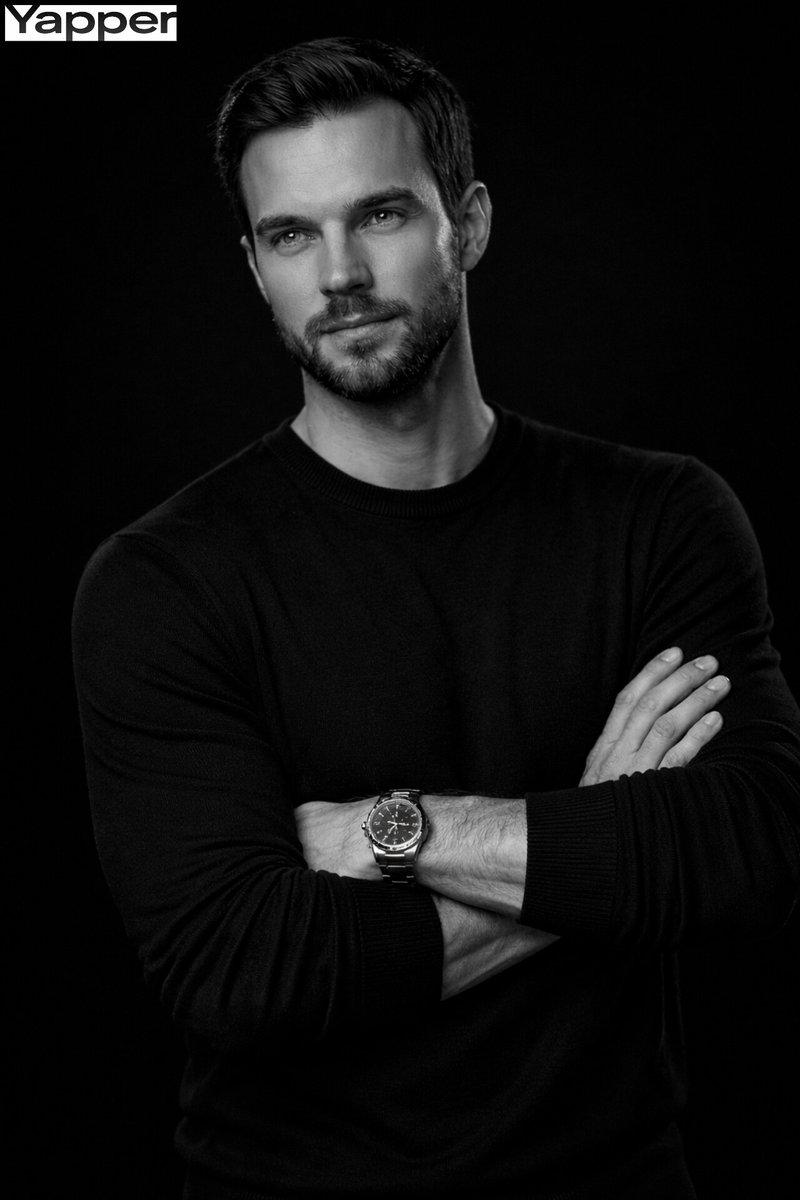
电影风格单色男性肖像
Prompt
{
  "master_prompt": {
    "scene_type": "ultra-realistic cinematic monochrome male portrait photography",

    "reference_requirement": {
      "identity_match": "precisely replicate the uploaded reference image",
      "facial_accuracy": [
        "bone structure",
        "eye shape and spacing",
        "nose proportions",
        "jawline and cheekbone structure",
        "facial symmetry",
        "hairline and hairstyle",
        "beard density if present"
      ],
      "skin_texture": "natural skin pores, fine lines, authentic texture preserved",
      "no_artificial_smoothing": true
    },

    "subject": {
      "type": "mature confident man",
      "expression": {
        "mood": "serious, calm, quietly powerful",
        "gaze": "looking directly at the camera",
        "emotion": "focused and introspective"
      }
    },

    "facial_hair": {
      "adaptive": true,
      "rules": [
        "replicate beard exactly if present",
        "match density, edges, and shape",
        "natural tonal variation including salt-and-pepper if visible"
      ],
      "clean_shaven_rule": "if clean-shaven emphasize sharp jawline and natural skin texture"
    },

    "hairstyle": {
      "adaptive": true,
      "requirement": "exact hairstyle replication from reference",
      "details": [
        "natural hair flow",
        "visible strand detail",
        "subtle highlight reflections"
      ]
    },

    "pose": {
      "style": "confident portrait pose",
      "description": [
        "head slightly angled toward camera",
        "one hand resting lightly against chin or jaw",
        "relaxed but thoughtful posture",
        "fingers naturally positioned with visible skin texture"
      ]
    },

    "lighting": {
      "style": "dramatic Rembrandt-inspired studio lighting",
      "contrast": "deep cinematic contrast",

      "key_light": {
        "position": "high above and slightly to the viewer’s right",
        "type": "large softbox or diffused studio light",
        "effect": "sculpted highlights on forehead, nose bridge, cheekbones and beard texture"
      },

      "shadow_style": [
        "soft triangular Rembrandt shadow on the cheek",
        "deep but detailed shadow side",
        "enhanced facial bone structure"
      ],

      "fill_light": {
        "intensity": "very minimal",
        "purpose": "retain subtle midtone detail without flattening contrast"
      },

      "rim_light": {
        "intensity": "subtle",
        "placement": "hairline and shoulder edge",
        "purpose": "separate subject from background"
      },

      "catchlights": {
        "type": "small natural studio reflection",
        "placement": "centered within both eyes"
      }
    },

    "background": {
      "type": "pure deep black background",
      "texture": "none",
      "light_spill": "fully absorbed"
    },

    "composition": {
      "orientation": "vertical portrait",
}- Category
- 创意图片
- Model
- Nano Banana Pro
- Creator
- Johnn
- Source language
- en
- Source ID
- 13ed1f9c-71bb-43ee-a106-6e999611b3bb
- Published
- Mar 8, 2026
Views4