增强的电影黑色仰视视角
Prompt
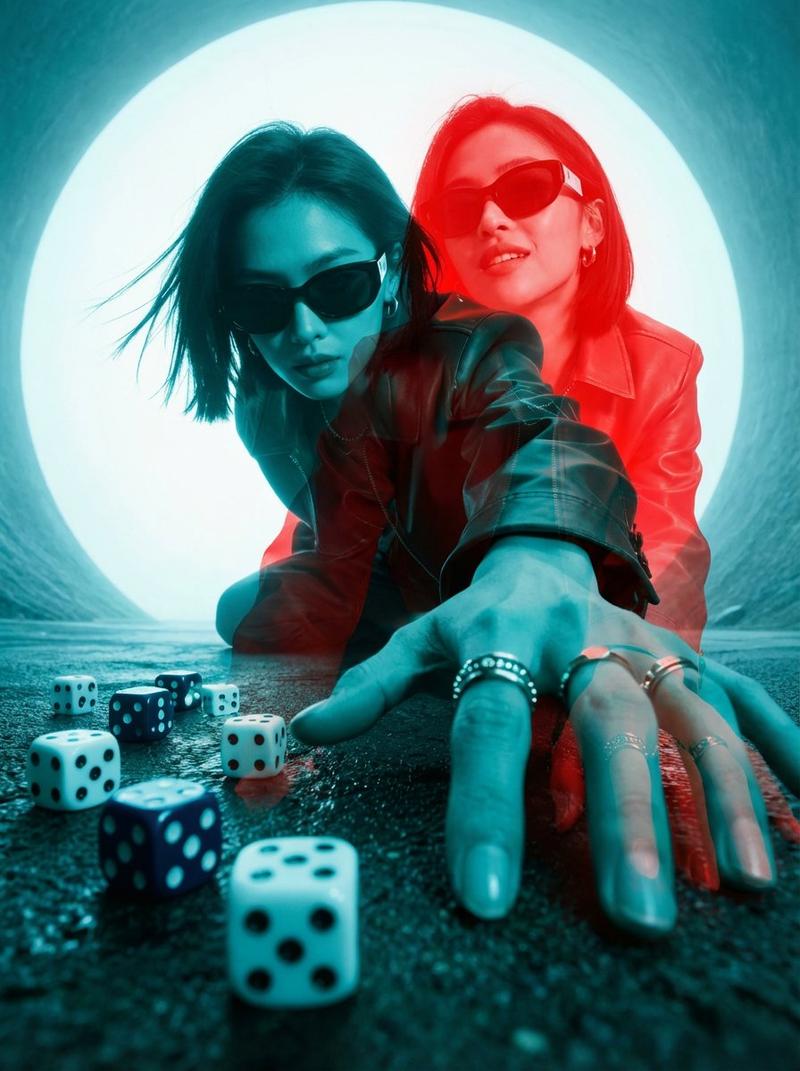
Subject & Wardrobe: A striking Asian female with a razor-sharp jet-black pixie cut (textured with pomade, asymmetrical fringe grazing her right brow), sporting matte-black oversized cat-eye sunglasses (acetate frames with micro-scratches). Her fingers are adorned with 5 silver rings: a skull signet, a serpent coil, a geometric cube, a band with etched runes, and a cracked obsidian stone. She wears a crimson vinyl bomber jacket (high-gloss, ribbed cuffs), collar popped, catching the backlight like liquid fire. Beneath, a sleeveless mesh top reveals a dragon tattoo creeping up her forearm.

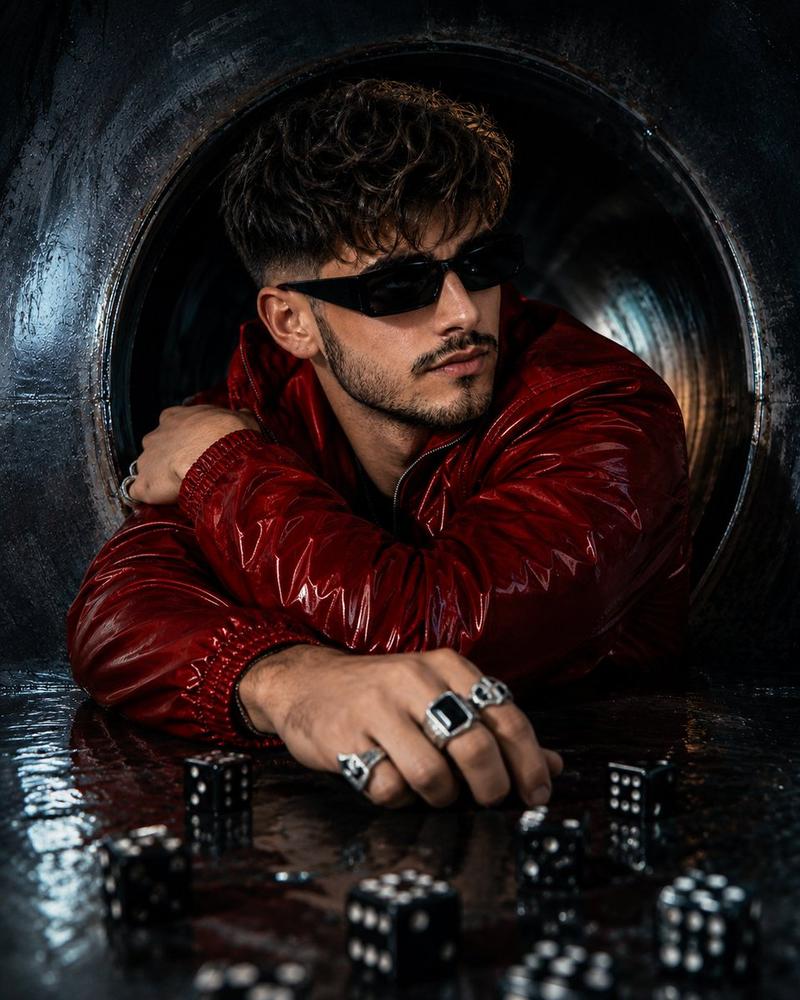
Camera & Perspective: Extreme worm's-eye view shot from inside a drainage pipe (circular, 18-inch diameter), lens positioned 6 inches above the wet ground. Forced perspective distortion makes her hand a monumental, terrifying presence—fingers elongated, knuckles massive, veins bulging. The circular frame vignettes the image, creating a keyhole peep-show effect.

Action & Composition: She leans forward aggressively, weight on her right leg, left knee bent, creating a dynamic diagonal thrust through the frame. Her right hand lunges toward camera, fingers splayed, index finger extended, casting a shadow that eclipses the dice. Her face is 3/4 obscured by the sunglasses and hair; only her pierced lower lip (silver hoop) and clenched jaw are visible, exuding predatory focus.

Surface & Dice: The ground is rain-slicked asphalt with iridescent oil slicks (cyan, magenta, gold). 12 translucent red casino dice (precision-edged, pips glowing like embers) are scattered in chaotic abandon—some stacked, some mid-roll. Water beads cling to them, refracting light. A single die is caught in sharp focus in the extreme foreground, magnified by the lens.

Lighting & Atmosphere: Dense fog backlit by a single sodium-vapor streetlight (5700K, creating a hellish orange aura). Volumetric light rays pierce the fog, haloing her jacket. Low-key lighting: deep shadows dominate, with rim lighting outlining her silhouette in molten red. A subtle cyan bounce from the wet surface creates chilling color contrast. Lens flare: anamorphic horizontal streaks and circular bokeh orbs.

Technical Specs: Shot on ARRI Alexa 65, 12mm Laowa Probe Lens (f/2. 8, 1/1000s shutter), 8K resolution, ISO 6400 for grit. Deep focus from foreground die to her face. Cinematic aspect ratio: 2. 39:1 (though can be cropped to 4:5). Shot in Log-C, graded with Teal & Orange + Neon Noir LUT.

Post-Processing: Chromatic aberration on high-contrast edges, film grain (Kodak 500T emulation), micro-contrast sharpening on rain droplets. Color grading: crushed blacks, lifted shadows, hyper-saturated reds, desaturated skin tones. Subtle vignette from the pipe's darkness.

Mood & Narrative: Neo-noir tension — a high-stakes underground gamb
- Category
- 创意图片
- Model
- Nano Banana Pro
- Creator
- ANKIT PATEL 🇮🇳 | AI
- Source ID
- 18d5d760-ce1b-4952-9ab8-d1f4e1d457b6
- Published
- Mar 8, 2026
Views6