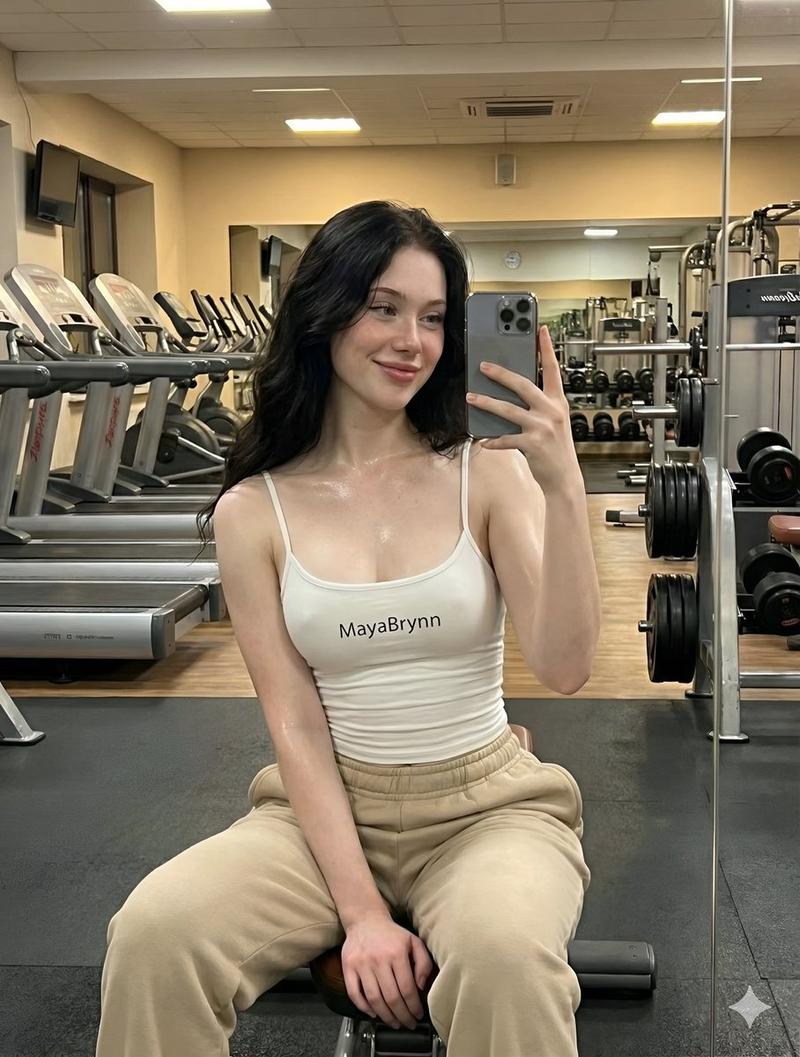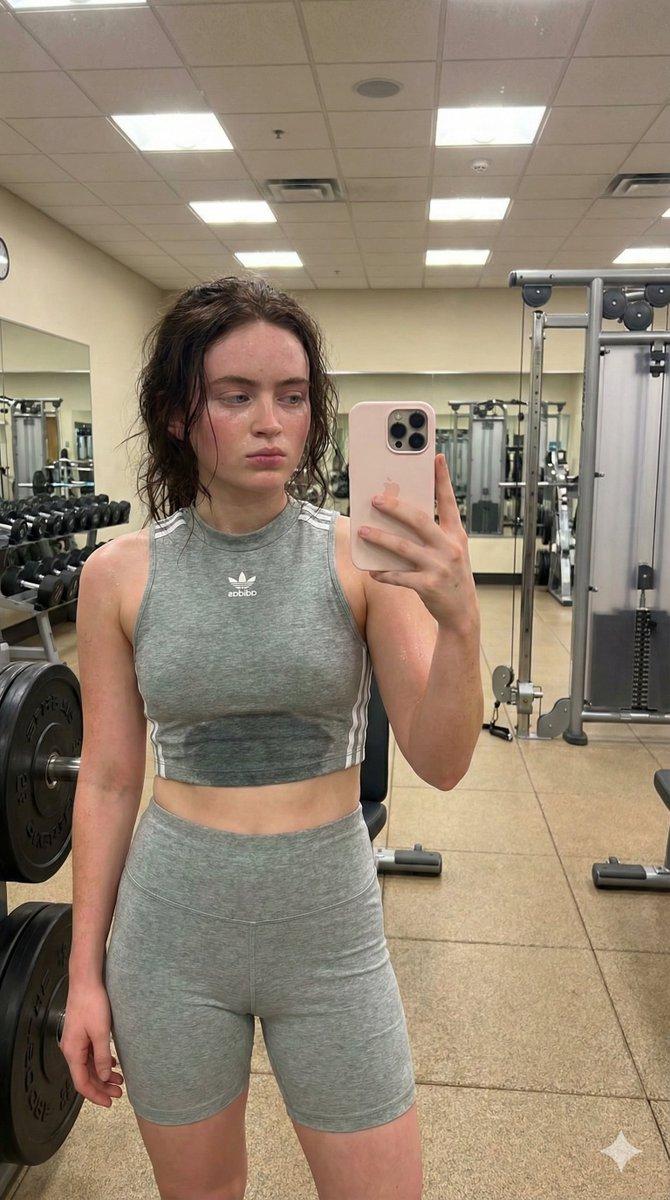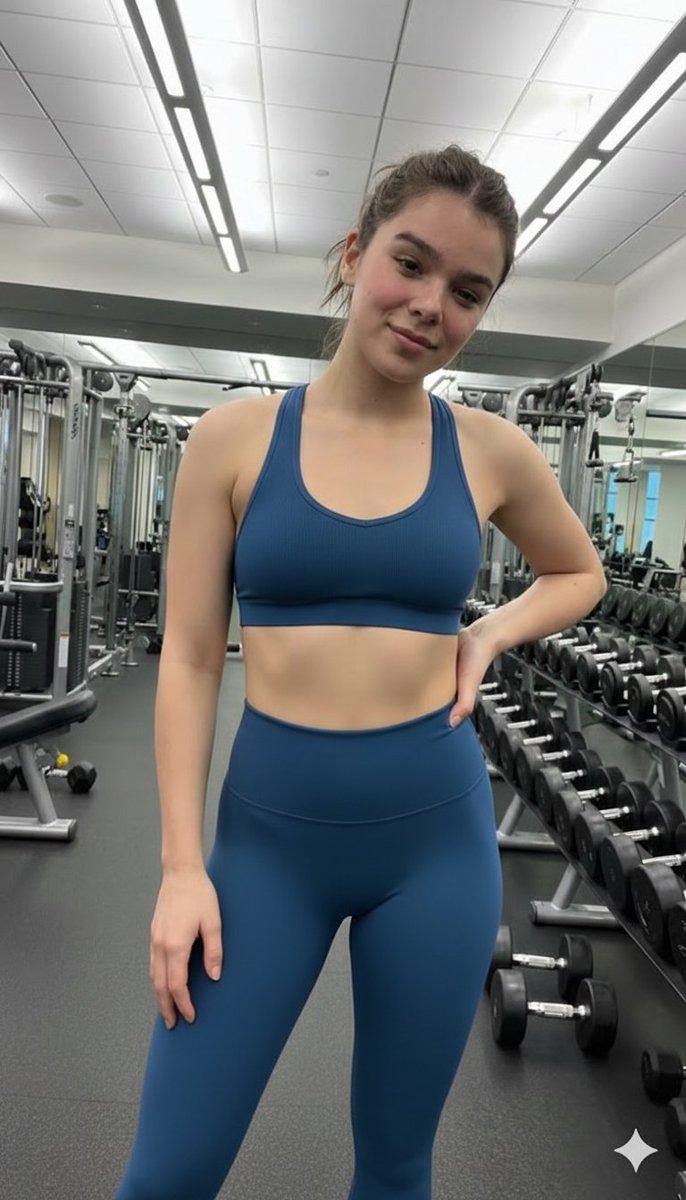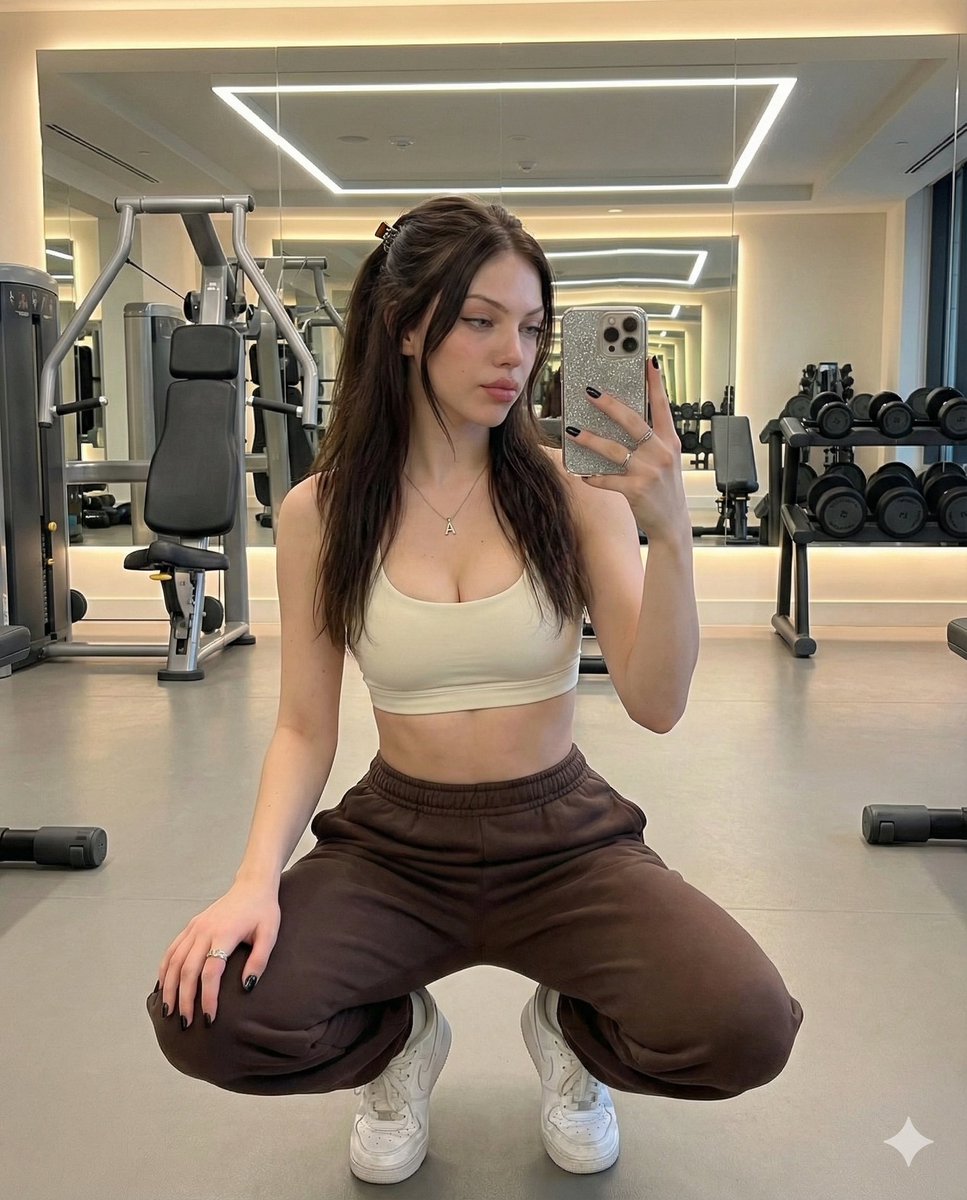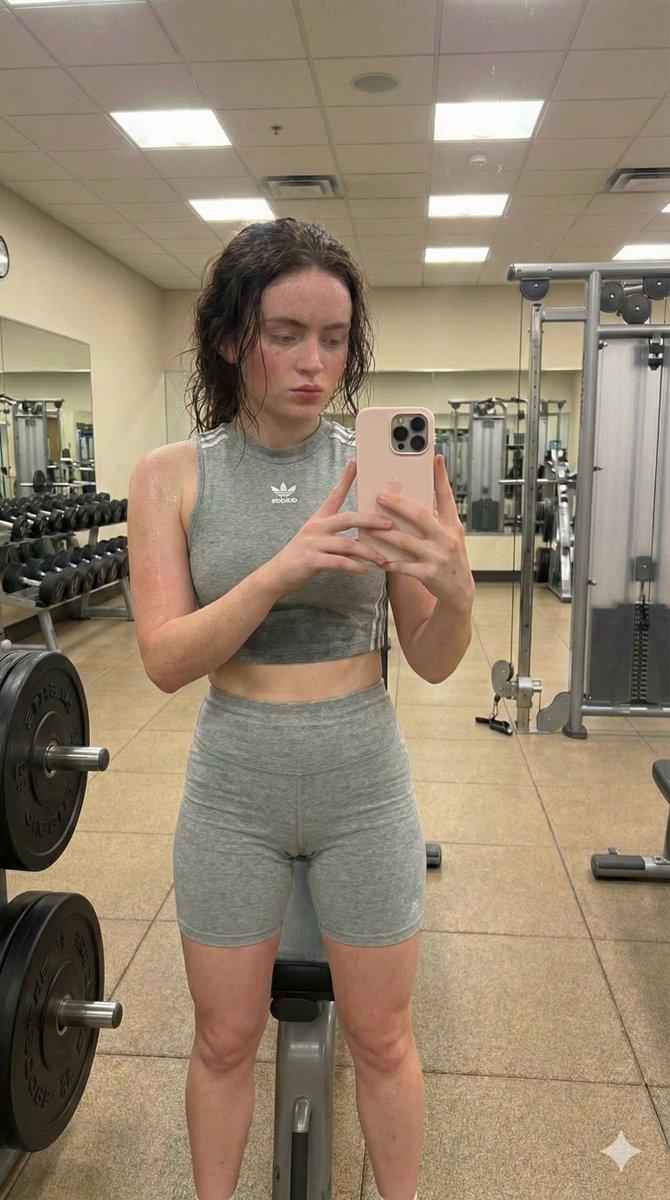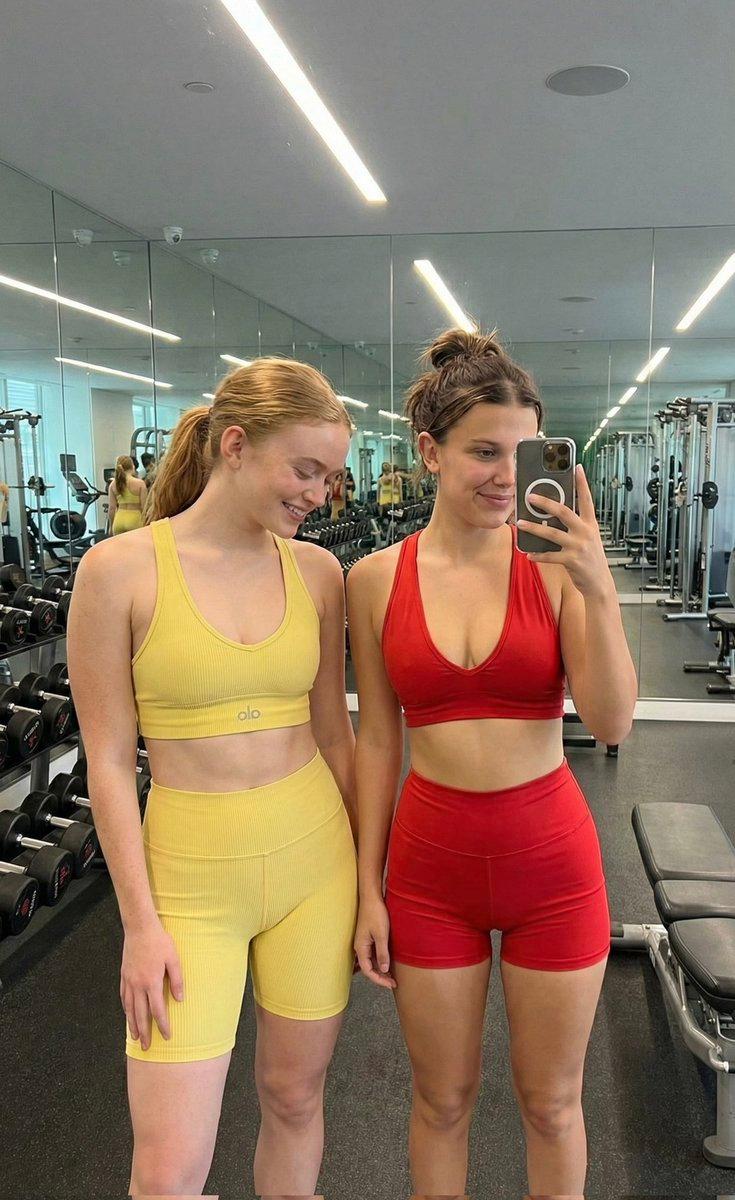
粒状健身镜自拍提示词
Prompt
{
  "project_settings": {
    "project_name": "Gym Mirror Selfie Series",
    "version": "4.0.0-granular",
    "target_model": "Stable Diffusion / Midjourney v6"
  },
  "generation_parameters": {
    "face_preservation": {
      "enabled": true,
      "method": "Reference ControlNet / IP-Adapter",
      "strictness_level": "High",
      "protected_features": [
        "facial_structure",
        "eyebrow_shape",
        "makeup_style",
        "lip_morphology",
        "hairline_fidelity"
      ]
    },
    "technical_specs": {
      "aspect_ratio": "4:5",
      "resolution": "8K",
      "orientation": "Portrait"
    }
  },
  "scene_composition": {
    "subject": {
      "demographics": {
        "gender": "Female",
        "age_group": "Young Adult"
      },
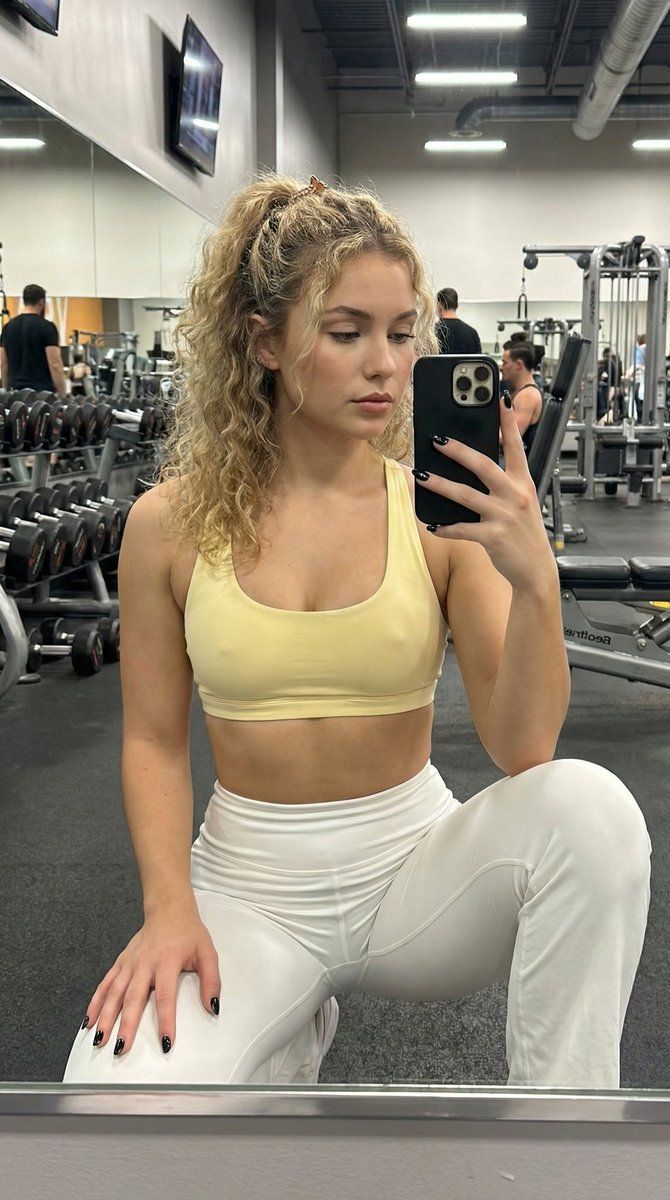
      "pose_definition": {
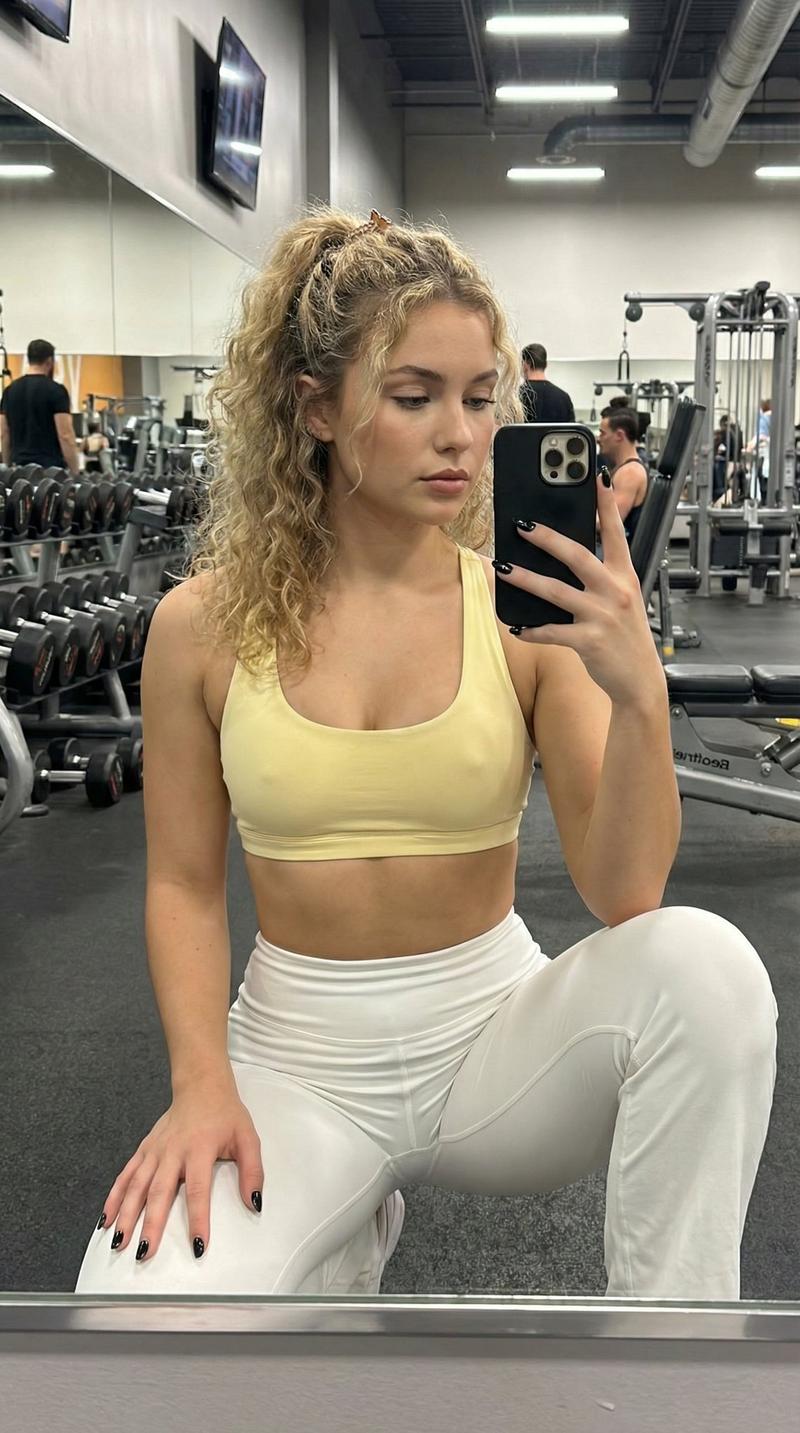
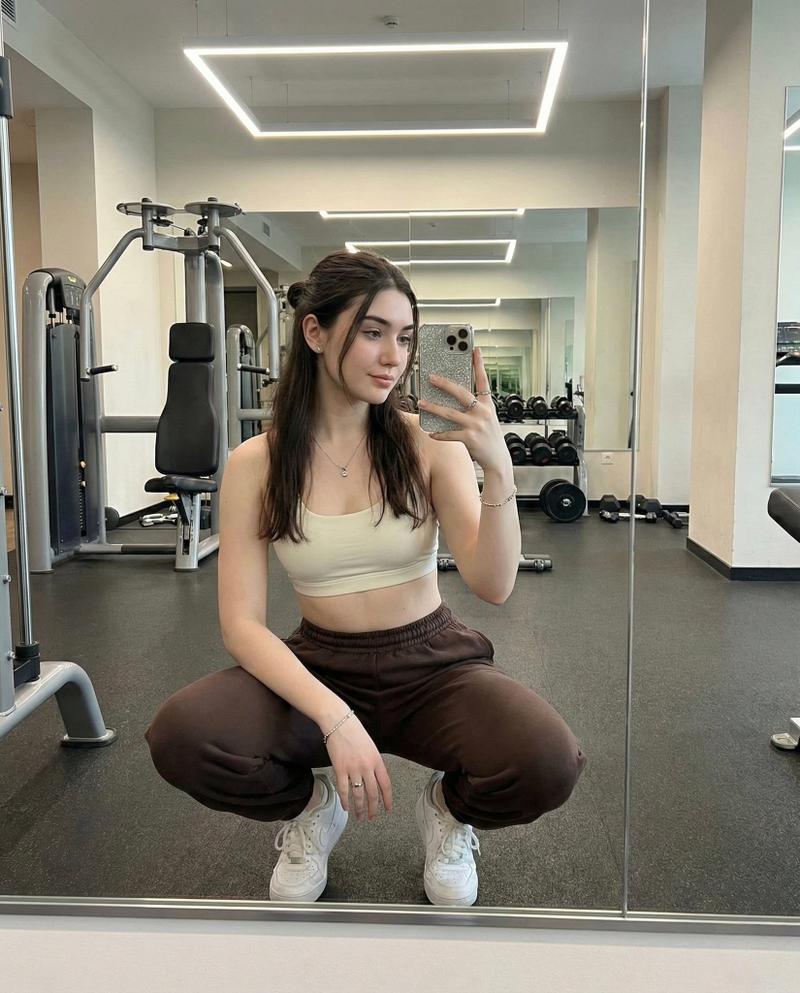
        "stance": "Squatting low",
        "leg_position": "One knee forward",
        "torso_orientation": "Leaning slightly toward mirror",
        "head_tilt": "Downward (approx 15 degrees)",
        "gaze": "Focused on phone screen",
        "hand_placement": {
          "right_hand": "Holding phone in front of face",
          "left_hand": "Resting on knee"
        }
      },
      "grooming": {
        "hair": {
          "color": "Curly blonde",
          "length": "Short",
          "style": "Half-up ponytail",
          "texture": "Smooth, Straight",
          "accessory": "Small clip"
        },
        "makeup": {
          "style": "Natural",
          "finish": "Soft matte"
        },
        "nails": {
          "color": "Black",
          "finish": "Glossy"
        }
      },
      "wardrobe": {
        "upper_body": {
          "item": "Sports Bra",
          "color": "Off-yellow",
          "fit": "Tight, form-fitting",
          "material_properties": "Slight sheen, synthetic"
        },
        "lower_body": {
          "item": "Leggings pants",
          "color": "White",
          "fit": "Loose, relaxed",
          "waist_style": "High-waisted"
        },
        "footwear": {
          "item": "Sneakers",
          "color": "Red",
          "style": "Chunky/Sporty"
        },
        "jewelry": [
          { "type": "Necklace", "material": "Silver" },
          { "type": "Bracelet", "material": "Silver" },
          { "type": "Rings", "material": "Silver" }
        ]
      }
    },
    "props": {
      "primary_device": {
        "type": "Apple Smartphone",
        "case_texture": "Glitter",
        "case_color": "Silver",
        "holding_angle": "Vertical"
      }
    },
    "environment": {
      "location_type": "Indoor Gym",
      "architecture": {
        "walls": "Full-height mirrors",
        "flooring": "Wood-textured gym floor"
      },
      "background_elements": [
        "Chest press machine",
        "Blurred gym equipment"
      ]
    },
    "lighting_and_atmosphere": {
"primary_source": "Soft ove"- Category
- 创意图片
- Model
- Nano Banana Pro
- Creator
- KeorUnreal
- Source ID
- 2f6579e8-c369-4abb-8c4b-3caae5f04eb9
- Published
- Mar 8, 2026
Views0