20

电影时尚肖像提示
Enlarge

电影时尚肖像提示

Prompt
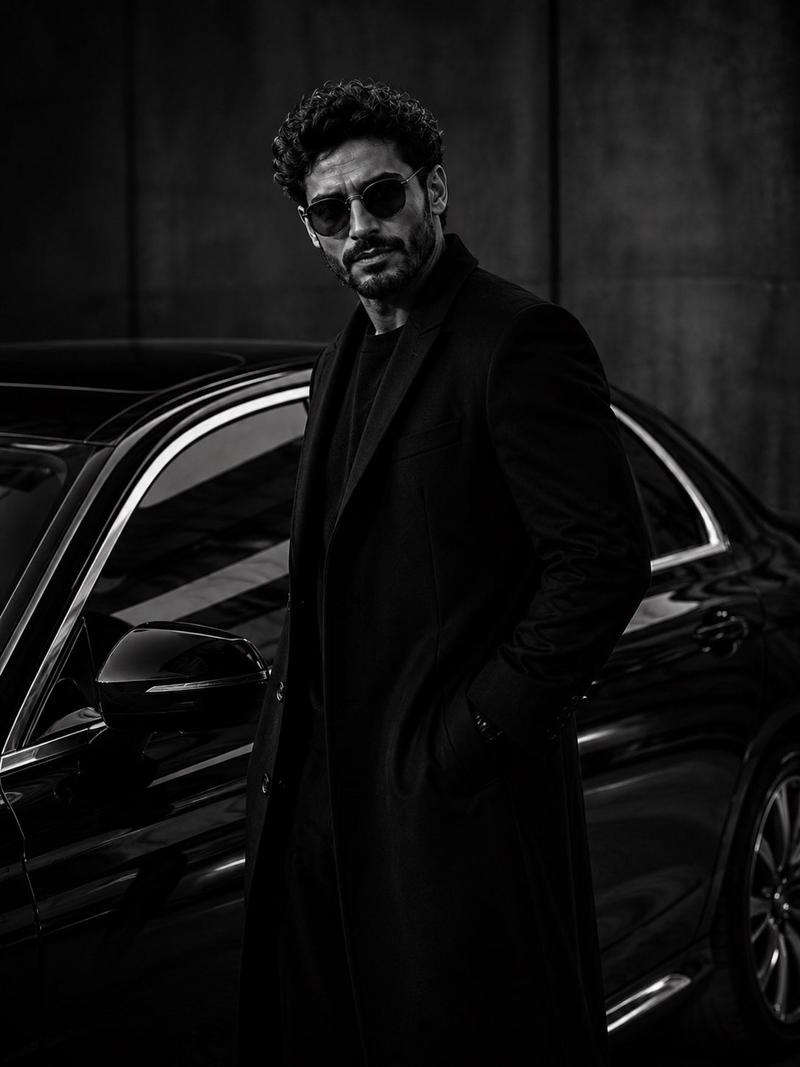
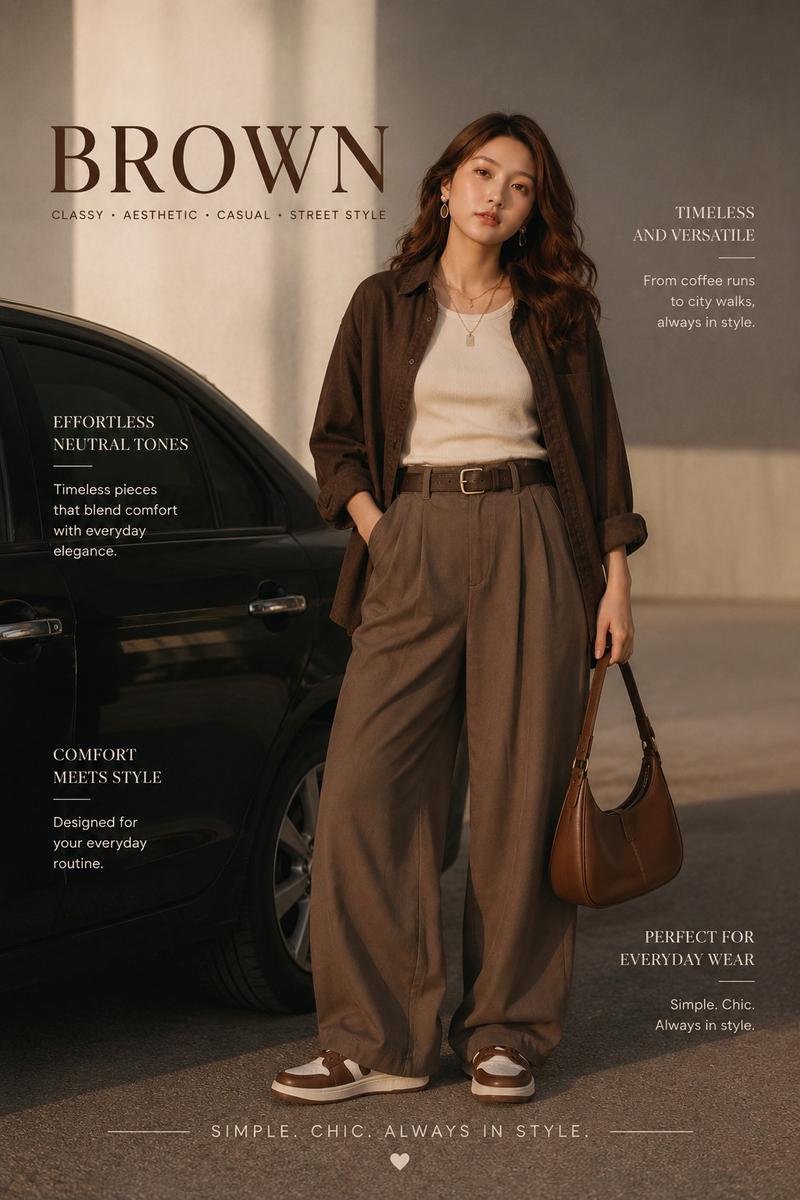
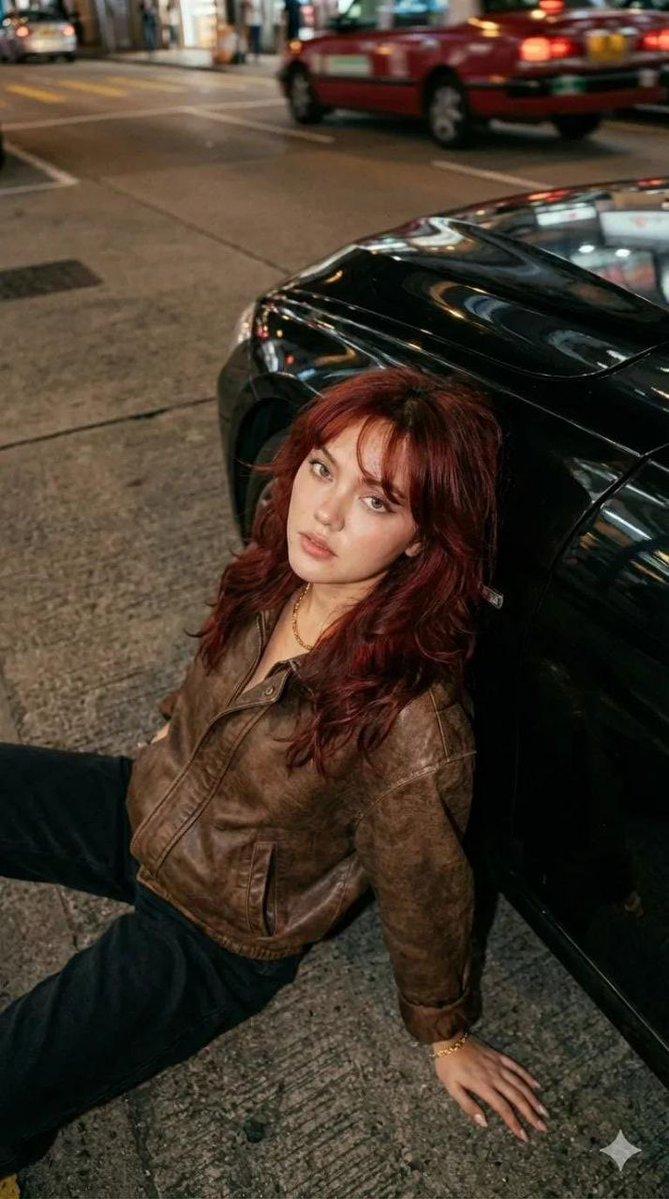
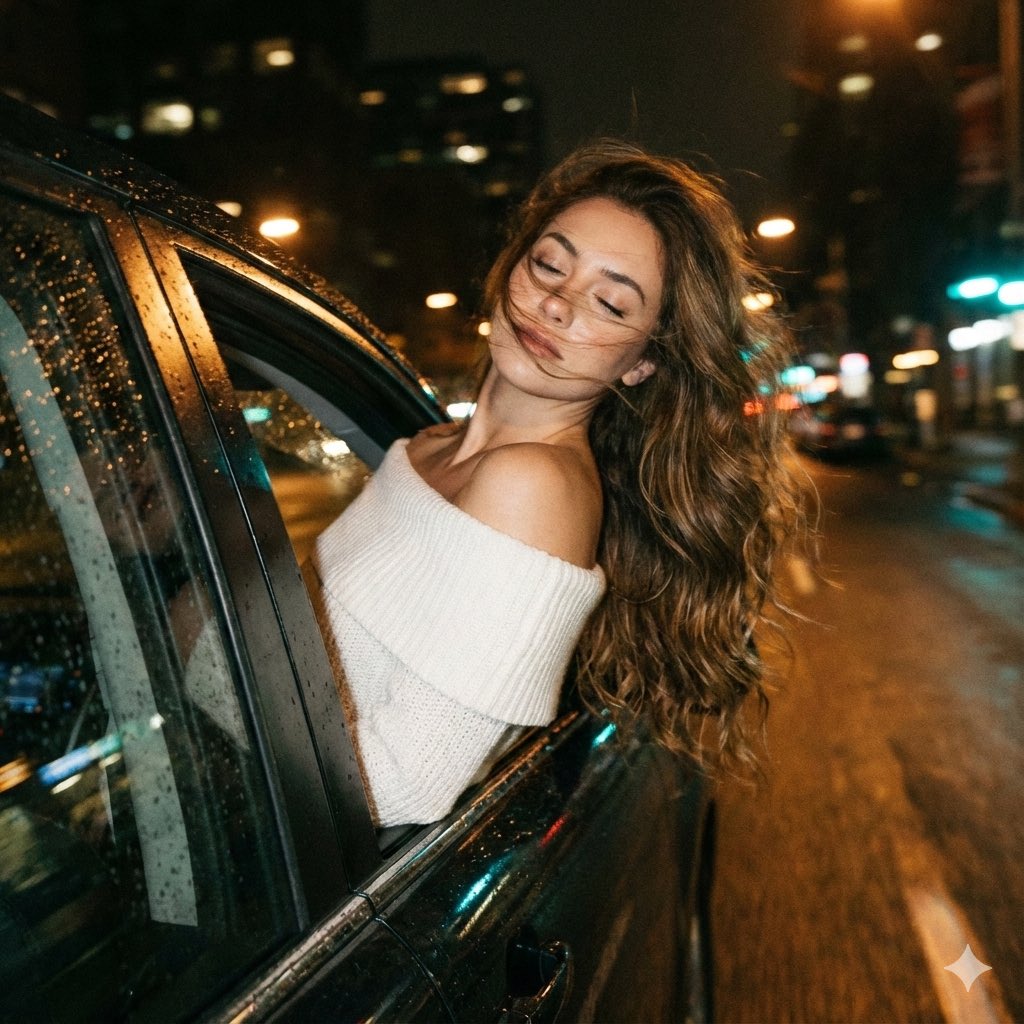
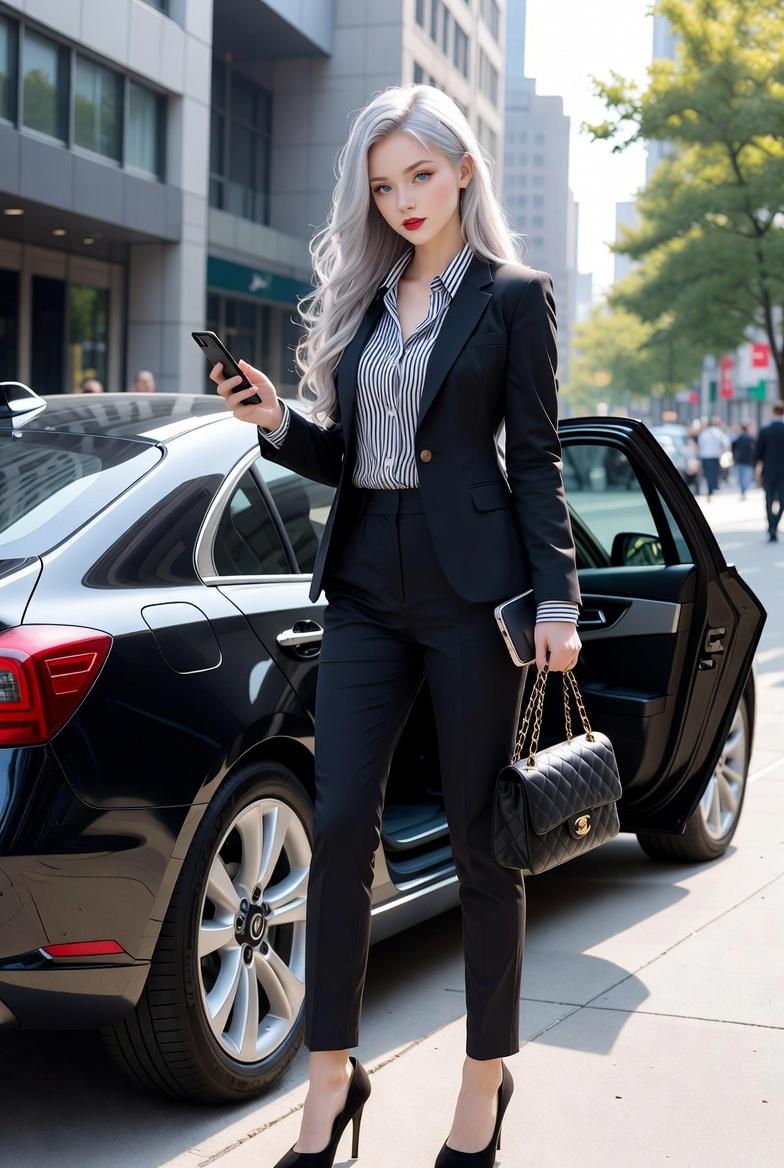
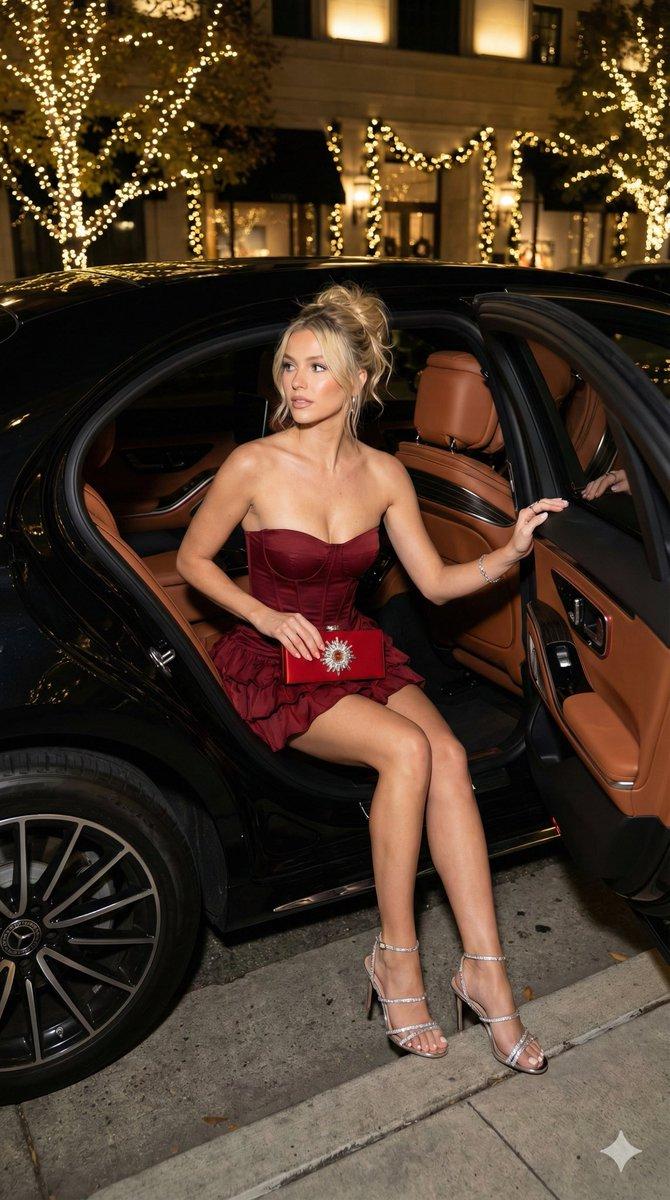
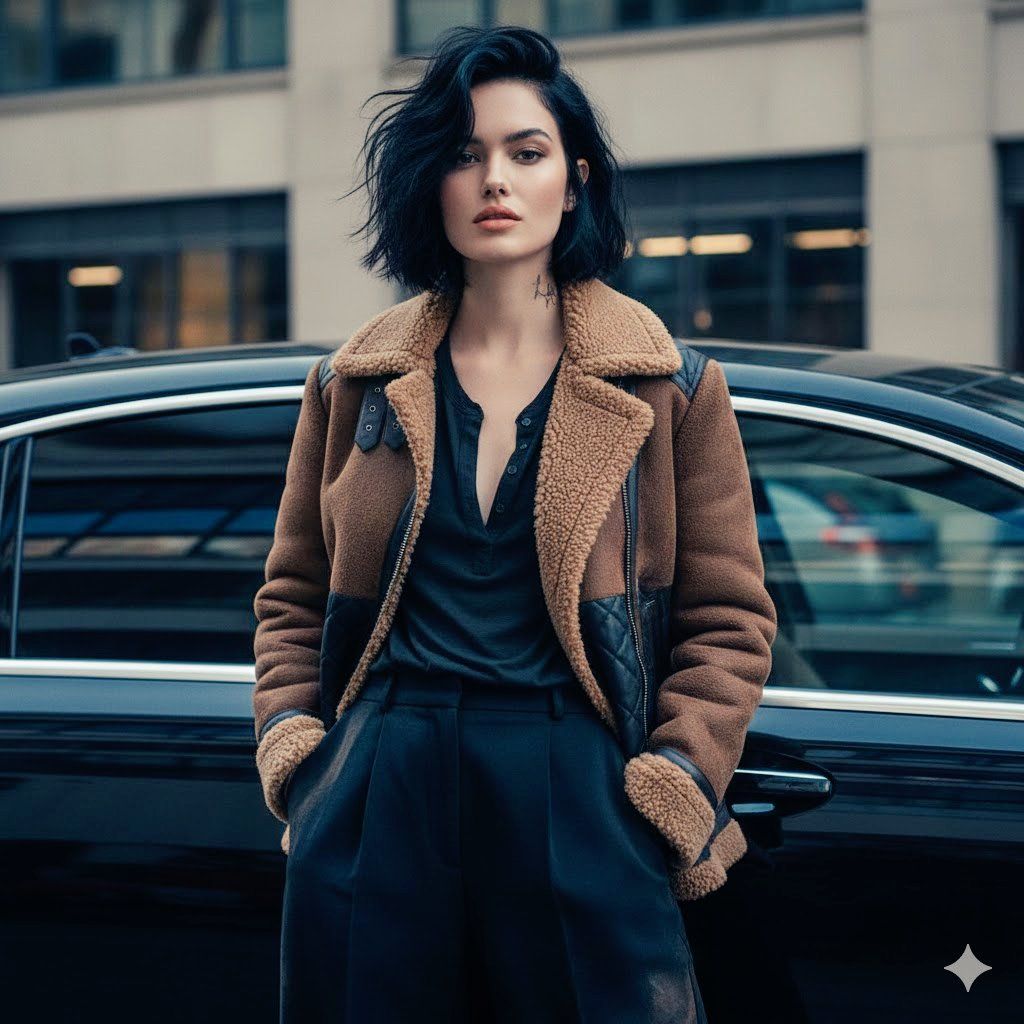
A ultra-realistic 8K cinematic fashion portrait of a woman with short, soft-textured black hair, edgy and elegant. She wears a brown shearling jacket with black quilted details, a dark, slightly open-chested t-shirt, and loose-fitting black pants with earthy tones. Her forward-leaning pose with a focused gaze creates the impression of a high-end magazine editorial. Her long, dark brown hair, healthy waves, flawless peach lip makeup, and a tattoo on her neck.

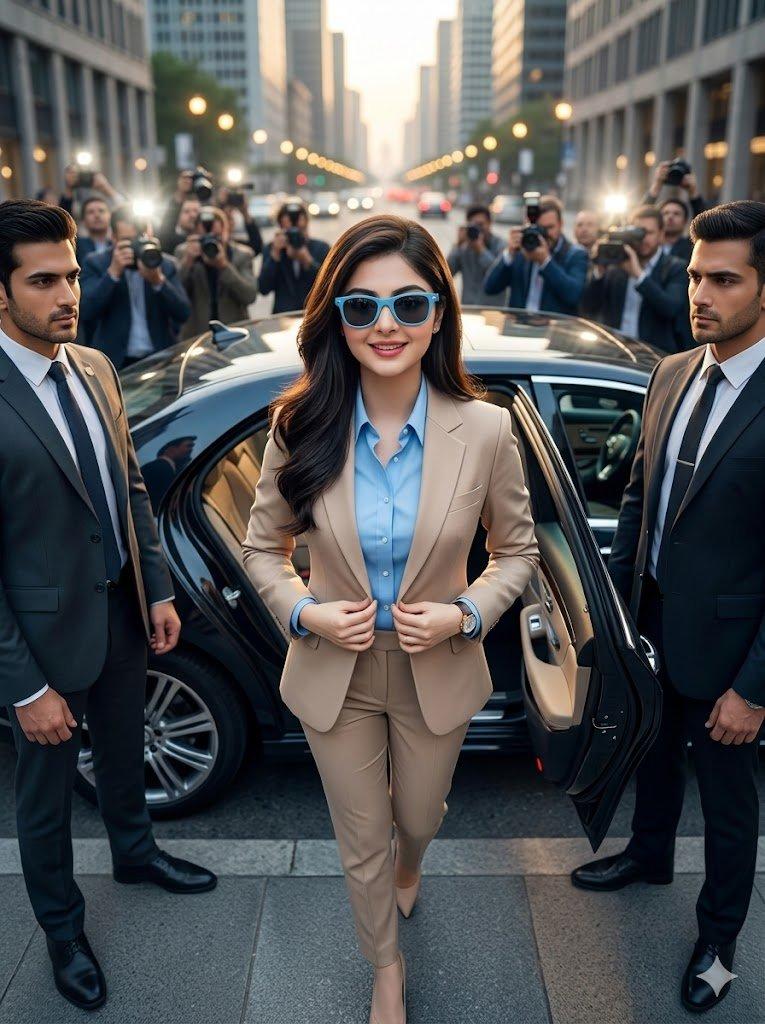
The backdrop of a glossy black car adds dramatic reflections and a touch of urban elegance. The soft, film-like lighting, muted and cool-toned colors, subtle depth of field, and the texture of the fabric and shearling fur are highly visible. The mood is expensive, modern, and minimalist, like a premium brand catalog shoot. The face remains unchanged.
Category
创意图片
Model
Nano Banana Pro
Creator
Anissa
Views0
Source ID
44fed3b2-4c53-4552-85c1-482285fc6fd8
Published
Mar 8, 2026

Guide

About "电影时尚肖像提示"

What is this prompt for?

"电影时尚肖像提示" AI image prompt for Nano Banana Pro (创意图片). 一个高度详细的提示,用于生成一张超逼真的 8K 电影级时尚肖像,描绘一位短黑发、穿着羊毛夹克的时尚女性,她站在一辆亮黑色汽车前,强调纹理、柔和的色彩和高端杂志社论的氛围。 --- 一张超逼真的 8K 电影级时…

The full copyable prompt and example visuals above are ready for AI image generation or one-click recreate in Picva.

How to use this prompt

  1. Step 1

    Open the prompt detail

    Review the example visuals, category, and full prompt text for "电影时尚肖像提示".

  2. Step 2

    Copy the prompt

    Copy the prompt body from this page, or load it directly in Studio.

  3. Step 3

    Pick a model (Nano Banana Pro)

    Prefer Nano Banana Pro. If you switch models, keep subject and composition and tweak style terms.

  4. Step 4

    Generate and export

    Recreate the look in Picva, or export into your workflow for editing and publishing.

FAQ

What is the "电影时尚肖像提示" prompt?
It is an AI image-generation prompt for Nano Banana Pro in the 创意图片 category. This page includes the full prompt text, example visuals, and a one-click recreate path in Picva.
How do I use this prompt to generate an image?
Copy the prompt from this page, or use Generate / Studio. Paste it into a compatible image model, or recreate the look in Picva with optional reference images.
Which model is this prompt for?
This page lists Nano Banana Pro. Most descriptive prompts also transfer to nearby image models such as GPT Image, Flux, or Midjourney with light style tweaks.
Can I use the result commercially?
You can usually copy the prompt for creation, but commercial use of the final image depends on the model terms, reference-image rights, and the generated content. Follow the source author and platform rules.