14

电影幕后 VFX 艺术家提示
Enlarge

电影幕后 VFX 艺术家提示

Prompt
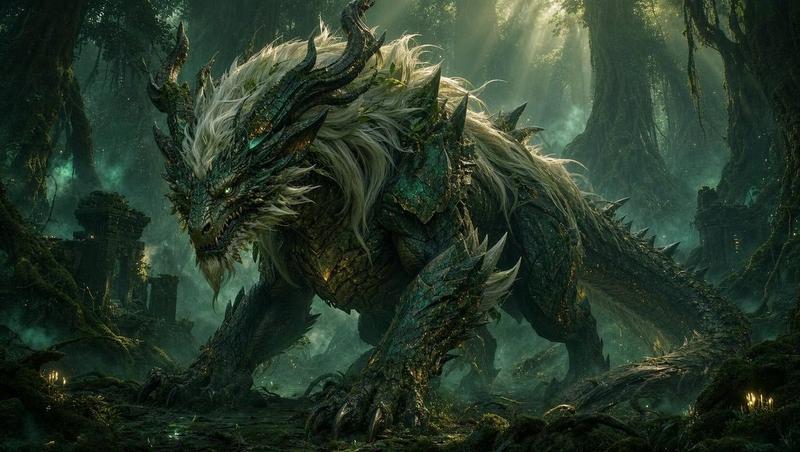
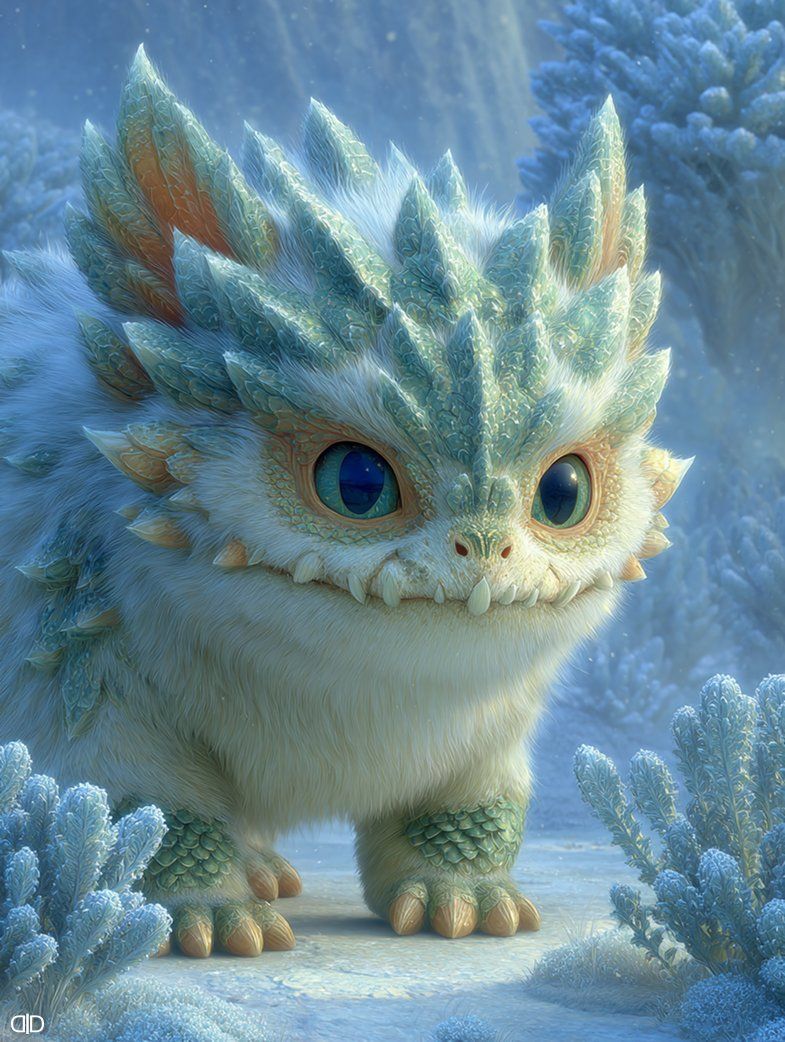
A photorealistic, cinematic behind-the-scenes shot of two male special effects artists sitting in canvas director chairs giving an interview. They are gesturing enthusiastically. In the foreground, professional film cameras and a boom mic are visible, framing the shot. Next to the men is a workbench covered in the disassembled animatronic parts of a fantasy creature (a fluffy white beast with teal icy scales and large blue eyes), showing internal servos, cabling, and the detached head. Behind them is a large presentation easel displaying complex, hand-drawn technical schematics and engineering notes in black marker. Studio lighting, sharp focus, 8k resolution, documentary style.
Category
创意图片
Model
Nano Banana Pro
Views0
Source ID
ac814371-5f2c-47fe-bfb9-db884a4a16a5
Published
Mar 8, 2026

Guide

About "电影幕后 VFX 艺术家提示"

What is this prompt for?

"电影幕后 VFX 艺术家提示" AI image prompt for Nano Banana Pro (创意图片). 一个超逼真的电影级提示,用于生成一张幕后照片:两名男性特效师正在接受采访,画面中包含专业的电影设备、一个摆满了奇幻生物拆解后的机械动画部件的工作台,以及画架上的技术示意图。 --- 一张电影级的写…

The full copyable prompt and example visuals above are ready for AI image generation or one-click recreate in Picva.

How to use this prompt

  1. Step 1

    Open the prompt detail

    Review the example visuals, category, and full prompt text for "电影幕后 VFX 艺术家提示".

  2. Step 2

    Copy the prompt

    Copy the prompt body from this page, or load it directly in Studio.

  3. Step 3

    Pick a model (Nano Banana Pro)

    Prefer Nano Banana Pro. If you switch models, keep subject and composition and tweak style terms.

  4. Step 4

    Generate and export

    Recreate the look in Picva, or export into your workflow for editing and publishing.

FAQ

What is the "电影幕后 VFX 艺术家提示" prompt?
It is an AI image-generation prompt for Nano Banana Pro in the 创意图片 category. This page includes the full prompt text, example visuals, and a one-click recreate path in Picva.
How do I use this prompt to generate an image?
Copy the prompt from this page, or use Generate / Studio. Paste it into a compatible image model, or recreate the look in Picva with optional reference images.
Which model is this prompt for?
This page lists Nano Banana Pro. Most descriptive prompts also transfer to nearby image models such as GPT Image, Flux, or Midjourney with light style tweaks.
Can I use the result commercially?
You can usually copy the prompt for creation, but commercial use of the final image depends on the model terms, reference-image rights, and the generated content. Follow the source author and platform rules.