19

咖啡店生活风肖像的 JSON 提示词
Enlarge

咖啡店生活风肖像的 JSON 提示词

Prompt
{
  "model": "image-generation-model",
  "inputs": {
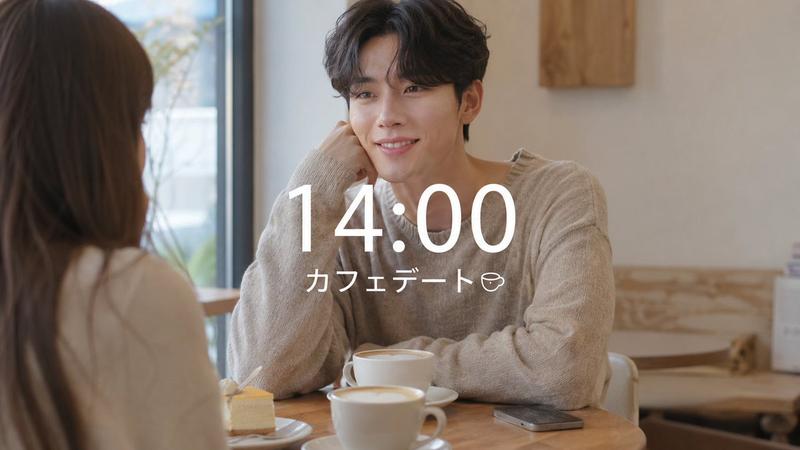
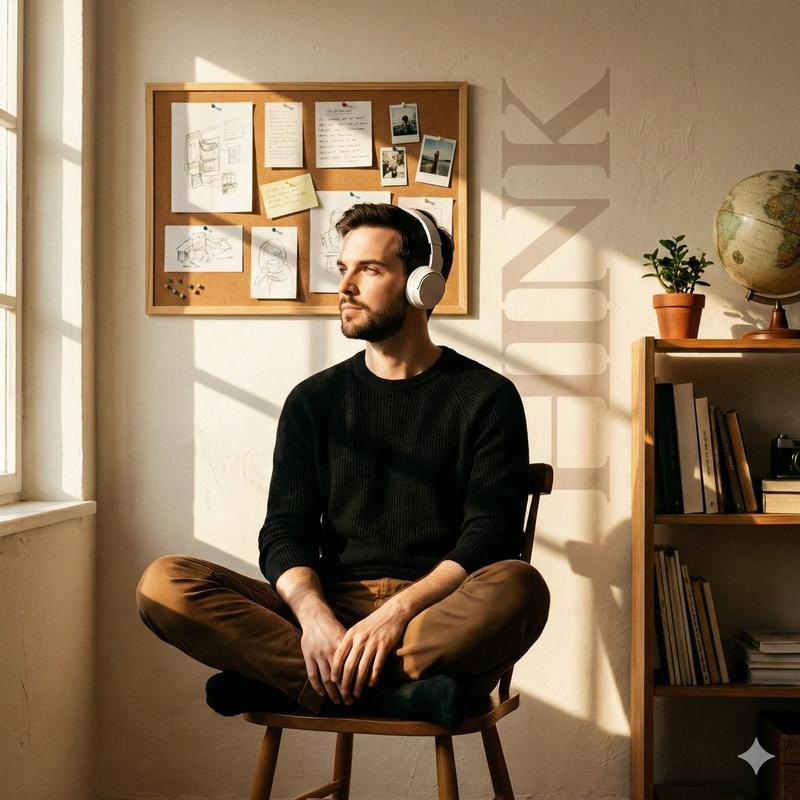
    "prompt": "Lifestyle portrait of person in uploaded image in trendy minimalist street fashion, oversized neutral sweater, relaxed jeans, clean white sneakers, sitting in a cozy modern coffee shop with warm sunlight through the window, soft film grain aesthetic, Instagram-inspired photography, natural colors, ultra-detailed.",
    "negative_prompt": "low quality, distorted face, extra limbs, blurry details, unnatural lighting, overexposed, underexposed, unrealistic proportions, cartoonish look",
    "image_reference": "uploaded_image_id",
    "num_outputs": 1,
    "guidance_scale": 7.5,
    "steps": 30,
    "seed": null,
    "width": 1024,
    "height": 1024,
    "scheduler": "ddim"
  }
}
Category
创意图片
Model
Nano Banana Pro
Creator
Dr.duet
Views0
Source ID
6a4fbaa8-1ab2-4619-a5c1-59d48c1ad30c
Published
Mar 8, 2026

Guide

About "咖啡店生活风肖像的 JSON 提示词"

What is this prompt for?

"咖啡店生活风肖像的 JSON 提示词" AI image prompt for Nano Banana Pro (创意图片). 一个 JSON 提示模板,用于根据上传的图片生成一个人物的生活方式肖像:身着潮流极简街头时装,坐在洒满暖阳的现代咖啡馆里,旨在呈现 Instagram 风格的超细节、超写实美学。 ---…

The full copyable prompt and example visuals above are ready for AI image generation or one-click recreate in Picva.

How to use this prompt

  1. Step 1

    Open the prompt detail

    Review the example visuals, category, and full prompt text for "咖啡店生活风肖像的 JSON 提示词".

  2. Step 2

    Copy the prompt

    Copy the prompt body from this page, or load it directly in Studio.

  3. Step 3

    Pick a model (Nano Banana Pro)

    Prefer Nano Banana Pro. If you switch models, keep subject and composition and tweak style terms.

  4. Step 4

    Generate and export

    Recreate the look in Picva, or export into your workflow for editing and publishing.

FAQ

What is the "咖啡店生活风肖像的 JSON 提示词" prompt?
It is an AI image-generation prompt for Nano Banana Pro in the 创意图片 category. This page includes the full prompt text, example visuals, and a one-click recreate path in Picva.
How do I use this prompt to generate an image?
Copy the prompt from this page, or use Generate / Studio. Paste it into a compatible image model, or recreate the look in Picva with optional reference images.
Which model is this prompt for?
This page lists Nano Banana Pro. Most descriptive prompts also transfer to nearby image models such as GPT Image, Flux, or Midjourney with light style tweaks.
Can I use the result commercially?
You can usually copy the prompt for creation, but commercial use of the final image depends on the model terms, reference-image rights, and the generated content. Follow the source author and platform rules.