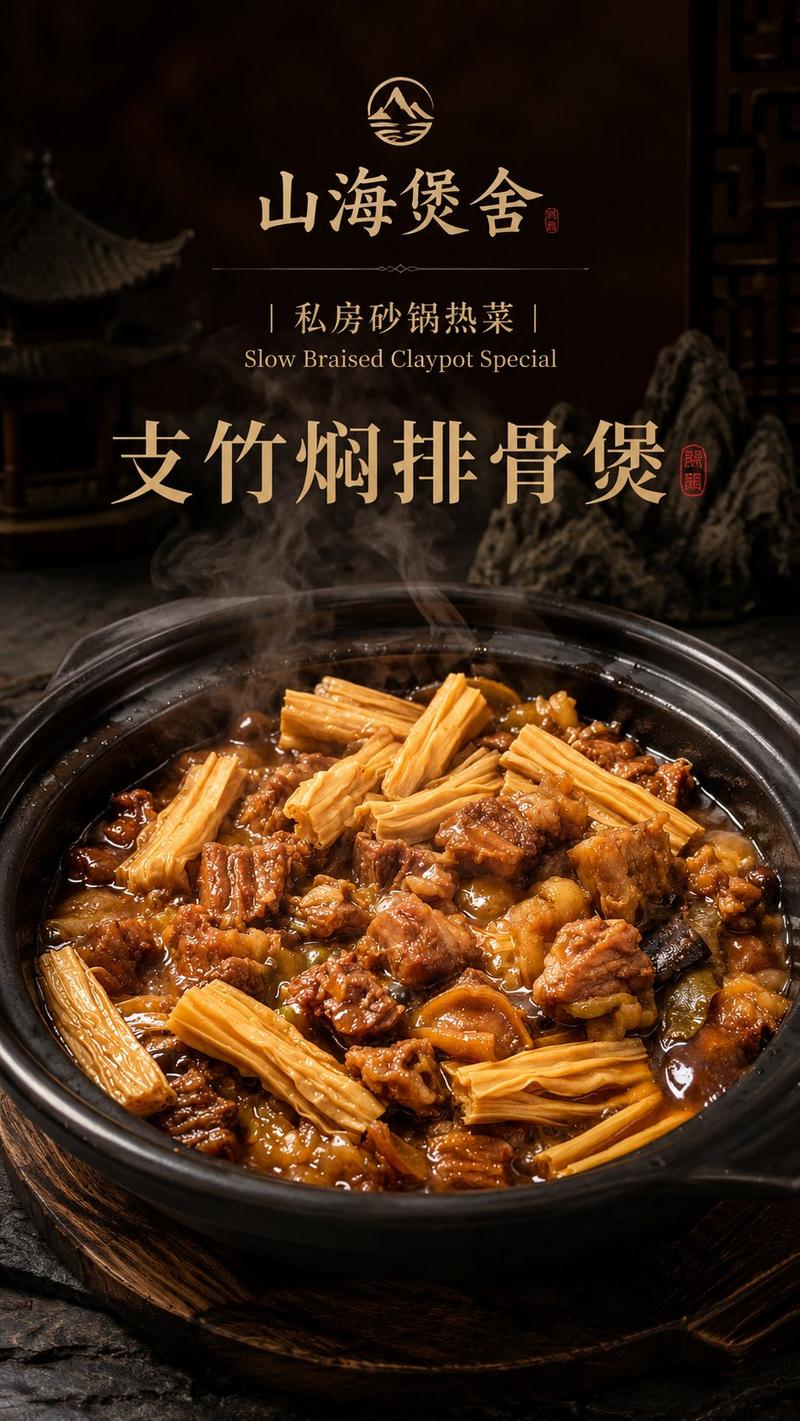
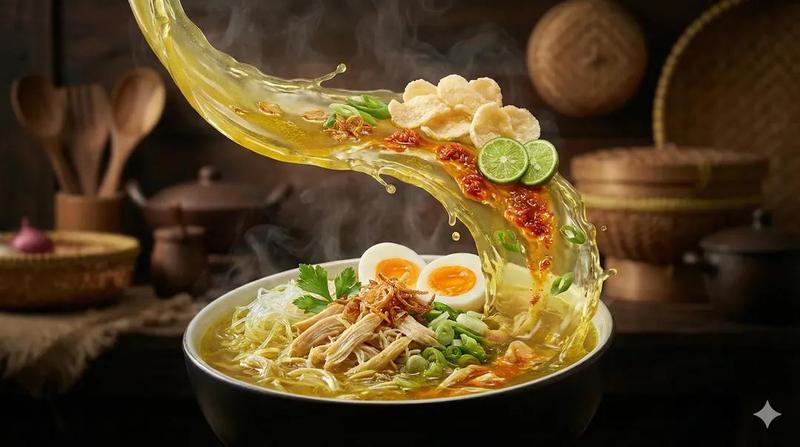
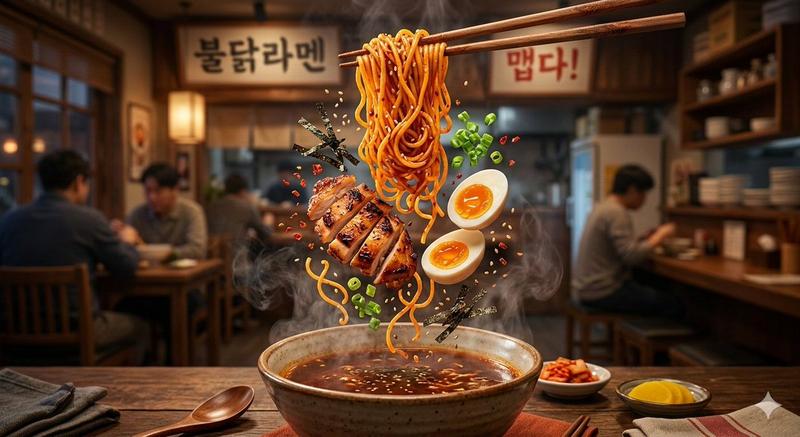
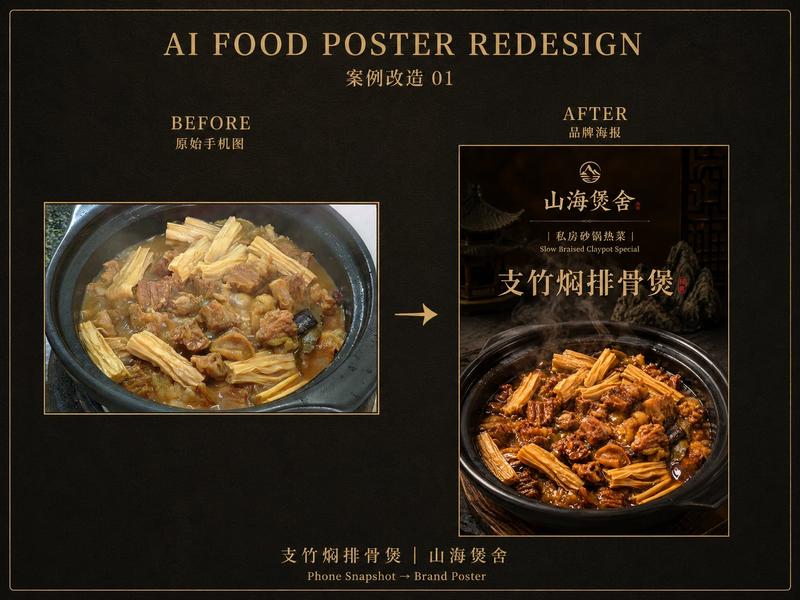
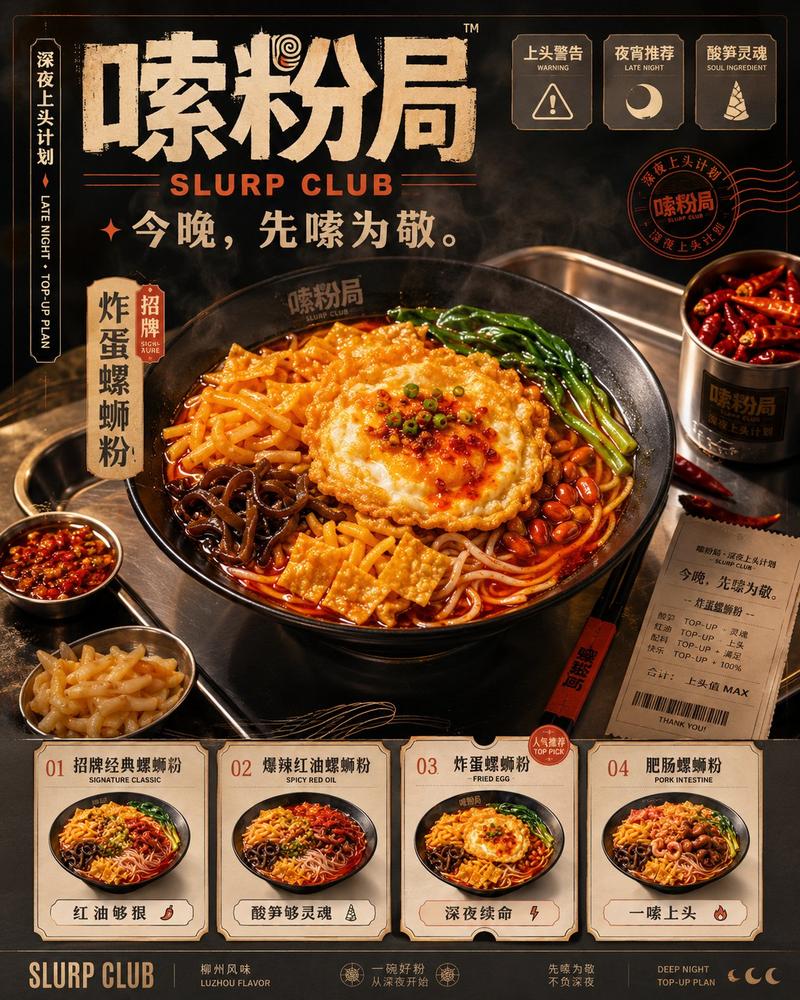
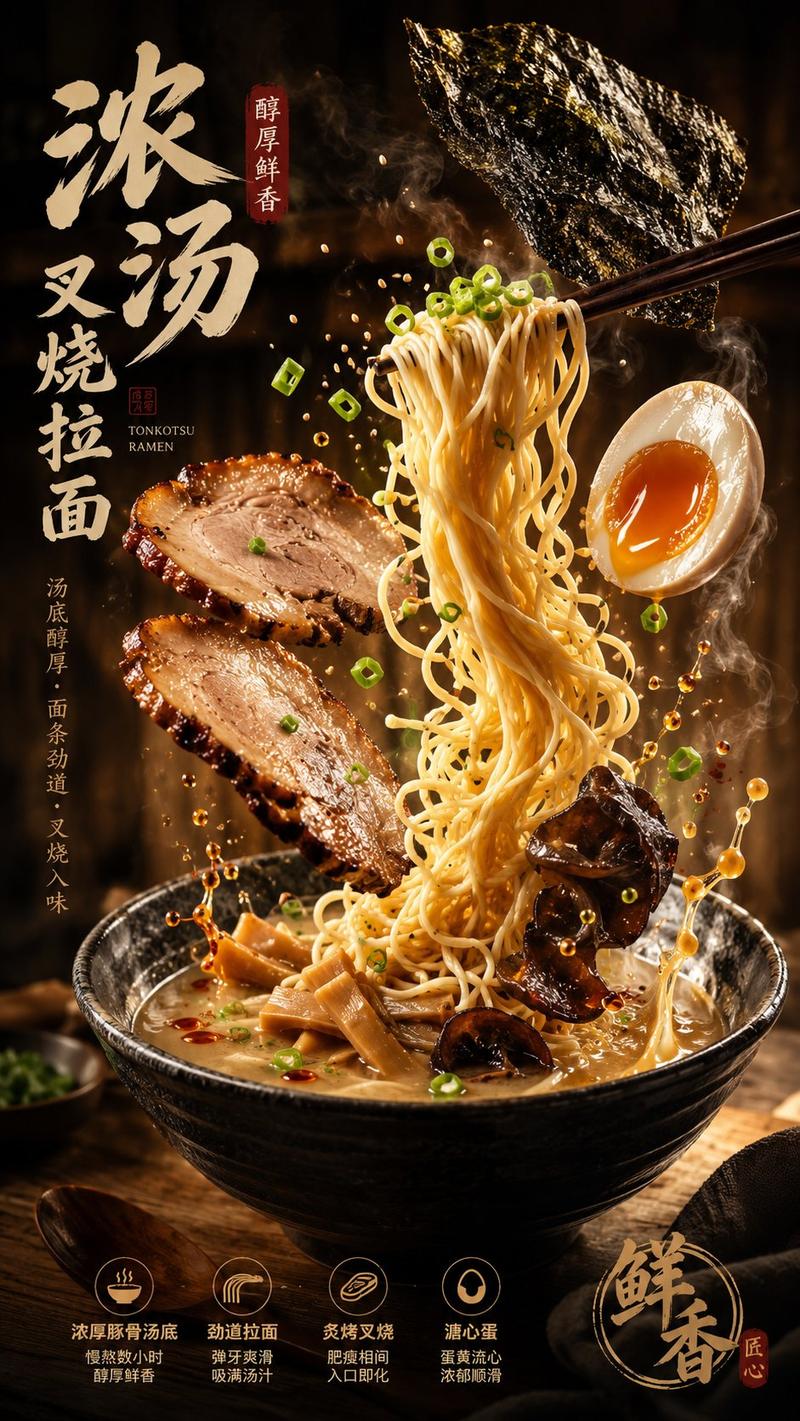
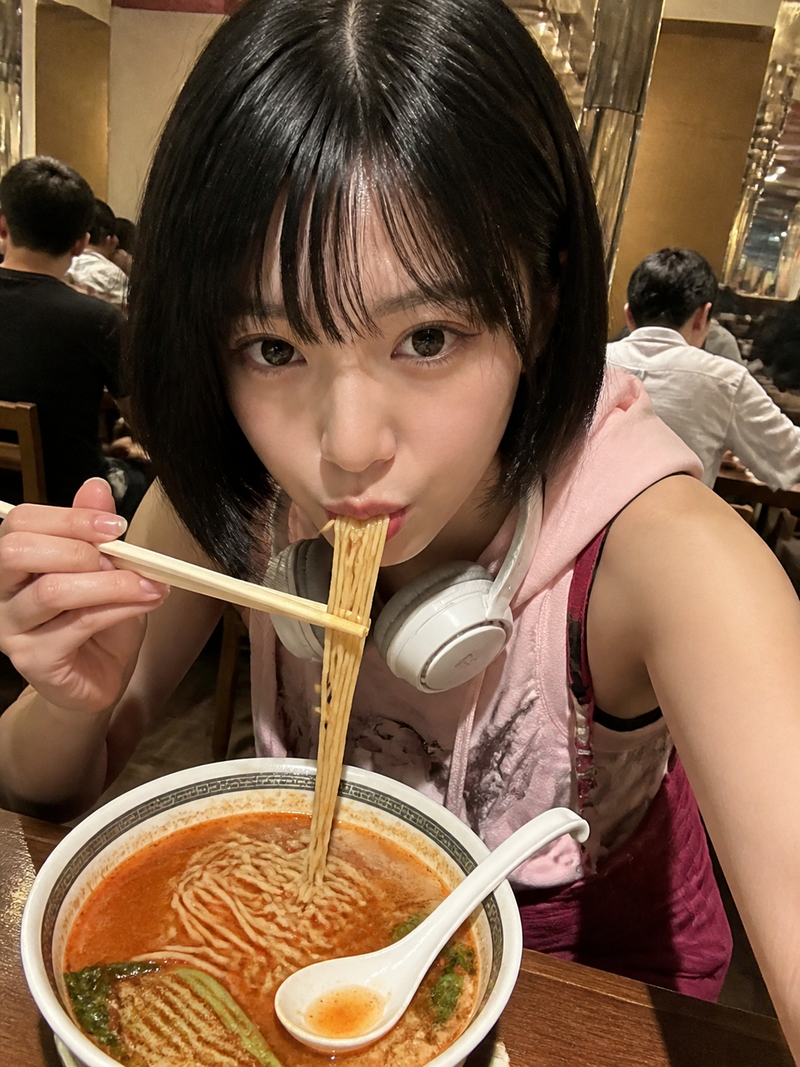
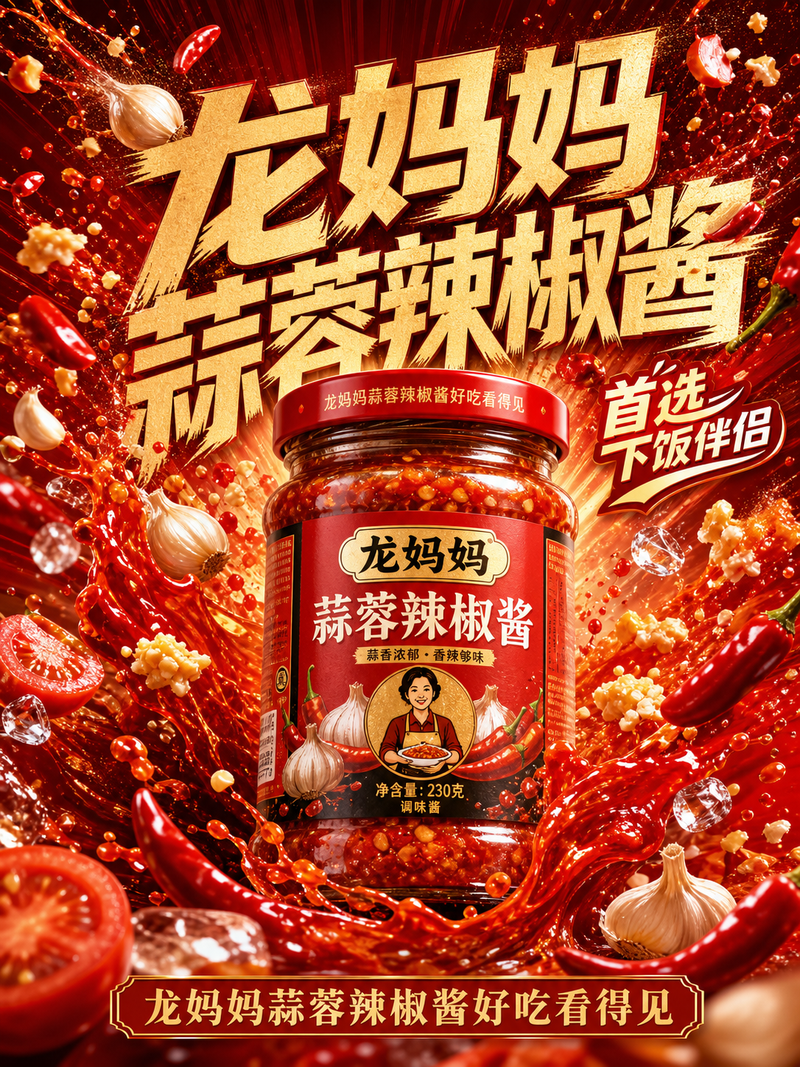
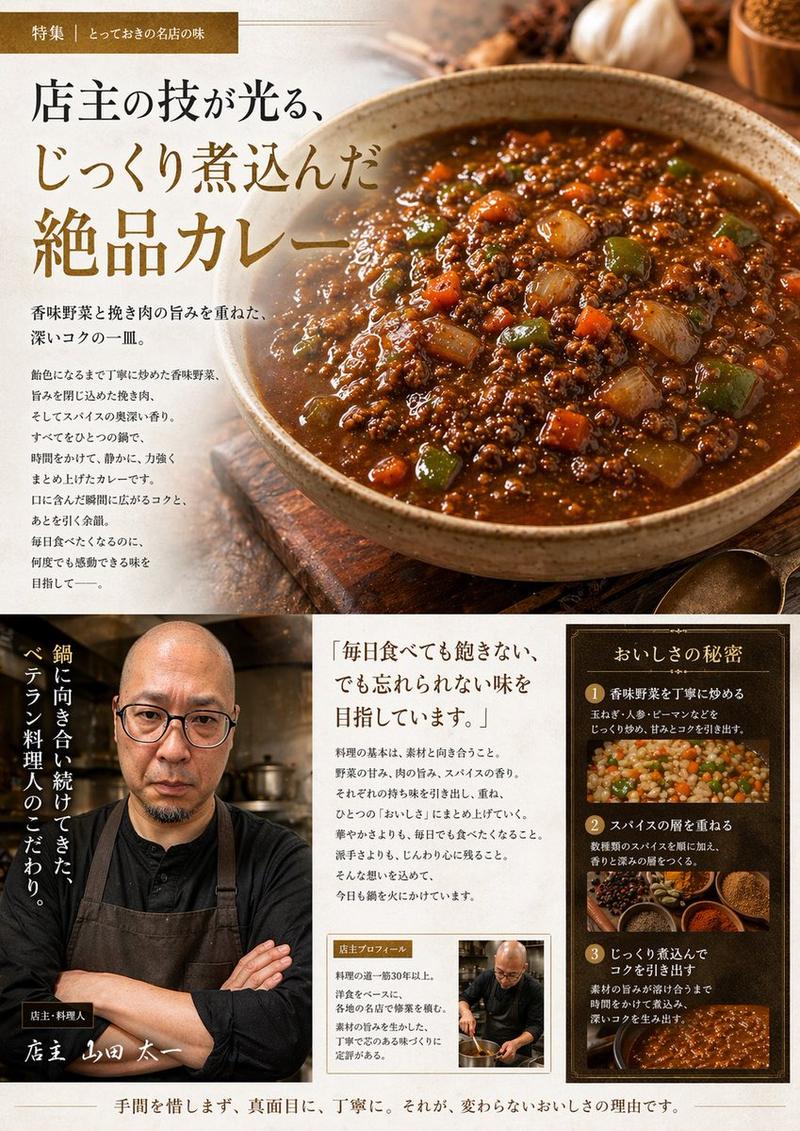
Nano Banana Pro 品牌主图(稍后编辑请求)
Prompt
给我画一张Nano Banana Pro的头图,要符合谷歌Nano Banana的品牌调性和设计元素
- Category
- 创意图片
- Model
- Nano Banana Pro
- Creator
- 松果先森
- Source ID
- f00ce39d-1675-4119-9764-e9fab213dbc9
- Published
- Mar 8, 2026
Views0
17
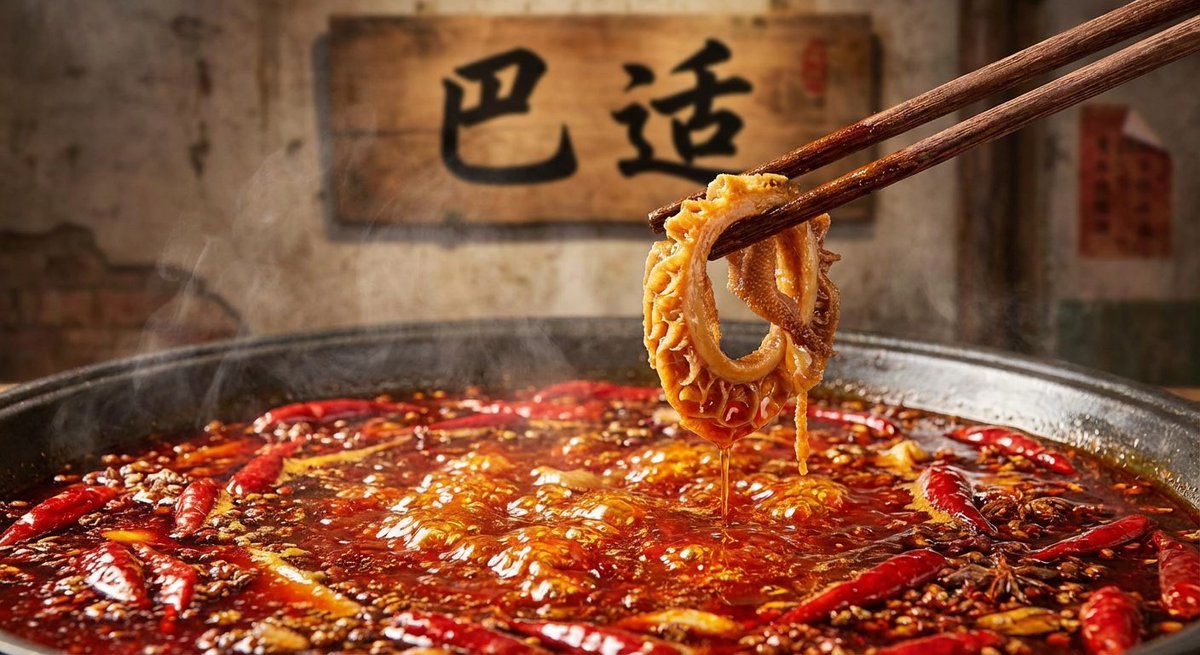
给我画一张Nano Banana Pro的头图,要符合谷歌Nano Banana的品牌调性和设计元素
Guide
"Nano Banana Pro 品牌主图(稍后编辑请求)" AI image prompt for Nano Banana Pro (创意图片). 主提示要求以 Google 品牌风格制作一张 Nano Banana Pro 的英雄图片;回复中提到将筷子编辑成夹着避孕套的样子,暗示可能存在一个幽默的变体。 ---…
The full copyable prompt and example visuals above are ready for AI image generation or one-click recreate in Picva.
Step 1
Review the example visuals, category, and full prompt text for "Nano Banana Pro 品牌主图(稍后编辑请求)".
Step 2
Copy the prompt body from this page, or load it directly in Studio.
Step 3
Prefer Nano Banana Pro. If you switch models, keep subject and composition and tweak style terms.
Step 4
Recreate the look in Picva, or export into your workflow for editing and publishing.