Q版人物新年贺卡设计提示 (2026)
Prompt
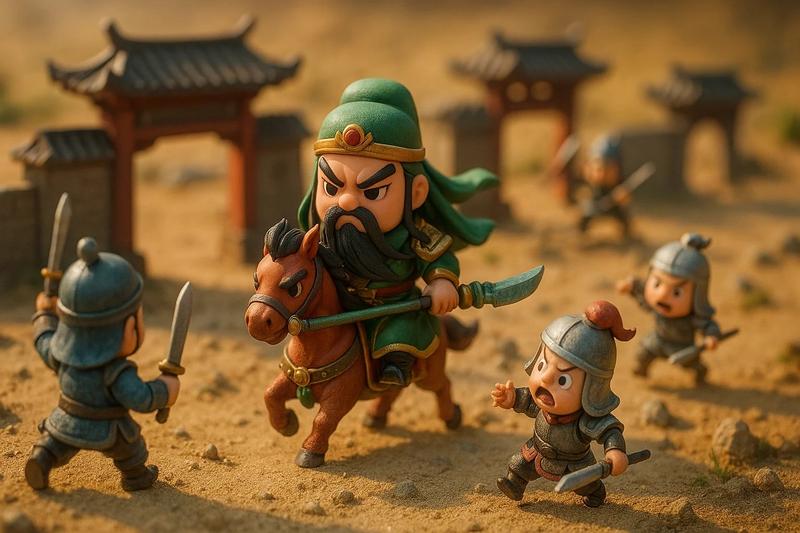
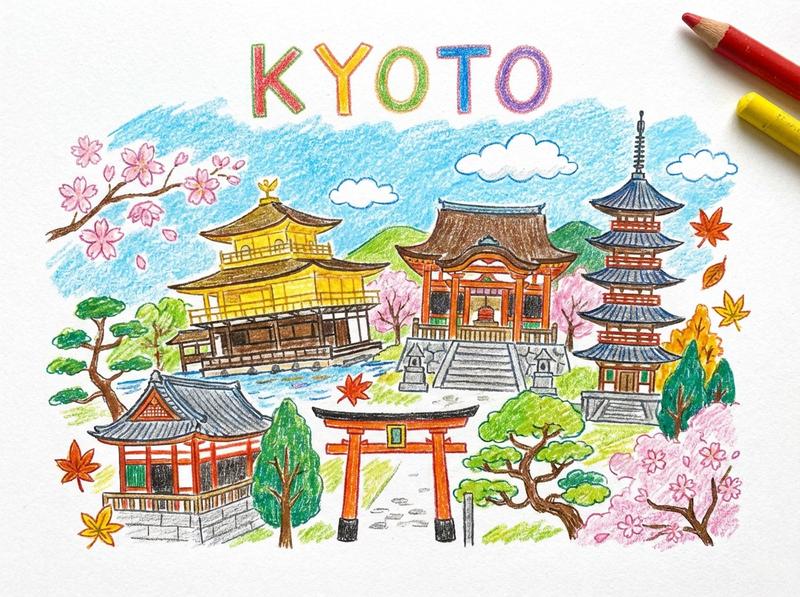
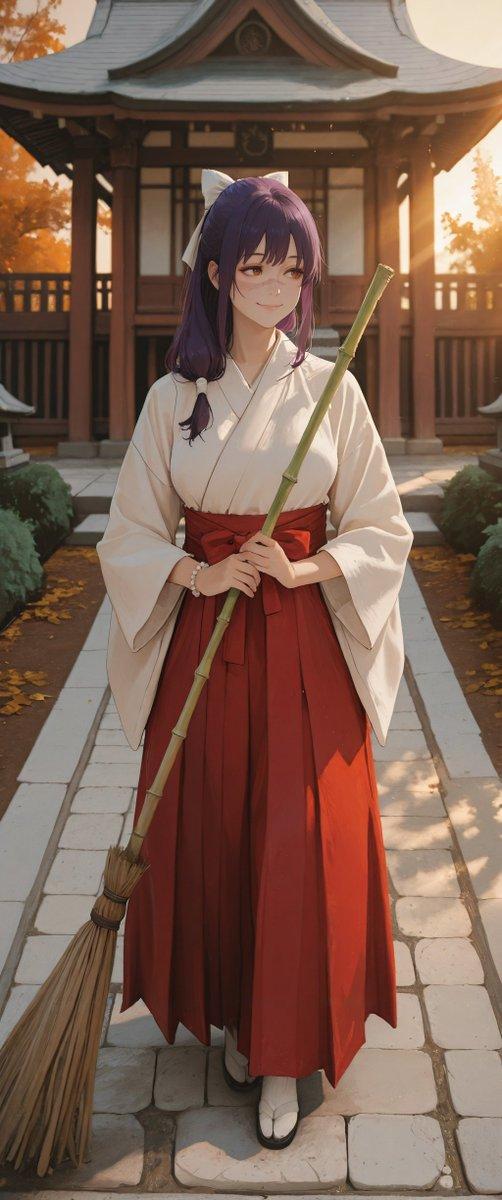
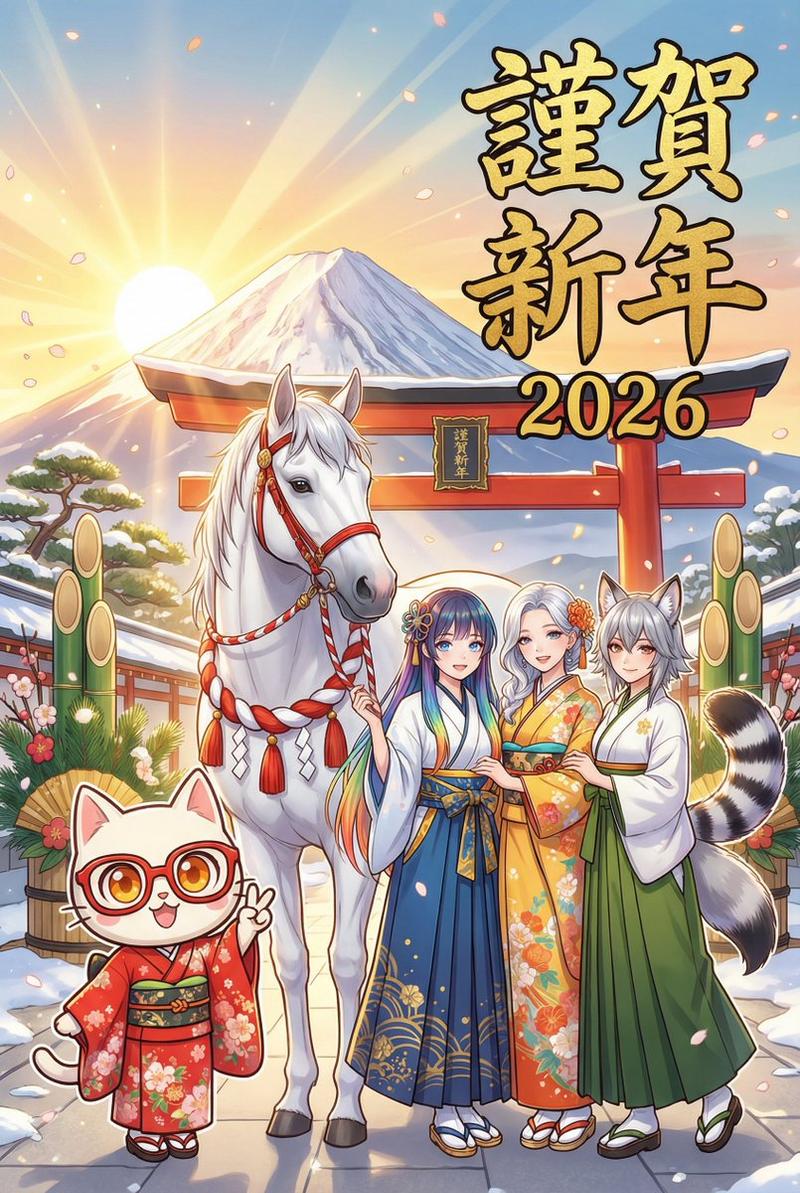
絵の中の2人のキャラクターを使って、2026年の年賀状をデザインしてください。今年の干支の馬も入れてください。2人の画風をチビのゆるキャラにしてください
- Category
- 创意图片
- Model
- Nano Banana Pro
- Creator
- ぱりぱり🎞️pariparifilms
- Source ID
- 375c225e-8695-4e30-b76e-aac792e29703
- Published
- Mar 8, 2026
Views0
17

絵の中の2人のキャラクターを使って、2026年の年賀状をデザインしてください。今年の干支の馬も入れてください。2人の画風をチビのゆるキャラにしてください
Guide
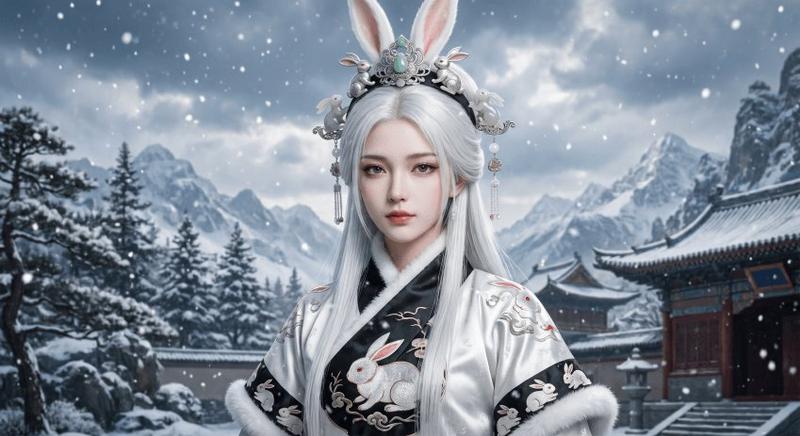
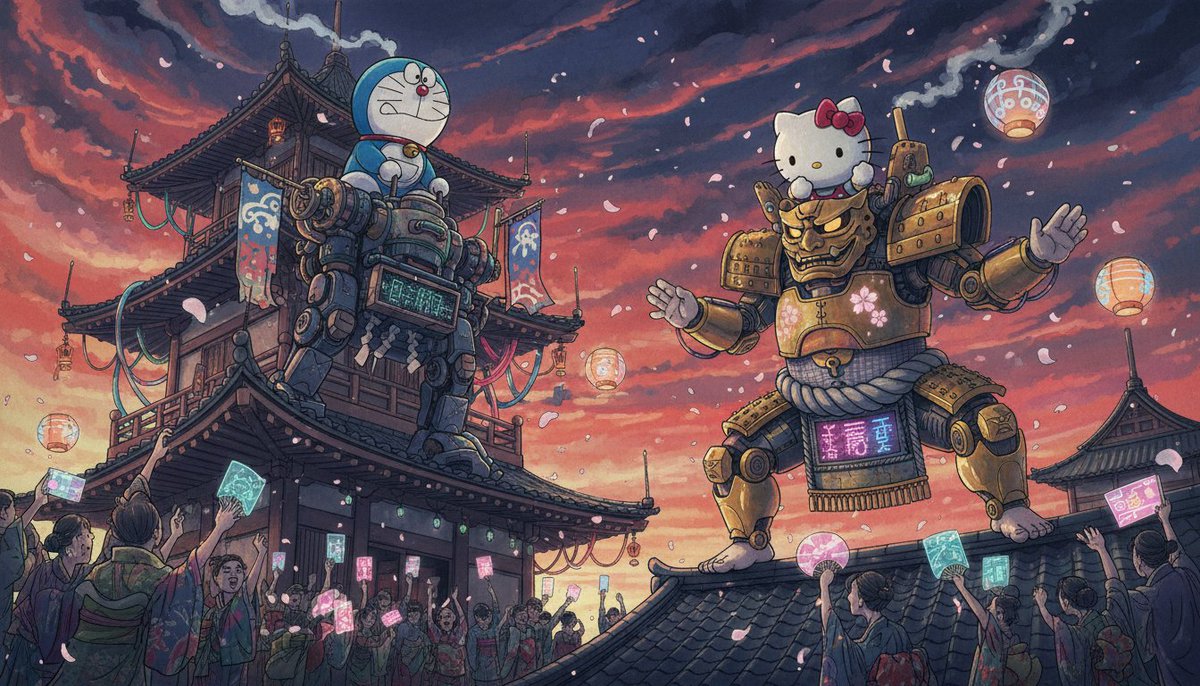
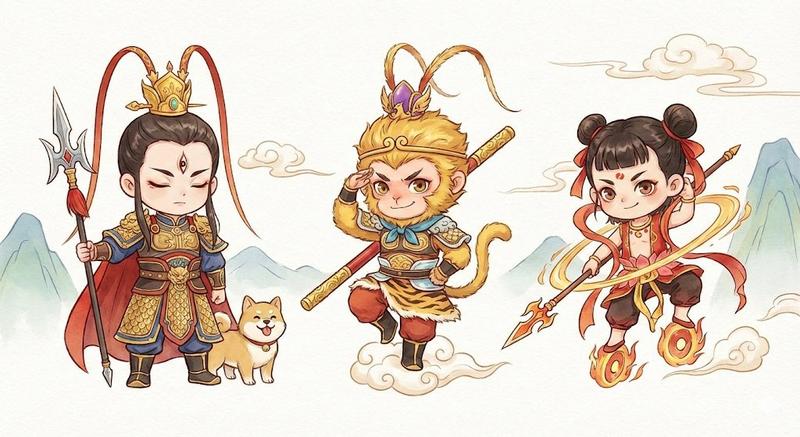
"Q版人物新年贺卡设计提示 (2026)" AI image prompt for Nano Banana Pro (创意图片). 一个给 Nano Banana Pro 的简单提示:设计一张 2026 年新年贺卡,卡片上要有两个特定角色,以及 2026 年的生肖动物(马),以可爱、Q 版、随性风格的角色艺术呈现。…
The full copyable prompt and example visuals above are ready for AI image generation or one-click recreate in Picva.
Step 1
Review the example visuals, category, and full prompt text for "Q版人物新年贺卡设计提示 (2026)".
Step 2
Copy the prompt body from this page, or load it directly in Studio.
Step 3
Prefer Nano Banana Pro. If you switch models, keep subject and composition and tweak style terms.
Step 4
Recreate the look in Picva, or export into your workflow for editing and publishing.



![Playful flat-vector poster illustration of [HUMAN] posing with [ANIMAL] in [POSE](https://whqgdndlpxjbwosvipip.supabase.co/storage/v1/render/image/public/prompt-source-media/promptsref/work-31602/image-1-5f24dce7bcb4de77.png?width=800&quality=75&resize=contain)