20

树叶剪纸艺术提示模板和示例
Enlarge

树叶剪纸艺术提示模板和示例

Prompt
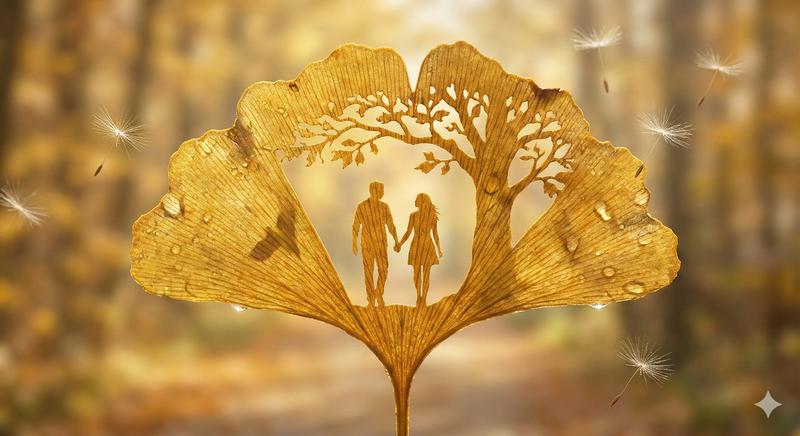
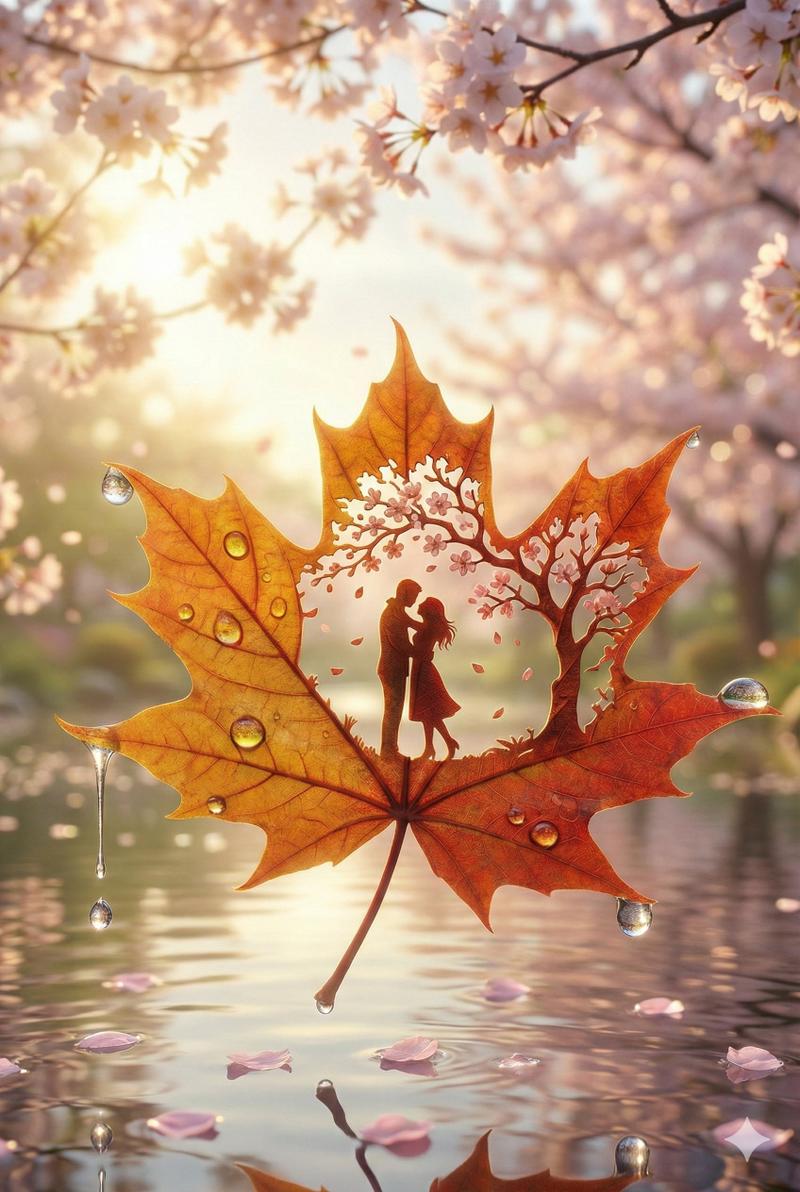
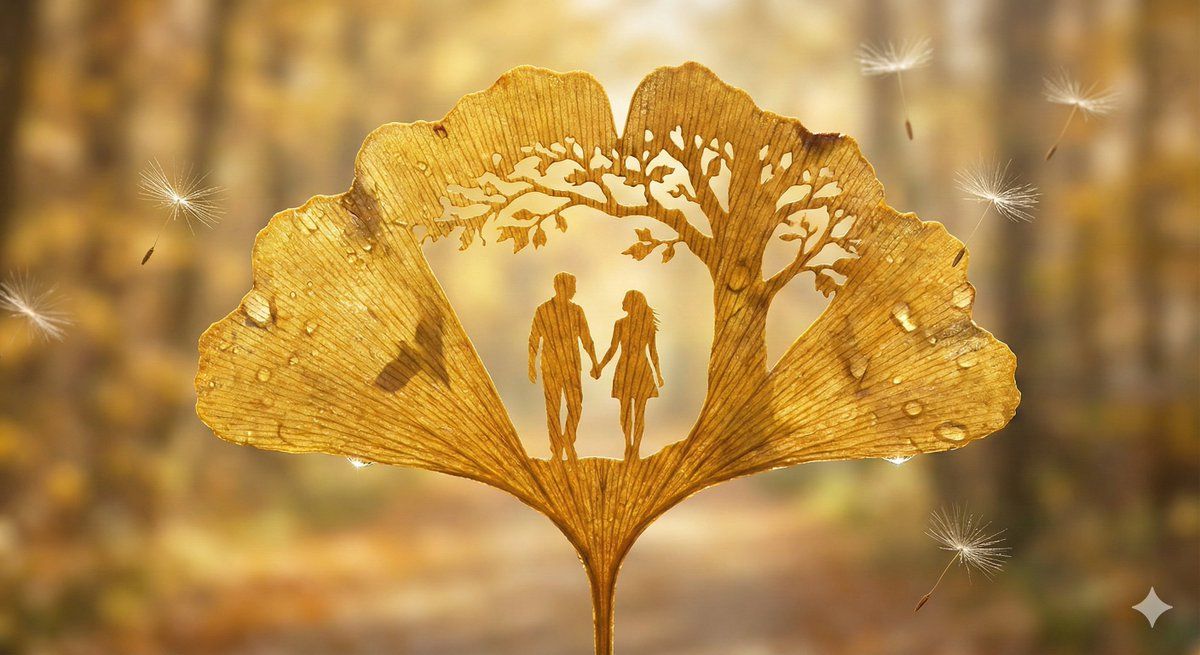
Inspired by leaf-cutout art, delicately depict {argument name="scene description" default="a child running joyfully with a kite"} through intricate hollow cutouts on a single, complete {argument name="type of leaf" default="maple leaf"}.
All elements are organically connected by thin natural veins, ensuring no isolated or floating segments.
The leaf surface has a glossy, wet appearance with tiny sparkling water droplets. Soft sunlight gently illuminates the leaf, creating subtle highlights and shadows.
Background features a softly blurred natural landscape, providing a tranquil atmosphere, captured in ultra-detailed 8K resolution for macro-level realism.
(Optional dynamic effects: {argument name="dynamic effect" default="drifting dandelion fluff gently floating in the air"}.)
Category
创意图片
Model
Nano Banana Pro
Creator
宝玉
Views0
Source ID
81f35441-5e8c-488d-8bde-5cc6033f95c5
Published
Mar 8, 2026

Guide

About "树叶剪纸艺术提示模板和示例"

What is this prompt for?

"树叶剪纸艺术提示模板和示例" AI image prompt for Nano Banana Pro (创意图片). 一个全面的提示模板和三个详细示例,用于生成受精美剪纸艺术启发的超详细 8K 微距图像。该提示侧重于单片叶子上的精致镂空、有机连接、光泽湿润的纹理、柔和的阳光以及柔和模糊的自然背景。 --- 灵感源自…

The full copyable prompt and example visuals above are ready for AI image generation or one-click recreate in Picva.

How to use this prompt

  1. Step 1

    Open the prompt detail

    Review the example visuals, category, and full prompt text for "树叶剪纸艺术提示模板和示例".

  2. Step 2

    Copy the prompt

    Copy the prompt body from this page, or load it directly in Studio.

  3. Step 3

    Pick a model (Nano Banana Pro)

    Prefer Nano Banana Pro. If you switch models, keep subject and composition and tweak style terms.

  4. Step 4

    Generate and export

    Recreate the look in Picva, or export into your workflow for editing and publishing.

FAQ

What is the "树叶剪纸艺术提示模板和示例" prompt?
It is an AI image-generation prompt for Nano Banana Pro in the 创意图片 category. This page includes the full prompt text, example visuals, and a one-click recreate path in Picva.
How do I use this prompt to generate an image?
Copy the prompt from this page, or use Generate / Studio. Paste it into a compatible image model, or recreate the look in Picva with optional reference images.
Which model is this prompt for?
This page lists Nano Banana Pro. Most descriptive prompts also transfer to nearby image models such as GPT Image, Flux, or Midjourney with light style tweaks.
Can I use the result commercially?
You can usually copy the prompt for creation, but commercial use of the final image depends on the model terms, reference-image rights, and the generated content. Follow the source author and platform rules.