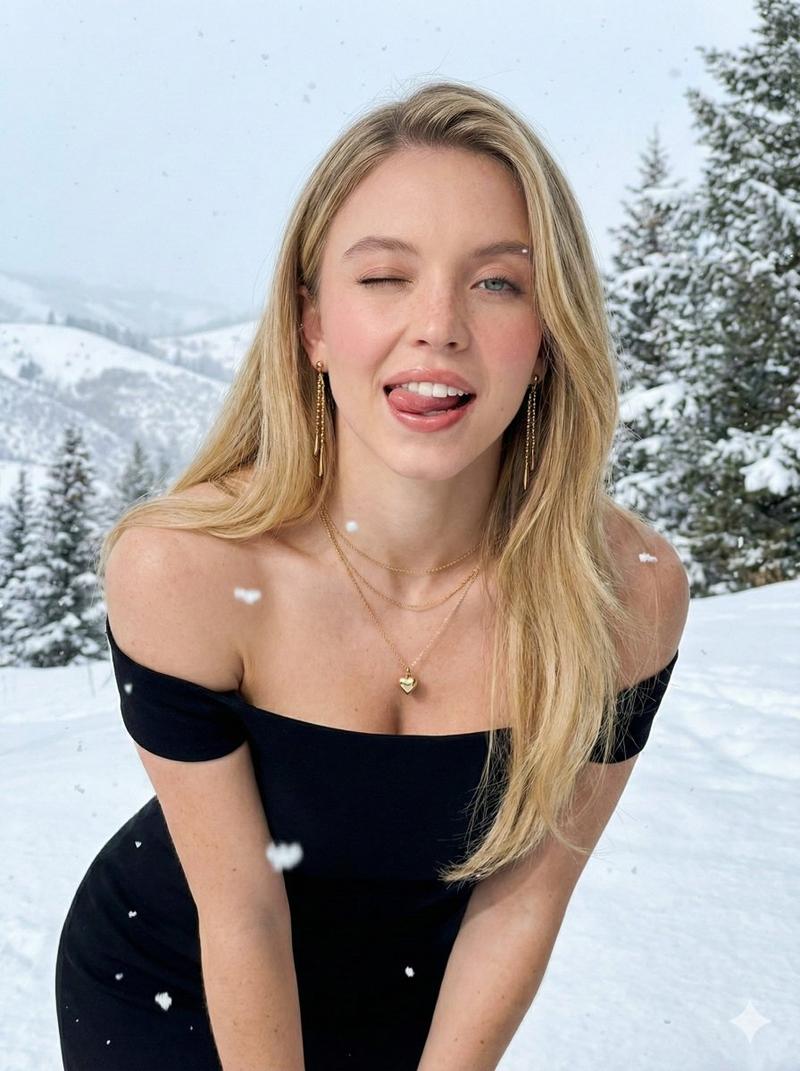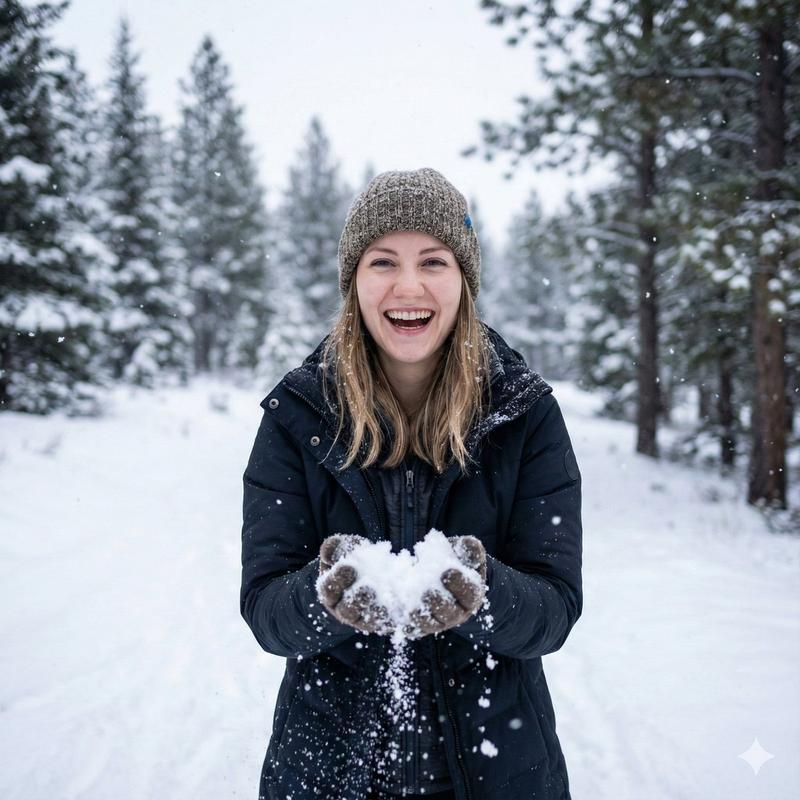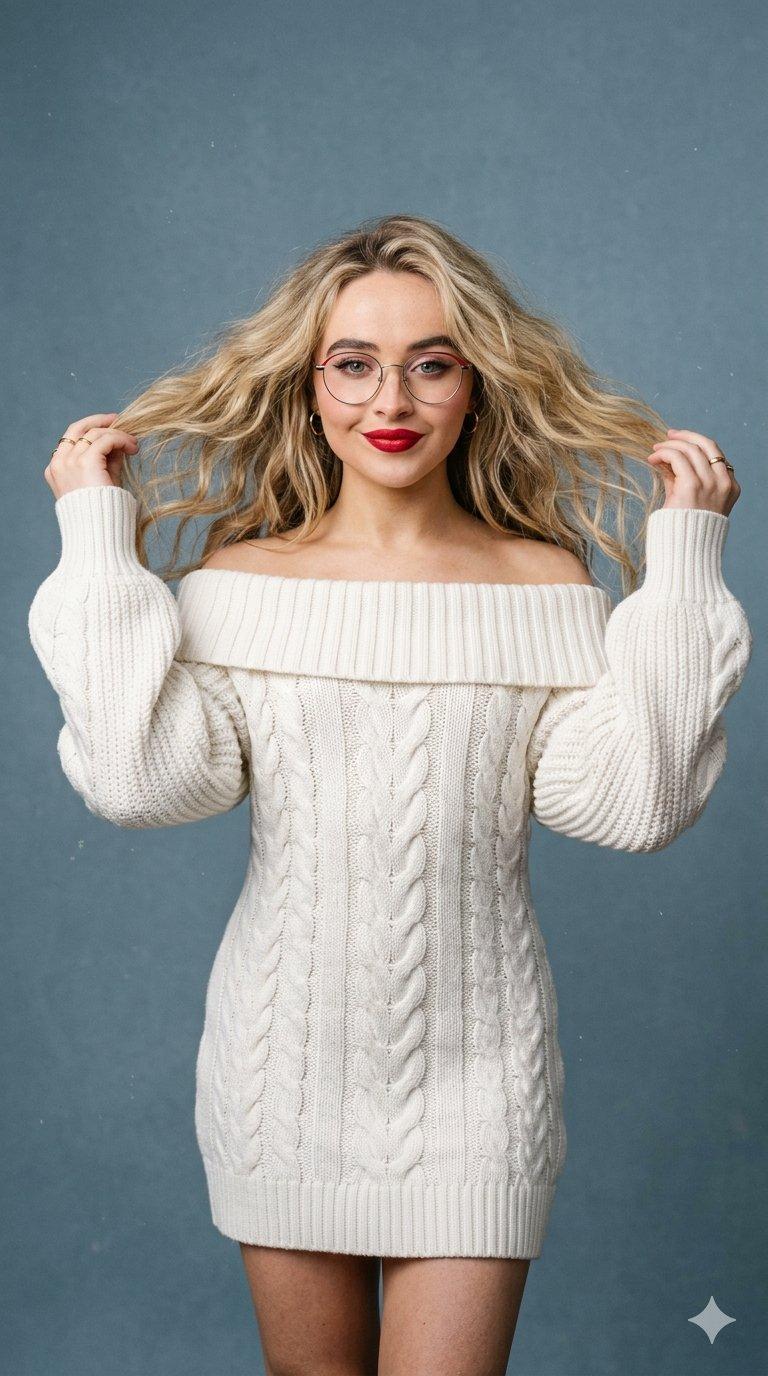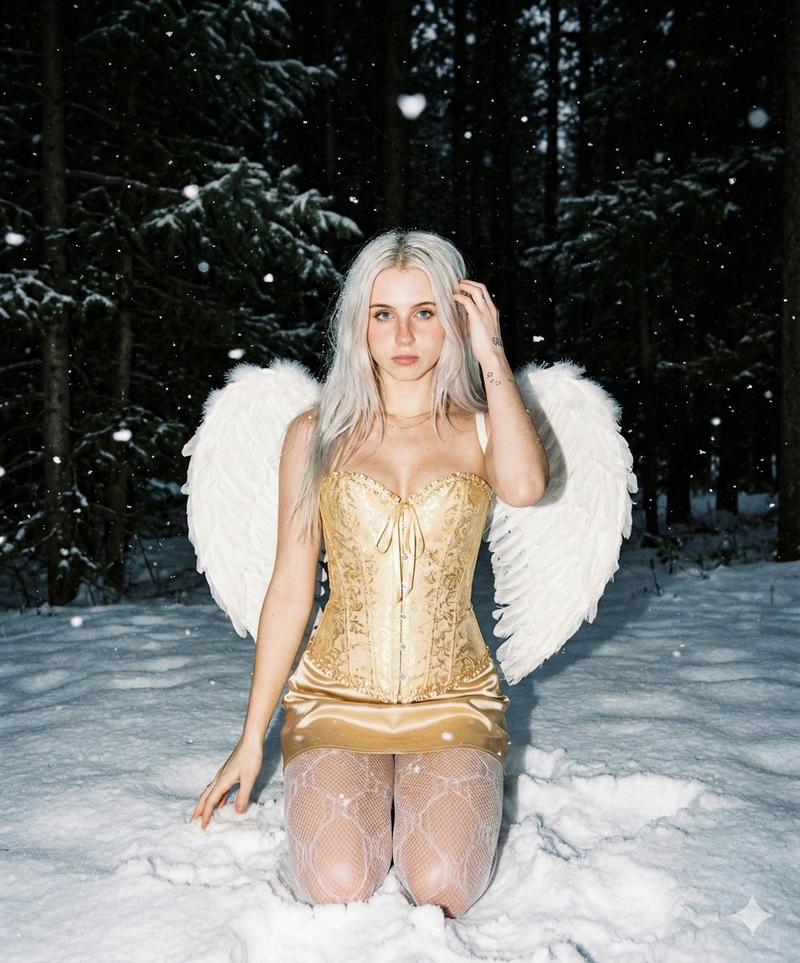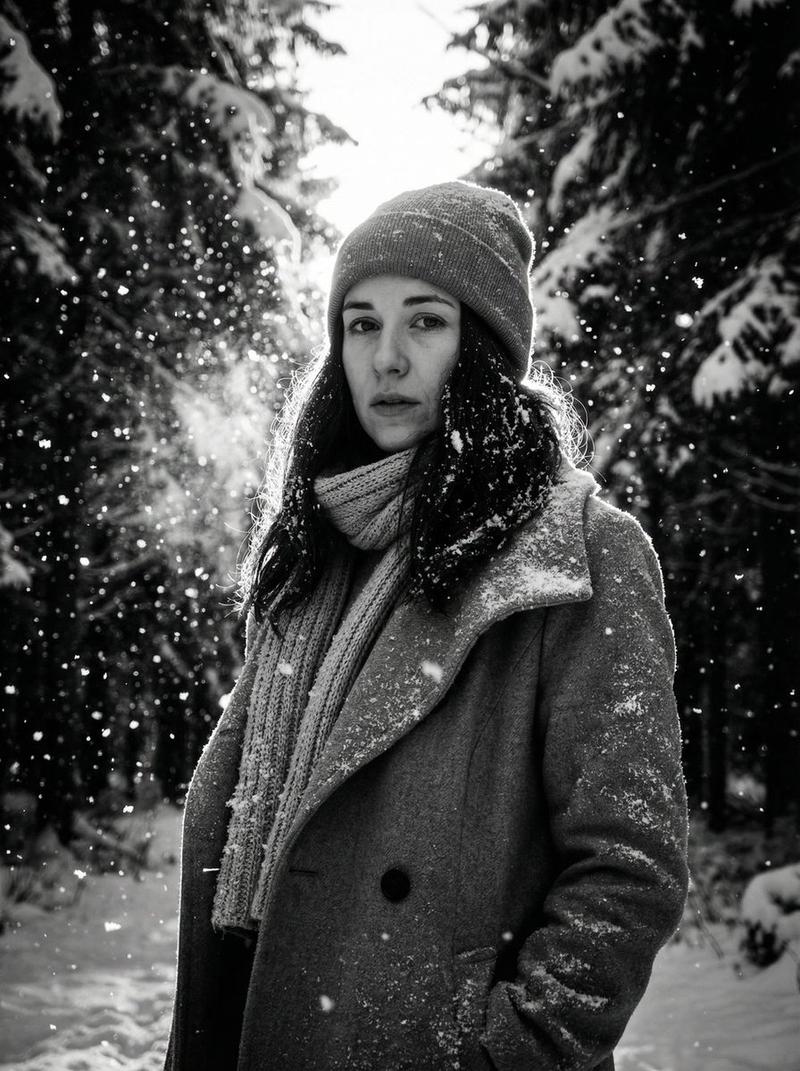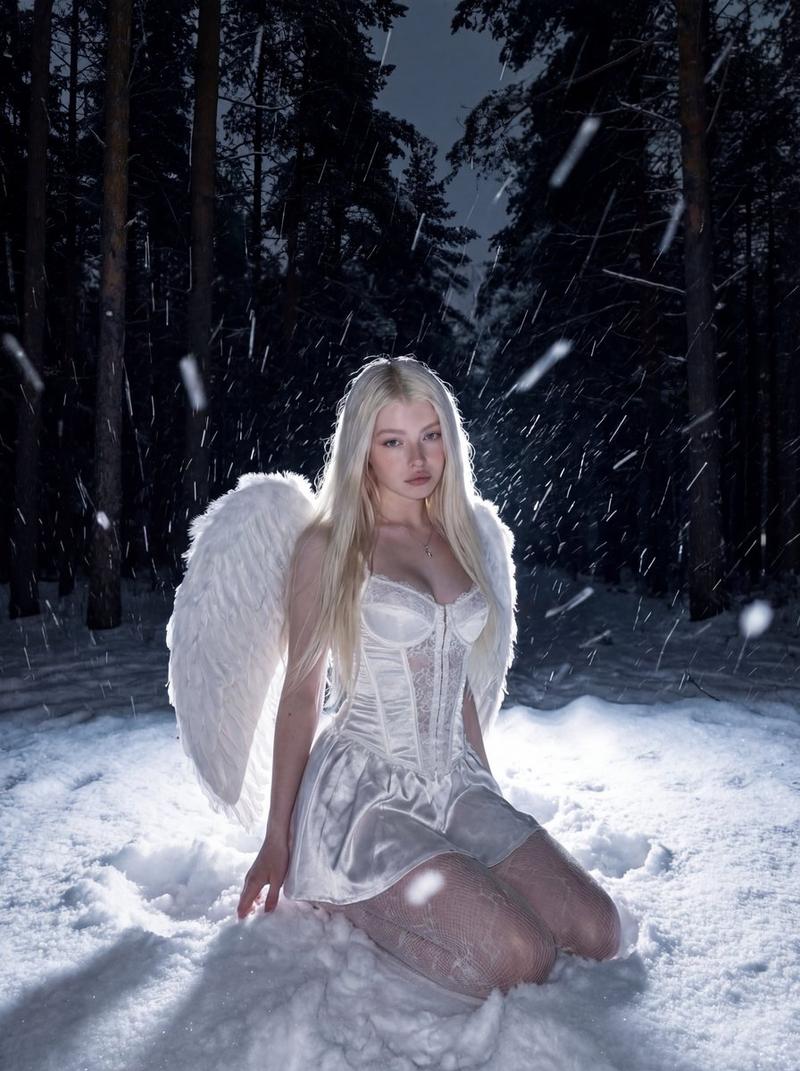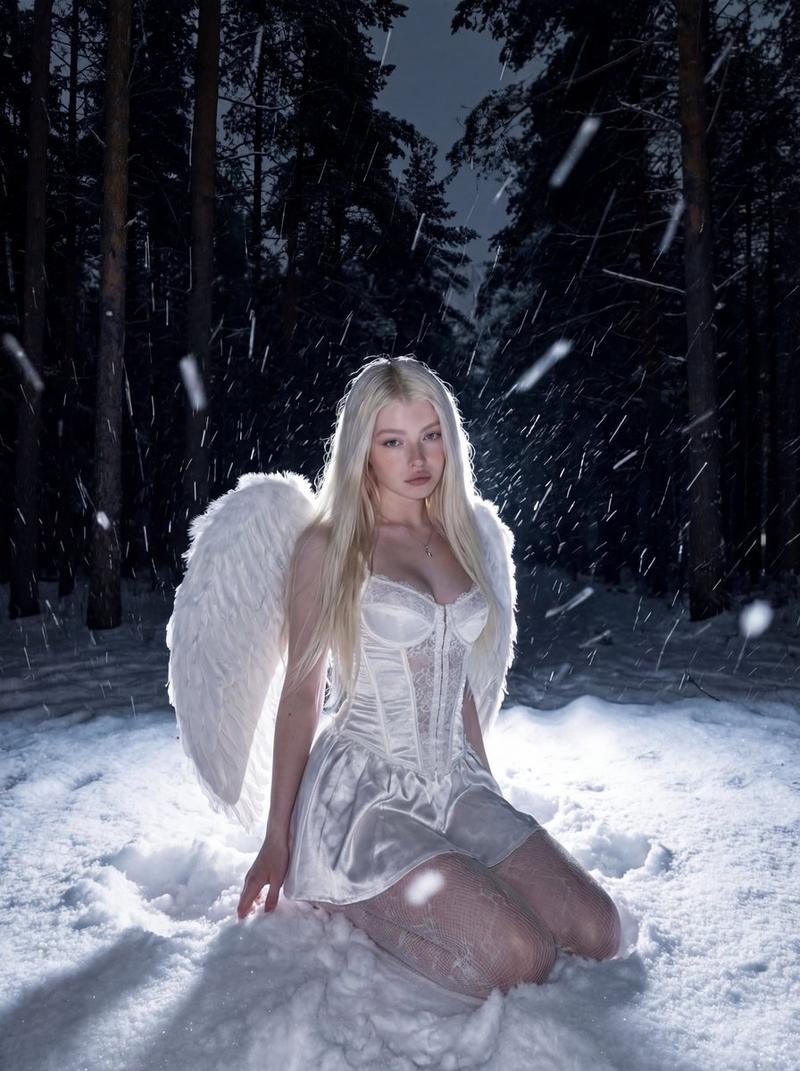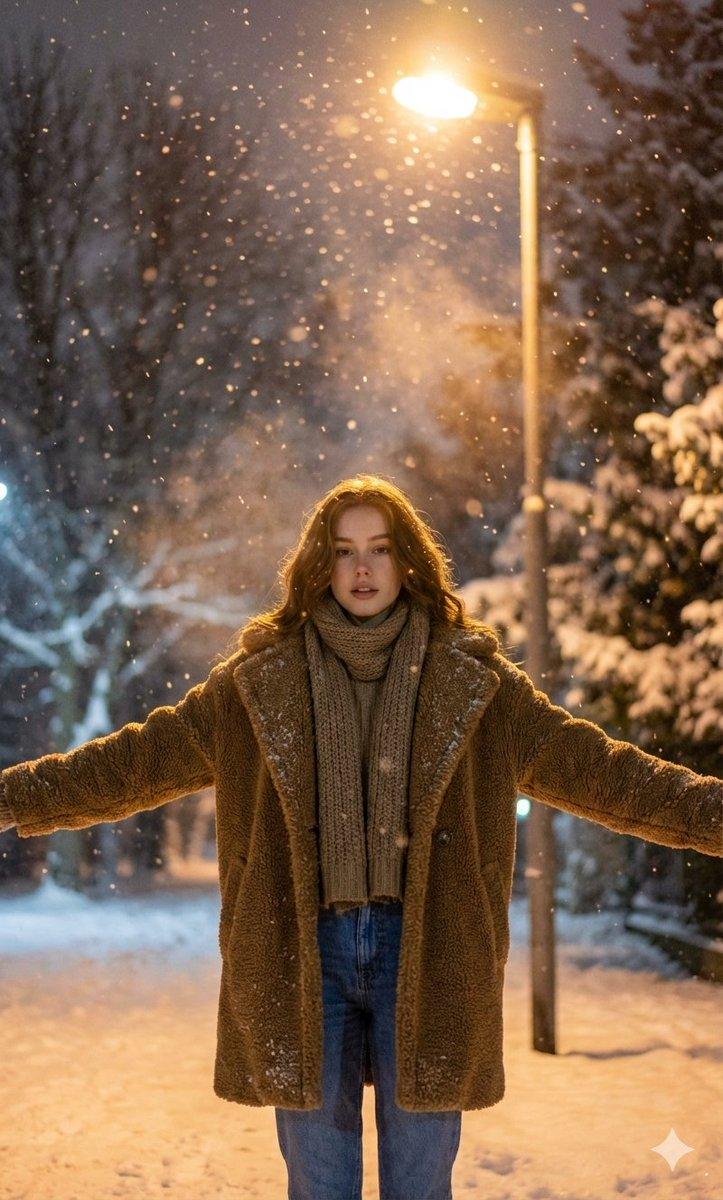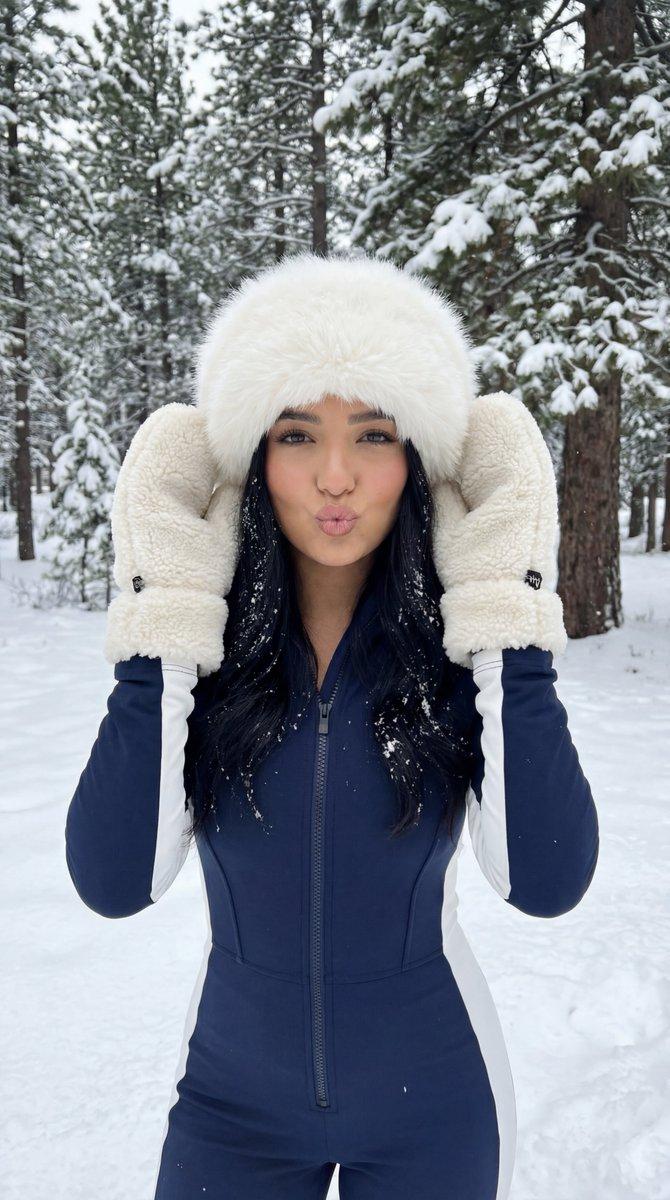
超现实冬季夜晚闪光肖像提示
Prompt
{
  "reference_control": {
    "mode": "optional_image_reference",
    "reference_images": {
      "character_reference": "{argument name="character reference photo" default="UPLOAD_PERSON_REFERENCE_PHOTO_IF_NEEDED"}"
    },
    "identity_lock": {
      "enabled": true,
      "strength": 1.0,
      "priority": "face_first",
      "preserve": [
        "facial_structure",
        "skin_texture",
        "hairline",
        "hair_color",
        "expression"
      ],
      "forbid": [
        "identity_drift",
        "age_change",
        "ethnicity_change",
        "beauty_filter_face_change"
      ]
    }
  },
  "image_request": {
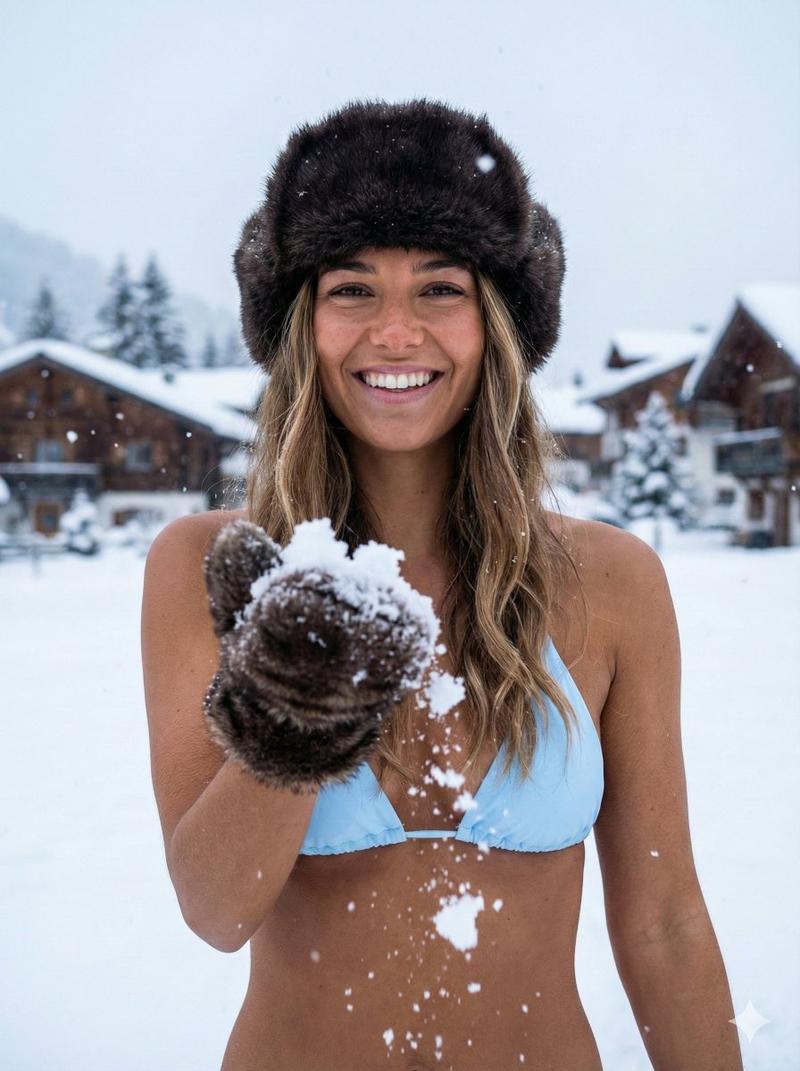
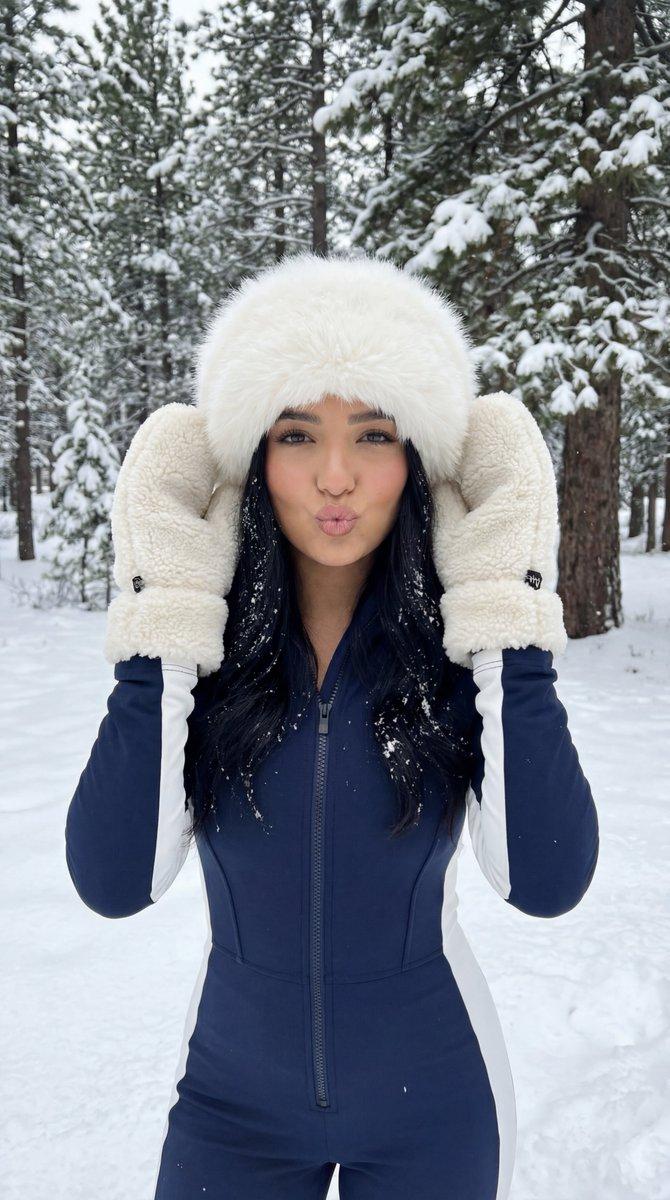
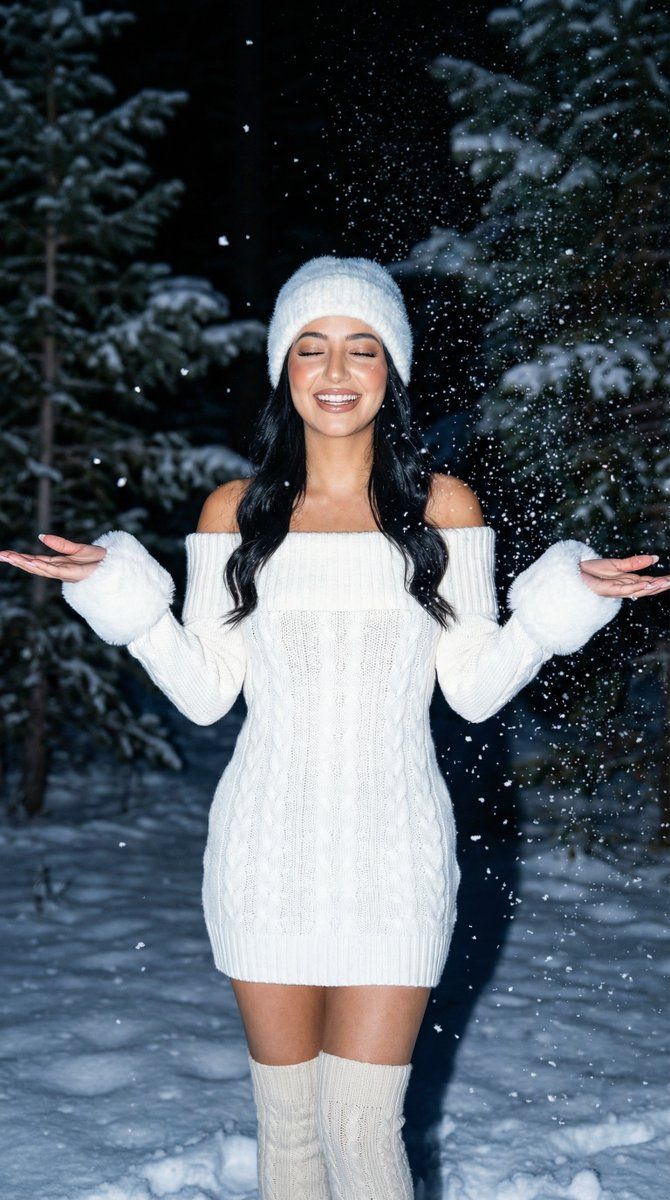
    "goal": "Hyperrealistic winter night flash fashion portrait in a snowy pine forest",
    "meta": {
      "image_type": "Night Flash Portrait / Winter Fashion / Social Media Photo",
      "quality": "Ultra-HD, Hyperrealistic, High Detail",
      "aspect_ratio": "3:4",
      "resolution": "1080x1440"
    },
    "subject": {
      "count": 1,
      "type": "female",
      "pose": "standing centered, full-body, facing camera, arms slightly out to the sides, holding small piles of snow in both hands",
      "expression": "calm confident",
      "hair": "long dark hair, loose, slightly wavy",
      "makeup": "soft glam, defined brows, nude lipstick, subtle highlight",
      "wardrobe": {
        "hat": "white fuzzy faux-fur hat",
        "dress": "white off-shoulder fitted cable-knit sweater dress, mini length",
        "wrists": "white fuzzy cuffs",
        "socks": "white thigh-high knit socks"
      },
      "accessories": "delicate necklace (optional, subtle)"
    },
    "environment": {
      "setting": "snowy evergreen forest at night",
      "background": "dense snow-covered pine trees with dark teal/blue shadows",
      "weather": "active snowfall with visible snowflakes in foreground"
    },
    "lighting": {
      "type": "night flash photography",
      "key": "strong on-camera flash look",
      "effect": "crisp subject, sparkling snowflakes, background falloff, realistic shadows"
    },
    "camera": {
      "lens_look": "35mm",
      "angle": "eye-level",
      "aperture": "f/2.8 to f/4",
      "depth_of_field": "moderate",
      "focus": "sharp on face and knit texture"
    },
    "color_grading": {
      "palette": "cool winter tones (blue/teal shadows) with bright white outfit and snow",
      "contrast": "moderate-high for flash look",
      "finish": "clean, realistic"
    },
    "constraints": {
      "no_text": true,
      "no_watermark": true,
      "no_logos": true,
      "no_extra_people": true
    },
    "negative_prompt": [
      "blurry face",
      "plastic skin",
      "over-smoothed",
      "extra limbs",
      "deformed hands",
      "bad anatomy",
      "lowres",
      "watermark",
      "text",
      "logo",
      "artifacts"
    ]
  }
}- Category
- 创意图片
- Model
- Nano Banana Pro
- Creator
- Özge Döner
- Source ID
- 98fc0300-41a7-452c-9a56-4c468e86b577
- Published
- Mar 8, 2026
Views0