18

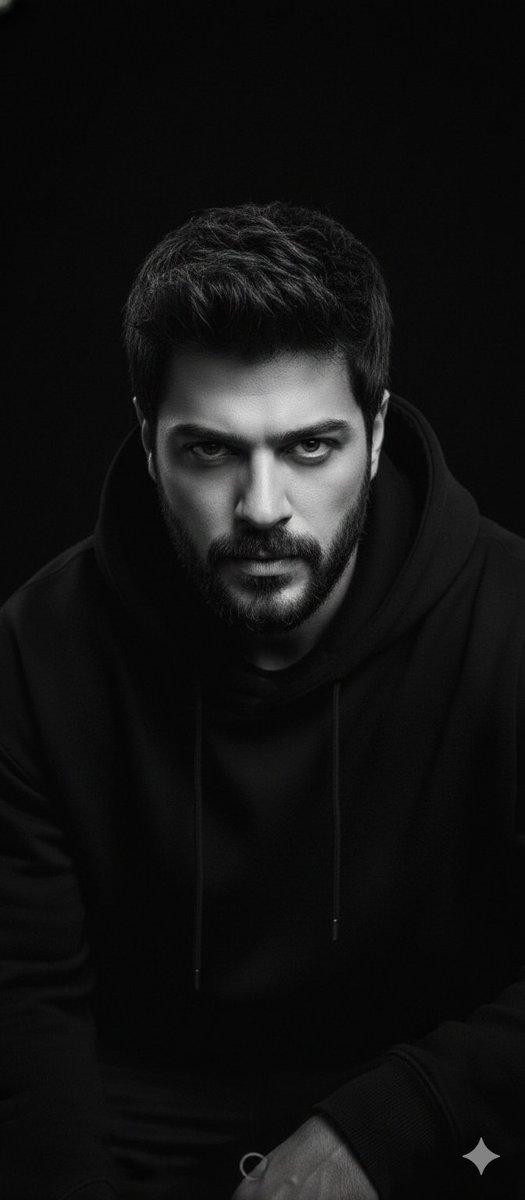
卡通涂鸦人像图生图
Enlarge

卡通涂鸦人像图生图

Prompt
{
  "input_type": "image_to_image",
  "reference_image": "UPLOAD_IMAGE_HERE",
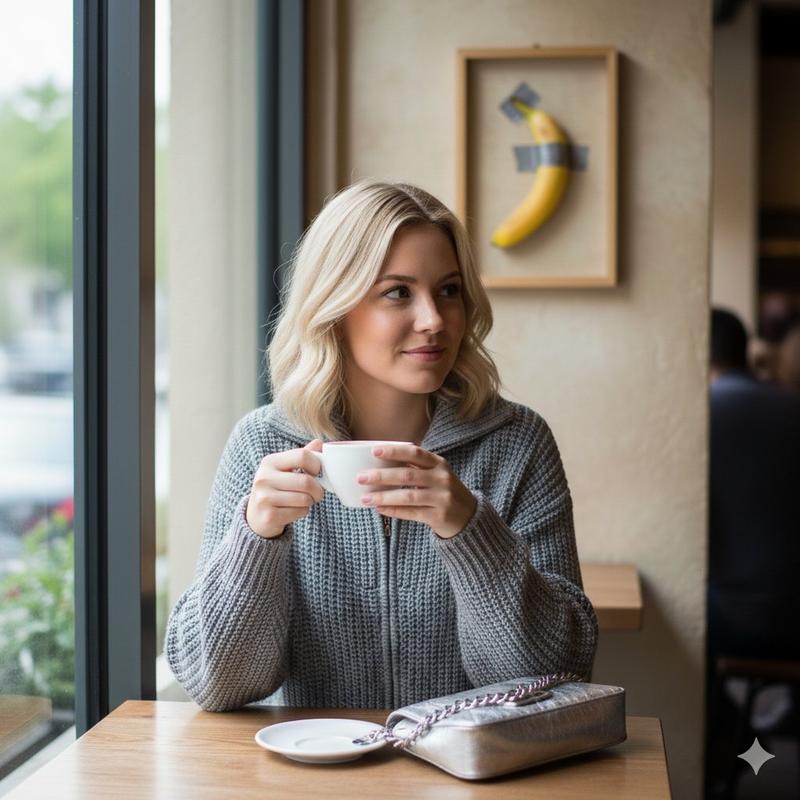
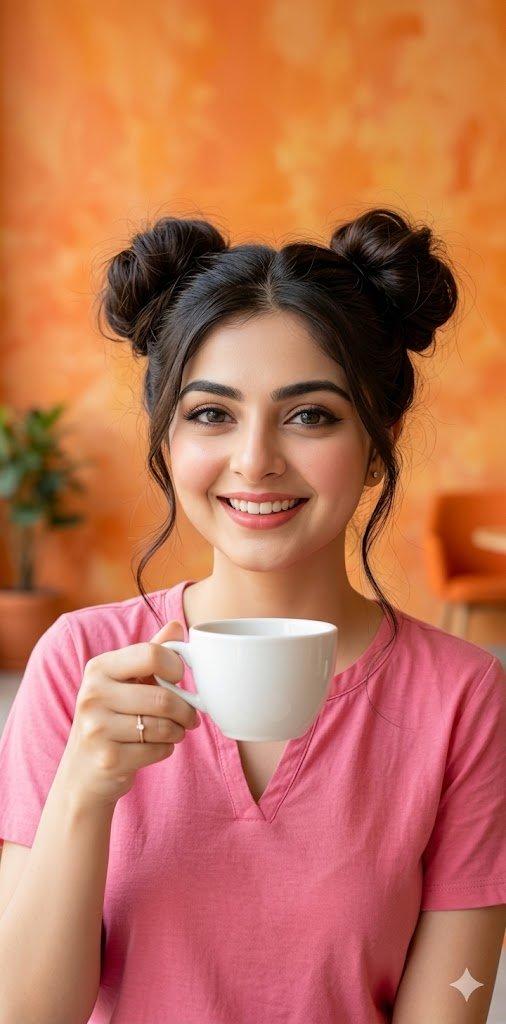
  "prompt": "Take the uploaded image and perfectly preserve the person's face and features. Create a hyper-realistic indoor portrait of the same person sitting at a table, holding a cup of coffee, resting her face on her hand. Add playful hand-drawn cartoon doodles: an excited orange cat jumping next to her, whimsical cat ears on her head, and small floating stars and hearts around. Warm, cozy indoor lighting, soft-focus background, ultra-realistic skin textures, cinematic quality, high-definition.",
  "negative_prompt": "blurry, distorted face, low resolution, extra limbs, text, watermark, logo, unnatural colors, unnatural pose",
  "guidance_scale": 7.5,
  "steps": 25,
  "size": "1024x1024"
}
Category
创意图片
Model
Nano Banana Pro
Views0
Source ID
616b3f94-ac7a-45ea-a73a-e2887acdf8f7
Published
Mar 8, 2026

Guide

About "卡通涂鸦人像图生图"

What is this prompt for?

"卡通涂鸦人像图生图" AI image prompt for Nano Banana Pro (创意图片). 这是一个使用 Nano Banana Pro 进行图像到图像生成任务的提示。它指示模型在保留上传人物身份的同时,将其置于一个超现实的室内肖像场景中(手持咖啡,手托下巴)。其主要特点是在写实场景上叠加了俏皮的…

The full copyable prompt and example visuals above are ready for AI image generation or one-click recreate in Picva.

How to use this prompt

  1. Step 1

    Open the prompt detail

    Review the example visuals, category, and full prompt text for "卡通涂鸦人像图生图".

  2. Step 2

    Copy the prompt

    Copy the prompt body from this page, or load it directly in Studio.

  3. Step 3

    Pick a model (Nano Banana Pro)

    Prefer Nano Banana Pro. If you switch models, keep subject and composition and tweak style terms.

  4. Step 4

    Generate and export

    Recreate the look in Picva, or export into your workflow for editing and publishing.

FAQ

What is the "卡通涂鸦人像图生图" prompt?
It is an AI image-generation prompt for Nano Banana Pro in the 创意图片 category. This page includes the full prompt text, example visuals, and a one-click recreate path in Picva.
How do I use this prompt to generate an image?
Copy the prompt from this page, or use Generate / Studio. Paste it into a compatible image model, or recreate the look in Picva with optional reference images.
Which model is this prompt for?
This page lists Nano Banana Pro. Most descriptive prompts also transfer to nearby image models such as GPT Image, Flux, or Midjourney with light style tweaks.
Can I use the result commercially?
You can usually copy the prompt for creation, but commercial use of the final image depends on the model terms, reference-image rights, and the generated content. Follow the source author and platform rules.