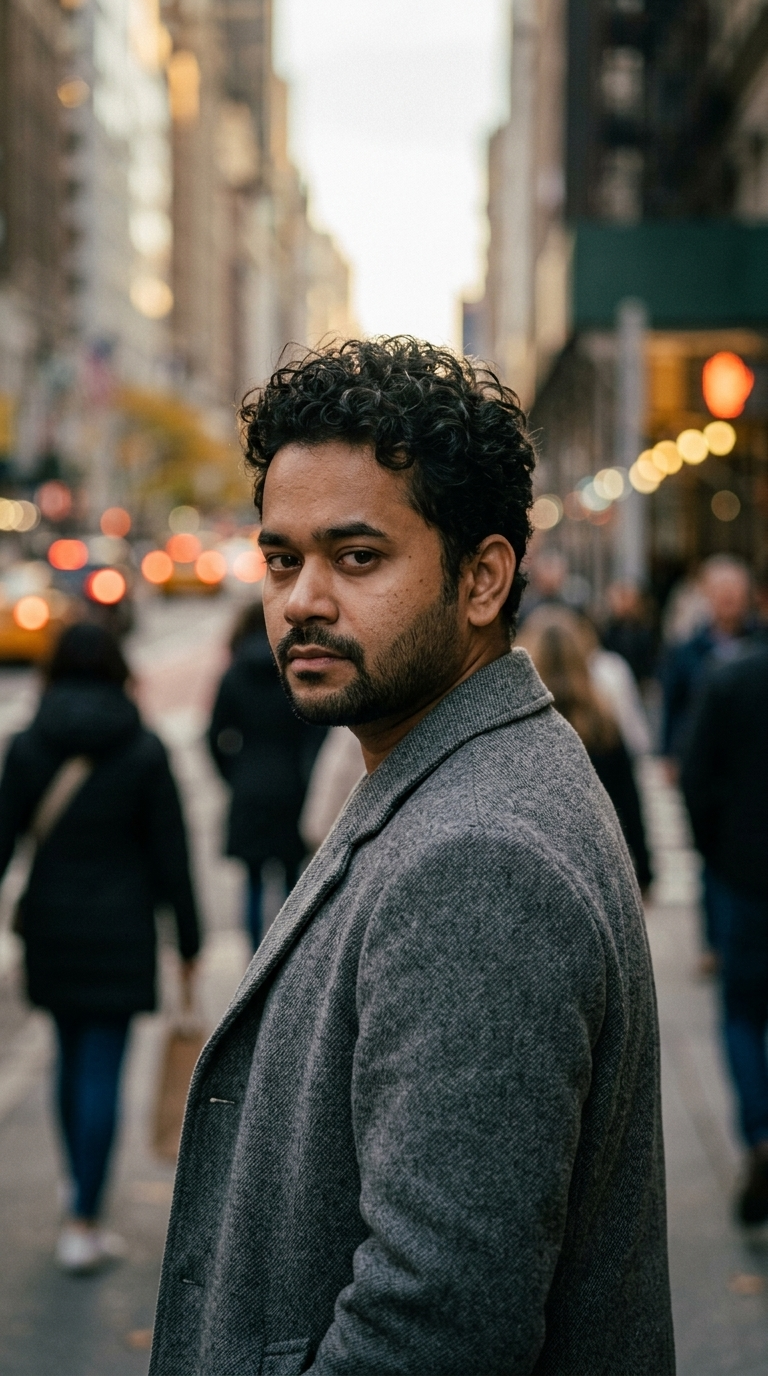
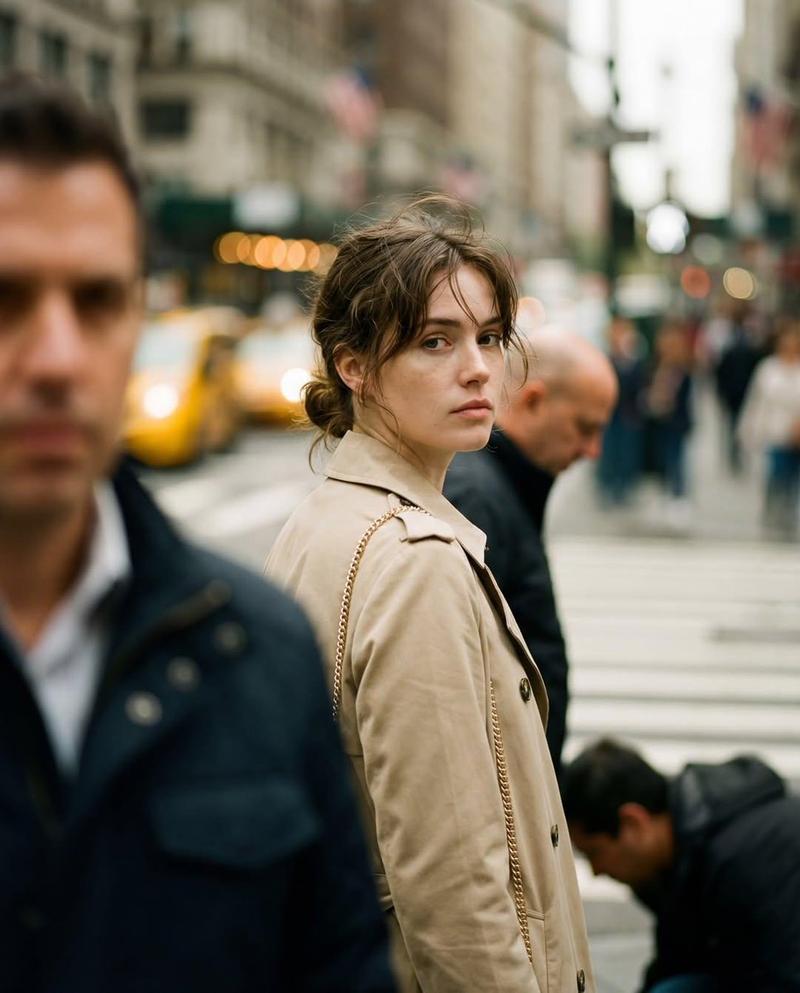
都市时尚杂志拼贴画提示
Prompt
{
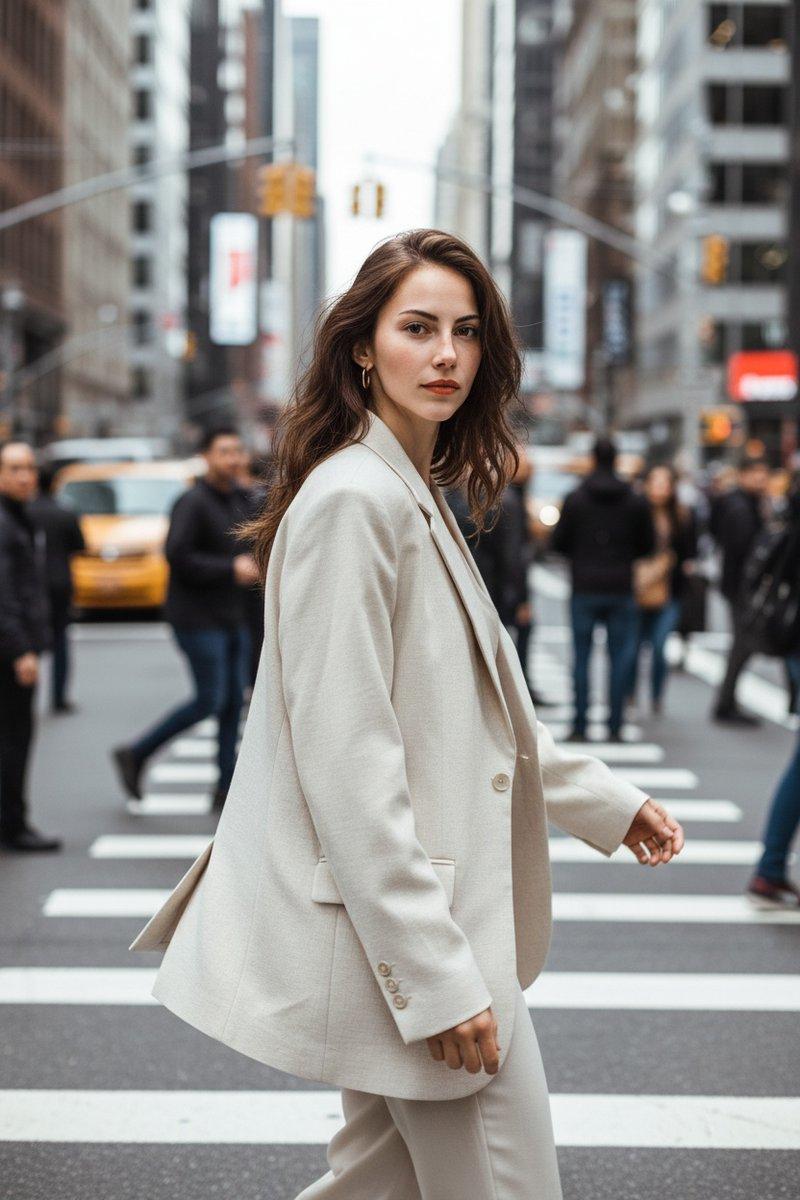
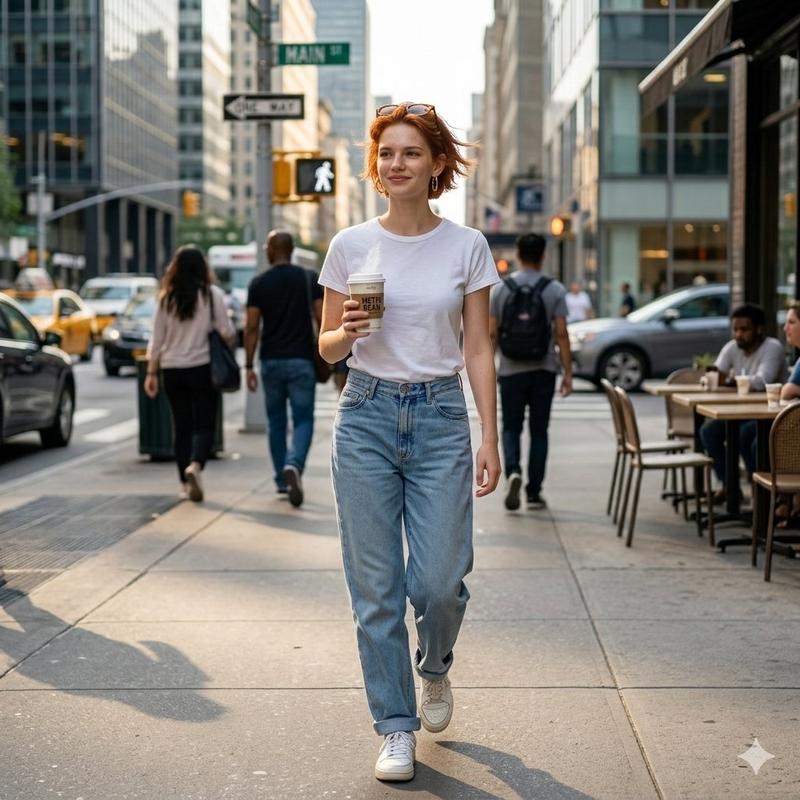
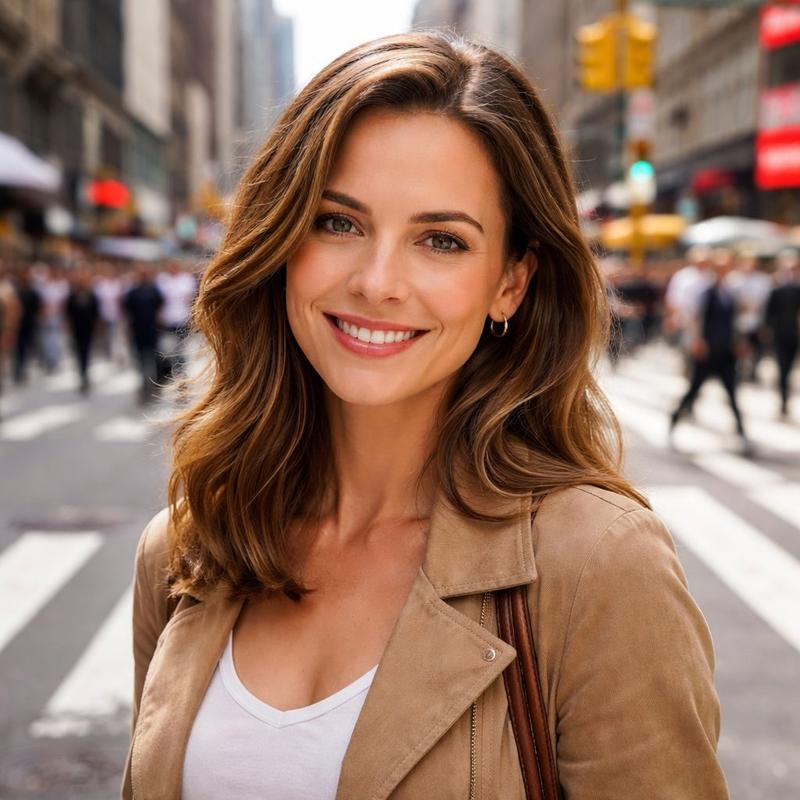
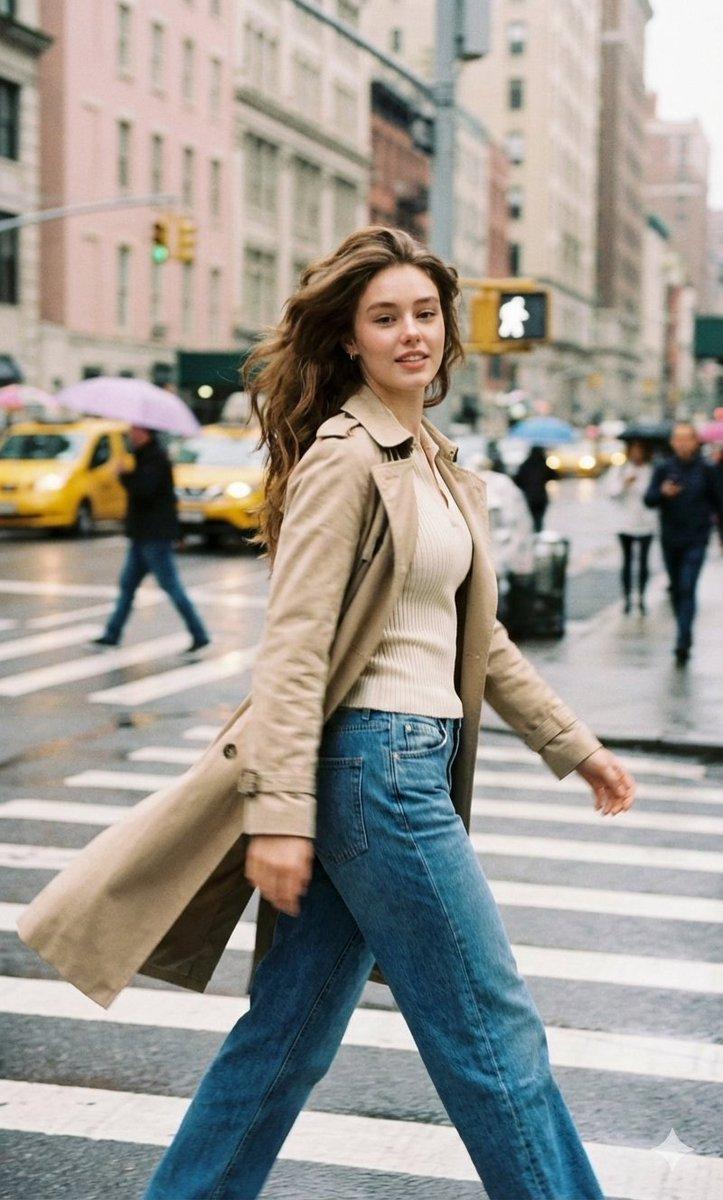
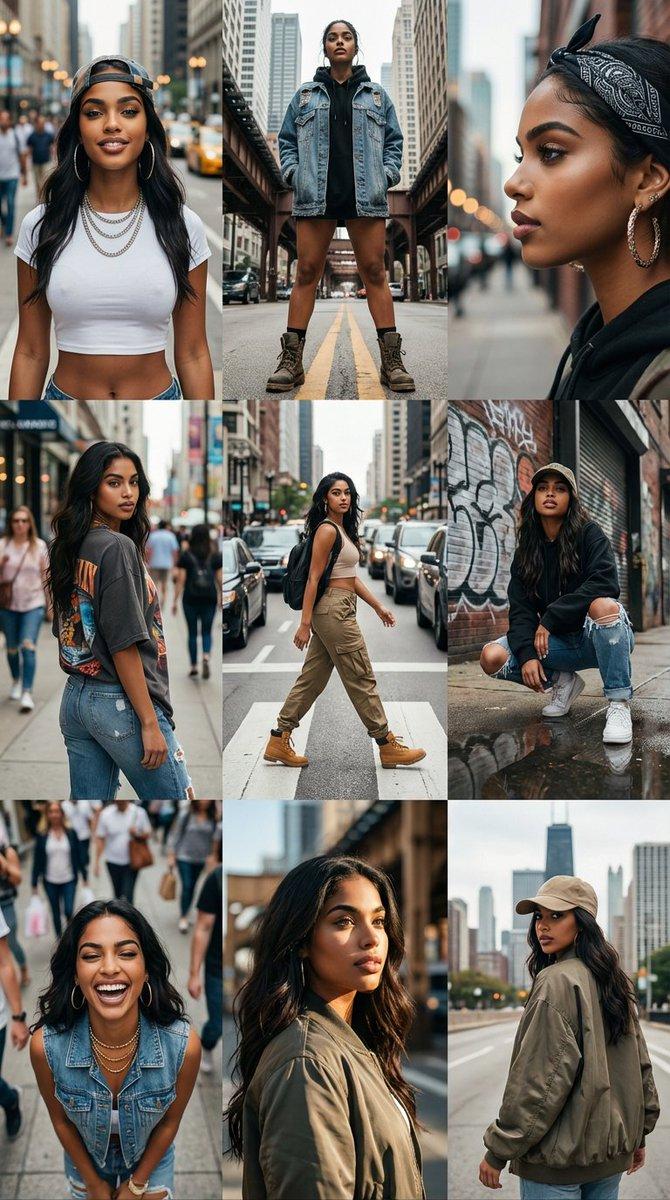
  "project_title": "Outdoor Urban Fashion Editorial 'Helvetica Compressed' 2x3 Collage",
  "structure": "Balanced 2-column layout. Left side: 2 stacked panels. Right side: 3 stacked panels. Identical total height. Clean black borders.",
  "aspect_ratio": "3:4",
  "aesthetic_theme": {
    "style": "High-fashion street editorial with professional magazine color grading",
    "mood": "Sophisticated, kinetic, minimalist, high-end catalog",
    "color_grading": "Professional fashion filter: Subtle Kodak Portra 400 aesthetics, soft highlights, slightly desaturated cool tones mixed with warm skin tones, and refined contrast.",
    "textures": [
      "Fine magazine paper grain",
      "Motion-blurred light trails",
      "Smooth editorial skin retouching vibe",
      "Soft-focus city bokeh"
    ]
  },
  "framing_and_borders": {
    "type": "Minimalist Black Frame",
    "details": [
      "No film sprocket holes or vintage rebate.",
      "Outer border: Solid, clean black border.",
      "Internal dividers: Sharp, thin black lines separating all 5 frames."
    ]
  },
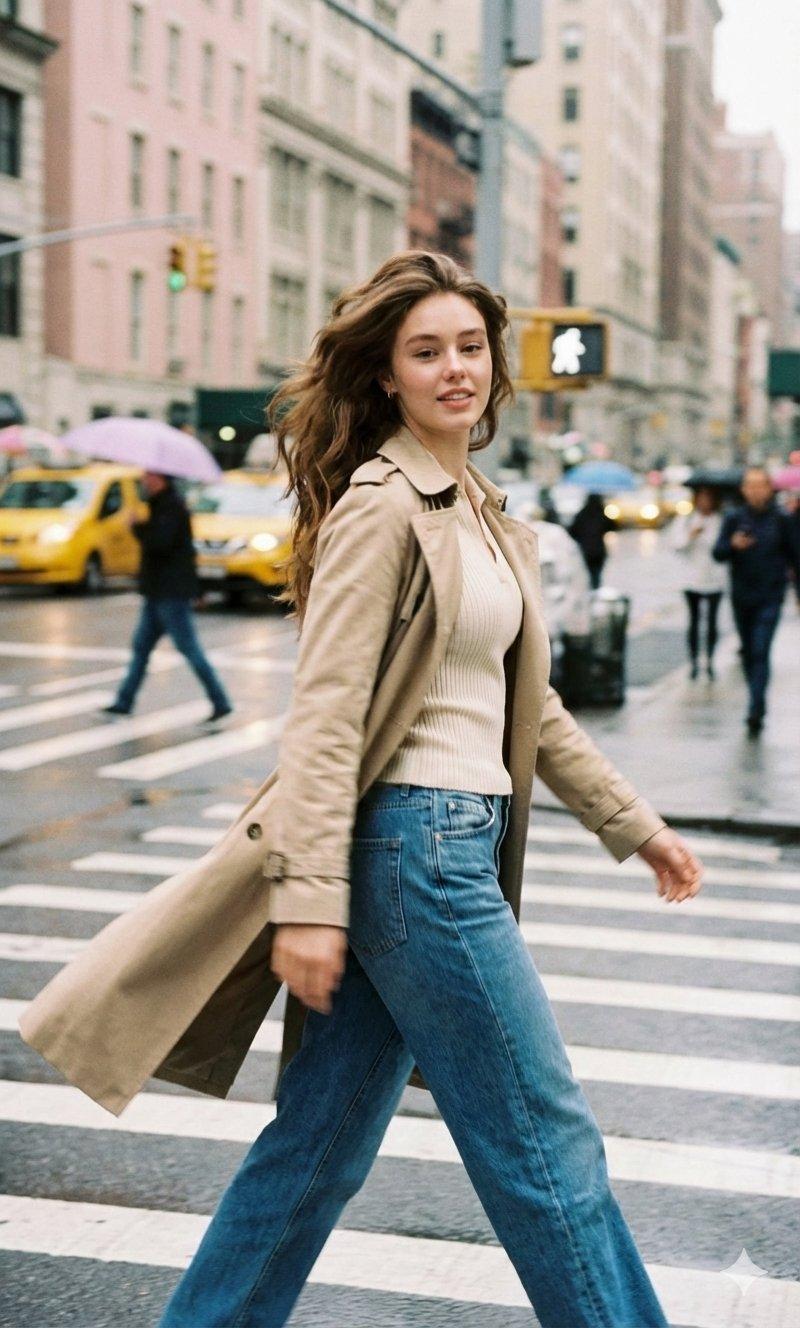
  "subject_reference": {
    "source": "image_1.png",
    "instruction": "The subject's physical appearance, complete outfit, and accessories must exactly match the person in image_1.png. Maintain visual consistency across all five frames."
  },
  "composition_layout": {
    "left_column_stack": {
      "dimensions": "Two stacked panels on the left side.",
      "frames": [
        {
          "id": "frame_top_left",
          "type": "Kinetic Street Shot (Filtered)",
          "setting": "Busy metropolitan avenue",
          "visual_effects": "Strong shutter drag: blurred city traffic, sharp subject. Apply cinematic editorial filter.",
          "pose": "Still, elegant pose amidst motion blur."
        },
        {
          "id": "frame_bottom_left",
          "type": "Magazine Cover Shot (Filtered)",
          "setting": "Busy urban intersection",
          "visual_effects": "Dynamic motion blur background. Apply professional fashion magazine filter.",
          "magazine_overlay": {
            "main_title": "{argument name="main title" default="BeautyVerse"}",
            "subtitle": "{argument name="subtitle" default="Blending Beauty with Fantasy"}",
            "style": {
              "typography": "Helvetica Compressed or Extra Compressed, all-caps, ultra-modern fashion look.",
              "main_title_size": "Large, bold, prominent.",
              "subtitle_size": "Smaller, clean, elegant, placed directly underneath.",
              "color": "Crisp white ink."
            }
          }
        }
      ]
    },
    "right_column_stack": {
"dimensions": "Three stacked panels on the right- Category
- 创意图片
- Model
- Nano Banana Pro
- Creator
- BeautyVerse
- Source ID
- 68370480-5a5d-4bca-8445-30619657da7d
- Published
- Mar 8, 2026
Views0