虚构餐厅的新款亲子丼海报
Prompt
日本語も完璧に出力してくれる。架空の定食屋「{argument name="店名" default="定食屋長目"}」が{argument name="新メニュー" default="親子丼"}はじめたの画像を作ってもらった。- Category
- 创意图片
- Model
- Nano Banana Pro
- Source ID
- 23fc5645-0993-489c-af88-7fd9b8baad94
- Published
- Mar 8, 2026
Views0
20
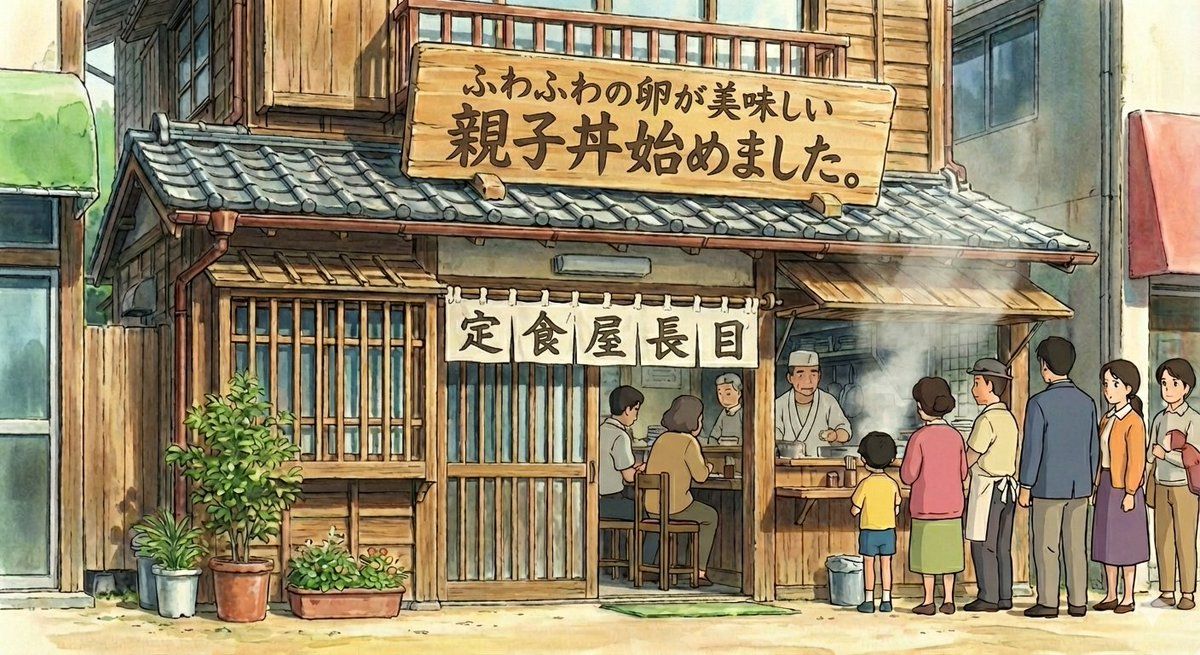
日本語も完璧に出力してくれる。架空の定食屋「{argument name="店名" default="定食屋長目"}」が{argument name="新メニュー" default="親子丼"}はじめたの画像を作ってもらった。Guide
"虚构餐厅的新款亲子丼海报" AI image prompt for Nano Banana Pro (创意图片). 一个日语提示,用于生成一张图片,宣布一家名为“定食屋ながめ”(Teishokuya Nagame)的虚构餐厅已开始供应亲子丼。 --- 它可以完美地输出日语。我让它生成了一张图片,显示虚构的餐厅“定食…
The full copyable prompt and example visuals above are ready for AI image generation or one-click recreate in Picva.
Step 1
Review the example visuals, category, and full prompt text for "虚构餐厅的新款亲子丼海报".
Step 2
Copy the prompt body from this page, or load it directly in Studio.
Step 3
Prefer Nano Banana Pro. If you switch models, keep subject and composition and tweak style terms.
Step 4
Recreate the look in Picva, or export into your workflow for editing and publishing.



















