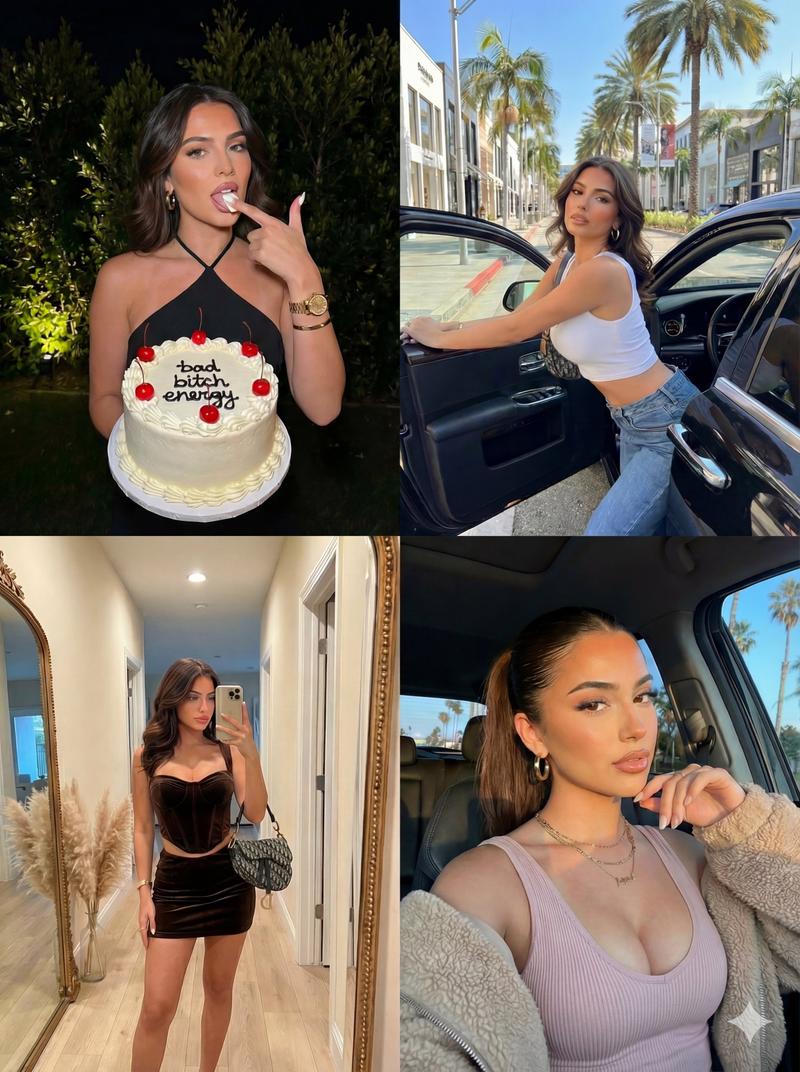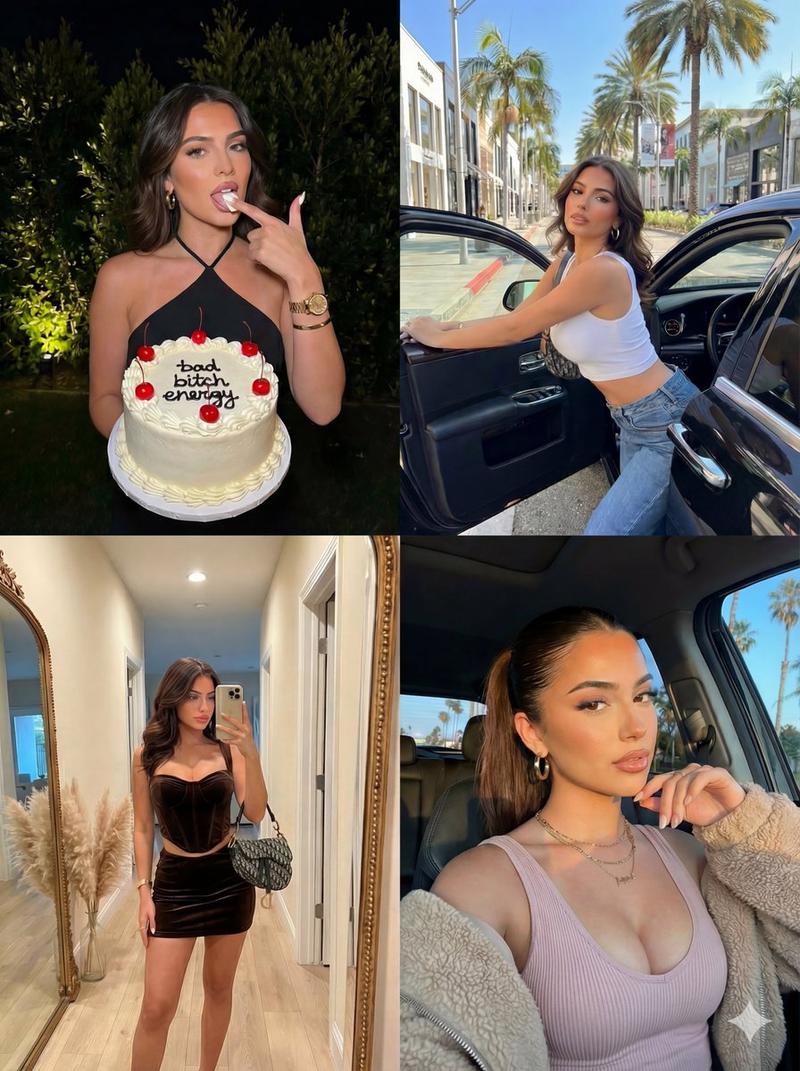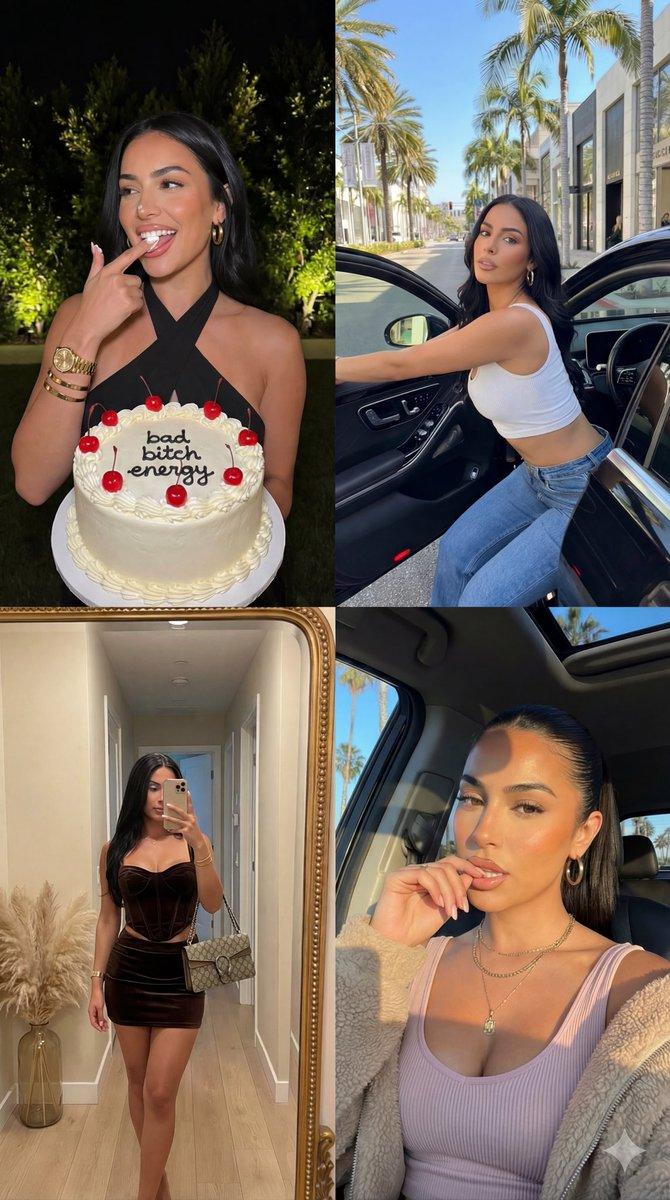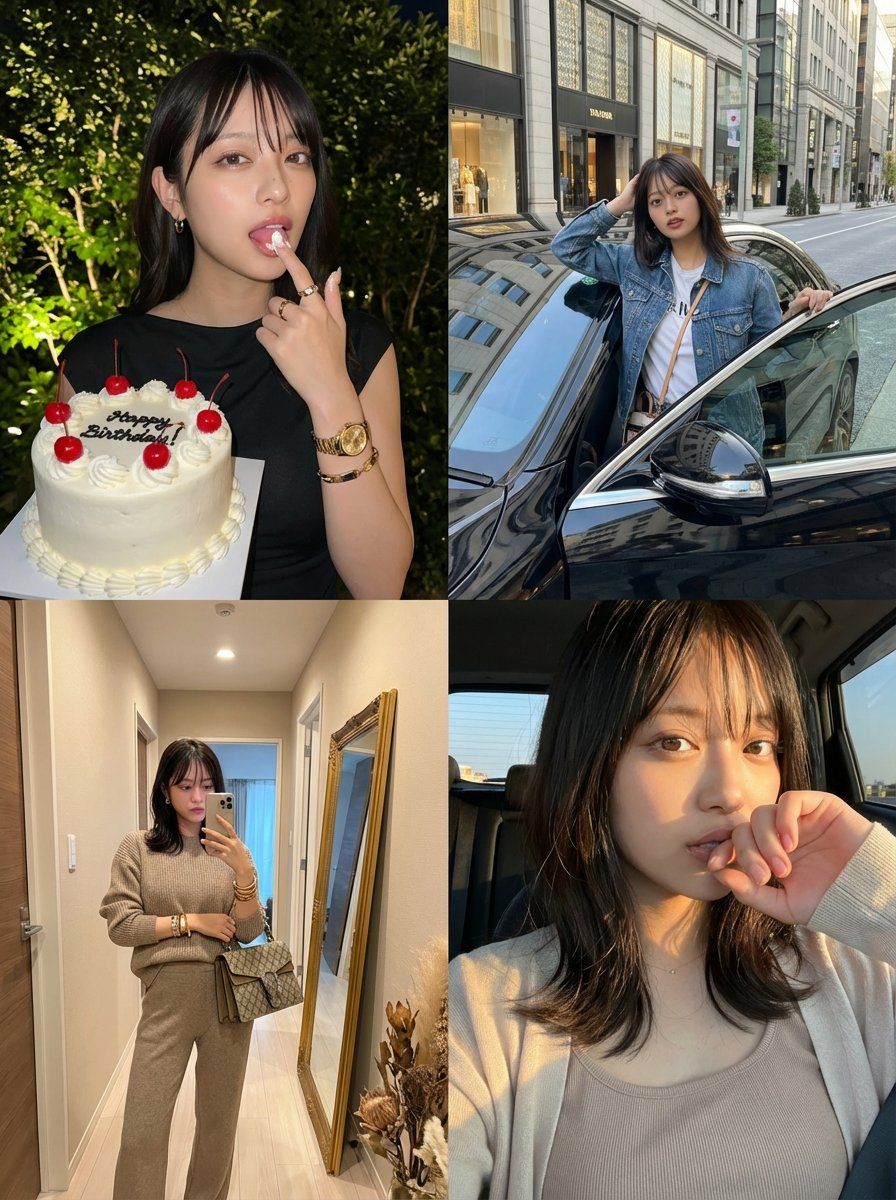
2x2 网格身份锁定照片拼贴提示
Prompt
{
  "image_layout": "2x2 grid collage featuring four distinct photographs of the same female subject.",

  "identity_lock": {
    "reference": "uploaded image",
    "rules": [
      "Preserve the exact same face, facial structure, body shape, skin tone, and overall identity as the uploaded reference image",
      "Do NOT change the person’s appearance, age, ethnicity, or attractiveness",
      "The subject must clearly be the same individual in all four panels"
    ]
  },

  "clothing_rules": {
    "base_rule": "Clothing may either match the uploaded image exactly OR be naturally inferred outfits that the same person would realistically wear",
    "constraints": [
      "No drastic style change",
      "No costume-like outfits",
      "Outfits must feel coherent with the subject’s real-life fashion sense"
    ]
  },

  "panels": [
    {
      "position": "top_left",
      "setting": "Outdoors at night, dark background with softly illuminated green foliage",
      "action": "She holds a cake in one hand and licks frosting from the index finger of the other hand",
      "outfit": {
        "description": "A sleek, night-out look that fits the subject’s real style (can match the uploaded outfit or a realistic alternative)",
        "jewelry": "Gold-toned accessories such as a wristwatch, bracelet, rings, and small hoop earrings"
      },
      "props": {
        "item": "Round white frosted cake",
        "details": [
          "Red cherries on top",
          "Clean white piping along the edges",
          "Black icing text on the cake"
        ]
      },
      "mood": "Playful, confident, slightly cheeky"
    },

    {
      "position": "top_right",
      "setting": "Daytime upscale city street with storefronts and trees",
      "action": "She leans casually out of the open door of a black luxury car, looking directly at the camera",
      "outfit": {
        "description": "Casual-chic daytime outfit consistent with her identity (may reuse the uploaded outfit or a plausible streetwear variation)",
        "accessories": "Minimal jewelry, small shoulder bag"
      },
      "lighting": "Bright natural daylight with realistic shadows",
      "mood": "Confident, aspirational, influencer-like"
    },

    {
      "position": "bottom_left",
      "setting": "Indoor hallway with beige walls and wooden flooring",
      "action": "Full-body mirror selfie",
      "outfit": {
        "description": "A coordinated outfit suitable for an indoor mirror selfie, consistent with her fashion sense",
        "accessories": "Designer-style handbag, stacked bracelets"
      },
      "background_details": [
        "Large gold-framed mirror leaning against the wall",
        "Minimal interior decor such as dried plants",
        "Doorway visible in the reflection"
      ],
      "mood": "Stylish, composed, fashion-focused"
    },

    {
      "position": "bottom_right",
"setting": "Inside a vehicle or near a window during gold"- Category
- 创意图片
- Model
- Nano Banana Pro
- Creator
- iX | AI Video Creator
- Source ID
- 509821d0-7c72-4a1e-a487-ae2e0cf1e298
- Published
- Mar 8, 2026
Views0