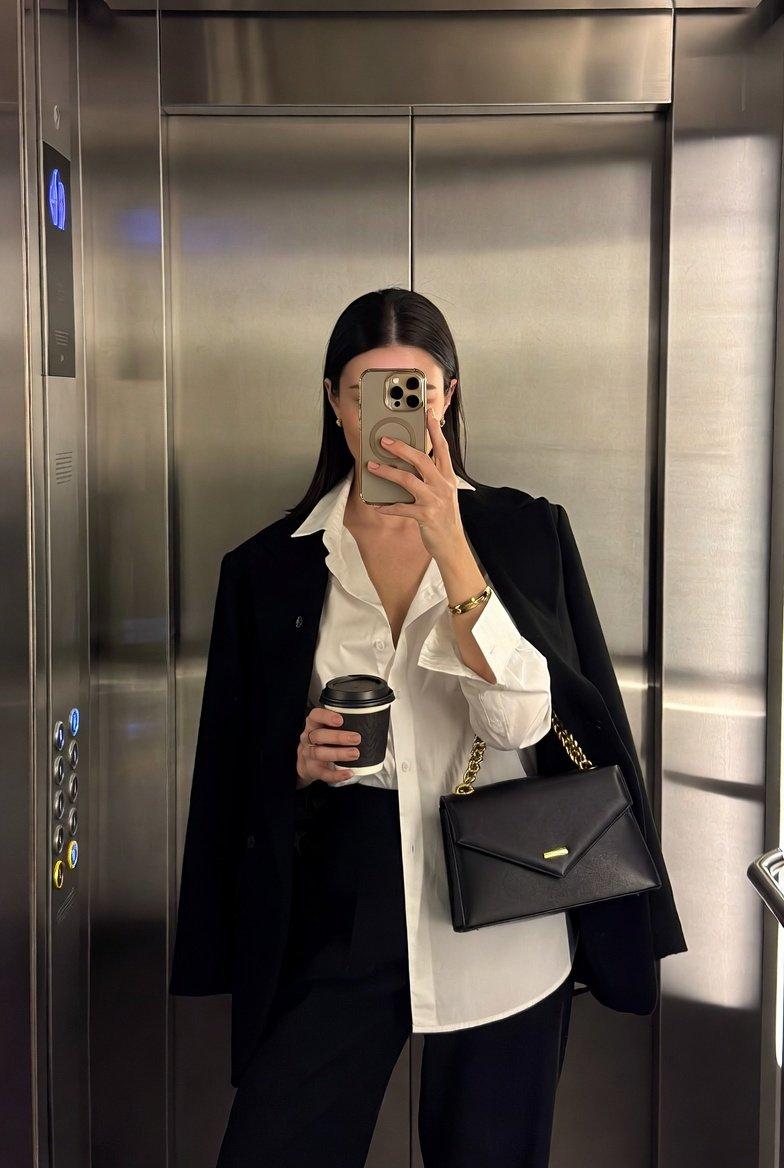
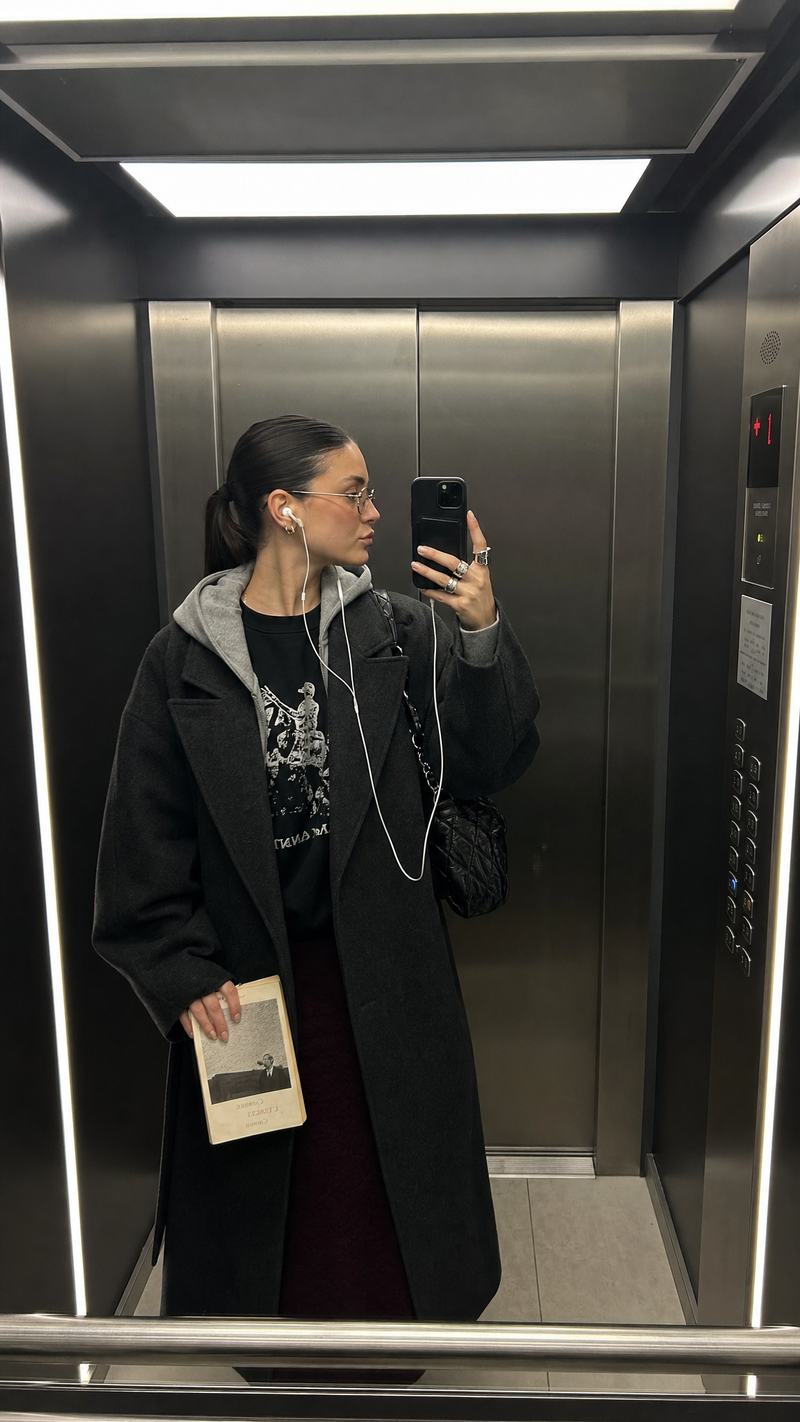
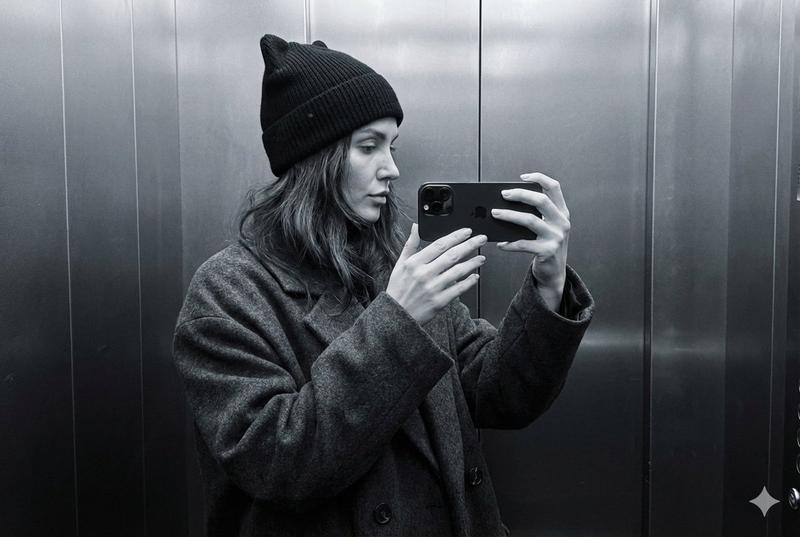
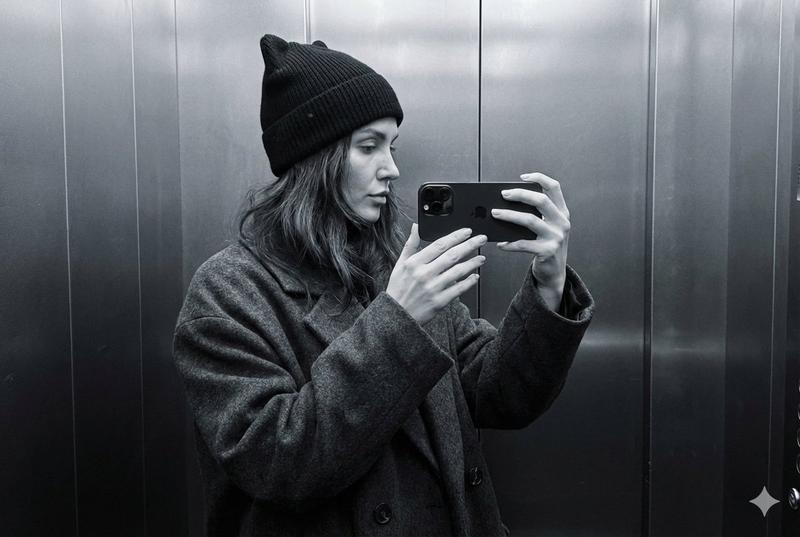
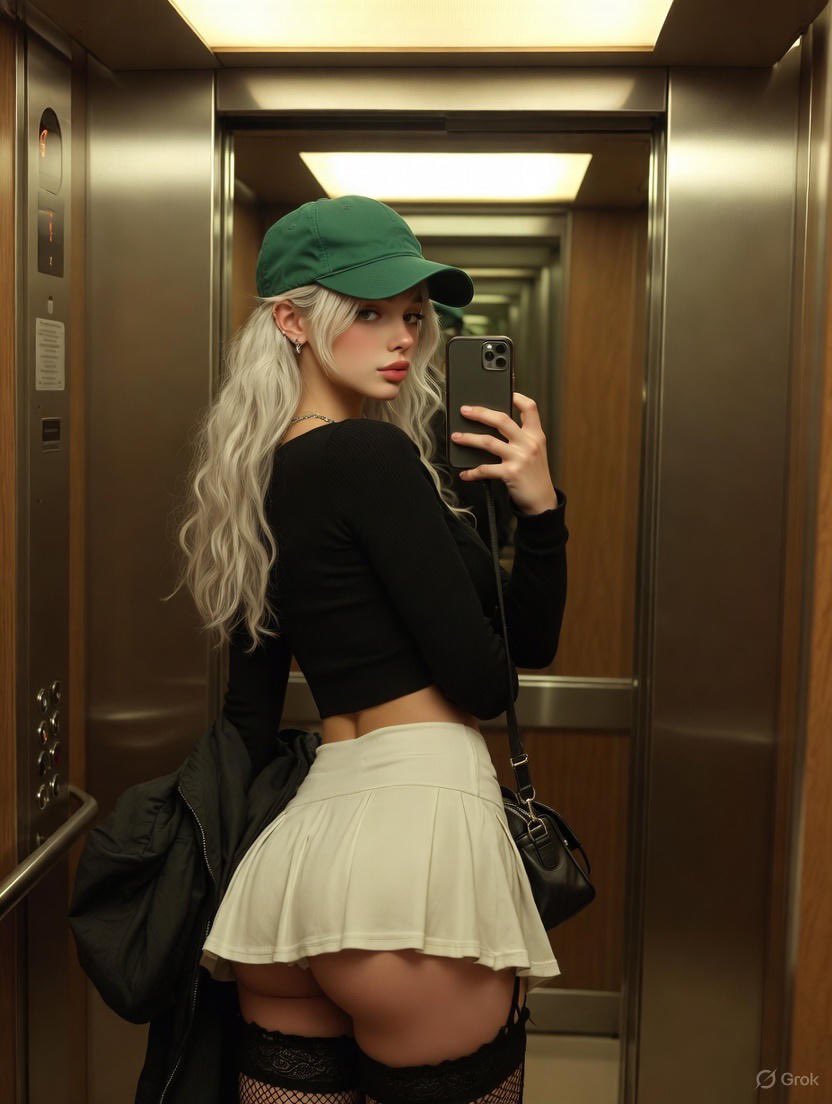
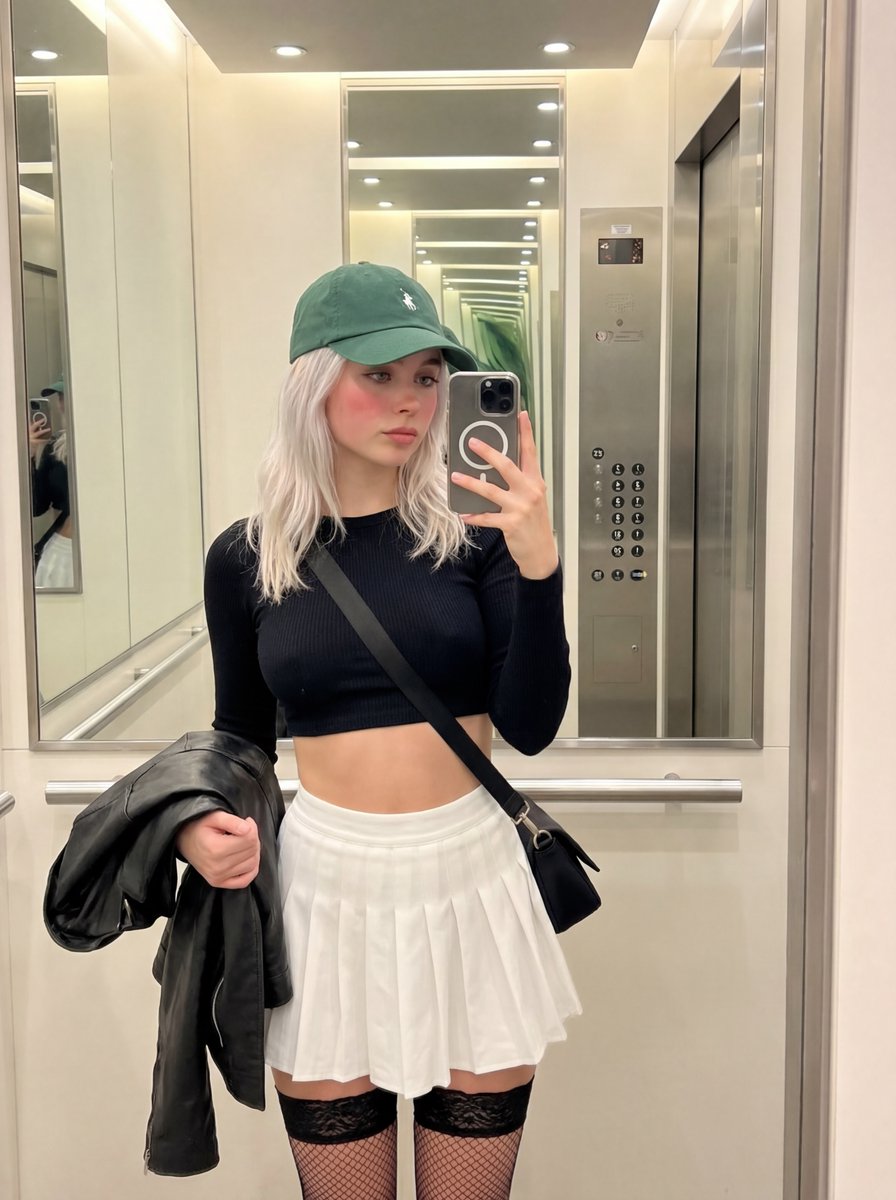
详细的镜子自拍模拟提示
Prompt
{
"prompt_type": "image_generation",
"capture_style": "phone_photography",
"shot_type": "mirror_selfie",
"composition": "two adult women standing close together inside an elevator, framed symmetrically by reflective metal walls, centered mirror composition",

"subjects": {
"count": 2,
"description": "two stylish adult women posing confidently for a mirror selfie",
"left_subject": {
"pose": "slight hip shift, relaxed posture, holding phone casually at chest height",
"expression": "neutral, confident, effortless",
"hair": {
"color": "blonde",
"style": "loose with slight natural frizz and flyaways"
},
"clothing": {
"top": "oversized beige knit sweater with textured sleeves",
"bottom": "fitted beige or cream skirt",
"accessories": [
"black oversized sunglasses",
"light-colored shoulder bag"
]
}
},
"right_subject": {
"pose": "standing close, slightly angled inward, relaxed grip on bag strap",
"expression": "calm, composed, understated",
"hair": {
"color": "light brown / dark blonde",
"style": "loose, natural, slightly imperfect texture"
},
"clothing": {
"top": "light beige blazer worn open",
"bottom": "short neutral-toned skirt or dress",
"footwear": "knee-high tan boots",
"accessories": [
"black oversized sunglasses",
"large soft yellow woven shoulder bag"
]
}
}
},

"environment": {
"location": "modern elevator interior",
"walls": "brushed stainless steel panels with soft uneven reflections",
"details": [
"elevator control panel with red digital numbers",
"small wall signage",
"dark panel creating contrast"
],
"mirror": "full-height elevator mirror with slight smudges and realistic imperfections"
},

"lighting": {
"overall_style": "basic overhead elevator lighting",
"source": "small recessed ceiling lights",
"light_quality": "flat",
"skin_lighting": "natural",
"reflections": "muted reflections with minor glare on metal surfaces",
"color_temperature": "neutral indoor lighting (around 4000–4300K)",
"mood": "casual, candid, unpolished",
"consistency": "minor lighting falloff"
},

"camera": {
"device": "smartphone camera",
"lens": "standard phone wide lens",
"angle": "straight-on mirror selfie",
"focus": "slightly soft focus typical of low-light phone photos",
"depth_of_field": "deep focus",
"distortion": "subtle phone lens distortion",
"sensor_effects": [
"visible ISO grain",
"minor noise in shadows",
"slight loss of sharpness"
]
},

"visual_style": {
"render": "casual_phone_snapshot",
"color_grade": "muted warm-beige tones with reduced contrast",
"contrast": "low",
"saturation": "slightly desaturated",
"detail_level": "medium, not overly sharp",
"film_grain": "noticeable fine-to-medium grain",
"aesthetic": "imperfect editorial, candid street-style feel",
"vibe": "effortless, low-fi fashion moment"
},

"quality": {
"resolution": "medium resolution",
"sharpness": "slightly soft",
"grain_intensity": "medium",
"noise": "visible but controlled",
"realism":- Category
- 创意图片
- Model
- Nano Banana Pro
- Creator
- Keskin
- Source ID
- 1b8c8e1e-ffa6-4e81-9da2-96e919a2acbe
- Published
- Mar 8, 2026
Views0