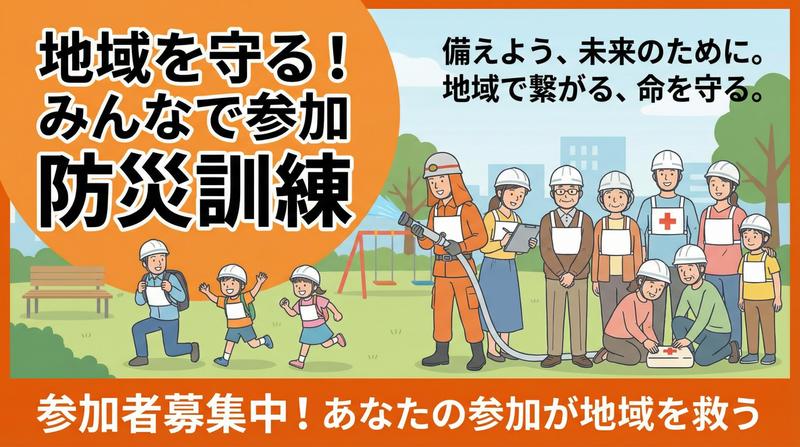
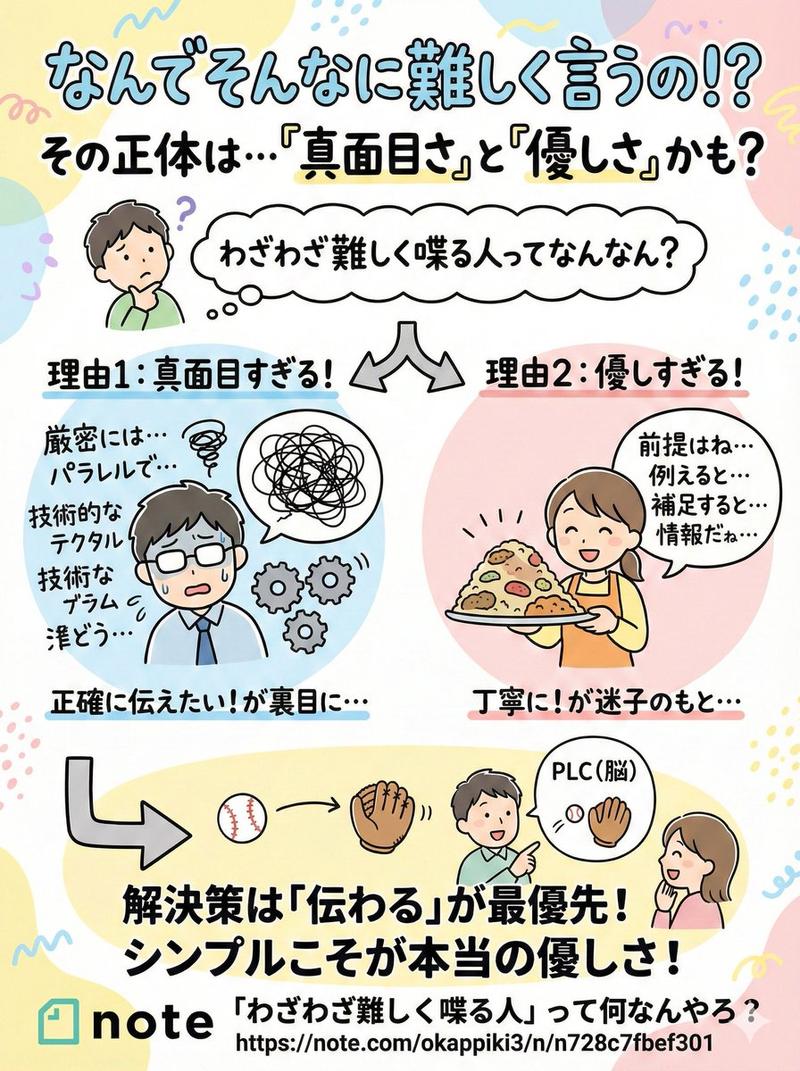
灾难演练横幅 16:9
Prompt
防災訓練のバナーを作成してください。
{argument name="アスペクト比" default="16:9"}- Category
- 创意图片
- Model
- Nano Banana Pro
- Creator
- さなだ / ホームページ制作のプロ
- Source ID
- 3c809250-a6a0-4f6d-9e83-2995c9f58470
- Published
- Mar 8, 2026
Views0
16
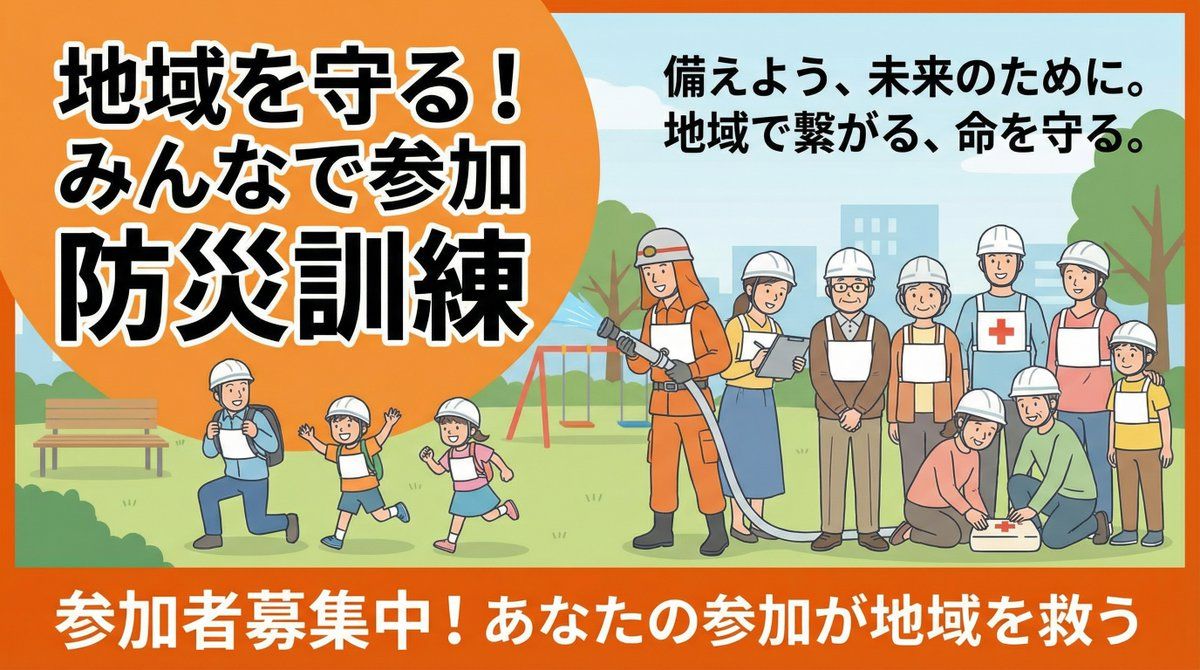
防災訓練のバナーを作成してください。
{argument name="アスペクト比" default="16:9"}Guide
"灾难演练横幅 16:9" AI image prompt for Nano Banana Pro (创意图片). 一个简洁的日语提示,用于为防灾演习创建 16:9 的横幅,适用于活动宣传图。 --- 请为一场防灾演习制作一个横幅。 {argument name="aspect_ratio_en" default="…
The full copyable prompt and example visuals above are ready for AI image generation or one-click recreate in Picva.
Step 1
Review the example visuals, category, and full prompt text for "灾难演练横幅 16:9".
Step 2
Copy the prompt body from this page, or load it directly in Studio.
Step 3
Prefer Nano Banana Pro. If you switch models, keep subject and composition and tweak style terms.
Step 4
Recreate the look in Picva, or export into your workflow for editing and publishing.