17

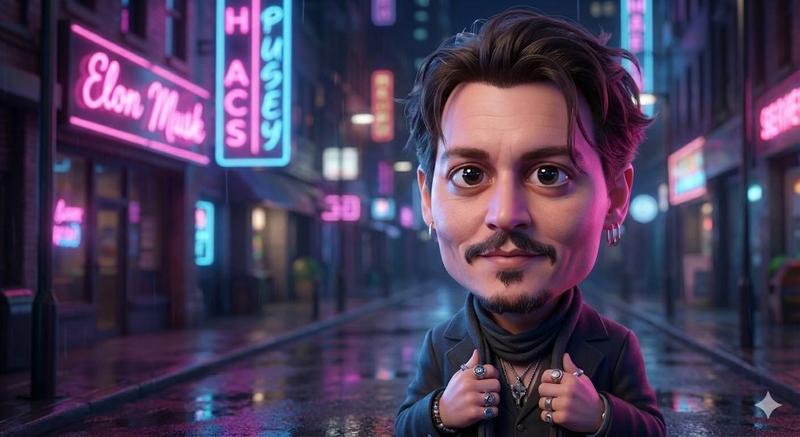
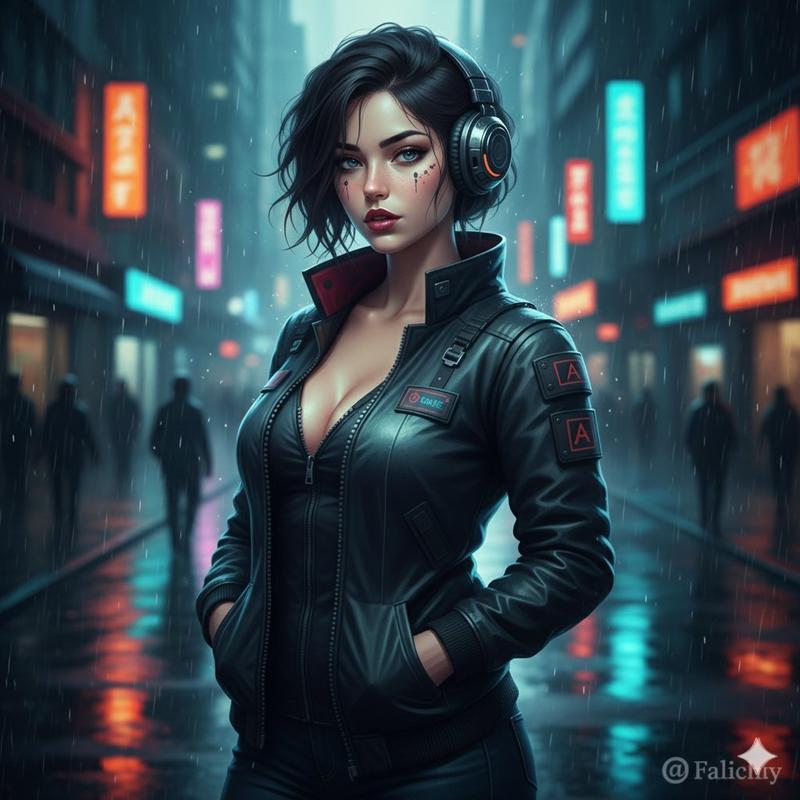
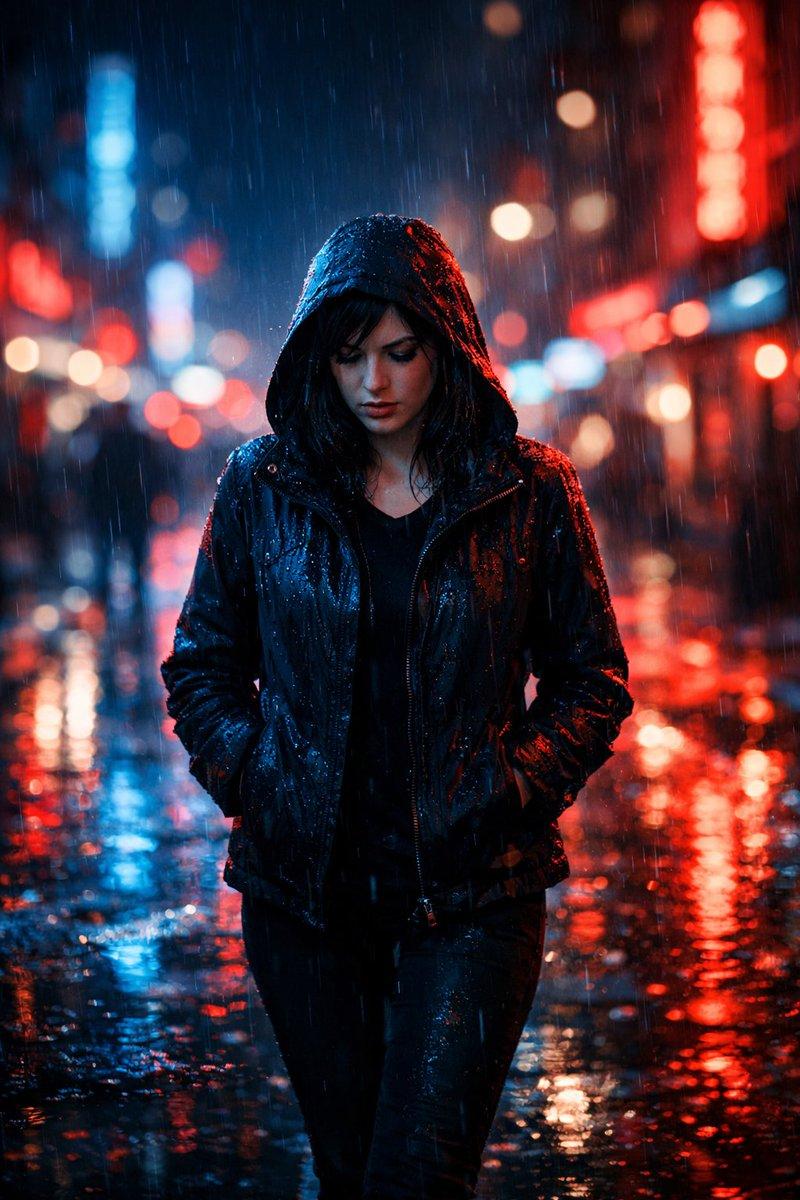
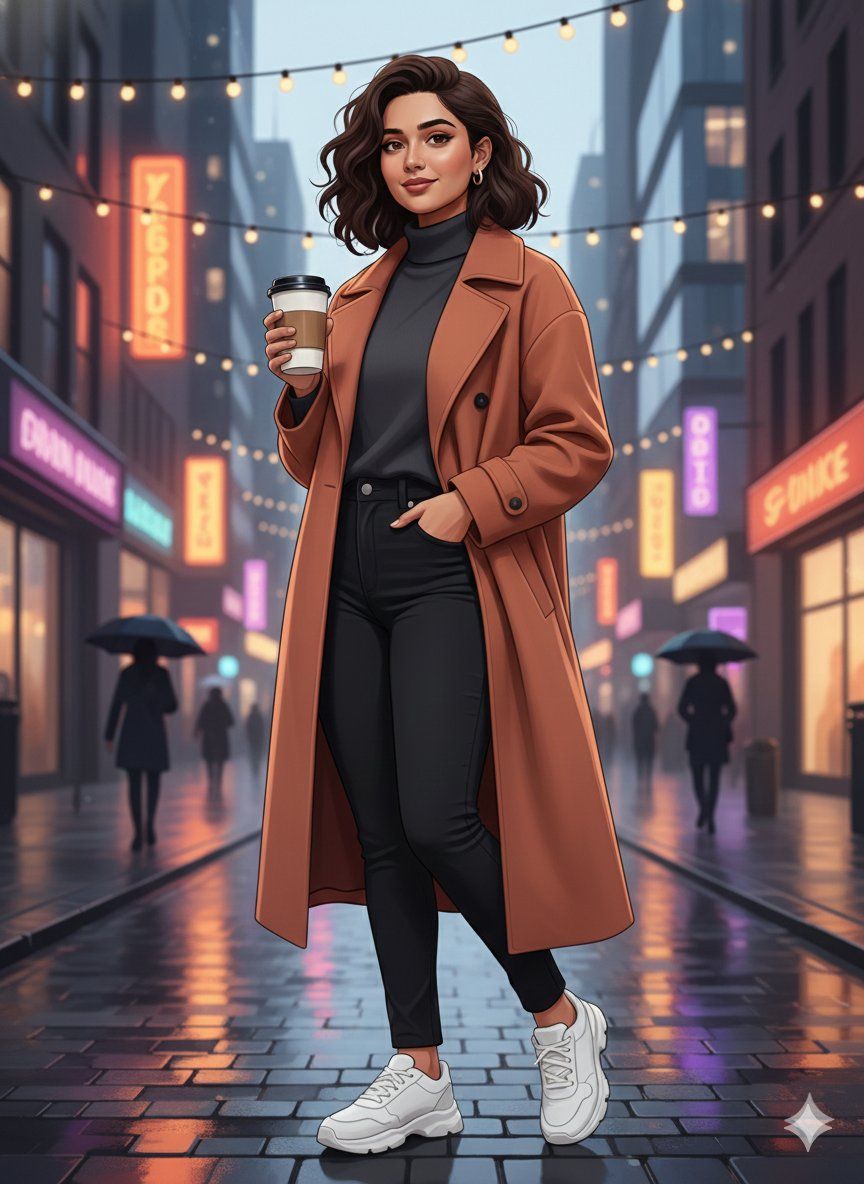
图像到图像的身份保留插图
Enlarge

图像到图像的身份保留插图

Prompt
{
  "input_type": "image_to_image",
  "target_image": "{argument name="target image" default="UPLOAD_IMAGE_HERE"}",
  "prompt": "Create a completely new illustrated scene using the target image only for facial identity reference. Preserve the same face, skin tone, and identity accurately, but change everything else. Generate a new pose, different body posture, new camera angle, and a fresh composition. Replace the background entirely with a new location and environment of your choice, such as an aesthetic urban street, nature landscape, café, rooftop, or artistic setting. Apply a modern digital illustration style with clean lines, smooth shading, soft gradients, and a polished artistic look (not painting, not watercolor). Clothing, colors, mood, and lighting should be redesigned creatively while keeping the face recognizable and natural. The final result should look like a newly illustrated artwork, not a modified version of the original image.",
  "identity_strength": 0.9,
  "style_strength": 0.8,
  "allow_pose_change": true,
  "allow_background_change": true,
  "allow_scene_change": true,
  "preserve_face_only": true,
  "quality": "4K",
  "negative_prompt": "same pose, same background, same location, painting texture, watercolor, oil paint, anime, cartoon exaggeration, distorted face, extra limbs, blur, low detail"
}
Category
创意图片
Model
Nano Banana Pro
Views0
Source ID
3e7b2d09-168e-4de2-8143-a1fe4781807d
Published
Mar 8, 2026

Guide

About "图像到图像的身份保留插图"

What is this prompt for?

"图像到图像的身份保留插图" AI image prompt for Nano Banana Pro (创意图片). 一个结构化的图生图提示,仅使用上传的照片作为面部身份参考。目标是生成一个全新的数字插画,具有不同的姿势、背景和构图,同时严格保留面部身份和肤色,最终呈现出精致、现代的艺术作品。 --- ```json…

The full copyable prompt and example visuals above are ready for AI image generation or one-click recreate in Picva.

How to use this prompt

  1. Step 1

    Open the prompt detail

    Review the example visuals, category, and full prompt text for "图像到图像的身份保留插图".

  2. Step 2

    Copy the prompt

    Copy the prompt body from this page, or load it directly in Studio.

  3. Step 3

    Pick a model (Nano Banana Pro)

    Prefer Nano Banana Pro. If you switch models, keep subject and composition and tweak style terms.

  4. Step 4

    Generate and export

    Recreate the look in Picva, or export into your workflow for editing and publishing.

FAQ

What is the "图像到图像的身份保留插图" prompt?
It is an AI image-generation prompt for Nano Banana Pro in the 创意图片 category. This page includes the full prompt text, example visuals, and a one-click recreate path in Picva.
How do I use this prompt to generate an image?
Copy the prompt from this page, or use Generate / Studio. Paste it into a compatible image model, or recreate the look in Picva with optional reference images.
Which model is this prompt for?
This page lists Nano Banana Pro. Most descriptive prompts also transfer to nearby image models such as GPT Image, Flux, or Midjourney with light style tweaks.
Can I use the result commercially?
You can usually copy the prompt for creation, but commercial use of the final image depends on the model terms, reference-image rights, and the generated content. Follow the source author and platform rules.